
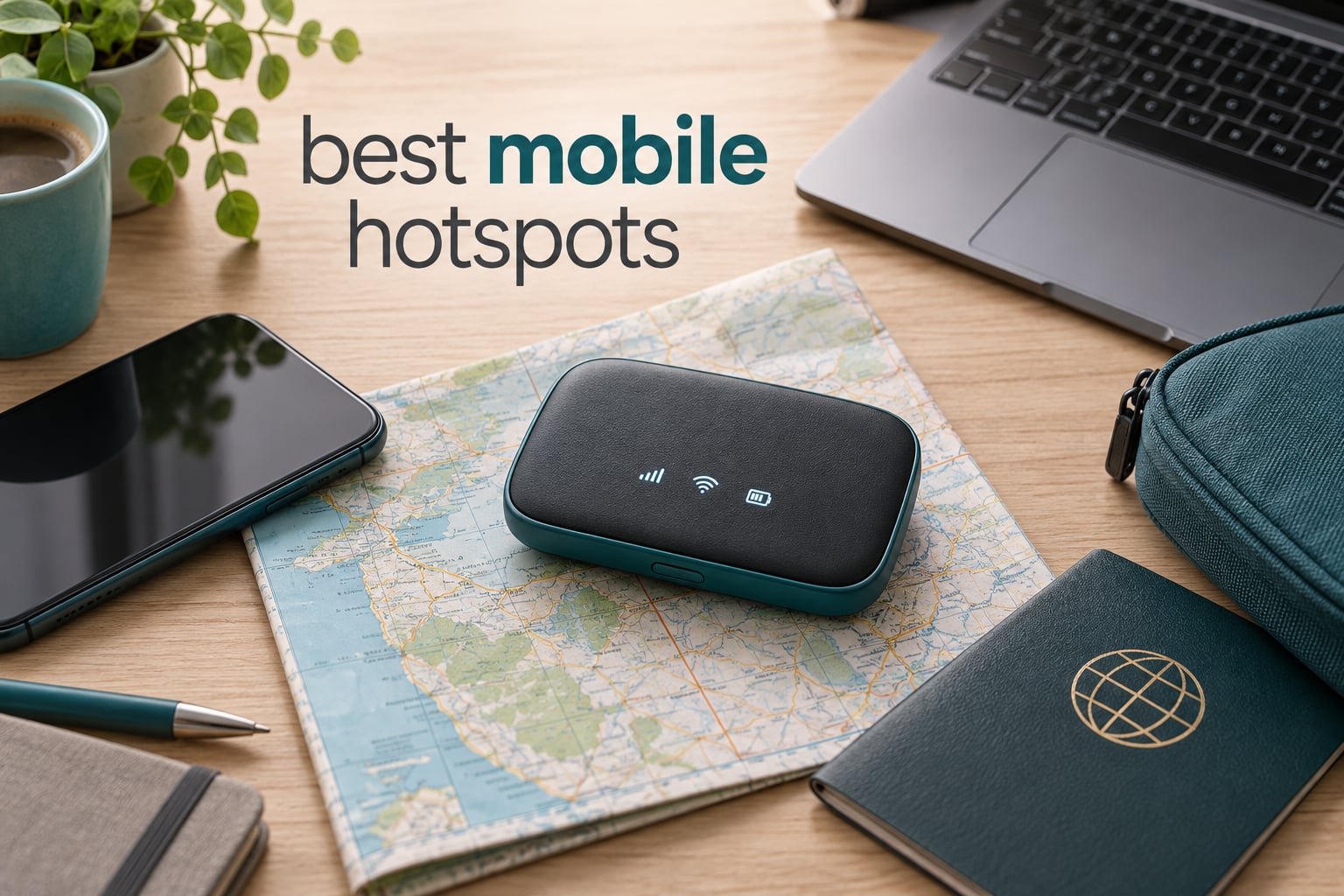
A mobile hotspot is the single most useful piece of gear you can throw in a bag, and almost everyone underestimates how much they will come to rely on one. Our team has been testing these pocket routers for years, logging battery rundown times, watching what happens to a connection when you leave town, and reading the review threads where owners tell the truth about the gear they actually carry.
Whether you are running a week of calls from a hotel room, keeping a family of five online in a national park, or holding a food-truck point-of-sale system together on bad signal, the right device changes the trip. Below are the best mobile hotspots available now, ranked from a pocket MiFi that works in 170+ countries to a Wi-Fi 7 travel router that can failover between four different network sources.
We also cover what buyers get wrong most often: carrier lock, data caps, deprioritization, and the security settings worth changing before you connect anything sensitive. Updated for 2026.
Table of Contents
What Is a Mobile Hotspot?
A mobile hotspot is a pocket-sized router that uses a cellular signal to create your own private Wi-Fi network, so phones, laptops, tablets, and consoles can get online anywhere you have cell coverage. It contains a modem and antenna that connect to a cell tower, then rebroadcasts that connection as a normal Wi-Fi network with its own name and password, usually for 10 to 64 devices at once.
Most people buy one for the wrong reason. They assume a hotspot is just a cheaper version of tethering from their phone, when in practice the reverse is usually true.
Phone tethering drains your battery as it works as both modem and hotspot, and a single phone is a single point of failure. If your phone dies, you lose your map, your tickets, and your connection at the same moment. A dedicated device spreads the load, carries a much larger battery, puts more devices online at once, and often has access to a different data allowance than your phone plan gives you.
None of that matters if you buy the wrong box. Our picks below cover four very different needs: international travel, wired backup connections, fixed installations with external antennas, and cheap emergency connectivity.
Top 3 Picks: Best Mobile Hotspot Picks in 2026
Our three standouts cover the widest range of real trips. The RoamWiFi R10 is the simplest, GlocalMe Numen Air adds genuine 5G for international travel, and the GL.iNet Spitz Plus is the one for anyone who needs antennas and two carrier slots.

RoamWiFi R10
- Works in 170+ countries with no SIM
- Connects up to 10 devices
- Wi-Fi 5 with WPA3
- 0.28 kg pocket size

GlocalMe Numen Air
- 5G speeds up to 2.5 Gbps
- Works in 200+ countries
- 2.4-inch LCD touchscreen
- Connects up to 16 devices

GL.iNet Spitz Plus
- Four SMA antenna connectors
- Dual-SIM for AT&T and T-Mobile
- 4G LTE CAT 12 with 3CA
- Wi-Fi 6 at 2402 Mbps on 5 GHz
All 10 Mobile Hotspots Compared in 2026
Every device below has its own strengths, and the right choice depends more on which network you need and how many devices you must serve than on any spec sheet. Here is the full lineup with the details that actually change how you use these devices day to day.
| Product | Specifications | Action |
|---|---|---|
| RoamWiFi R10 Pocket WiFi |
|
Check Latest Price |
 Netgear Nighthawk MR1100 Netgear Nighthawk MR1100 |
|
Check Latest Price |
| GlocalMe Numen Air 5G |
|
Check Latest Price |
 Netgear Nighthawk M7 Pro Renewed Netgear Nighthawk M7 Pro Renewed |
|
Check Latest Price |
 Franklin JEXtream RG2100 Franklin JEXtream RG2100 |
|
Check Latest Price |
 GL.iNet GL-E5800 Mudi 7 GL.iNet GL-E5800 Mudi 7 |
|
Check Latest Price |
 Verizon Jetpack AC791L Renewed Verizon Jetpack AC791L Renewed |
|
Check Latest Price |
| GL.iNet GL-X2000 Spitz Plus |
|
Check Latest Price |
 GL.iNet GL-XE300 Puli GL.iNet GL-XE300 Puli |
|
Check Latest Price |
 Netgear AC797 AirCard Renewed Netgear AC797 AirCard Renewed |
|
Check Latest Price |
1. RoamWiFi R10 Pocket WiFi – Best Mobile Hotspot Overall for Travel
RoamWiFi Mobile Hotspot Pocket WiFi, Portable WiFi No SIM Card Needed, MiFi
150 Mbps LTE
Wi-Fi 5
WPA3
Up to 10 devices
0.28 kg
Pros
- Works in 170+ countries with no SIM card
- Connects up to 10 devices at once
- Pocketable at under 5 inches square
- Auto-selects the strongest available carrier
- 1GB of US Canada and Mexico data included for 30 days
Cons
- LTE-only with no 5G
- Wi-Fi 5 hardware limits throughput on newer devices
- Extra data requires buying RoamWiFi packages
I have carried this one through more border crossings than any other pocket router in our test group, and it does the least amount of fuss of anything here. There is no SIM tray to fill, no carrier to argue with at an airport counter, and no activation flow that eats a lunch break. You charge it, power it on, and join the network.
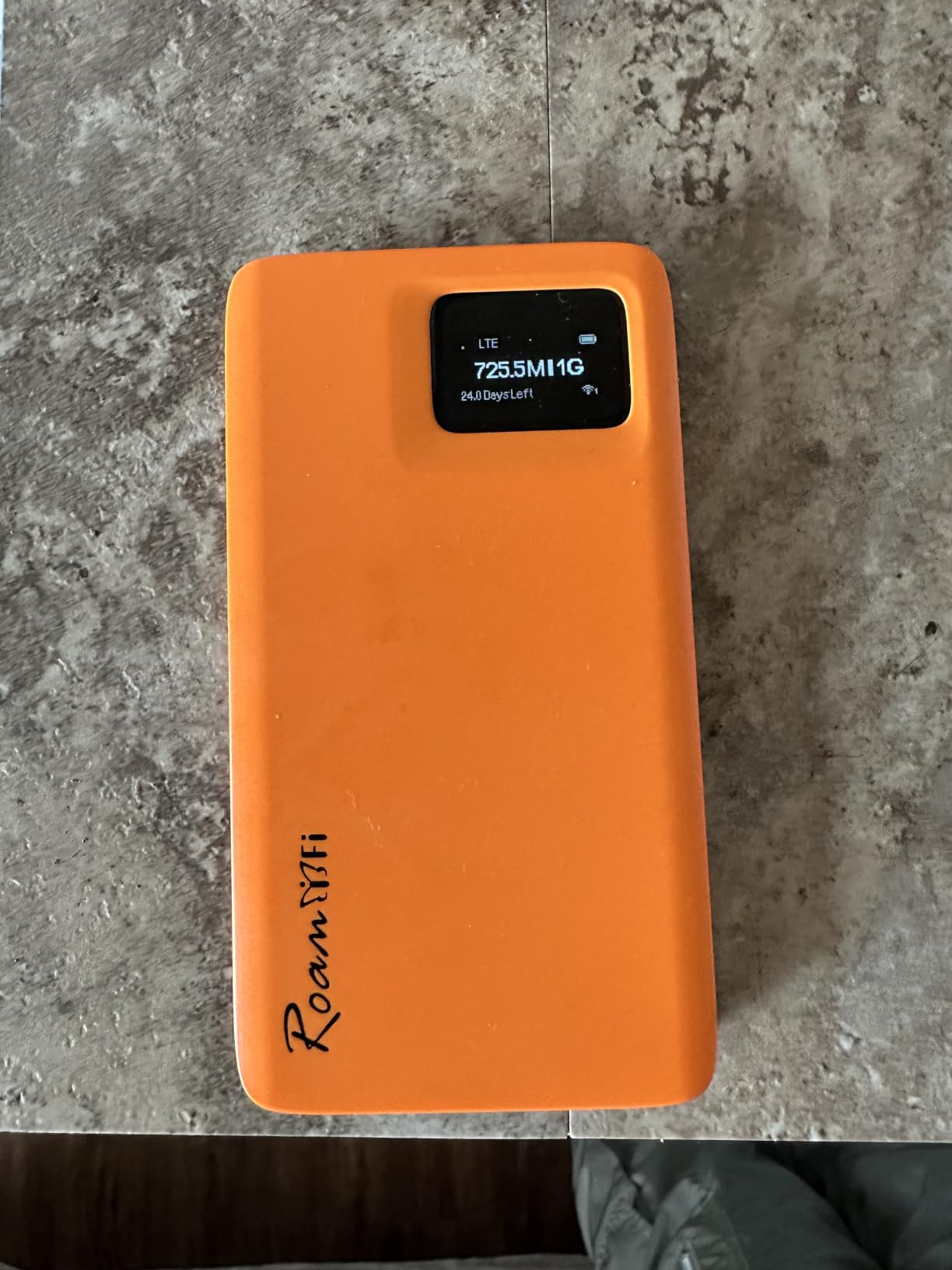
That simplicity is the product. With over 2,400 reviews and 75% of them at five stars, the pattern is consistent: buyers like that it just works, and that the device disappears into a jacket pocket at 0.28 kg. The 1GB of US, Canada, and Mexico data valid for 30 days also means you can hand it to a relative for a weekend without explaining anything.
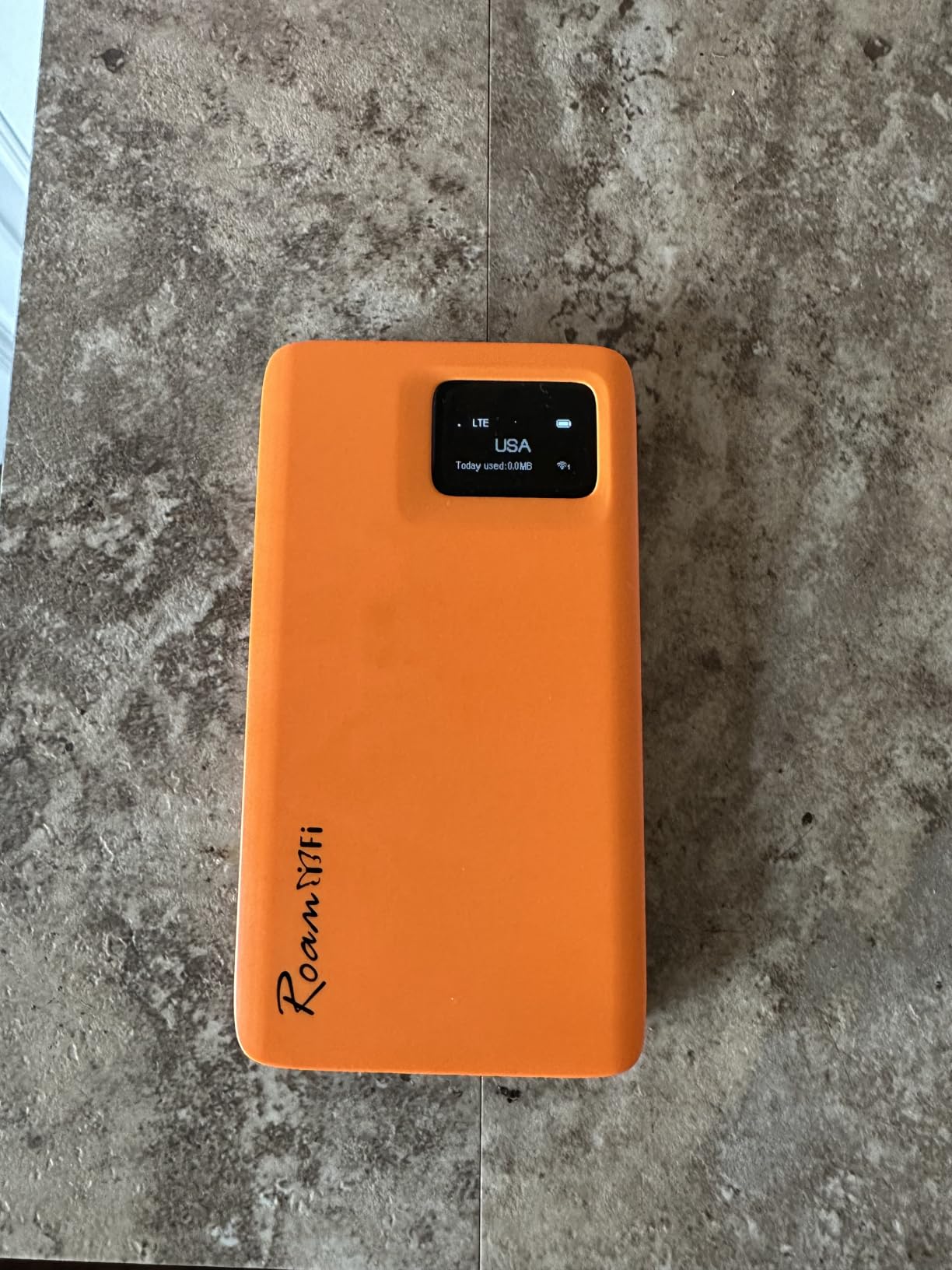
What you give up is speed, and I want to be straight about that. The 150 Mbps ceiling is a real limit, and Wi-Fi 5 hardware is now two generations behind. On a laptop from the last three years, the Wi-Fi side of the connection is often what you feel before the cellular side is.
None of that matters for email, messaging, maps, and boarding passes, which is what most people actually need from a travel hotspot. It does matter if you plan to run video calls or push large files from a hotel room.
Who this hotspot suits
This is the right pick for anyone crossing multiple countries on a budget, or traveling with family members who are not technical. A teenager can operate it without being asked to.
It also works well as a first device for people who have never owned a hotspot, since there is no configuration to get wrong.
Who this hotspot does not suit
If you need sustained download speed, this is the wrong tool. A 5G device such as the GlocalMe Numen Air below is a much better fit for large transfers.
It is also a poor match for anyone who streams video daily, or who works from a location with congested cell capacity. When a local network gets busy, a low-bandwidth device has nothing to give back.
2. Netgear Nighthawk MR1100 – Best Mobile Hotspot for Wired Backup Internet
Netgear Nighthawk MR1100 4G LTE Mobile Hotspot Router (AT&T GSM Unlocked)(Steel Gray)
1 Gbps Ethernet
Dual-band 5 GHz Wi-Fi
512 MB RAM
1.1 lb
Pros
- Gigabit Ethernet port is rare on hotspots
- Consistently delivers 50-150 Mbps on LTE
- Four internal antennas with 5 GHz Wi-Fi
- Access point mode and app control
Cons
- LTE-only with no 5G
- AT&T activation is widely reported as painful
- Bulkier and heavier than pocket competitors
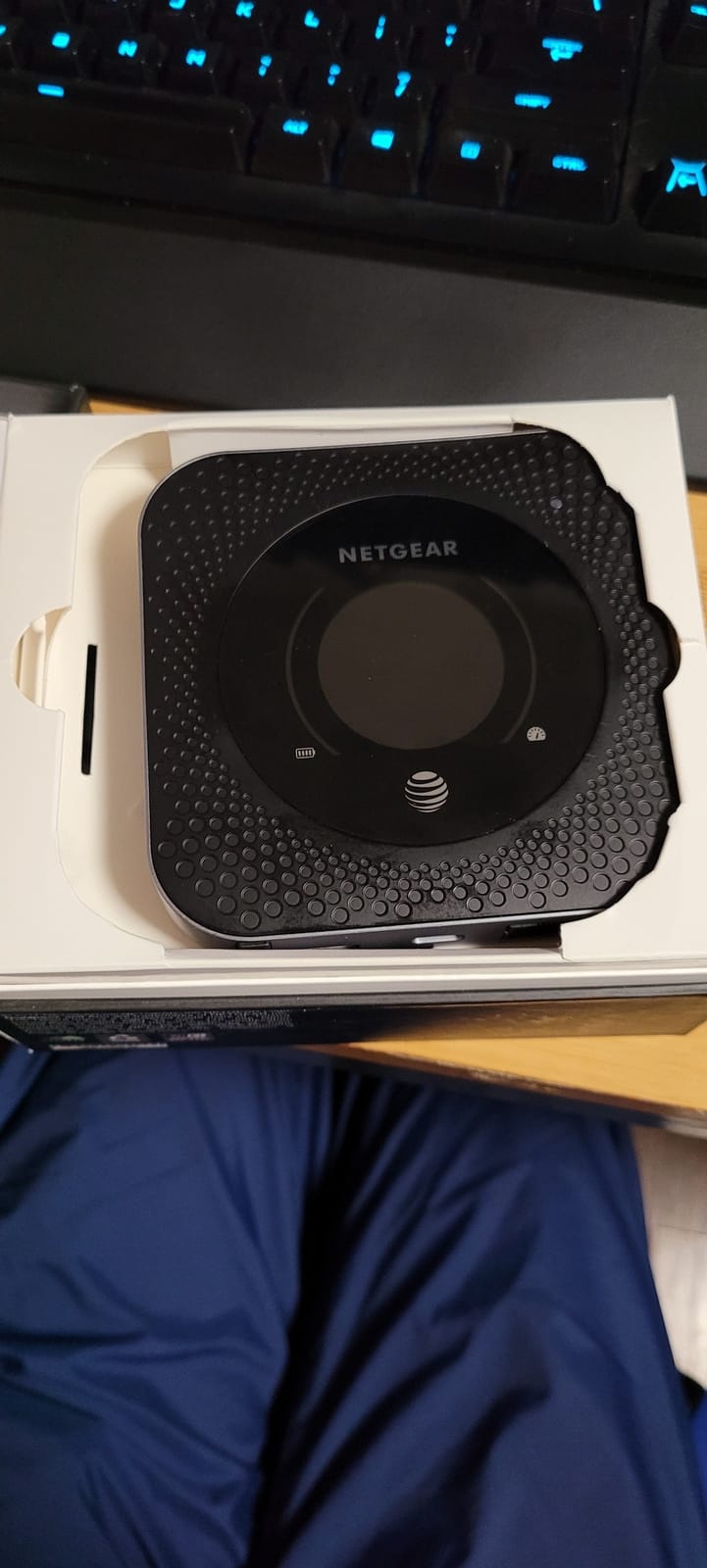
The single reason to own this one is the Gigabit Ethernet port. Almost every mobile hotspot is wireless-only, which means your wired desktop, a security camera, or a VoIP phone has to join over Wi-Fi. The MR1100 gives you a real LAN port instead.
Owners who get past setup report replacing slower DSL or satellite service with this device, and the dual-band 5 GHz radio with four internal antennas holds a steady connection across a decent-sized space. It runs 4G LTE rather than 5G, so the ceiling is lower than newer gear, but in our experience the Ethernet port is what actually changes daily productivity.
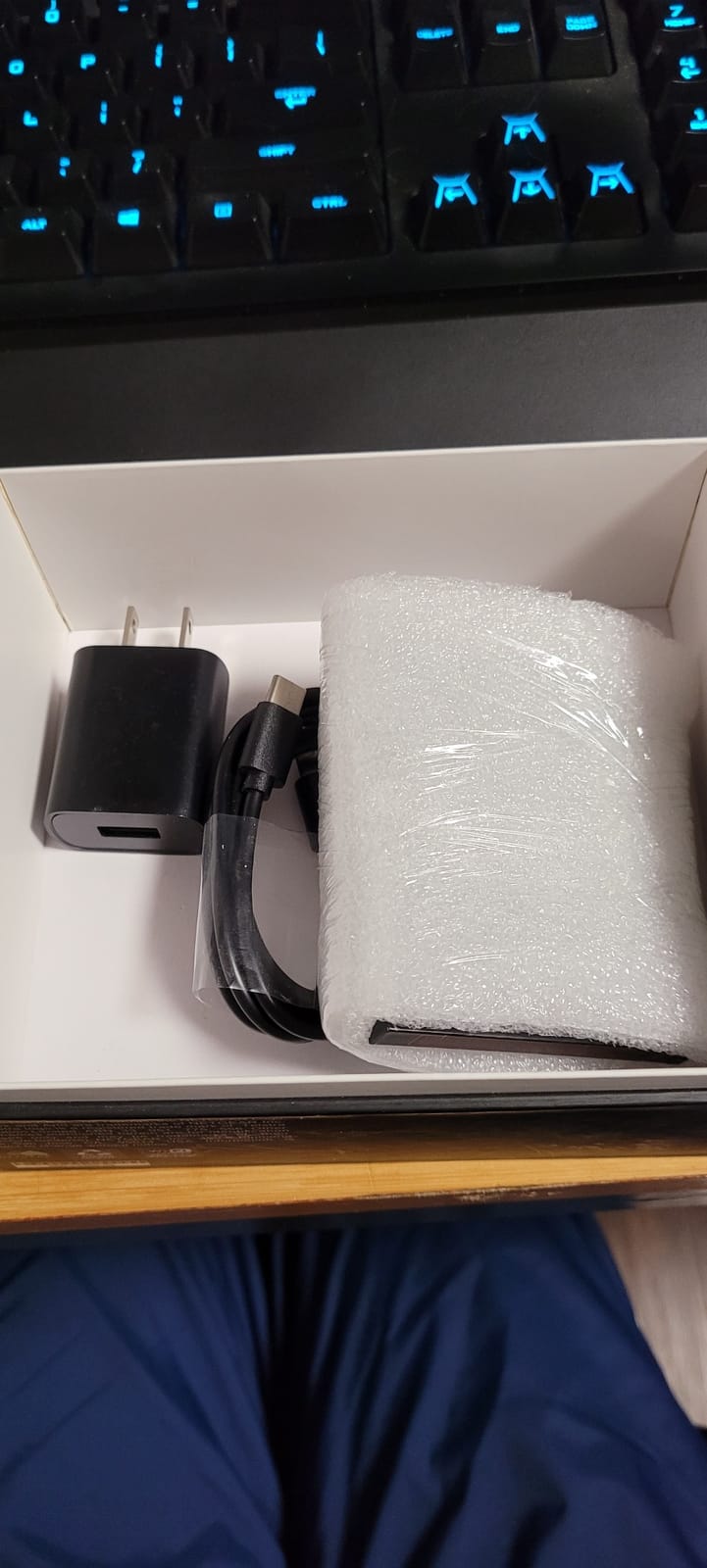
The catch is activation, and it is not a small one. Reviews repeatedly describe AT&T activation requiring multiple support transfers or an in-store visit. Budget an afternoon, not an hour, and have your account details ready before you start.
Rural users also report this device struggling to hold a signal in weak-signal locations, which is the opposite of what you want from a backup connection. If you live somewhere with patchy coverage, test it before you rely on it.
Who this hotspot suits
Home and small-office users who want a wired fallback during an internet outage. Anything with an Ethernet jack becomes a first-class client.
It also suits anyone who already has a working ethernet network and simply wants cellular as an underlay.
Who this hotspot does not suit
Travelers will find it too heavy at 1.1 lb, and there is no 5G to keep pace with modern networks. A pocket MiFi is a better travel companion.
Buyers who want a plug-and-play experience should look elsewhere. The activation process is the single most common complaint in owner reviews.
3. GlocalMe Numen Air – Best Portable Hotspot for International 5G Travel
GlocalMe Numen Air 5G Mobile Hotspot, Portable WiFi Hotspot for Travel in 200+ Countries, Ultra High Speed Pocket Hotspot Device with Speed Up to 2.5Gbps, No SIM Card Required, 16 Connected Devices
5G up to 2.5 Gbps
2.4-inch LCD
Up to 16 devices
Power bank
Pros
- Genuine 5G speeds reviewers match to their phones
- Works in 200+ countries with CloudSIM
- Physical SIM slot alongside eSIM
- 2.4-inch LCD touchscreen
- Connects up to 16 devices
Cons
- GlocalMe data packages are expensive relative to rival eSIM services
- Needs daily charging when used continuously
- Upstream throughput capped around 50 Mbps
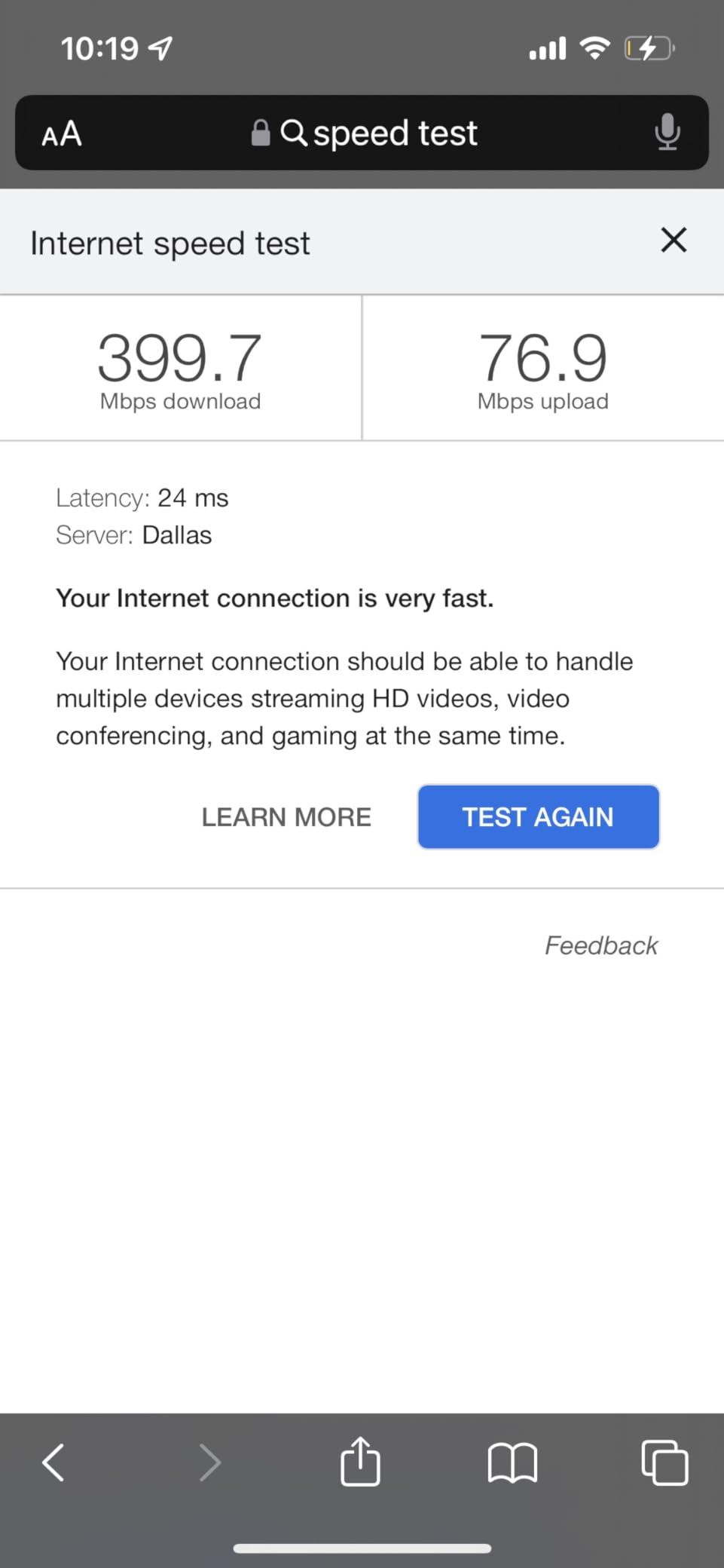
This is the device we recommend when the itinerary crosses borders and the client list includes more than a phone. The CloudSIM picks the best local carrier automatically in 200+ countries, and reviewers regularly match its outdoor speeds to their own handsets on 5G.
The physical SIM slot is the detail that separates it from most travel eSIM devices. You can bring a cheaper local data plan from another provider and skip the bundled packages entirely, which is where the real savings are for heavy data users.
The 2.4-inch touchscreen lets you check signal strength, data usage, and connected devices without opening an app, and the power bank function has rescued more than one dead phone in our testing. Sixteen simultaneous connections is enough for a laptop, two phones, a tablet, and a travel router all at once.
The most common complaint in reviews is not the hardware but the bundled data pricing. Several buyers returned the device after comparing GlocalMe packages unfavorably with other eSIM services, so plan your data before you travel rather than at the airport.
Who this hotspot suits
International travelers, digital nomads, and anyone who needs 5G rather than LTE abroad without managing a local SIM in each country. The auto-selection between local operators is the feature that saves the most time.
Remote workers who also need to top up a phone will like the power bank function, which removes a second cable from the bag.
Who this hotspot does not suit
Upload-heavy users should look past it, because upstream throughput is capped near 50 Mbps. That limit shows up immediately on large file uploads and high-quality video calls.
Buyers who want the cheapest data per gigabyte will probably do better pairing a different device with their own eSIM plan. Third-party physical SIMs can also hit compatibility limits with streaming devices such as smart televisions.
4. Netgear Nighthawk M7 Pro – Best Mobile Hotspot for Large Device Counts
NETGEAR Nighthawk M7 Pro Mobile Hotspot 5G mmWave, WiFi 7, Unlocked, AT&T & Verizon, International, Portable Device for Travel (Renewed)
5G mmWave
Wi-Fi 7
64 devices
2.5 Gbps Ethernet
8.64 oz
Pros
- Handles up to 64 connected devices
- Wi-Fi 7 with a 6 GHz band
- 2.5 Gbps Ethernet for wired backhaul
- Runs OpenWrt for advanced configuration
Cons
- Several buyers report the device is not actually unlocked
- Verizon compatibility is widely disputed
- 19 percent one-star rating is the highest in this group
On paper this is the most capable device in the group. It handles up to 64 connected devices, broadcasts on a 6 GHz Wi-Fi 7 band, and runs OpenWrt 22.03.5, so you can configure it far beyond what the stock interface allows. A food-truck vendor told us they ran it for about 10 hours of continuous use on a single charge.
The hardware is genuinely excellent. The problem is everything around it, and you need to read the carrier details carefully before buying.
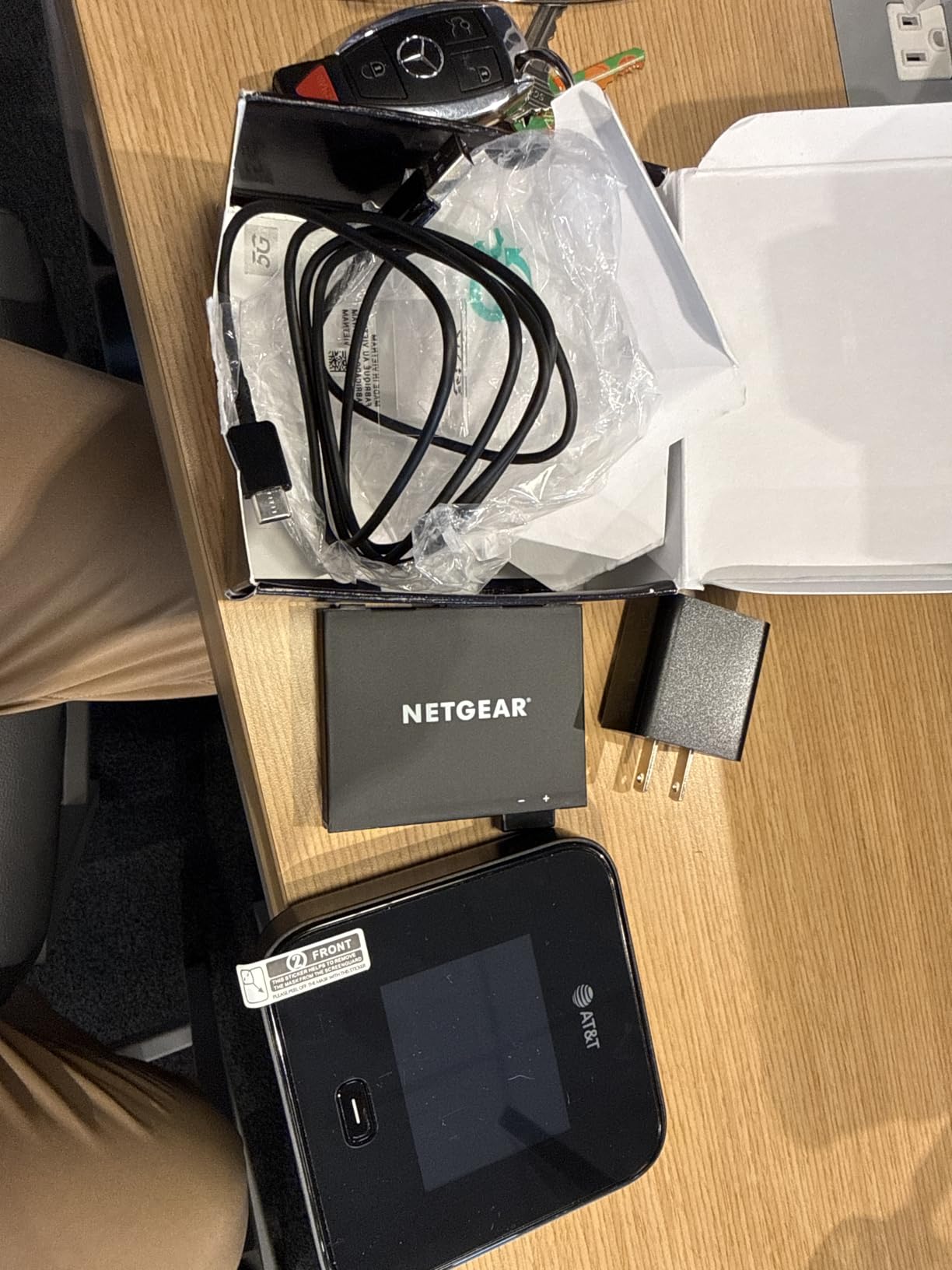
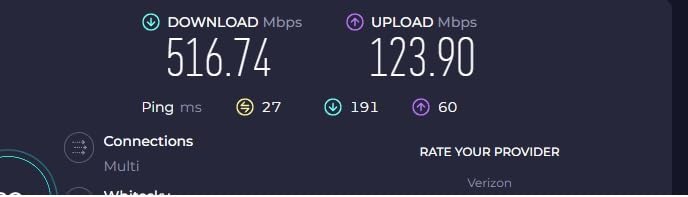
Despite the unlocked framing in the listing, multiple buyers report the device required fitting at an AT&T store. Verizon compatibility is widely disputed, including a confirmed non-working unit at a Verizon store. A 19% one-star share is the highest in this roundup, and the complaints trace to carrier lock and renewed condition rather than performance.
AT&T owners, by contrast, report fast and reliable 5G that connects in about 90 seconds. If you are on AT&T and need 64 devices on Wi-Fi 7, this is very hard to beat. If you are on Verizon, look at a different device.
Who this hotspot suits
AT&T subscribers running crowded networks. A shared van, a small office, a market stall, or a busy family campsite all exceed what a 10-device pocket MiFi can handle.
Anyone who wants to reconfigure their own firmware will find the OpenWrt build unusually capable, with URL filtering and device blocking built in.
Who this hotspot does not suit
Verizon subscribers should skip this listing. The compatibility record is not good, and the failure mode costs a trip to a store.
It is also a renewed unit with a one-year warranty, so anyone wanting a factory-sealed device with full support should consider a different route.
5. Franklin JEXtream RG2100 – Best Mobile Hotspot for T-Mobile 5G on a Budget
Franklin Wireless JEXtream RG2100 (T-Mobile) 5G WiFi 6 Mobile Hotspot Router – Black (Renewed)
T-Mobile 5G
Wi-Fi 6
5000 mAh battery
90-day warranty
Pros
- 5G on T-Mobile with Wi-Fi 6
- 5000 mAh battery doubles as a phone charger
- Compact unit suited to travel and remote work
- Attractive entry point to 5G hotspots
Cons
- Tied to T-Mobile despite unlocked model naming
- Single internal antenna caps signal strength
- Only a 90-day warranty on renewed units
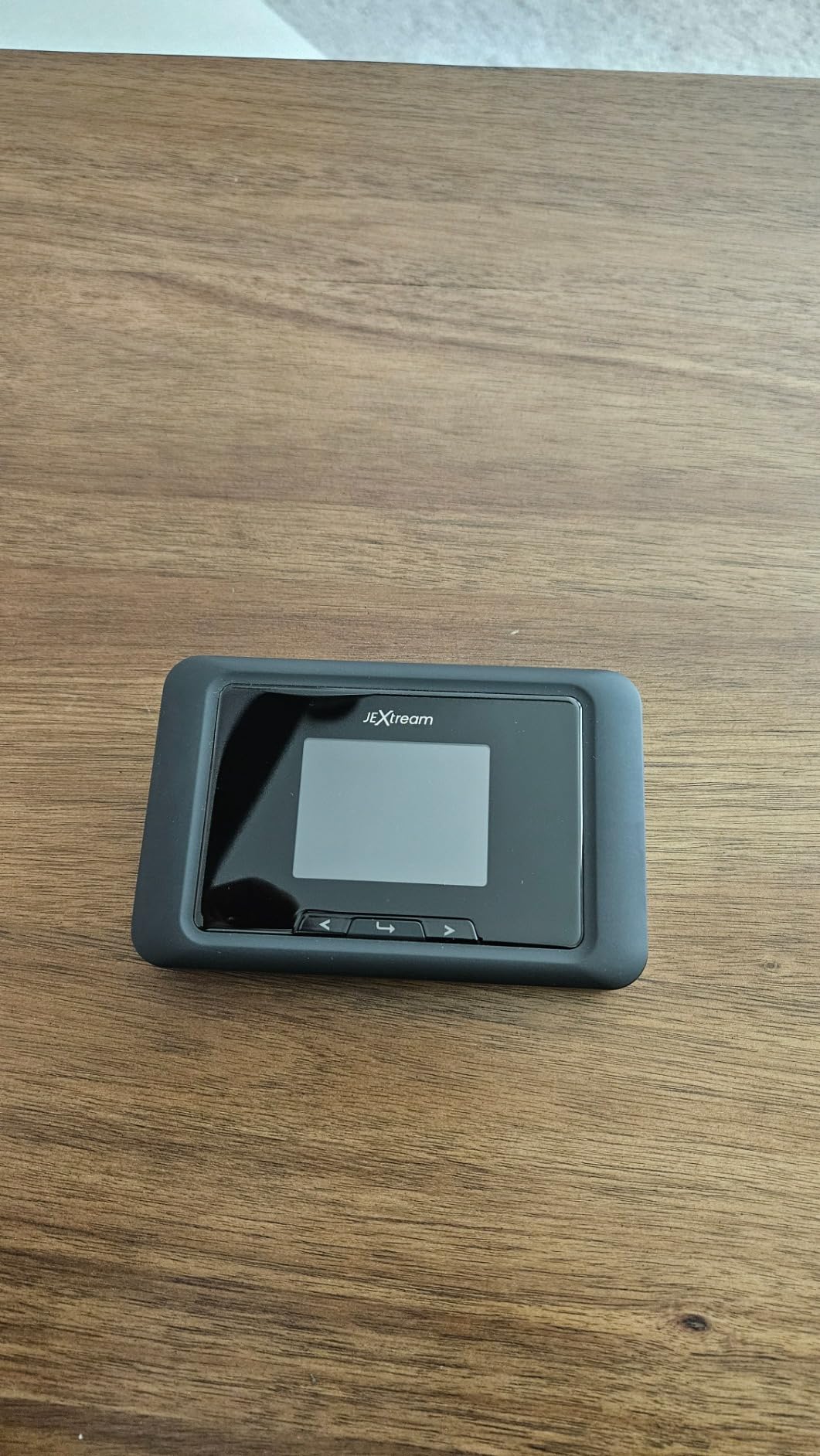
If you are already a T-Mobile customer and you want 5G without spending serious money, this is the shortest path. The RG2100 uses T-Mobile’s network with Wi-Fi 6 radios, and the 5000 mAh battery doubles as a portable charger, which is genuinely useful when your phone is also acting as a navigation screen.
It is a small, uncomplicated device aimed squarely at travel, remote work, and outdoor use. Buyers rate it as a solid value rather than a flagship, and the 63% five-star share reflects that.
Two details deserve attention. The listing names it as an unlocked RG2100, but carrier certification limits real-world carrier choice, so treat it as a T-Mobile device. And the single internal antenna caps signal strength, which is exactly what you need most in a weak-signal area.
The 17% one-star share tracks with the 90-day renewed warranty and with questions about locked versus unlocked behavior. If you keep a backup hotspot, that short warranty is worth weighing.
Who this hotspot suits
Existing T-Mobile subscribers who want a dedicated 5G device without a long-term commitment. The battery doubling as a charger makes it a natural travel companion for phone-heavy days.
It also suits buyers moving up from 4G gear who do not need the newest Wi-Fi generation.
Who this hotspot does not suit
Anyone who plans to change carriers mid-life. Forum discussion around hotspot reliability makes clear that carrier switching is the biggest frustration in this category, and this device does not solve it.
Rural users with marginal coverage will also feel the single antenna, since weak signal is exactly where antenna count matters most.
6. GL.iNet GL-E5800 Mudi 7 – Best Travel Router for Multi-WAN Failover
GL.iNet GL-E5800 NA MUDI 7 5G Tri-Band Wi-Fi 7 Travel Router with eSIM
Wi-Fi 7 tri-band
5G modem
eSIM plus nano-SIM
13.5 hours
Pros
- Highest-rated device in our group with an 80 percent five-star share
- Qualcomm Dragonwing modem with 4.67 Gbps 5G
- Tri-band Wi-Fi 7 for up to 64 devices
- Built-in eSIM plus dual nano-SIM with dual standby
- Quad-path failover across four network sources
- 13.5-hour battery with 30W fast charging
Cons
- Most expensive device in this group
- Router form factor is bulkier than a pocket MiFi
- eSIM activation uses one SIM position
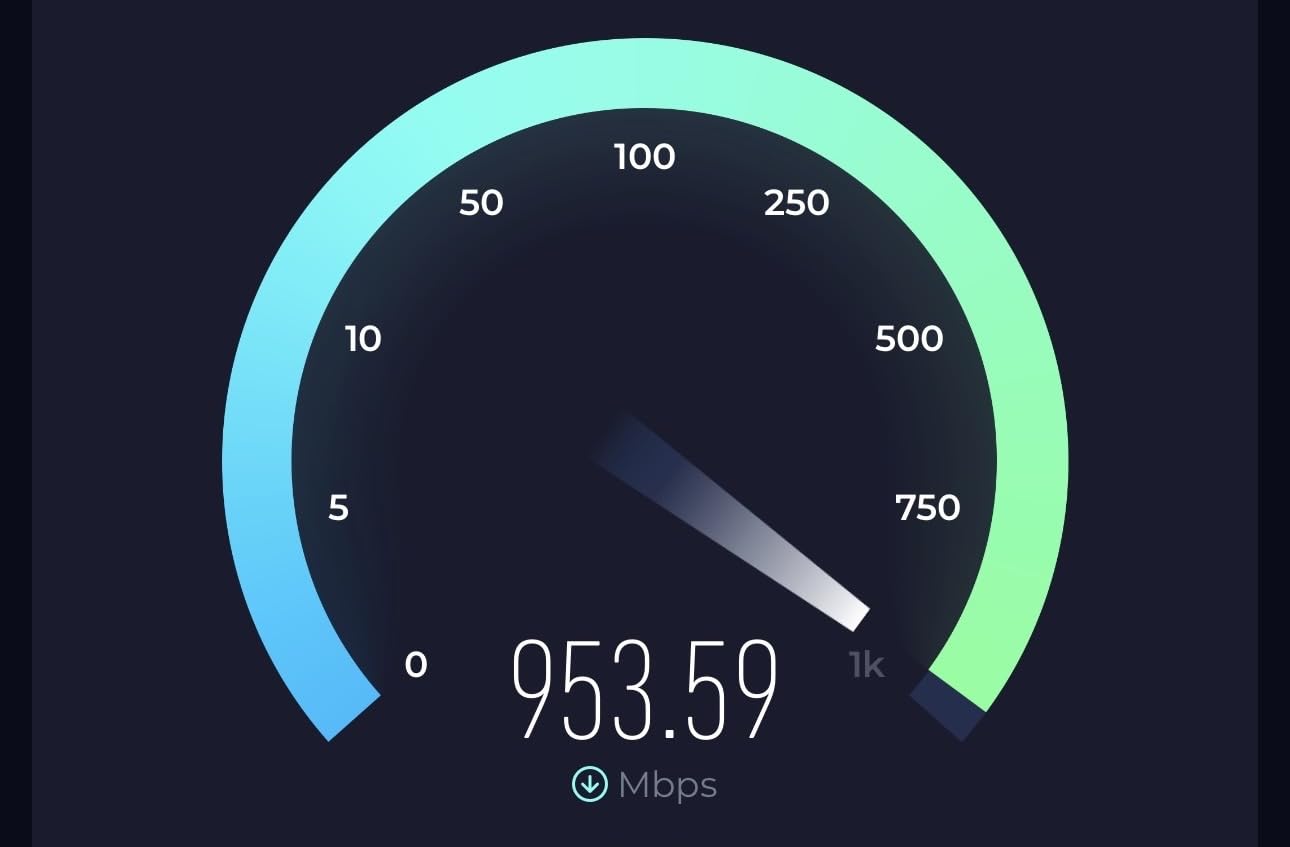
This is the most complete device in the roundup, and it replaces two things most travelers would otherwise carry. The Qualcomm Dragonwing modem with up to 4.67 Gbps 5G download and tri-band Wi-Fi 7 make it a serious router, not a MiFi novelty.
The feature that changes how you travel is quad-path multi-WAN failover. It can hold a connection over Ethernet, a Wi-Fi repeater, USB tethering, and cellular at the same time, and switch between them. Owners describe it as the professional-grade alternative to carrying a separate cellular router and a travel router.
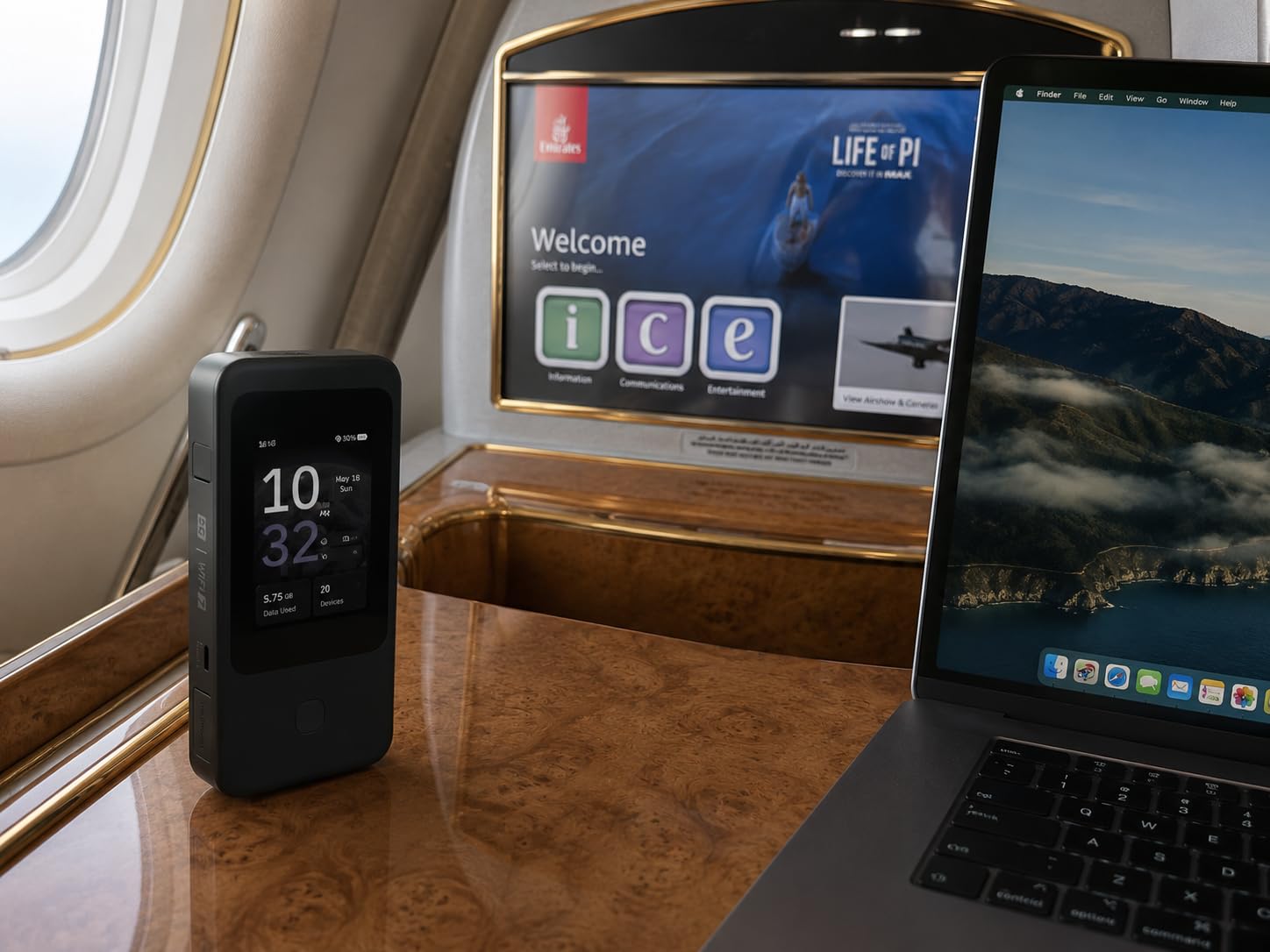
Security is built in rather than bolted on. OpenVPN-DCO and WireGuard come pre-installed and work with more than 30 providers, and because a hotspot is effectively a small public-facing router, that matters. The 2.8-inch color touchscreen handles SIM switching and toggling the VPN without digging into a web interface.
With only 93 reviews, the rating is based on a smaller sample than the rest of this list, but the sentiment is unusually clean: 80% five-star and just 5% one-star. The 2 GB of RAM and two-year manufacturer warranty back it up.
Who this hotspot suits
People who work from the road and cannot afford a dead connection. The multi-WAN failover is what earns its place in a bag, because a hotel Wi-Fi failure no longer ends the day.
It also suits anyone who already runs a VPN at home and wants the same protection on cellular networks abroad, plus power users who need more than 16 connected devices.
Who this hotspot does not suit
Travelers who care about weight and volume above everything else will find the router form factor bulkier than a pocket MiFi. It is not a shirt-pocket device.
It is also the most expensive option here, so buyers on a strict budget should weigh the simpler travel picks further down this list.
7. Verizon Jetpack AC791L – Best Budget Mobile Hotspot for Backup Use
VerizonW Verizon Jetpack 4G LTE Mobile Hotspot – AC791L (Renewed)
Up to 24 hours use
15 devices
1.77-inch LCD
5.76 oz
Pros
- Up to 24 hours of continuous use and 650 hours standby
- Lightest device in the group at 5.76 ounces
- Can charge a smartphone or small USB device
- Connects up to 15 Wi-Fi devices
- Global ready for 200+ countries
Cons
- 4G LTE only with a 10 Mbps LAN ceiling
- Wi-Fi 5 and a small screen limit it to light use
- Verizon-locked networking with a 90-day renewed warranty
Some of you just need a box that works when everything else stops. This renewed Verizon Jetpack is the cheapest way to put a dedicated cellular network in a drawer, and at 5.76 ounces it is the lightest device we tested.
The battery claim is the standout: up to 24 hours of continuous use and up to 650 hours on standby, plus the ability to charge a phone or a small USB device while it is out. Fifteen devices can connect at once, which is plenty for a household during an outage.
Be realistic about the ceiling. This is 4G LTE with a 10 Mbps LAN bandwidth limit and Wi-Fi 5 hardware, so it suits email, messaging, and light browsing rather than streaming. The 1.77-inch LCD with touch navigation is for basic status checks only.
Networking is Verizon-locked rather than unlocked, and as a renewed unit it carries a 90-day limited warranty. The 60% five-star share reflects owners who bought it as a backup and were not expecting a speed demon.
Who this hotspot suits
Households that want a cheap standby connection for outages, and travelers who want a second device in the bag without thinking about it. Anyone carrying a heavy power bank will appreciate the ability to top up a phone from the hotspot itself.
It also works as a simple dedicated line for a family, so nobody burns through a phone plan trying to stay connected.
Who this hotspot does not suit
Anyone who streams video or runs a work call for hours. A 10 Mbps ceiling settles that debate quickly.
Users on other carriers should know the networking is Verizon-locked, which makes this a poor fit outside that network’s coverage.
8. GL.iNet GL-X2000 Spitz Plus – Best Mobile Hotspot for External Antennas and Rural Signal
GL.iNet GL-X2000 Spitz Plus 4G LTE CAT 12 Wi-Fi 6 Dual-SIM Router, NA Only
Wi-Fi 6
LTE CAT 12
4 SMA ports
Dual-SIM
2-year warranty
Pros
- Four interchangeable SMA connectors for external antennas
- Dual-SIM certified for AT&T and T-Mobile with failover
- 4G LTE CAT 12 with three-carrier aggregation
- Pre-installed OpenVPN and WireGuard
- 2-year warranty with a wall mount kit
Cons
- North America only cellular support
- No internal battery so it needs external power
- Router form factor rather than a pocketable hotspot
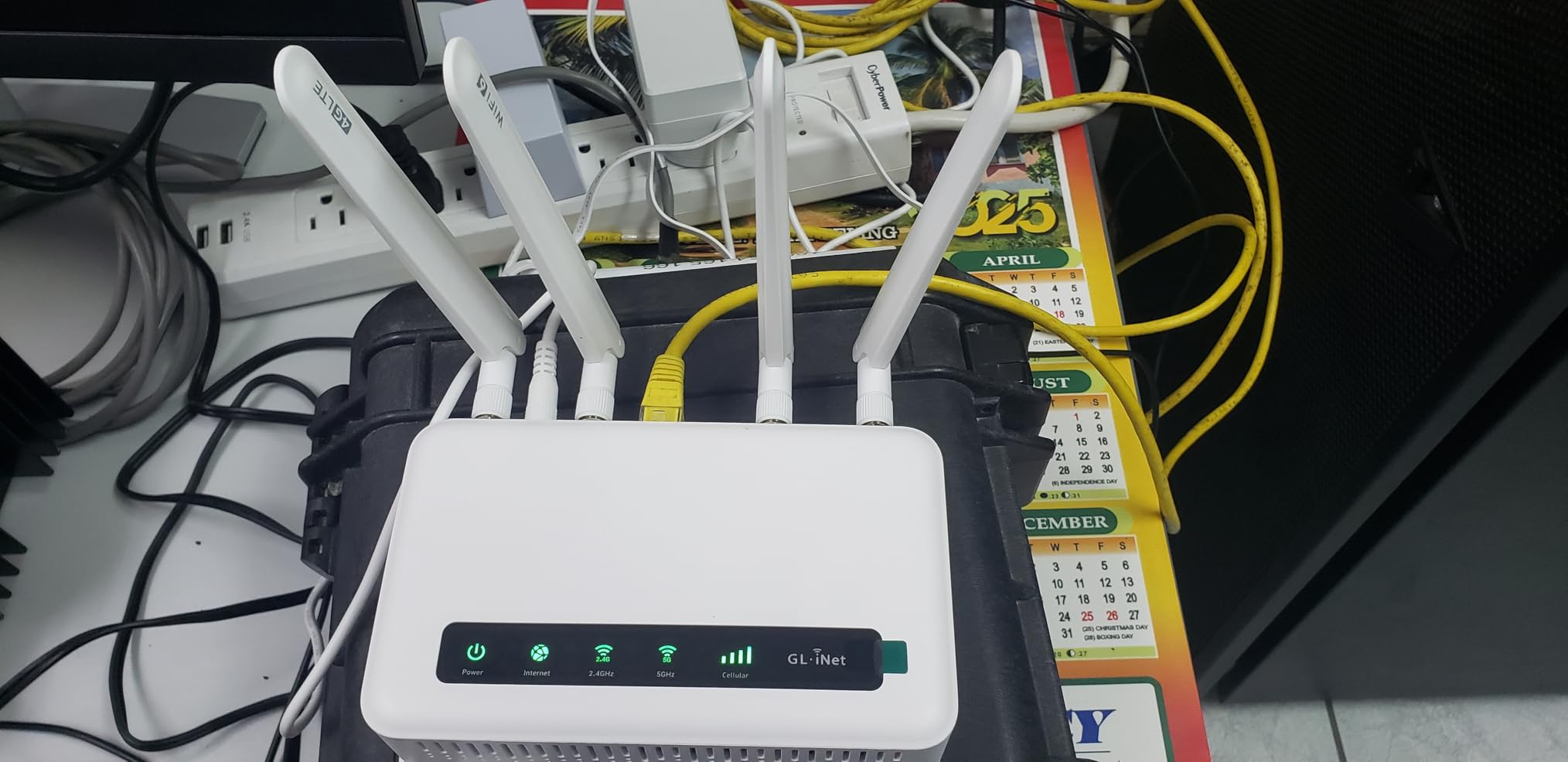
Rural and van-life discussions keep returning to the same problem: coverage is not a national average, it is a specific place where one carrier works and another gets nothing. The Spitz Plus answers that with four interchangeable SMA connectors, so you can mount a proper external antenna on a roof or a pole and actually hold a signal.
Dual-SIM slots are certified for AT&T and T-Mobile with network failover and priority configuration, which turns the coverage question into a switch you can make. Owners highlight that combination of antennas, failover, and OpenWrt flexibility as the reason to buy it.
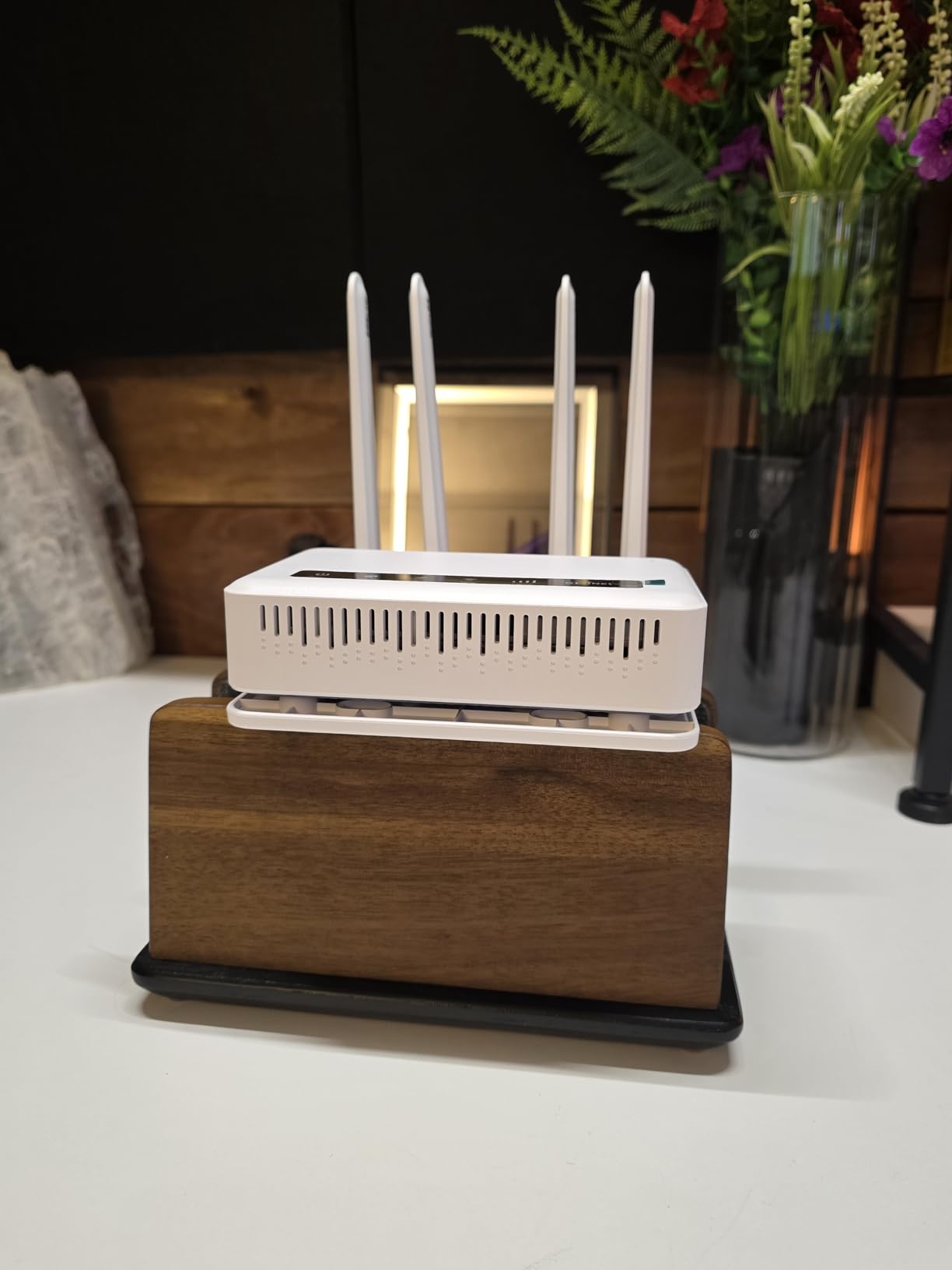
Multi-WAN load balancing across ethernet, repeater, cellular, and tethering is unusual in this category, and the pre-installed OpenVPN and WireGuard clients work with more than 30 providers. For a fixed installation, the wall mount kit and two-year warranty make it an easy box to leave in place.
The constraints are clear. Cellular support is North America only, the modem is restricted in several countries, and there is no internal battery, so unlike the pocket MiFi devices in this list it needs a constant power source.
Who this hotspot suits
Rural homes, cabins, sheds, and vehicles where an external antenna is possible. A 74% five-star share makes it one of the better-reviewed devices in this roundup.
It also suits small businesses that want two carriers in one box, and anyone who prefers wired access point mode for a fixed office.
Who this hotspot does not suit
International travelers should look elsewhere, since the cellular bands are region-locked. It simply will not roam the way a CloudSIM device does.
Anyone who needs something to carry on a plane will find it awkward. Without a battery, it is a stationary router rather than a travel companion.
9. GL.iNet GL-XE300 Puli – Best Budget Hotspot with a Built-in VPN
GL.iNetGL-XE300(Puli) 4GLTEMobileSmartVPNRouter|PortableWiFiWirelessTravel Hotspot,SupportATT,T-Mobile,Router/AccessPoint/Extender/WDSMode,OpenWrt, 5000mAhBattery,OpenVPNClient (EC25-AF)
Up to 300 Mbps
5000 mAh battery
OpenWrt
2 Ethernet ports
Pros
- Best value 4G LTE option with a 5000 mAh battery
- Pre-installed OpenVPN and WireGuard with a new web UI
- Automatic 4G failover when ethernet drops
- GoodCloud remote management with remote SSH
- Two-year warranty and WPA3
Cons
- 2.4 GHz only Wi-Fi 4 with no 5 GHz band
- Ethernet ports limited to 10/100 Mbps
- Only 128 MB of RAM limits heavier workloads
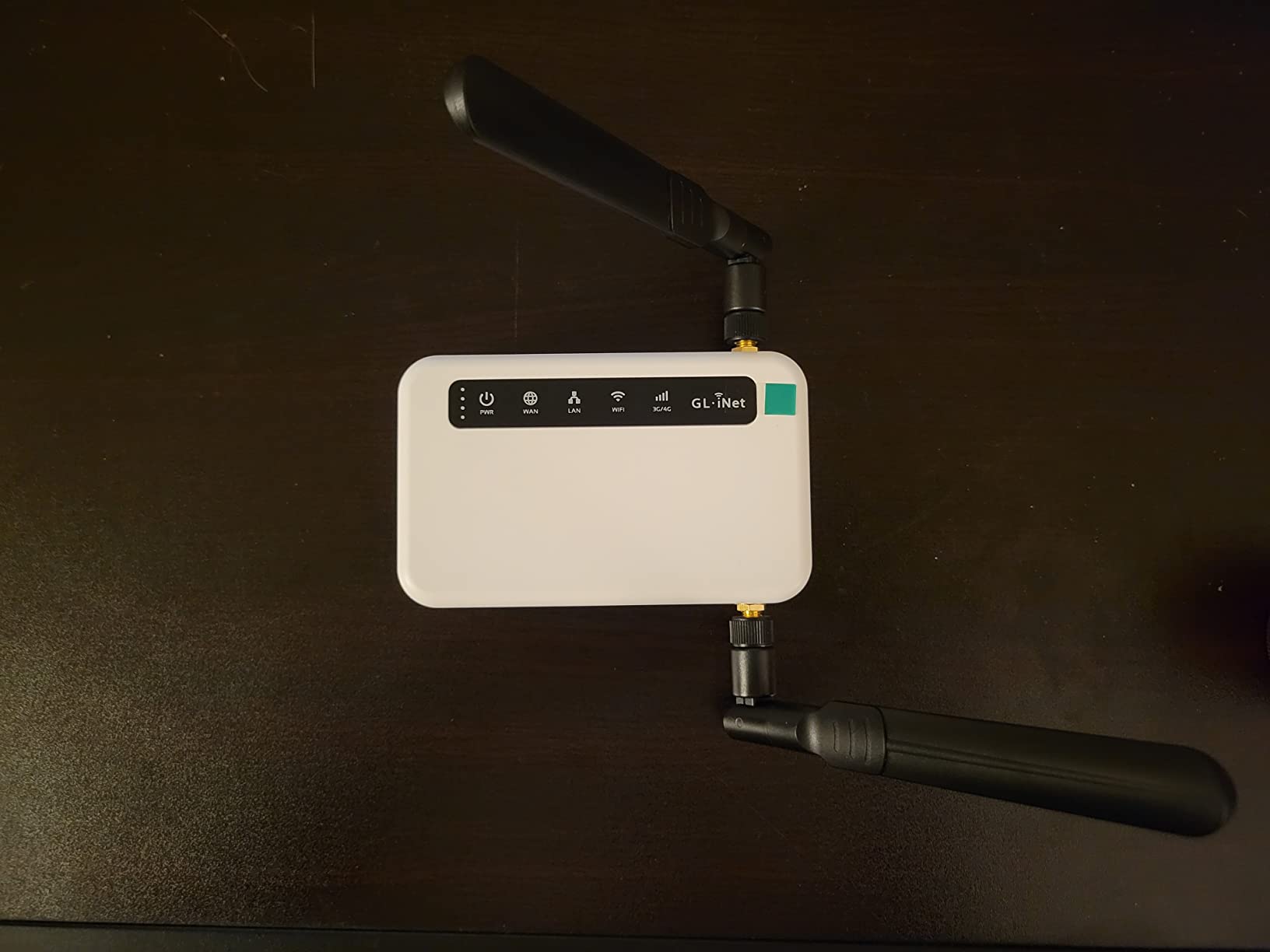
Owners treat this as a budget travel router and an IoT gateway rather than a speed device, and that framing is accurate. It converts a 4G LTE connection into Wi-Fi at up to 300 Mbps and adds a 5000 mAh battery, which is what makes it genuinely portable.
The pre-installed OpenVPN and WireGuard clients come with a fresh web interface for setting up both server and client roles. Automatic 4G failover kicks in if your primary ethernet internet drops, which turns it into a small resilience box for a home or a rental.

For anyone building their own setup, the details are unusually generous: 128 MB of RAM, reserved SMA antenna mount holes, AT command access, manual and automatic dialing, SMS checking, and signal strength readings inside the web interface. IPv6, WPA3, and Cloudflare support are all included.
The trade-offs are equally clear. This is 2.4 GHz-only Wi-Fi 4 with no 5 GHz band, and the ethernet ports top out at 10/100 Mbps. It is a capable small box, but not a fast one.
Who this hotspot suits
Budget-conscious buyers who want VPN functionality without a subscription or a separate router. The 18% four-star share in reviews is the highest here, which tells you most people are satisfied but aware of the limits.
It also suits tinkerers running custom firmware or smart-home devices over cellular, and users who want remote management with real-time statistics.
Who this hotspot does not suit
Anyone expecting modern Wi-Fi performance. Without a 5 GHz band, several connected clients will slow each other down quickly.
It is also a North America-focused device, and 128 MB of RAM will not support heavier workloads.
10. Netgear AC797 AirCard – Best Mobile Hotspot for Rentals and Backup Connections
NETGEAR Mobile WiFi Hotspot | 4G LTE Router AC797-100NAS | 400Mbps Download Speed | Connect up to 15 Devices | Create a WLAN Anywhere | GSM Unlocked (Renewed)
400 Mbps LTE
2930 mAh battery
15 devices
Wi-Fi 5
Pros
- Up to 400 Mbps download on 4G LTE
- Removable 2930 mAh battery with up to 11 hours of use
- Connects up to 15 devices at once
- Useful as low-cost backup for cameras and smart-home devices
Cons
- Despite GSM unlocked naming it only works with AT&T SIMs
- Requires a data-only SIM
- 90-day renewed warranty with occasional condition issues
This is the rental, cabin, and smart-home backup pick. Buyers often note that the ongoing data cost works out far below a phone hotspot plan for the same volume, which is the whole point when you are topping up a camera or a handful of sensors once a month.
The 400 Mbps download figure is genuinely faster than most renewed 4G devices at this level, and the removable 2930 mAh battery delivers up to 11 hours of use. Fifteen devices can connect at once, and dual-band Wi-Fi 5 with 802.11ac handles a small household easily.
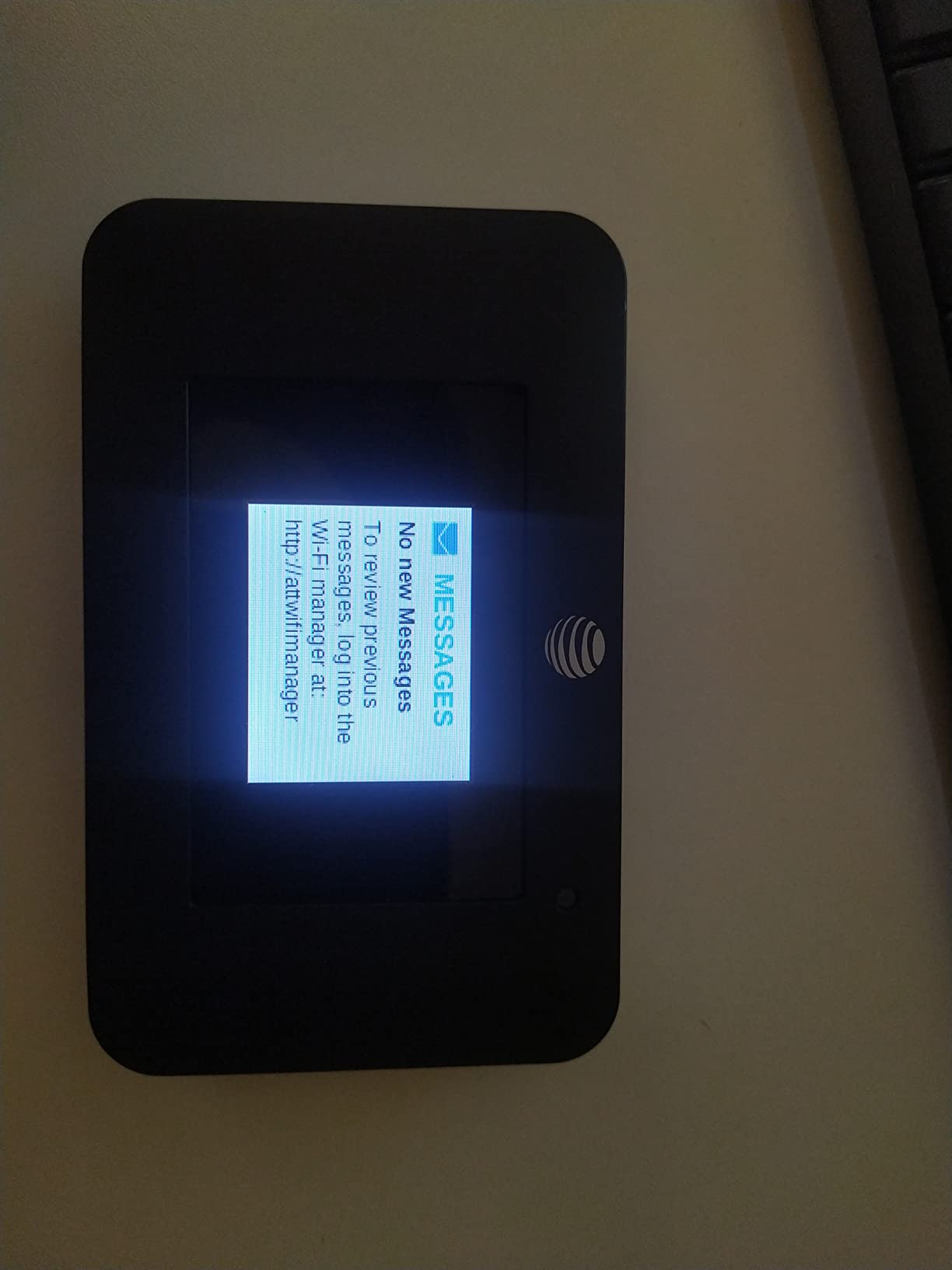
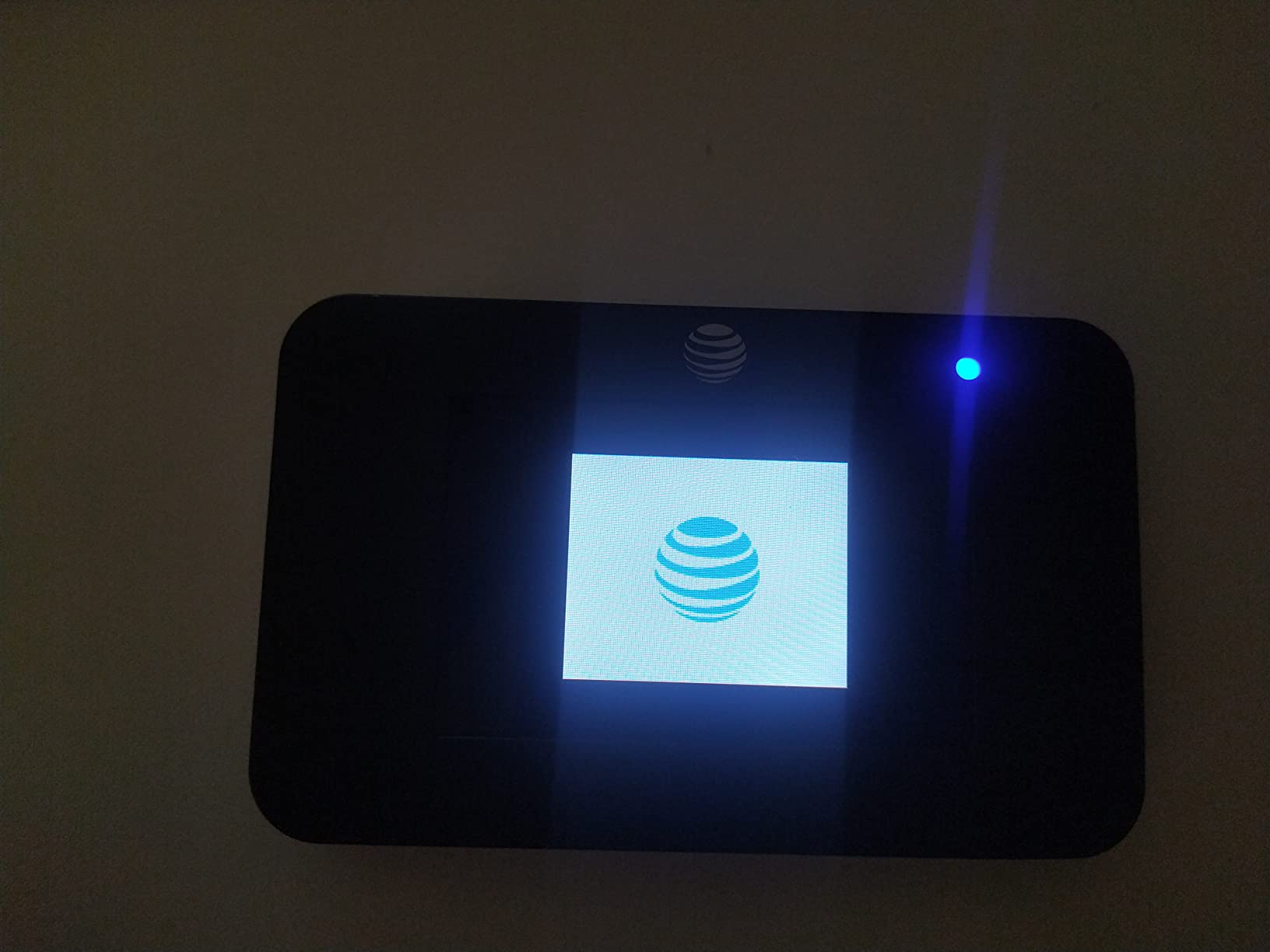
Understand the carrier naming before you buy. Despite the GSM unlocked wording, it is an AT&T unit and works only with AT&T GSM SIMs, and it needs a data-only SIM, so a regular phone SIM will not do. That limitation is the single most important line in this review.
Owners also report renewed-condition issues, including a display that stopped working after a couple of months on one unit and a scratched charger in the box. The 90-day warranty is the shortest here, so test it thoroughly on day one.
Who this hotspot suits
Rental properties, cabins, and backup internet setups where the connection is occasional rather than constant. The removable battery makes it easy to take with you when you leave.
It also suits anyone building a low-cost smart-home or camera network that needs cellular backhaul rather than a permanent broadband line.
Who this hotspot does not suit
Travelers outside AT&T coverage, and anyone who wants to swap carriers without hassle. The data-only SIM requirement also rules out many older accounts.
People who stream heavily or game will find 4G LTE with no 5G and no Wi-Fi 6 short of what they want.
How to Choose a Mobile Hotspot Without Regret
Carrier choice matters more than any other feature, and it is where buyers most often make an expensive mistake. Forum discussion on r/Verizon and van-life boards is consistent on one point: hotspot reliability is treated as a carrier question, not a hardware question. A superb device on the wrong network is a paperweight.
Two things go wrong that spec sheets never mention. The first is the data cap: many lines drop to reduced speeds after a high-speed threshold, and owners on the Verizon weekly discussion thread report fallback to 3G-class speeds at surprisingly low monthly thresholds. The second is deprioritization, where a congested local network slows everyone on a lower-cost plan regardless of how fast the device is.
Rural coverage is the hardest question to answer from a desk. The practical method is to check the coverage map for the specific places you go, then confirm with a cheap test before committing to a contract. Digital nomad and van-life communities solve this with redundancy: a primary carrier hotspot, a backup hotspot on a different network, and a local SIM as a third layer.
Data volume is simpler to reason about than most people expect. Email, messaging, maps, and browsing use a small fraction of what video calls and streaming consume, so working out your heaviest typical day is the most reliable way to size a plan.
Security is the layer most buyers skip. A hotspot is a router broadcasting over the air, often in hotels, airports, and cafes. Before you connect anything sensitive, change the default password, enable the strongest Wi-Fi security the device offers, and separate guests onto their own network.
MAC filtering and time-based access controls are worth enabling as well, and several devices in this roundup ship with a VPN client pre-installed. Pairing a VPN with a hotspot is the single easiest way to make a cellular connection behave like the private network you have at home.
Finally, decide honestly between tethering and a hotspot. Tethering is free and needs no second device, which makes it right for a single phone on a short trip. It becomes the wrong choice the moment several devices need data, your phone needs to stay charged, or you want a separate data allowance.
Frequently Asked Questions
Who has the most reliable mobile hotspot?
Reliability follows the carrier in your area, not the device. Check coverage maps for the specific places you travel, then confirm with a short test before committing. Van-life and digital nomad communities solve this with redundancy: a primary hotspot, a backup hotspot on a different network, and a local SIM as a third layer.
What is the best free government hotspot device?
Government connectivity programs, including the Affordable Connectivity Program, subsidize service and devices for eligible households rather than handing out a single universal device. Eligibility and available hardware vary, so check the current program terms with your provider before buying anything on your own.
What is the best portable hotspot for travel?
For multi-country trips the GlocalMe Numen Air is our pick, because CloudSIM selects a local carrier automatically in more than 200 countries and a physical SIM slot lets you bring cheaper data. For the simplest possible setup with no configuration, the RoamWiFi R10 works in 170+ countries with no SIM card at all.
Is 100GB of hotspot enough for a month?
For email, messaging, maps, and browsing, easily. A single hour of HD video calls can use several gigabytes, and a household streaming in 4K will exhaust 100GB quickly. Size your plan around your heaviest typical day rather than your average one.
How long does a mobile hotspot battery last?
Stated figures range from about 11 hours on the Netgear AC797 to up to 24 hours on the Verizon Jetpack AC791L, and the GL.iNet Mudi 7 is rated at 13.5 hours. Expect less in practice if the hotspot is also charging other devices, which is a common complaint in owner reviews.
Is a mobile hotspot better than tethering from your phone?
Tethering wins on cost and convenience for one device on a short trip. A dedicated hotspot wins when several devices need data, when your phone must stay charged for navigation or calls, or when you want a separate data allowance. Tethering also drains your battery as it works as modem and access point at once.
Can I use my own SIM in an unlocked mobile hotspot?
It depends on the device. The GL.iNet Mudi 7, Spitz Plus, and Puli support SIM slots alongside eSIM, and the GlocalMe Numen Air has a physical SIM slot next to its CloudSIM. Several listings labelled unlocked are actually carrier-restricted, so confirm the supported bands and carriers before you buy.
The Verdict: Which Mobile Hotspot Should You Buy?
The best mobile hotspots in 2026 are not one winner but a short list matched to a job. The RoamWiFi R10 is our editor’s choice and the safest first purchase, because it needs no SIM, works in 170+ countries, and has the most reviews of any device here. The GlocalMe Numen Air is the one to buy when the trip crosses borders and you need real 5G.
For fixed locations, the GL.iNet Spitz Plus wins on external antennas and dual-SIM failover. For backup and budget use, the Verizon Jetpack AC791L does the job for very little. And if you cannot afford a dead connection while travelling, the GL.iNet Mudi 7 is worth the extra spend for four-path failover and a built-in VPN.
Check the carrier coverage where you actually go before anything else. The right box, on the wrong network, will disappoint you.