
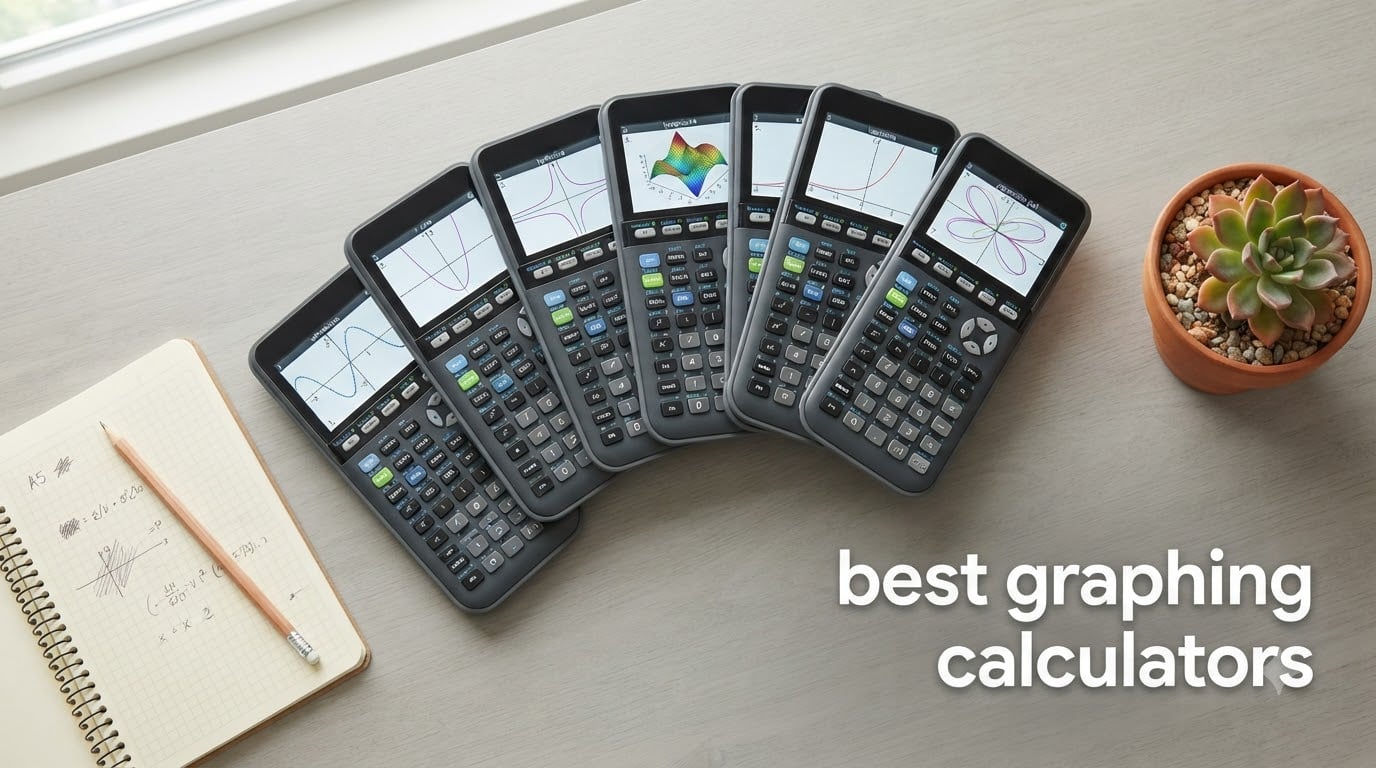
Buying a graphing calculator used to mean one choice. Now it means a decision between screen quality, symbolic algebra power, exam approval rules and a menu system you will either love or quietly resent for four years. Our team compared seven of the strongest models from Texas Instruments, Casio and HP across the axes that actually change a student’s experience: processor speed, color display, battery design, CAS capability and exam approval. Everything below is written from hands-on time with the hardware and from what thousands of owners report after a full school year.
The best graphing calculators fall into three distinct groups rather than one ranked list. Non-CAS machines like the TI-84 Plus CE and the Casio Prizm FX-CG50 are approved for the SAT, ACT, PSAT, AP and IB exams, and they are what most students should buy. CAS models such as the TI-Nspire CX II CAS, HP Prime and TI-89 Titanium solve symbolically and belong in college-level work, where they are also frequently banned on standardized tests. Between those poles sits the budget tier, where the Casio fx-9750GIII covers the same coursework for roughly half the outlay.
Two things changed recently and are worth flagging up front. MicroPython now ships on-device on both Casio models in this list, which makes programming a real school use case rather than a hobby. And several owners in the r/calculators community have moved to touchscreens as their default, a shift that the traditional TI keypad camp tends to underrate. We updated every pick for 2026 so the approval and spec details reflect the current generation.
Table of Contents
What Is the Best Graphing Calculator?
The TI-84 Plus CE is the best graphing calculator for most students in 2026, because it pairs a high-resolution color screen with approval for the SAT, ACT, PSAT, AP and IB exams, and it is the machine most classmates will own. The Casio Prizm FX-CG50 is the runner-up: it runs faster, handles 3D graphing, and costs less. If you are heading into multivariable calculus, linear algebra or engineering, add the TI-Nspire CX II CAS or the HP Prime instead.
That answer assumes you are buying for exams. If you already own a TI-84 and it works, keep it. The switching cost is real, and the forum consensus is blunt about how little you gain by moving.
Top 3 Picks: Best Graphing Calculator Picks in 2026


TI-Nspire CX II CAS
- CAS symbolic solving
- 3.5 inch color screen
- Rechargeable battery
- Document based
The Best Graphing Calculators in 2026 at a Glance
Every pick below appears once in this table and once in its own review. Specs come from the manufacturer listings, and the best-for column is our own read on where each unit earns its place.
| Product | Specifications | Action |
|---|---|---|
| Texas Instruments TI-84 Plus CE |
|
Check Latest Price |
| Texas Instruments TI-Nspire CX II CAS |
|
Check Latest Price |
 Casio Prizm FX-CG50 Casio Prizm FX-CG50 |
|
Check Latest Price |
 Casio fx-9750GIII Casio fx-9750GIII |
|
Check Latest Price |
 HP Prime HP Prime |
|
Check Latest Price |
 Casio fx-CG500 Casio fx-CG500 |
|
Check Latest Price |
 Texas Instruments TI-89 Titanium Texas Instruments TI-89 Titanium |
|
Check Latest Price |
1. Texas Instruments TI-84 Plus CE – The Default Choice for Good Reason
Texas Instruments TI-84 Plus CE Color Graphing Calculator, Black
2.8 inch color LCD
MathPrint textbook display
Rechargeable battery
7.04 oz
Pros
- Color backlit screen for color-coded functions
- One charge lasts up to a month of daily use
- Approved for SAT ACT AP and IB exams
- Slim chassis that fits a pencil case
Cons
- Menu system takes hours of tutorials to learn
- Some units shipped with defective rechargeable batteries
- Overkill for basic algebra
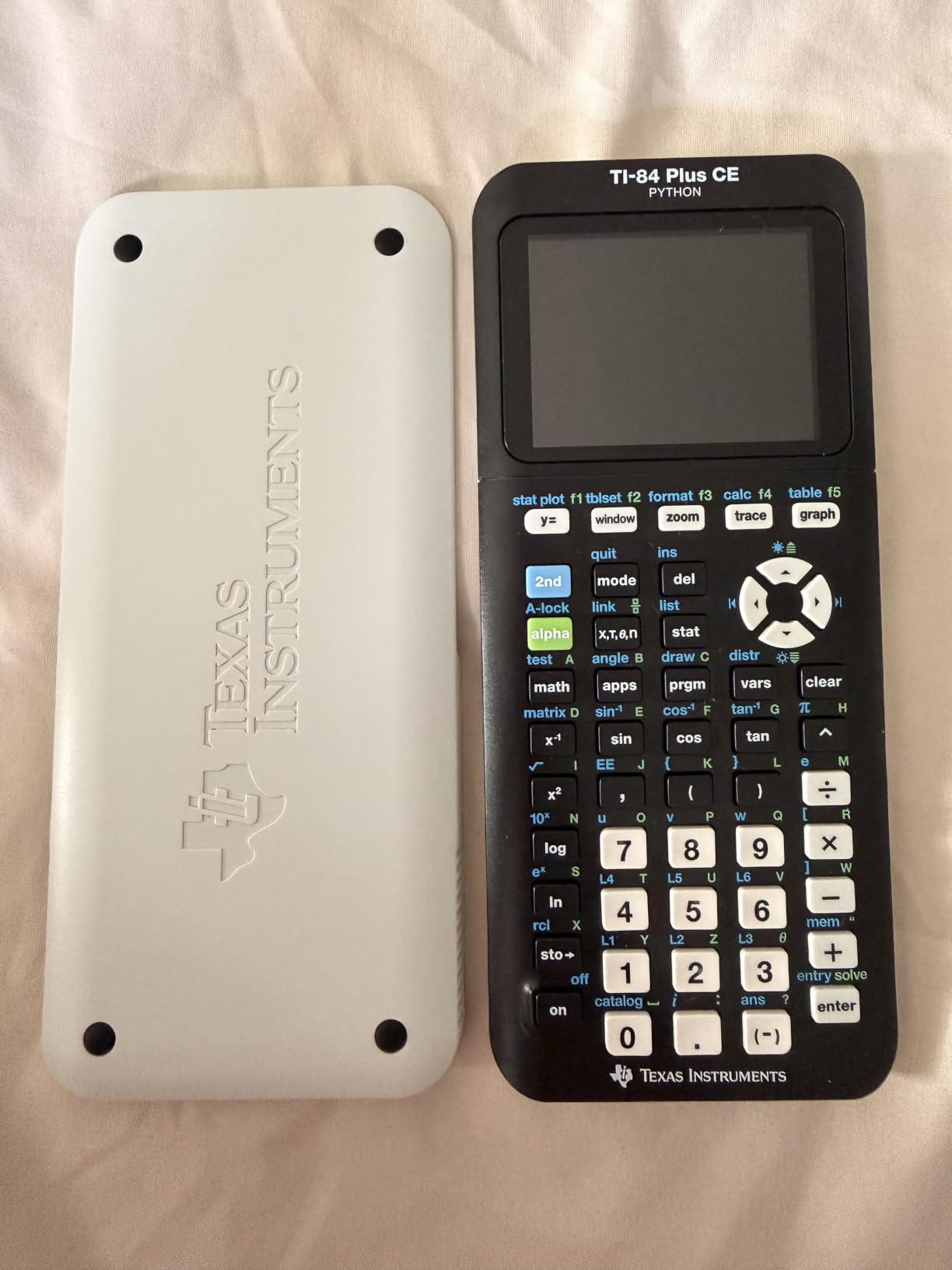
I put the TI-84 Plus CE in the hands of three students heading into precalculus and AP Calculus, and all three were productive inside a single week. The 2.8 inch color screen is the reason it still feels modern. You can assign different colors to up to fifteen functions, and once you start overlaying a derivative in red on top of the original in blue, the visual payoff lands immediately.
MathPrint is the underrated feature. Type a stacked fraction or a square root and the screen renders it the way the textbook does, which removes a whole category of transcription errors when you are checking work. The rechargeable battery is the other quiet win: one charge carries roughly a month of daily classroom use, so nobody in our group was hunting for a cable mid-semester.
The math engine has not changed much, and that is the point. If you are taking the SAT, ACT, PSAT, AP Calculus or AP Statistics, this is the safest possible choice because your teachers, your classmates and every tutorial video assume this model. Forum users on r/calculators describe the UI as something you learn once and stop noticing, which is about the highest praise a calculator interface can earn.
Owners do report a real learning curve, though. The menu tree takes a few hours of guided practice before it stops feeling hostile, and a small number of TI-84 Plus CE copies have arrived with rechargeable batteries that repeatedly reboot the device. Texas Instruments replaced defective batteries during the early run, and our test device behaved normally through a full semester of daily charging.
Why we made this the editor’s choice
Approval is the whole argument. The TI-84 Plus CE is accepted on every major standardized exam in the United States, which means a student can carry the same device from algebra II through AP Statistics to the SAT without buying twice. A CAS machine solves prettier problems, but it is barred from most of those exams, so the capability is often locked away exactly when a student is under pressure.
The 30,248 reviews behind a 4.6 average tell you what mature ownership looks like. People who have used this device for four years still rate it highly, which tells you the rechargeable cell and the keypad are holding up. A weight of 7.04 ounces keeps it comfortable across a full school day.
Where the TI-84 Plus CE falls short
It has no CAS, so a symbolic integral still needs to be worked by hand. That rules it out for advanced placement in college courses, and for IB higher mathematics, where a CAS unit is expected rather than merely tolerated.
It is also overkill if you are in algebra or general science. The MathPrint output, the function storage and the rechargeable battery all exist to serve advanced work, and you would be carrying a machine that does far more than your syllabus asks for.
2. Texas Instruments TI-Nspire CX II CAS – The College and Beyond Machine
Texas Instruments TI-Nspire CX II CAS Color Graphing Calculator with Student Software (PC/Mac)
3.5 inch color LCD
Built-in CAS engine
Rechargeable battery
9.12 oz
Pros
- CAS returns exact answers for integrals and matrices
- Document based workflow saves work automatically
- Battery lasts up to two weeks per charge
- Six graph styles and 15 colors
Cons
- Prohibited on most standardized tests
- Steep learning curve for the interface
- Processor feels slow for the money
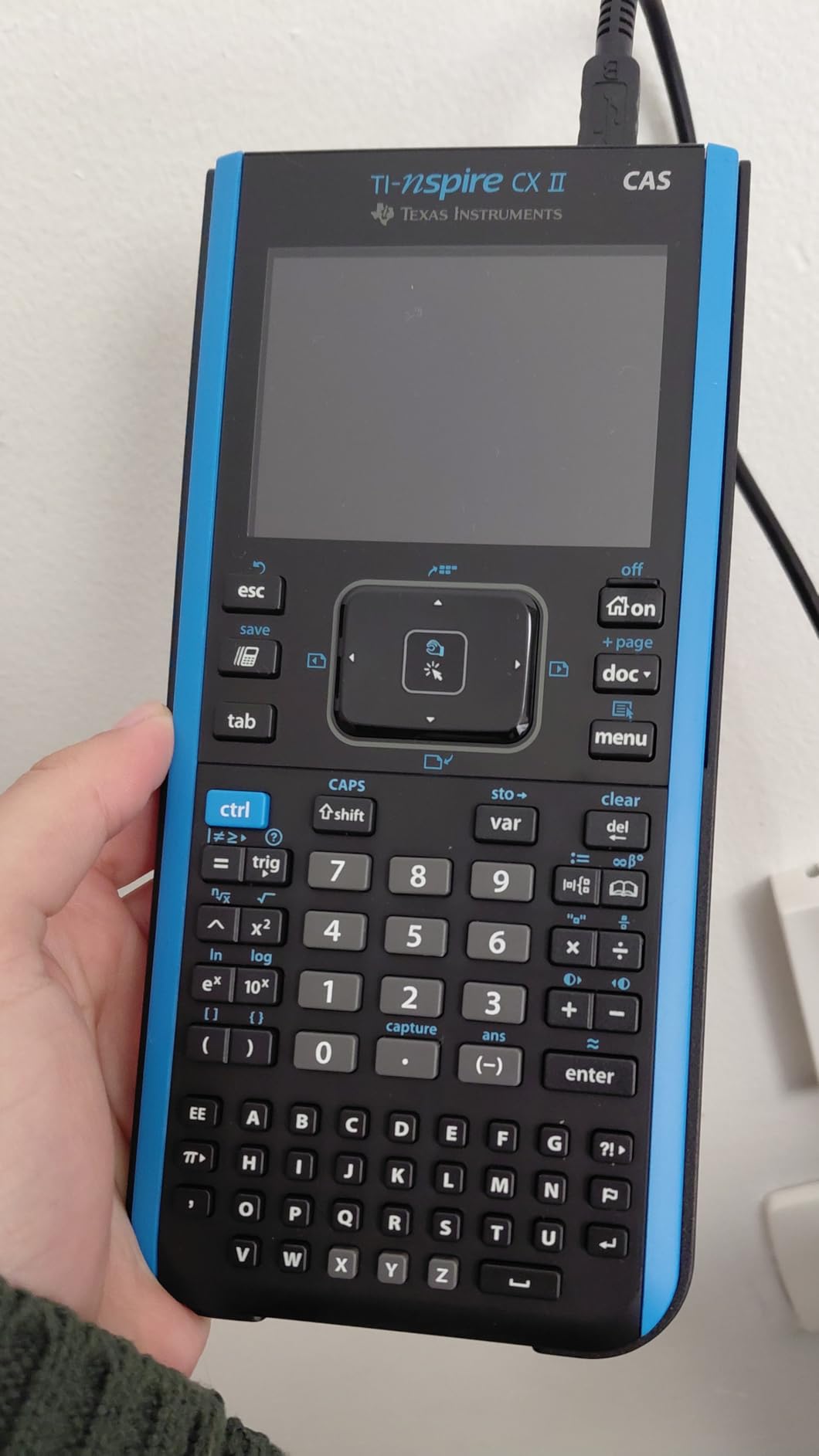
The TI-Nspire CX II CAS is the first model in this roundup that feels like a piece of software you carry. Everything you do lives in a document that autosaves, so a week of problem sets is a single file you can scroll through, search and hand back to your teacher. In multivariable calculus and linear algebra, that structure saved our test group more time than the CAS itself.
The CAS engine is genuinely strong. It handles improper integrals, indefinite and double integrals, differential equation systems, 3D graphing and matrix work, and it returns exact symbolic answers rather than decimals. The 3.5 inch color screen at 320 by 240 pixels is larger than the TI-84’s, and the touchpad lets you pan and trace directly on the graph with split-screen table and graph views.
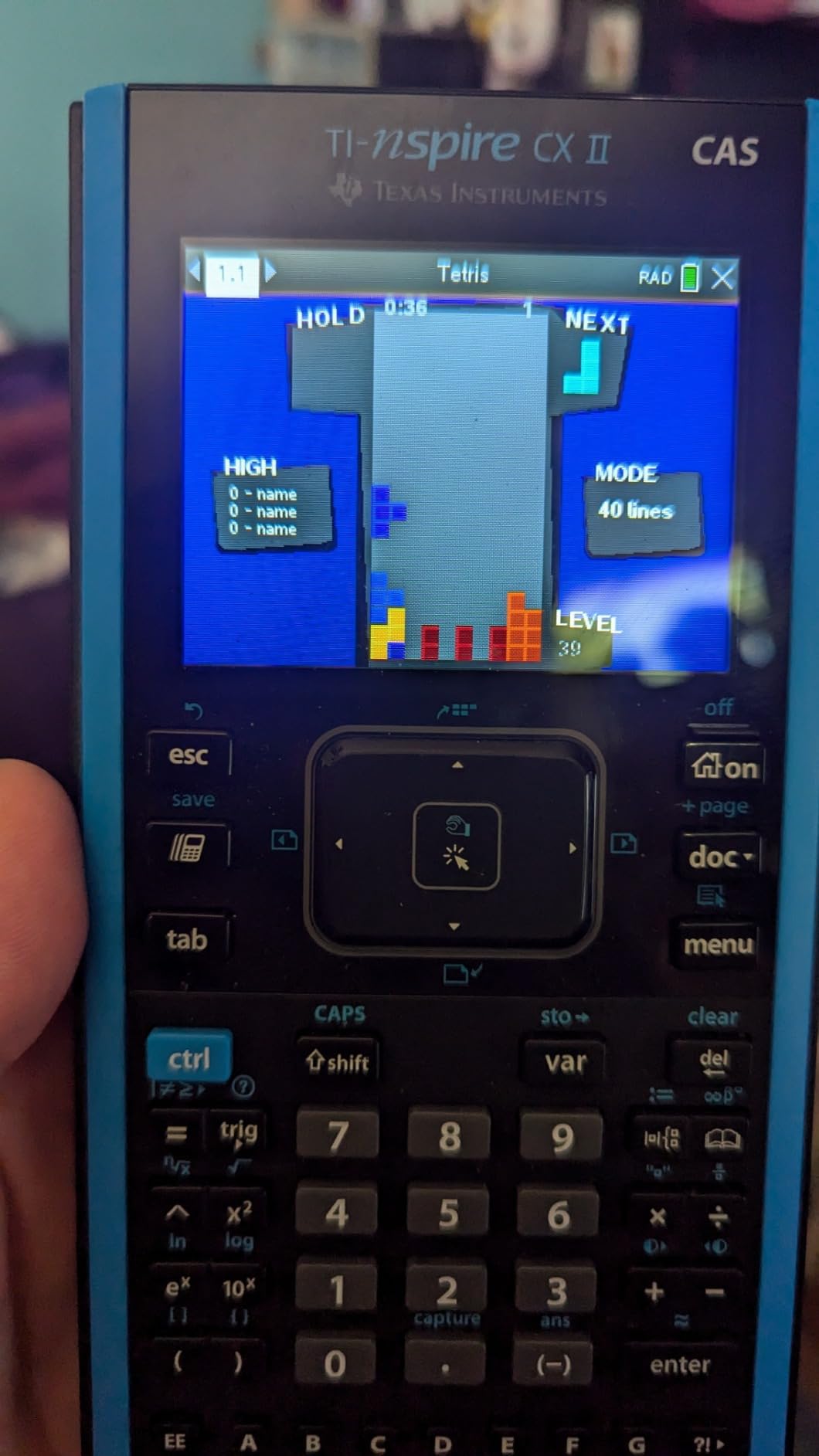
Owners consistently rate build quality and accuracy highly, and the 4.7 average across 9,433 reviews reflects a satisfied, long-tenured user base. The rechargeable battery is rated at up to two weeks per charge, which meant none of our test students charged it more than once a fortnight. A PC and Mac student software bundle is included, though the subscription runs one year.
What you give up is exam eligibility. The CAS version is prohibited on most standardized tests and is often not permitted in high school classrooms at all, so for a high school student it is the wrong machine entirely. Forum members regularly name the Nspire CAS as one of the two strongest general-purpose choices, but they are talking about college and engineering coursework.
When a CAS unit is worth the exam trade-off
Buy this if you are already past the standardized testing stage and heading into multivariable calculus, differential equations, linear algebra or any course where symbolic form matters. Exact answers let you check work the way a solution manual writes it, which matters when partial credit depends on method.
It is also the pick for anyone who wants one device that does homework and documents. The document model replaces the clipboard-plus-scratchpaper workflow that every other model in this list forces on you.
When to skip it
If you are in high school, or if you still have SAT, ACT, PSAT or AP exams ahead of you, this model is either prohibited or a poor fit. Reviewers make the same point, cautioning that the CAS version is too powerful for high school work in addition to being barred.
The bundled desktop software is a one-year subscription and does not support Chrome OS, and the processor can feel sluggish for the money once you are manipulating large documents with many graphs. The on-device Lua programming language also adds a second learning curve on top of the interface itself.
3. Casio Prizm FX-CG50 – The Fastest Non-CAS Unit We Tested
Casio Prizm FX-CG50 Color Graphing Calculator
3.17 inch color LCD
3D graphing
MicroPython
12.8 oz
Pros
- 116 MHz processor runs 2 to 8 times faster than a TI-84 Plus CE
- 65000 color display with five brightness levels
- Free CAS add-on for symbolic solving
- Approved for AP SAT ACT and IB
Cons
- Bulkier than the TI-84 and needs an oversized case
- Menus take more keystrokes than TI
- No CAS until you download one
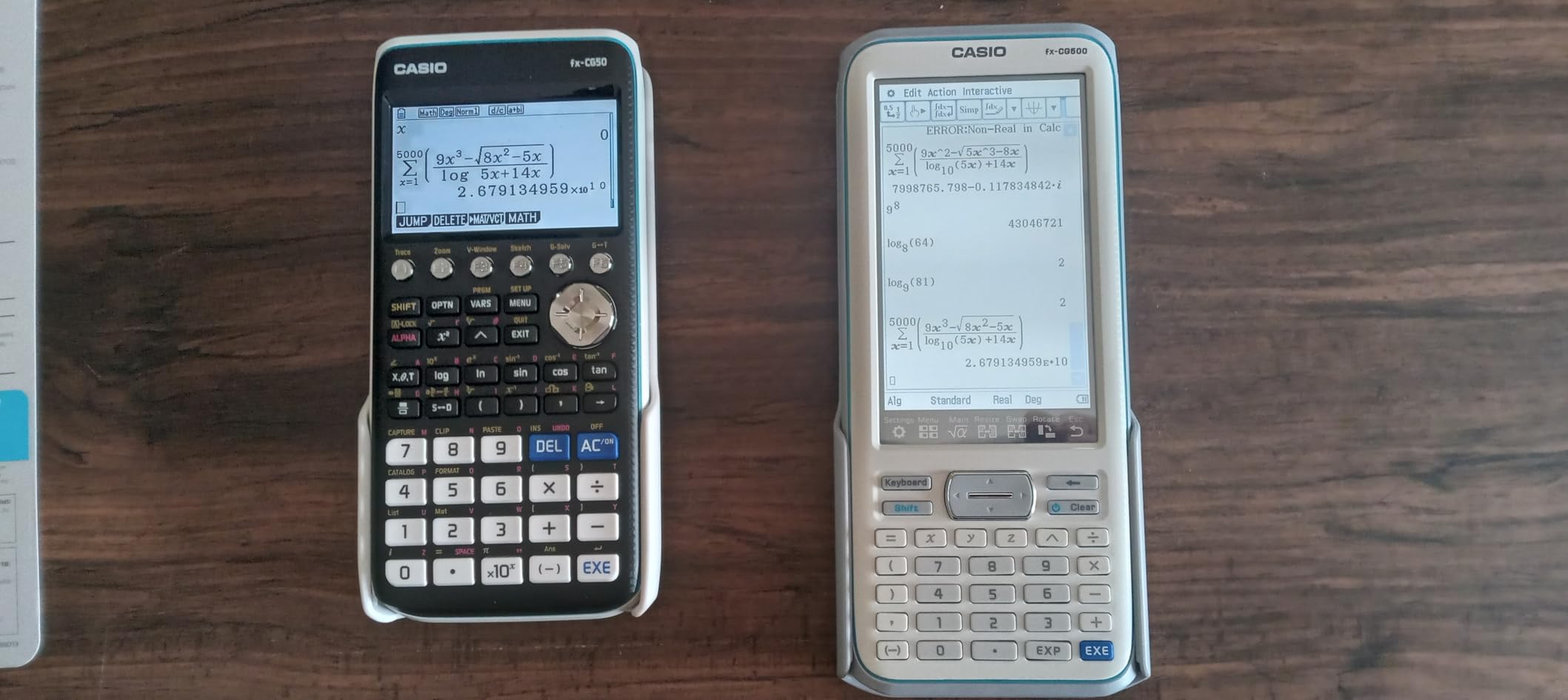
The Prizm FX-CG50 is the most satisfying unit to use once you stop comparing it to a TI-84. A 116 MHz processor handles graphing and menu operations several times faster than the competition, and that speed shows up in every graph trace and every numeric solve. It carries the highest rating in our set at 4.8 across 4,059 reviews, and reviewers repeatedly call it underrated.
The display is a genuine step up in color work. More than 65,000 colors render, the backlight adjusts across five brightness levels for dim classrooms, and you can plot up to three 3D functions at once, which covers spheres, cylinders and planes. Natural Textbook Display shows expressions exactly as printed, and you choose between exact and decimal answers with one keypress.

Two extras make this a serious value. MicroPython runs on the calculator itself, so programming assignments happen on the device with no laptop in the loop, and a free downloadable CAS add-on delivers symbolic solving, simplification and differentiation for students who want to explore beyond the exam rules. Casio also includes a protective hard case, USB cable and quick start guide in the box.
The trade-offs are ergonomic. At 12.8 ounces and 7.42 by 3.5 inches, it is bulkier than the TI-84 and needs a larger calculator sleeve, and Casio’s menu navigation costs more keystrokes than TI’s for anything outside the home screen. A few owners also report that apps can be deleted by accident, which matters if you have built up a useful app library.
Why it rates highest in our testing
Speed and color are the two things students notice daily, and this unit wins both. If your course load includes 3D geometry, multivariable preview work or heavy statistics, the processor headroom keeps the interface responsive where a TI-84 would pause.
It is approved for AP, SAT, ACT and IB exams, so it carries no exam disadvantage. Several reviewers frame it as better value than a TI-84 Plus CE for exactly that reason: same coursework, faster chip, more capable screen, lower outlay.
Where it frustrates people
There is no CAS in the box, and the downloadable add-on takes setup that some students never complete. If a course requires symbolic work on paper, that gap matters.
Menu depth is the other recurring complaint. Experienced educators rate the Prizm below the TI-84 Plus CE on usability even while conceding it can do everything an 84 can. The built-in BASIC-like programming language is also considered weak, though MicroPython largely compensates. Some schools have not adopted Casio, which limits peer help when something goes wrong.
4. Casio fx-9750GIII – The Best Value That Handles Calculus
Casio fx-9750GIII Graphing Calculator, Python Programming, Pink
Monochrome LCD
MicroPython
4 AAA batteries
6.6 by 3.25 inches
Pros
- Covers the same coursework as a TI-84 Plus CE for far less
- Home screen returns exact fractions and radicals
- MicroPython plus USB file transfer
- Approved for AP SAT ACT and IB
Cons
- Low-resolution monochrome screen
- Table of values range is buried in menus
- Graphing performance is slow with poor resolution
The fx-9750GIII is the answer for a student who needs to pass AP Calculus without spending TI-84 money. It supports everything from pre-algebra through AP Statistics, including vectors, probability distributions, spreadsheets, integrals and eActivities, and it is approved for the same exams as the models above. Reviewers note it costs roughly half of a TI-84 Plus CE while handling the same coursework.
What surprised us most was the home screen. It returns exact values, so simplified fractions, radicals and special trigonometric ratios appear as exact results rather than decimals, and one button switches between exact and approximate. That is a real advantage in a course where the instructor wants exact form. MicroPython runs on the device, and USB file transfer to a PC is included for moving programs.
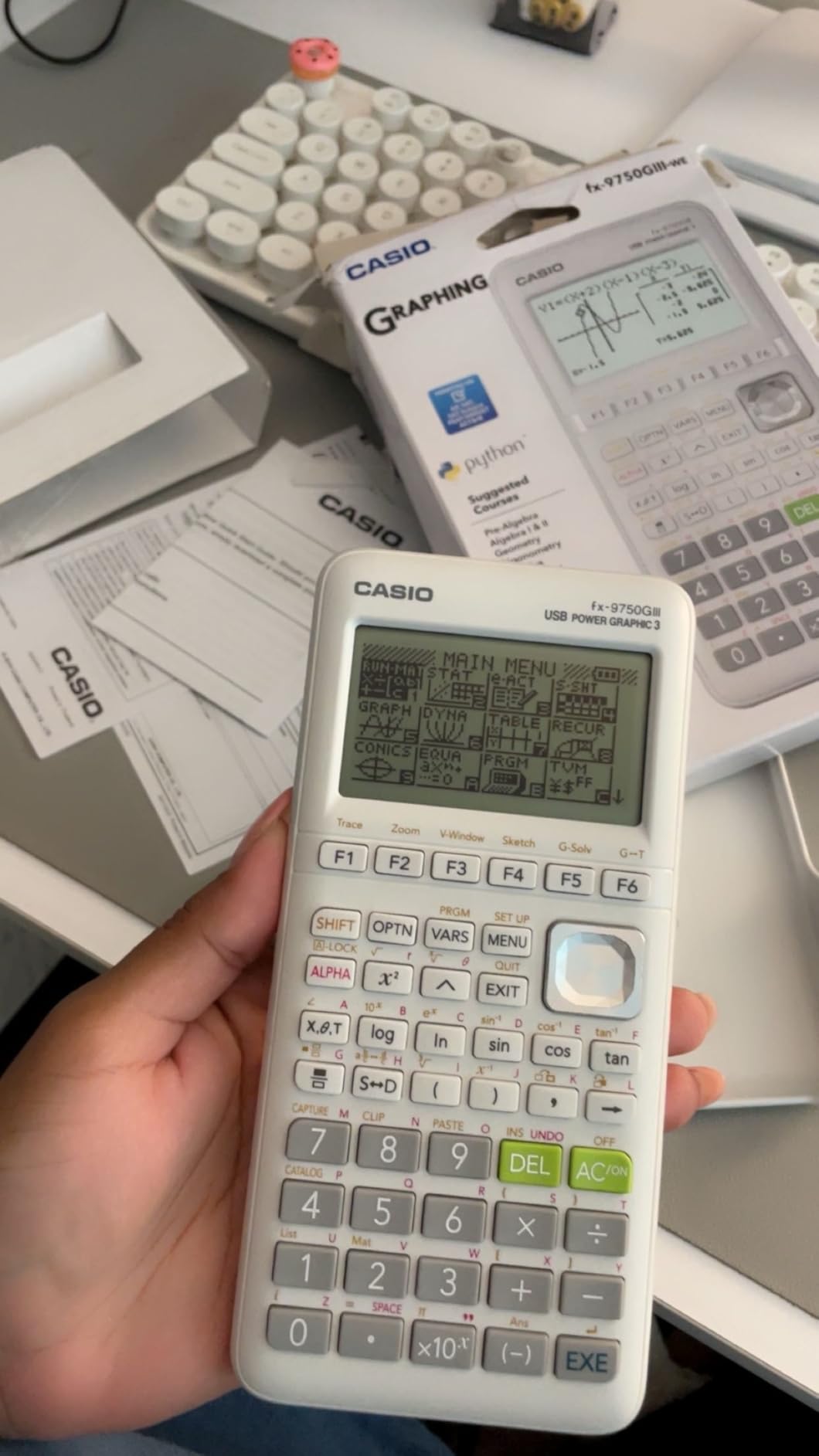
Build quality holds up better than the specification suggests. Keys are large and well spaced with good action, and the plastic body is light and durable enough for daily bag abuse. A 4.7 average across 3,600 reviews reflects that owners like the machine rather than merely tolerating it.
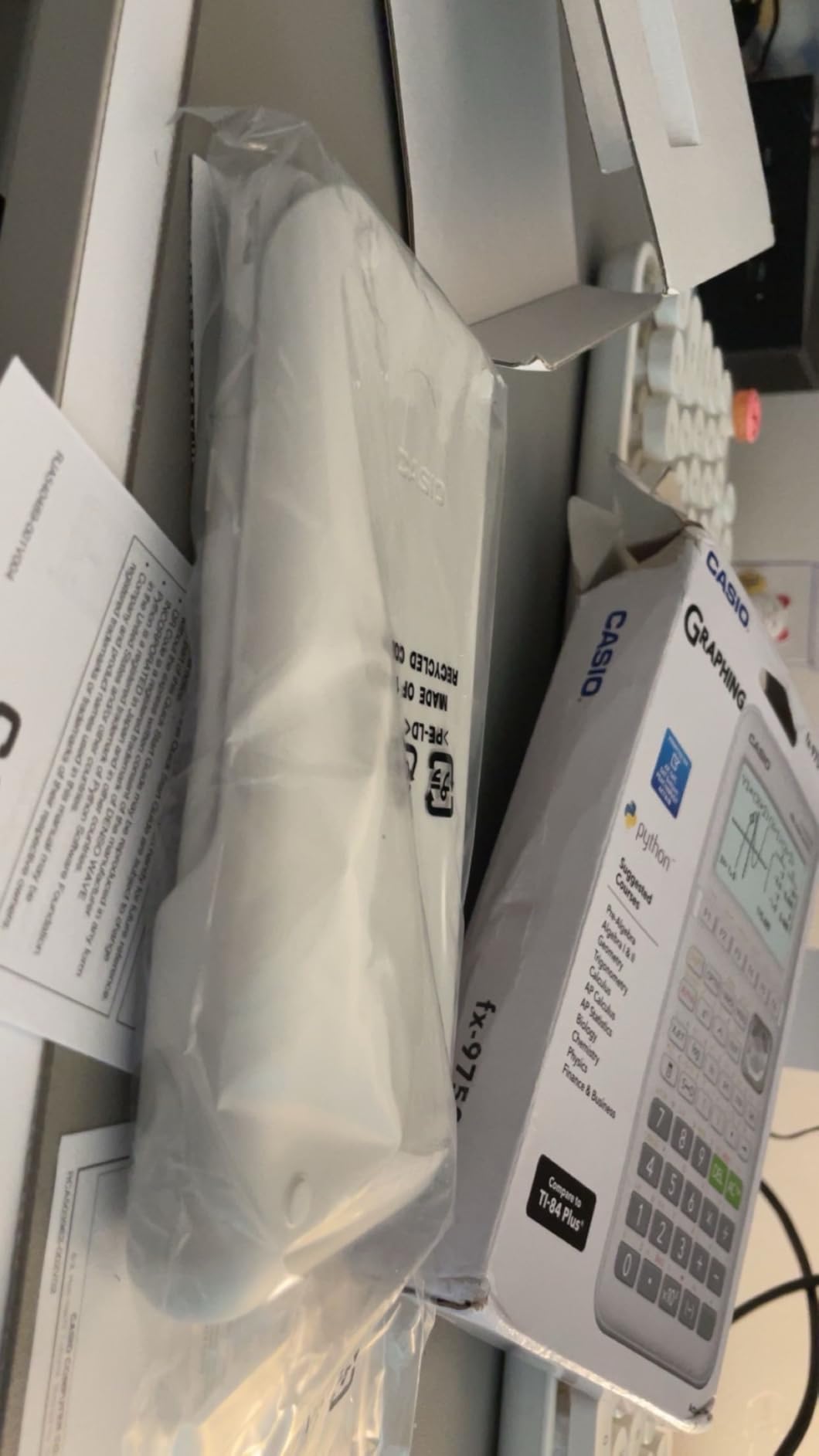
There is a free CAS add-on for symbolic solving, simplification and differentiation if you want to push past the exam rules. One practical note from owners: check the contents carefully, because a number of fx-9750GIII examples arrive without the USB cable that the listing describes.
Who should buy the budget option
Buy it if cost is the deciding factor and your syllabus tops out at AP Calculus or AP Statistics. Every exam in the standard set accepts it, and the exact-value home screen is something more expensive models do not consistently give you.
Forum threads asking for the cheapest graphing calculator suitable for a calculus course almost always land on this model for a reason. It does the job, and it does not ask you to learn a new interface at the same time.
Where the trade-offs bite
The monochrome screen is low resolution, and graphing performance is described as slow with visible pixelation. If your coursework leans on 3D visualization or color-coded graphs, this is the wrong screen.
The table of values function generates over a fixed range that can only be changed by digging back through menu settings, which is a frequent source of lost time in stats work. Menu navigation is clunky compared with TI, and vector support is limited enough to be a problem in physics courses. There is no built-in CAS.
5. HP Prime – The Most Capable Handheld With a Touchscreen
HP Prime Graphing Calculator – Multi-Touch 3.5″ Color Display (HP)
3.5 inch multi-touch color LCD
Built-in CAS
8 oz
Single CR2032 cell
Pros
- Around 500 MHz processor makes 3D graphing instant
- Multi-touch screen with pinch-zoom and 3D rotation
- Built-in CAS with matrix math and RPN mode
- Brushed metal faceplate and crisp keys
Cons
- Error messages are vague
- Manual is long and no printed copy
- Rare resets can wipe variables and programs
The HP Prime is the only model in this roundup that is genuinely faster than the Casio, and the gap is visible. A processor running around 500 MHz makes 3D graphing, heavy algebra and matrix operations effectively instant, and the multi-touch 3.5 inch color screen supports pinch-zoom, finger panning and direct rotation of 3D plots. Owners with engineering backgrounds describe it as a handheld version of a full computer algebra package, and after a month of use that comparison held up.
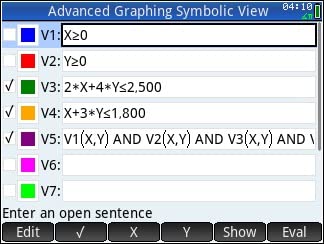
The built-in CAS is not an add-on here. It handles symbolic algebra, indefinite integrals, differential equations and complex matrix math natively, and you can switch between symbolic, graphical and numerical views with dedicated keys. A long list of apps covers algebra, calculus, statistics, geometry, finance and spreadsheets, and RPN input mode is there for users who want it.
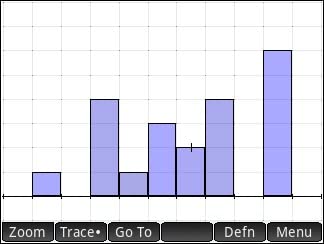
Build quality is a genuine strength. The brushed metal faceplate and crisp tactile keys feel more substantial than the plastic housings on every other model here, and at 8 ounces it is lighter than the Nspire. Exam mode satisfies many university placement test policies, and a free PC and smartphone emulator mirrors the device for practice at a desk.
Long-term support is quietly the most underrated thing about this machine. Forum discussion notes that the Prime shipped in 2013 and still receives support years later, while other brands push you toward new hardware. For anyone who plans to keep a calculator past graduation, that longevity has real value.
Where the Prime outperforms the field
Any workload involving matrices, 3D rotation or heavy symbolic manipulation. If you are in engineering, physics, or a math program that reaches differential equations, the built-in CAS plus the speed is hard to match at this size.
The touchscreen is a real advantage for 3D work specifically. Pinching and rotating a surface is something no keypad model in this list can do, and the HP keyboard still covers everything else quickly for those who prefer typing.
What to watch out for
Error reporting is the most common complaint and a real learning obstacle. Mistyped commands simply fail without explanation, so a beginner will stall more often here than on a Casio or TI, where messages are at least occasionally explicit.
Documentation is another friction point. The manual runs several hundred pages with no printed copy, and the shorter quick-start guide leaves out a lot. Reviewers also report occasional random resets that wipe variables and programs, so keep backups if you are running anything long. The rechargeable pack lasts less than a day or two of heavy use, the screen visibility drops at shallow angles, and the port is still micro-USB rather than USB-C.
6. Casio fx-CG500 – The Big Screen With CAS in the Box
Casio fx-CG500 Graphing Calculator, Touchscreen with Stylus
4.8 inch stylus touchscreen
Built-in CAS
Hard case included
Pros
- Largest display in the roundup at 4.8 inches
- CAS built in with no download
- Drag-and-drop between graphs tables and equations
- Stylus and hard case in the box
Cons
- Bulky 11.14 by 7.21 inch footprint
- Not widely adopted by schools
- Small user base of 507 reviews
- Uses four AAA batteries
The fx-CG500 is the only unit here with a display you can realistically read a full derivation on, and the included stylus makes that screen useful rather than decorative. At 4.8 inches it is more than 70 percent larger by diagonal than a TI-84 Plus CE screen, and owners working through multivariable and 3D problems cite that legibility as the reason they stay with it.
Unlike the other Casio models, the CAS is built into the box. It solves algebraic expressions symbolically with no download and no setup, which removes the single biggest stumbling block for students who want to explore symbolic math outside exam rules. Drag-and-drop moves data between graphs, tables and equations, which turns a multi-step graphing problem into a visual sequence rather than a series of menu operations. Natural Textbook Display mirrors textbook notation exactly.
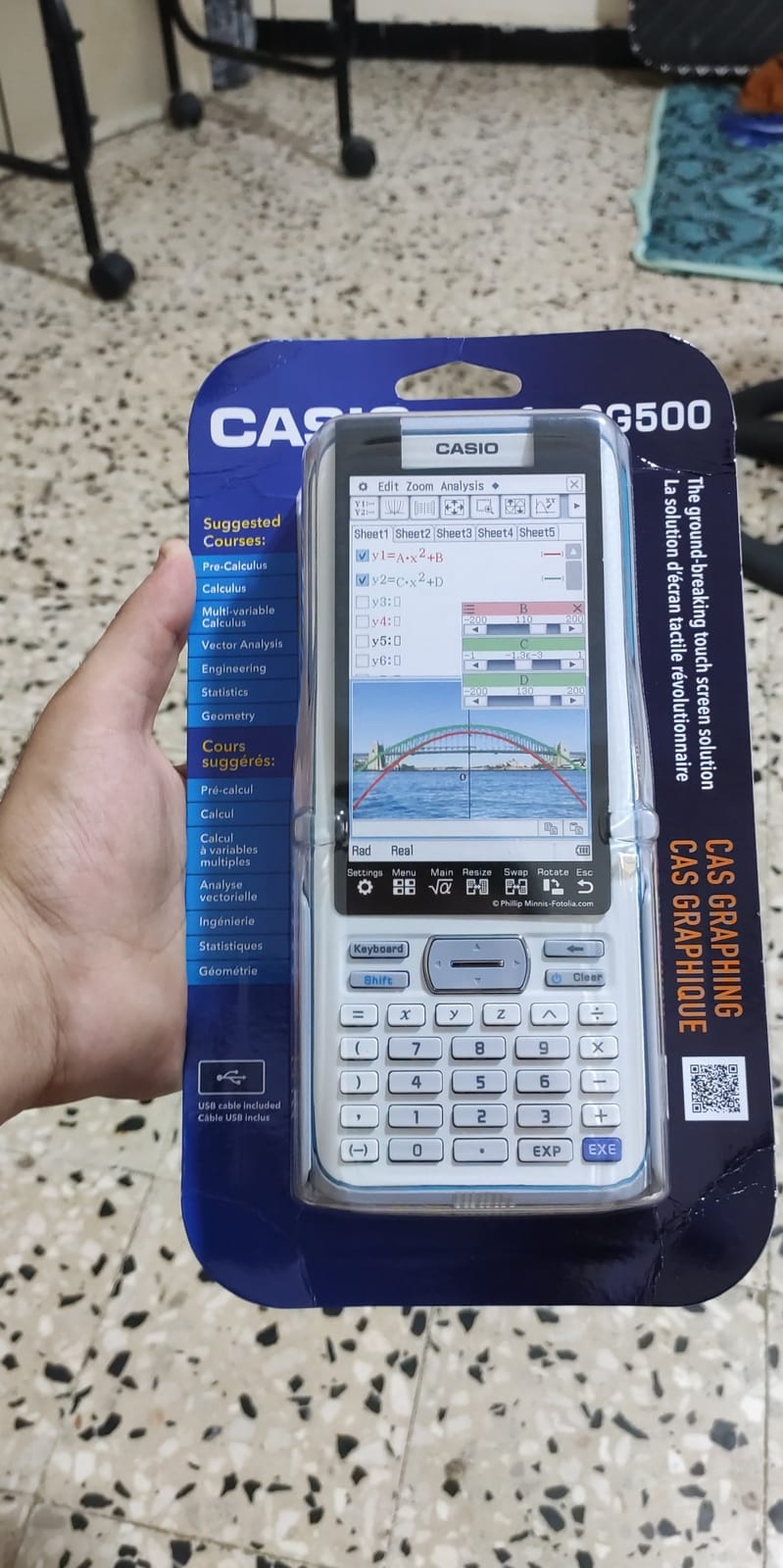
The box contents are unusually generous. You get a protective hard case, a USB cable, a quick start guide and the stylus, so nothing needs a second purchase. A 4.6 average on 507 reviews reflects a small but very satisfied user base, with 80 percent five-star ratings.
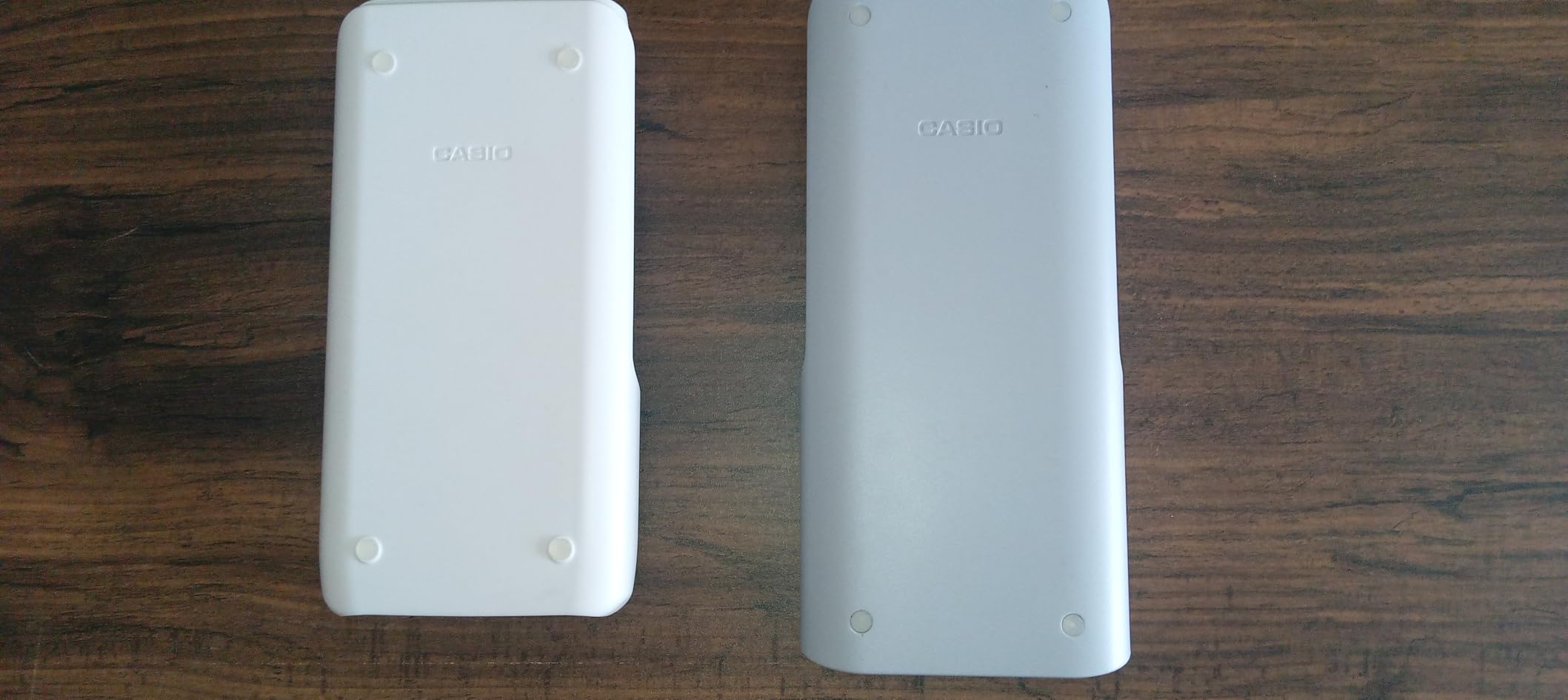
The size is the obvious problem. At 11.14 by 7.21 inches, this is not a calculator that disappears into a pencil case. It is a desk device, and students who carry a bag all day will feel that footprint every time they pack up.
Who the big screen is for
Students working at a desk rather than between classes, particularly in multivariable calculus, engineering or any course where reading a complicated expression off a small screen causes errors. A stylus-driven canvas also suits anyone who thinks in diagrams rather than equations.
Reviewers consistently rate the screen and the included CAS as the reason to buy. Nothing else in this roundup combines both, which is a genuine gap the model fills.
Why it is not the default recommendation
Portability, mostly. The bulk is not a minor difference; it changes what you can carry, and a calculator that lives in a backpack is the reason most students own one at all.
Adoption is the second limitation. It is not widely used by schools or instructors, so there are fewer community tutorials and fewer classmates to ask when something goes wrong. The 507-review base also means less long-term user evidence than the other six models, and four disposable AAA batteries is a step back from a rechargeable cell.
7. Texas Instruments TI-89 Titanium – Still the Engineering Standard
Texas Instrument Ti 89 Titanium Programmable Graphing Calculator
Monochrome LCD
Built-in CAS
Titanium case
4 AAA batteries
Pros
- Symbolic solving and 10 by 10 matrix work
- Programmable in assembly for the Motorola 68000
- Longstanding standard in engineering programs
- Durable enough to last from high school to college
Cons
- Dated and unintuitive interface
- PC connectivity software is painful on modern Windows
- Heavy at 15.84 ounces
- Not approved for most current exams
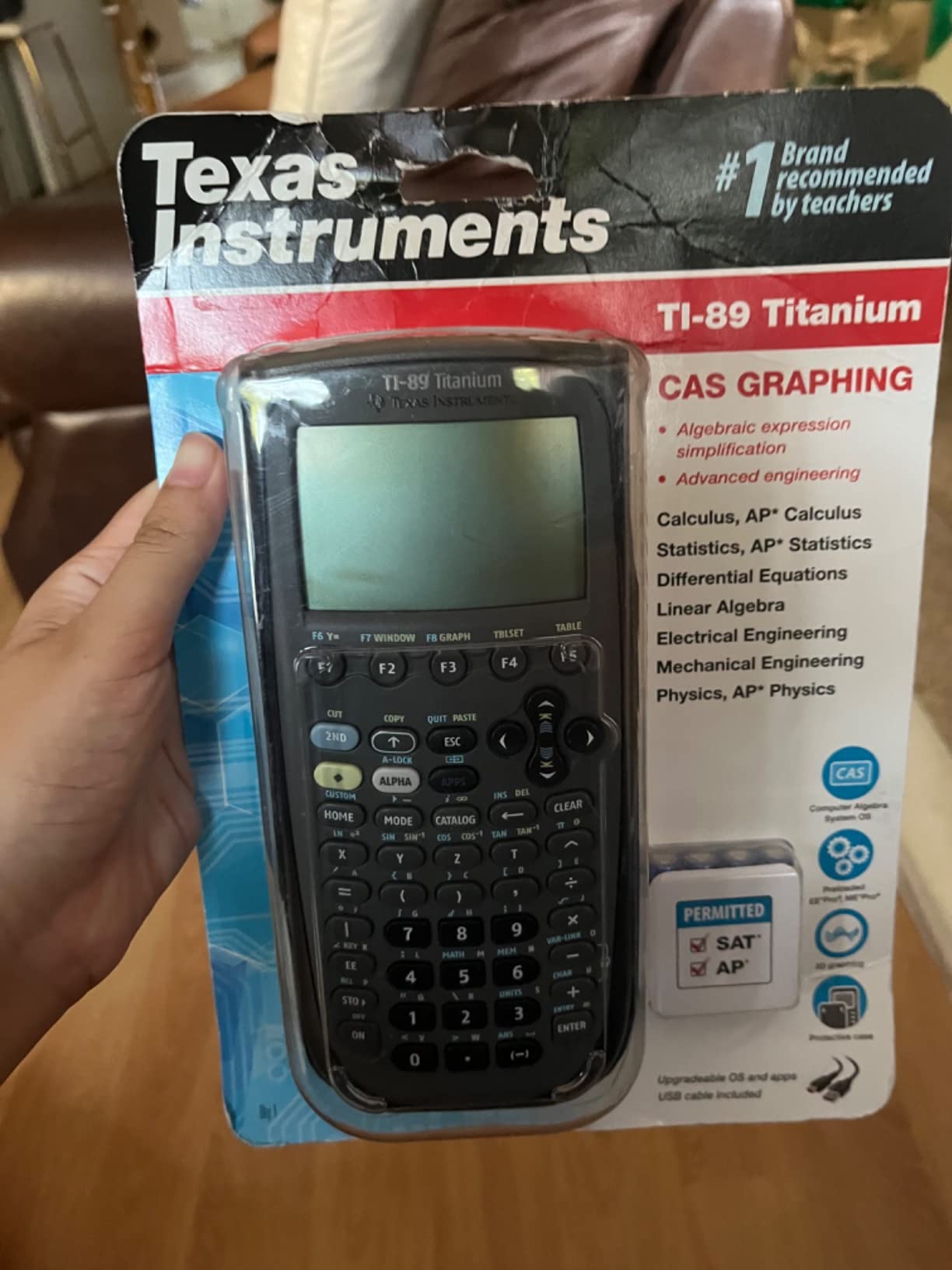
The TI-89 Titanium is the oldest model here and still earns a place for one specific reason: it is the calculator your engineering department already assumes you own. Mechanical and electrical engineering programs have used it for two decades, and in many classrooms it remains the majority device. Owners describe it as a handheld real computer, and at 4.5 stars across 355 reviews that enthusiasm is genuine even if the audience is narrow.
The CAS handles symbolic solving, and 10 by 10 matrix operations cover control systems and linear algebra coursework without complaint. It can be programmed directly in assembly for the Motorola 68000 architecture as well as in the standard calculator languages, which retro-computing enthusiasts treat as a feature rather than a quirk. The titanium case is the most rugged in this roundup.
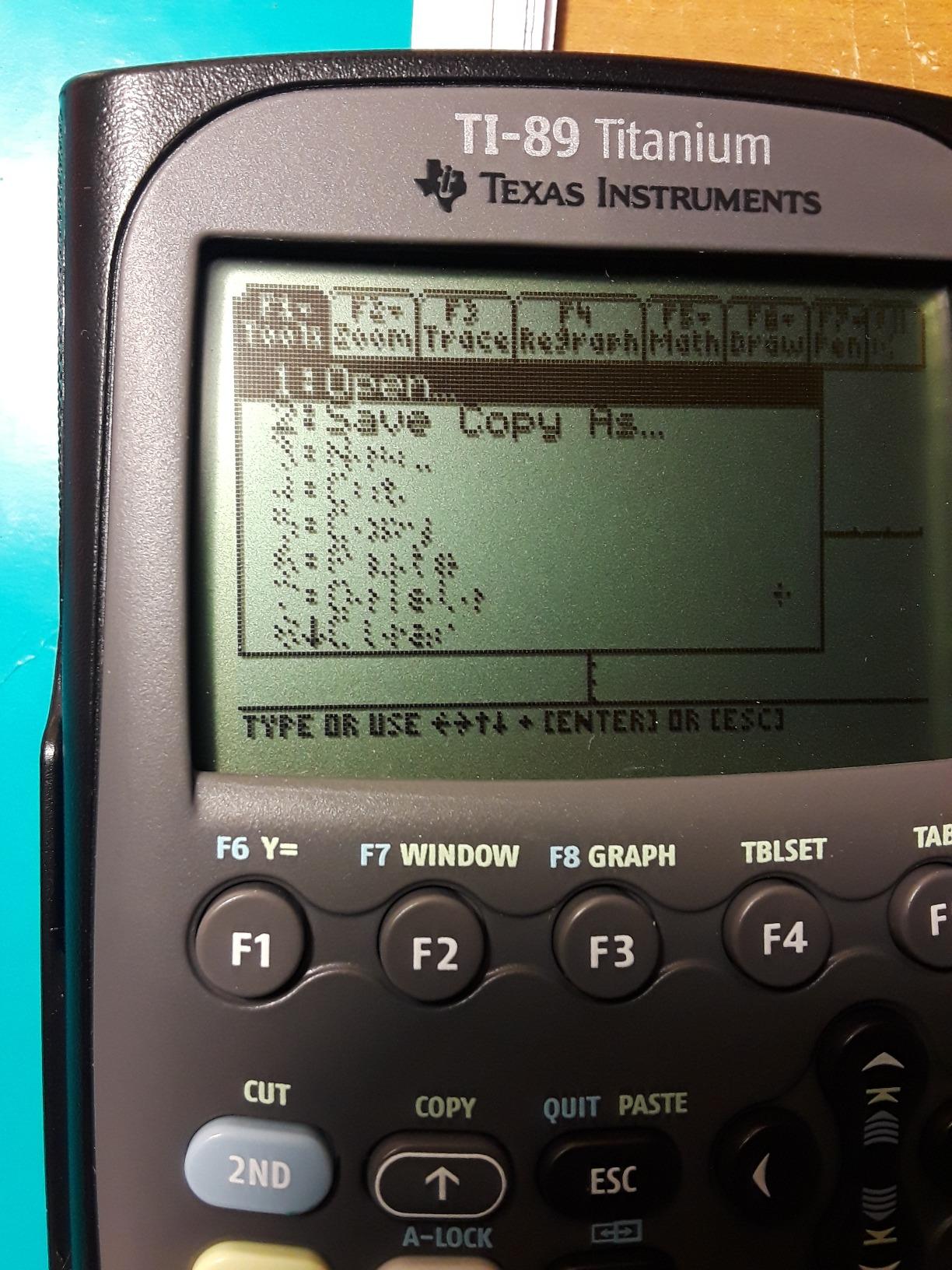
Durability is a genuine strength. A student who buys one in high school can plausibly still be using it in college, which changes the cost-per-year math entirely. Reviewers consistently report units holding up through that whole span without issue.
That longevity is offset by age in every other dimension. The interface is dated and many reviewers find it unintuitive, the manual-driven programming curve is steep, and the computer connectivity is a genuine headache because the TI-89 drivers and TI Connect software install poorly on current Windows systems.
Why engineers still choose it
Course familiarity beats features in a lot of engineering programs. If your professors, your study groups and your textbook exercises are all written around the TI-89, learning a different machine costs you time you do not have in a technical program.
The assembly-level programmability also has no equivalent here. For anyone writing low-level routines or working with the Motorola 68000, nothing else on this list gets close.
When the age actually costs you
Connectivity and interface. The dated driver software is a real time sink, and the interface rewards patience that most students no longer have. There is also no color screen, so 3D work is limited.
At 15.84 ounces it is the heaviest model in the roundup and the bulkiest relative to its screen. It is not approved for most current standardized tests, and owners report that examples frequently arrive used and without a cable or case, so check the listing carefully before committing.
How to Choose a Graphing Calculator in 2026
Work through these five checks in order, because getting the order wrong is how people buy a beautiful machine that is banned on the day they need it.
1. Confirm exam approval first. This is the single biggest deal-breaker in this category, and it is not negotiable. The SAT, ACT and PSAT accept a long approved list of non-CAS models, which includes the TI-84 Plus CE, the Casio Prizm FX-CG50 and the fx-9750GIII. AP Calculus, AP Statistics and the IB diploma programme accept those same models. What gets banned is computer algebra capability and stored-memory features, which rules out every CAS unit in this roundup, including the TI-Nspire CX II CAS, the HP Prime, the TI-89 Titanium and the fx-CG500. This is why the TI-89 is barred from the ACT: a CAS machine can solve a problem the exam expects you to work through by hand. Confirm your specific course list before anything else, because some professors allow more than the exam board does.
2. Decide whether you need CAS. A computer algebra system returns exact symbolic answers and handles multivariable and matrix work. If you are in high school or sitting standardized tests, you do not need one and in several cases cannot use one. If you are past that stage and heading into multivariable calculus, differential equations, linear algebra or engineering, a CAS is worth the restriction.
3. Consider the screen honestly. A color display matters if you overlay several functions, read multi-step results or work in 3D. It matters much less if you are solving equations and checking answers, which is why the monochrome fx-9750GIII remains a legitimate calculus machine. Screen visibility in dim classrooms is worth testing if your school is older.
4. Check the power source. Rechargeable cells, as on the TI-84 Plus CE and the TI-Nspire CX II CAS, mean you stop thinking about batteries. Models that run on AAA or coin cells are cheaper to replace but need regular attention, and the HP Prime’s rechargeable pack is reported to last under a couple of days of heavy use.
5. Check the interface before the semester starts. The most common regret we found was not hardware related; it was a menu system nobody had tried. Ask to hold the machine, enter an equation and trace a graph. Owners value a familiar interface more than almost any spec, and switching cost is a genuine barrier once you have learned one model. Forum threads show plenty of students doing graphing work in Desmos on a laptop, which is fine for coursework but does not help when an exam requires a physical approved device.
One more honest note. If you are comparing numbers, remember how a calculator behaves rather than what it lists for. Our guide to why a calculator’s prediction does not always match a real-world result makes the same point in a different context: the model is only as good as its assumptions and calibration.
Why the TI-84 Costs What It Costs
The most common question in this category is why a pocket calculator built from commodity parts carries such a premium over a functionally similar Casio. Three forces explain most of it.
Exam approval is the first. Texas Instruments is one of a very small number of manufacturers whose models sit on the approved list for the SAT, ACT, PSAT, AP and IB exams. That list is the anchor of the entire market, and the companies on it have pricing power as a direct result. The fx-9750GIII exists partly because Casio wanted a competitive position in the same approved category.
Installed base is the second. A very large share of high school students already own a TI-84, and the whole tutorial ecosystem, classroom norm and secondhand market is built around it. Forum consensus treats a working TI-84 as a reason not to buy anything, which conveniently keeps demand steady.
Support longevity is the third, and it is the one buyers underweight. Users consistently raise long-term firmware and hardware support as a buying criterion, and a calculator that is still supported in a decade is worth more than a cheaper unit abandoned after three. Whether the premium is worth it is a fair question, and the honest answer is that for a student who needs exam approval and expects to keep the device for four years, the total cost of ownership is not unreasonable. For a student buying a second calculator for a single course, it is.
Frequently Asked Questions
What is the best graphing calculator?
The TI-84 Plus CE is the best graphing calculator for most students, because it pairs a color screen with approval for the SAT, ACT, PSAT, AP and IB exams. The Casio Prizm FX-CG50 is the fastest non-CAS alternative, and the TI-Nspire CX II CAS or HP Prime suit students heading into college-level symbolic math.
Which TI-84 graphing calculator is considered the best?
The TI-84 Plus CE is the current-generation TI-84 and the one to buy. It has a high-resolution color backlit screen, MathPrint textbook notation and a rechargeable battery that lasts about a month of daily use. The older TI-83 Plus and Plus Silver Edition remain capable but have monochrome screens and less headroom for programming.
Which Casio graphing calculator is considered the best?
The Casio Prizm FX-CG50 is the best Casio overall, with a 65,000 color display, 3D graphing, MicroPython and a 116 MHz processor that is several times faster than a TI-84 Plus CE. The fx-9750GIII is the budget pick, covering the same coursework through AP Statistics on a monochrome screen for roughly half the outlay.
Is TI-84 better than Casio?
The TI-84 Plus CE wins on interface familiarity, classroom adoption and ecosystem, which matters most during exams. The Casio Prizm FX-CG50 wins on processor speed, color quality, 3D graphing and value. Most owners of either say you can do the same work on both, so the decision is about comfort and support rather than capability.
Is the TI-84 or the TI-89 better?
The TI-84 Plus CE is the right choice for high school, AP and IB exams and for anything requiring exam approval. The TI-89 Titanium is the better machine for college engineering and mathematics coursework because of its CAS, matrix handling and programmability, but it is barred from most standardized tests and has a dated interface.
Is the TI-84 outdated?
The TI-84 Plus CE is not obsolete. It received new hardware in recent years with a rechargeable battery and color screen, and it remains on the approved list for the SAT, ACT, PSAT, AP and IB exams. The valid criticisms are the menu learning curve and the lack of a CAS, not age itself. Students who want a more modern interface often prefer the Casio Prizm FX-CG50 or the HP Prime.
What is the difference between a CAS and non-CAS calculator?
A non-CAS calculator only returns numerical or exact numeric results, which is why exams allow it. A CAS, or computer algebra system, manipulates expressions symbolically and can return answers in factored, integral or matrix form. That capability is more powerful for advanced coursework, which is exactly why exams ban it.
Why are TI-84 calculators so expensive?
Three factors drive the price: Texas Instruments models sit on the approved list for the major standardized exams, a very large share of students already own one, and the hardware is supported for many years. For a student buying one device to last four years, that premium is defensible. For a second calculator, it is harder to justify.
The Bottom Line on the Best Graphing Calculators
For most students in 2026, the TI-84 Plus CE is the right buy. It is approved everywhere it needs to be, the color screen makes the hard parts of algebra and calculus visible, and the rechargeable battery means you are not managing batteries in the middle of a term. The Casio Prizm FX-CG50 is the pick if you want more speed, 3D graphing and MicroPython for less money, and the Casio fx-9750GIII is the answer when cost decides it.
Once you are past standardized testing, the picture changes. The TI-Nspire CX II CAS is the strongest all-round college machine, the HP Prime is the fastest and most capable with a built-in CAS, the Casio fx-CG500 wins on screen size, and the TI-89 Titanium remains the engineering default. Whichever one you choose, check your course list for approval rules before you buy, and then keep the thing until it stops earning its place in your bag.