
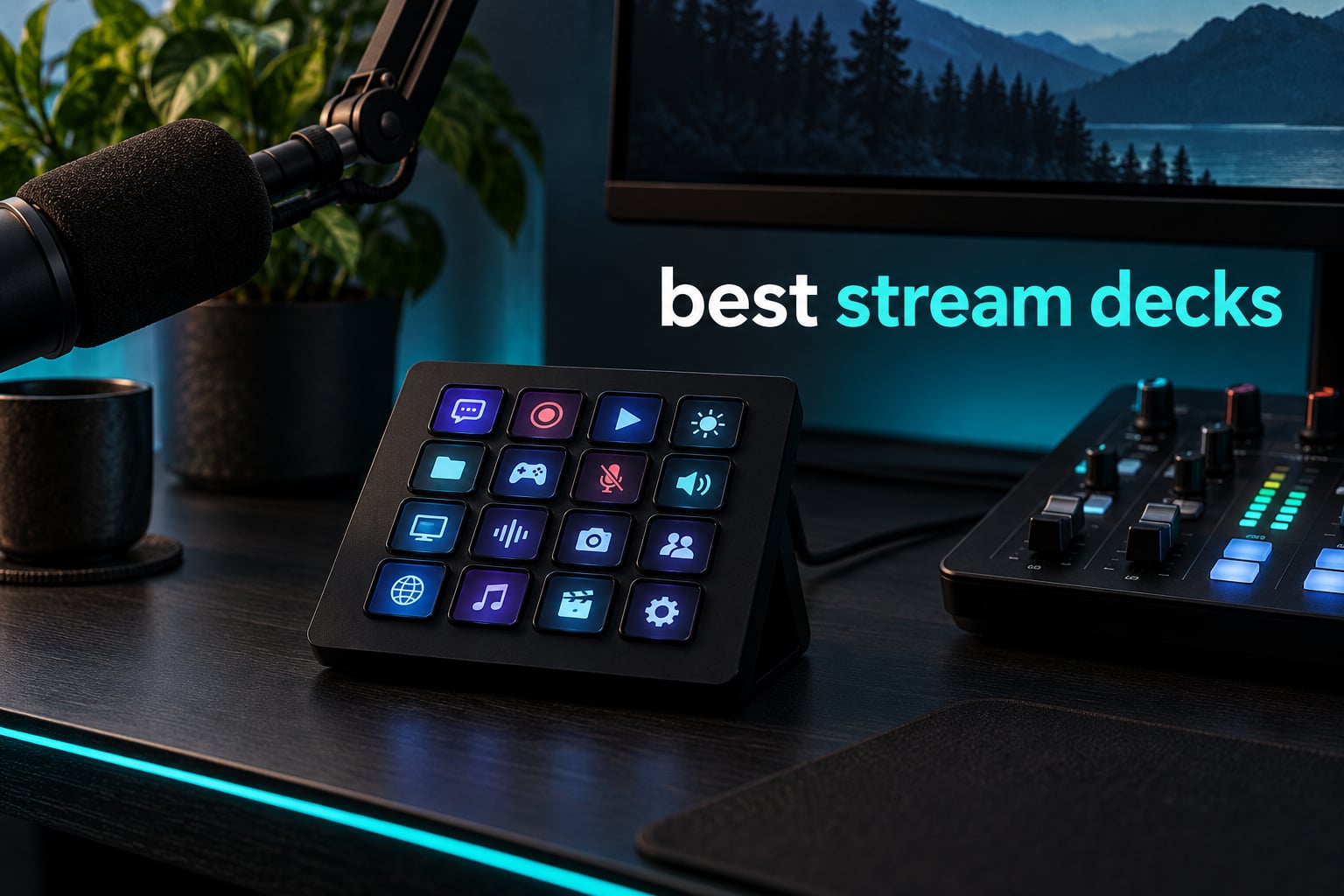
The best stream deck is the Elgato Stream Deck MK.2. Its 15 customizable LCD keys, USB-C connection and the deepest plugin library in this roundup make it the one model that works for a first-time streamer, a video editor and a desk-productivity setup without needing a second device. If you need more keys, step up to the Stream Deck XL; if you want real tactile feedback under your fingers, look at the Scissor Keys version. Everything else in this guide is judged against those three.
A stream deck is a desktop control pad with programmable keys, dials and small displays that fire macros, which are single buttons that chain together several commands at once. Press one and OBS changes scene, mics mute and a sound effect plays, all in one click. You build those actions in the manufacturer’s companion software, and profiles can follow the application you are working in, so the same pad behaves differently in OBS, Premiere Pro or Photoshop.
We spent weeks with ten decks on the same desk, swapping profiles between a live production setup and an editing timeline, rather than reading spec sheets alone. That hands-on time shaped the ranking more than the key counts did. Software reliability, button feel and how quickly a pad becomes muscle memory mattered far more than the headline number of keys.
Two things changed our minds about the usual shortlist. First, Elgato’s tactile Scissor Keys model solves the single complaint that turns people away from the brand, namely rubbery membrane keys. Second, several budget decks now ship with more keys than Elgato’s entry model and add knobs or status panels the flagship does not have. Neither group wins on software depth, so the ranking splits cleanly by what you care about: ecosystem reliability versus hardware per dollar.
Table of Contents
Top 3 Stream Deck Picks in September

Elgato Stream Deck MK.2
- 15 customizable LCD keys
- USB-C connection
- Deepest plugin library
- Swappable faceplates

Elgato Stream Deck XL
- 32 LCD keys in an 8x4 grid
- Magnetic stand included
- Works with Mac and PC
- Scene and camera switching

Stream Deck Scissor Keys
- Tactile scissor switches
- Metal enclosure
- LED-lit icons
- Removable stand
The Best Stream Decks at a Glance
Every deck below does the same core job, so the table compares what actually changes between them: control count, dial or knob hardware, connection type and the environment each one suits. The first three rows are the models we would put on a desk without hesitating. The rest are strong options once you know which hardware feature you are missing.
| Product | Specifications | Action |
|---|---|---|
| Elgato Stream Deck MK.2 |
|
Check Latest Price |
| Elgato Stream Deck XL |
|
Check Latest Price |
| Elgato Stream Deck Scissor Keys |
|
Check Latest Price |
 SOOMFON Studio Control Deck SOOMFON Studio Control Deck |
|
Check Latest Price |
 FIFINE AmpliGame D6 FIFINE AmpliGame D6 |
|
Check Latest Price |
 VSD M18 Macro Pad VSD M18 Macro Pad |
|
Check Latest Price |
 VSD N4 Pro VSD N4 Pro |
|
Check Latest Price |
 ActionRing N3 V3 ActionRing N3 V3 |
|
Check Latest Price |
 Streonor S6 Mini Streonor S6 Mini |
|
Check Latest Price |
 Streonor S15 Streonor S15 |
|
Check Latest Price |
One note on the layout below: a deck with more keys is not automatically a better deck. Fifteen well-labelled keys that you can see at a glance beat thirty-two keys you have to look down at, and a knob only earns its place if you genuinely adjust something continuously.
1. Elgato Stream Deck MK.2 – The Best Stream Deck for Almost Everyone
Elgato Stream Deck MK.2 Studio Controller, 15 Macro Keys
15 LCD keys
USB-C
Mac and PC
2 year warranty
Pros
- Largest owner base and longest-running software support of any deck here
- Deep plugin library covering OBS
- Twitch
- YouTube
- Discord
- Spotify and Philips Hue
- Swappable faceplates let you relabel layouts
- USB-C so one cable fits a laptop or desktop
Cons
- 15 keys can feel tight on large multi-scene setups
- Fixed angle stand offers little adjustment
- No dials for continuous audio or timeline control
The MK.2 is the deck I kept on my desk the longest, and the one I return to when a new release lands. It is a 3 by 5 grid of LCD keys in a black plastic body that weighs 0.15 kg, measures 4.6 by 3.3 by 3 inches and connects over USB-C. Windows 10 and macOS 10.15 Catalina are the stated minimums, so almost any machine you are streaming from will run it.
What separates it from the cheaper pads is not the hardware, it is the software behind it. The plugin library reaches OBS, Twitch, YouTube, Discord, Spotify and Philips Hue out of the box, and hotkey actions extend into film editing, music production and photography. That breadth is why it is the model most owners keep and recommend years after buying.
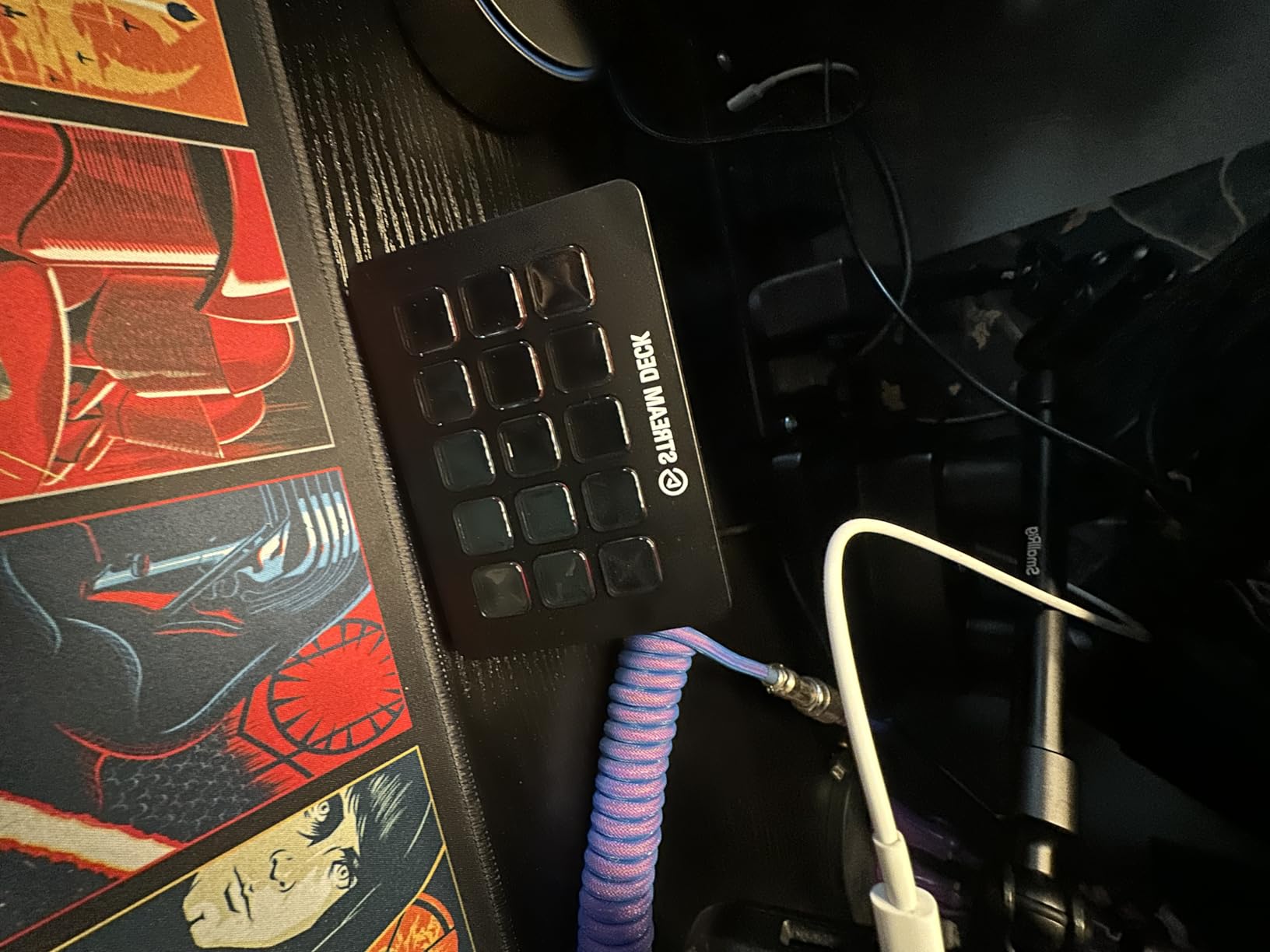
Ten thousand owners have rated it, and the pattern in that feedback is consistent: the LCD keys are crisp, commands register on the first press and the visual feedback confirms an action fired. In practice that means a scene switch happens before the chat notices, which is exactly what you want when a raid lands mid-show.
The box includes the deck, a desktop stand, a USB-C cable and a quick start guide, with a 2 year manufacturer warranty behind it. The enclosure is plastic, which is the one place the deck feels ordinary next to the metal-bodied Scissor Keys model.
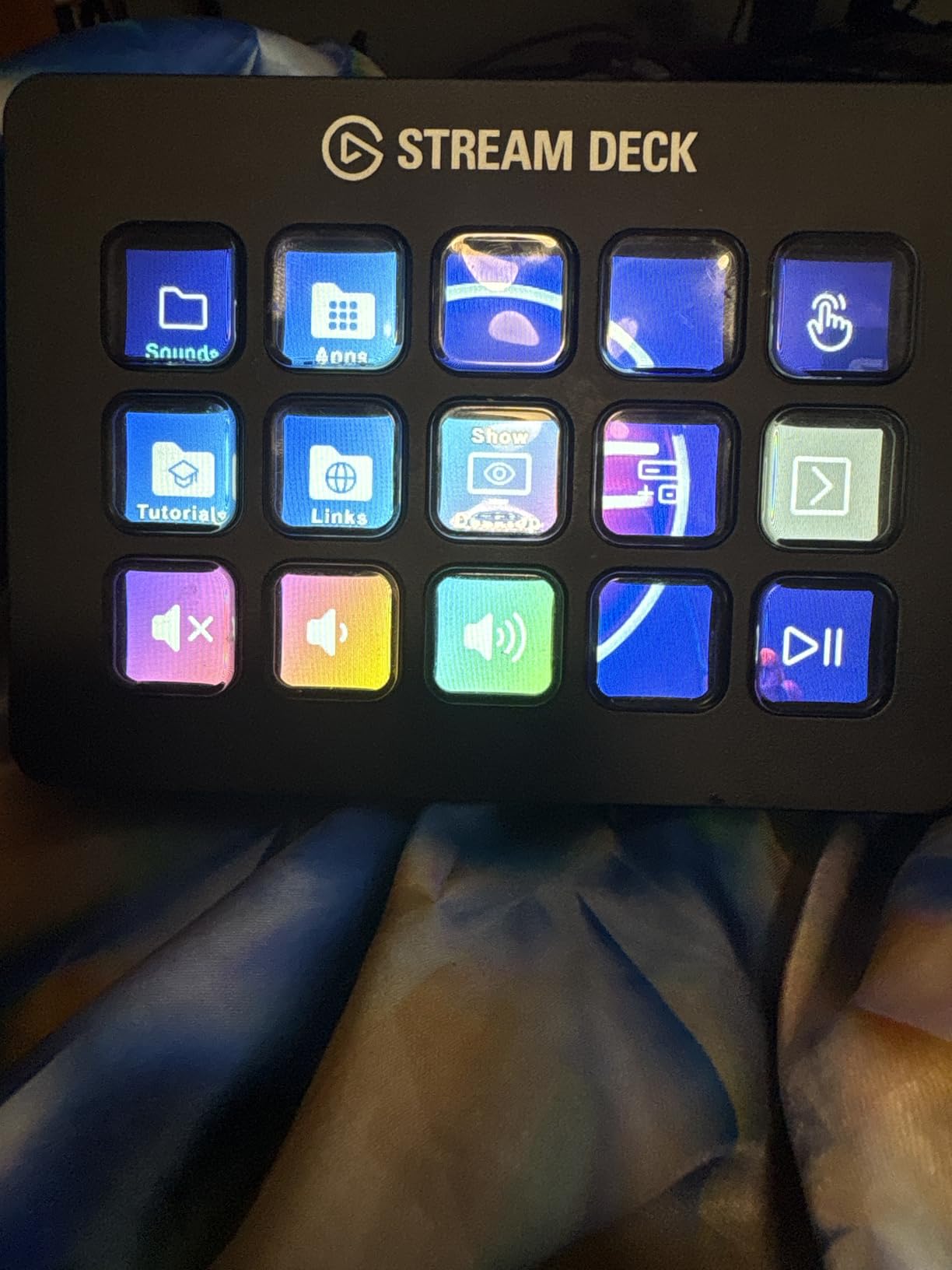
Why the MK.2 suits a first-time streamer
Because nothing about the setup fights you. Plug in USB-C, install the software, and the pre-configured profiles already map sensible actions to OBS and Twitch. You can run a useful layout for a week before you write your first custom macro, which shortens the early learning curve considerably.
Faceplates add the detail that makes the difference on a busy show. Reprint them when you change scene names or add a new audio source and the grid stays readable at a glance instead of turning into a wall of similar icons.
Where the MK.2 falls short
Fifteen keys is enough for a single scene set and not enough for a full production desk with cameras, lighting cues, soundboard and audio channels. If you run eight or more scenes plus a second camera, the grid is where you will feel the ceiling first.
There are no dials, so audio mixing and timeline scrubbing still go through mouse or keyboard. Community debate in r/elgato regularly asks whether the dials on larger Elgato models genuinely speed up editing, and the honest answer from our testing is that they help most when you mix audio live rather than when you cut video.
2. Elgato Stream Deck XL – Best for Large Production Setups
Elgato Stream Deck XL Advanced Studio Controller, 32 Keys
32 LCD keys
USB-C cable included
Mac and PC
Magnetic stand
Pros
- Largest control surface in the roundup with 32 assignable LCD keys
- Highest average rating among the decks we tested
- Integrations span OBS
- vMix
- VoiceMod
- Spotify and Philips Hue
- Magnetic stand and USB-C to USB-C cable in the box
Cons
- Bulky footprint that claims real desk space
- Heaviest deck here at 410 g
- Costs the most of the ten models tested
The XL answers a narrow question very well: how much can you fit on one deck without stacking folders? Thirty-two LCD keys arranged in an 8 by 4 grid, in a 7.17 by 4.41 inch body weighing 410 g. It is the only deck in this roundup where every scene, camera and audio channel can live on a single visible page.
It carries the highest average rating of the group, and owners consistently point to the same benefit: one-touch scene and camera switching, plus broad integrations covering 4KCU, OBS, Twitch, YouTube, Discord, Spotify, vMix and VoiceMod. If your workflow spans two applications rather than one, that coverage is the argument for the size.
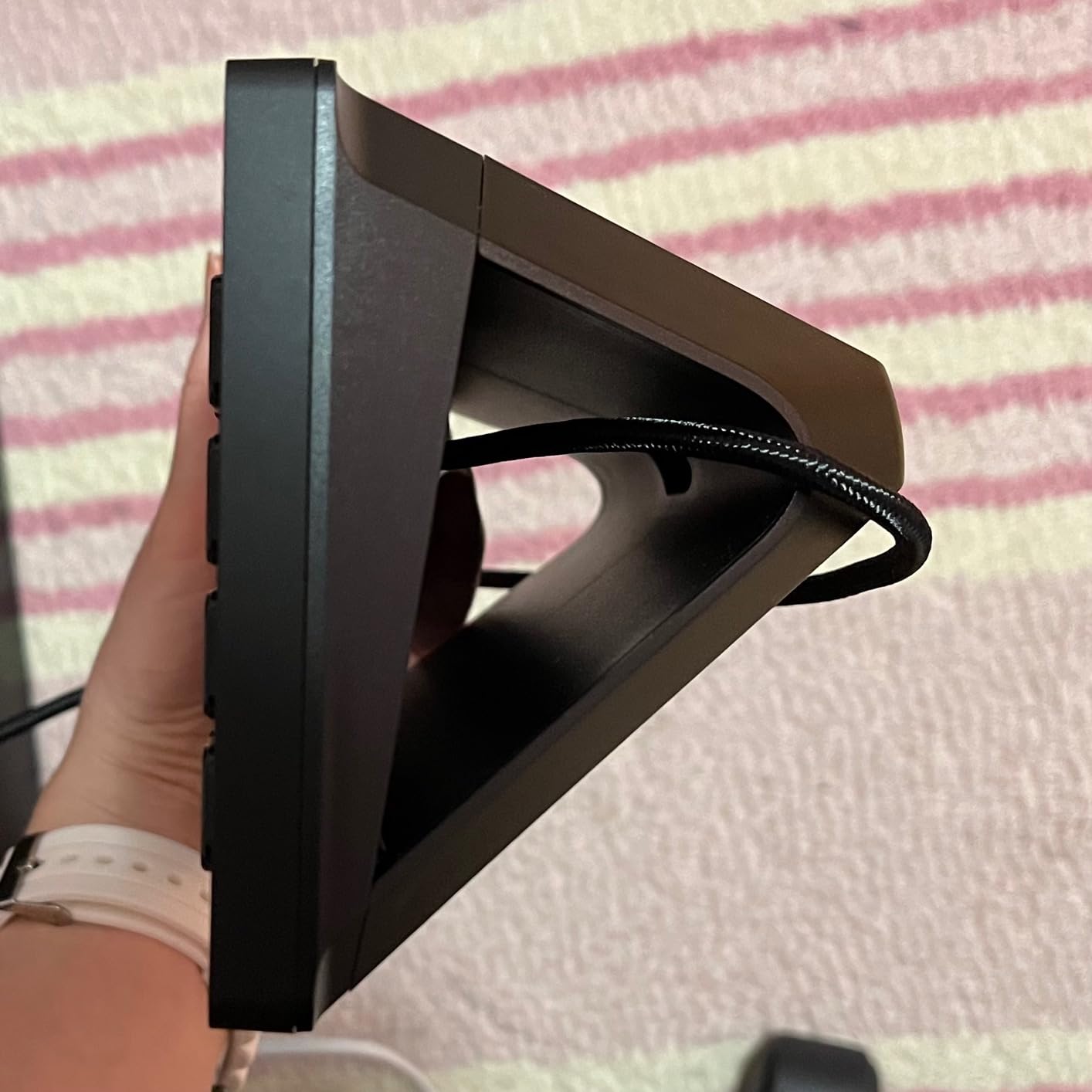
The included magnetic stand sets the angle in discrete positions, which is better than the fixed post on smaller decks but still not a full tilt. USB-C to USB-C is in the box, and Windows 10 and macOS 10.13 are the stated requirements.
Visual feedback is the quiet hero here. Every key confirms the command it fired, so a mis-mapped action is obvious immediately rather than three scenes later when the show is already off track.
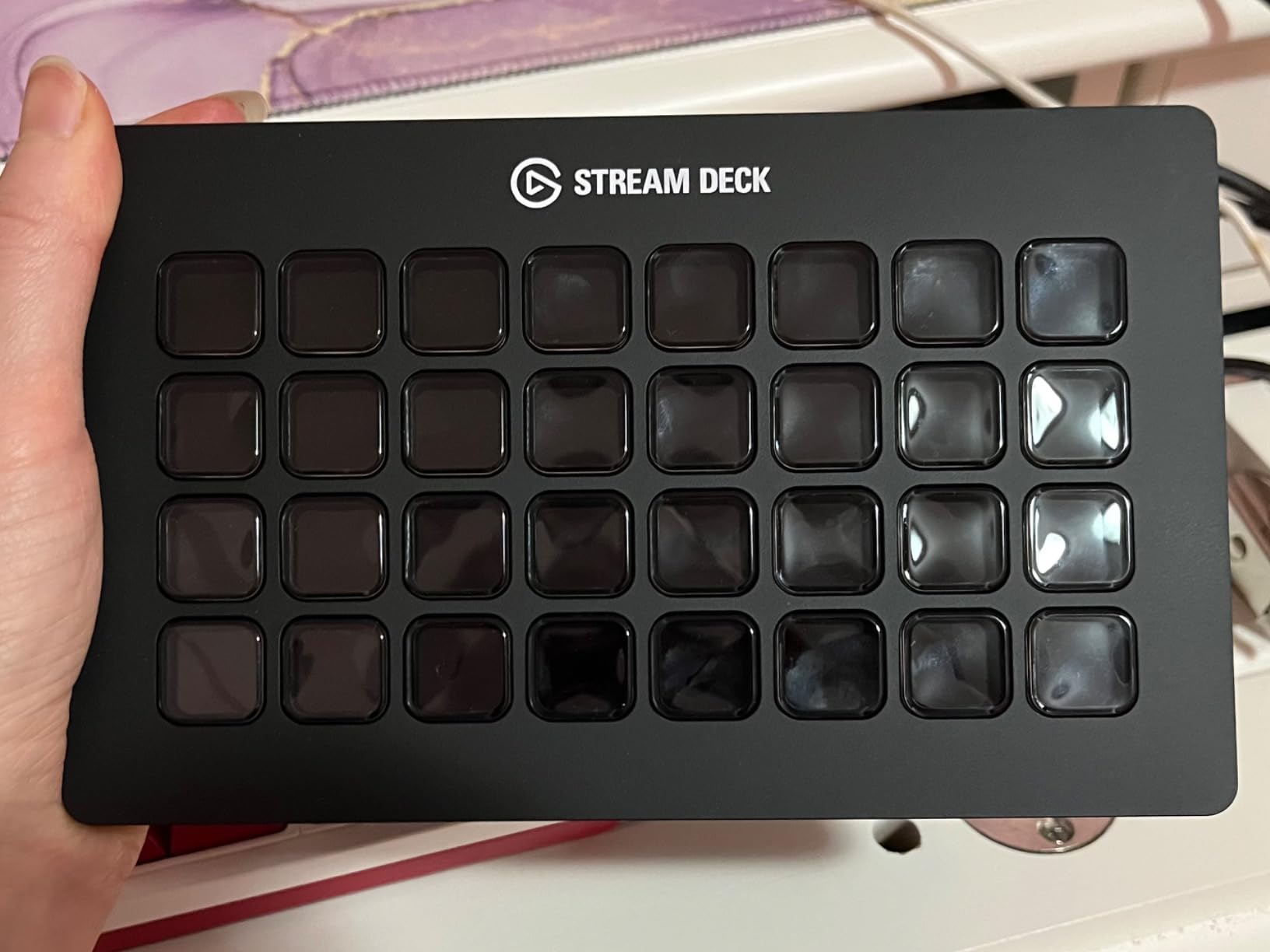
Who should move up to the XL
Anyone running a multi-scene live production with more than one camera, a lighting rig and a soundboard. Thirty-two keys is the point where you stop building folders to hold everything and start seeing the entire control surface at once.
Editing and audio-mixing desks benefit too, because the grid can hold dedicated transport keys, tool switches and macro launchers side by side rather than one on top of the other.
When 32 keys is more than you need
On a single-PC streaming setup with a handful of scenes, most of that grid sits empty. Empty keys are not neutral, because each one is a place to look when you cannot find the control you actually need in a hurry.
The footprint is the other consideration. At 7.17 inches long it competes for keyboard space, and on a small desk it forces a choice between the deck and the mouse pad. If desk real estate is tight, the same money spent on the MK.2 leaves room for everything else.
3. Elgato Stream Deck Scissor Keys – Best Tactile Feel
Elgato Stream Deck Scissor Keys Workflow Controller
Tactile scissor keys
Metal body
USB-C
Windows and macOS
Pros
- Crisp
- any-angle actuation that feels nothing like membrane keys
- Metal enclosure instead of the usual plastic shell
- LED-lit icons stay visible in a dim studio
- Removable stand and 150 cm USB-C cable included
Cons
- Smallest review base of the Elgato models here
- Some owners report a slight color cast and dimmer display
- A minority of units had keys needing extra pressure
This is the deck to buy if you dislike the standard Stream Deck feel. Membrane LCD keys have a soft, sometimes missed-press quality that divides people, and the scissor switches here change that. Keys actuate from any angle and register crisply, which matters during fast scene changes.
The body is metal rather than plastic, measuring 4.65 by 3.31 by 1.18 inches at 10.08 ounces, and it ships with a detachable stand plus a 150 cm USB-C to USB-C cable. Two year manufacturer warranty, Windows and macOS support, and regular plugin updates through the same Elgato ecosystem as the MK.2.
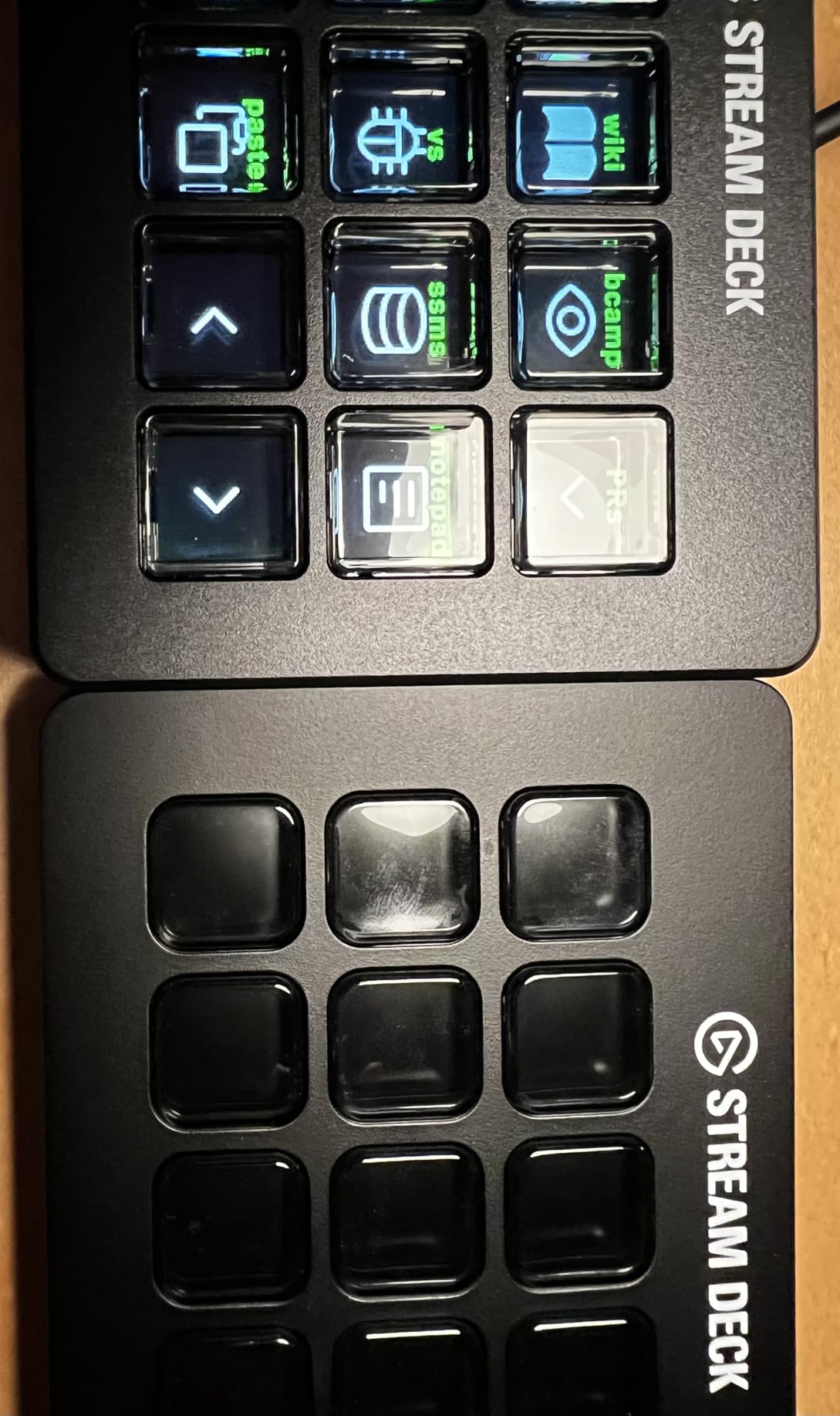
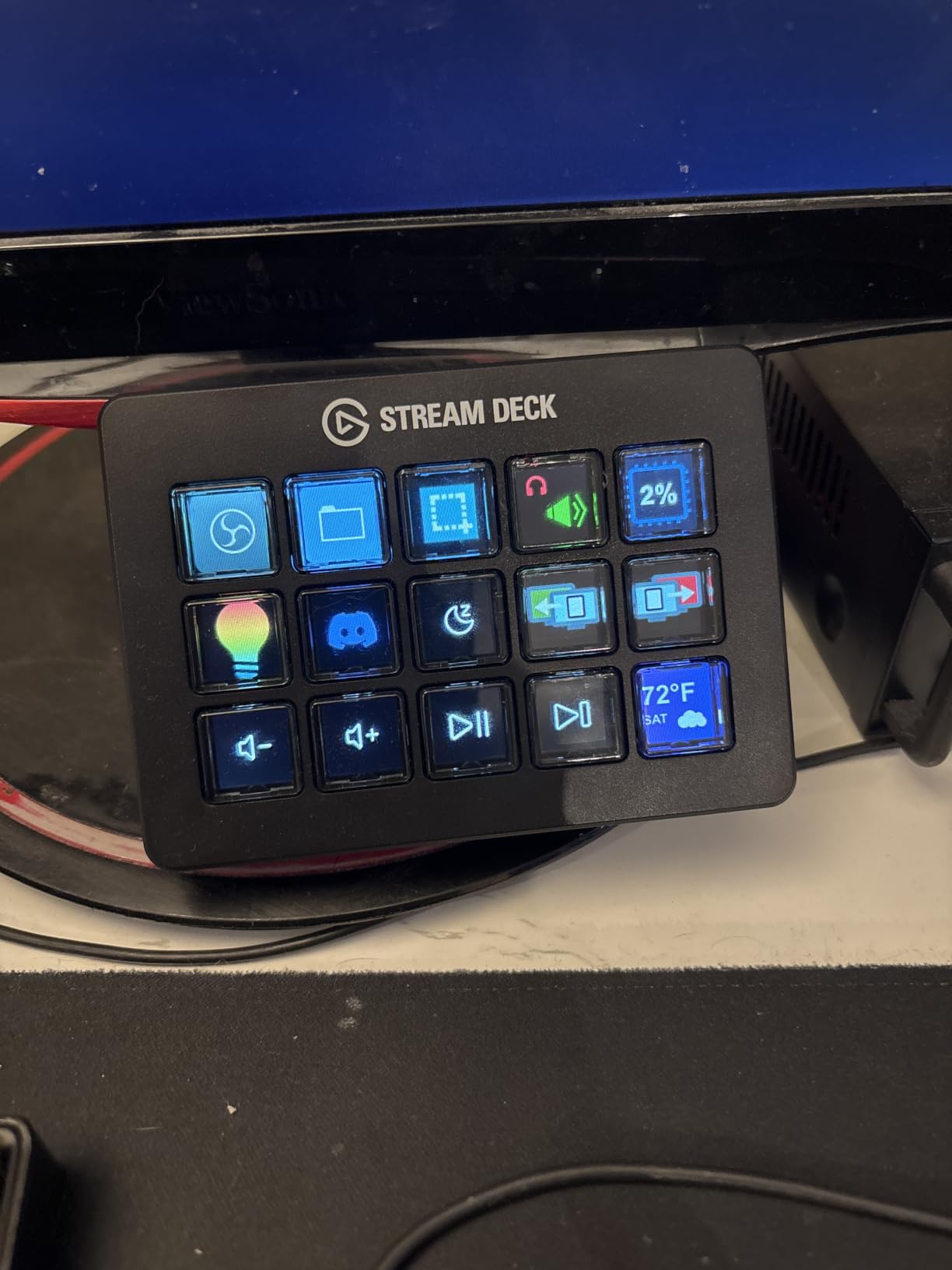
Monitor keys are the feature owners single out most. You can assign keys to display CPU, GPU load, ping or frame rate, which turns the deck into a small telemetry panel you can read without leaving your capture window.
Reviewers largely treat it as a drop-in improvement over standard Stream Deck keys, with the same 15-key layout and the same software. Users coming from the rubber-feeling version report that the any-angle actuation and the LED-lit icons make the pad much easier to use at a glance.
Where the scissor switches win
On desks used for hours. If you trigger dozens of macros a session, the difference between a press that confirms and a press that sometimes misses is felt by the end of an evening, not on the first afternoon.
They also suit anyone with limited desk lighting, since LED-lit icons stay readable where unlit membrane keys need a lamp pointed at them. Productivity automation gets the same benefit as streaming here, because the pad is just as useful for app launching as it is for scenes.
Trade-offs to accept
The review base is small, roughly two hundred ratings, so the long-term record is thinner than the MK.2’s. A minority of owners report keys that need extra pressure, a single jammed key repeating commands, and a slightly dimmer display with a faint yellow cast than the models it replaces.
There is also a reflection issue: the recessed key wells catch light when the deck is viewed from a steep angle. Keep it flat or at a low tilt on your desk and it disappears, which is fine for most setups.
4. SOOMFON Studio Control Deck – Best Budget 15-Key Deck
SOOMFON Stream Controller Studio Control Deck 15 Macro Keys and Dashboard
15 LCD keys
USB-C cable
Removable stand
OBS and Twitch
Pros
- Fifteen customizable LCD keys at a fraction of the Elgato cost
- Keys accept custom image files for personal icon layouts
- Removable stand plus rubber feet for flat or angled placement
- Broad support for OBS Studio
- Twitch
- YouTube
- Spotify and Philips Hue
Cons
- Lowest average rating of the ten decks tested
- Firmware update is required before reliable use
- Connect directly rather than through a USB hub
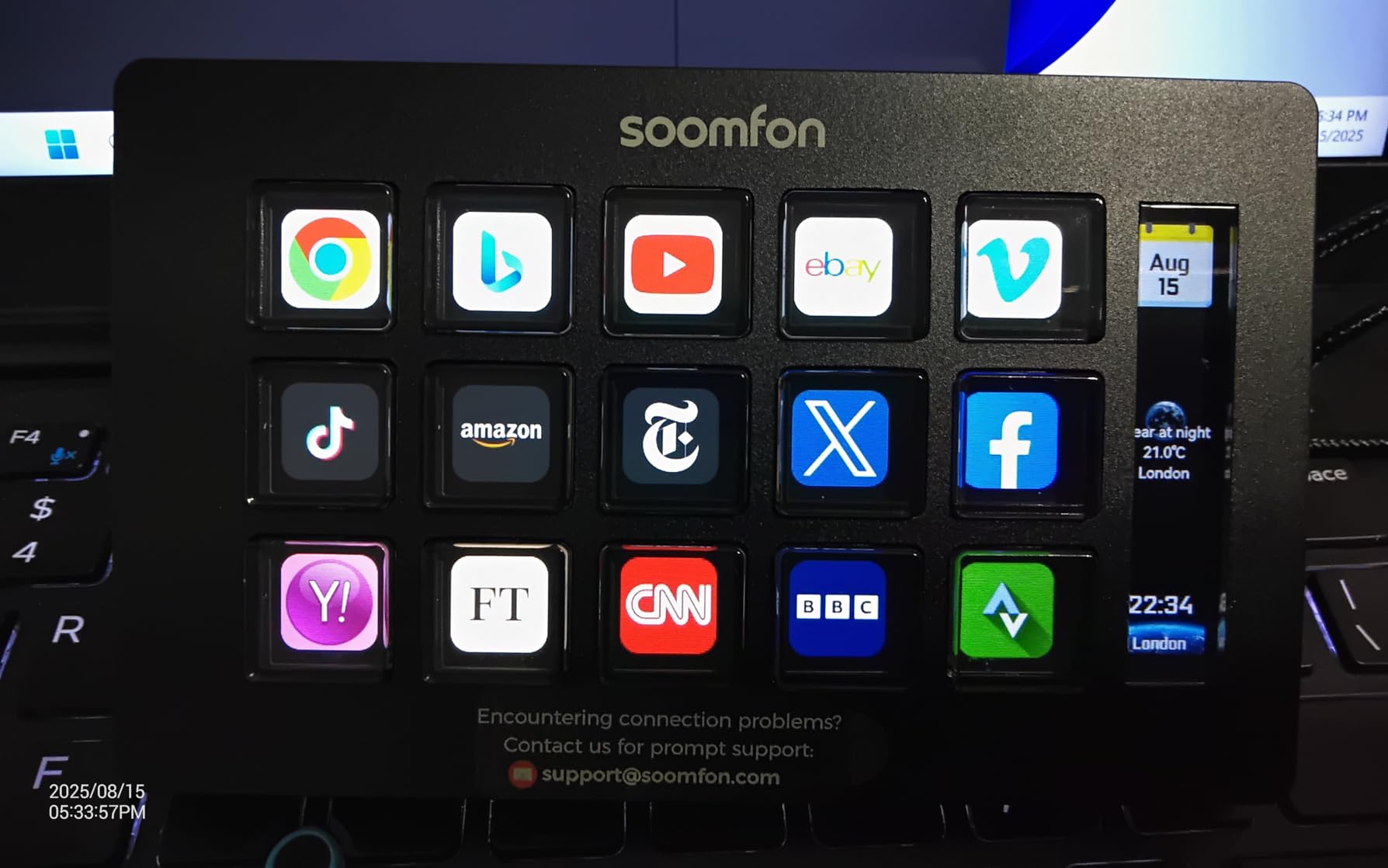
The SOOMFON controller does one thing: fifteen customizable LCD keys that trigger actions, with icons you can replace using your own image files. That custom icon support is genuinely useful, because it is how you get a readable grid without relying on an icon pack from a software store.
It ships with a USB-C cable and a user manual, carries a 2 year manufacture warranty and supports Windows 10 64-bit and above plus macOS Big Sur 11.0 or higher. Integrated support covers OBS Studio 27.0 and 28.0, Twitch, YouTube, Twitter, Spotify and Philips Hue.
One-touch controls for audio, mic mute and lighting are what streaming buyers mention first, and the same keys work for film editing, music production and photography workflows if that is how you use the desk.
The rating spread is the honest drawback. Buyers like the removable stand and rubber non-slip feet, and a meaningful group report firmware, hub-power and reliability frustrations that pulled the average down to 4.1 from over 1400 ratings.
Where this deck makes sense
First-time streamers who want the same 15-key layout as the famous Elgato model without the Elgato cost, and who are willing to do a firmware update before the first scene switch. The key count and the general layout match what the MK.2 offers.
It also works as a second pad. A dedicated control surface for audio and lighting on one desk, a more established pad for scenes on the other, is a setup some streamers build deliberately.
Where it will frustrate you
Firmware and software updates are required from the official link before use is reliable, and the setup guidance recommends a direct connection rather than a USB hub. Skip either step and the first impression is a deck that does not respond.
Some integrations carry conditions, such as the Spotify integration requiring an active Premium account. Check the specific apps you plan to automate before you commit, because the breadth of the name list overstates what works out of the box.
5. FIFINE AmpliGame D6 – Best Value 15-Key Deck
fifine D6 RGB Macro-Keyboard with 15 Programable Buttons for Multi-Tasking
15 LCD macro keys
9-mode RGB ring
Touch and push keys
USB-C
Pros
- 15 customizable LCD keys for scene switching and audio control in one press
- Visual keypad shows the assigned app on the controller
- 9-mode RGB light ring adds presence on camera
- Works with OBS Studio
- Streamlabs
- Twitch and YouTube
Cons
- Firmware and desktop software must be updated before first use
- Bundled plugin store is smaller than the Elgato ecosystem
- Listed compatible devices focus on laptops and PCs
The D6 is a 15-key LCD controller with a hardware twist that matters on camera: a 9-mode RGB light ring wrapping the body. It runs touch and push button control, weighs 7.52 ounces and connects over USB with both a USB-A to USB-C and a USB-C to USB-C cable in the box, which is unusual at this level.
Owners treat it as a strong value alternative to Elgato, and the reasoning is straightforward. You get the same 15 assignable keys, the visual keypad shows the configured app directly on the controller so you are not hunting through windows, and the integration list covers OBS Studio, Streamlabs, Twitch and YouTube.
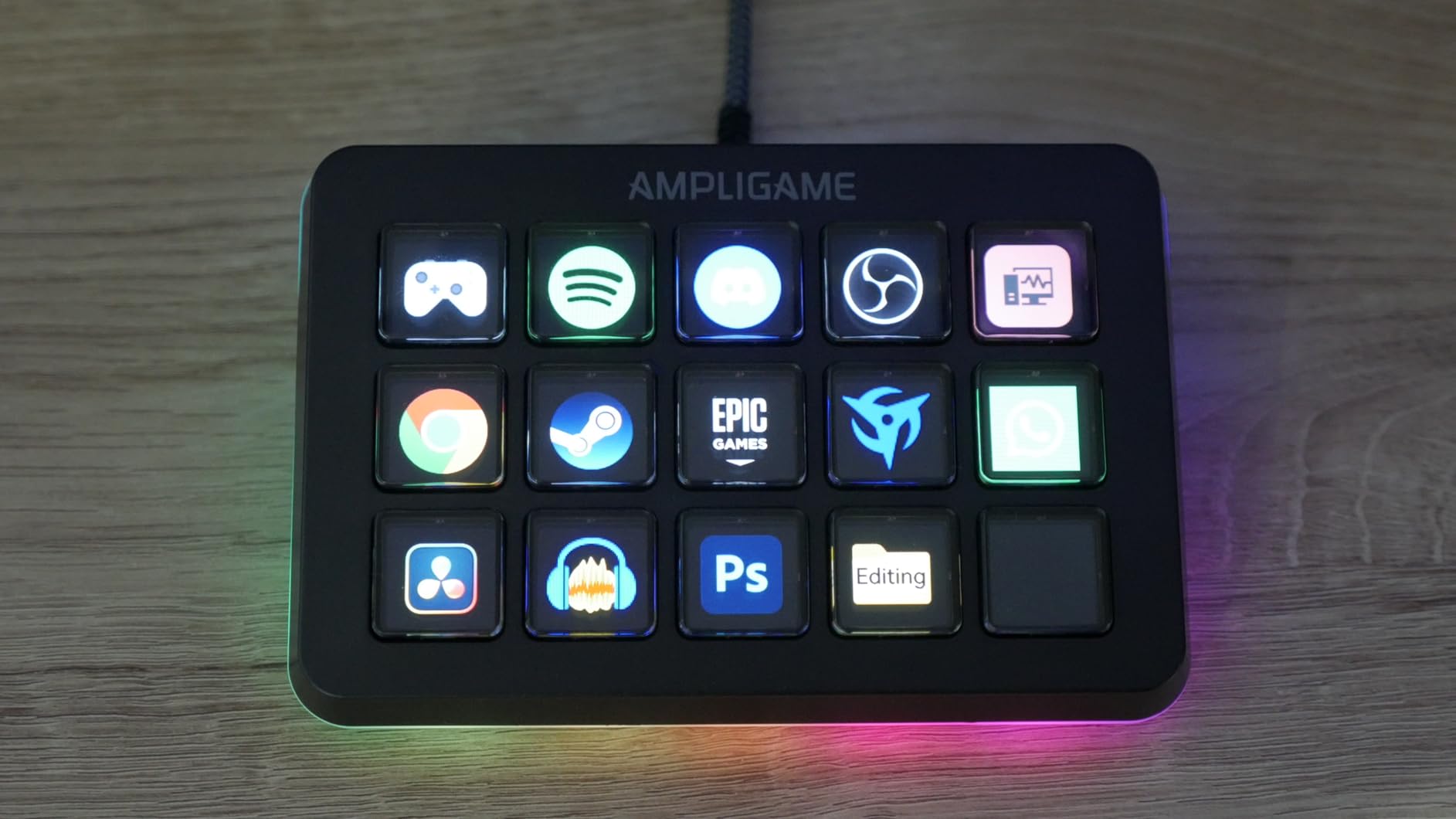
Multi-tasking is the common thread in owner feedback. The same keys handle gaming, streaming, photography, video editing, music and office work, which is what makes a 15-key grid a general-purpose tool rather than a streaming-only purchase.
At 4.6 across more than 800 ratings, the D6 scores higher than most of the budget field and sits close to the established Elgato models on consistency, without the two year warranty they carry.
Why the D6 appeals to streamers
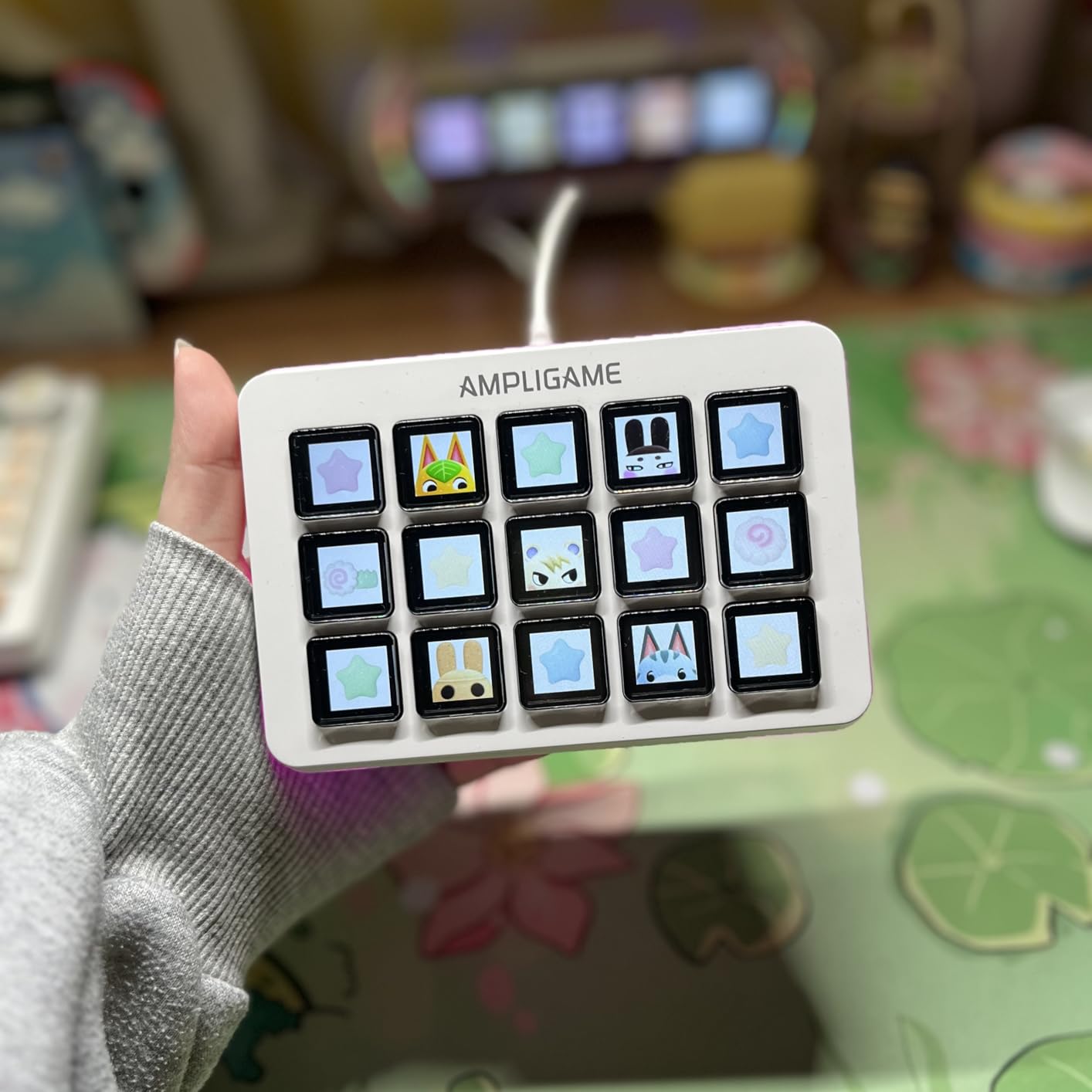
Because the visible keypad and the RGB ring solve two small problems at once. You can confirm which profile is loaded without looking at your monitor, and the ring gives your on-camera desk a deliberate look that a plain black pad does not.
It suits creators who are already inside Streamlabs rather than OBS, since Streamlabs support is named explicitly and matters for anyone running alerts and widgets through that platform.
What the smaller ecosystem costs you
The bundled plugin store is smaller than Elgato’s, so integrations for niche software may need a manual keyboard shortcut or a generic hotkey action instead. That is workable, but it is more setup work for the less common applications.
Firmware and desktop software must be updated to the latest versions before first use. Budget for fifteen minutes with the manual before you start building profiles, and connect it directly rather than through a hub to avoid confusion later.
6. VSD M18 Macro Pad – Most Keys in the Budget Group
VSD M18 Macro Pad Programmable Keypad, Stream Controller Streaming Deck, Customizable LCD keys, Gaming shortcut keyboard, USB sound board, Trigger actions in OBS, Twitch, YouTube, Works with PC Mac
18 keys
USB-C
RGB surround ring
PC and Mac
Pros
- 18 keys including 15 LCD keys plus 3 physical buttons
- Each LCD key accepts JPG
- PNG and animated GIF icons
- Multi-shortcut macros with ordered or simultaneous steps
- Adjustable RGB surround ring with auto color cycle
- Built-in plugins for clock
- weather and calendar
Cons
- Requires Windows 11 or macOS 11 and above
- No native Linux support
- Rubberized key feel is spongier than mechanical-switch decks
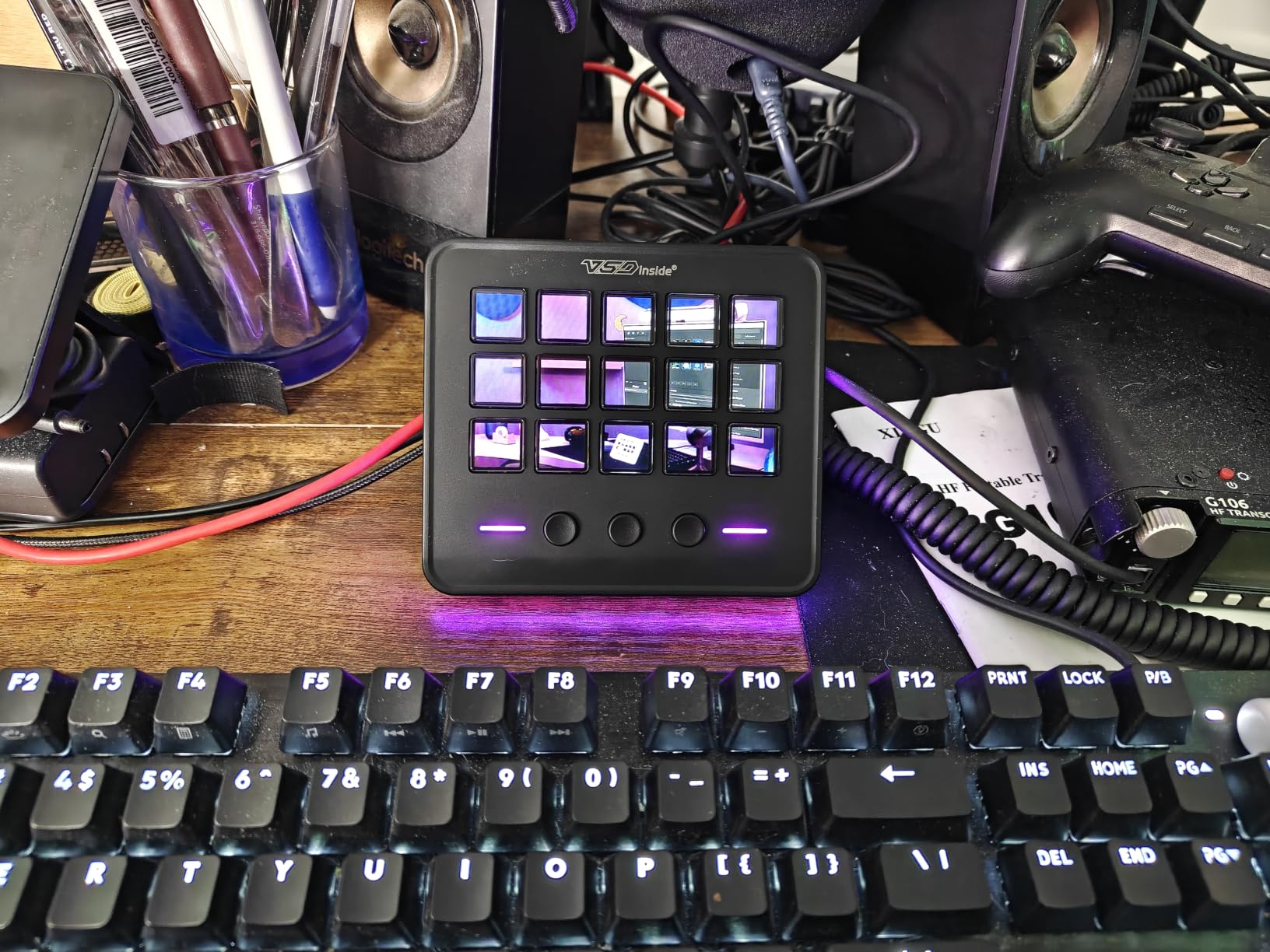
The M18 is the most control-dense deck in the budget half of this roundup: 18 keys, made up of 15 LCD keys and 3 physical buttons, in a 4.6 by 4.1 by 0.8 inch body weighing 10.56 ounces. The extra three physical buttons are the quiet differentiator, because they can hold functions you never want to lose behind a page of icons.
Animated GIF icons are the other standout. Alongside JPG and PNG, the LCD keys accept short animations, which is a small detail that makes a busy grid easier to scan while you are live.
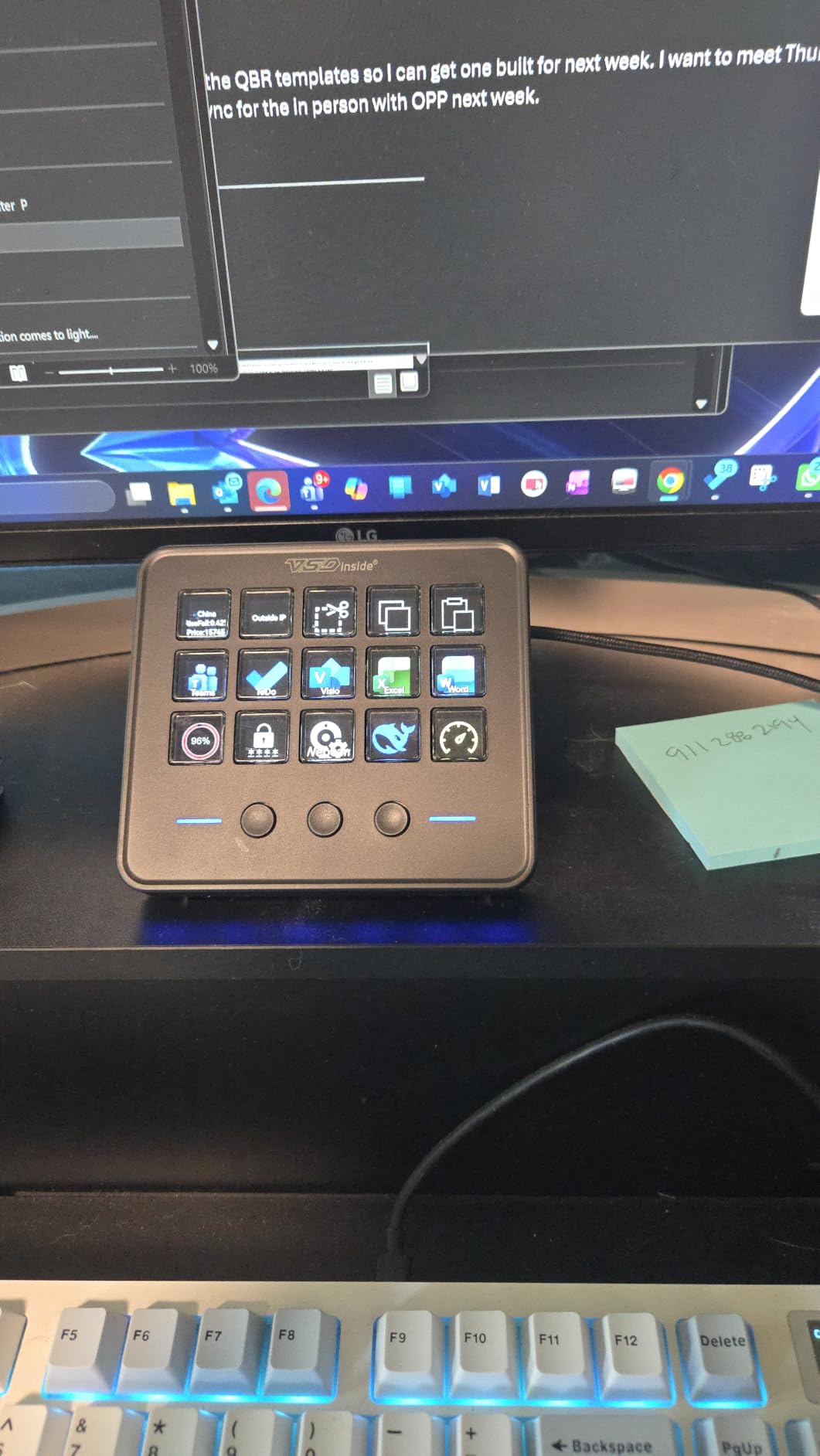
Macro programming supports both ordered and simultaneous Operation Flow steps, so a single tap can run a sequence of shortcuts in order or fire several at once. Single-tap control also covers text input, files, web pages, media playback and OBS scene switching.
Owners describe it as feature-dense rather than refined, which is an honest summary. The compatibility list names OBS, Streamlabs, YouTube, Twitter, Discord, Excel, Word and Photoshop, and the built-in plugins include schedule reminders, a clock, a stopwatch, weather and a calendar.
When the M18 is the right buy
When you want visible icons for many commands and you are willing to supply your own artwork. Supplying icons is faster than hunting through a plugin store, and GIF support makes static button walls far easier to read.
The three physical buttons earn their place on control surfaces where a single mis-press is expensive. Assign record, stream and stop to them and keep the LCD grid for scenes, which is how several creators structure a broadcast desk.
What to check before buying
The operating requirement is strict: Windows 11 or newer, or macOS 14 Sonoma and up. Older systems are excluded, and there is no native Linux support, so verify your machine before anything else.
The key feel is rubberized and spongier than a mechanical-switch deck. That is a real trade for people who type on the pad all day, and a non-issue if you mostly hit a few keys and adjust dials.
7. VSD N4 Pro – Best for Audio Control and Knobs
VSD N4 Pro Stream Controller Streaming Deck, Audio and Studio Controller
10 LCD keys,4 knobs,touch bar
Mechanical switches
USB-C dock
Pros
- Mixes 10 LCD keys
- 4 RGB knobs and an interactive touch bar
- Mechanical switchable keys let you adjust feedback
- Built-in passive USB dock adds ports for peripherals
- 500+ downloadable plugins for streaming
- editing and office work
- Foldable 60-degree stand
Cons
- Soundboard mode sends commands only with no built-in speakers
- Learning curve is higher than a simple 15-key pad
- Only a 1 year warranty
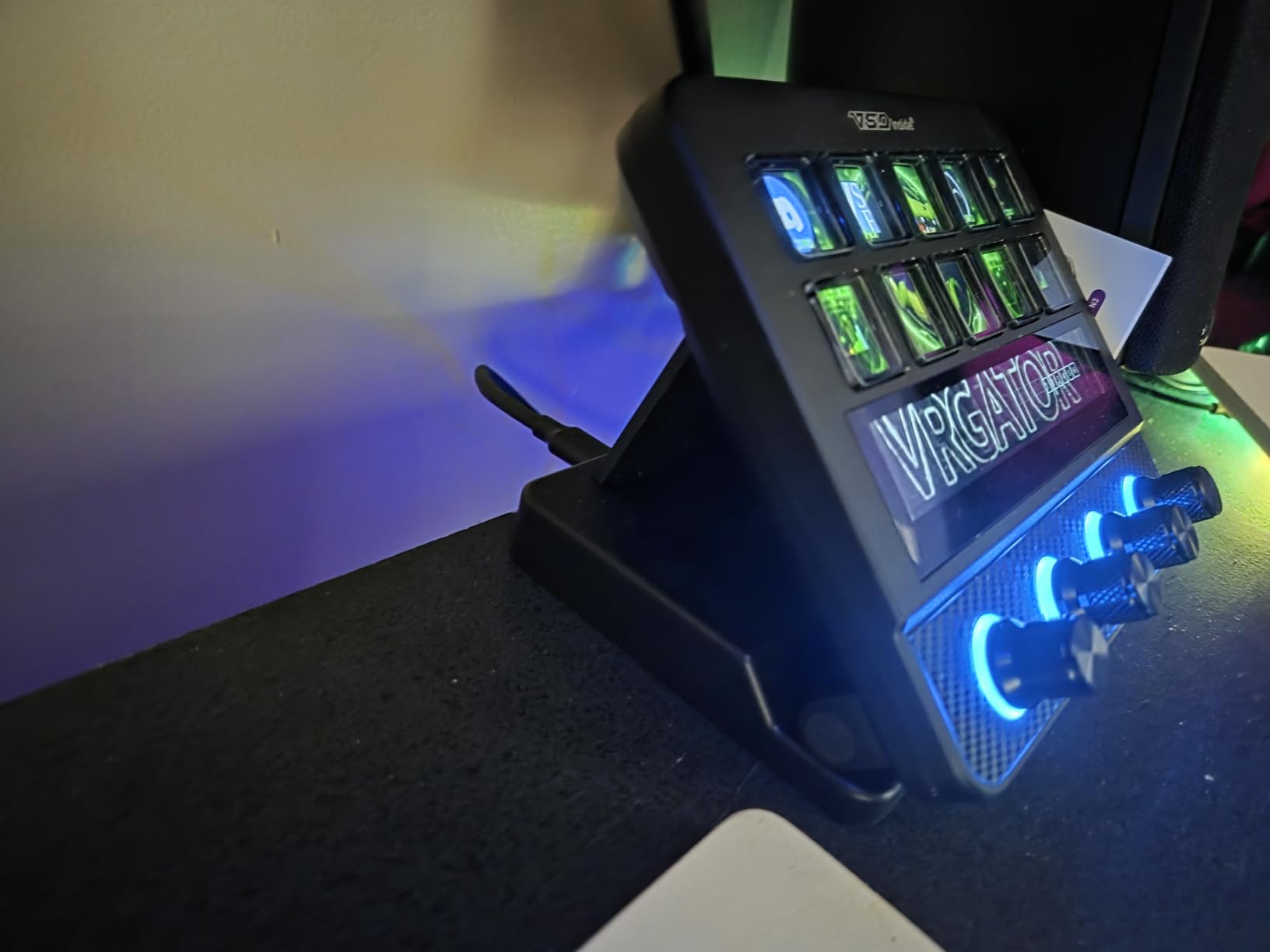
The N4 Pro is the only deck here that combines mechanical switchable keys, four RGB knobs and an interactive touch bar with unlimited scene presets. It is built for audio-led work, where continuous adjustment matters more than a large grid of discrete triggers.
One-tap multi-step macro activation requires no coding, and the plugin store carries more than 500 downloads across streaming, editing and office workflows. The knobs handle volume, mic level, scrolling, zooming or timeline edits, and a touch bar fills the gap for anything a knob cannot do.
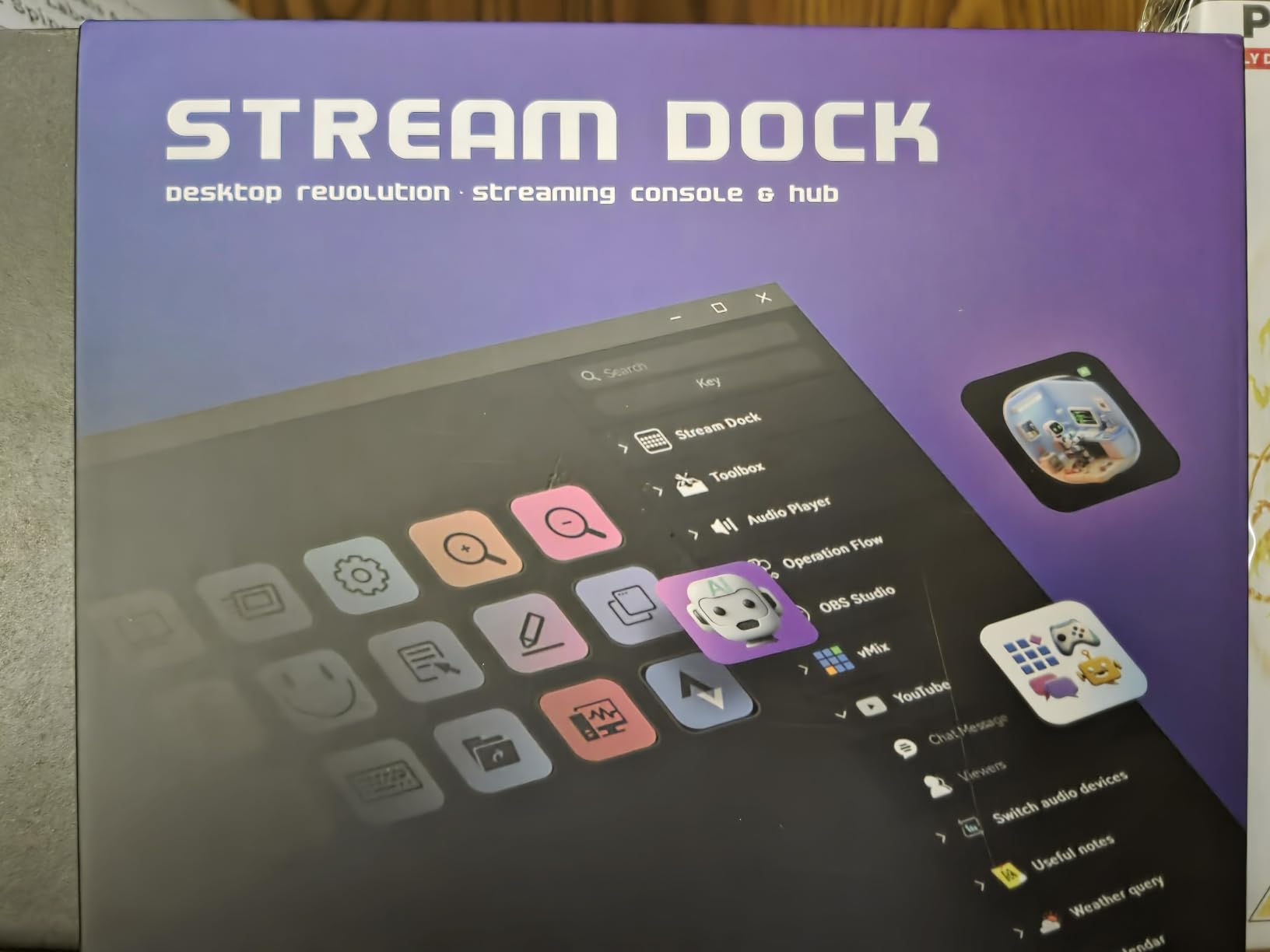
Two details stand out. The mechanical switch option lets you change the typing feedback to your taste, which no LCD deck in this roundup offers. The built-in passive USB dock adds extra ports for a mouse, keyboard or storage, so the deck can anchor a single-cable setup.
Dynamic audio-synced RGB visuals can play GIF, MP4 and MOV media, and the foldable 60-degree stand sets a usable viewing angle. It is a 0.48 kg unit, so it stays put on the desk.
Where the N4 Pro earns its place
On audio-centric desks: podcast production, live music streaming, or a streaming setup where you ride levels during a show. Four knobs assigned to your four most-used faders turn a mouse hunt into a one-handed turn.
It also suits people who want a touch surface. The bar can hold presets that do not fit on a key or a knob, which effectively adds controls without adding footprint.
The soundboard caveat, explained
Soundboard mode only sends audio control commands to your computer. It has no built-in speakers for output, so it is a control surface for playback software, not an audio device in its own right. If you expected a self-contained sound board, this is not it.
The learning curve is higher than a 6- or 15-key pad, and the warranty is one year rather than the two years most decks here carry. Budget for a longer setup session and check the return terms if you are sensitive to that difference.
8. ActionRing N3 V3 – Best Compact Deck with Dials
ActionRing Stream Controller Deck,Macro Keypad,Gaming Shortcut Keyboard
6 LCD keys plus 3 dials
USB
2 year warranty
Mac and Windows
Pros
- Six LCD keys plus three dials in one compact body
- Dials have a smooth
- well-damped feel good for timeline scrubbing
- Action Flow runs several macro steps in a chosen order
- Quiet buttons and a body that stays planted on the desk
- Works with OBS
- Photoshop
- Premiere Pro and office software
Cons
- Only six programmable keys so larger setups lean on the dials
- Initial configuration takes real time in the software
- Software occasionally uses more resources than expected
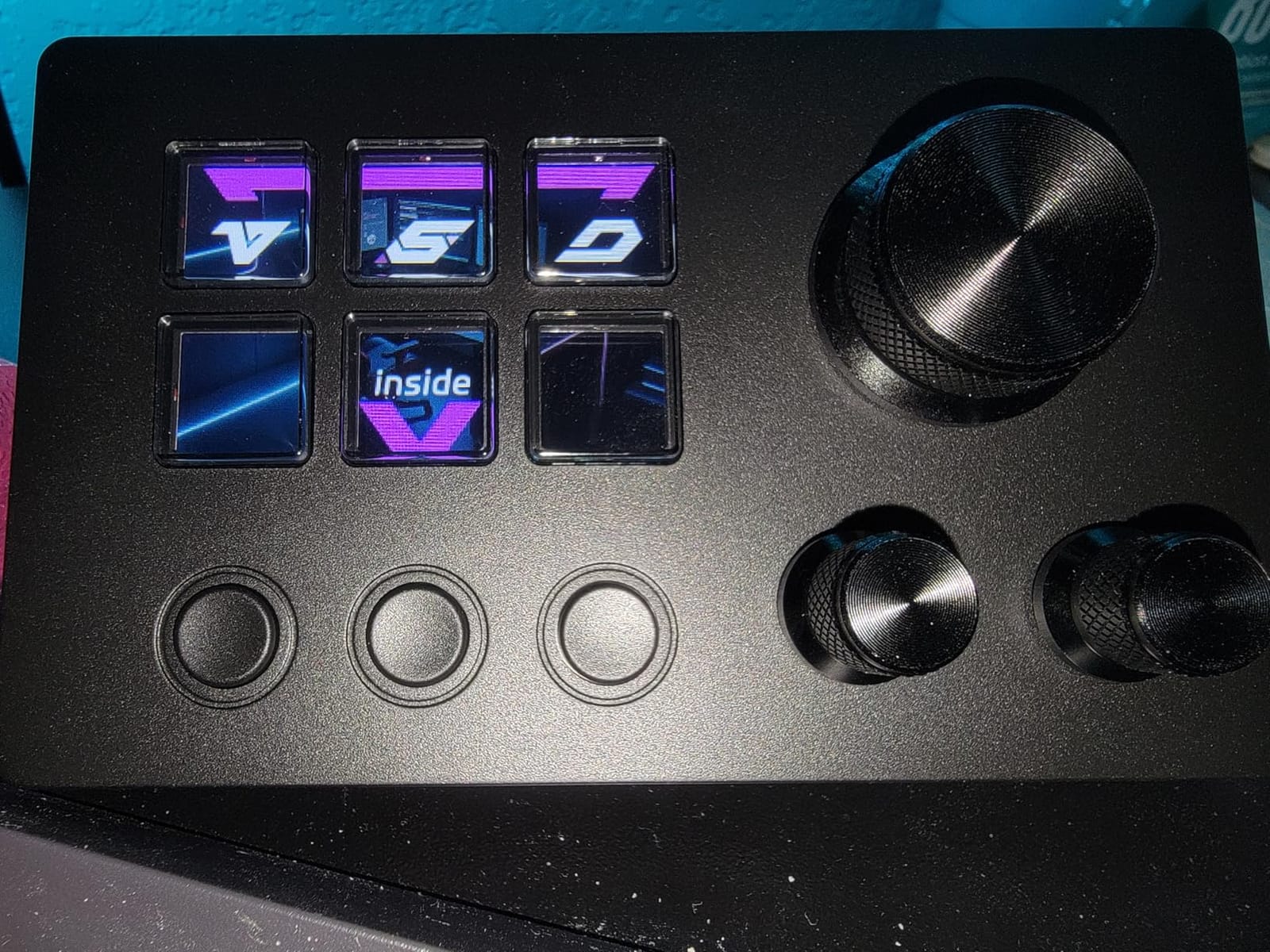
The N3 V3 answers a specific request: a small desk pad that still gives you analog control. Six customizable LCD keys and three dials sit in a 6.69 by 5.04 by 2.64 inch body with a 2 year manufacturer warranty, and it works on both Windows and macOS.
The dials are the reason to choose it. Owners single out their smooth, well-damped feel for timeline scrubbing and continuous adjustment, which is exactly the task LCD keys cannot do. Volume, fast-forward and rewind style adjustments are the typical assignments.
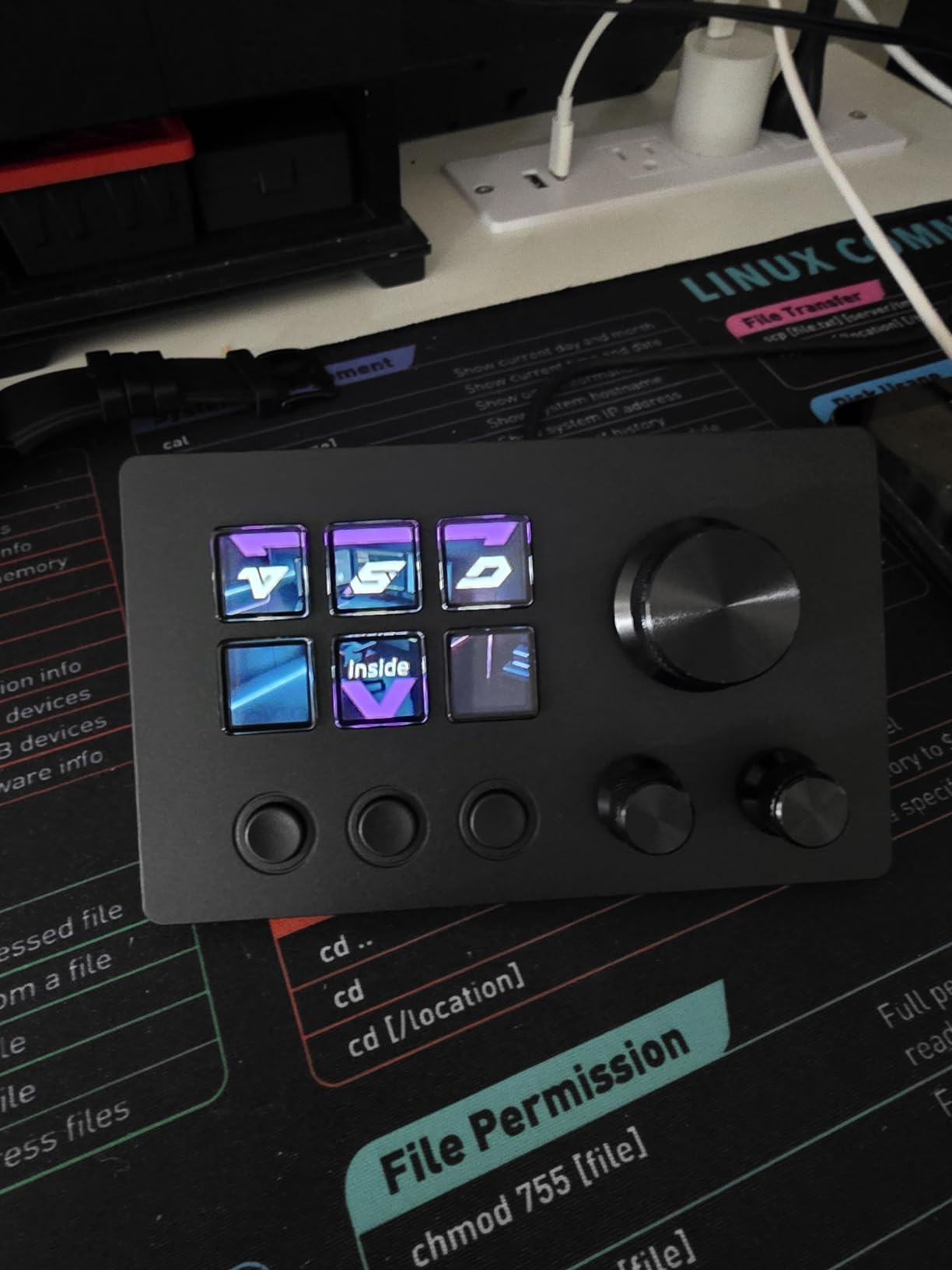
Keys are assignable by drag-and-drop and accept JPG, PNG and GIF icons. Action Flow lets several macro actions run in a chosen order, and one click handles macros, text entry, file and website opening, media control and OBS scene switching.
Compatibility is broad for a pad this small: OBS, PowerPoint, YouTube, Twitter, Discord, Excel, Word, Photoshop and Premiere Pro, plus hundreds of plugins and 60 icon packs, including schedule reminders, clocks, stopwatches, weather and calendars.
Good for small desks and focused work
Six keys and three dials is a workable layout when your command list is short. Scene switching, a mic mute, a stream toggle and three dials for volume, mic level and playback covers a lot of live control without filling the desk.
Editing desks benefit from the dial feel. Scrubbing a timeline with a damped dial is calmer than dragging a playhead with a mouse, and reviewers specifically praise the resistance for that reason.
Where six keys runs out
Heavy OBS setups outgrow it quickly. Once you need more than a handful of scenes plus soundboard and lighting triggers, the layout forces you into nested profiles, and the OLED-style dials cannot replace discrete keys for anything that needs a specific label.
Configuration takes time before the payoff is obvious, and some owners report the software using more resources than expected. Treat the first session as setup rather than a quick test, and the six keys stop feeling like a limit.
9. Streonor S6 Mini – Best Small Deck with Rotary Knobs
Streonor S6 Mini Stream Controller, 6-Key LCD Control Deck, Black
6 LCD keys,3 knobs,3 scene keys
125 g body
USB-C
Pros
- Combines 6 LCD keys
- 3 rotary knobs and 3 dedicated scene keys
- Knobs reach volume
- mic level
- scrolling
- zoom and timeline edits
- 100+ plugins with icon packs and GIF icons
- Light 125 g body suits small desks and mobile setups
Cons
- Only six LCD keys for heavy OBS work
- Requires a direct USB 3.0 connection rather than a hub
- Linux is unsupported and competing controller software should be removed
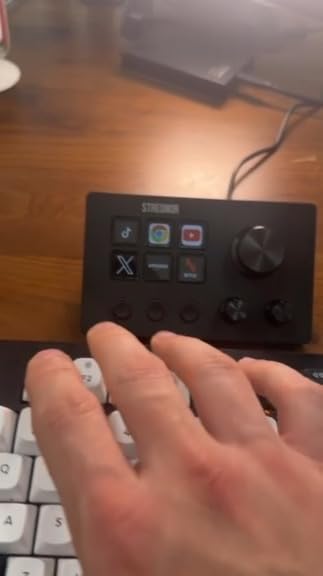
The S6 Mini is the smallest deck here at 125 g, and it still manages three types of control. Six customizable LCD keys, three rotary knobs and three dedicated scene-switching keys fit into a compact body, which is a rare combination at this size.
Knobs assigned to volume, microphone level, scrolling, zooming or editing timelines are the draw. The dedicated scene keys move between scenes, pages or profiles without taking an LCD key away from something else, so the effective key count is closer to nine than six.
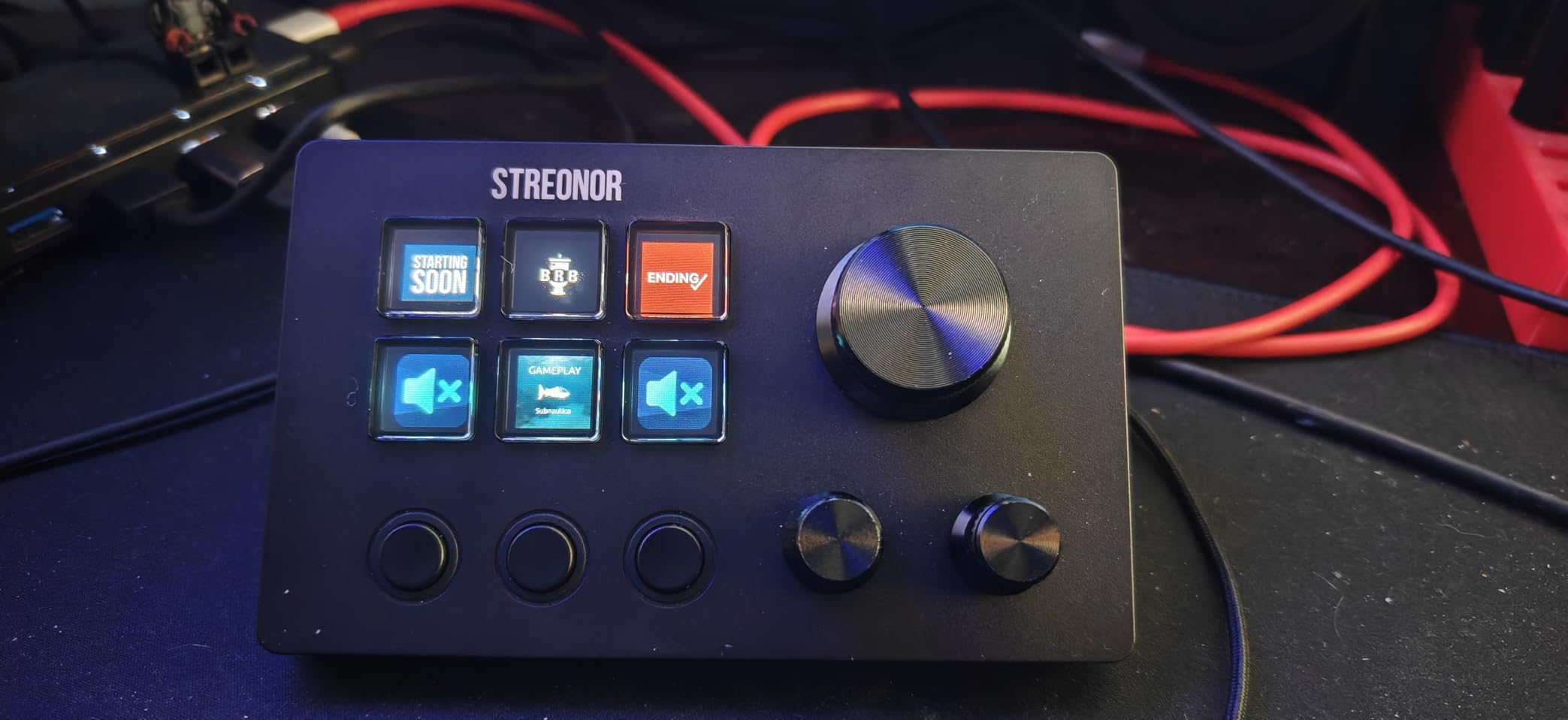
Customization runs through the STREONOR store with 100+ plugins plus icon packs, GIF icons, scenes and tutorials. The system works on Windows 10 64-bit and above and macOS Big Sur 11.0 or higher.
Its 4.8 average comes from a modest base of about a hundred ratings, so treat it as a promising newer model rather than a proven one. The layout logic is sound and the small footprint is genuinely useful, but there is less long-term owner history behind it than the established decks.
Why compact layouts work
Because three of the controls are not LCD keys at all. Scene keys handle navigation, knobs handle continuous values and the six LCD keys handle everything else, which covers most live workflows without a second page.
It also suits mobile and laptop-based setups where desk space is the constraint. At 125 g it is easy to pack, and the compact body leaves room for a mouse rather than pushing it toward the edge of the desk.
Setup conditions to respect
It requires a direct USB 3.0 connection for stable operation. A hub can cause it to drop or misbehave, so plug it straight into the machine if the keys seem unresponsive.
Linux is not supported, and the guidance is to uninstall similar stream controller software first. Running two controller programs at once is a common cause of a pad that lights up but does nothing, so clear the old one before you start.
10. Streonor S15 – Best for On-Deck System Monitoring
Streonor S15 Stream Controller, 15-Key LCD Studio Control Deck, Black
15 LCD keys plus 3 status panels
157 g body
USB-C
Preset pages
Pros
- 15 customizable LCD keys for shortcuts
- hotkeys
- app actions and OBS scenes
- Three status display panels show weather
- time
- CPU temperature
- GPU status and memory
- Preset control pages separate streaming
- editing
- office and gaming layouts
- Action Flows plus 100+ plugins and GIF icon customization
Cons
- Status display panels are non-touch so they only show information
- Needs a direct USB 2.0 or higher connection
- Linux unsupported and some third-party links need an active account
The S15 differentiates itself with three non-touch status display panels alongside 15 customizable LCD keys. Those panels show weather, time, CPU temperature, GPU status and memory usage at a glance, which is a genuinely different use of a control surface rather than more shortcut keys.
At 157 g it is still light enough for a shared desk, and the 15 keys cover shortcuts, hotkeys, app actions, OBS scene control and editing commands. Preset control pages keep separate streaming, editing, office and gaming layouts without rebuilding profiles.
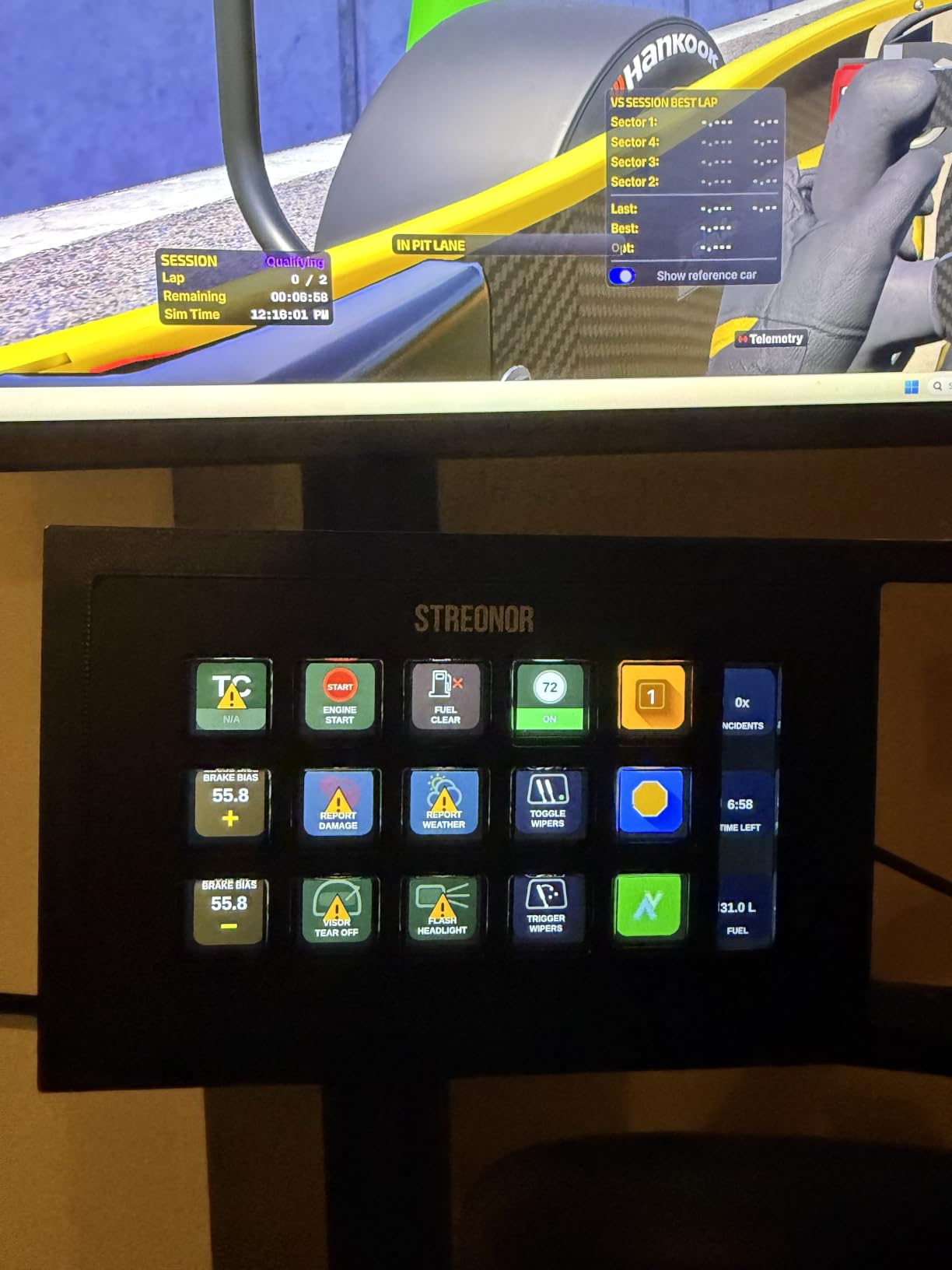
Customization follows the same pattern as its smaller sibling, with Action Flows for multi-step macros plus 100+ plugins, icon packs and GIF icon support. That makes it the more conventional choice of the two Streonor decks if you want keys rather than knobs.
The 4.8 average rating sits alongside roughly a hundred ratings, so treat it as a newer model with limited long-term history. The monitoring panels are the reason it earns a place on this list rather than a duplicate of a standard 15-key pad.
When a system monitor earns its space
On a streaming desk where you are already watching for dropped frames and rising temperatures. Having CPU temperature, GPU status and memory usage on the pad itself means you can check system health without covering your capture window with a monitoring window.
It also suits a shared desk, because the preset pages let a streamer, an editor and an office user each claim a layout. Weather and time on a standing panel is a small convenience that reads well on camera.
Know what the panels cannot do
The status panels are non-touch. They display information and cannot be pressed, so they add visibility rather than controls. Anyone expecting a mini display they can tap will be disappointed.
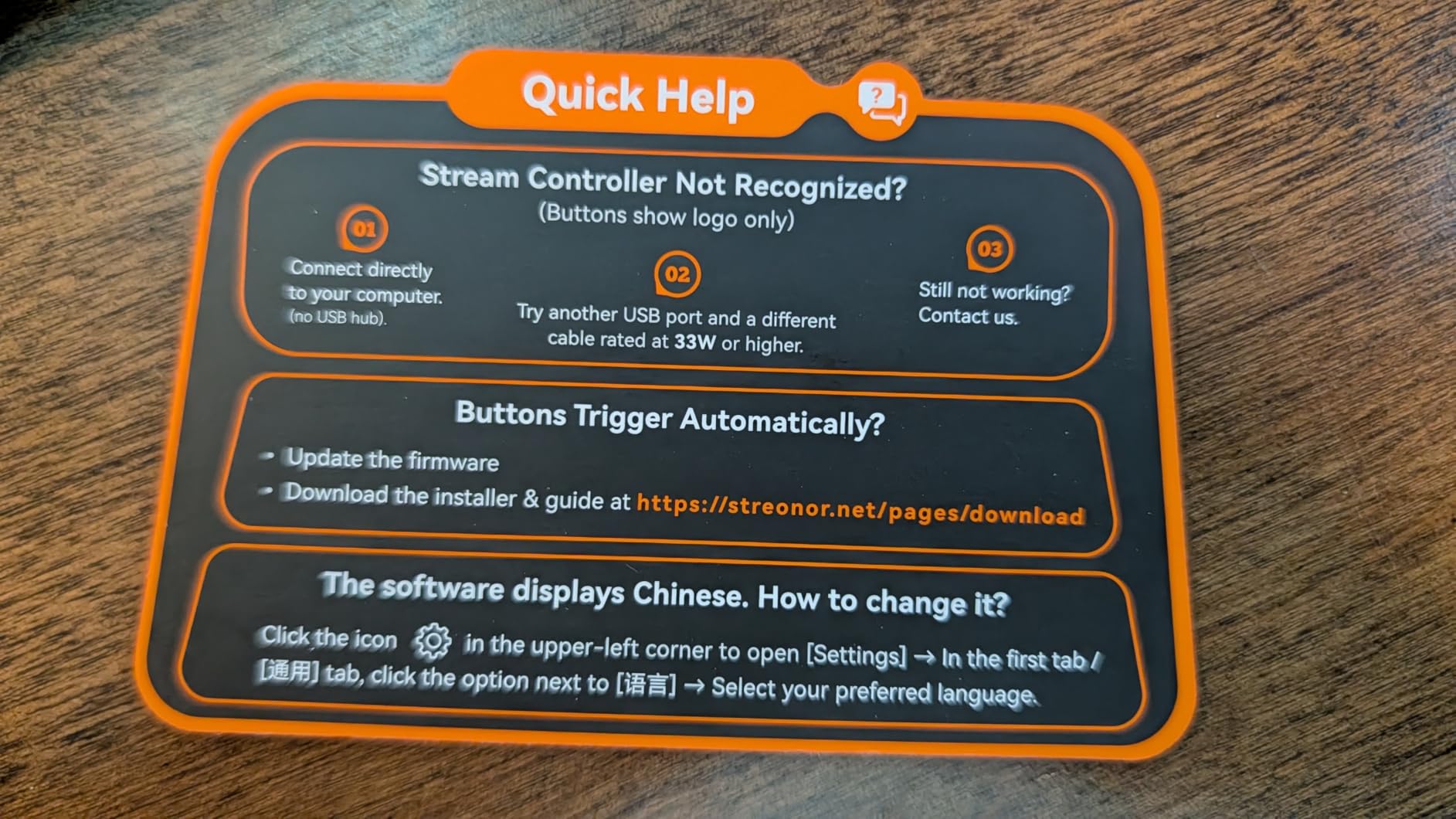
It needs a direct USB 2.0 or higher connection, and other stream controller software should be uninstalled first. Linux is unsupported, and some third-party app connections require an active account or subscription, so confirm the specific services you want before committing.
How to Choose a Stream Deck
Start with the number of commands you actually have, not the number you might have. Count your scenes, cameras, soundboard triggers, lighting cues and audio channels, then add a third for future ones. A 15-key grid suits a single-PC setup with a modest scene list. Thirty-two keys suits a production desk running more than one application at once. Anything below six keys means you will rely on pages and dials from the first day.
Decide on dials or buttons next, because this is the central trade-off. Dials and rotary knobs earn their place when you adjust something continuously: audio levels, timeline scrubbing, zoom levels, camera framing. If your work is almost entirely discrete commands, extra knobs are desk weight you will not use. A pad with no analog control, such as the MK.2, is not a downgrade, it is a different tool.
Software support matters more than most spec sheets admit. The reason established Elgato decks keep their value is plugin coverage for OBS, Twitch, YouTube, Discord, Spotify, Philips Hue and the editing applications people use daily, plus profiles that switch with the active window. Budget decks compete on hardware and lose here, because you end up assigning generic hotkeys to everything a missing plugin would have handled.
Tactility is a preference, not a specification, so test it if you can. Membrane LCD keys feel soft and occasionally miss, which is the most common reason people move from one brand to another, and it is the reason the scissor-switch model exists. If you press keys dozens of times an hour, a crisper action is worth paying for.
Footprint and mounting deserve a real check. The XL needs 7.17 inches of desk length, while a mini deck frees space for your mouse. If you plan to mount a deck on a boom arm or under a desk, verify the mounting pattern for your specific model, because 1/4-20 thread mounts come up constantly in r/elgato threads and configurations differ between units. Connection type matters too: USB-C works with a laptop or desktop without an adapter, and a fixed cable is annoying if you swap machines.
Finally, do a price-per-key calculation before you commit. Divide what you would pay by the number of assignable keys, then remember the number that matters is the one you will use, not the one on the box. A deck with eighteen keys where you use six is worse value than a fifteen-key deck you fill completely, and a knob you never turn does not add value at all.
Stream Deck MK.2 or Stream Deck XL: which should you buy
Buy the MK.2 for a single-PC streaming setup, an editing desk, or a first deck. Fifteen keys cover scenes, soundboard, mic control and app launching, and the smaller footprint leaves room for everything else. It also has the largest owner base of the decks here, which means better long-term software support and more shared profiles to copy.
Buy the XL when your workflow genuinely needs more than fifteen commands on screen at once, such as multiple cameras, a lighting rig and separate audio channels. The 8 by 4 grid removes the need for nested folders, and it carries the highest average rating in this roundup. If you have to ask whether you need the extra keys, you probably do not.
Your first hour with any stream deck
Connect the deck directly to the computer rather than through a hub, install the latest software and firmware, and restart before configuring anything. Load the pre-configured profile for your main application and use it as-is for a day. Then map ten keys you will actually use, add custom icons so the grid is readable, and create a second profile for your other application. Building a complete layout in one sitting is the fastest route to giving up.
People who keep these decks tend to build in stages. Ten working keys beat thirty aspirational ones, because every unused key is one more place to look when you are live and cannot find the control you need.
Frequently Asked Questions
Is a Stream Deck worth the money?
A stream deck is worth it if you trigger the same commands repeatedly while you are live or deep in a timeline. Streamers cut scene-switching and soundboard latency, editors replace long shortcut chains with single keys, and productivity users turn a corner of the desk into app launching and window control. If you rarely automate, keyboard shortcuts will serve you at no cost.
Is there anything better than a Stream Deck?
No deck matches Elgato for plugin depth and long-term support, which is why its models rank first here. Some competitors offer more hardware per dollar, and the VSD M18 ships 18 keys, the VSD N4 Pro adds four knobs and a touch bar, and the Streonor S15 adds three status panels. Pick Elgato for the ecosystem, or one of these for the hardware.
Is Stream Deck discontinued?
No. Elgato continues to sell and support the current range, and the review cycle is active across the lineup in this guide. The line is not being retired, and new models appear regularly, so buying a current deck is a safe bet rather than a bet on discontinued hardware.
What is the best Stream Deck right now?
The Elgato Stream Deck MK.2 is the best overall choice, with 15 customizable LCD keys, USB-C connectivity, a desktop stand and the deepest plugin library in this roundup. Choose the Stream Deck XL for 32 keys and a larger production grid, or the Scissor Keys model if tactile feedback matters more than the price gap.
Which is better, the Stream Deck + or the Stream Deck + XL?
The XL is the stronger pick for most people in this roundup, because its 32 LCD keys in an 8 by 4 grid let scenes, cameras and audio channels sit on one visible page. A model with a smaller key count plus dials and a touch strip is worth considering only if continuous audio or timeline adjustment is the core of your work.
How many buttons do I need on a stream deck?
Count the commands you already use, then add a third. Most single-PC streaming setups land around 15 keys, which is what the MK.2 provides. Multi-camera production desks with lighting and audio channels need closer to 32, and compact pads with six keys work only if you also have dials or dedicated scene keys to carry the extra controls.
The Verdict
The Elgato Stream Deck MK.2 is the best stream deck for almost everyone in 2026. Fifteen LCD keys, USB-C, a swappable faceplate system and the widest plugin support we tested make it the deck we would put on a desk first and keep the longest. It is the one recommendation here that holds up whether you stream, edit or just want fewer keyboard shortcuts.
Buy the Stream Deck XL if 32 keys on a single grid changes how you work, and the Scissor Keys version if you want tactile feedback under every press. For a lower-cost start, the FIFINE AmpliGame D6 gives you 15 keys and an RGB ring, while the Streonor S6 Mini handles small desks with knobs and scene keys. Wherever you land, build ten working keys before you build thirty.
If you are still working out the hardware side, our guides to deck care and cleaning and outdoor living upgrades cover the other things people buy once a space is sorted out.