
A streaming webcam is a USB camera built to put your face on a Twitch, YouTube or Kick broadcast at a resolution and frame rate your upload can actually deliver. Most of them output 1080p at 30 or 60 fps, handle exposure and white balance automatically, and need nothing more than a USB port.
We spent weeks putting ten of them through the same routine: face-cam box in OBS, full-screen capture, three lighting setups, and a mid-stream focus test. What matters on a live feed is not the number printed on the box. It is whether autofocus holds still, whether auto-exposure stops hunting when you move, and whether the sensor holds up when your only light source is a monitor.
One thing community forums make clear: plenty of streamers never buy a webcam at all. Phone cameras and mirrorless bodies on a capture card are common, and a webcam is still the practical entry point that takes minutes to set up. This guide covers the webcams themselves, honestly, including when one of the cheaper units is the smarter buy.
Table of Contents
Top 3 Picks: Best Webcams for Streaming (October 2026)
The Logitech C920x HD Pro takes our top slot because it has the largest review base in the group and stays sharp at 1080p. The NexiGo N960E Plus is the value pick, giving you 4K30, 1080p60 and a ring light in one body. The Logitech Brio 101 is the cheapest clean feed here.

Logitech C920x HD Pro
- 1080p at 30 fps
- 78 degree field of view
- Dual stereo microphones
- XSplit VCam license included

NexiGo N960E Plus
- 4K30 and 1080p60
- ToF autofocus with ring light
- RF remote for zoom and presets
- Physical privacy cover

Logitech Brio 101
- 1080p fixed focus
- 60 degree field of view
- Sliding privacy cover
- Auto light balance
Best overall: Logitech C920x HD Pro. Best value: NexiGo N960E Plus. Cheapest dependable feed: Logitech Brio 101. Best low-light performer: EMEET S600. Best true 1080p60: Logitech StreamCam. Best for moving around a room: Insta360 Link 2.
How We Tested the Best Webcams for Streaming
Every camera ran on the same Windows machine over the same USB port, with OBS Studio capturing locally to avoid network noise. We tested each one in three lighting conditions: a well-lit room facing the camera, a backlit setup with a bright window behind the chair, and a dim room lit only by a monitor.
In OBS, each camera was checked twice: scaled down to a typical corner face-cam box and blown up to fill the frame. That size difference changes what you notice more than any spec sheet does. We also moved a coffee mug across the desk to test autofocus hunting and let each camera re-adjust after a lighting change.
Two cautions before we start. First, none of the built-in microphones is a substitute for a proper streaming mic, and every review below treats them that way. Second, companion software matters more than most roundups admit, since a camera that insists on its own preview window can fight your OBS workflow.
1. Logitech C920x HD Pro: the workhorse that still wins on streaming
Logitech C920x HD Pro PC Webcam Full 1080p/30fps Video – Black
1080p at 30 fps
78 degree field of view
1/2.9 inch CMOS sensor
f/1.8 glass lens
Pros
- Sharp 1080p image with vibrant color
- Reliable autofocus in dim rooms
- Plug-and-play on every major platform
- Includes a three month XSplit VCam license
Cons
- No built-in privacy shutter
- 30 fps ceiling
- No official Linux driver
This is the camera most people end up on, and after living with it through several streams it is easy to see why. The image is clean at 1080p, colors stay believable even under a cheap LED panel, and the autofocus rarely does anything dramatic enough to notice on a live feed.
In a corner face-cam box it looks clean and completely unremarkable, which is the highest compliment for streaming gear. Push it full-screen and the modest sensor size starts to show in dark rooms, where noise becomes obvious next to a capture-card camera.
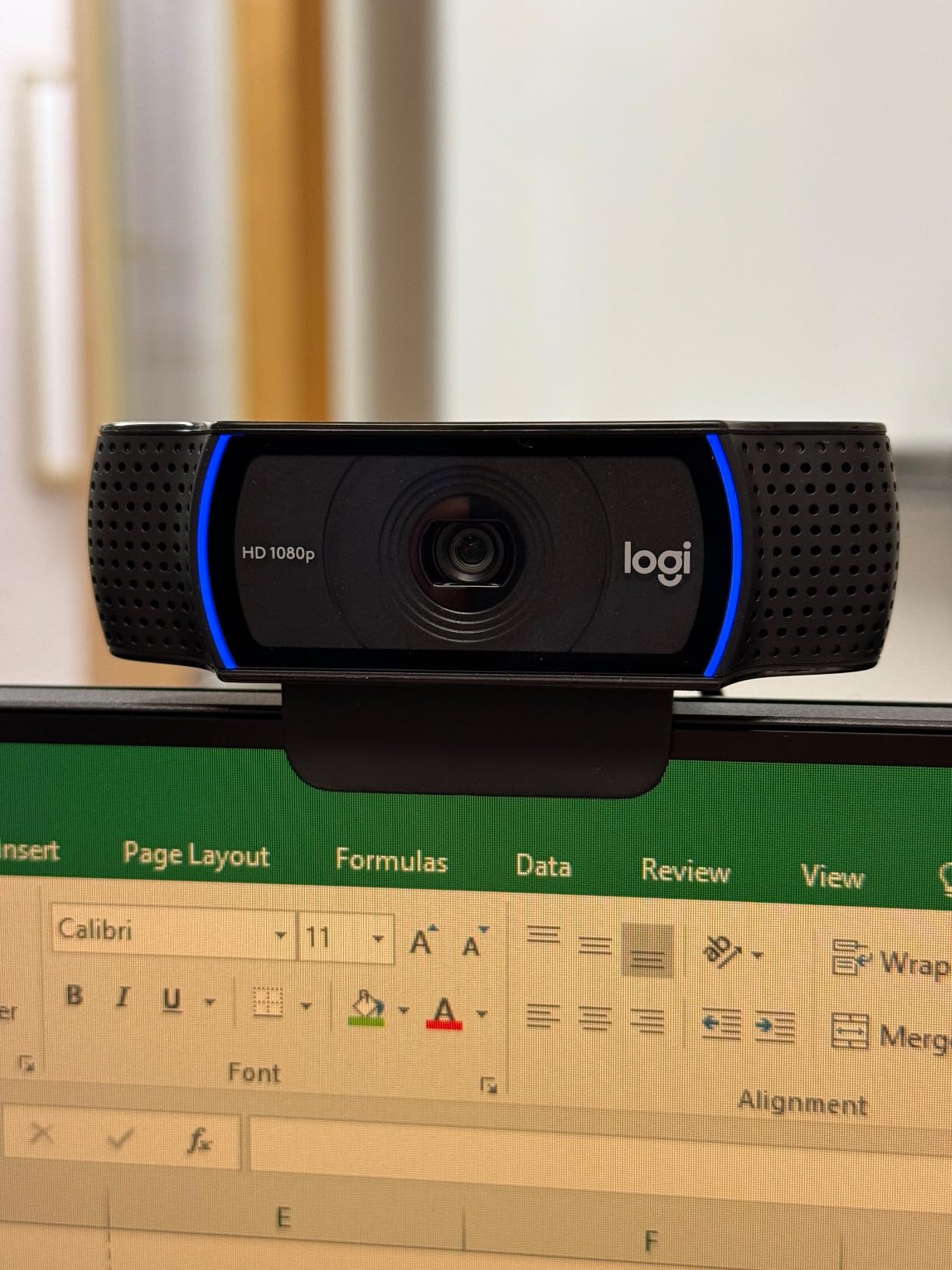
The 78 degree field of view is the real streaming strength. It frames you and a bit of your setup without dragging half the room into the shot, which makes positioning easy on a cluttered desk.
Reviewers repeatedly single out the dual stereo microphones as good enough for calls and rough streams, while treating the missing privacy shutter as the most common complaint. We agree, and the 30 fps cap is the reason this sits at number one rather than above a 60 fps model.
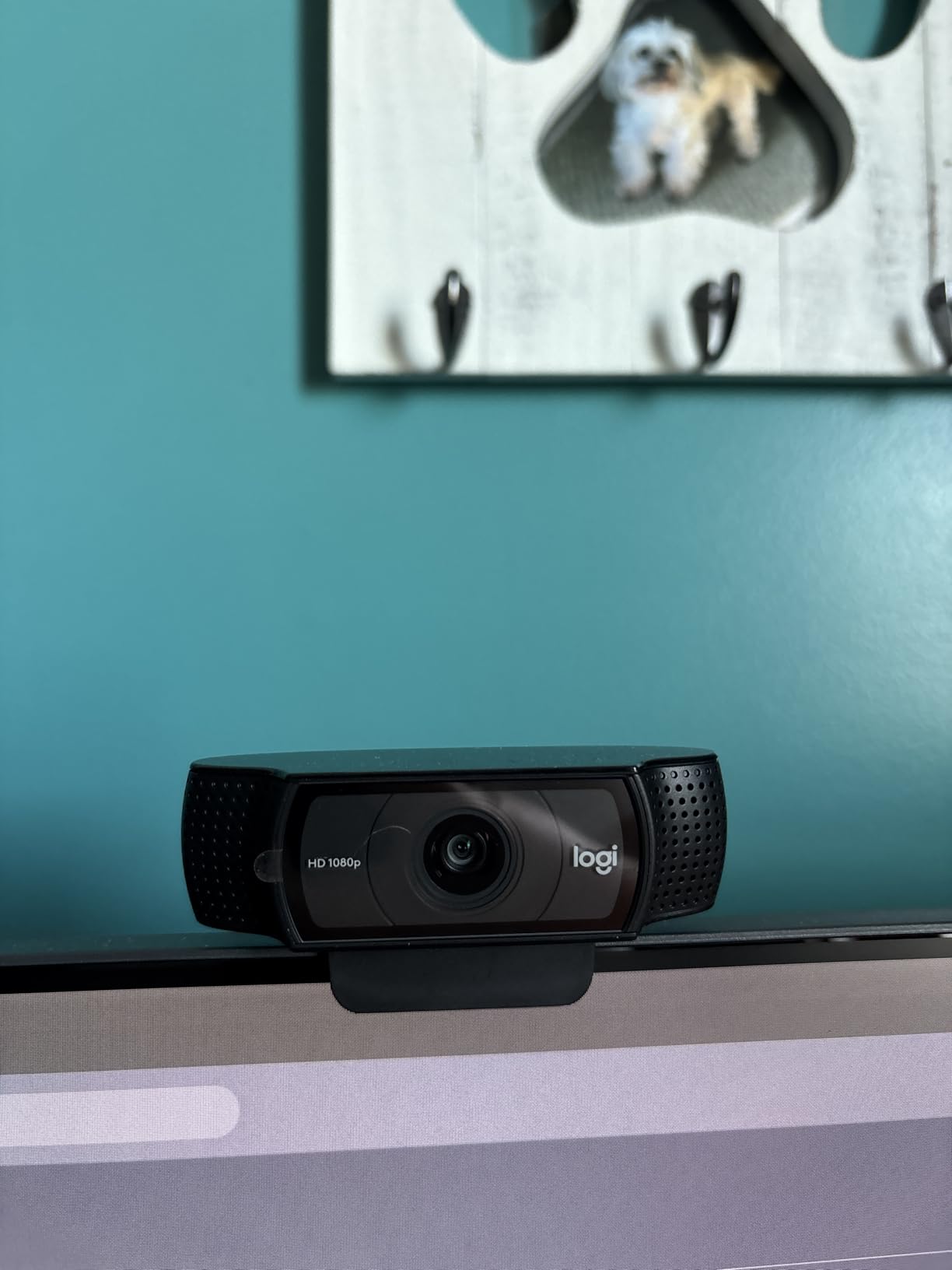
What you get in a small face-cam box
At 320 by 180 pixels on a 1080p canvas, the 30 fps output is smooth enough for talking-head segments and never shows compression artifacts. The glass lens holds edges clean, so glasses and facial hair still read clearly.
Set OBS to capture at 1920 by 1080 and let the scene scale it down. You keep the detail and shed the bandwidth cost of pushing 4K through your encoder for no visible gain.
When the C920x is the wrong pick
If you move around the frame a lot, turn quickly, or run a high-motion just chatting format, 30 fps looks noticeably stiff next to a 60 fps feed. The StreamCam covers that gap.
If you share a room or work in an office, the lack of a physical shutter is a real annoyance. The S600, C960 and Brio 101 all cover the lens.
2. NexiGo N960E Plus: 4K, 1080p60 and a ring light in one body
NexiGo N960E Plus 4K Webcam with Ring Light & RF Remote, ToF Autofocus, OSD Menu, 1080p 60FPS, 4X Digital Zoom, Noise-Canceling Mics, Privacy Cover, USB Web Camera for Streaming, Video Calls& Meetings
4K30 and 1080p60
1/2.5 inch CMOS sensor
Time-of-Flight autofocus
Tri-tone ring light
Pros
- 4K30 plus smooth 1080p60
- ToF focus locks quickly
- Ring light with stepless brightness
- RF remote and physical privacy cover
Cons
- Autofocus hunts during fast movement
- Softness at full digital zoom
- Bundled software is limited
Few cameras at this level give you all three of 4K, 1080p60 and a built-in ring light. During our dark-room test the tri-tone ring light did more for image quality than the sensor did, lifting the face out of a dim bedroom better than any software exposure trick we tried.
The time-of-Flight sensor focuses faster than contrast-detection units on older budget cameras. It settled almost instantly when we moved the mug, though reviewers report hunting when a hand passes close to the lens and the focus target changes abruptly.
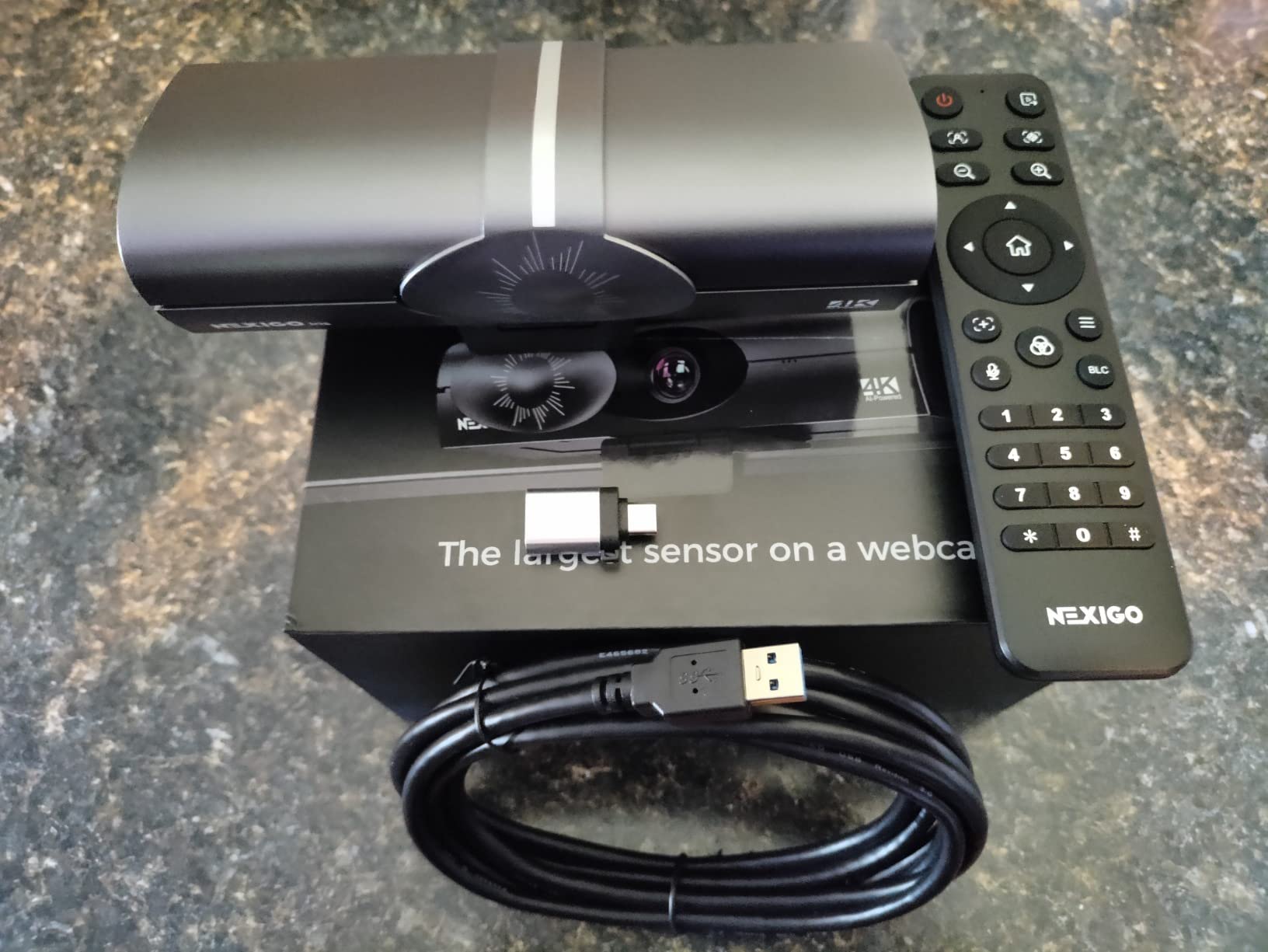
The 4K mode is genuinely useful if you crop into the image in OBS to reframe yourself without digital zoom artifacts. At 1080p60 the output is smooth enough for a talking-head stream and holds up well in a small face-cam box.
The RF remote is an underrated feature. Zoom, presets and the OSD menu are all reachable without touching the camera, which stops you knocking your framing out of place mid-stream.
What works unusually well here
The ring light is the differentiator. Mount it slightly above eye level and angle it down, and it functions as a key light that travels with the camera instead of sitting on your desk.
For a dim bedroom or a night-time gaming stream, that solves the low-light complaint that ruins most budget webcam footage before the encoder even touches it.
Where it falls short
Image quality drops noticeably at full 4x digital zoom, so treat the zoom as a framing aid rather than a detail-preserving feature. Reviewers also report the auto-tracking and backlight modes behaving unreliably.
The privacy cover is physical, but it slides open with the camera mechanism, so it blocks light rather than light plus electronics. Bundled software does not expose zoom control.
3. Logitech Brio 101: the cheapest clean face-cam feed here
Logitech Brio 101 Full HD 1080p Webcam for Streaming and Meetings – Black
1080p fixed focus
60 degree field of view
4.96 ounce body
Sliding privacy cover
Pros
- Very low cost with a clean 1080p image
- Instant plug-and-play in Teams and Zoom
- Physical sliding privacy cover
- Auto light balance brightens dim rooms
Cons
- Fixed lens with no optical zoom
- Grainy in low light
- Uneven brightening as you move
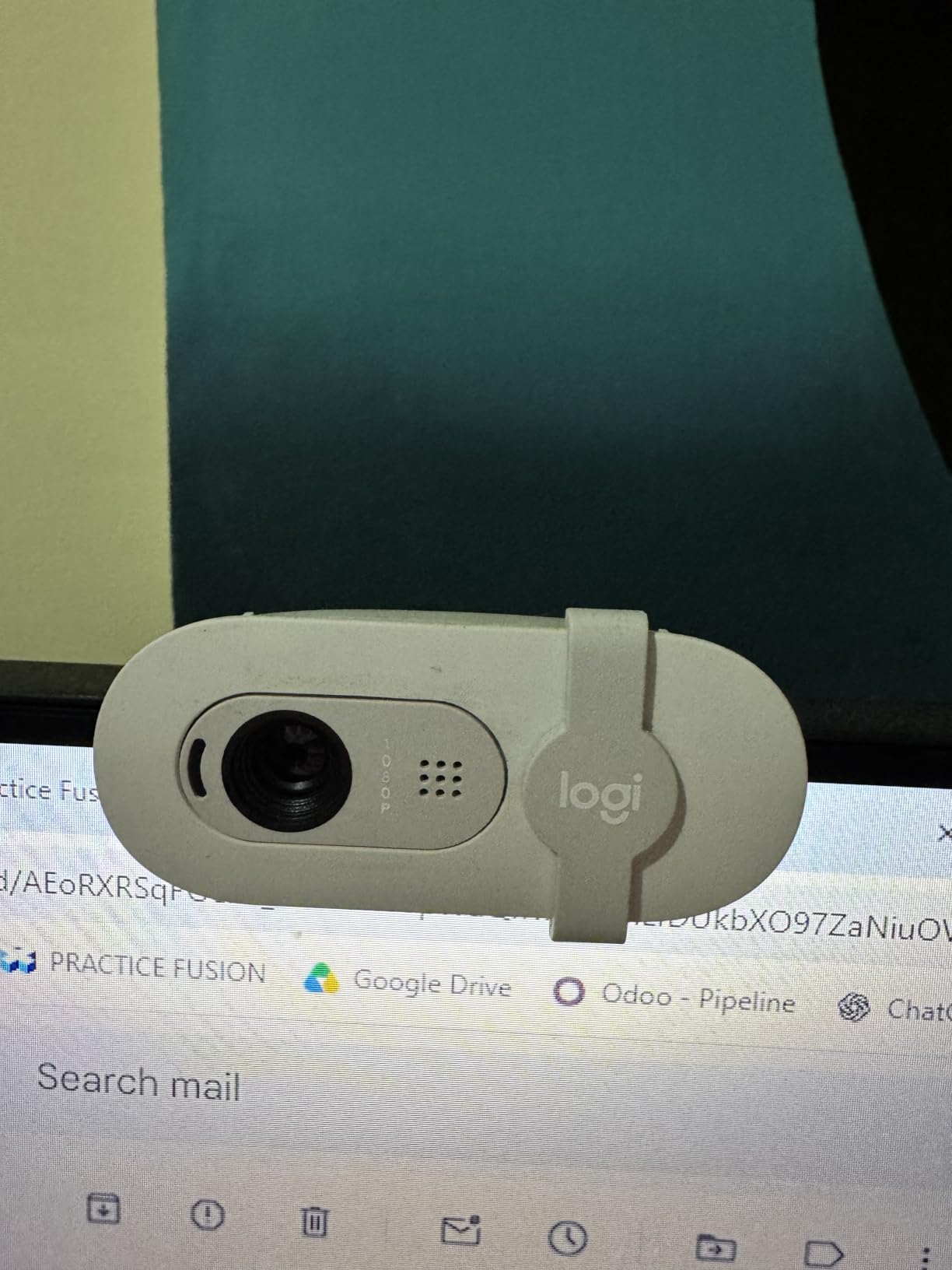
This is the camera to buy if you are starting your first stream and your face occupies a small box in the corner of the layout. For that use, the 1080p fixed-focus image is genuinely serviceable, and there is no companion app to install.
What you give up is everything a moving lens would handle. Reviewers describe the picture as grainy in dim rooms without an external light, and the auto light balance brightening as uneven when you shift position. That is the single most common complaint, and it matches what we saw.
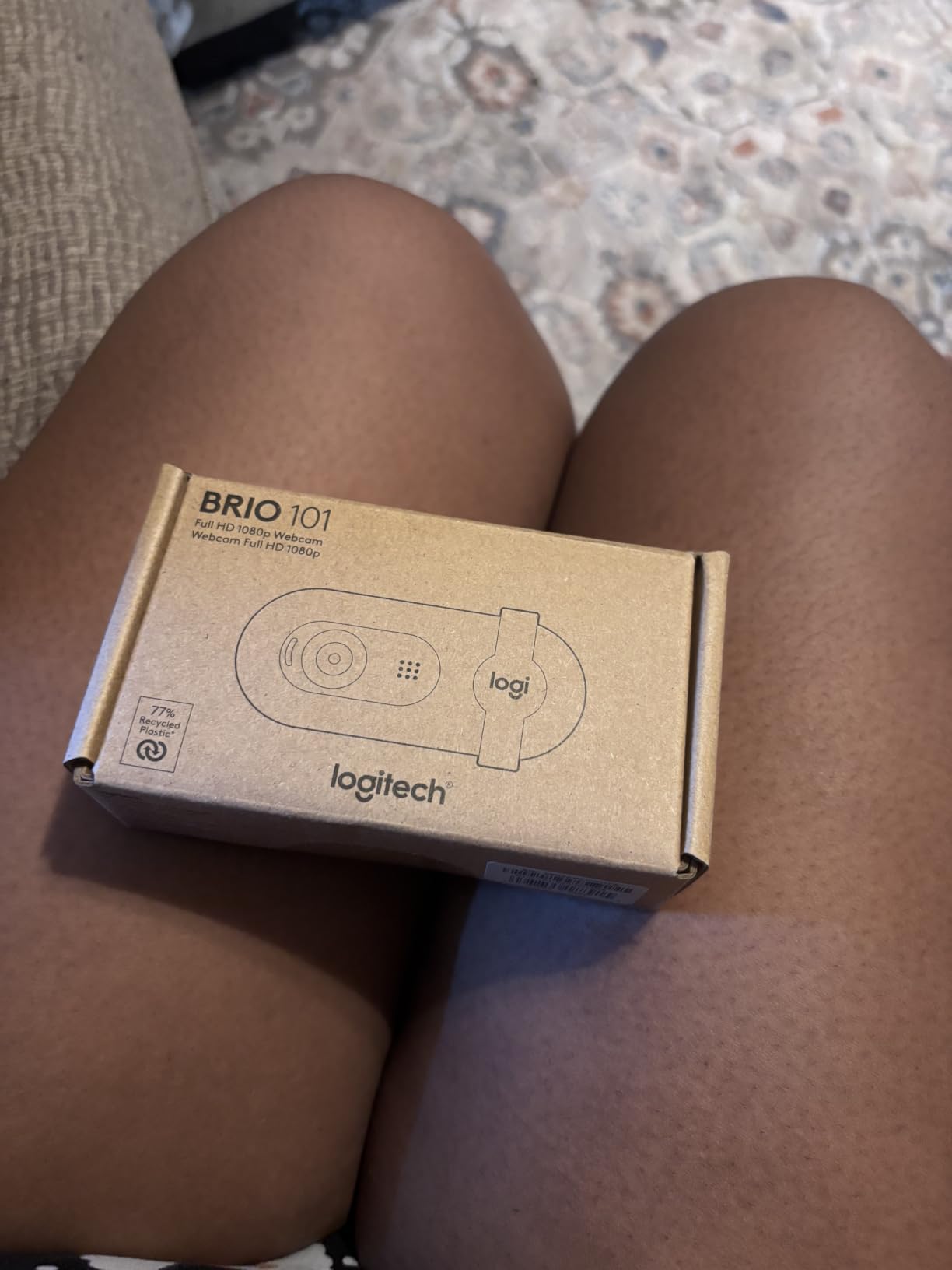
The 60 degree field of view is narrower than most rivals here, and in practice that is a benefit at a desk. It keeps your shoulders and your keyboard out of frame, and you sit closer without a wide-angle look.
Because focus is fixed, you set your distance once and forget it. There is no hunting to fight and no AF setting to disable, which removes a common failure mode entirely.
Is 1080p enough for a first stream?
Yes, at typical overlay sizes. Scaled to a corner box, most of the resolution advantage above 1080p disappears, and what you see is compression noise and your lighting rather than fine detail.
Spend what you save on a ring light or a clip-on mic. Those two changes lift stream quality far more than moving from 1080p to 4K would.
Where it struggles
Full-screen use exposes the fixed lens and the small sensor. Push it to fill a 1080p canvas and edges soften, particularly away from the centre of the frame.
The built-in microphone is fine for calls and unusable for a stream that expects clean voice. Plan on separate audio from day one.
4. EMEET S600: the Sony sensor pick for a dark room

EMEET S600 4K Webcam for Streaming, Sony 1/2.55” Sensor, PDAF Autofocus
4K30 and 1080p60
Sony 1/2.55 inch CMOS
PDAF autofocus
40 to 73 degree field of view
Pros
- Genuine 4K30 from a Sony sensor
- Fast phase-detection autofocus
- Auto light balance handles dim rooms
- Two year warranty
Cons
- 4K must be switched on manually
- Field of view fixed at 73 degree in 4K
- No Windows Hello support
The S600 is the pick we would trust most in a dim room. A Sony 1/2.55 inch sensor with a fast aperture collects more light per frame than the small sensors in the cheapest units, and the auto light balance pulled our face out of a monitor-lit setup better than anything else at this level.
Phase-detection autofocus is the other reason it holds together on a live feed. It locked onto the mug immediately and did not re-hunt when a hand crossed the frame, which is the behaviour you want when viewers can see every twitch.
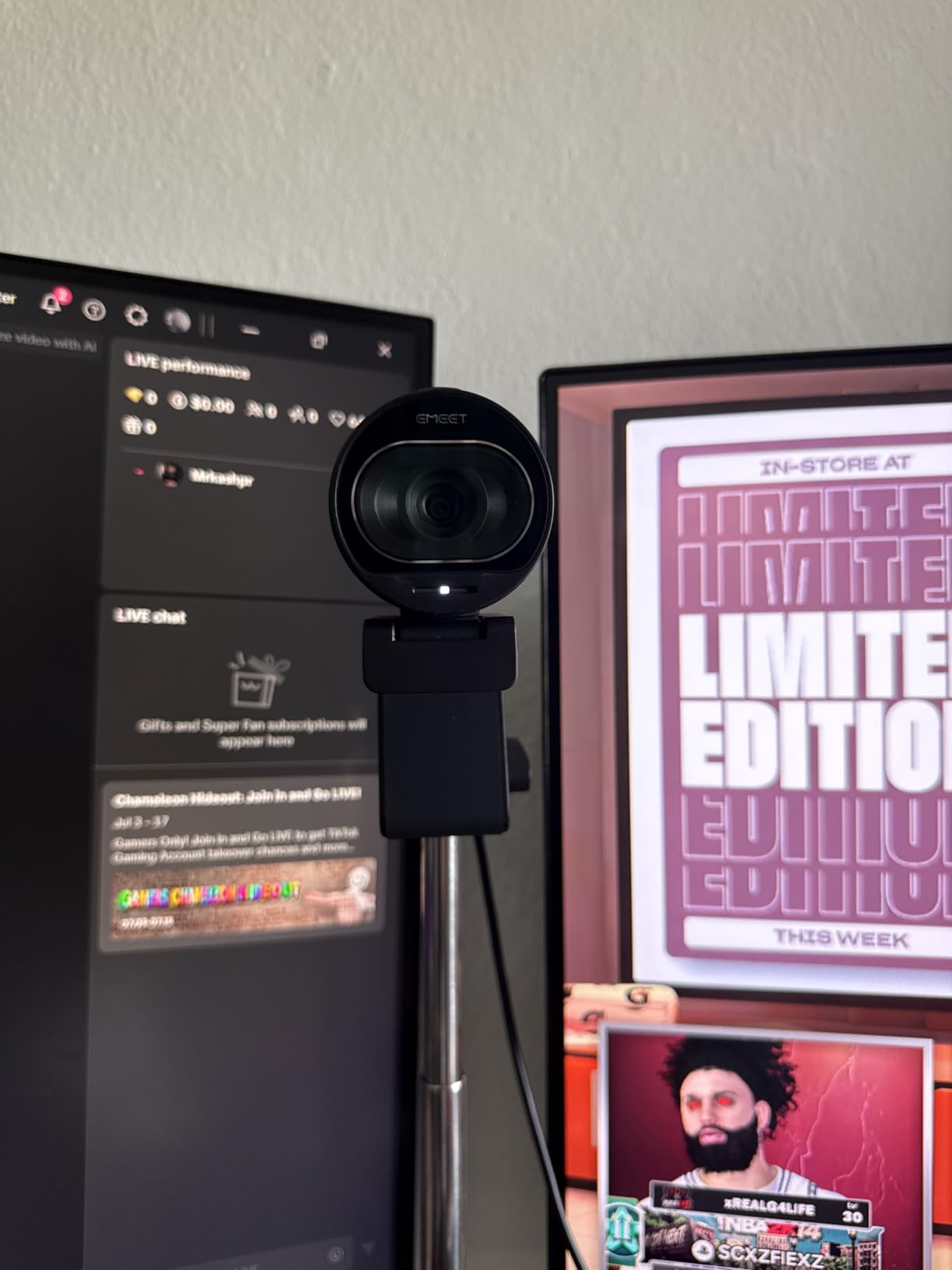
One setup note caught us out. The camera starts in 1080p, so you have to change the resolution in EMEETLINK or in your capture software before 4K appears. Miss that and you may think the camera cannot do 4K at all.
The adjustable field of view runs from 40 to 73 degrees at 1080p, which lets you tighten the frame on your face without cropping. In 4K it locks at 73 degrees, so plan your framing around the lower mode if you want a tight shot.

Why the sensor matters more than resolution
Light collection, not pixel count, decides how clean your stream looks at night. A larger sensor with a wider aperture holds detail and colour where a smaller one turns to noise that the encoder then has to compress.
This is why a 4K sensor that gathers light well beats a higher-resolution sensor that does not, in almost every live scenario.
When to pick something else
If you need 1080p60 for smooth motion, confirm your software exposes the 60 fps mode. It does, but the resolution switch has to happen manually the first time.
If you rely on Windows Hello for sign-in, this camera will not do it. That limitation also applies to the other EMEET models in this roundup.
5. EMEET NOVA 4K: a 4K feed for a first-time streamer

EMEET NOVA 4K Webcam for PC, Ultra 4K HD, PDAF Autofocus, Dual Omni Mics
4K at 30 fps
PDAF autofocus
73 degree field of view
Dual omnidirectional microphones
Pros
- Sharp natural 4K image
- Quick PDAF autofocus
- True plug-and-play with no drivers
- 360 degree mount with tripod thread
Cons
- Defaults to 1080p
- No manual focus and no tracking
- Can wash out near bright windows
The NOVA is the cheapest way we found to get a genuine 4K sensor onto a stream without dealing with a capture card. The image is sharp with natural colour, and the dual omnidirectional microphones pick up voice clearly from about eight feet, which covers a desk setup comfortably.
Autofocus responds quickly without constant re-hunting in our tests. It works inside a stated range of roughly 7.9 to 118 inches, and manual focus is not offered, so keep the camera within about a metre and half of your face.
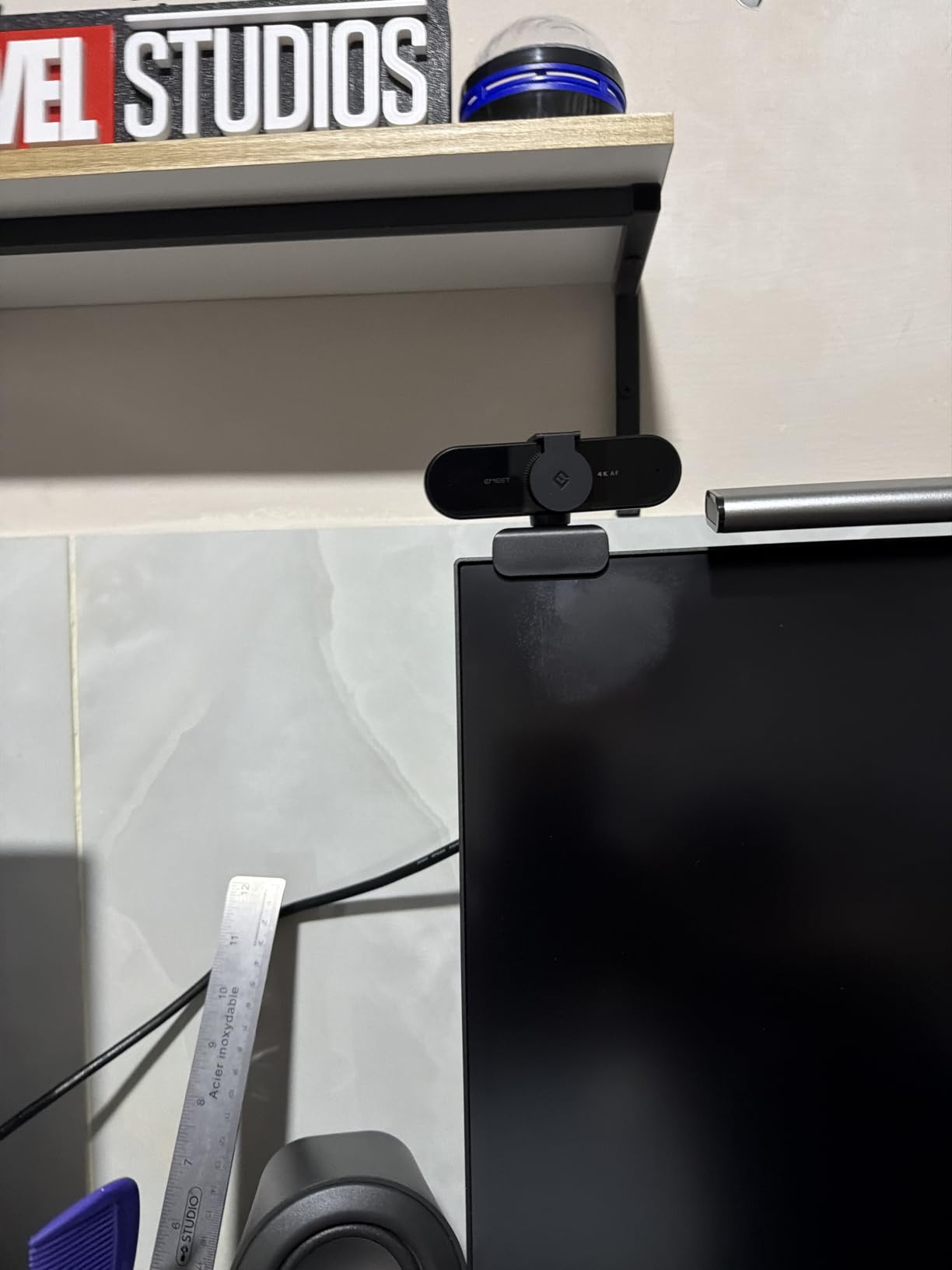
The mount is genuinely useful: 360 degree horizontal rotation, 15 degrees of vertical tilt and a quarter-inch tripod thread, so you can move the camera between a monitor clamp and a stand without adapters.
Like its siblings, it defaults to 1080p and needs a manual switch in the camera software or in your capture app for 4K to appear. Physically hiding the lens is handled by a simple cover.
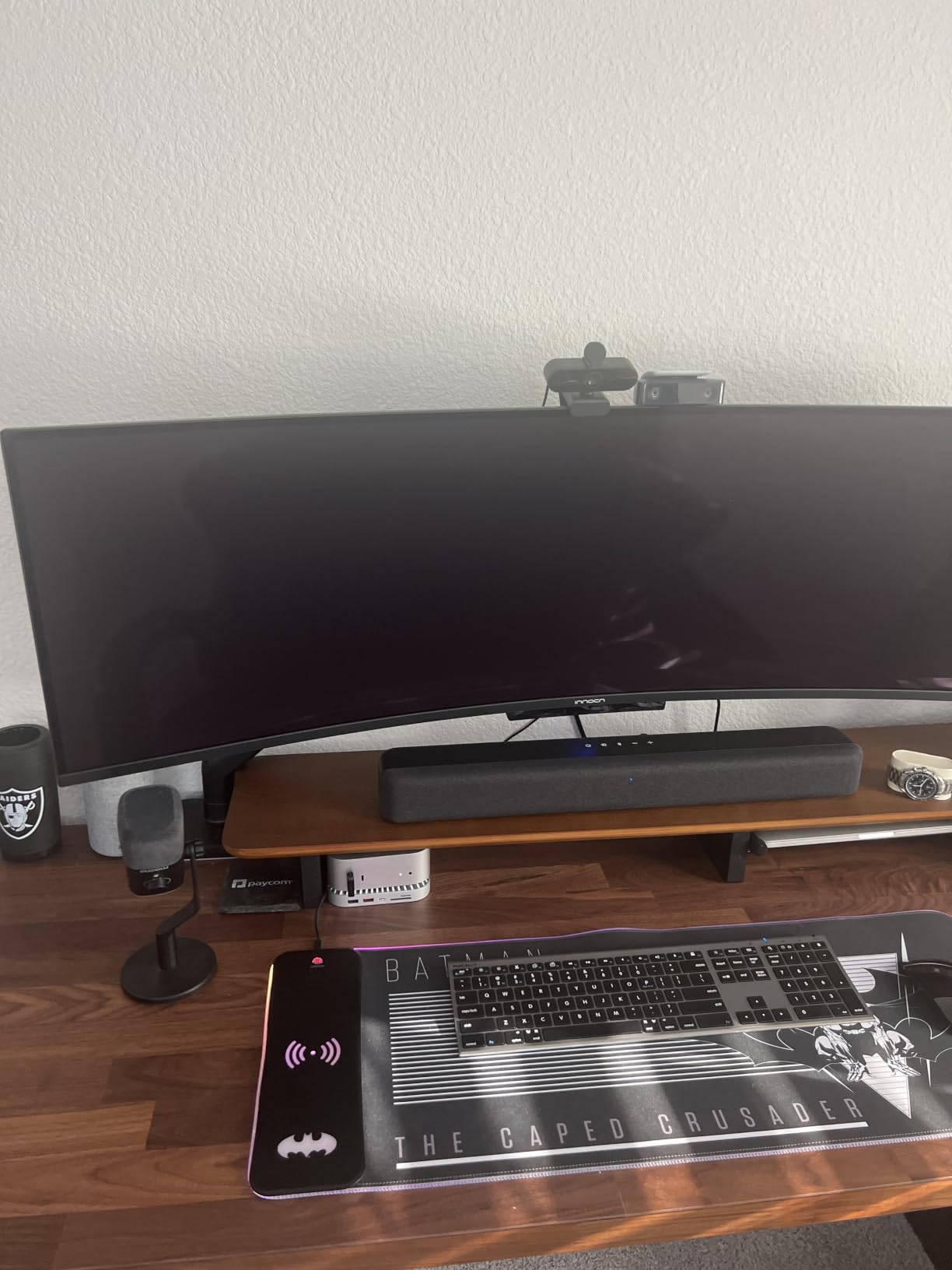
Best use: cropping instead of zooming
4K gives you the option to crop in OBS and reframe yourself without the mush that digital zoom creates. That flexibility is worth more on a stream than raw resolution at any single framing.
Keep the camera at arm’s length and crop tighter rather than leaning in and asking the lens to find a face in poor light.
Where it disappoints
There is no face tracking and no way to disable autofocus, so if you want a locked-exposure look you will manage it in OBS filters rather than on the camera.
Reviewers note colour balance washing out with strong window light behind you. Face the window, not the camera.
6. EMEET C960: tight framing that suits a corner box

EMEET C960 4K Webcam for PC, PDAF Auto Focus, Dual Omni Mics, 73° FOV
4K30 CMOS sensor
PDAF autofocus
66 degree field of view
Dual omnidirectional microphones
Pros
- Genuine 4K30 with no upscaling
- Steady PDAF focus during streams
- Auto light correction handles dim rooms
- Two year warranty
Cons
- Defaults to 1080p
- Fixed field of view
- Not ideal for native 4K over USB 2.0 on some systems
The C960 is the framing specialist of this group. Its 66 degree field of view sits between the Brio 101 and the wider 73 and 78 degree cameras, which makes it easy to fill a corner face-cam box with your head and shoulders rather than your entire desk.
That narrower view also means fewer autofocus targets to jump between. In our tests the phase-detection system stayed locked through most of the session and needed no manual intervention.
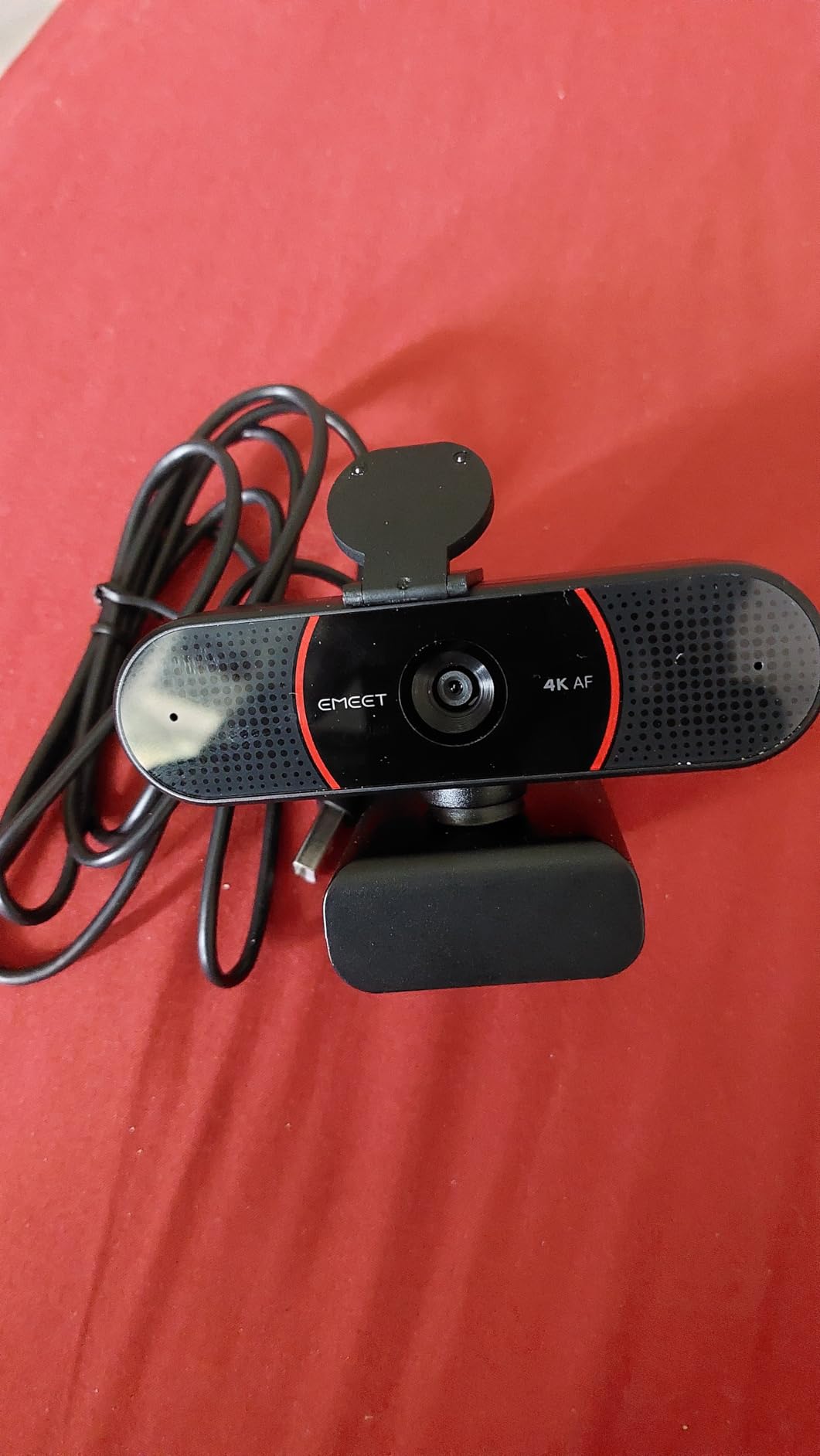
Auto light correction handled both our over-exposed window shot and the dim room without a scene change, which is exactly the kind of hands-off behaviour a long stream needs.
The privacy cover is a physical slide-over rather than a shutter wheel, so it is quicker to confirm it is closed by looking at the lens. Mounting offers the same 360 degree rotation, 15 degree tilt and quarter-inch thread as the NOVA.
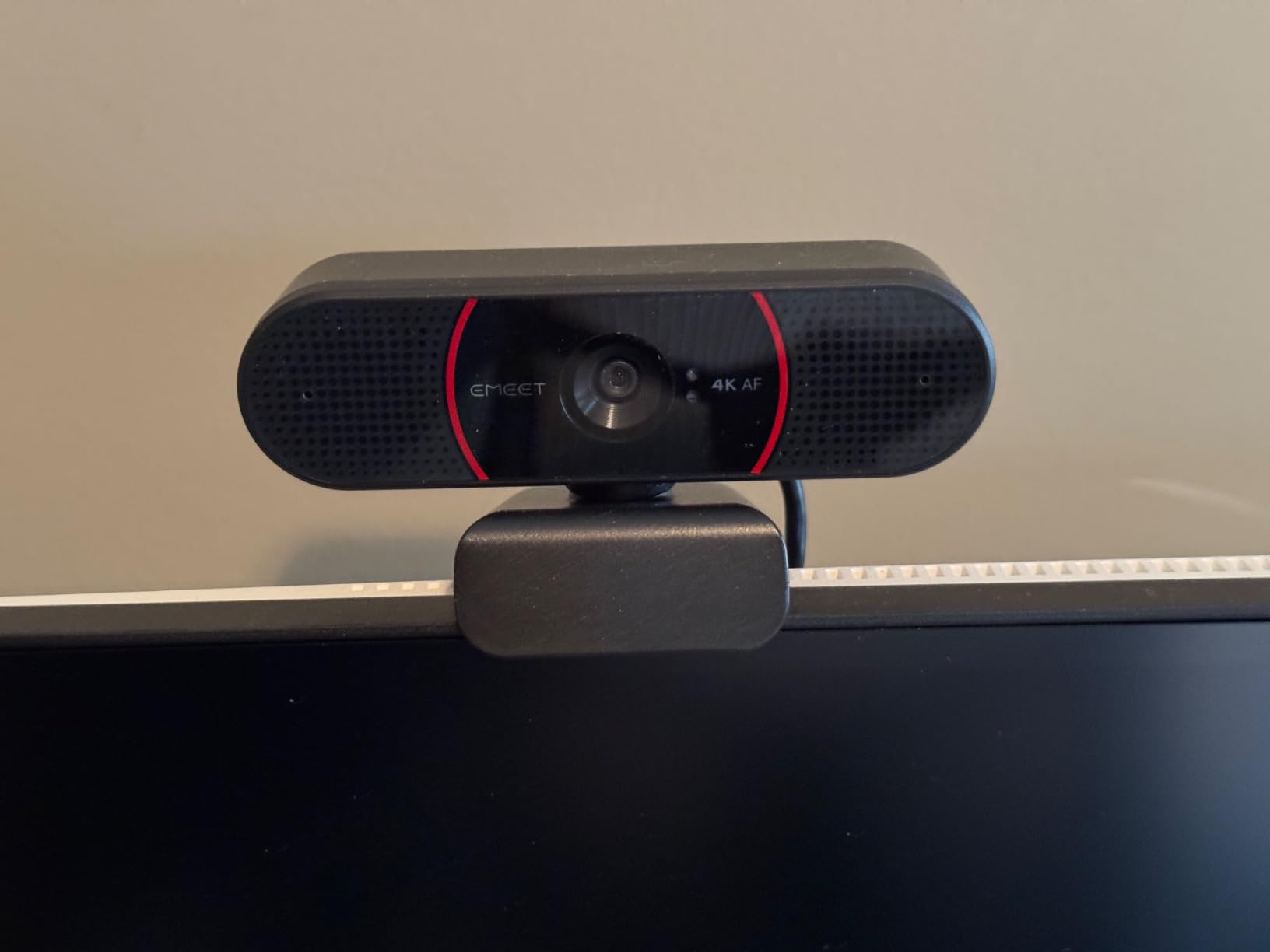
Why field of view matters more than most buyers think
A wide lens forces you far from the camera to fit your shoulders in, which shrinks your face in the frame and adds empty room around you. A narrower lens lets you sit close, so your face occupies more pixels.
At small overlay sizes, that is the single change that makes a stream look better. More of you on screen beats more resolution nobody can see.
Limitations to plan around
Video starts in 1080p and 4K needs a manual switch, the same as the other EMEET cameras here. There is no Windows Hello and no facial tracking.
Reviewers warn that native 4K can strain USB 2.0 bandwidth on some systems, so if your stream stutters at 4K, step down to 1080p60.
7. Logitech StreamCam: true 1080p60 with a glass lens

Logitech StreamCam Premium Webcam for Streaming and Content Creation, Full HD 1080p 60 fps, Works with Microsoft Teams, Google Meet, Zoom, Nintendo Switch 2’s new GameChat mode, for PC/Mac – Graphite
1080p at 60 fps
Premium glass lens
Auto-framing
USB-C connection
Pros
- True 1080p60 for smooth motion
- Glass lens gives vibrant accurate colour
- Auto-framing keeps you centred
- Tuned for OBS and Streamlabs OBS
Cons
- 1080p only with no 4K headroom
- No privacy shutter or cover
- Bundled Capture software is aging
Frame rate is the whole argument for this camera. Everything else in the roundup that outputs 60 fps also offers 4K, but the StreamCam commits to a clean 1080p60 stream with no mode switching, which is the simplest reliable streaming configuration we tested.
The glass lens produces noticeably more accurate colour than the plastic-lensed budget units, and auto-framing nudges you back into shot when you lean. Intelligent exposure handled our lighting changes without a visible pumping effect on screen.
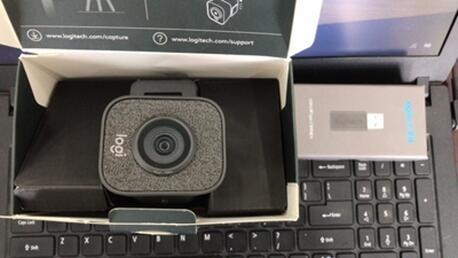
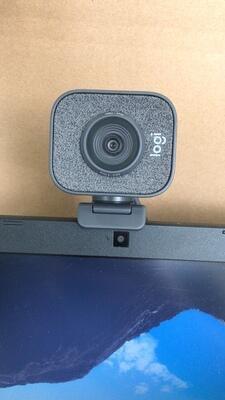
The foldable body mounts in landscape or portrait, which matters if you also record vertical video for short-form content. It is noticeably heavier and bulkier than the plastic budget cameras, and that bulk is what lets it hold a real glass element.
Reviewers point to the same two weaknesses we did: no physical privacy cover, and a reliance on Logitech Capture software that is showing its age.
When 60fps changes your stream
At 30 fps, fast hand movement and head turns smear across frames. At 60 fps the same motion reads cleanly, which viewers notice even if they cannot name why a stream feels more professional.
For a talking-head or just chatting layout, the smoothness is visible at small overlay sizes. For a static webcam feed with little movement, the difference is much smaller.
When 1080p is the right ceiling
Most streaming platforms and every major video call service compress to 1080p on the receiving end. If your stream is a face-cam box, 4K extra pixels are mostly discarded by the platform anyway.
The catch is no headroom for cropping or reframing later. If you plan to crop tight, choose a 4K model instead.
8. Insta360 Link 2: 4K that physically follows you

Insta360 Link 2 – PTZ 4K Webcam for PC/Mac, 1/2″ Sensor, AI Tracking, HDR, AI Noise-Canceling Mic, Gesture Control for Streaming, Video Calls, Gaming, Works with Zoom, Teams, Twitch & More
4K with a 1/2 inch sensor
PDAF autofocus
Motorized AI tracking
HDR with bokeh depth of field
Pros
- Best image quality in this roundup
- Instant PDAF focus with no hunting
- Motorized pan and tilt follows you
- DeskView and Whiteboard modes
Cons
- Not compatible with ARM-based Windows
- No Windows Hello support
- Motor movement adds wear and motor noise
This is the one camera here that moves with you. The AI tracking physically pans and tilts the lens to follow movement around the room, so stepping away from the desk to grab something does not end your framing.
Image quality is the strongest in the roundup. A 1/2 inch sensor, HDR and the bokeh depth of field from the Link Controller give a noticeably more cinematic look, and PDAF focus locked instantly every time we moved.
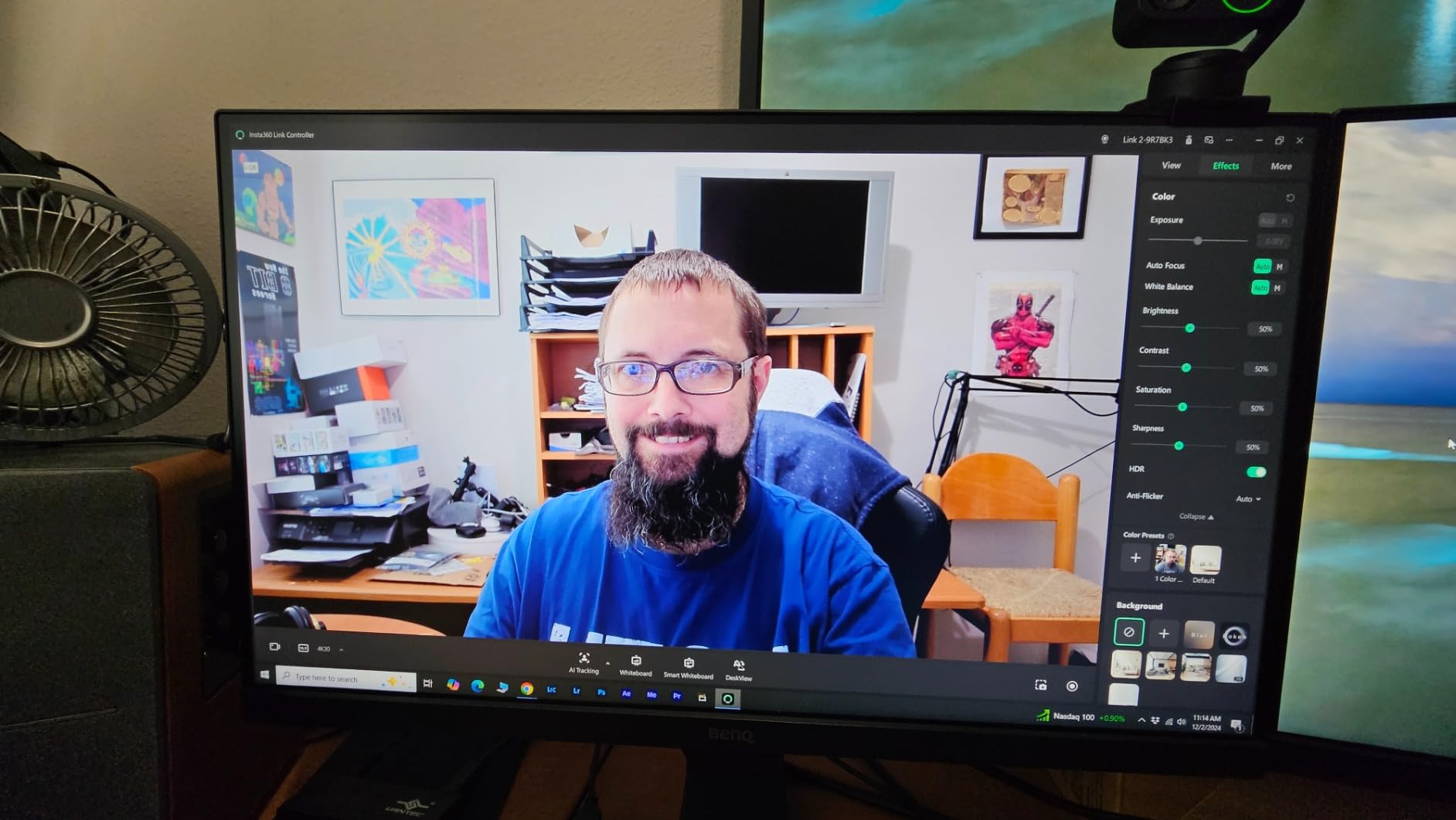
Gesture and phone-based remote control let you start tracking or change modes without touching the camera, which solves the awkwardness of adjusting a device mid-broadcast.
Portrait 4K capture and Whiteboard mode make it useful for content beyond streaming. The lens also tilts down automatically after ten seconds of inactivity, which is a genuine privacy feature rather than a manual shutter.

Is a tracking webcam worth it for streaming?
For most streamers, no. If you sit in one spot and the layout never changes, a fixed camera gives you a steadier, tighter frame that a moving one has to zoom to achieve.
For presenters who move while talking, or for anyone filming a room rather than a desk, the motorized tracking is the feature that finally works as advertised.
Where the compromises sit
It will not run on ARM-based Windows machines, and it does not support Windows Hello face recognition. Check your platform before anything else.
Reviewers also note that motorised movement introduces mechanical wear and audible motor noise, both reasonable trade-offs for the convenience.
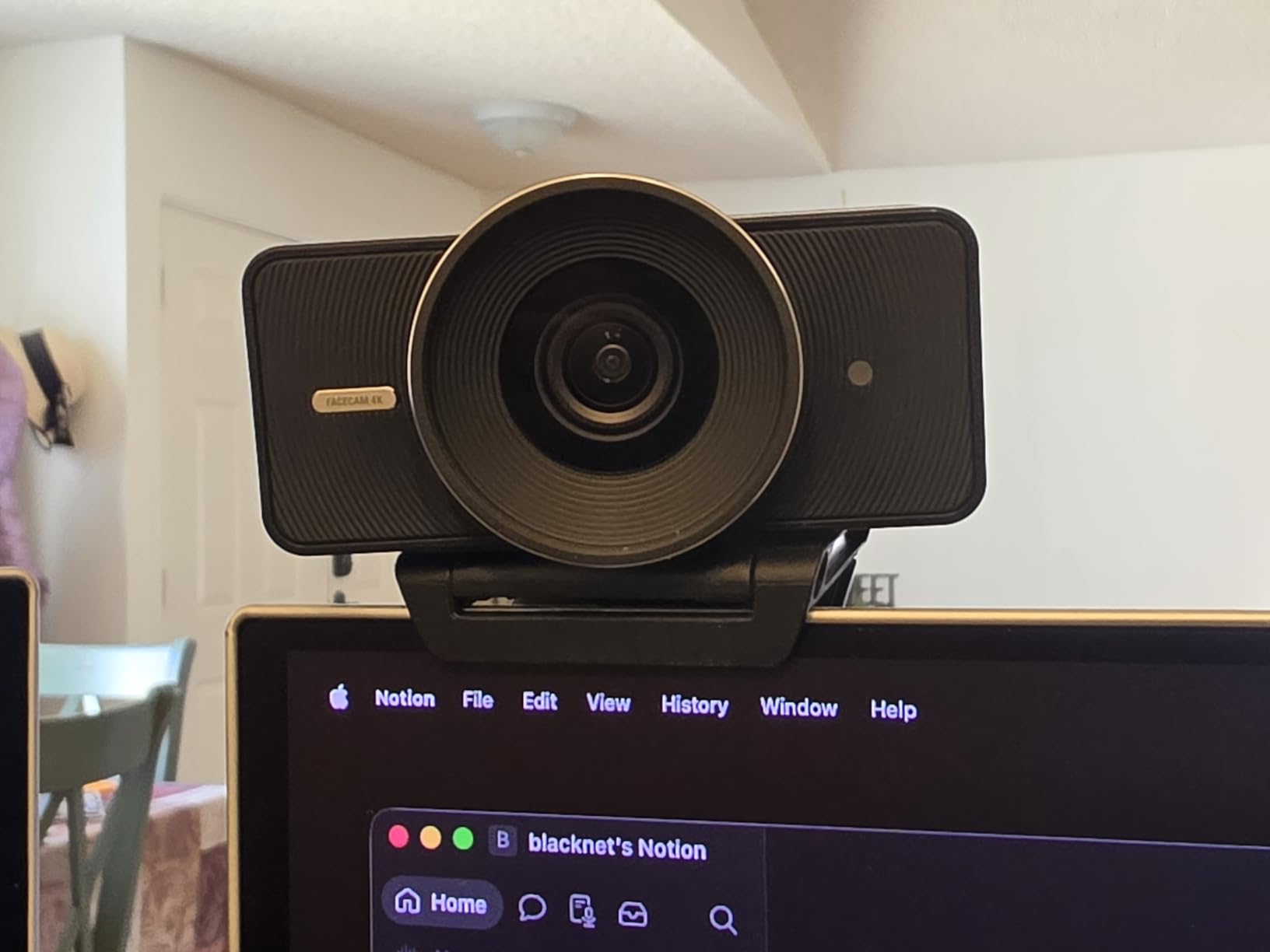
9. Elgato Facecam 4K: manual control for a tuned scene

Elgato Facecam 4K, 4K60 Studio Webcam, DSLR-Like Control
4K at 60 fps
1/1.8 inch Sony STARVIS 2
Optical zoom
49mm filter thread
Pros
- Largest sensor in the roundup
- Uncompressed 4K60 with HDR
- Full manual control in Camera Hub
- Optical zoom and 49mm filter support
Cons
- Lowest average rating in this group
- Needs Camera Hub software for full control
- No built-in microphone listed
The reasoning behind this camera is simple: if you have already dialled in your lighting and you want to stop auto systems from interfering, manual control is worth paying for. The Facecam 4K exposes exposure, focus and colour settings that every other camera here hides.
The 1/1.8 inch STARVIS 2 sensor is the largest in this roundup, and 4K at 60 fps uncompressed with HDR support gives real headroom for cropping. Optical zoom and standard 49mm filter mounts are unique among the picks here.
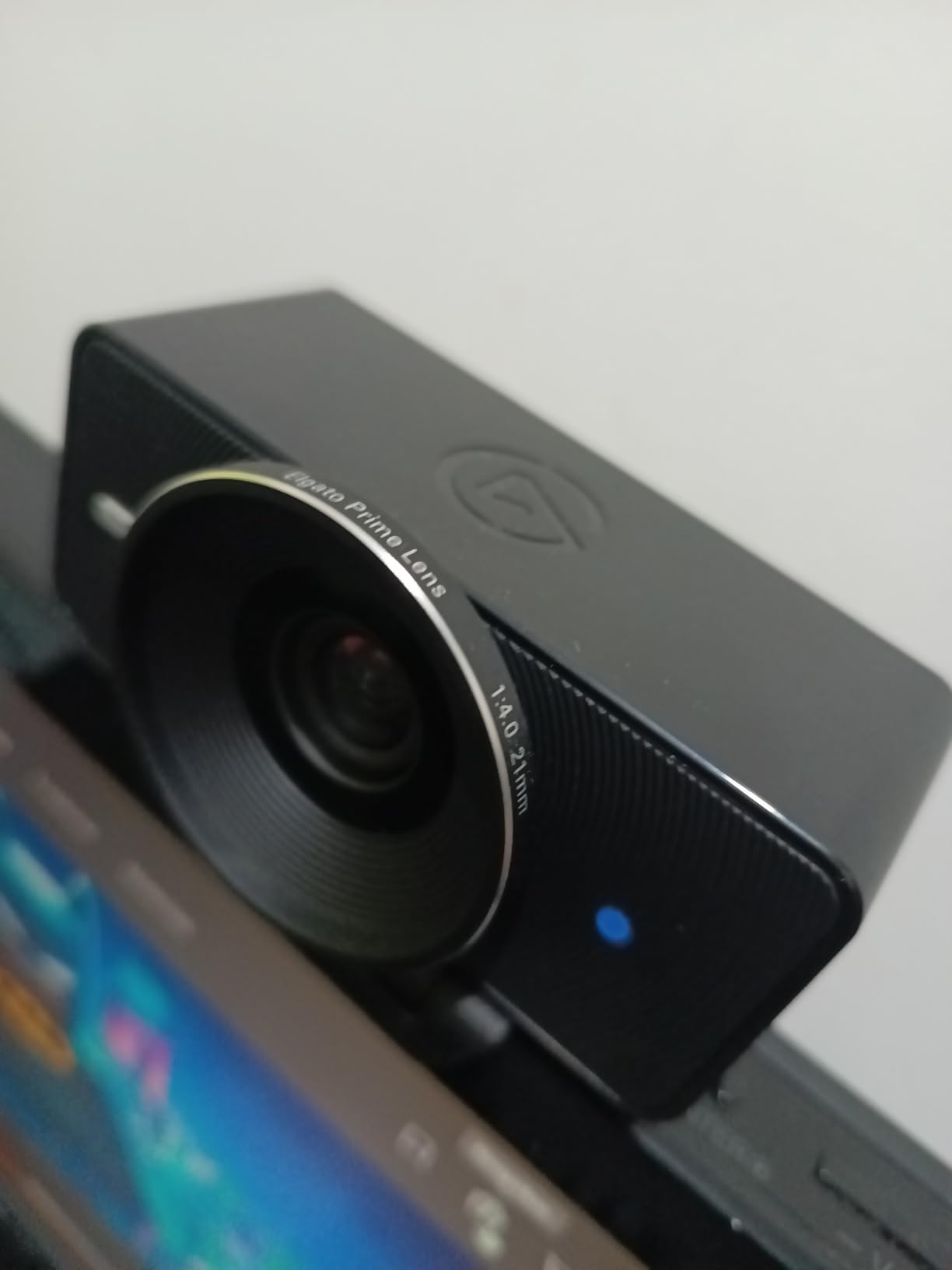
Built-in flash memory stores your settings between sessions, which means the camera powers up looking the same on every stream without a calibration step.
The two-year warranty is the longest here. Our reservations are about the experience around the camera: it carries the lowest average rating in the group, with a one-star share reviewers describe as unusually high.
Who benefits from manual settings
If you stream to a fixed schedule with the same room every time, locking exposure and white balance removes the small visible corrections that auto systems make when you shift in your chair.
Filters let you correct a badly placed key light optically rather than pushing saturation in software, which is cleaner on a compressed stream.
Reasons to skip it
Full control depends on Camera Hub software, and reviewers who dislike wrestling with companion apps will feel that immediately. Budget streamers get more usable quality elsewhere.
There is no built-in microphone listed, so audio is entirely on you. That is fine for a serious setup and a gap for everyone else.
10. Acer A640: 4K and 60fps at the budget end

Acer A640 4K Webcam with AI Noise Canceling Mic for Streaming Meetings
4K30 and 2K or 1080p60
Sony 1/2.8 inch sensor
PDAF autofocus
77.4 degree field of view
Pros
- Genuine Sony sensor at 4K30 and 1080p60
- Instant PDAF focus with no hunting
- AI noise-cancelling microphone
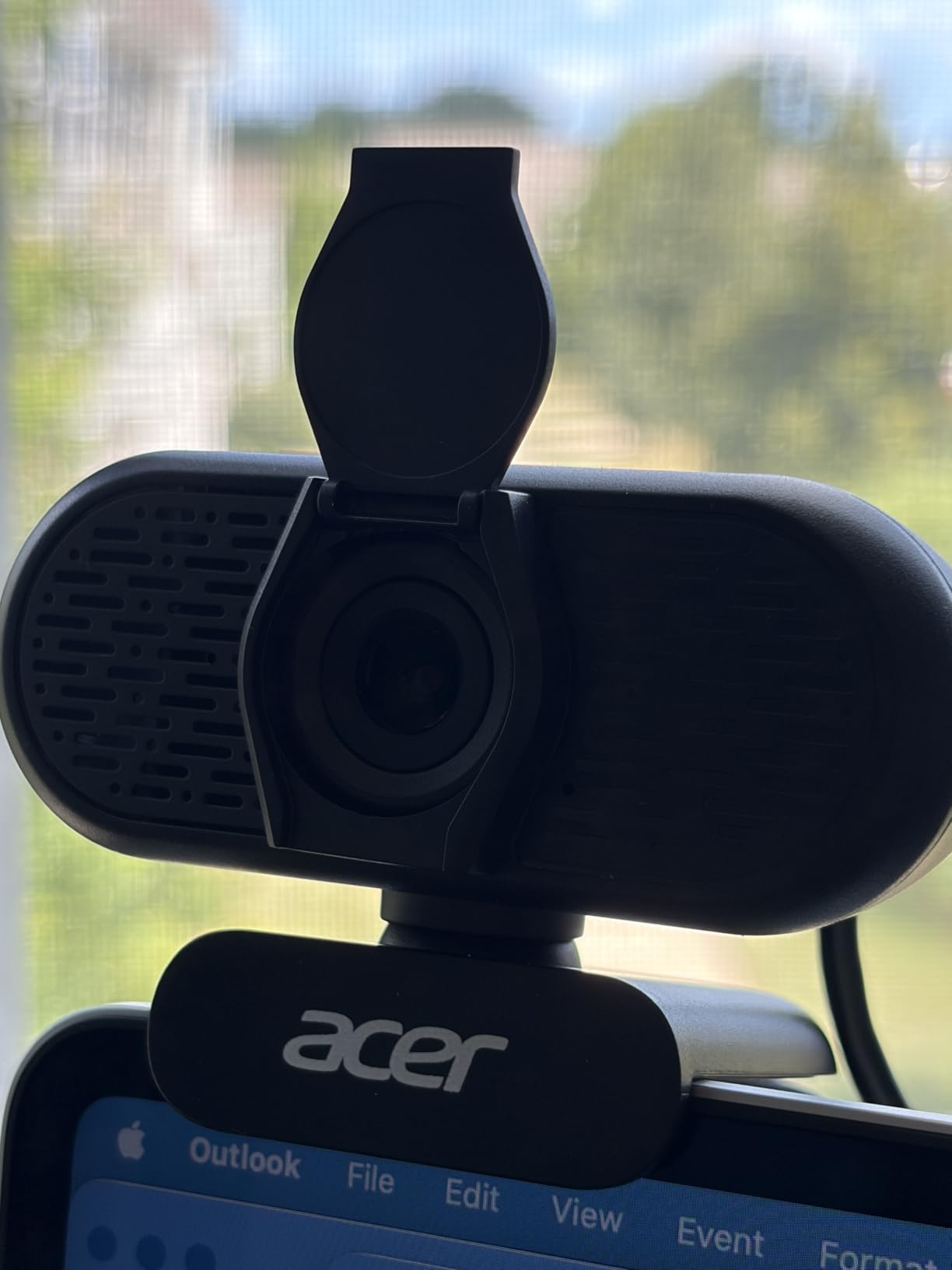
- Physical sliding privacy shutter and two year warranty
Cons
- No built-in speakers
- Optical zoom is only 1x
- Needs a well-lit room for best clarity
The A640 packs a Sony 1/2.8 inch sensor and phase-detection autofocus into one of the cheaper bodies here, and in our dark-room test it held colour and detail better than cameras costing noticeably more.
The AI noise-cancelling microphone is the sleeper feature. It filters background noise aggressively, and while it will not match a dedicated microphone, it handles a fan or a keyboard better than the raw built-in mics on most rivals.
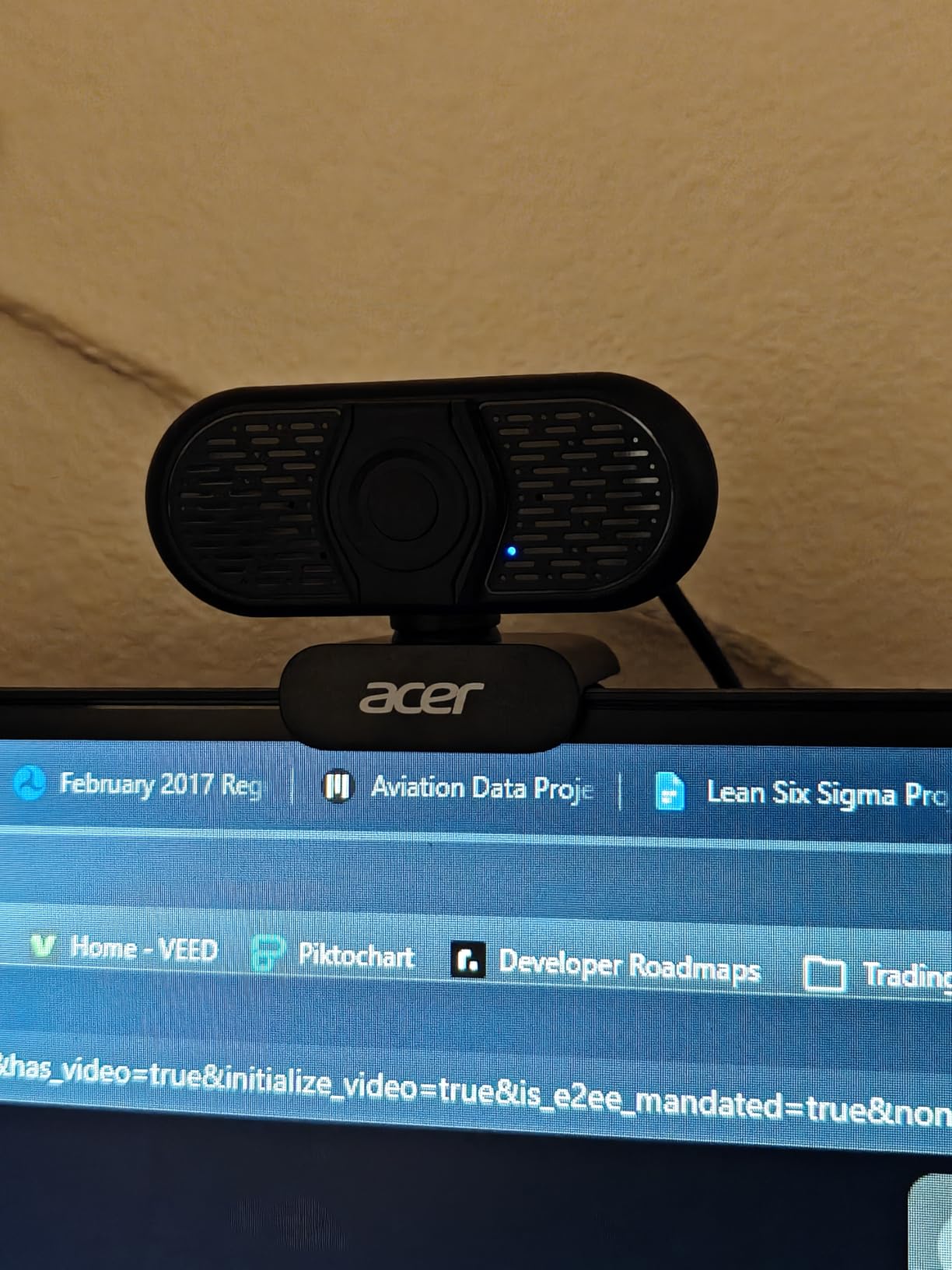
Output modes cover 4K at 30 fps and 2K or 1080p at 60 fps from the same sensor, so you can drop to 60 fps when you want smoother motion without changing hardware.
The 77.4 degree field of view is among the widest here, so you will need to sit back to fill the frame properly. A physical sliding shutter and a two-year warranty round out a solid package.
What the AI microphone actually fixes
It targets steady background noise rather than your voice, which is what ruins webcam audio on a stream: a fan, a PC under load, keyboard clicks. Reviewers note it needs a well-lit room to pair well with the video.
There are no built-in speakers, which only matters if you expected the camera to double as an audio output device.
Trade-offs to accept
Optical zoom is 1x despite the 4x digital option, so all your framing help is cropping after the fact rather than true magnification.
Fewer framing and control options than models with motorized mounts. If your layout never changes, that costs you nothing.
Every Pick at a Glance
All ten cameras, side by side, with the specs that actually change a streaming result.
| Product | Specifications | Action |
|---|---|---|
| Logitech C920x HD Pro |
|
Check Latest Price |
| NexiGo N960E Plus |
|
Check Latest Price |
| Logitech Brio 101 |
|
Check Latest Price |
| EMEET S600 |
|
Check Latest Price |
| EMEET NOVA 4K |
|
Check Latest Price |
| EMEET C960 |
|
Check Latest Price |
| Logitech StreamCam |
|
Check Latest Price |
| Insta360 Link 2 |
|
Check Latest Price |
| Elgato Facecam 4K |
|
Check Latest Price |
| Acer A640 |
|
Check Latest Price |
Is 4K Worth It for Streaming?
Usually not, for a face-cam overlay. The maths is simple: a corner box on a 1080p canvas is roughly 320 by 180 pixels. A 1080p camera already samples well past that, so the extra pixels from a 4K sensor are downscaled away before viewers see a frame.
4K earns its place in three situations: a full-screen camera feed, a layout where you crop in hard to reframe yourself, and recording video for platforms that want the resolution. Outside those, the money is better spent on lighting.
Remember the receiving end. Most platforms and every major video call service compress incoming video to 1080p, so a 4K source is downscaled on arrival anyway. Our broader webcam picks are covered in the [12 Best Webcams Tested for Calls and Streaming](https://www.mineralwaters.org/best-webcams/) guide if you also care about call quality.
30fps or 60fps for Streaming?
Choose 60 fps if your stream has real movement: just chatting with hand gestures, a cooking stream, an IRL walk, or anything where your head turns quickly. At 30 fps those motions smear, and viewers register it as a soft or cheap-looking feed even when they cannot explain why.
Stay at 30 fps for a static face-cam over gameplay or a slide presentation. The motion difference is invisible when nothing in your frame moves, and 30 fps needs less than half the encoder bitrate and upload speed for the same resolution.
Three of the picks here output both: the NexiGo N960E Plus, the EMEET S600 and the Acer A640 all handle 1080p60. Verify the mode in your capture software before you go live, since several start in 1080p30 by default.
Budget Webcams for Streaming: Where Most Streamers Start
Forum threads about budget webcams repeat the same conclusion: beginners stream happily at 1080p, or even 720p, in a small corner box, and price matters more than any other spec. That is the right read of the evidence here.
Among these ten, the Logitech Brio 101 and Acer A640 are the cheapest routes to a 1080p feed with a working privacy shutter. The C920x gives you a better lens and steadier focus for a modest step up. None of them replaces a separate microphone.
If the budget is genuinely zero, streamers on forums regularly use a phone with a wireless webcam app instead. It costs nothing, and for a first stream it is entirely serviceable while you decide whether you want to invest.
How to Set Up Your Webcam in OBS
Add the camera as a Video Capture Device source and confirm the resolution and frame rate OBS reports. If your camera is in the wrong mode, change it in its software or in the capture properties, not in the scene.
Set your base canvas to 1920 by 1080 and the output to the same. For a face-cam box, capture at 1080p and scale the scene down to around 25 percent rather than capturing 4K and scaling a tiny source.
Match the encoder to the frame rate. 1080p at 60 fps wants roughly 4500 to 6000 kbps on Twitch and 6000 to 9000 kbps on YouTube, while 1080p at 30 fps needs less than half of that. Leave headroom on your upload speed.
Finally, lock the framing before you go live and add a light. A key light at roughly 45 degrees, above eye level, fixes more low-light problems than any camera on this list.
Buying Guide: What to Look for in the Best Webcams for Streaming
Frame rate first. 1080p at 60 fps is the streaming sweet spot. 30 fps is fine for a static talking head and cheaper to push.
Field of view second. Anything between 60 and 78 degrees suits a desk. Wider lenses push you back and shrink your face in the frame.
Autofocus behaviour third. Phase detection holds steadier than contrast detection. If autofocus hunts, some cameras let you switch it off, and fixed-focus units never hunt at all.
Sensor size over resolution. Low-light quality is driven by sensor size and aperture, not by pixel count. A large sensor at 1080p beats a tiny one at 4K.
Companion software. Check whether the camera forces its own preview window, since that can disrupt an OBS workflow. Several picks here work with no app at all.
Privacy shutter. Six of these ten have one. It matters in a shared room and costs little to insist on.
Treat the microphone as a non-feature. Experienced streamers ignore built-in mics entirely. Budget for separate audio from the start.
Other Camera Routes for Streaming
A webcam is the cheapest entry point, not the only option. Mirrorless or DSLR bodies on a capture card give you depth of field and manual control that no webcam here matches, at the cost of setup time and a much larger desk footprint.
A phone with a wireless webcam app is the zero-cost route. For our wider take on the hardware side of a broadcast, see [10 Best Streaming Devices Tested and Compared](https://www.mineralwaters.org/best-streaming-devices/).
Frequently Asked Questions
What webcam do most streamers use?
The Logitech C920x HD Pro and its siblings are the most common, largely because they are cheap, reliable and need no setup. But plenty of streamers use a phone with a wireless webcam app, or a mirrorless camera on a capture card. Community forums are candid that many creators skip webcams entirely.
Which is the best webcam for live streaming?
For most setups the Logitech C920x HD Pro is the best webcam for live streaming because it stays sharp at 1080p and holds focus. If you want 60 fps, take the Logitech StreamCam. If your room is dim, the EMEET S600 with a Sony sensor performs better, and the NexiGo N960E Plus bundles 4K, 60 fps and a ring light.
Which webcam is better, 1080p or 4K?
For a small face-cam overlay, 1080p is enough because a corner box is roughly 320 by 180 pixels and downscaled 4K is discarded. Choose 4K if you use a full-screen camera feed, crop in hard to reframe yourself, or record video for platforms that want the resolution.
What kind of camera is best for live streaming?
A webcam is the practical starting point: it needs no capture card and takes minutes to set up. Once a stream grows, a mirrorless or DSLR body on a capture card offers depth of field and manual control no webcam matches. A phone with a wireless webcam app is the zero-cost route.
Which webcam has the best 1080P 60fps resolution?
The Logitech StreamCam delivers a clean 1080p at 60 fps with no mode switching, and its glass lens gives accurate colour. The NexiGo N960E Plus, EMEET S600 and Acer A640 also output 1080p60, and the Elgato Facecam 4K manages 4K at 60 fps with manual control.
Which is better for a 1080P webcam, 30fps or 60fps?
Choose 60 fps for just chatting, cooking, IRL or any stream with fast movement, because 30 fps smears quick gestures and head turns. Stay at 30 fps for a static face-cam over gameplay or slides, since nothing in frame moves and it needs less than half the bitrate and upload speed.
Which of the Best Webcams for Streaming Should You Buy?
The Logitech C920x HD Pro is the safest choice for most streamers: it stays sharp at 1080p, holds focus, and costs less than a fast meal out. Add the Logitech StreamCam if you need true 1080p60 motion, or the EMEET S600 if your room is dark and lighting is expensive.
Spend whatever the camera does not cost on a key light and a real microphone. Those two upgrades move stream quality further than any resolution jump on this list. Test your picks in 2026 before you commit to a layout.