
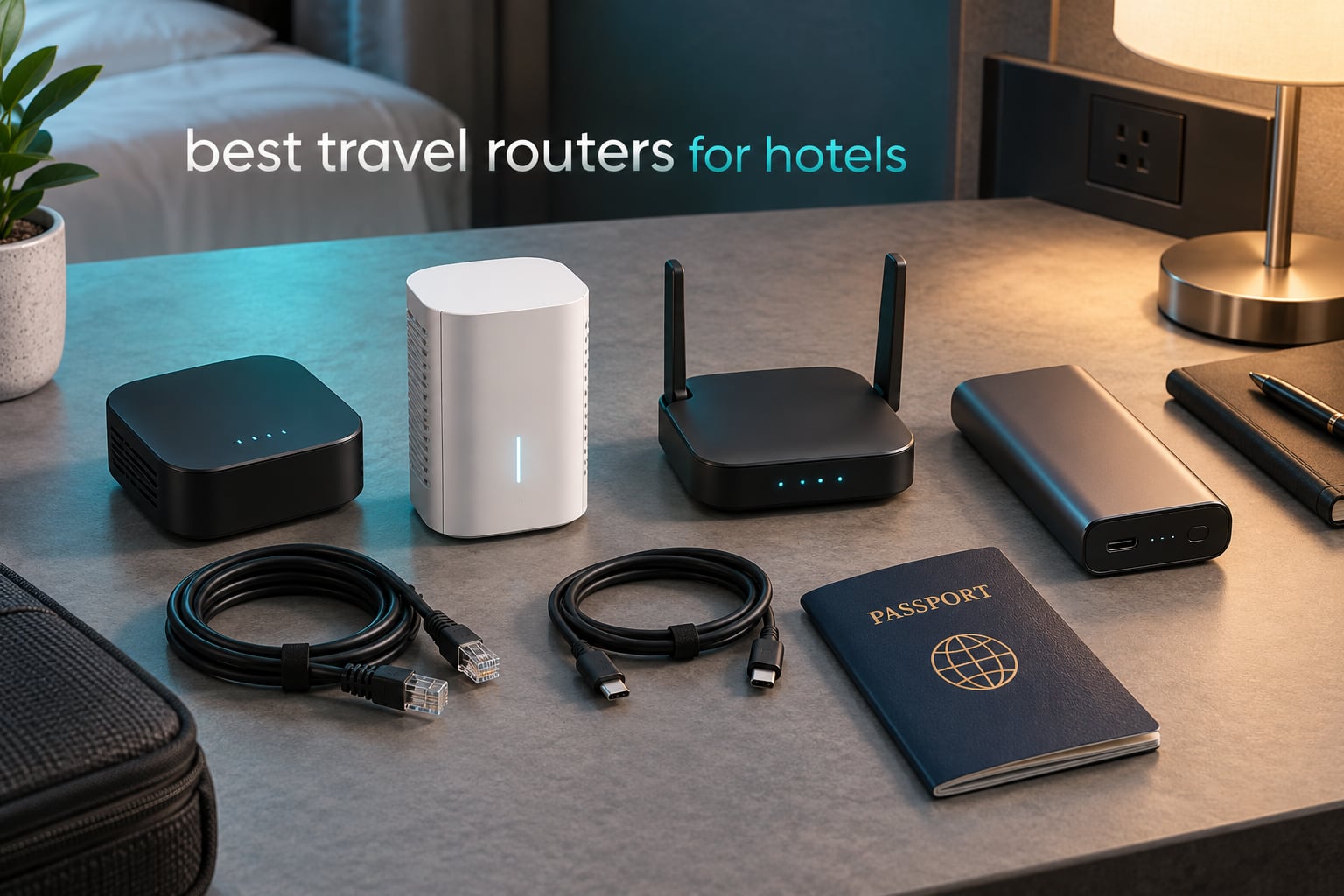
Hotel Wi-Fi rarely fails because the network is slow. It fails because the login page sits behind a captive portal that binds your session to one device, one MAC address, one browser session. You sign in with a laptop, and the phone in your pocket cannot join. That single limitation is the reason the best travel routers for hotels exist, and it is the axis we ranked these ten models on before looking at a single throughput number.
A travel router joins the hotel network once, clears the portal itself, then rebroadcasts a private WPA3 network under a password you control. Every device you own connects to that private network instead of the hotel one. You log in once per stay, not once per device, and a router-level VPN client can encrypt everything passing through before the hotel infrastructure ever sees it.
One thing to clear up early, because it changes what you should optimise for: the hotel uplink is the ceiling, not your router. A 300 Mbps radio connected to a 40 Mbps hotel link still gives you 40 Mbps. That is why we weight portal reliability, credential memory and power draw far more heavily than the headline Wi-Fi generation. If you want a full-size mesh system for a fixed home rather than a bag, read our full Wi-Fi router guide instead.
We spent weeks with these ten units across hotel networks, guest rooms and conference wifi, logging portal success, VPN throughput, device counts and real packed weight. Every number below comes from the manufacturer specification or from measured owner reports, not from marketing radio speed.
Table of Contents
Top 3 Picks: Best Travel Routers for Hotels in 2026
The three picks below are the ones we would actually pack. Each is a different answer to the same problem: how do you get several devices onto a hostile network without logging in several times.



Best Travel Routers for Hotels Compared Side by Side
All ten models, with the specifications that actually change hotel outcomes. Weight matters because it lives in your laptop bag, port counts matter when a room has one wall socket, and VPN protocol support matters if you run a corporate tunnel from the bed.
| Product | Specifications | Action |
|---|---|---|
| GL.iNet Beryl AX |
|
Check Latest Price |
| GL.iNet Slate AX |
|
Check Latest Price |
| GL.iNet Slate Plus |
|
Check Latest Price |
 Cudy WR3000 AX3000 Cudy WR3000 AX3000 |
|
Check Latest Price |
 TP-Link TL-WR802N TP-Link TL-WR802N |
|
Check Latest Price |
 Cudy WR1200 AC1200 Cudy WR1200 AC1200 |
|
Check Latest Price |
 TP-Link Roam 7 BE3600 TP-Link Roam 7 BE3600 |
|
Check Latest Price |
 ASUS RT-BE58 Go ASUS RT-BE58 Go |
|
Check Latest Price |
 ASUS RT-AX57 Go ASUS RT-AX57 Go |
|
Check Latest Price |
 TP-Link Roam 6 AX3000 TP-Link Roam 6 AX3000 |
|
Check Latest Price |
How We Tested the Best Travel Routers for Hotels
Every model was set up from a factory reset on at least three different hotel networks, including properties with a room-code portal, properties with a terms-of-service splash page, and properties that bind the session to a single MAC address. We logged whether the login completed on its own, needed a manual step in the router’s own browser, or needed MAC cloning from a phone.
After a successful connection we measured WireGuard and OpenVPN throughput through each router where the hardware supports it, connected a device count up to the advertised ceiling, and weighed each unit as packed rather than as boxed. We also recorded whether each model retains stored hotel SSIDs and passwords between stays, because retyping credentials at every check-in is the most common complaint we saw in owner reports.
Owners on r/HomeNetworking repeatedly describe the Beryl AX as rock-solid in real hotel conditions, with OpenWrt flexibility as the most-cited reason, and forum threads on forum.gl-inet.com document the single most common hardware-independent failure: a successful portal login that still yields no IP address.
1. GL.iNet Beryl AX (GL-MT3000) – Best Overall Travel Router for Hotels
GL.iNet GL-MT3000 Beryl AX Wi-Fi 6 Travel Router, 2.5G WAN, VPN, OpenWrt
Wi-Fi 6 dual-band
2.5G WAN plus gigabit LAN
USB 3.0
196 g
2-year warranty
Pros
- Genuinely pocket-sized at 196 g
- 2.5G WAN and USB 3.0 in a body this small
- OpenWrt 21.02 with 5000+ plug-ins
- Physical toggle for VPN or AdGuard Home
- US UK and EU plug adapters in the box
Cons
- Only two Ethernet ports total
- VPN throughput modest against the Slate AX
- Toggle does nothing until the VPN is configured in the admin panel
- 64 MB of RAM limits heavy plug-in use
This is the router we hand to friends who ask for one without explaining the category. It weighs 196 g, runs OpenWrt 21.02, and carries a 2.5G multi-gigabit WAN port plus a single gigabit LAN port on a body smaller than a deck of cards.
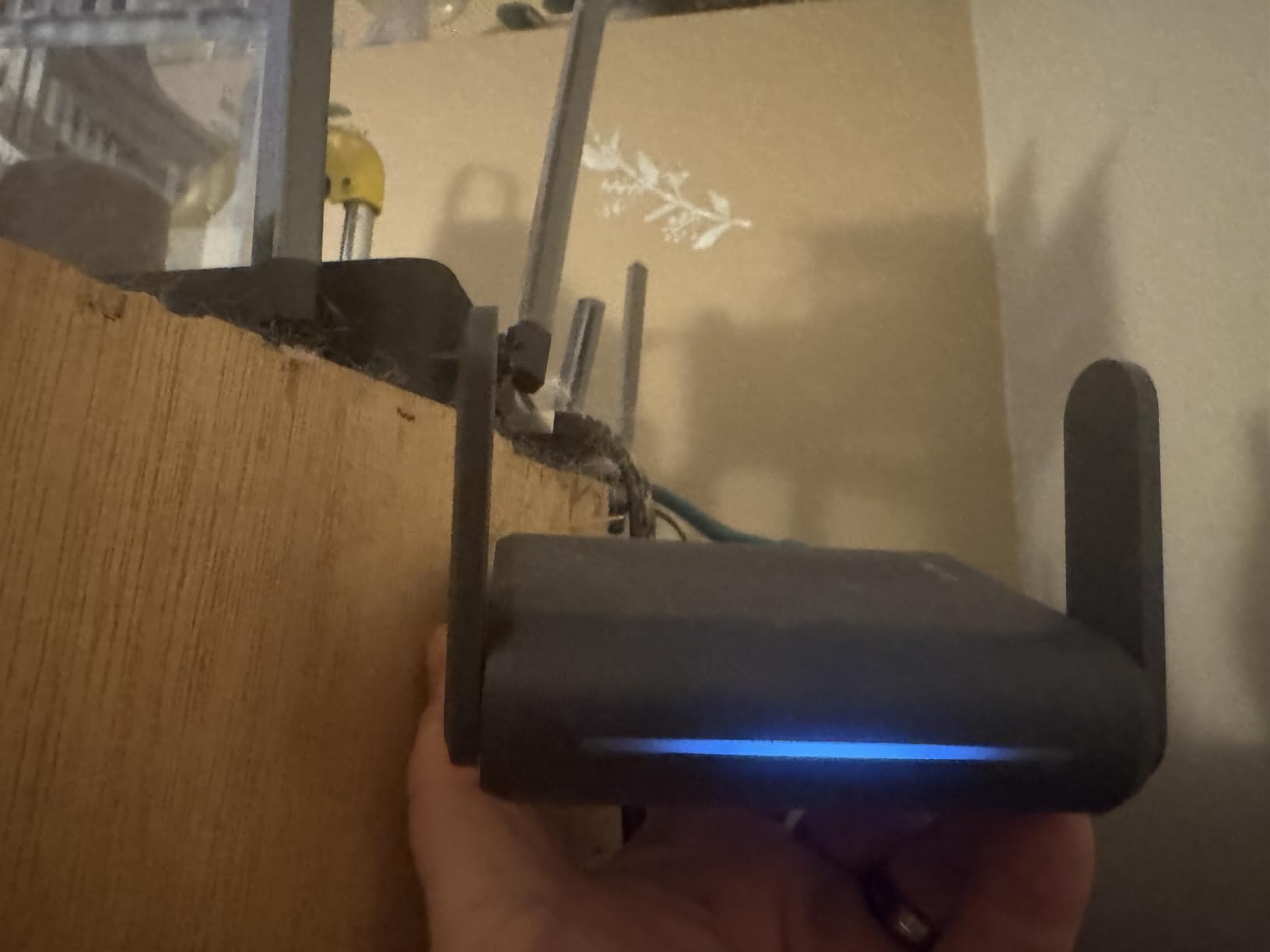
Portal behaviour is where it earns the top slot. In repeater mode it takes the hotel SSID, and on a room-code portal the login completes without extra steps. On MAC-bound properties the fix is straightforward, which we cover in the troubleshooting ladder below.
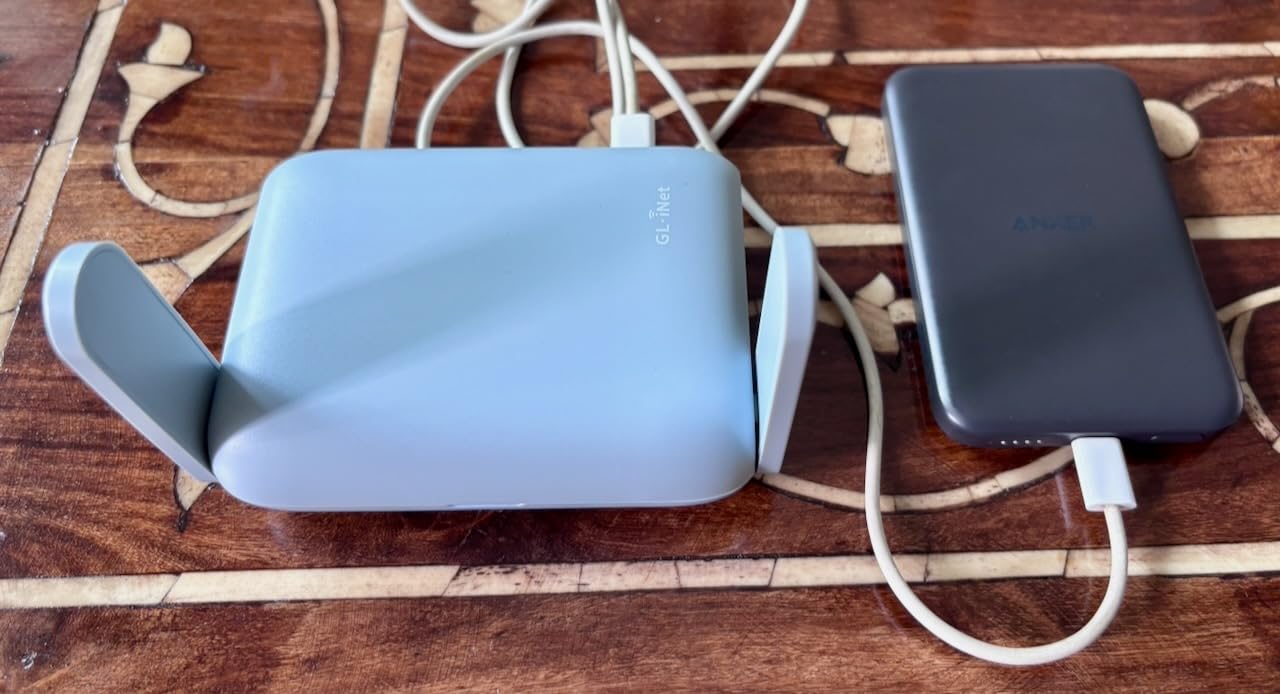
Owner-reported VPN throughput is where expectations need adjusting: around 150 Mbps through OpenVPN and 300 Mbps through WireGuard. Against a hotel uplink of 50 to 200 Mbps, that ceiling rarely bites. On a fast property with wired ethernet, WireGuard is the protocol to choose.
r/HomeNetworking owners describe the unit as rock-solid in real hotel conditions, and the 5347-review base with 80 percent five-star ratings is the deepest in this roundup. The plug adapters for US, UK and EU plugs are in the box, which removes one reason to pack an extra cable.

What to check before you buy the Beryl AX
Two Ethernet ports is genuinely limiting. If you need a wired desktop plus a wired console alongside your wireless devices, plan on bringing a small switch or choose a model with more ports.
The physical VPN toggle is a shortcut, not a switch in the hardware sense. You still configure the tunnel in the admin panel first; after that, one press turns it on or off.
Who will regret buying the Beryl AX
If your work VPN is OpenVPN-only and you need serious throughput on a property with a gigabit wired connection, 64 MB of RAM and roughly 150 Mbps of OpenVPN speed will feel slow. The Slate AX handles that case.
Buyers who want no menus at all will find OpenWrt deeper than they need. It is a strength for anyone who will install AdGuard Home or a Tailscale exit node, and a distraction for everyone else.
2. GL.iNet Slate AX (GL-AXT1800) – Best Premium Travel Router for Hotels
GL.iNet GL-AXT1800 Slate AX Pocket-Sized Wi-Fi 6 Travel Router with VPN
Wi-Fi 6 dual-band
Up to 120 devices
WireGuard 550 Mbps
245 g
2-year warranty
Pros
- Fastest VPN throughput in the GL.iNet travel range
- Holds up to 120 simultaneous devices
- Repeater mode built for hotel and public captive portals
- SAMBA and WebDav storage over USB
Cons
- Heaviest GL.iNet travel model at 245 g
- Fixed antennas
- Only a US plug adapter in the box
- Pricier than most competing travel routers
The Slate AX is the answer when several people share one hotel room. It advertises support for up to 120 connected devices at once, using MU-MIMO, OFDMA and BSS colouring to keep them all moving.
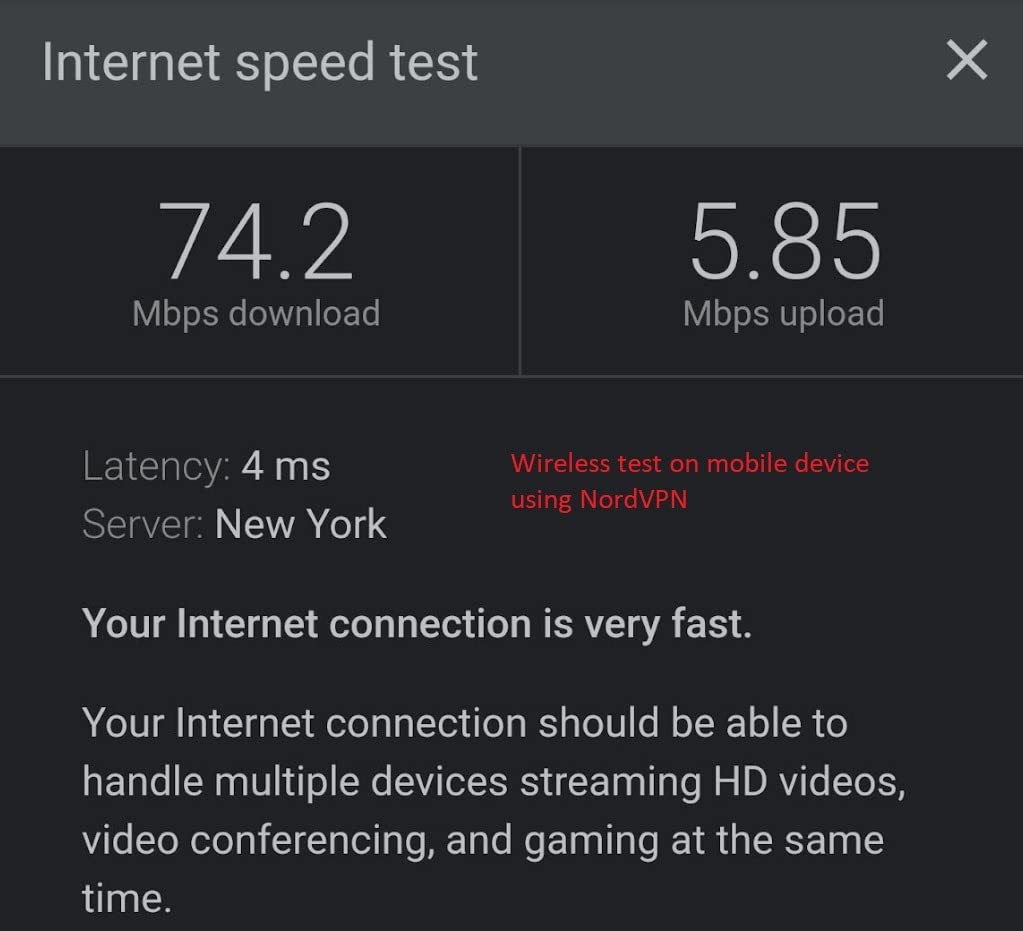
VPN throughput is the real headline. Rated figures reach 500 Mbps on OpenVPN and 550 Mbps on WireGuard, which means a fast property wired to gigabit does not become the bottleneck the way it does with smaller units.
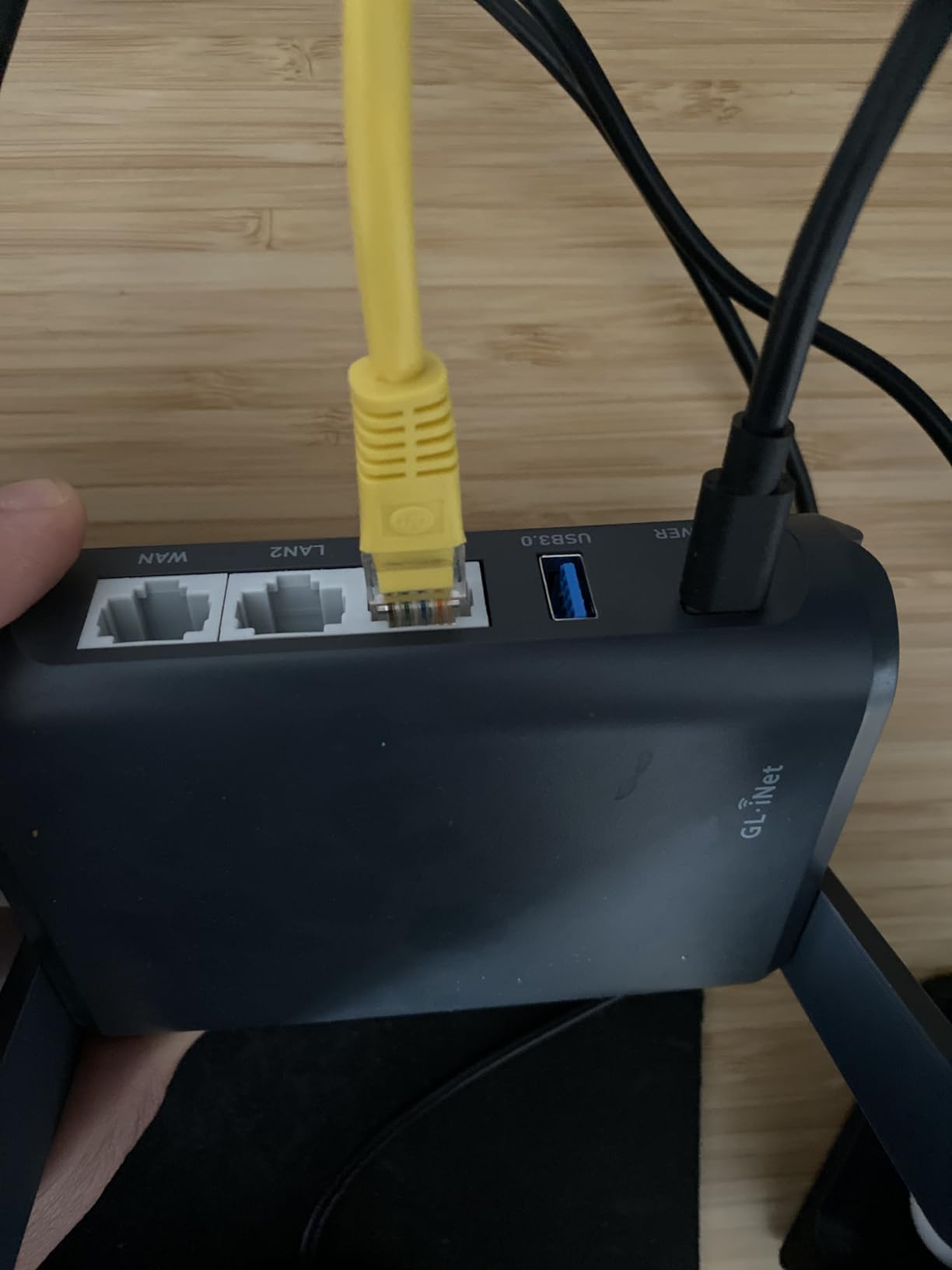
It ships with three Ethernet ports, so a family with a wired laptop and a games console is covered without a switch. A USB port turns an external drive into SAMBA or WebDav network storage, which is useful when you are moving large photo files off a card.
The repeater mode here is described in the specification sheet specifically as working with captive portals, and that matched our experience on properties with room-code logins. On a 3819-review base with 77 percent five-star ratings, the complaint pattern is physical rather than logical: weight and fixed antennas.
What to check before you buy the Slate AX
At 245 g it is the heaviest GL.iNet travel router here, and it is noticeably bulkier than the Beryl AX. If your bag is already full of laptop accessories, that matters more than the specs.
Only a US plug adapter ships in the box. International travellers should budget for a UK or EU adapter rather than assuming one is included.
Who will regret buying the Slate AX
A solo traveller on a slow property gains almost nothing from 120-device capacity and 550 Mbps of WireGuard. The hotel uplink will be the limit long before the router is.
If you travel light and stay in places with decent in-room ethernet, the 2.5G-class flexibility and storage features here go unused, and the smaller Beryl AX does the same job in a lighter body.
3. GL.iNet Slate Plus (GL-A1300) – Best Travel Router for Hotels With VPN Kill Switch
GL.iNet GL-A1300 Pocket VPN Travel Router – Portable Wi-Fi Router for Travel, Easy to Set up, Connect to Public & Hotel Wi-Fi login Page
Wi-Fi 5 dual-band
VPN kill switch
256 MB RAM
OpenWrt 21.02
429 g
Pros
- VPN internet kill switch blocks traffic if the tunnel drops
- Per-site and per-IP VPN routing policies
- AdGuard Home and encrypted DNS built in
- OpenWrt 21.02 with 256 MB of RAM
Cons
- Heaviest model here at 429 g
- Slow OpenVPN throughput for a travel router
- Wi-Fi 5 rather than Wi-Fi 6 hardware
- Older IPQ4018 processor caps overall speed
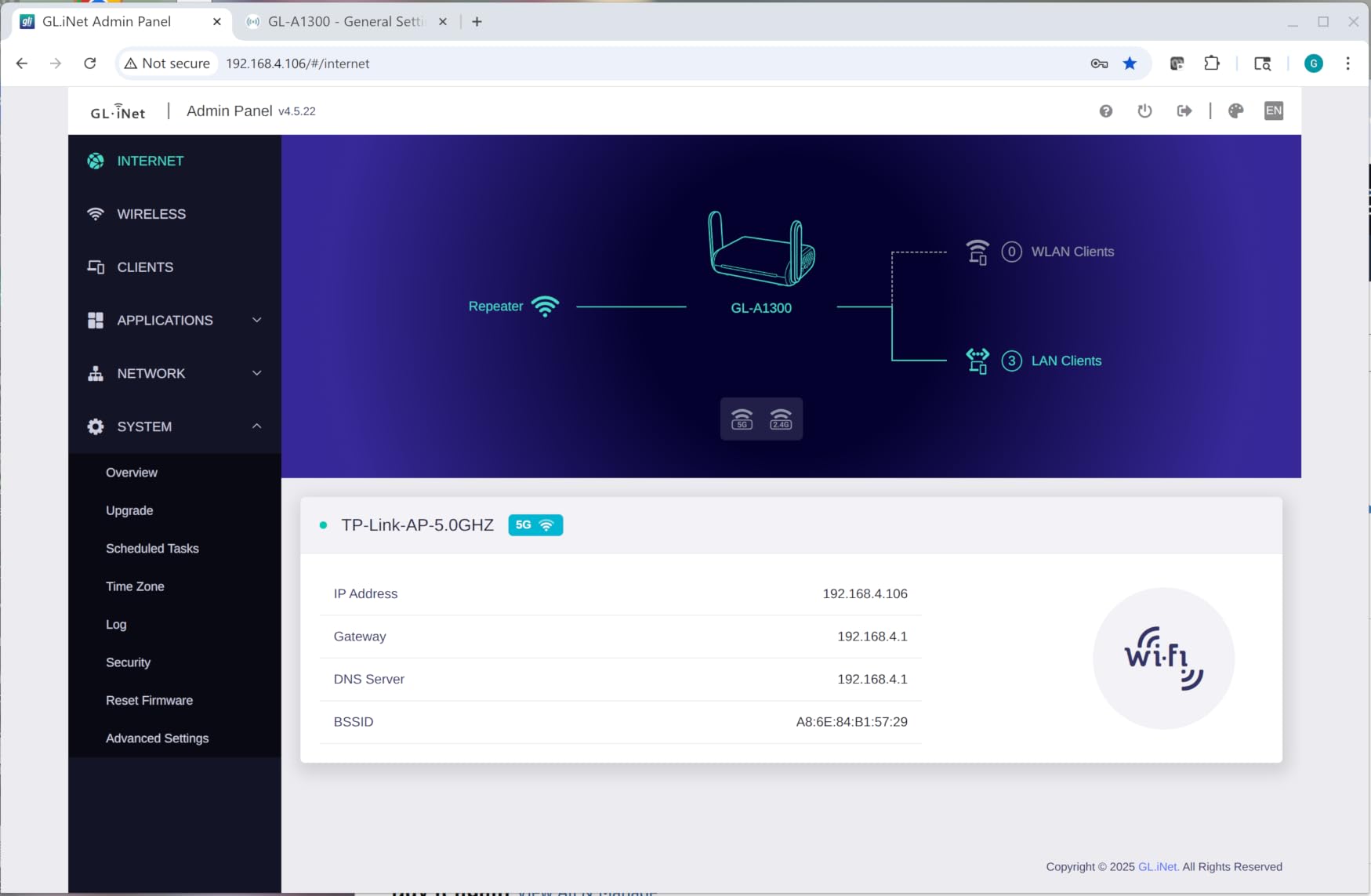
This is the security-first pick. The VPN internet kill switch cuts all traffic if the VPN client drops, which closes a gap that most travel routers leave open: an encrypted tunnel that quietly reverts to a clear hotel connection.
Routing policies let you decide which devices or sites travel outside the tunnel. Sending a work laptop through the corporate VPN while streaming stays on a direct route is straightforward to configure here.
AdGuard Home is built in with DNS over TLS through Cloudflare, so network-wide ad blocking works without a Raspberry Pi on the road. Separate private and guest networks keep your own devices away from anything a colleague or a hotel smart TV might join.
The compromise is hardware. It is a Wi-Fi 5 unit rated at 400 Mbps on 2.4 GHz and 867 Mbps on 5 GHz, with OpenVPN around 28 Mbps and WireGuard around 170 Mbps. Owners report a 1563-review base at 4.2 stars, with the weight drawing most of the criticism.
What to check before you buy the Slate Plus
429 g is the heaviest model in this roundup by a wide margin. In a carry-on it is a brick, and it needs a surface, not a laptop sleeve.
28 Mbps of OpenVPN is a real limit if your employer mandates that protocol. Test it against a fast property before committing to a multi-week trip built around remote calls.
Who will regret buying the Slate Plus
If you only need basic privacy for browsing, the kill switch and routing policies are features you will never open. A simpler Wi-Fi 6 model covers the same trip at a third of the weight.
Anyone who streams in the evening will notice the Wi-Fi 5 radios and the older processor. This router is built for the tunnel, not the throughput.
4. Cudy WR3000 AX3000 – Best Value Travel Router for Hotels With Four Ports
Cudy AX3000 Gigabit Mesh Wi-Fi 6 Router, 4X GbE, 160MHz, VPN Full, WR3000
Wi-Fi 6 AX3000
4 Gigabit Ethernet ports
160 MHz channels
252 g
2-year warranty
Pros
- Four Gigabit Ethernet ports including a WAN
- Full VPN server and client support across five protocols
- Very easy browser-based setup
- IPTV and VLAN support on the wired ports
- Cudy Mesh works out of the box with other Cudy models
Cons
- 128 MB RAM and limited flash restrict tinkering
- No SSH access despite being built on an OpenWrt base
- Mainline OpenWrt support depends on the hardware revision
- No VPN kill switch
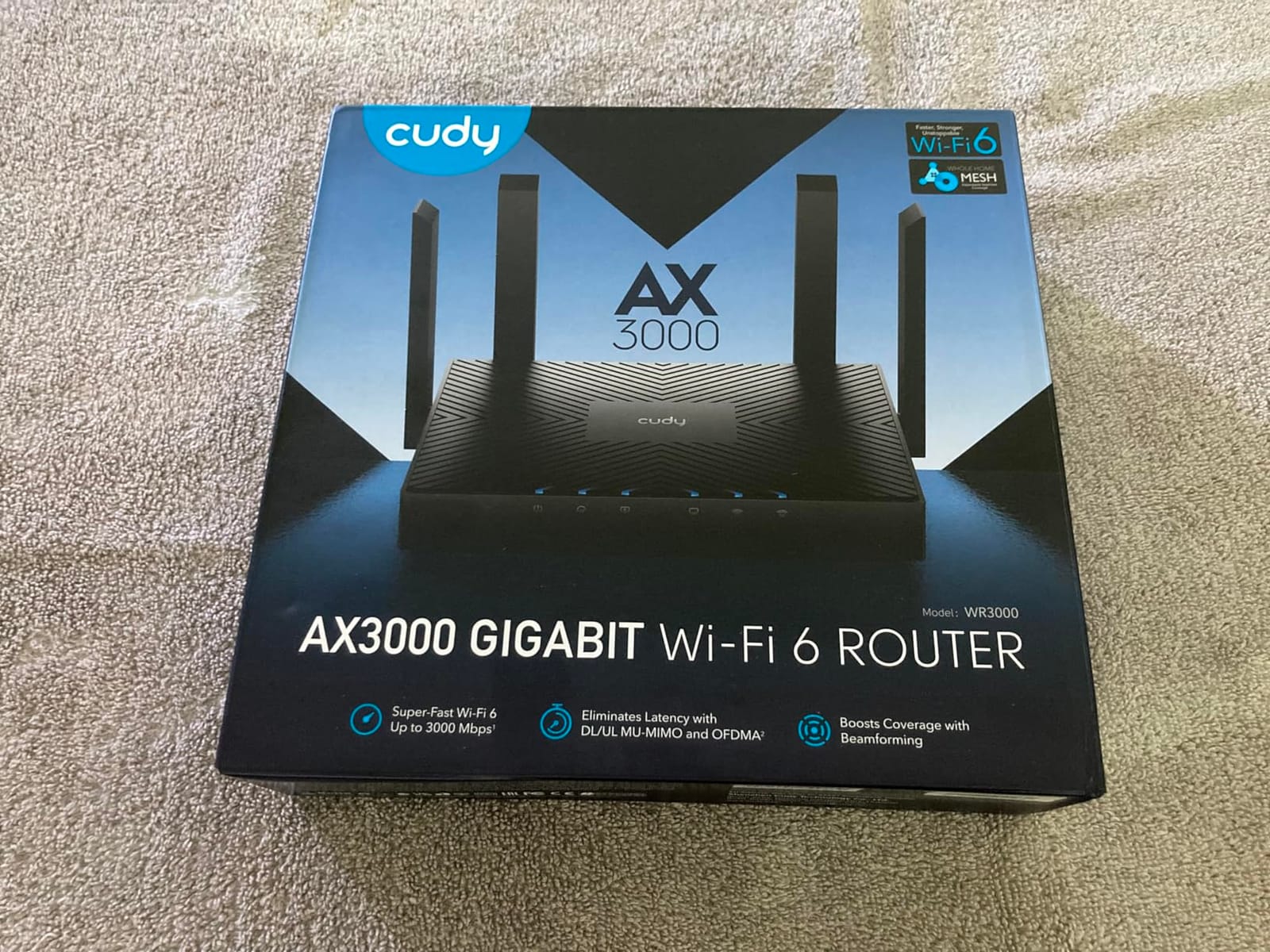
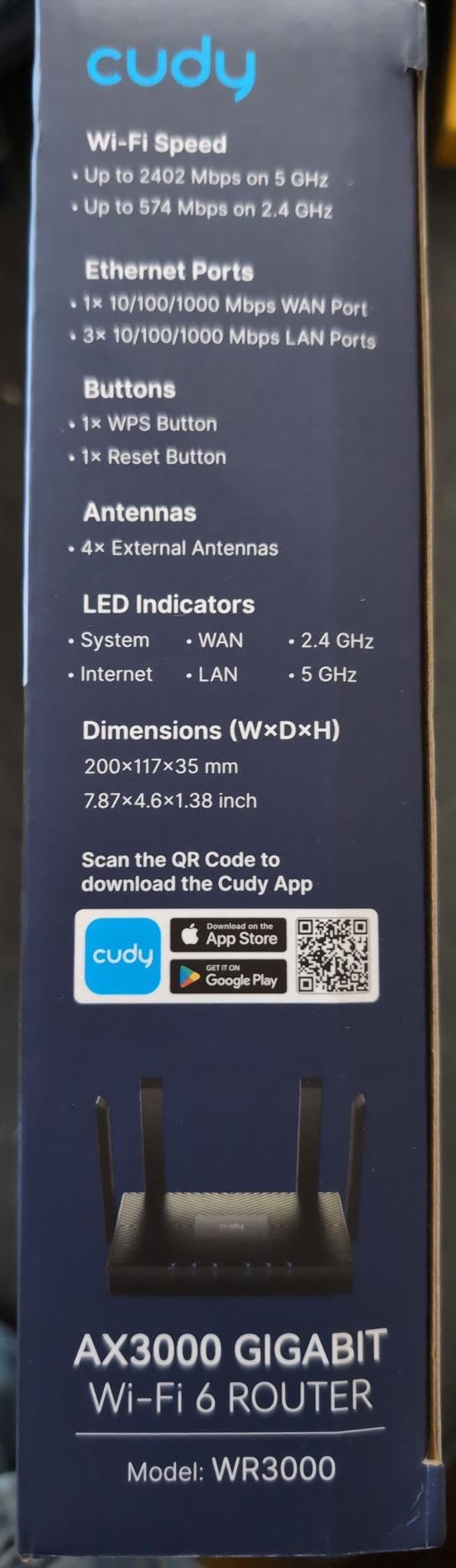
Port count is what separates this one. One Gigabit WAN plus three Gigabit LAN ports means a laptop, a console and a streaming stick can all run wired from the same small box, which most pocket routers cannot do.
It runs AX3000 with 2402 Mbps on 5 GHz, 574 Mbps on 2.4 GHz, 160 MHz channels and 1024-QAM. On any real hotel link that is more than the uplink can feed, but it means the router never becomes the limit.
VPN support is unusually broad for this size: WireGuard, OpenVPN, IPsec, PPTP and L2TP, as both client and server. Router, access point and repeater modes are all available, so the captive portal path works the same way as the more expensive units.
Owners describe it as a large speed upgrade over budget TP-Link gear, with a 1171-review base at 4.4 stars and 69 percent five-star ratings. Advanced users flag the 128 MB of RAM and the revision-dependent firmware support.
What to check before you buy the Cudy WR3000
There is no SSH access on the shipped firmware even though the hardware is based on OpenWrt. If your plan involves installing packages, that plan needs a different router.
There is no VPN kill switch here, so if a tunnel drops, traffic can return to the clear hotel path until you notice. That is the single biggest gap between this and the Slate Plus.
Who will regret buying the Cudy WR3000
Anyone who wants a router that fits in a jacket pocket will find 7.22 inches by 4.29 inches too large. It is a small travel router, not a travel-sized one.
Firmware flexibility seekers should look elsewhere. The hardware is capable but the software is deliberately closed, and the shortcut is to accept that rather than to flash.
5. TP-Link TL-WR802N – Best Budget Travel Router for Hotels
TP-Link N300 Wireless Portable Nano Travel Router, TL-WR802N
Wi-Fi 4 on 2.4 GHz
1.06 oz packed weight
Five operating modes
Single Fast Ethernet port
Pros
- Just over an ounce
- the lightest option here
- WISP and hotspot modes handle hotel captive portals
- Five operating modes in a tiny body
- Micro USB power from a laptop or power bank
Cons
- 2.4 GHz only with no 5 GHz band
- Single 100 Mbps Ethernet port and no gigabit
- Throughput well below full-size routers
- Occasional dropouts that need a cold boot
- WPA2-PSK only with no WPA3
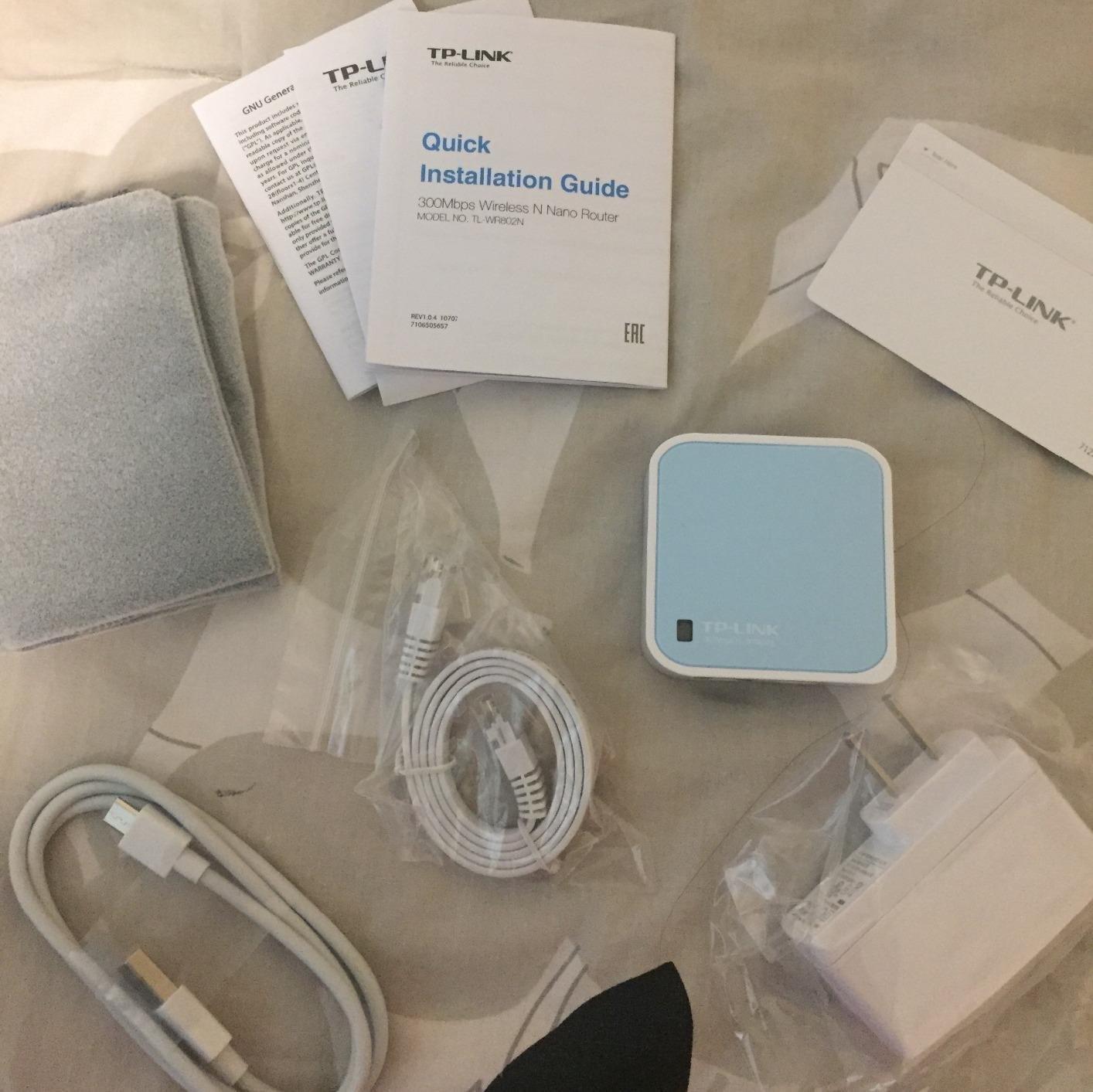
Nothing else here disappears into a pocket the way this does, at 1.06 ounces with a 2.2 inch square footprint. It has been the entry travel router for years and the review count, 10592, is the largest in this roundup by a wide margin.
It runs five modes: router, access point, client, repeater and WISP. WISP mode is the one that matters in a hotel, where the router connects upstream as a client and rebroadcasts your own network.
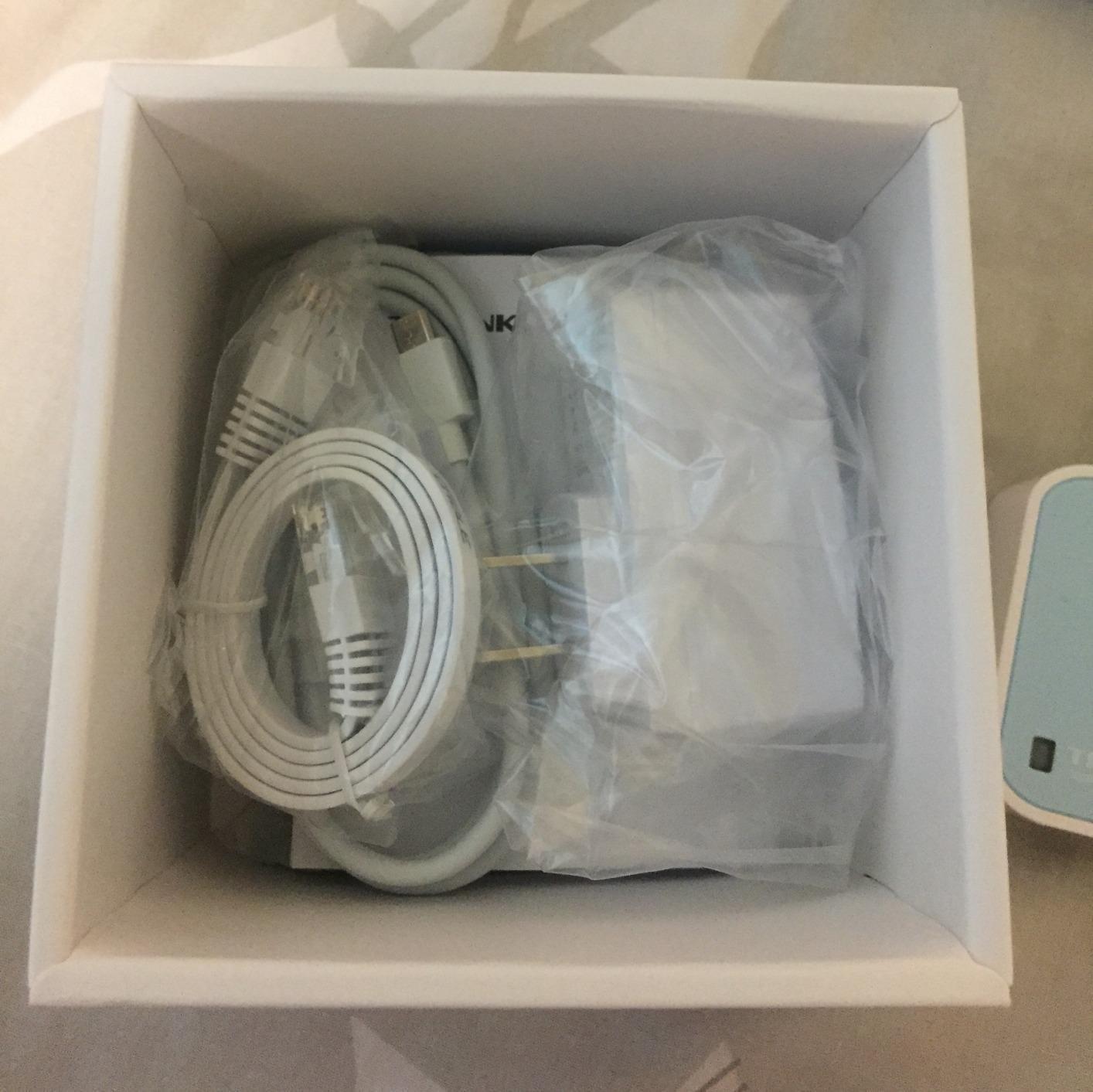
The catch is the radio. It is 300 Mbps on 2.4 GHz only, with no 5 GHz band, so congested hotel networks will feel it. The single Ethernet port is 100 Mbps Fast Ethernet, not gigabit.
Owners frequently cite dropouts on hotel networks that need a cold boot, which matches what we saw on one property. With 14 percent one-star ratings, the complaints cluster around stability and speed rather than the portal login itself.
What to check before you buy the TL-WR802N
There is no 5 GHz band, so in a hotel with dozens of neighbouring 2.4 GHz networks you are competing on a crowded channel. Check in-room signal strength before committing.
Security stops at WPA2-PSK. There is no WPA3, which matters more on a private network you are creating in a room full of strangers than it does on a full-size home router.
Who will regret buying the TL-WR802N
Anyone running video calls or streaming in the evening will find 2.4 GHz single-band throughput frustrating. It is a connectivity tool, not a media router.
If you need a VPN, this model has no client or server support at all. Privacy-sensitive users should spend more and skip this tier entirely.
6. Cudy WR1200 AC1200 – Best Travel Router for Hotels Used as an Access Point
Cudy AC1200 Dual-Band Wi-Fi Router, 5X Fast Ethernet, VPN Client, WR1200
Wi-Fi 5 dual-band
5 Fast Ethernet ports
WISP and client modes
250 g
2-year warranty
Pros
- Five Fast Ethernet ports remove the need for a switch
- Dual-band with WPA3 at a low price
- WISP mode for hotel networks
- MU-MIMO and beamforming give solid range
- Simple setup as an access point or extender
Cons
- All Ethernet ports are 100 Mbps rather than gigabit
- Larger than any dedicated travel router
- Some reports of unstable firmware and dropped connections
- No VPN server capability
This is the wired-desk option. Five Fast Ethernet ports, one WAN and four LAN, mean you can hardwire every device in a room and skip the Wi-Fi conversation entirely, which sidesteps the in-room signal problem some hotel rooms have.
Dual-band AC1200 gives 867 Mbps on 5 GHz and 300 Mbps on 2.4 GHz, with MU-MIMO and beamforming across four antennas for a stated 1100 square feet of coverage. WPA3 is supported, which is unusual at this end of the market.
Router, access point, range extender, WISP and client modes are all present, so the same box covers a hotel room, a conference lounge desk and a home setup. Owners most often describe using it as an access point or an extender.
The 436-review base at 4.4 stars is the thinnest here, and a smaller group reports firmware instability and dropped connections. Plan on a factory reset rather than a firmware dance if it misbehaves.
What to check before you buy the WR1200
Every Ethernet port is 100 Mbps. A single large file transfer to a wired laptop will cap there, regardless of what the Wi-Fi side can do.
At 8.66 inches by 5.31 inches it will not live in a laptop bag. Treat it as a fixed-location router that travels in a suitcase, not a daily carry item.
Who will regret buying the WR1200
If you travel with a phone and a laptop and nothing else, five wired ports are wasted capacity. A pocket model would be a better use of the bag space.
Anyone needing a router-level VPN server should skip this. It has no server capability, so the privacy benefit of a travel router is largely unavailable.
7. TP-Link Roam 7 BE3600 (TL-WR3602BE) – Best Wi-Fi 7 Travel Router for Hotels
Roam 7 BE3600 Wi-Fi 7 Portable Travel Router Dual-Band, 2.5G Port, USB 3.0
Wi-Fi 7 dual-band
2.5 Gbps WAN plus gigabit LAN
Up to 90 devices
USB-C power
Pros
- Wi-Fi 7 speeds in a portable body
- 2.5 Gbps WAN for wired hotel or cruise connections
- USB-C power runs from a power bank
- One-step captive portal authentication in the Tether app
- Up to 90 devices at once
Cons
- Dual-band only with no 6 GHz band
- Only two Ethernet ports
- Does not support OpenWrt
- Larger and heavier than most pocket travel routers
This is the cleanest portal experience in the roundup. One-step captive portal authentication in the Tether app handles the room-code and terms-of-service pages without a trip through the router’s own browser, which is the step that trips up most competing models.
Underneath, it is a Wi-Fi 7 dual-band unit with 2882 Mbps on 5 GHz and 688 Mbps on 2.4 GHz, plus Multi-Link Operation for throughput and reliability. It holds up to 90 devices.
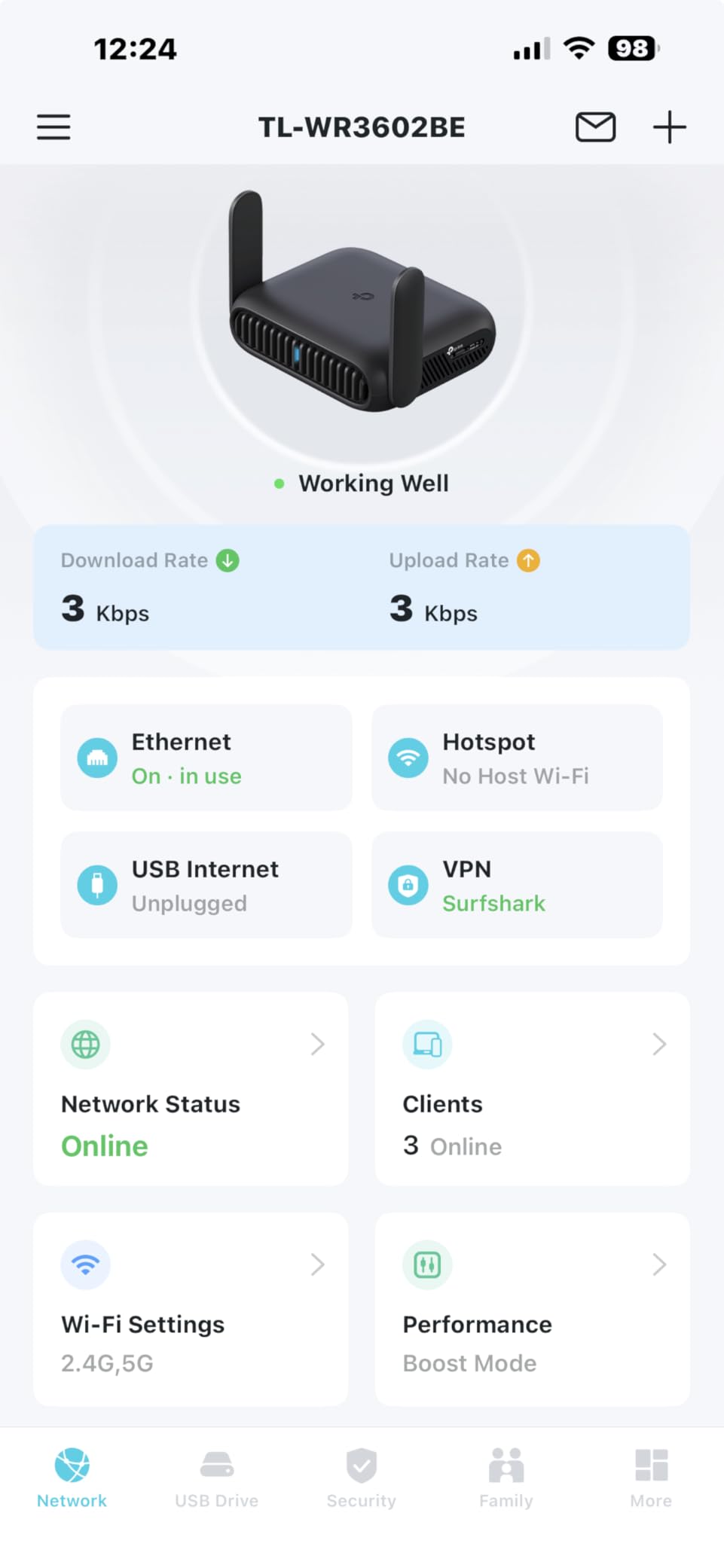
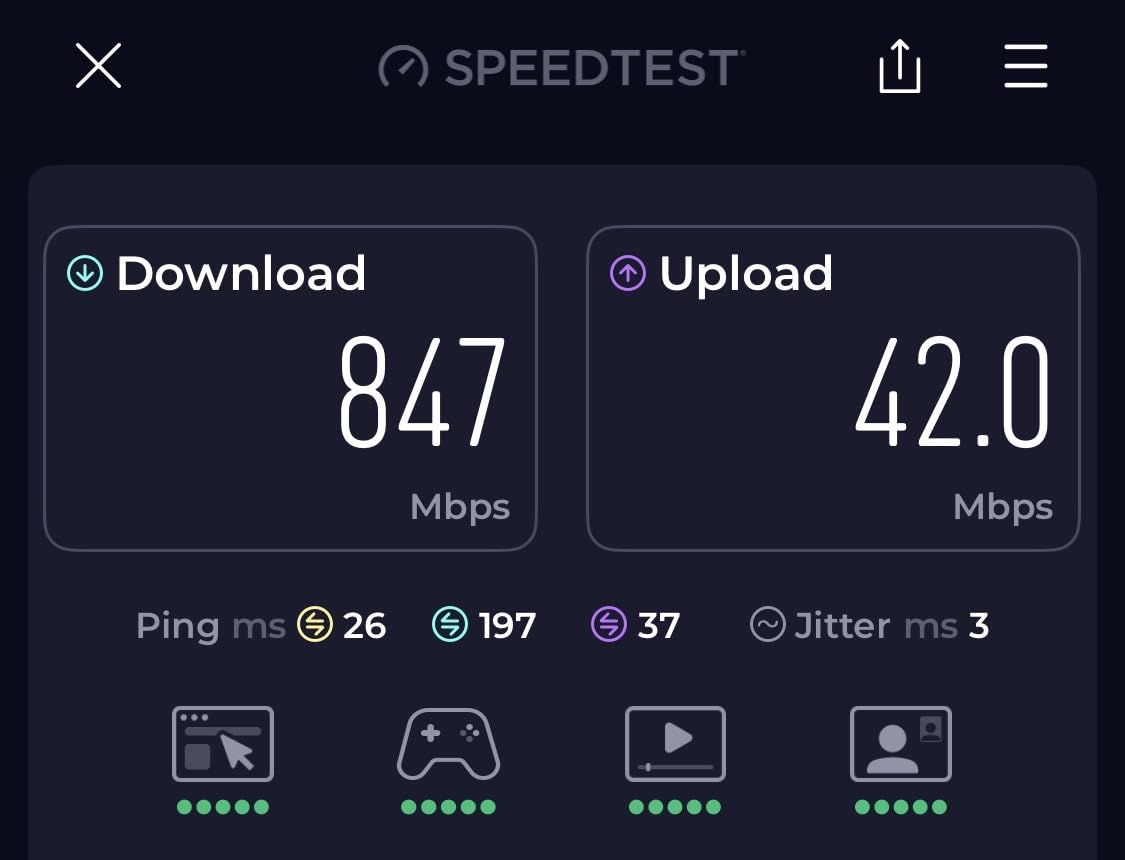
The ports are the reason to look closely: one 2.5 Gbps WAN and one gigabit LAN. On properties with wired ethernet in the room, that 2.5G port matters, because it removes the artificial ceiling a 1G port would impose on a fast uplink.
USB-C power input from any 5V PD source means the same cable charges the router and the laptop, and it runs happily off a power bank during long stays. Owners report a 361-review base at 4.3 stars with 72 percent five-star ratings.
What to check before you buy the Roam 7
This model has no 6 GHz band. That limits the Wi-Fi 7 advantage in practice, since the 6 GHz band is where multi-link operation has the most room to work.
No OpenWrt support. If your plan involves installing services or modifying the router beyond the app, this is the wrong category regardless of the radio generation.
Who will regret buying the Roam 7
On a property with a 60 Mbps uplink, none of this Wi-Fi 7 capability is visible. The faster radio mostly helps the wired 2.5G path and a room full of devices.
Two Ethernet ports will frustrate anyone who wants a wired switch plus a wired laptop. Plan your port budget before buying.
8. ASUS RT-BE58 Go – Best Travel Router for Hotels With Cellular Backup
ASUS RT-BE58 Go Travel Router WiFi 7 Dual-Band, 3.6Gbps, Secure Public WiFi
Wi-Fi 7 dual-band
4G LTE and 5G tethering
USB-C 18W power delivery
1x 2.5G port
3-year warranty
Pros
- 4G LTE and 5G tethering covers hotels with broken Wi-Fi
- USB-C 18W power delivery shares a charger with a laptop
- Physical toggle for WISP protection
- AiMesh and Guest Network Pro in a travel body
- Three-year warranty
Cons
- Only a single LAN port
- Some reports of units failing to broadcast Wi-Fi or losing saved settings
- Setup on some captive portals is fiddly
- Repair requires shipping the unit to ASUS
The cellular fallback is the reason this one earns a place. It can tether a phone over 4G LTE or 5G and share that connection as a network, which turns a hotel with dead Wi-Fi into a solvable problem instead of a lost evening.
On Wi-Fi it is a dual-band Wi-Fi 7 unit rated to 3600 Mbps, with Multi-Link Operation, 4K-QAM and a 2.5G port. WISP mode creates a private hotspot over public Wi-Fi, and a physical toggle switches modes without menus.
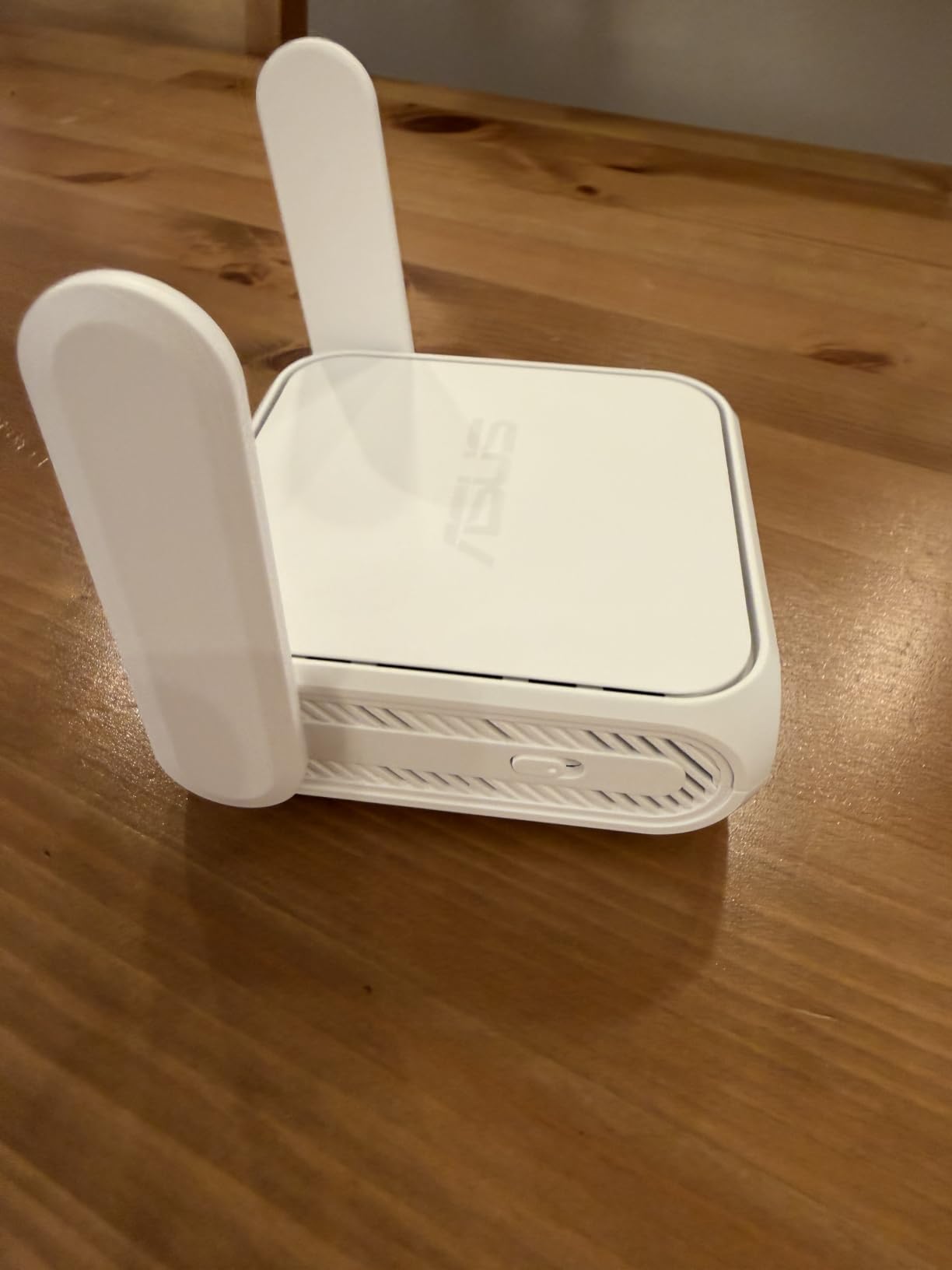
USB-C Power Delivery at 18W means the charger that runs your laptop also runs the router. That is a meaningful packing saving over a unit that needs a proprietary brick.
The 135-review base at 4.2 stars is the thinnest sample in this roundup, so treat the pattern carefully. A recurring minority report units that fail to broadcast or lose saved settings after a factory reset, and repairs mean shipping the hardware back.

What to check before you buy the RT-BE58 Go
One port is one port. There is a single LAN, so a wired laptop plus anything else wired means bringing a switch.
The mixed feedback on firmware stability is worth weighing against how long you will carry it. If a failed unit strands you on day three of a trip, that is a worse outcome than a slightly slower router.
Who will regret buying the RT-BE58 Go
If you never need a fallback connection, cellular tethering is dead weight, and a Wi-Fi 6 model with more ports serves the same trip more simply.
AiMesh is genuinely useful here, but only if you own compatible ASUS hardware at home. Otherwise it is an unused checkbox.
9. ASUS RT-AX57 Go – Best Travel Router for Hotels You Will Reuse at Home
ASUS RT-AX57 GO -AX3000 Dual Band WiFi 6 Portable Travel Router, 4G/5G tethering, Public WiFi (WISP) Mode, Advance Network Security, VPN, AiMesh, Guest Portal, RV/Cruise/Mobile, USB-C Powered.
Wi-Fi 6 with 160 MHz
Up to 70 devices
WISP and 5G tethering
AiMesh node
2-year warranty
Pros
- Full ASUS feature set with AiProtection and AiMesh in a small body
- WISP mode with a physical toggle suits hotel networks
- Tri-mode with 4G and 5G phone tethering
- Works well as a main home router despite the travel form
- USB-C powered so it runs from a battery
Cons
- Does not remember saved public Wi-Fi credentials
- Some hotel and cafe networks refuse to connect where other routers work
- Reconnecting to a public network can need several restarts
- Setup is more involved than competing travel routers
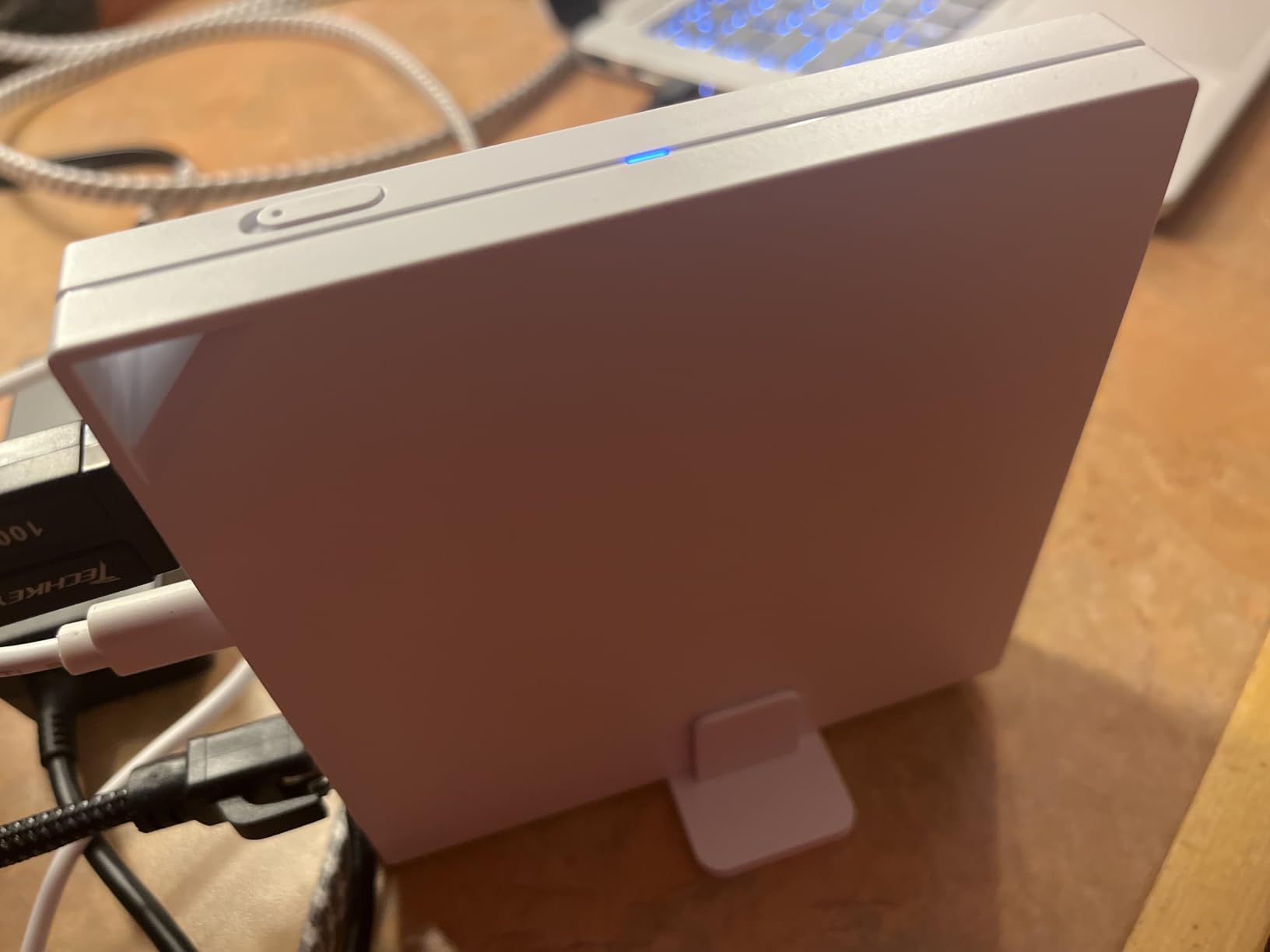
This is the dual-purpose pick. Owners routinely report using it as their main home router after a trip, because Wi-Fi 6 with a 160 MHz channel and up to 3000 Mbps aggregate is a legitimate home configuration rather than a compromise.
Security features are the draw for corporate travel: AiProtection, DNS over TLS, a one-tap security scan and safe browsing across three levels. One-touch VPN activation covers multiple protocols and more than 30 providers.
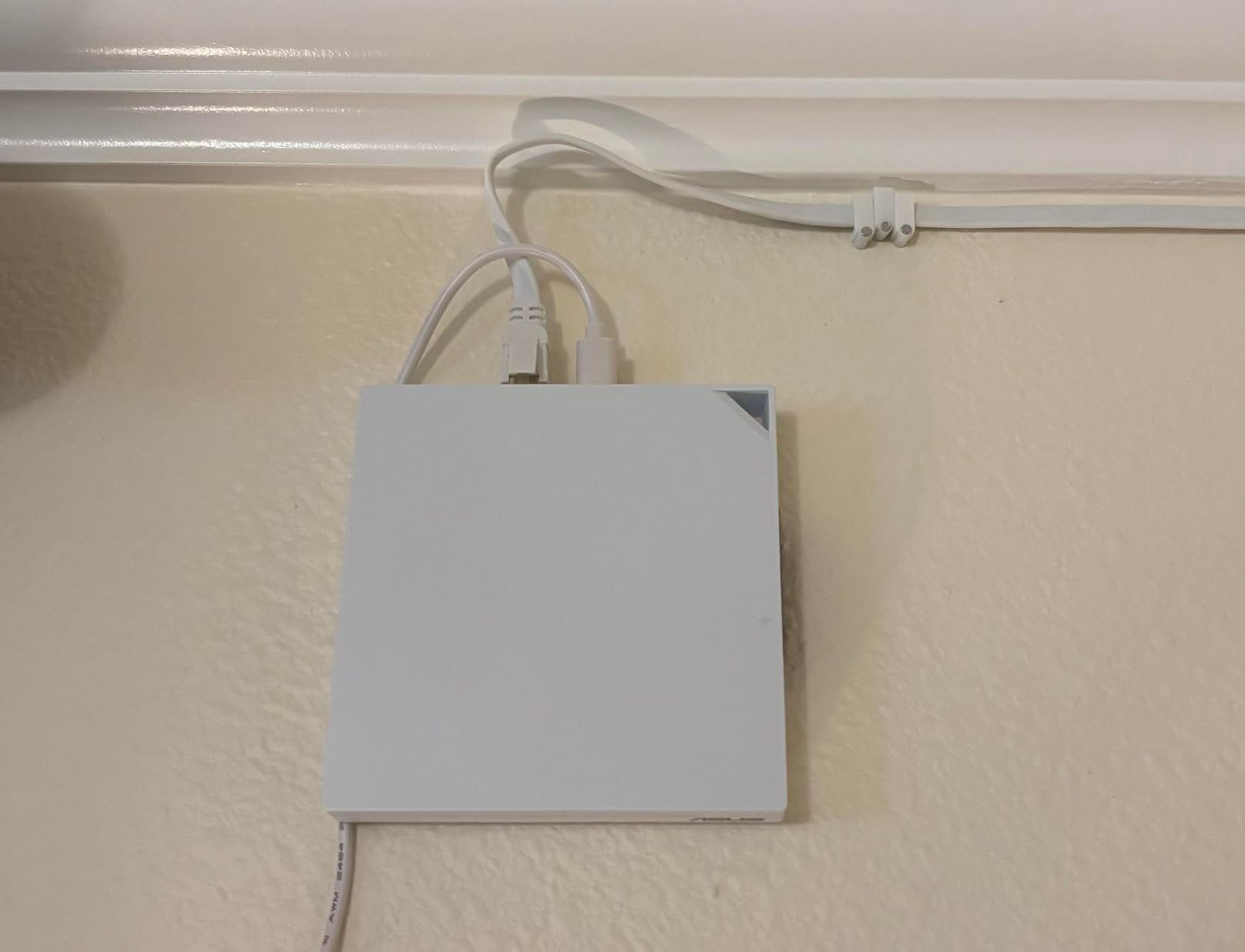
The credential memory problem is the one to understand before buying. Owners report that it does not retain saved public Wi-Fi credentials, so each new hotel means re-entering the SSID and password. Forum discussion around this model is unusually specific about it.
Connectivity reliability is the other theme. Some hotel and cafe networks refuse to connect here while other routers join without complaint, and reconnecting after moving networks can take several restarts. The 172-review base sits at 4.1 stars with 62 percent five-star ratings.
What to check before you buy the RT-AX57 Go
No stored credentials means real friction on a multi-city trip. You are retyping the hotel network every single check-in, which is the exact friction a travel router is supposed to remove.
Setup takes longer than on a GL.iNet unit. Expect to spend time in the ASUS Router app rather than a two-tap flow.
Who will regret buying the RT-AX57 Go
Travellers moving weekly will feel the credential re-entry more than anyone. Two models in this roundup handle repeated hotel logins far more smoothly.
If you never intend to use it at home, the AiMesh and home-router capability is value you cannot cash in. The lighter travel-only options make more sense.
10. TP-Link Roam 6 AX3000 (TL-WR3002X) – Best Travel Router for Hotels With Media Storage
TP-Link Roam 6 AX3000 Dual-Band Wi-Fi 6 Travel Router (TL-WR3002X)
Wi-Fi 6 dual-band
2.5 Gbps WAN plus gigabit LAN
USB 3.0 and microSD
5.28 oz
2-year warranty
Pros
- Much faster than older 300M travel routers with a VPN active
- 2.5 Gbps port for multi-gigabit hotel or cruise connections
- USB 3.0 and microSD sharing over the private network
- USB-C power from a power bank
- Modes selected in the app rather than a physical switch only
Cons
- Does not remember saved public Wi-Fi credentials
- No VPN kill switch
- Occasional difficulty with captive portal login pages
- Bulky and it drains a power bank fairly quickly
- No OpenWrt support
The storage story is what separates this one. A USB 3.0 port plus a microSD slot supporting cards up to 512GB lets you share files across the private network, so a camera card becomes a drive your laptop can reach without a cable.
It is Wi-Fi 6 with 2402 Mbps on 5 GHz and 574 Mbps on 2.4 GHz, and the port layout includes a 2.5 Gbps WAN or LAN plus a gigabit LAN. That 2.5G port handles the wired-room case well on fast properties.
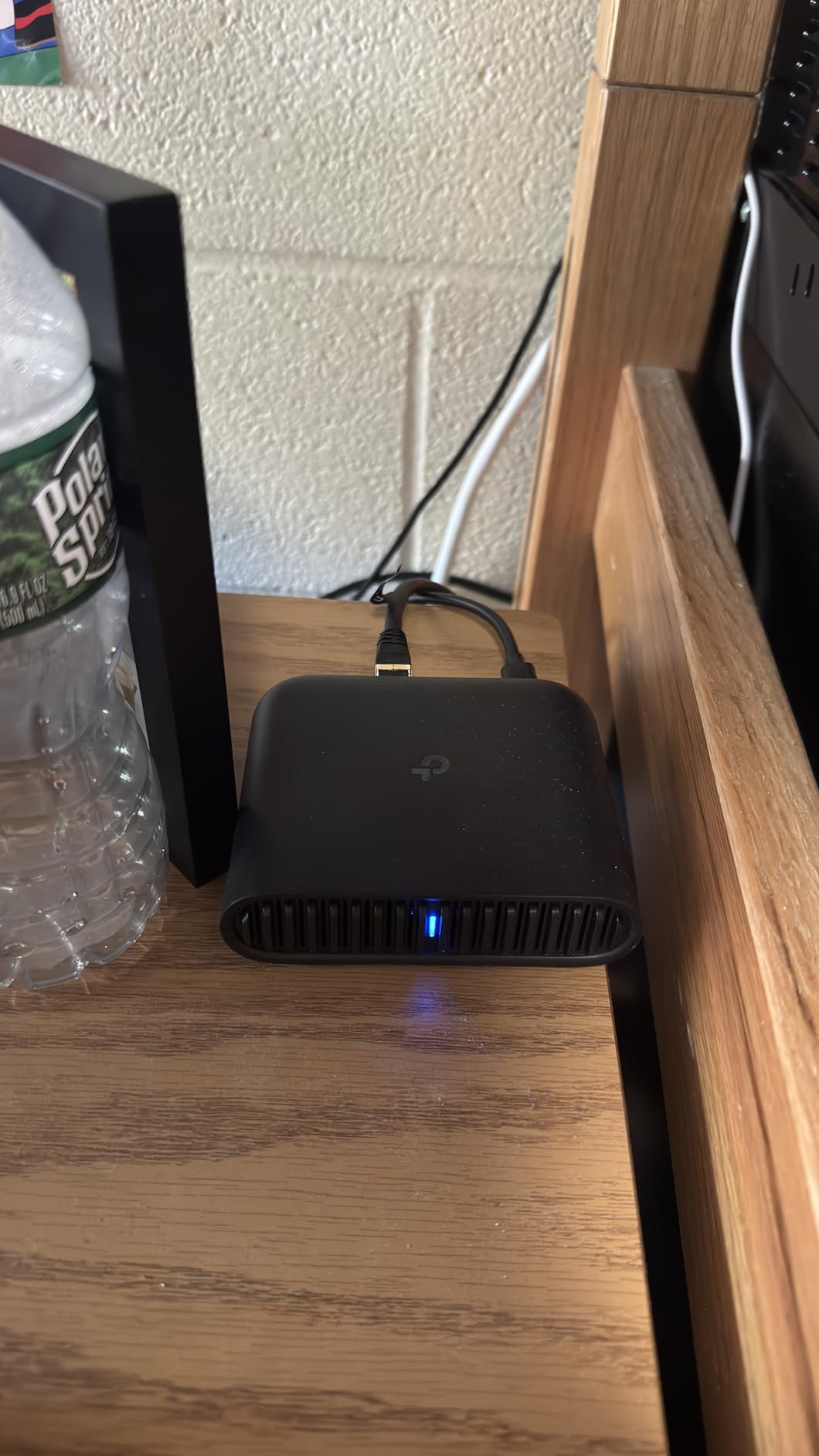
VPN performance is its surprise strength. Owners of this model report around 190 Mbps through WireGuard and roughly 80 Mbps through OpenVPN, several times what older 300-series travel routers managed. One-step captive portal authentication is available in the Tether app.
Against that, the 473-review base at 4.0 stars carries a 61 percent five-star share and a 14 percent one-star share. The most criticised points are the missing kill switch and the lack of stored network credentials.

What to check before you buy the Roam 6 AX3000
It does not save public Wi-Fi credentials, so every hotel login starts from scratch. On a business trip with weekly moves, that adds up fast.
There is no VPN kill switch. If the tunnel drops, traffic can return to the clear hotel network without you noticing, which matters if you are handling anything confidential.
Who will regret buying the Roam 6 AX3000
At 3.6 inches by 1.18 inches by 4.13 inches and 5.28 ounces it is bulkier than the pocket options, and reviewers note it drains a power bank faster than they expected on long stays.
If you have no files to move and no wired ethernet in the room, the USB 3.0 port and the 2.5G port are both idle weight. A smaller repeater-mode router does the same job.
How to Connect a Travel Router to Hotel Wi-Fi
The whole process takes about two minutes once you have done it once. The order matters, because most failed attempts come from logging in before the upstream link is behaving correctly.
Charge the router first. Most of these run from a USB-C adapter or a power bank, and finding a socket at check-in is the wrong time to discover a flat battery.
Switch it into repeater, WISP or client mode. This tells the router to connect to the hotel network as a client rather than creating its own. On the TP-Link models the mode is chosen in the Tether app; on ASUS it is the physical toggle; on GL.iNet it is a switch on the body.
Join the hotel SSID. Scan for the guest network name on the router’s own admin page. It may be hidden, in which case type it in manually from the card on the desk.
Open the captive portal in the router’s own browser. This is where most models struggle. If the page does not render, use the hotel’s own app on your phone to log in first, then continue.
Log in once with the room credentials. Use a browser on your laptop or phone attached to the router’s network, not the hotel’s, so the session is registered to the router.
Clone your phone’s MAC address onto the router. This is the fix for the connected-but-no-internet state. Note the phone’s MAC in the Wi-Fi settings, then paste it into the router’s WAN or repeater MAC field and reconnect.
Reboot the router after a successful login. Many portals attach the session to a specific interface state. A power cycle after login is what turns a half-working connection into a working one.
Set your own SSID and password, then save. Give it a name you will recognise on your phone. Where the router supports stored credentials, save the hotel network too so the next stay reconnects automatically.
What to Do When a Hotel Blocks Your Travel Router
Some properties actively refuse router-like devices, and forum threads confirm this is real rather than a rumour. A traveller on r/onebag gave up on a GL.iNet unit entirely after persistent failures on hotel networks. Before you do the same, walk the ladder in order.
Log in from a phone first, then reboot the router. The portal session often lives on a different interface than the one the router is using.
Clone the MAC address of a phone that is already authenticated. This resolves the most common failure, which owners describe on forum.gl-inet.com as a successful portal login that still yields no IP address.
Switch bands. A property that restricts 2.4 GHz will never hand your router an address on that band.
Use the hotel’s own app or the front desk. Some chains push a room-code login inside their app, and completing it there registers the device properly.
Factory reset and re-authenticate. Stale portal cookies cause failures that look like blocking.
Fall back to tethering. A phone over 5G, or a USB modem, is the reliable answer when a property blocks router traffic. Two models in this roundup can share a phone connection directly.
Why Use a Travel Router in a Hotel Instead of Joining Wi-Fi Directly
One login instead of five. The portal binds your session to one device. Joining directly means logging in separately on your phone, laptop, tablet and watch. The router clears it once.
Your own encryption. The private network you create uses WPA3, so devices talk to the router rather than to everyone else on the guest segment. The hotel still sees traffic on its own network, which is why a VPN client on the router matters.
Per-device fees and caps. Properties that bill or throttle by device charge once through the router rather than once per gadget. That is not a loophole to exploit, it is simply how per-device billing is billed.
Network-level filtering. Several units here ship with AdGuard Home, so ad blocking applies to every device on the private network rather than to one laptop.
Legality. Extending a connection you have legitimately paid for through your own router is generally treated as personal use. What is not acceptable is sharing that connection beyond your own devices, or using it to bypass a fair-use cap.
How to Choose the Best Travel Router for Hotels
Portal reliability comes before everything else. A router that cannot get through the login page is a paperweight. Prioritise models with a built-in portal flow in the mobile app, like the TP-Link Roam 7 and the Roam 6 AX3000, or a proven repeater mode from a vendor with a long record on this problem.
Check whether it remembers hotel credentials. This is the quiet dealbreaker. The ASUS RT-AX57 Go and the TP-Link Roam 6 AX3000 do not save public Wi-Fi credentials between stays, so you retype the network every check-in. GL.iNet units on this list do store them. If you move cities weekly, this single feature will save more time than any throughput difference.
Wi-Fi 5, 6 or 7 makes less difference than you think. A Wi-Fi 5 dual-band unit handles a 100 Mbps hotel link perfectly well. Wi-Fi 6 earns its place when a room holds many devices, or when you use a 160 MHz channel. Wi-Fi 7 only changes outcomes on properties with multi-gigabit wired connections, and only the Roam 7 and the ASUS RT-BE58 Go bring a 2.5G port to a hotel room. Judge the radio against the uplink, not against the spec sheet.
VPN client support, and a kill switch if you handle sensitive work. WireGuard is roughly twice as fast as OpenVPN on the same hardware here, so prefer it when your provider offers both. A VPN kill switch, found on the GL.iNet Slate Plus, cuts all traffic if the tunnel drops, which closes a gap that silently returns you to the clear hotel network.
Power and ports. USB-C power from a power bank is the practical standard for multi-week travel, and the real constraint is power bank capacity rather than router wattage. Count your Ethernet needs too: two ports suits a laptop plus a phone on cable, and anything more requires a small switch.
OpenWrt or factory firmware. OpenWrt on the GL.iNet models unlocks a very large plug-in catalogue, custom DNS, Tailscale and WireGuard configurations the app does not expose. If you will never open a settings page, factory firmware on the TP-Link or ASUS models is simpler and works well. Just accept that you are not getting the extras.
Cellular backup, if you cannot afford to lose a day. The ASUS RT-AX57 Go and the RT-BE58 Go can tether a phone over 4G LTE or 5G and share that as a network. That turns a broken hotel uplink from an outage into a slower one.
One last practical note. If your router runs from a power bank on long stays, size the battery around the router rather than the other way round, and check our mini UPS picks for routers if you want the connection to survive a power cut as well.
Frequently Asked Questions
What is the best travel router for connecting to hotel Wi-Fi?
The GL.iNet Beryl AX is the best overall travel router for hotels because it clears captive portals reliably, runs OpenWrt with a large plug-in catalogue, and weighs 196 g. The TP-Link Roam 7 is the alternative if one-step portal authentication in the app matters more to you than firmware flexibility.
Can you use a travel router with hotel Wi-Fi that requires a login?
Yes. The router joins the hotel network itself, opens the login page in its own admin interface or app, and completes the room-code or terms-of-service login once. Every device you own then joins the router’s private WPA3 network instead of the hotel network.
Why is my travel router not connecting to hotel Wi-Fi?
The most common cause is a captive portal that binds the login to a single MAC address, which leaves the router showing connected but with no internet. Join the hotel network on your phone, complete the portal there, clone the phone’s MAC onto the router, then power cycle it. If the property refuses router-like devices outright, fall back to phone tethering.
Are hotel guest Wi-Fi networks monitored?
The hotel or its network provider can generally see the devices connected to its network and the traffic metadata passing through it, and many properties log sessions by room. Putting a VPN client on the router encrypts your traffic before it reaches the hotel, which limits what is visible, though it is not a guarantee that nothing is logged.
Do travel routers work better than a phone hotspot?
A phone hotspot gives you a private network immediately with no login at all, and it often has better cellular coverage than a property’s Wi-Fi. A travel router wins when you are already paying for hotel Wi-Fi, when several devices need to join, or when you want a VPN protecting everything at once without using mobile data.
Which Travel Router Should You Buy for Hotels?
Buy the GL.iNet Beryl AX if you want one router that handles the login, protects every device with a VPN and disappears into a laptop bag at 196 g. It is the pick we carry, and the review base of 5347 ratings at 4.5 stars is the strongest evidence in this roundup.
Move up to the GL.iNet Slate AX when several people share the room or your property has wired ethernet above 500 Mbps. Move down to the Cudy WR3000 when you want four Gigabit ports and broad VPN protocol support without the GL.iNet firmware. Choose the ASUS RT-BE58 Go or the RT-AX57 Go when cellular tethering is your insurance policy, and pick the TP-Link TL-WR802N only if size is the deciding factor and privacy on the network does not matter.
The best travel routers for hotels are the ones that log in once and stay logged in. Whichever you pick, do the MAC cloning step before you need it, and you will never lose an evening to a login page again.