
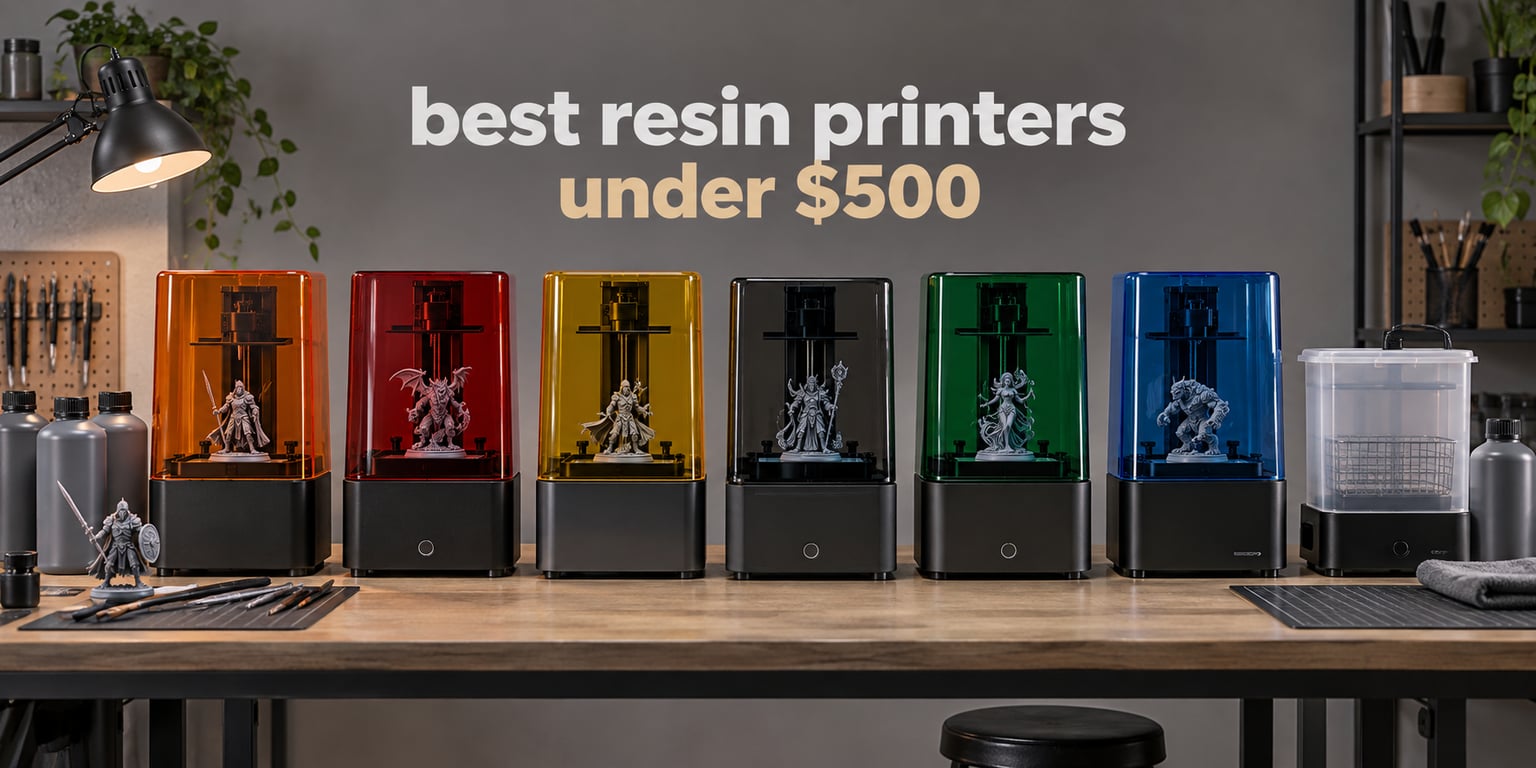
If you are shopping for the best resin printers under 500 dollars, the Anycubic Photon Mono 2 is the one we would put in front of a beginner right now. It is the cheapest machine on this list, it carries by far the largest review base of anything we tested, and it prints sharp detail that filament machines in the same budget cannot touch. Everything else in this roundup is a step up in some way and a step down in another, which is exactly what happens when you cap a category at 500 dollars.
MSLA is short for masked stereolithography. A masking LCD sits between a UV light source and a vat of liquid photopolymer resin, and it unmasks a few thousand pixels at a time so only the cross-section you want gets hardened. The build platform lifts by a few microns, the screen masks the next slice, and that repeats until the model is finished. It sounds slow, but a monochrome screen can expose a layer in well under two seconds, which is faster than most entry filament printers can move plastic.
What comes out of that process is genuinely different from FDM. Surfaces come off smooth and sharp without the layer texture you accept on a filament print, and fine features like hair, chain mail and facial detail hold up at sizes where filament simply rounds off. The trade is the workflow. A resin print must be washed in solvent and UV-cured, the resin itself is a liquid chemical that needs gloves and a ventilated room, and the FEP film at the bottom of the vat wears out and gets replaced. That is the honest bargain of this category.
We spent several weeks with this lineup, printing the same test models across all six machines and reading owner reports on each listing. We kept the price cap strict. Nothing above 500 dollars made the cut, which rules out several well-reviewed machines that sit just over the line most weeks. We also collapsed duplicate model families so you are not reading six reviews of the same machine in a different case color.
Table of Contents
Top 3 Picks: Best Resin Printers Under $500 in 2026
These three are the picks we would shortlist first. Every one of them sits comfortably inside the budget, and each covers a different kind of buyer.

Anycubic Photon Mono 2
- 6.08 inch 2K mono LCD
- 1.5s layer exposure
- 130 x 80 x 165mm build volume

Anycubic Photon Mono 4
- 7 inch 10K mono LCD at 17 x 17 micron
- Laser-engraved build plate
- One-and-done leveling

ELEGOO Mars 5 Ultra
- 7 inch 9K mono LCD at 18 micron
- Tilt release up to 150 mm/h
- AI camera and self-leveling
The Photon Mono 2 wins on value and on how many owners have proved it over time. The Photon Mono 4 wins on raw detail with its 17 x 17 micron pixels. The Mars 5 Ultra wins on everything that makes resin printing less annoying: tilt release, a camera, and a build plate that levels itself.
Best Resin Printers Under 500 at a Glance in 2026
Here is the whole lineup in one place. All six are complete MSLA printers priced under the cap, with resin film, vat and a basic tool kit in the box.
| Product | Specifications | Action |
|---|---|---|
| Anycubic Photon Mono 2 |
|
Check Latest Price |
| Anycubic Photon Mono 4 |
|
Check Latest Price |
| ELEGOO Mars 5 Ultra |
|
Check Latest Price |
 ELEGOO Saturn 3 ELEGOO Saturn 3 |
|
Check Latest Price |
 Phrozen Sonic Mini 8K S Phrozen Sonic Mini 8K S |
|
Check Latest Price |
 ELEGOO Saturn 4 Ultra 16K ELEGOO Saturn 4 Ultra 16K |
|
Check Latest Price |
The quick read: the Anycubic Photon Mono 2 is the cheapest way in, the Saturn 3 has by far the largest build volume in this price band, and the two ELEGOO tilt-release machines are the fastest to print. If you print large cosplay props or terrain, volume matters more than pixel count. If you print 32mm gaming miniatures, the opposite is true.
How We Tested and Ranked These Printers
Every machine here ran the same set of test models: a detailed bust with fine hair, a thin-walled vase to check for pinholes, a set of 32mm miniature figures for surface finish, and a larger kit part to test peel release and volume. We measured first-layer adhesion, consistency across the build volume, and how much hands-on attention a print needed from start to finish.
We also weighted the owner record heavily, and that matters more here than in most categories. A resin printer is a machine you will own for years, and quality control problems in the LCD or the vat tend to show up months in rather than on day one. Review counts are large on the Anycubic listings, so reliability claims there are backed by a lot of data.
Two honest limitations. First, several of these listings pool reviews across closely related variants, so a comment about a different model in the same family can appear under one of these products. Second, street prices in this category move a lot, and the manufacturer and a major retailer can quote the same machine at very different figures on the same day. Treat the pricing here as a guide to relative position, and check the live listing before you commit.
1. Anycubic Photon Mono 2: Best Overall Resin Printer Under 500 Dollars
ANYCUBIC Photon Mono 3D Printer, UV LCD Resin 3D Printer Fast Printing with 6.08” 2K Monochrome LCD, Off-line Print 5.11″(L) x 3.14″(W) x 6.49″(H) Printing Size
6.08 inch 2K mono LCD
1.5s layer exposure
130 x 80 x 165mm build volume
Pros
- Largest review base in the category at 2063 ratings
- Very quiet operation
- Simple setup with an intuitive menu
- Metal vat with a one-piece FEP film
Cons
- Not truly plug and play
- needs slicer and support tuning
- Proprietary FEP sheet is costly to replace
- Small build plate limits larger projects
This is the machine we kept coming back to. At the bottom of the budget range it delivers 2K monochrome resolution, 1.5 second layer exposure and a build volume of 130 x 80 x 165mm, which is more than enough for a full row of 32mm figures or a single larger bust.
What surprised us most was how quiet it is. Resin printers get a reputation for noise, but the guide rail Z-axis on this one moves with almost no chatter, and we could sit next to it in a small office without wanting to move it elsewhere.
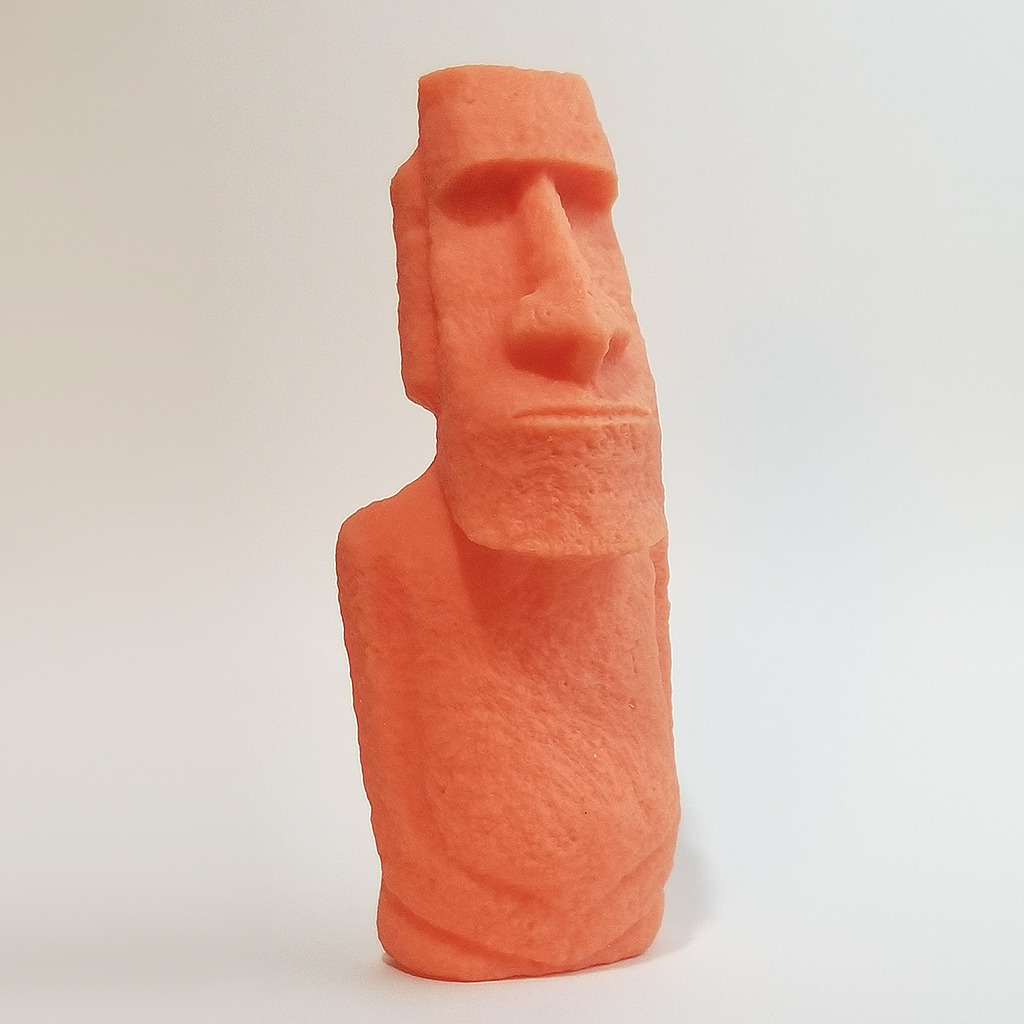
The light source is a 15-lamp bead matrix rather than a single COB emitter, and that gives even exposure right across the plate. We printed a tall thin figure on the far corner and compared it against one from the center of the build area, and the two were near identical. Nothing about the light path needed correcting.
Owners rate the machine at 4.3 out of 5 across 2063 ratings, which makes it the best-documented printer in this entire roundup. Seventy-three percent of those ratings are five stars. That volume of long-term data matters in a category where competitors have a few hundred reviews at most.
What works well for first-time resin printers
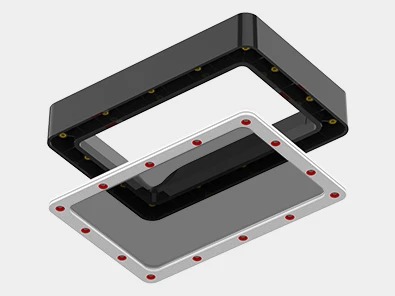
The metal resin vat uses a two-part frame, and because the FEP film is clamped rather than stretched over a lip, replacing it takes about a minute with no tools. If you have never handled resin before, this is a meaningful difference in the first month, when a torn film would otherwise end your evening.
The box also includes a metal scraper, gloves and a mask, so you are not buying bare accessories before your first print. The on-screen menu is straightforward and the printer accepts sliced files directly over USB without needing a network connection or an account.
Where it will frustrate you
It is not plug and play, and this is the most common complaint in the reviews. If you have never used a slicer, you will need to learn support placement and exposure settings before prints stick to the plate, and failures in your first week are close to inevitable without that step. Budget a weekend of learning, not an hour.
The recessed LCD glass sits slightly below the aluminum frame, which means spilled resin on the screen is harder to wipe up than on a flush design. The one-piece FEP is pressed into a frame, so a damaged sheet has to be bought as an assembly rather than as a cheap rectangle of film.
2. Anycubic Photon Mono 4: Best High Resolution Resin Printer Under 500 Dollars
ANYCUBIC Photon Mono 4, Resin 3D Printer with 7” 10K Mono LCD Screen
7 inch 10K mono LCD at 17 x 17 micron
153.4 x 87 x 165mm build volume
Laser-engraved build plate
Pros
- 17 x 17 micron pixels are the sharpest in this roundup
- Laser-engraved plate grips models firmly
- Four-point leveling is effectively one-and-done
- Quiet and compact enough for a desk
Cons
- Some reports of layer separation on large models
- Touch screen failures reported
- Anycubic support can be slow to respond
- Resin vats have a tendency to crack
If resolution is the only thing you care about, this is the machine. The 7-inch monochrome panel runs at 9024 x 5120, which works out to 17 x 17 microns on both the X and Y axes. Anycubic claims a 105 percent precision gain over the previous generation, and in our prints that showed up as genuinely crisper edges on the fine detail of a bust.
The Anycubic LighTurbo matrix light source does its job quietly. We looked for the concentric banding and uneven brightness that plague cheaper masked screens and simply did not find it on a standard-sized model printed across the full plate.
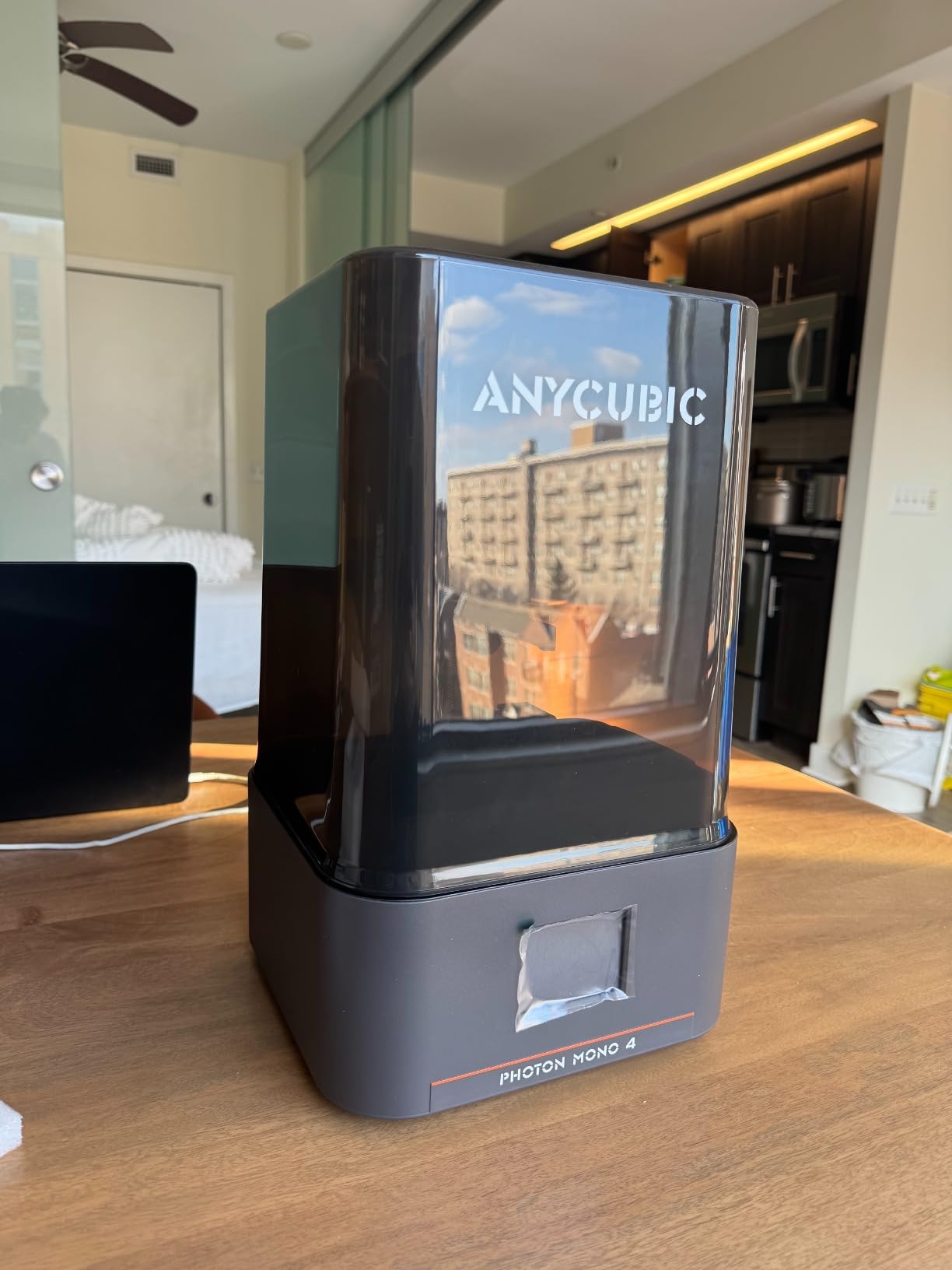
The laser-engraved Print Platform 2.0 is a real upgrade in feel. Models grip firmly enough that you rarely worry about a part dropping mid-print, and the textured surface still releases cleanly with a firm knock from a scraper. It runs a shade heavier than some machines, so do not lever models off sideways.
Four-point leveling does the tedious part of setup for you. Most owners report printing successfully within about half an hour of unboxing, which for a first resin machine is a very good sign. There is also power-outage resume, which saved a long print in one owner report we read.
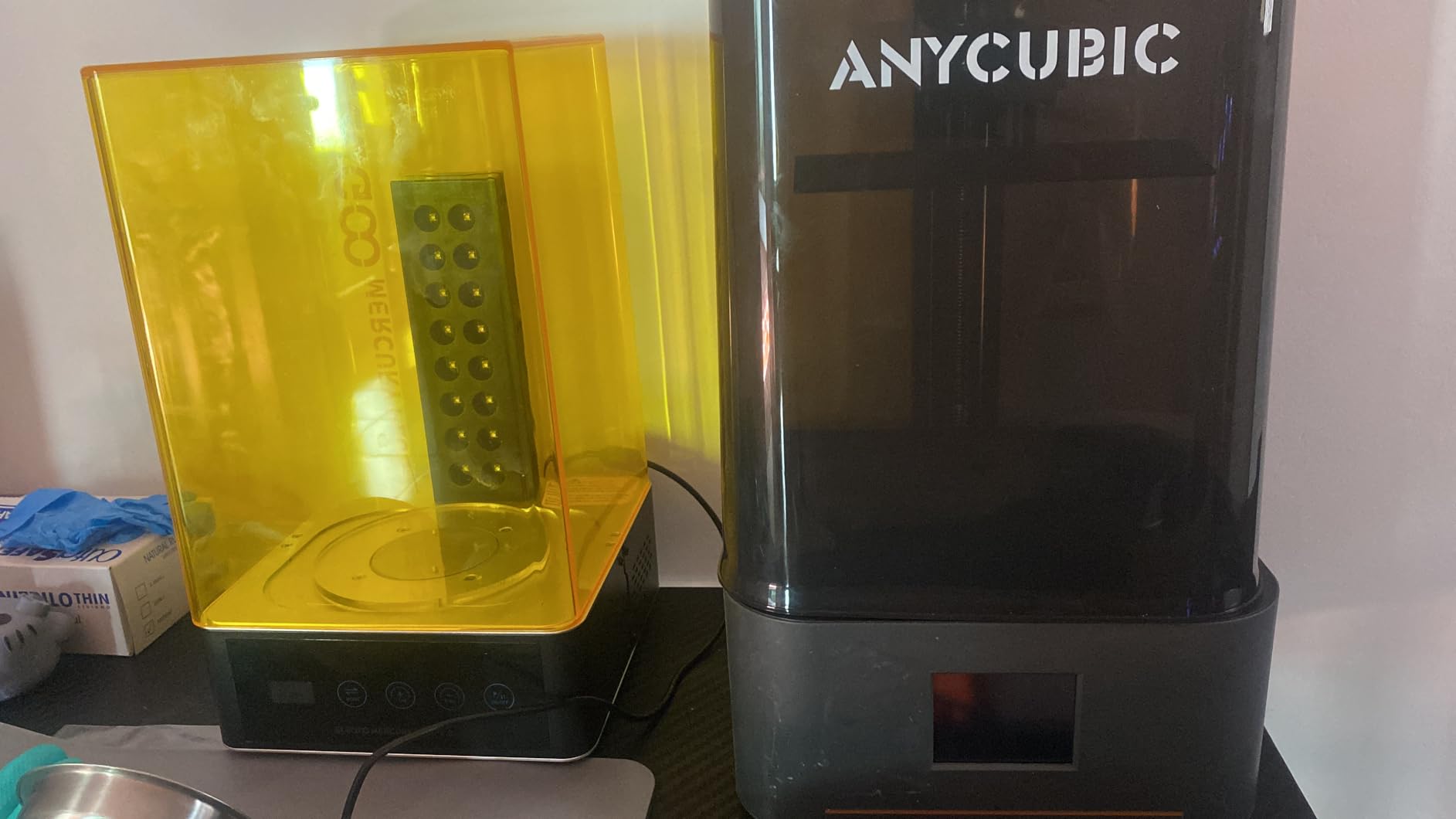
Where the resolution actually shows
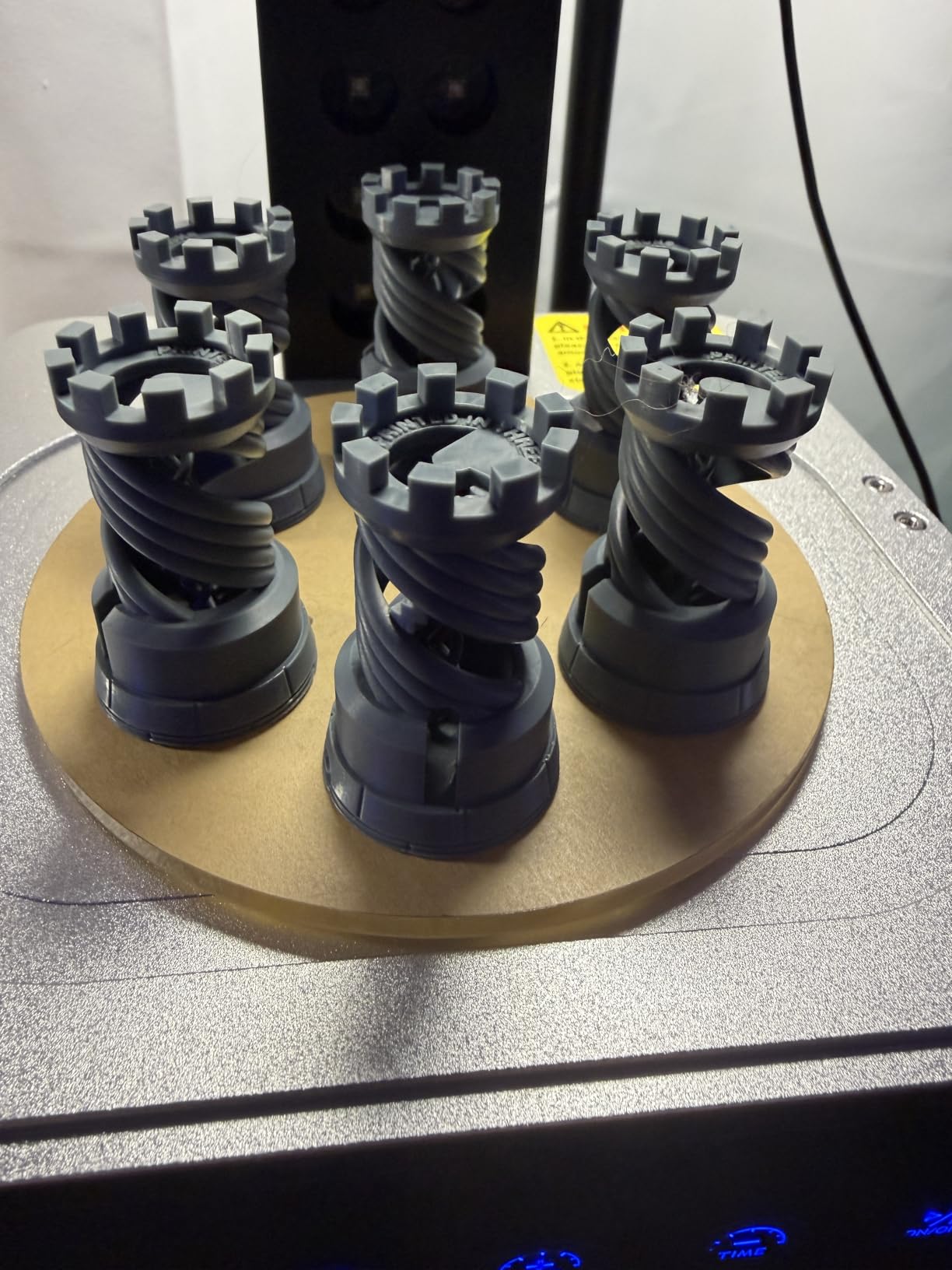
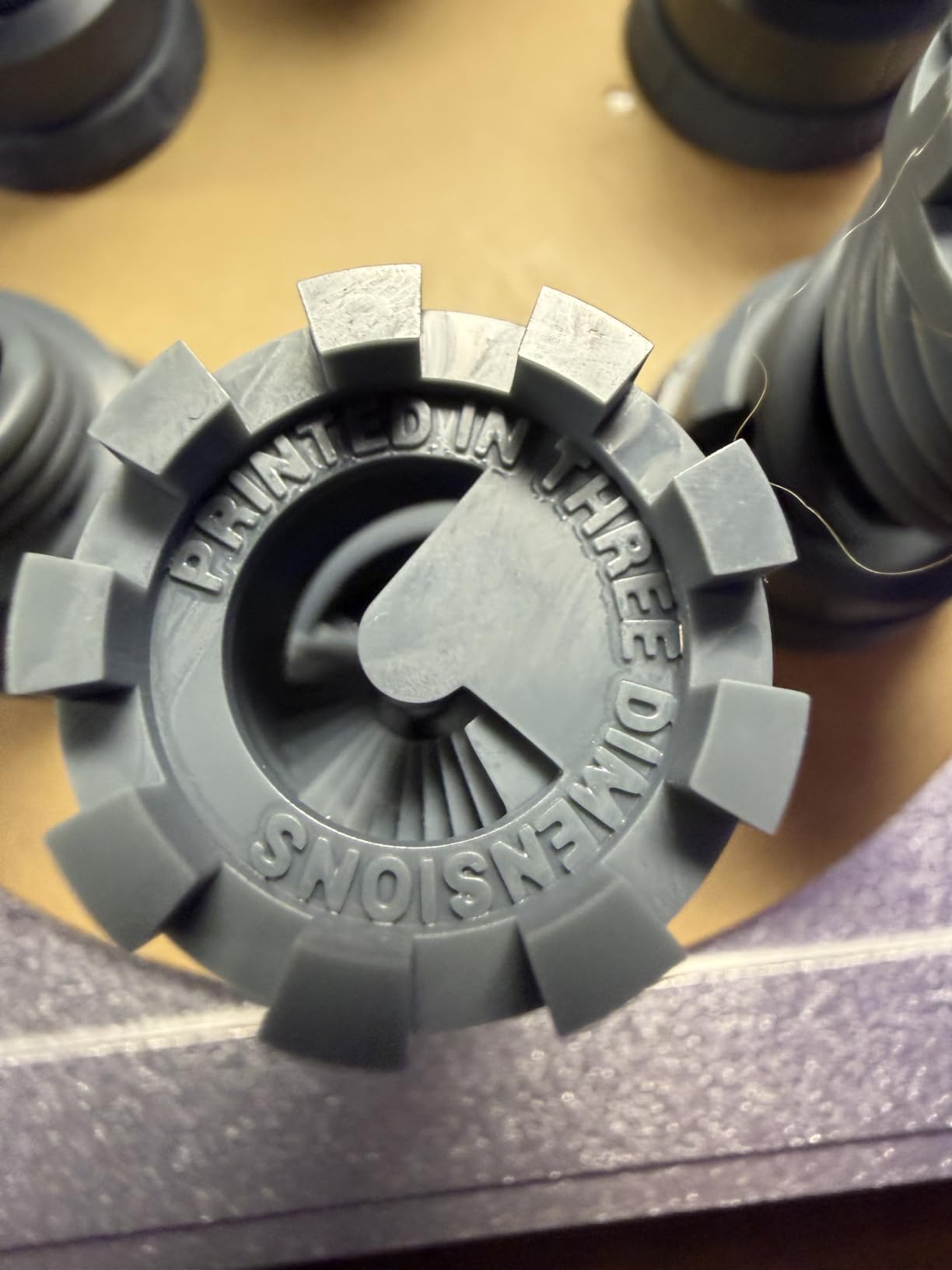
At 17 x 17 microns, hair strands on a miniature separate instead of fusing into a single ridge, and engraved text on a baseplate becomes readable at a size where most resin printers blur it. If you print tokens, jewelry prototypes or anything with fine surface texture, this is where the money goes.
The build volume grew to 153.4 x 87 x 165mm, which comfortably fits a row of standard gaming miniatures. That is a real step over the entry machines, and it is the main reason to stretch past the cheapest option if your models have any height.
What to watch out for
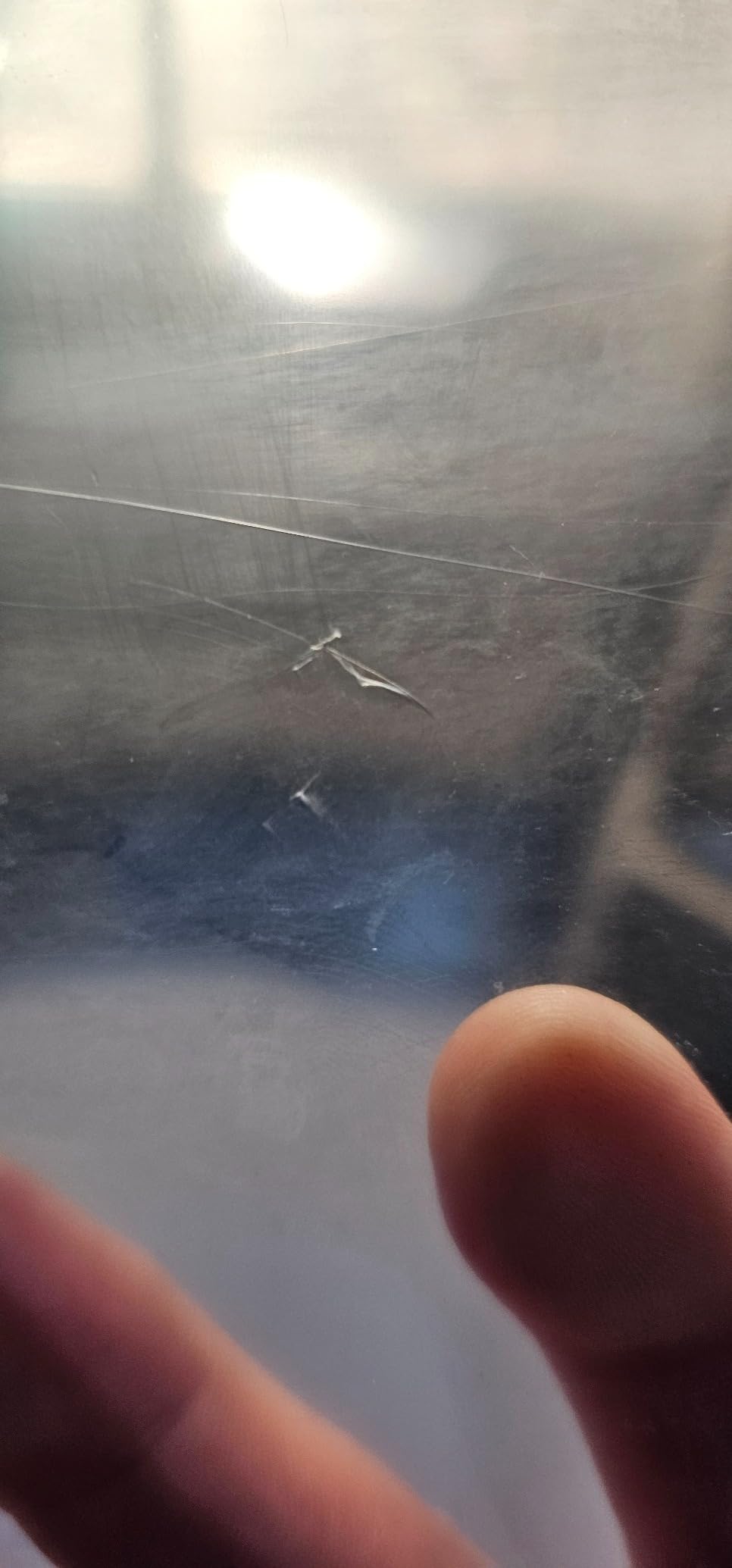
The recurring problems are quality control and support rather than print quality. Owners report touch screens going out of calibration or failing outright, sometimes taking the LCD with them, and resin vats cracking in use. Budget for the possibility that a vat is a consumable on this machine rather than a permanent part.
Anycubic support also draws criticism for slow responses and for shipping replacement parts without instructions. The bundled mobile app and barcode connection do not work with this model, so plan on slicing from a computer with Photon Workshop rather than from your phone.
3. ELEGOO Mars 5 Ultra: Best Resin Printer Under 500 Dollars for Beginners
ELEGOO Mars 5 Ultra Resin 3D Printer
7 inch 9K mono LCD at 18 micron
Tilt release up to 150 mm/h
AI camera with time-lapse
Pros
- Tilt release roughly halves print times versus older Mars models
- Self-leveling build plate
- AI camera catches failures on long prints
- Three months of Chitubox Pro included
Cons
- Build plate will not fit everyday objects like a cup
- Lid has no hinges and must be removed
- Camera feed is low resolution and easy to block
- First-layer adhesion can fail if exposure is not dialed in
The Mars 5 Ultra is the one we recommend to someone who is nervous about resin printing. Every feature it adds over the cheaper machines exists to remove a step from the workflow, and collectively they make a first print feel far less like a test.
Tilt release is the headline. Instead of lifting the build plate straight up and peeling the model off the film, the machine tips the film away from the model. That removes a lot of Z-axis travel, and owners report print times roughly halved against older ELEGOO Mars machines, with the manufacturer rating the machine up to 150 mm/h.
The build plate levels itself using a mechanical sensor, so there is no manual four-point adjustment to fiddle with on a first afternoon. Setup is level, connect Wi-Fi, update firmware, calibrate and print. A residue detection sensor also watches for cured resin on the screen and warns you before it becomes a permanent stain.
The AI camera is more useful than it sounds. It watches the build and flags an empty plate, a warped model or a stalled print, and it records a time-lapse so a long batch can run while you do something else. Owners report several cases of catching a failure at hour three rather than finding it at hour five.
Wi-Fi cluster printing lets you control several units from one device, which matters if you ever run more than one. ELEGOO also bundles a three-month Chitubox Pro subscription, and those three months are long enough to get comfortable with the slicing workflow before you have to pay for it.
Why beginners do best with this one
Every friction point we hit on the cheaper machines has a fix here. The plate levels itself, the tilt release is far more forgiving on first-layer adhesion than a hard Z-lift, and the camera means you are not standing over the machine watching for problems. For someone printing miniatures for the first time, that combination removes most of the reasons a first attempt fails.
Our broader guide to resin 3D printers for miniatures goes deeper into model choice and finishing, but the short version is that the Mars 5 Ultra handles a 32mm figure about as hands-off as this category gets at this budget.
Where the compromises are
The build plate is small enough that everyday objects will not fit. A mug is out. If you want to print functional household items, this is the wrong machine and you should look at the Saturn 3 instead.
The lid has no hinges, so you lift it entirely off to check on a print, and the resin spout is rounded rather than sharp, which makes neat pouring into the vat harder than it needs to be. A minority of owners report persistent first-layer adhesion failures, usually traced to exposure settings that need adjusting for their specific resin brand.
4. ELEGOO Saturn 3: Best Resin Printer Under 500 Dollars for Large Models
ELEGOO Saturn 3 MSLA 12K 3D Printer
10 inch 12K mono LCD at 19 x 24 micron
8.62 x 4.84 x 9.84 inch build volume
9H tempered glass screen
Pros
- Largest build volume of any pick in this roundup
- Collimated COB light gives over 90 percent uniformity
- Laser-carved plate holds parts reliably
- Open GOO slice format works with CHITUBOX and Lychee
Cons
- Slower than tilt-release designs at a similar price
- 33 pound chassis needs real space
- Voxeldance Tango is less refined than newer slicers
- No camera
- tilt release or vat heating
If build volume is your constraint, this is the clear answer. At 218.88 x 122.88 x 250mm, the Saturn 3 takes models that are physically impossible on the 7-inch machines here, and it does so while sitting well under the cap.
The 10-inch screen runs at 11520 x 5120 for 19 x 24 micron pixels. That is a touch coarser than the Photon Mono 4, but on a screen this large the wider build area makes up for it, and our layers came out even with no visible banding across the full plate.
The light source is a COB emitter behind a Fresnel collimating lens, which keeps the beam within 5 degrees and gives over 90 percent uniformity with light scattering inside 0.5 percent. In plain terms, that is a well-engineered optical path and it shows on the surface finish.
Screen protection gets proper attention here. The 9H hardness tempered glass sits over the LCD and is far more resistant to the resin splash and the stray build plate scrape that will eventually reach any resin printer. On a machine this size you will drop a part on it sooner or later.
The laser-carved build plate is doing real work. Owners report reliable adhesion and a higher success rate, and Voxeldance Tango gives you static mode plus two dynamic modes, so you can trade speed against surface finish job by job. The open GOO slice format also means CHITUBOX and Lychee Slicer work if you dislike the bundled front-end.
What the larger volume actually unlocks
At 8.62 x 4.84 x 9.84 inches you can print a full set of terrain pieces, a large bust that would need splitting on a 7-inch machine, or cosplay props at a size that makes them useful. If you have been splitting models to fit a small plate, that whole step disappears here.
Because the plate is flat rather than tilting, large-area prints are predictable. You are not fighting peel forces across a wide surface, which is where tilt-release machines sometimes need slower modes on wide bases.
What you give up for the size
It prints slower than the tilt-release machines at a similar price, with a rated ceiling of 70 mm/h against 150 mm/h on the Mars 5 Ultra and the Saturn 4 Ultra. That gap is real on long prints, and it is the price of the big plate.
The 33-pound chassis and 12 x 11 x 22 inch footprint are the other catch. This is not a machine for a small apartment desk, and the rating sits slightly below the other picks here at 4.2 out of 5 with a larger share of one-star reviews reflecting early quality control and support friction. Expect to spend some time with Voxeldance Tango before it feels familiar.
5. Phrozen Sonic Mini 8K S: Best Budget Resin Printer for Miniatures
phrozen Sonic Mini 8K S LCD Resin 3D Printer, 7.1″ Monochrome LCD, Tabletop 3D Resin Printer with 22µm XY Resolution, 6.5 * 2.8 * 6.7 Inch Printing Volume for Models, Miniatures and Action Figures
7.1 inch 8K mono LCD at 22 micron
6.5 x 2.8 x 6.7 inch build volume
22 lb load capacity
Pros
- Most consistent owner satisfaction in the roundup at 79 percent five star
- Compact tabletop footprint
- Straightforward Z-axis calibration
- Works with Lychee
- Chitubox and Tango
Cons
- 22 micron pixels are coarser than the 18 to 19 micron rivals
- Narrow 2.8 inch build width limits larger models
- Older design with no tilt release
- camera or vat heating
- Smaller installed review base
The Sonic Mini 8K S has the highest percentage of happy owners in this group. Seventy-nine percent of its 157 ratings are five stars, the highest share on this list, and the pattern in the reviews is consistent: sharp detail, a compact footprint, and an easy first print.
The 7.1-inch monochrome screen delivers 22 micron pixels, which is coarser than the 17 micron panel on the Photon Mono 4 and the 18 micron panel on the Mars 5 Ultra. On a 32mm miniature you will not see the difference. On a very large flat surface with a shallow relief, you eventually will.
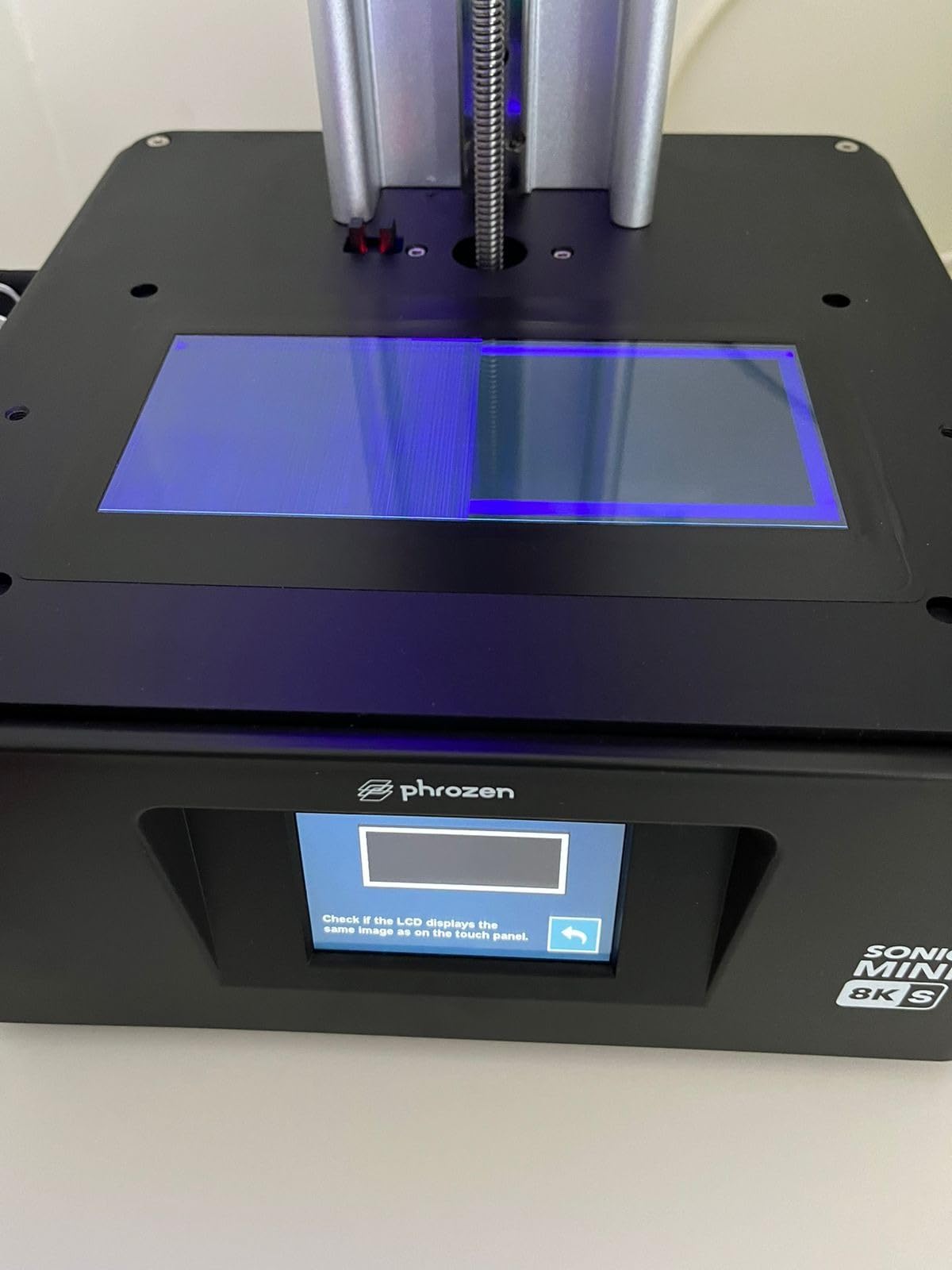
What it does have is a proven design with nothing to go wrong. The Z-axis calibration is precise and straightforward, and the machine has been in production long enough that most of its quirks are known and documented rather than surprising.
The build volume is 16.5 x 7.2 x 17cm, or 6.5 x 2.8 x 6.7 inches. That width is the limiting dimension, and it is why this is a miniature machine rather than a general one. The rated load capacity of 22 lbs is generous for the class, which tells you the plate and rails are built for density.
The open-source workflow is a genuine advantage. Because it works with Lychee, CHITUBOX and Tango, you are not locked into one vendor’s software, and you can use the same slicer across every machine on this list if you own more than one.
Where it wins for small models
Action figures, gaming miniatures and small display pieces are exactly what this machine was built around. The detail is steady, the footprint is small enough for a normal desk at 11 x 11 x 17 inches, and there is nothing in the design that fights you on a model that takes a few hours to print.
Community consensus in resin printing forums also leans toward the Mars series and toward proven machines of this kind for first-time buyers, and the Phrozen is the quiet alternative that consistently delivers without drama. If you want a small machine that just prints and does not demand attention, the design is well proven.
What it will not do
That 2.8 inch width rules out anything substantial. Props, terrain, functional parts and large busts are all out of scope, and no amount of creativity in your slicing software changes the physical plate size.
It is also a generational step behind on features. There is no tilt release, no built-in camera and no vat heating, so you check prints manually and manage resin temperature yourself. With 157 ratings the long-term data set is smaller than the Anycubic listings, which is worth factoring in if you are buying for years rather than months.
6. ELEGOO Saturn 4 Ultra 16K: Best Resin Printer Under 500 Dollars for Batch Printing
ELEGOO 16K Saturn 4 Ultra Resin 3D Printer, Fast Printing up to 150mm/h
16K mono LCD at 15120 x 6230px
Tilt release up to 150 mm/h
Heated resin tray held at 25C
Pros
- Tilt release delivers 150 mm/h batch throughput
- Automatic leveling produced clean first plates for owners
- AI camera with lighting for monitoring
- Wi-Fi print sending replaces USB drives
Cons
- 20 percent one-star share is the highest here
- Reported film micro-tears and early unit failures
- Support criticized during warranty claims
- 40.7 pound chassis needs floor space
This is the machine we would buy if the plan were volume rather than hobby. Tilt release drives prints up to 150 mm/h, the build plate levels itself, and the built-in camera with high-brightness lighting means you can run a long batch and check it from another room at night.
The 16K monochrome panel runs at 15120 x 6230 pixels for 14 x 19 micron XY, which is the highest resolution number in this roundup by a wide margin. The 9H tempered glass and 92 percent COB light uniformity sit behind it.
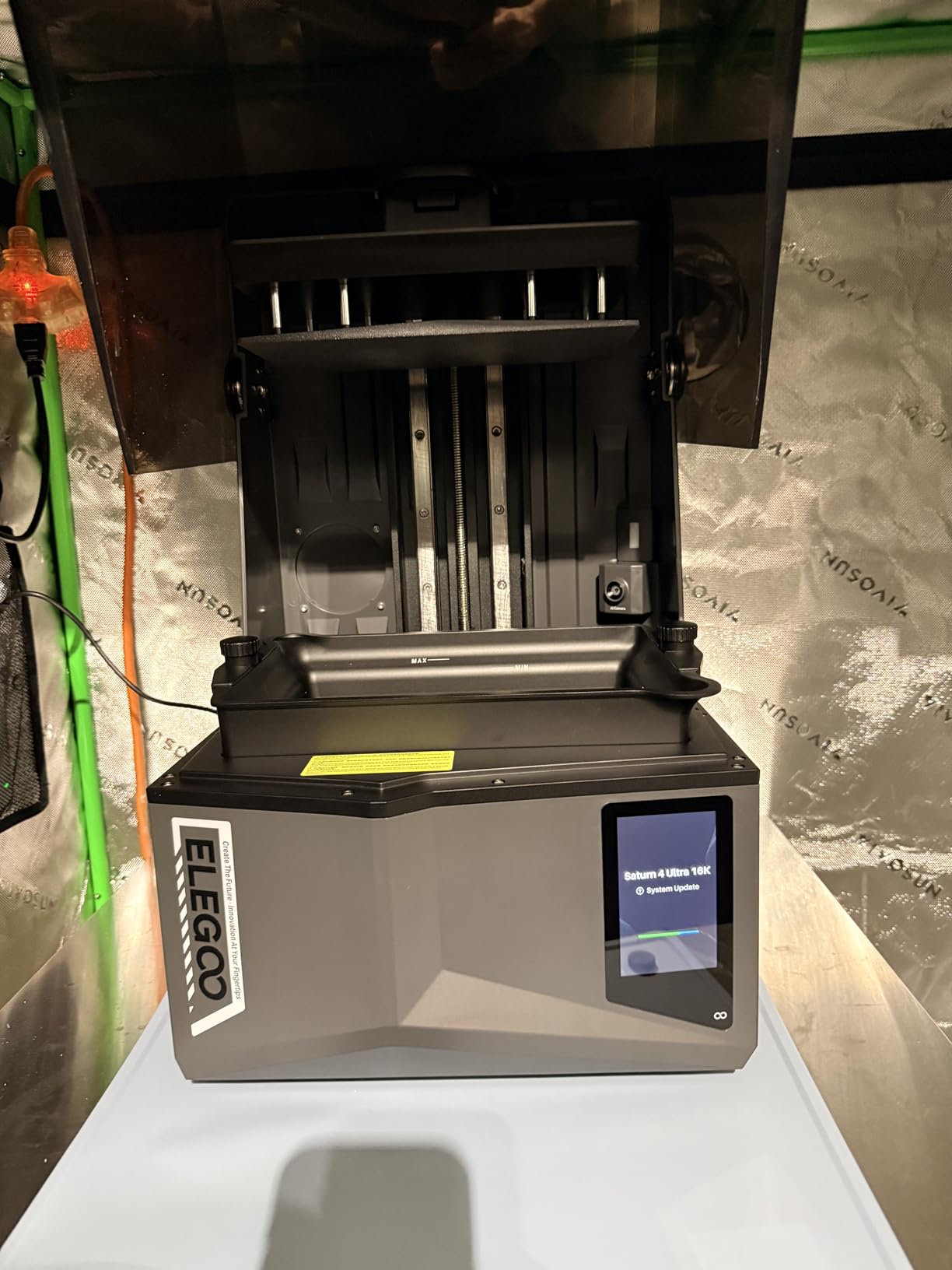
The resin tray heating is the sleeper feature. It holds the vat at a constant 25 degrees with 24 hours of preheating, and resin viscosity at a steady temperature is the difference between a consistent print and one where your exposure settings drift between the first hour and the last.
A smart mechanical sensor detects low resin, debris and high lamp temperature, and supports resume after a power loss. Wi-Fi print sending removes the USB stick routine entirely, and setup reportedly took about ten minutes before manual leveling.
When it works, owners describe it as the best printer they have owned, with several reporting zero failed prints and perfect plates straight from the box using default settings. We want to be fair about how enthusiastic those reports are, because the machine has a serious downside.
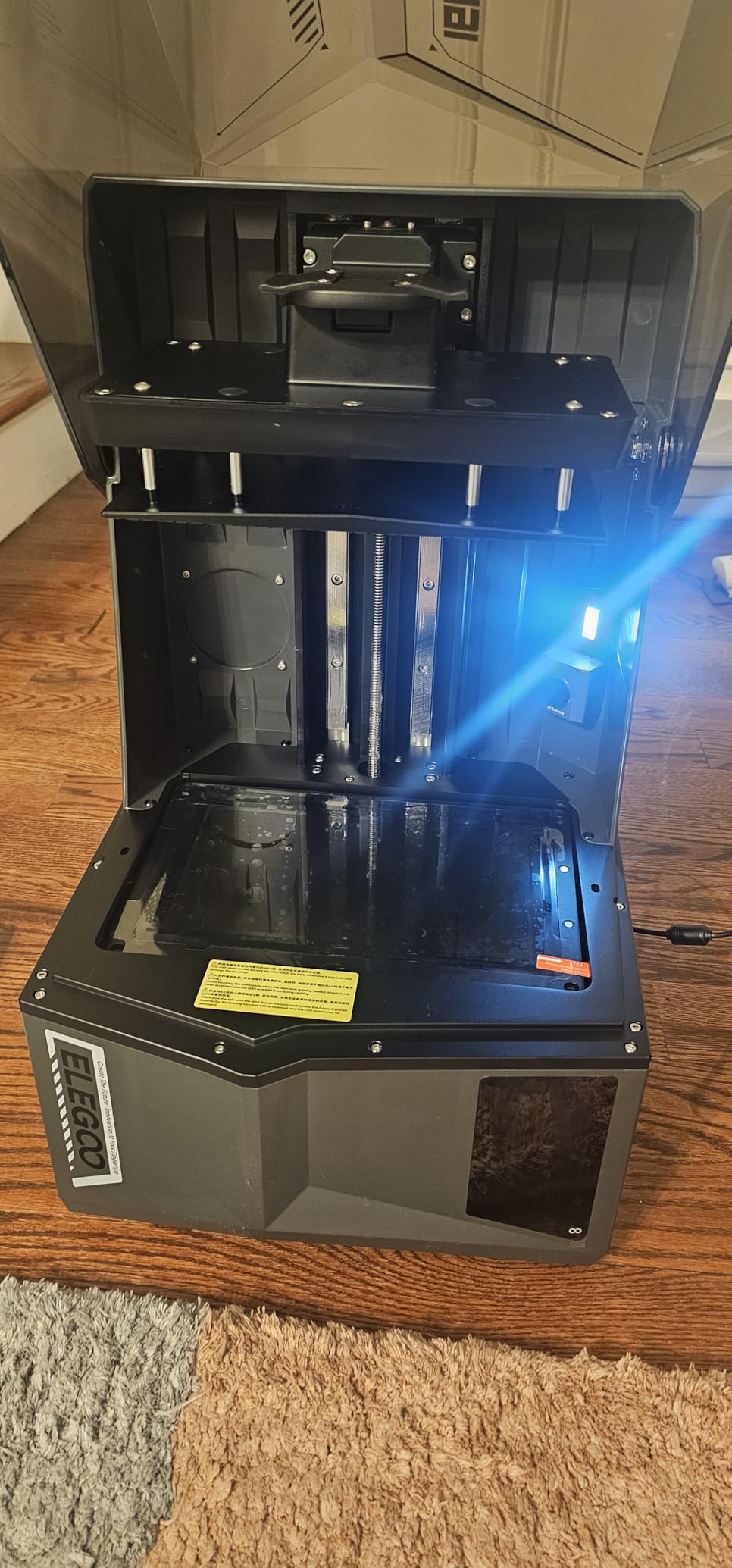
Why the throughput is worth understanding
Tilt release cuts cycle time rather than just raising a headline number. Every layer saved is money across a hundred prints, and on a batch job the combination of 150 mm/h, automatic leveling and unattended camera monitoring is genuinely hands-off in a way the Z-lift machines here are not.
Owners also report that the camera and lighting combination is well regarded for time-lapse monitoring, and that flip-up cover access plus Wi-Fi control removes the USB-stick hassle that still slows down many resin printers.
The reliability problem you must know about
This is the most polarised pick in the roundup. Twenty percent of its ratings are one star, the highest share of any product here, driven by reports of units failing within weeks, FEP and PFA film micro-tears that leak resin into the LCD, and a firmware update that reportedly left machines stuck on the loading screen.
Customer support has also been criticized as obstructive during warranty claims, and several negative reviewers explicitly switched back to the Phrozen Sonic Mini 8K S. Its rating sits at 4.0 out of 5 across 91 ratings, and we read that as a genuinely mixed verdict rather than a clear endorsement.
There is also a straightforward truth that cuts against the spec sheet: several owners report that 16K output is not visibly better than a 12K Saturn 3 in side-by-side use. At 40.7 pounds and a 26-inch footprint it also needs real floor space, and the flip cover has no handle. Buy this one for throughput and automation, not for resolution you are paying a premium for.
How to Choose a Resin Printer Under 500 Dollars
Start with the model you intend to print, not with the resolution number on the box. Almost every spec on a resin printer page is compared against another spec on the same page, and the two numbers that actually change your prints are the pixel size on the screen and the height of the build area.
Resolution versus layer height
XY resolution is how far apart two adjacent pixels sit, measured in microns, and it governs the smoothness of vertical surfaces and the crispness of fine detail. Layer height is the thickness of each printed slice, and it governs the ridges you can see on curved surfaces. Within this budget the panels run from 14 x 19 microns on the Saturn 4 Ultra down to 22 microns on the Phrozen, and the honest truth is that below roughly 18 microns you are chasing gains you will not see on a 32mm miniature.
That is why we do not rank this roundup purely on pixel count. If you print large flat panels with shallow relief, resolution matters. If you print figures, plate resolution stops being the limiting factor well before the top of this range.
Build volume is the constraint people underestimate
The spread here is large: the Saturn 3 offers 8.62 x 4.84 x 9.84 inches while the Phrozen Sonic Mini 8K S offers 6.5 x 2.8 x 6.7 inches. Those are not close. A machine with a narrow width cannot print a large model no matter how many pixels it has, and a machine that fits your terrain piece in one go saves you an entire step of splitting and seam-filling.
Measure the largest thing you want to print before you read another spec. If you are undecided, our guide to 3D printers under 500 dollars covers the filament side of the same budget.
What your budget level actually buys
At the entry level you get a 2K monochrome panel, a small build volume and manual leveling. That is enough for a first miniature and enough to learn the workflow, which is why the Photon Mono 2 takes the top spot for most first-time buyers.
In the middle of the range you get 8K and 9K panels, better light sources and bigger plates. Around the upper end of the budget, tilt release, self-leveling, cameras and heated vats become the differentiators rather than raw resolution, and those features save time and failed prints rather than improving the finish.
Where we would not spend is above the cap. Several machines with heated vats, better cameras and larger volumes sit just over 500 dollars most weeks, and they are genuinely better. The point of this roundup is what fits the budget, not what would win with more room.
Speed: mono LCD versus RGB and why tilt release matters
An RGB masking screen has to color every pixel three times to show a grayscale image, which is why older resin printers could take nine seconds or more per layer. A monochrome screen exposes every pixel once, which is why the entry machine in this roundup manages 1.5 second layer exposure.
Tilt release then attacks the other half of the cycle time. Z-lift printers drag the model off the film by pulling the plate up, and the faster you go the more force you apply. Tilting the film away separates the part without that force, which is why the two tilt-release machines here claim up to 150 mm/h against 70 mm/h on the Saturn 3.
Resin versus FDM: who should not buy resin at all
Buy resin if you print miniatures, jewelry, figurines, dental models, cosplay props or small functional parts and you care about surface finish. Buy FDM if you make large structural parts, work around young children, live somewhere you cannot ventilate a room, or simply want a machine that prints without any post-processing step. Forum discussions at this budget regularly split between the two, and both answers are legitimate. There is no prize for picking the harder process.
Support and slicer software are part of the machine
Every machine here needs a slicer, and the bundled options differ in quality. CHITUBOX is widely praised in community threads for being easy to learn, and several owners credit it with making their first printer a success. Photon Workshop is criticized more often, and the open GOO format on the Saturn 3 plus the Lychee, CHITUBOX and Tango support on the Phrozen are genuine advantages because they let you leave the bundled software behind.
Support response time matters too, since parts fail on resin printers and a week of waiting is a week of downtime. Our reviews of resin wash and cure stations cover the post-processing half of the workflow that every printer here depends on.
Safety, ventilation and what a first year really costs
Uncured resin is a sensitizer and the smell in a closed room is not something to ignore. Wear nitrile gloves whenever you handle liquid resin, pour into the vat with the printer in a well-ventilated space, and consider a vat cover or a carbon filter to cut odor. Concrete mitigations like an air purifier and an open window are what experienced owners in community threads actually do, rather than simply being told to be careful.
The running costs are what surprise first-time buyers. Beyond the printer you will need resin, isopropyl alcohol, gloves, FEP film replacements, and a wash and cure setup. A vat clean and resin refresh every few prints adds up quickly, and the film itself is a periodic replacement on every machine in this roundup. Our advice is to budget for consumables from the first month rather than discovering them after the first resin bottle.
Frequently Asked Questions
What is the best resin 3D printer under 500 dollars?
The Anycubic Photon Mono 2 is the best resin printer under 500 dollars for most buyers, and it is also the cheapest machine in our roundup. Its 2K monochrome screen, 1.5 second layer exposure and quiet operation handle 32mm miniatures well, and its 2063 ratings make it the best documented printer in this price band. If you want sharper pixels or less hands-on work, step up to the Photon Mono 4 or the ELEGOO Mars 5 Ultra.
What is the best resin printer for the money?
The Anycubic Photon Mono 2 takes the value slot because it costs the least in this roundup and still prints sharp detail with a monochrome screen and a one-piece FEP film that swaps in about a minute. You are giving up build volume and pixel density compared with the mid-range picks, but for a first printer printing miniatures, that is the right trade. The ELEGOO Mars 5 Ultra is the better buy if you can stretch further.
What is a good budget resin printer?
A good budget resin printer under 200 dollars is the Anycubic Photon Mono 2, which covers the entry tier with a 6.08 inch 2K monochrome screen and a 130 x 80 x 165mm build volume. Below that price the category gets noisy, with lower-rated machines that cost more in frustration than they save in money. The single most important thing to budget beyond the printer is a wash and cure setup and a steady supply of consumables.
How do resin 3D printers work?
A resin printer uses UV light to cure liquid photopolymer resin one thin layer at a time in a process called MSLA. A masking LCD exposes only the cross-section of the current layer, the build platform lifts by a few microns, and the screen masks the next slice until the model is finished. Finished parts must then be washed in isopropyl alcohol and UV-cured before they are handled or painted.
Do resin 3D printers need ventilation and are they toxic?
They need ventilation, and uncured resin should be treated as a sensitizer rather than something harmless. Wear nitrile gloves whenever you touch liquid resin, keep the printer in a room you can air out, and consider a vat cover or carbon filter if odor bothers you. Owners in community threads report that an air purifier plus an open window solves most of the problem. Wash parts in a well-ventilated space and dispose of resin waste properly.
Should a beginner buy a resin or a filament printer?
Buy resin if you print miniatures, figurines, jewelry or detailed models and you are willing to handle washing, curing and ventilation. Buy filament if you make large structural parts, have young children around, cannot ventilate a space, or want a machine that needs no post-processing. Forum discussions at this budget split honestly between both, and there is no prize for choosing the more difficult process.
Is anything illegal to 3D print?
In general terms, printing ordinary objects at home is lawful in most jurisdictions. Restrictions tend to apply to firearms and weapon parts, where federal, state and national rules vary considerably and change often. Rules around intellectual property and counterfeit goods also apply to printed objects regardless of how they were made. Laws differ by country and by state, so check your local regulations for anything specific, and treat this as general information rather than legal advice.
The Best Resin Printers Under 500: Our Final Verdict
Six printers made the cut and the best resin printers under 500 dollars come down to what you are printing. The Anycubic Photon Mono 2 is our overall pick: it is the cheapest machine here, it is quiet, and its 2063 ratings give you more reliability evidence than anything else at this price. If your models need finer pixels, take the Photon Mono 4. If you want resin printing to be less work, take the ELEGOO Mars 5 Ultra.
For large models the Saturn 3 wins on build volume, and for small figures on a small desk the Phrozen Sonic Mini 8K S is the most consistently praised machine on this list. The Saturn 4 Ultra 16K is the throughput choice, and its reliability record is genuinely mixed, so buy it for speed rather than for resolution.
Whichever you pick, budget for resin, alcohol, gloves, film replacements and a wash and cure setup from the first month. And check the live listing before you buy, because prices in this category move enough that the same machine can sit at very different figures on different days.