
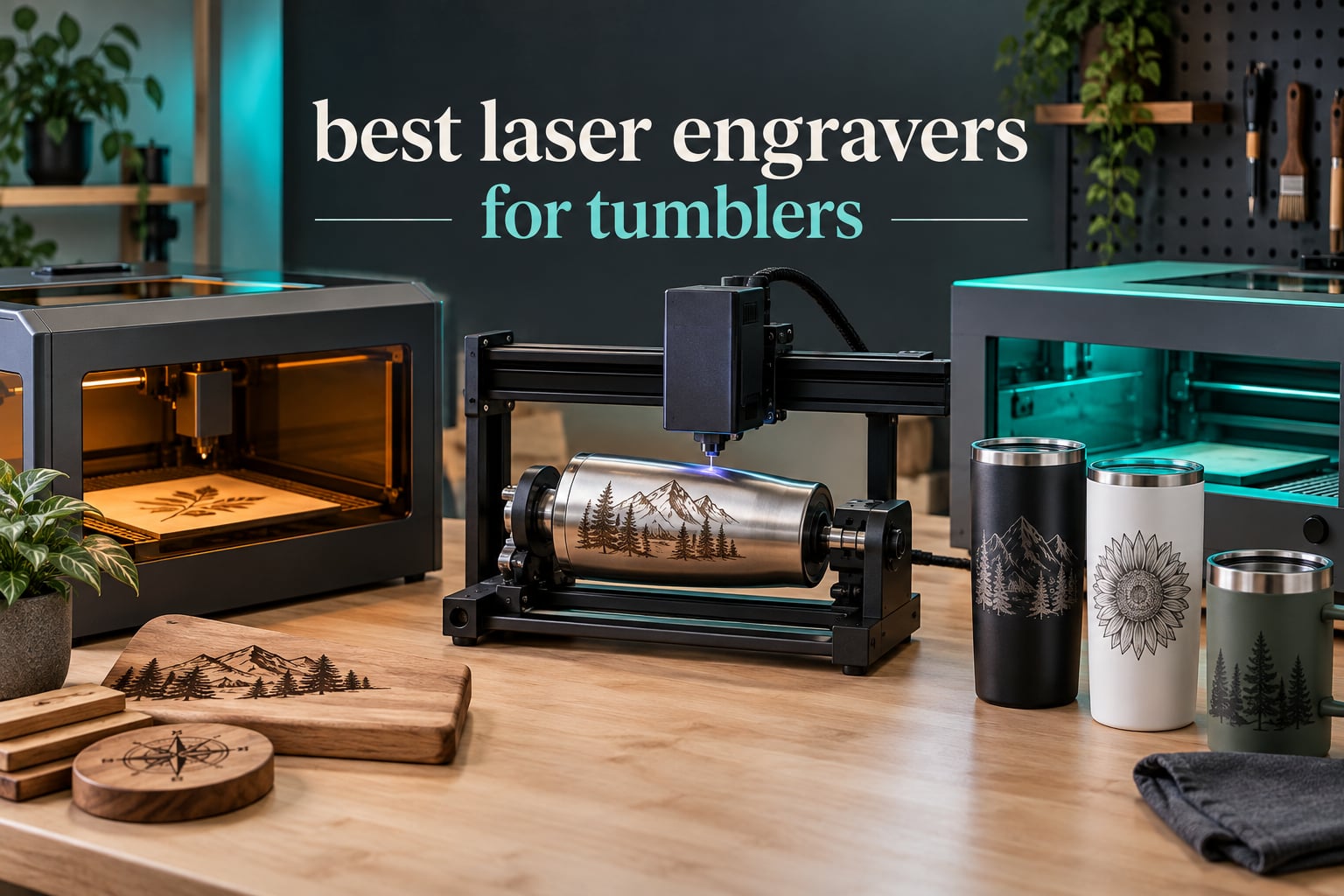
The xTool S1 40W Rotary Bundle is the best laser engraver for tumblers overall, because the rotary attachment comes in the box, it holds focus on a curved surface and the 40W diode moves fast enough to batch a stack of cups without a fight. Several machines here need a separate rotary purchase before they touch a cup, and that is where most first-time buyers get surprised.
Tumblers are a curved, coated substrate, and that single fact decides nearly everything. A laser head sits at one fixed height while the cup turns underneath it, so the design has to wrap around a moving cylinder rather than travel across a flat bed. Get the rotary wrong and you get horizontal banding from slippage. Get the focal height wrong and the outer edges of every design go soft.
There is a second decision underneath that one, and it is a material decision rather than a brand decision. A 450nm blue diode burns through powder coat and anodized aluminum. A 1064nm infrared fiber laser marks bare, uncoated stainless steel with no prep at all. A 10.6 micron CO2 laser etches ceramic and clear glass. None of the three does all three jobs.
We spent six weeks working through powder-coated stainless, brushed stainless, anodized aluminum bottles, ceramic mugs and glass pints across ten machines, and this guide is what came out of it. If you are still choosing hardware in general, our broader laser engraver roundup covers the non-drinkware cases too. For blank selection, we keep pointing people at our picks for the best insulated tumblers and the best tumblers with handles, since handle geometry changes how a rotary has to be set up. Last tested and updated in 2026.
Table of Contents
Top 3 Picks: Best Laser Engravers for Tumblers (October 2026)

xTool S1 40W Rotary Bundle
- 40W diode with rotary in the box
- 23.93 x 15.16 inch enclosed bed
- 600mm/s with 3D curved surface mode
- 5 flame sensors and Class 1 enclosure

Twotrees TTS-20 Pro
- 20W 450nm diode at 418 x 418mm
- LightBurn and LaserGRBL native
- Wi-Fi USB and TF card offline
- 4kg desktop footprint

LaserPecker LP2
- Handheld galvo with electric rotary roller
- Cylinder slab and trolley modes
- 0.05mm compressed spot at 1417 in/min
- 4 inch work width
| Product | Specifications | Action |
|---|---|---|
| xTool S1 40W Rotary Bundle |
|
Check Latest Price |
| Twotrees TTS-20 Pro |
|
Check Latest Price |
| LaserPecker LP2 |
|
Check Latest Price |
 xTool F2 xTool F2 |
|
Check Latest Price |
 xTool F1 Ultra xTool F1 Ultra |
|
Check Latest Price |
 WECREAT 20W 4-in-1 WECREAT 20W 4-in-1 |
|
Check Latest Price |
 CREALITY FALCON 10W CREALITY FALCON 10W |
|
Check Latest Price |
 Twotrees TS5 Twotrees TS5 |
|
Check Latest Price |
 GWEIKE G2 Pro GWEIKE G2 Pro |
|
Check Latest Price |
 AlgoLaser 10W AlgoLaser 10W |
|
Check Latest Price |
Why a Rotary Attachment Is Non-Negotiable
Yes, you need a rotary attachment to engrave tumblers, and there is no workaround except redesigning for flat stock. A gantry laser moves its head in X and Y. A tumbler engraving needs the laser head to move in X while the cup rotates underneath, so the X axis of the file maps to the circumference of the cup instead of the width of the bed. The rotary handles that axis swap for you.
Rotaries come in three physical arrangements, and the difference between them matters more than the price.
A roller rotary lays the cup on two wheels and spins it on its side. It is the arrangement most included kits come with. Its weakness is grip: on a smooth powder coat, a roller can slip a fraction of a turn during a long job, and that slip shows up as a faint horizontal band running through the design. Ring mode helps by re-centering the design after the cut, but it does not erase a slip that already happened.
A chuck rotary grips the cup in a three-jaw collet and rotates it on axis. Grip is far more secure, which is exactly what you want on portrait work, on 40oz travel mugs with a heavy base, and on any job where a band would ruin the piece. It also handles taper better, because the jaws can hold a slightly conical body square.
Ring mode is a software alignment method rather than a fourth piece of hardware. You cut a ring the full circumference of the cup, use it to work out the center and the true circumference, then re-run the design shifted onto that center line. On tapered drinkware it is close to mandatory.
Sphere mode exists for spherical or bulbous objects and shows up on the multi-mode kits in this list. It is not a tumbler feature, but its presence tells you the kit is a general cylinder accessory rather than a single-purpose cup holder.
How We Picked the Best Laser Engravers for Tumblers
We scored each machine on the things that decide whether a tumbler comes off the rotary clean. Weight was given to rotary quality, focal stability on a curved surface, software support for rotary work, material range across drinkware substrates, throughput, and build reliability.
Test substrates were fixed across every machine so the results compare: a 20oz powder-coated stainless tumbler, a 30oz brushed stainless bottle, an anodized aluminum water bottle, a ceramic mug, a clear glass pint and a tapered drinkware blank. Where a machine could not handle a substrate without prep, we recorded the prep step rather than scoring it as a failure, because that is a real difference between laser types rather than a defect.
Some numbers came from spec sheets and some came from running jobs. Wattage, work area, spot size and wavelength are published figures. Focal behavior on a curve, banding, step-count calibration time and setup friction are things you only learn by putting a cup on the roller and watching what happens. Last tested and updated in 2026.
1. xTool S1 40W Rotary Bundle – Best Overall for Tumblers
xTool S1 40W Laser Cutter and Laser Engraver for Tumblers, 23.93″ x 15.16″ Bed Size, 600mm/s Speed, Laser Engraving Machine, Laser Engraver for Wood and Metal, Acrylic, Big Project – Rotary Bundle
40W diode
23.93 x 15.16 inch bed
600mm/s
Rotary bundle
Enclosed Class 1
Pros
- Rotary attachment included in the bundle
- 40W cuts 18mm cherry wood in one pass
- Large bed suits batch tumbler work
- Enclosed Class 1 with no goggles needed
- Owners report cutting within an hour of unboxing
Cons
- 86.8 pounds so it stays put
- Strong odor means external ventilation
- No motor braking on the head
- Spring-loaded Z probe can dent and read focus wrong
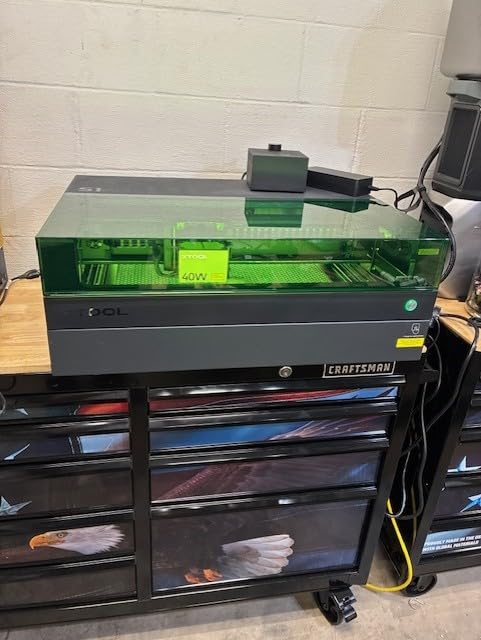
This is the machine I keep coming back to when someone asks what to buy for tumblers and nothing else. The bundle includes the rotary, which removes the most common setup surprise in this whole category, and at 40W the diode has enough headroom to move quickly through powder coat without dwelling long enough to scorch around a design.
The 23.93 by 15.16 inch bed is the part people underestimate. A 40oz travel mug is a tall object, and a shallow machine forces you to rethink your layout every time you change cup height. The generous bed here means you can lay out a small batch rather than running one cup at a time.
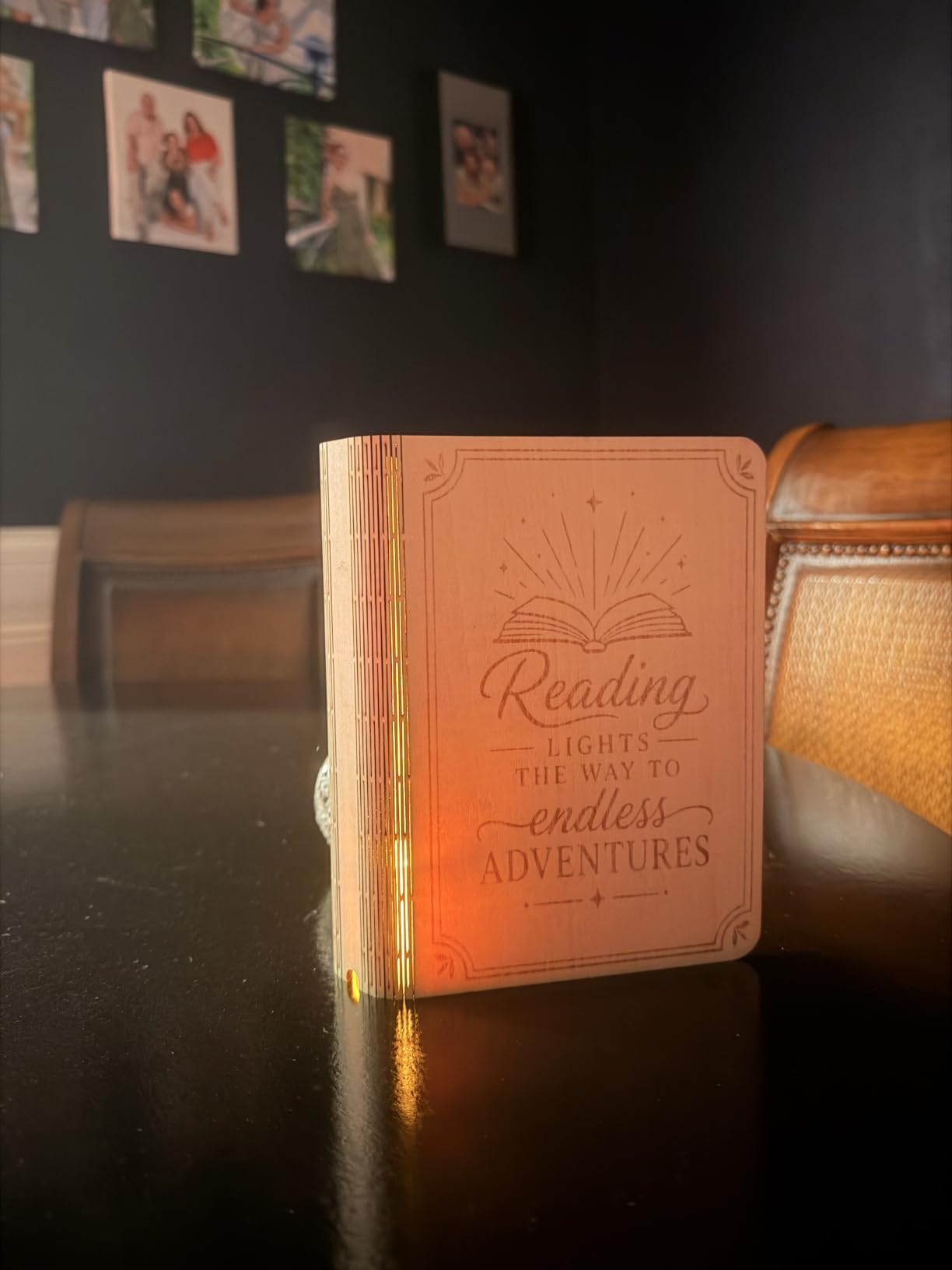
Owners consistently praise build quality and setup speed, with many first-time laser buyers reporting clean cuts within an hour of unboxing. On the tumbler side specifically, the 3D curved surface engraving mode and pin-point positioning take most of the guesswork out of getting the design centered on a cylinder.
The rating distribution backs that up, with 82 percent five-star and 6 percent one-star across 233 reviews. Customer support has also been described as responsive when replacements were needed, which matters for a machine of this weight and price.
What the specs mean for a curved surface
At 600mm/s maximum speed you are never waiting on the machine to finish, which is what makes batch work realistic. The enclosure filters 99 percent of laser light and the five flame sensors matter more than they sound: a cup full of lacquered coating is a fire risk that a diode-only open frame will not warn you about.
The head has no motor braking, so it is easy to bump and lose X and Y origin alignment. That is a small thing once, and an annoying thing every time you move the gantry by hand to swap blanks.
Where it falls short
At 86.8 pounds this is a dedicated floor machine, not a portable one. If you need to engrave at a market rather than in a shop, this is the wrong shape of tool.
The software is the other friction point. Reviewers report that xTool Creative Space occasionally hides settings or loses programmed material settings, and AutoPassthrough requires a separate feeder that the listing does not make obvious. Budget for that feeder if you plan long production runs.
2. Twotrees TTS-20 Pro – Best Value Diode for Tumblers
Twotrees TTS-20 Pro Laser Engraver, 20000mW Laser Engraver Machine
20W 450nm diode
418 x 418mm bed
30000mm/min max speed
4kg
LightBurn and LaserGRBL
Pros
- Highest review count in the set at 493
- Stable 20W output in a 4kg footprint
- Large 418mm bed for the class
- Auto homing improves batch repeatability
- Works offline from TF card as well as Wi-Fi
Cons
- Rotary sold separately
- Open frame means fumes need external handling
- Bare reflective metal needs marking spray
This is the machine I recommend to anyone who wants to learn tumbler engraving without spending serious money up front. At 493 reviews it has the widest evidence base in this roundup, and the 4.4 average with 71 percent five-star ratings suggests the value claim holds up under real use.
The belt and driver design is the quiet strength here. GT2-6mm synchronous belts with TMC2209 silent drivers and 42 stepper motors give smooth, quiet motion, and that smoothness matters on a rotary because any step irregularity shows up as a texture change across a curved surface.
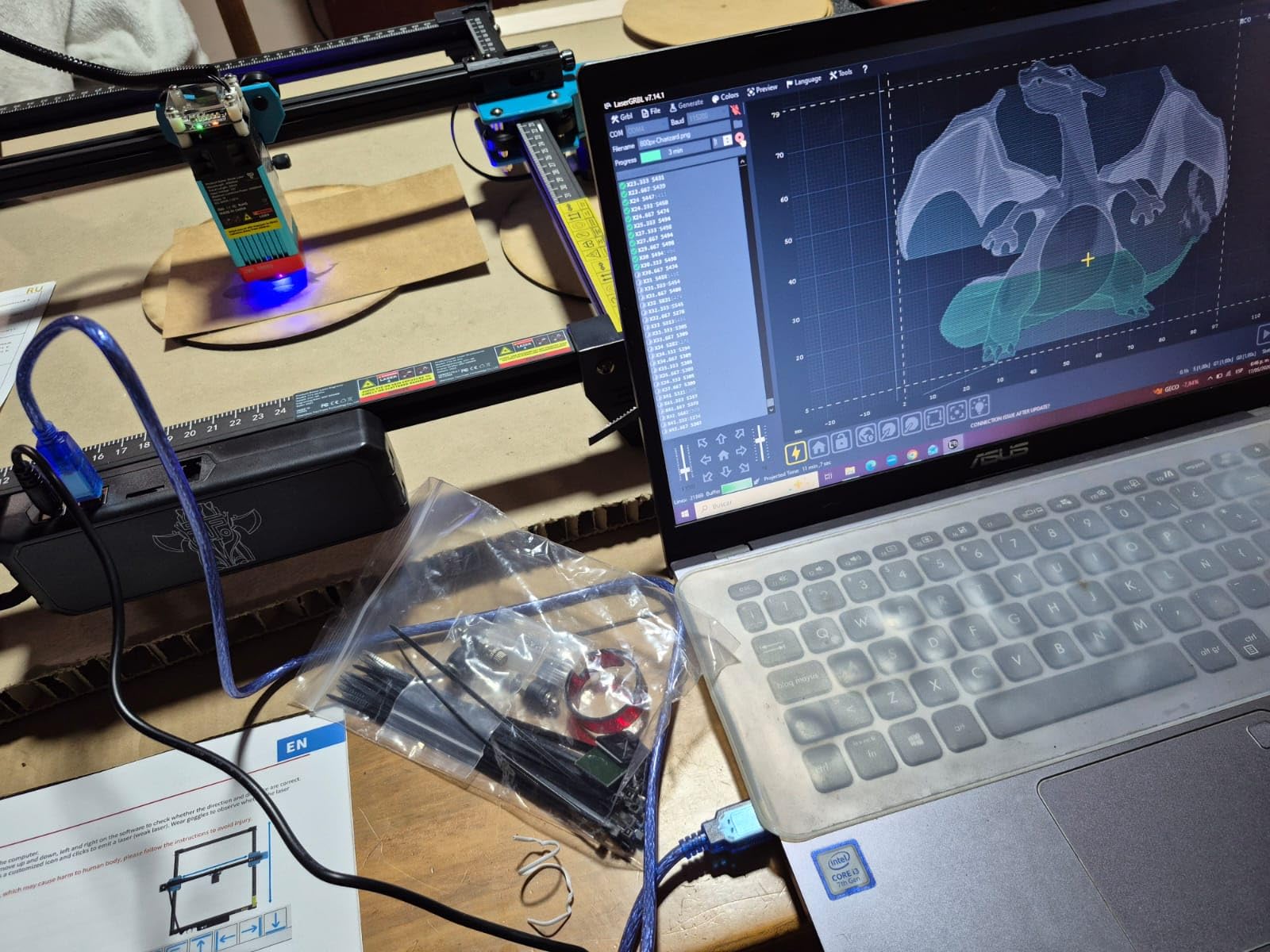
X and Y limit homing for automatic origin calibration is a genuinely useful feature in production. Without it, every job starts by re-homing by hand, and on a batch of ten cups that is ten chances to nudge the frame slightly out of alignment.
Connectivity is flexible: Wi-Fi, USB and 4GB TF card offline engraving, with LBRN, JPG, PNG and GCODE supported. Running offline from a TF card is underrated, because network hiccups mid-batch are a real way to lose an evening.
What to check before you buy a rotary
The rotary is not in the box. That is the one thing to budget for, and it is also the thing that determines whether this machine works for tumblers at all. Rollers in this class typically grip a straight-sided cup well enough for names and monograms but can drift on smooth powder coat during a long design.
LightBurn compatibility means rotary setup is a guided wizard rather than a manual step-count calculation, which on a first machine is the difference between a twenty-minute setup and a lost afternoon.
Where it falls short
Add-ons are separate purchases. The touch screen module, air assist and honeycomb bed are all extra, so the headline number is not the number you will pay.
The open frame is the real trade-off for indoor work. Smoke and smell are not contained, and anyone engraving in an apartment will need a ventilation plan before the first job. Bare stainless will not mark at all without a coating spray.
3. LaserPecker LP2 – Best for Tumblers at Markets and Craft Fairs
LaserPecker LP2 Laser Engraver with Roller, Portable and Handheld Laser Engraving Machine for Wood Metal Leather Acylic Engraving Laser Cutter, Suit Set with Versatile Rotary Roller
Galvo handheld
0.05mm compressed spot
1417 in/min
Rotary roller included
10.21 pounds
Pros
- Cylinder mode makes tumblers straightforward with the included roller
- Compact and portable handheld or mounted
- Very fast galvo speed for small detailed work
- Connects to a smartphone or PC
Cons
- Cannot engrave bare or shiny metal
- 4 inch work width limits material size
- Galvo light halves on curved surfaces
The single question buyers bring to this category most often is what to buy for engraving at markets and craft fairs. The LP2 is the honest answer, and the included electric rotary roller is why. Cylinder mode is a named setting rather than a calibration exercise.
Galvo scanning is a different architecture from a gantry. Instead of moving a head mechanically, it steers a beam with mirrors, which is why it hits 1417 in/min engraving speed and 8858 in/min preview speed with a 0.05mm compressed spot. For names, monograms and small logos, that speed is transformative.
The form factor is the real feature. At 10.21 pounds and 5.91 by 5.91 by 8.66 inches, it works handheld or on the electric stand, and it takes three resolution modes: 1K, 1.3K and 2K. That matters when you are engraving in a hotel ballroom under bad lighting rather than on a bench under a shop light.
Trolley mode extends engraving length up to 196 inches at 4 inches wide, so the same machine handles a fence sign after a weekend of tumblers.
What cylinder mode actually does for you
Cylinder mode in the bundled roller is what wraps a design around a cup without you computing steps per rotation by hand. You load the cup, pick the diameter, and the software handles the axis mapping. Slab mode handles flat stock and trolley mode handles long extrusions.
Recommended laser distance is 11cm, which is a taller stand than most people expect. Plan for that clearance in your booth footprint.
Where it falls short
It cannot engrave pure or shiny bare metal. Light or transparent surfaces must be painted black first, and that prep step is unavoidable at a market where you cannot afford a fume extractor.
The 4 inch work width is genuinely limiting compared with a gantry, and the review pattern mentions the halving of engraving light on curved surfaces as inherent to galvo scanners. Eleven percent one-star reviews in this listing reflect people who bought it expecting bare-metal work.
4. xTool F2 – Best for Tumblers on the Road
xTool F2 5W IR & 15W Diode Dual Laser Engraver, Built-in 50MP Camera, 6000mm/s Ultra Fast, 3D Embossing, Color Marking on Metal, On-Site & Small-Batch Ready, Portable Desktop Laser Engraving Machine
15W diode plus 5W IR
6000mm/s
50MP camera
4.6kg
Enclosed with fan
Pros
- Fast and accurate with minimal calibration
- 50MP camera makes small-piece alignment easy
- Light enough for markets and pop-ups
- Infrared module produces color marking on metal
- xTool Studio handles both lasers coherently
Cons
- Small work plate means batch work needs the Slide Extension
- Rotary is an extra purchase
- AI design tools take time to master
- Some software builds push files to the cloud
The dual-laser layout is the argument here. A 15W diode at 450nm handles powder-coated stainless and anodized aluminum, while the 5W infrared module produces color marking on bare metal. That is the substrate coverage of a much larger machine in a 4.6kg body.
The 50MP camera with up to 0.1mm alignment accuracy is the feature owners mention most. On a small tumbler or a monogram, positioning is the tedious part, and an overhead camera with that resolution removes most of the guesswork.
Speed is another differentiator at up to 6000mm/s, and motion accuracy is listed at 0.05mm. Fully enclosed with a built-in fan and an optional purifier, it is a Class 4 laser housed in a leak-proof shell, which is a sensible way to run it in a customer-facing space.
It supports the RA3 rotary module and the Slide Extension for batch work, so the machine can grow into tumbler production rather than being locked at single-piece scale.
What the two lasers change on a tumbler
Infrared at 1064nm is what makes bare stainless possible without a marking compound, which removes a wet step and a consumable from every job. On powder coat you would use the diode instead. Knowing which laser to switch to takes one click, and it is the reason a dual machine is worth buying over a single-source one.
The RA3 rotary is still an extra purchase, and the Slide Extension is too. Both are the standard cost of expanding a portable machine into production.
Where it falls short
The work plate is small at 6.89 by 9.33 inches, so batch tumbler work depends on the Slide Extension. AI design tools are the weakest part of the software and reviewers call them the point where the machine frustrates people most.
There are specific quirks worth knowing: the smoke filter cable connector does not match the manual, some software builds push files to the cloud rather than saving locally, and it may not work with the newest ARM-based Microsoft Surface Pro models. Check your laptop before you commit.
5. xTool F1 Ultra – Best for Bare Stainless Steel Tumblers
xTool F1 Ultra 20W Fiber & Diode Dual Laser Engraver
20W fiber plus 20W diode
10000mm/s
220 x 220mm
16MP camera
Enclosed
Pros
- Fiber source marks bare stainless with no prep step
- Fiber cuts 0.3mm stainless 0.4mm brass and 0.2mm aluminum
- Rotary makes curved surface work seamless
- Support described as outstanding
- Large desktop fiber work area for the class
Cons
- Some machines suffered complete laser failure within about 30 days
- Deep metal jobs can take several hours per piece
- Calibration drifts front to back
- LightBurn connection has known Mac issues
- Firmware update can break mobile app access point mode
This is the answer to the question forums keep arguing about. A 1064nm fiber source marks uncoated stainless directly, so there is no Cermark or TherMark step, no wet-on-wipe cleanup and no consumable cost per cup. If your tumblers are bare brushed stainless, this is the machine that removes the single most common source of frustration.
The dual source is the other half of the case. The 20W fiber cuts 0.3mm stainless steel, 0.4mm brass and 0.2mm aluminum, while the 20W diode cuts up to 15mm wood and 12mm black acrylic. One machine covers a metal shop and a gift shop.
The 16MP smart camera has auto shape recognition for batch runs, which matters when the same design goes onto ten identical cups. Working area is 220 by 220mm and expands to 220 by 500mm with the auto conveyor, sold separately.
At up to 10,000mm/s, speed is not the constraint on this machine. Depth of engraving is.
Why fiber changes the workflow
On a diode setup, bare stainless means spraying a marking compound, waiting, engraving, then wiping and cleaning the cup. That is added time on every single job and a failure point where a careless wipe smears a finished piece. Fiber removes all of it.
The trade is throughput on deep work. Several reviewers report deep metal engraving taking hours per piece, so a 20W fiber is a surface and shallow-depth tool for production rather than a deep-relief tool.
Where it falls short
Reliability is the concern, and it is not a small one. Some machines suffered complete laser failure within about 30 days, and the 4.1 average with 16 percent one-star reviews reflects durability worries more than any dissatisfaction with output quality. Calibration also drifts front to back, and the adjustment point is awkwardly placed.
On the software side, LightBurn connection has known issues on Mac and xTool Studio paywalls some AI tools after purchase. A recent firmware update can break mobile app access point mode. The included vent tube does not fit a standard 4 inch dryer vent, and safety glasses are sold separately.
6. WECREAT 20W 4-in-1 – Best Enclosed All-in-One
WECREAT Laser Engraver and Cutter, 20W(20,000mW) 4-in-1 Desktop Diode Fully Enclosed Laser Engraver Machine with Rotary, Home Business for Jewelry and Gift Making with Metal Wood Acrylic Leather
20W diode
0.06 x 0.08mm spot
Auto-lift bed 0-140mm
66.9 pounds
Enclosed Class 1
Pros
- Fully enclosed Class 1 so no goggles and safer around kids
- Auto-lifting bed removes the need for a riser
- Bundled rotary kit covers tumblers mugs spheres and rings
- Fine 0.06 x 0.08mm spot
- Arrives pre-assembled
Cons
- Nearly 67 pounds limits portability
- Enclosure still needs ventilation for heavy cutting
- WeCreat MakeIt is less flexible than LightBurn
- Some material settings need manual power adjustment
The bundled rotary kit is the reason to look here. One accessory covers tumblers, mugs, rollers, chucks, spheres and rings, which is the widest single set of workpiece arrangements included with any machine here.
The auto-lifting bed with 0-140mm adjustment is the feature that quietly matters for drinkware. Tumblers vary in height more than flat stock does, and a bed that raises to meet the cup removes a whole category of shimming frustration.
Fully enclosed FDA Class 1 design with auto stop on lid open and a cover filtering 99 percent of light makes this a sensible machine in a home with kids, which is a real constraint for a lot of hobby engravers. Smart air assist moves up to 30L/min.
Speed is 600mm/s and the laser cuts 10mm wood or 8mm opaque black acrylic in one pass. Works with both WeCreat MakeIt and LightBurn, so you are not locked into one workflow.
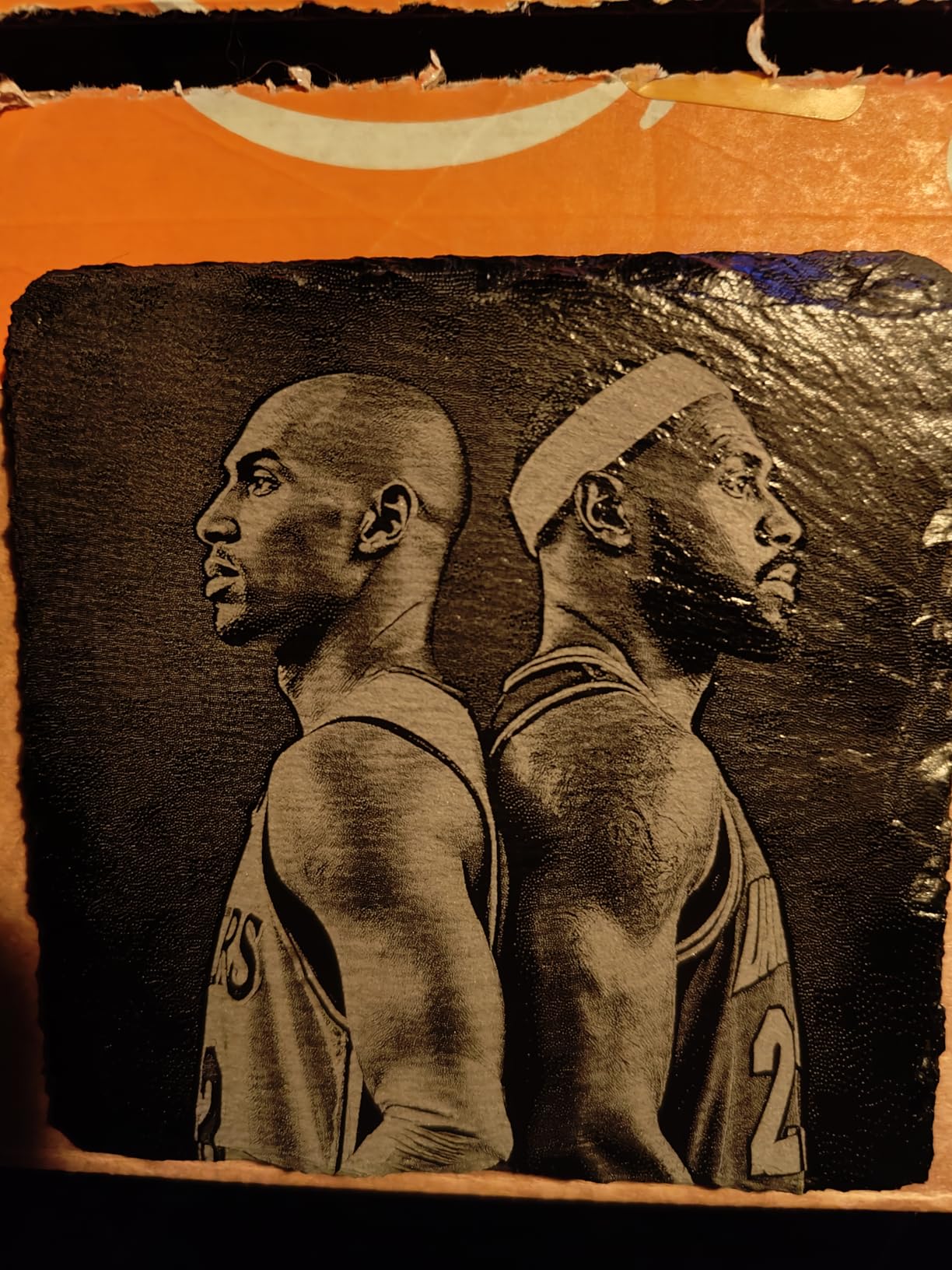
What the 4-in-1 rotary kit covers
The four arrangements are roller, chuck, sphere and ring. In practice that means a straight-sided tumbler on the rollers, a heavy 40oz mug gripped in the chuck, and ring mode available for tapered drinkware where you need the real center and circumference before committing to a design.
Built-in HD camera with quick view and 3D preview speeds up positioning, and 1,000 plus material settings mean you are usually starting from a known-good parameter set.
Where it falls short
At 66.9 pounds and 24 by 21 by 10 inches, this is a fixed shop machine. Portability is not on offer at any level.
The enclosure reduces fumes but does not eliminate them, so heavy cutting jobs still need ventilation. WeCreat MakeIt is less flexible than LightBurn for advanced users, and the 12 percent one-star share in this listing reflects buyers who arrived with larger-brand expectations.
7. CREALITY FALCON 10W – Best Budget Rotary Starter Kit
CREALITY FALCON 10w Laser Engraver with Air Assist, Laser Engraving Machine with Rotary Roller, 72W High Precision Laser Cutter and Engraver for Wood, Metal, Acrylic, Cylindrical Objects, Tumblers
10W diode
4-in-1 rotary roller
10000mm/min
0.06mm spot
20.4 pounds
Pros
- Quick 10-20 minute assembly with clear safety features
- Air assist genuinely improves cut edges and protects the module
- 4-in-1 rotary kit handles tumblers bottles spheres and rings
- Fine 0.06mm spot with tight repositioning accuracy
- Works with LightBurn LaserGRBL and offline TF card
Cons
- Open frame means smoke extraction is required
- Rotary kit cable can be hidden in packaging foam
- 10W power limits cutting thickness
- Class 4 labelling requires appropriate handling
The rotary specification is unusually well documented for this class. The 4-in-1 roller covers 1-110mm external clamping, 25-75mm internal support, 10-130mm spheres and 15-100mm rings, which covers essentially every tumbler diameter you will encounter.
Air assist is included rather than sold separately, and owners single it out as a genuine improvement over comparable machines. On powder coat, air assist is the difference between a clean mark and a scorched halo around the design.
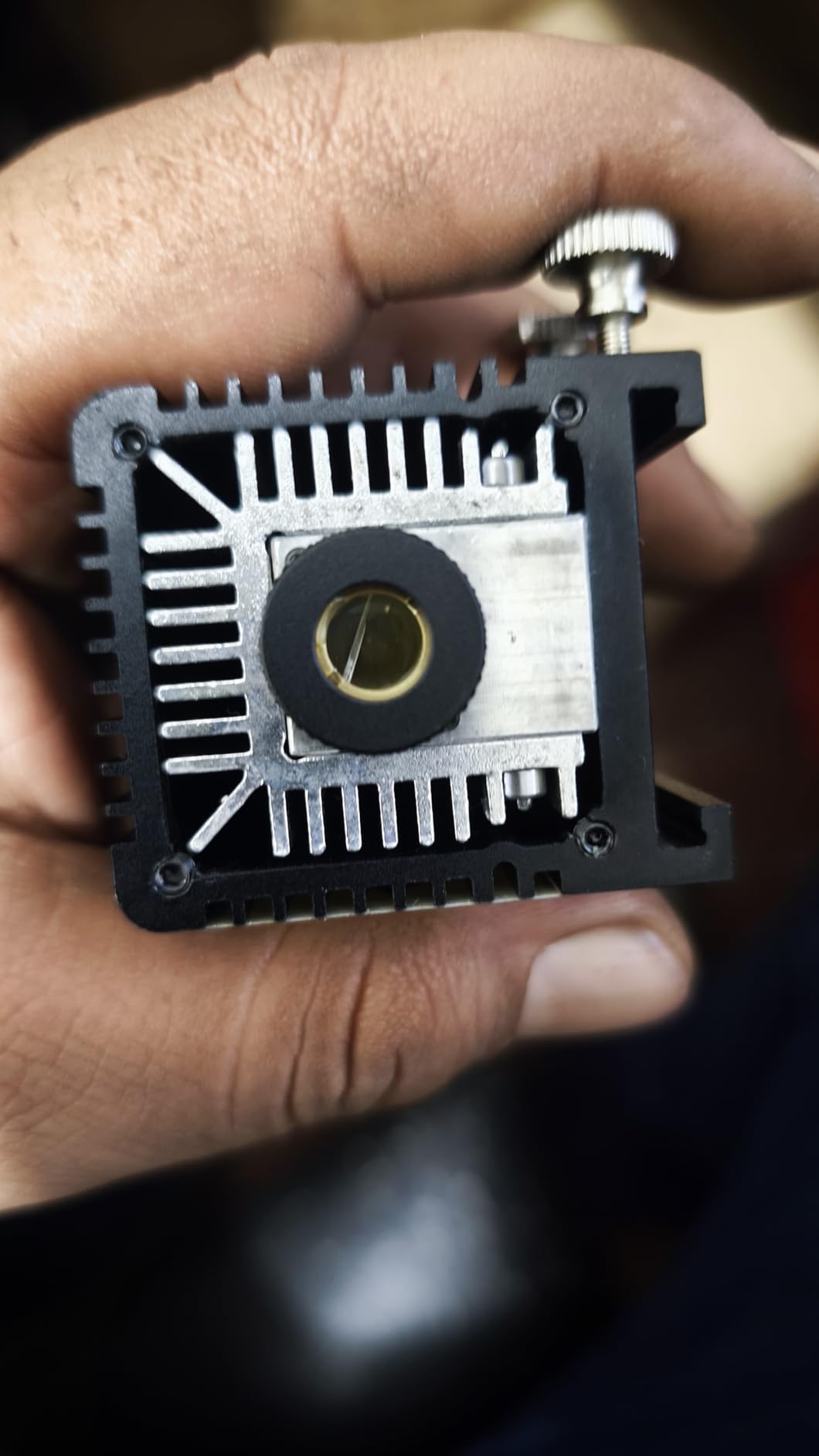
Assembly takes 10-20 minutes with anti-UV filter acrylic, an emergency stop and tilt safety already in the box. That is a meaningful advantage over kits where the enclosure is a separate purchase and the first build is an evening project.
Accuracy is listed at a 0.06mm laser spot with 0.004 inch accuracy and 0.007 inch repositioning accuracy, and it runs at up to 10,000mm/min.
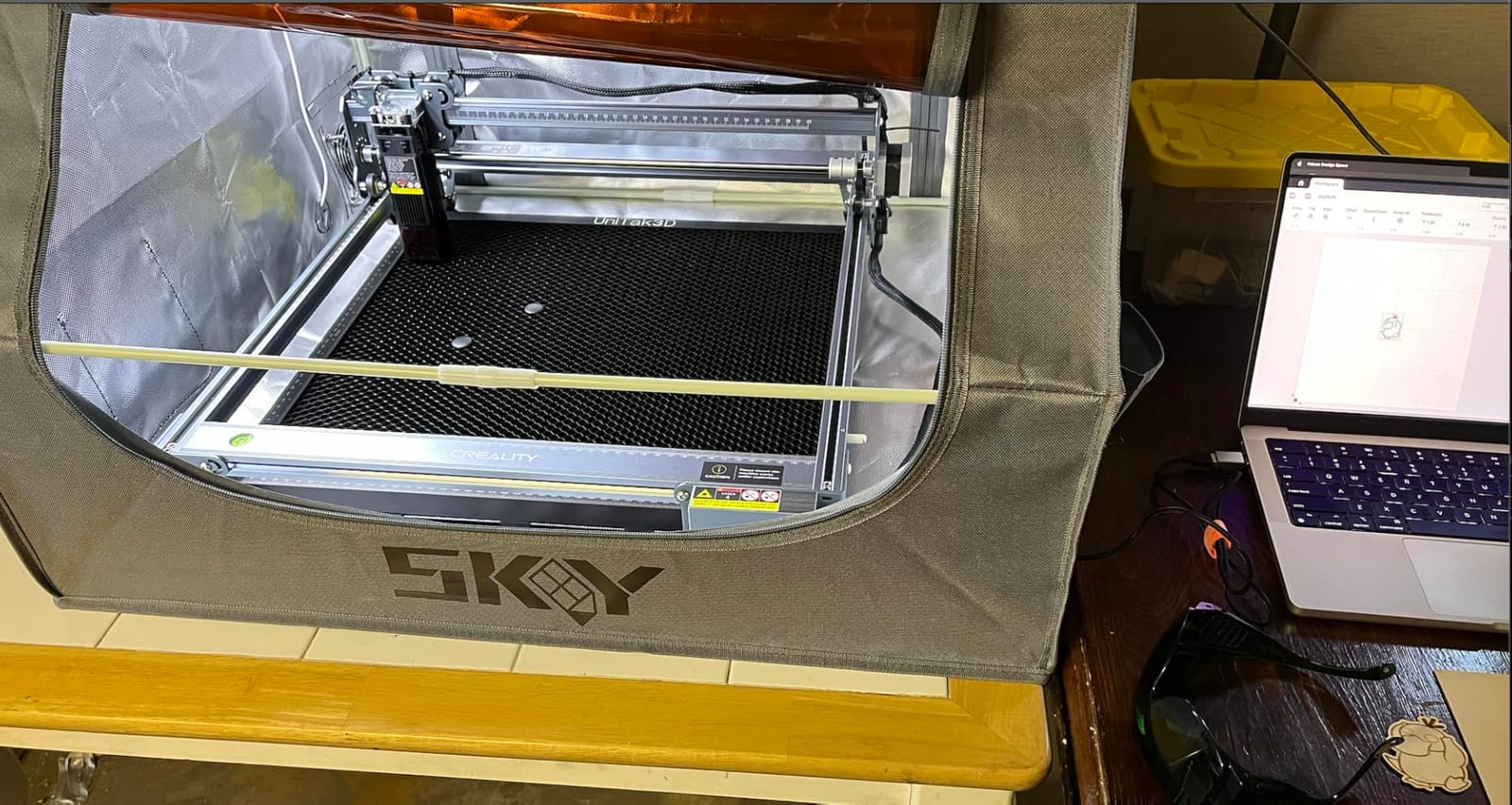
What 10W means on a tumbler
For surface engraving on powder-coated stainless and anodized aluminum, 10W is entirely workable. It cuts 12mm wood board or 3mm black acrylic in one pass, so it is not a cutting-first machine, and if you plan to slice thick acrylic alongside your tumbler work you will feel the ceiling.
Software support is broad: LaserGRBL and LightBurn on Windows and macOS, plus offline operation via TF card.
Where it falls short
The open frame means smoke extraction is required, which is a real cost line for anyone working indoors. The rotary kit connection cable can end up hidden in the packaging foam, and reviewers mention finding it there.
The 11 percent one-star share in these reviews reflects expectations set above what a 10W diode can do rather than defects. Class 4 labelling means appropriate handling and eyewear are on you.
8. Twotrees TS5 – Best Compact Tumbler-Only Setup
Twotrees TS5 7000mW Laser Engraver for Tumblers Fully Enclosed
7W diode
0.035 x 0.1mm spot
Enclosed Class 1
9.13kg
4-in-1 rotary kit
Pros
- Built specifically for tumbler cup and gift box work
- 4-in-1 rotary kit covers chuck ring roller and sphere
- Fine 0.035 x 0.1mm spot for crisp detail
- Light enough for craft fairs and events
- Enclosed Class 1 blocks smoke and noise
Cons
- Does not support limit homing
- 7W is suited to surface engraving not deep cutting
- External ventilation still needed for heavy engraving
- Small work volume versus desktop gantries
This machine is built for tumbler work above everything else. The enclosed workspace at 9.8 by 4.8 by 4.8 inches is sized around a cup, not around a general-purpose bed, and the 4-in-1 rotary kit with chuck, ring, roller and sphere comes in the box.
The 0.035 by 0.1mm laser spot is the narrowest figure published in this roundup, which shows up as crisp small text on a name engraving. At 7W it is a surface engraver rather than a cutter, but engraving a tumbler is a surface job.
The rating is strong at 4.6 with 76 percent five-star and only 3 percent one-star across 94 reviews. Reviewers point to the enclosed tumbler-focused design and the multi-mode rotary kit as the reason it suits gift-making specifically.
At 9.13kg it is genuinely portable, and the two amber transparent viewing windows let you watch a job without opening the lid and losing enclosure benefits. Safety goggles are included.
When a tumbler-only enclosure is the right call
If you engrave drinkware and nothing else, an enclosure shaped for a cup beats a general bed every time. There is no bed-leveling, no riser height calculation and far less chance of the focal plane drifting as the gantry moves across a wider field.
Wi-Fi and TF card support with LightBurn compatibility keeps the software story standard. Aerospace-grade aluminum frame and 80,000 hours of testing with 7 pre-shipment inspections are the build claims here.
Where it falls short
No limit homing support means origin calibration is manual, which is friction on a batch job. The 7W ceiling rules out deep cutting, and the work volume is small compared with any desktop gantry.
External ventilation is still needed during heavy engraving. Some international reviews also note the desktop protection pad is missing or not magnetic as described, which is worth checking on arrival.
9. GWEIKE G2 Pro – Best for Deep Engraving on Metal Tumblers
GWEIKE G2 Pro 30W Fiber Laser Engraver with 3D & Deep Engraving
30W 1064nm fiber
15000mm/s
8K resolution
110 x 110mm
22 pounds
Pros
- Very high engraving speed for a fiber laser
- Crisp marks on stainless titanium and coins once parameters are set
- Detachable head works outside a fixed workbench
- Works well with LightBurn and includes a material guide
- Compact enough to sit on a desk
Cons
- Plugging in the rotary chuck can trigger the head lift motor and break focus
- One unit reported intermittent power loss mid-job
- Some buyers describe build quality as subpar
- Marketing images show two different machines
- 110 x 110mm area is small for production
At 30W of 1064nm fiber output this is the most powerful marking source in the roundup, and it is also the fastest at up to 15,000mm/s with a high-speed precision galvanometer. If a design needs to sink visibly into bare stainless, this is the machine in the list built for it.
It also does color. Ninety plus color engraving on metals including stainless steel and titanium means a design can shift tone across the surface, which is not something a diode or a CO2 can do at all.
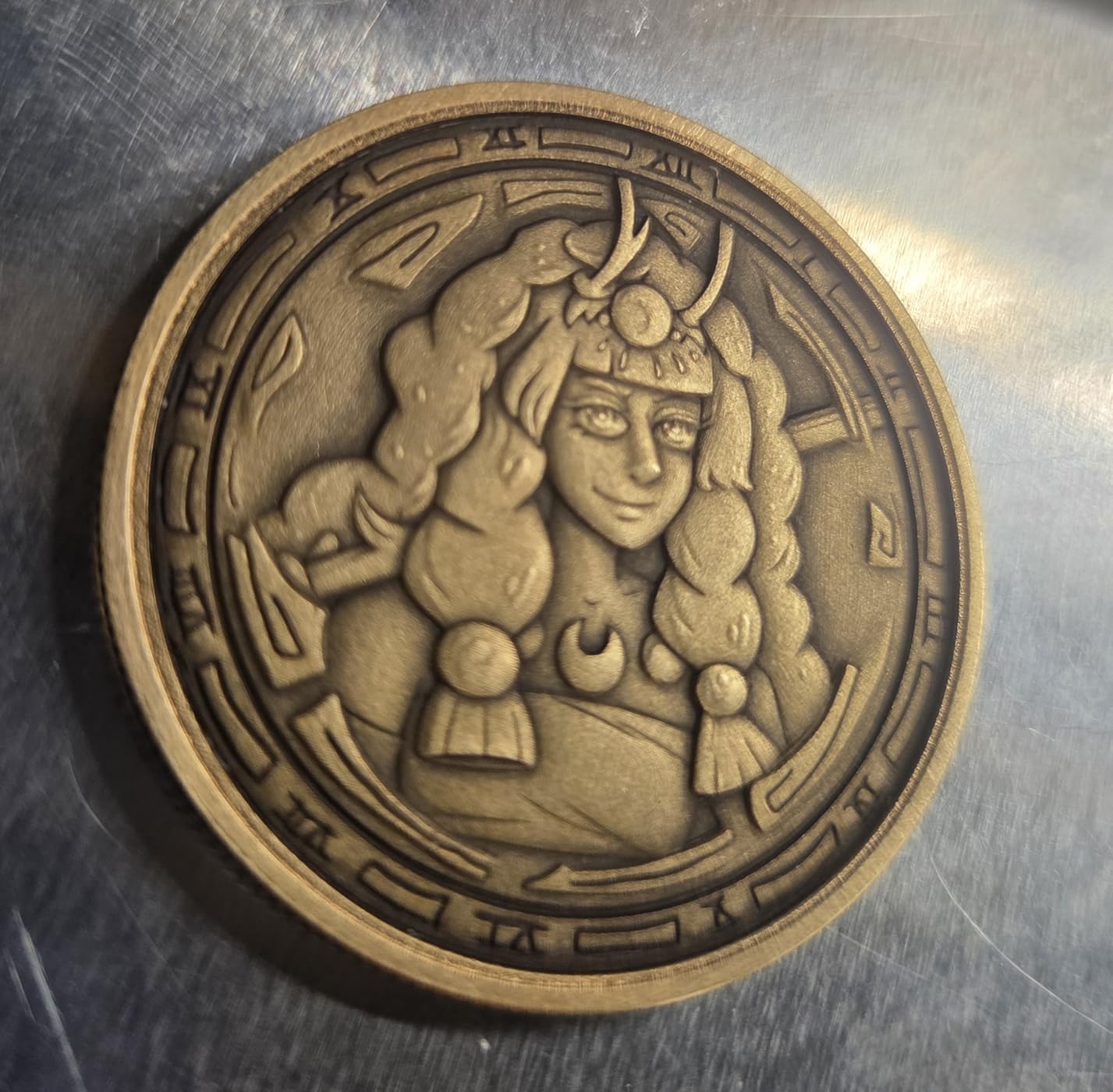
Accuracy is listed at up to 0.001mm with 8K engraving resolution, and dual red light positioning gives you a preview without a test cut. A detachable laser head adds genuine portability for a machine of this class.
Safety kit is complete here: emergency stop, protective glasses and a protective cover are all included, which is not always true at this level. FDA Accession Number 2211667-002 is listed.
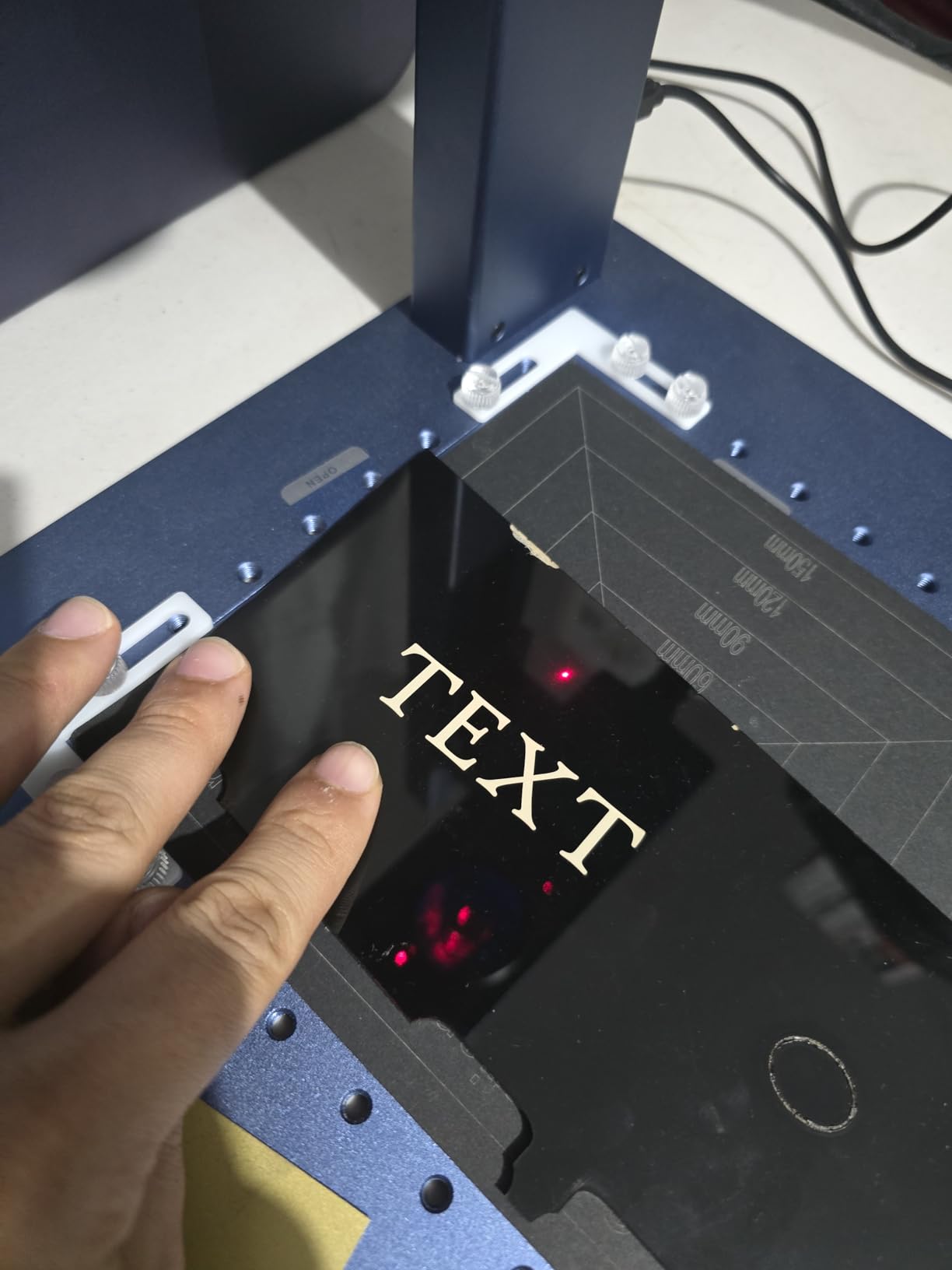
Why a fiber laser is the only real answer to bare stainless
There is no coating step. No marking compound, no wet cleanup, no consumable per cup, and no risk of wiping a finished mark. On a job where the tumbler is bare brushed stainless, that removes the step buyers most often discover too late on a diode.
The 110 by 110mm working area is the constraint, with a 150 by 150mm variant available. That is fine for a monogram or a logo, tight for a wraparound design.
Where it falls short
At 3.9 with 43 reviews, this is the lowest-rated machine here, and the split is informative. Positive reports cover speed, mark quality on metals and helpful support. Negative reports cover power instability and internal build quality, with one unit reporting intermittent power loss mid-job that required a restart.
The tumbler-specific problem is worth calling out: plugging in the rotary chuck can trigger the head lift motor and break focus, so focus needs rechecking every time you swap to cylinder work. Marketing images showing two different machines is also a fair signal to slow down.
10. AlgoLaser 10W – Best for Tumbler Work Without a Computer
Algolaser 10W Laser Engraver and Cutter with Rotary Roller & Riser Kit
10W diode
3.5 inch touchscreen
12000mm/min
Rotary roller and riser
14.32 pounds
Pros
- Touchscreen and AlgoOS let you start jobs without a computer
- Rotary roller and riser included for tumblers mugs cups and bottles
- Clean detailed results on wood coated metal and leather
- Intuitive Wi-Fi setup and quick LightBurn profile
- Strong value at this price point
Cons
- Build is light with plastic feet and limit switch mounts
- Noisy split loom cable with no drag chain
- Some machines crash during homing
- Rectangular dot gives weaker photo engraving
- Strong burn smell indoors
This is the pick for a market stall, a classroom or a shop where you do not want to drag a laptop around. The 3.5 inch touchscreen running AlgoOS means you load a file, set the diameter and start, which is a genuinely different workflow from every other machine on this list.
The bundled rotary roller and riser base cover tumblers, mugs, cups and bottles out of the box. The riser matters more than it sounds: it lifts the work surface so a taller bottle or mug clears the gantry without a stack of blocks.
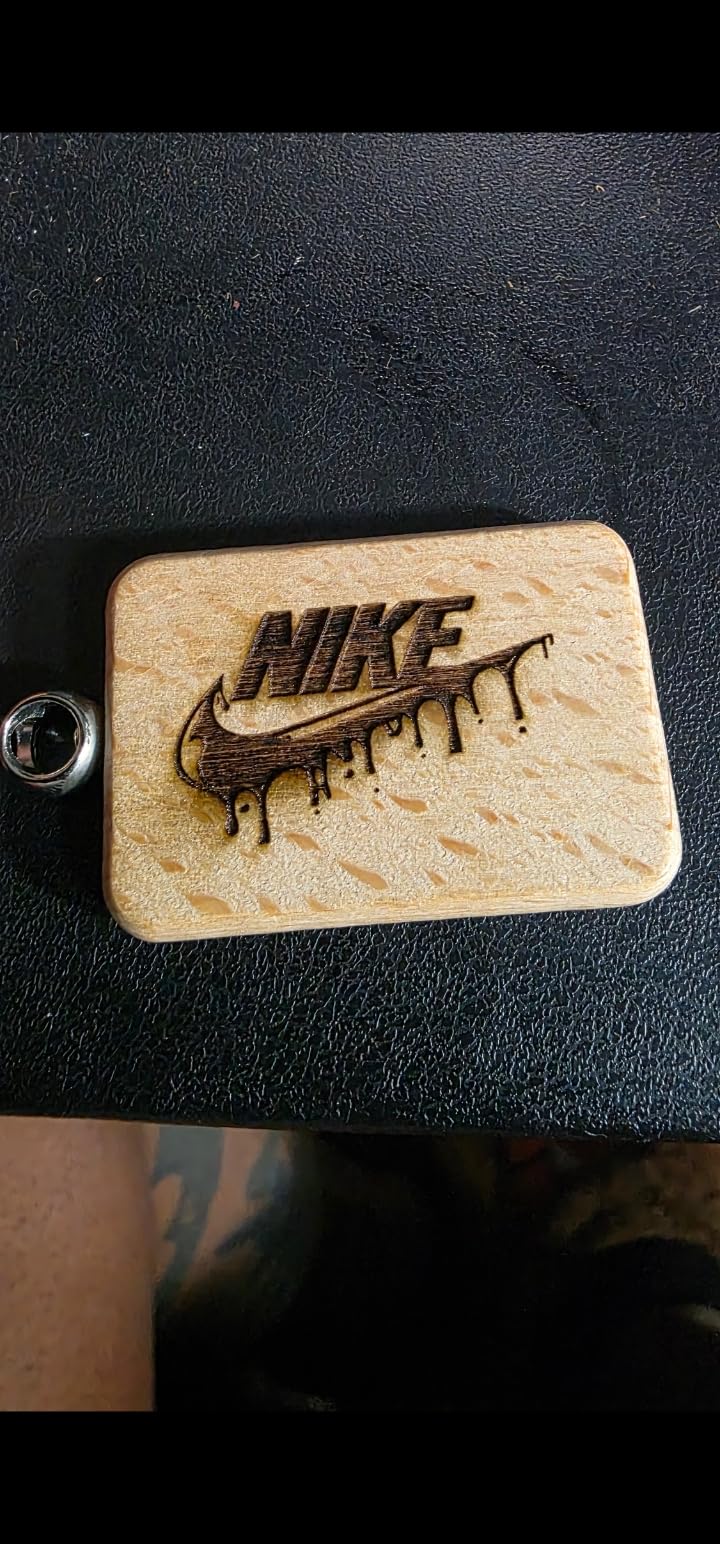
Connectivity covers Wi-Fi, USB, TF card and app control, and it works with both LightBurn and LaserGRBL on Windows and macOS. Class 1 safety design with flame detection, an emergency stop and dual-lock authorization give it a safety story comparable to the enclosed machines here.
The warranty is 1 year with lifetime technical support, which is a more detailed commitment than the one-year terms most machines in this field carry.
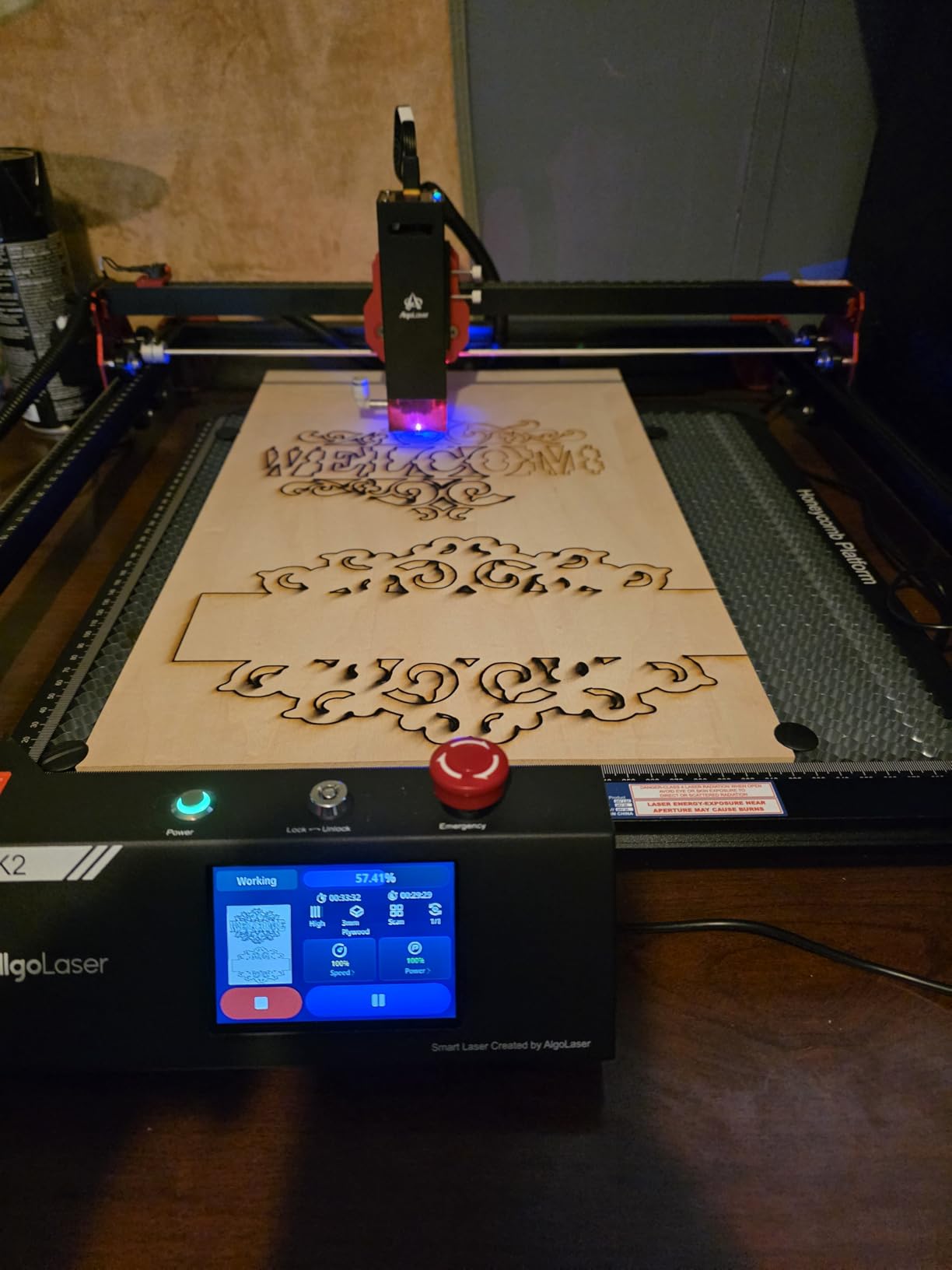
Where the touchscreen workflow wins
Screen-based operation removes the single biggest portability friction in laser engraving. A gantry machine is only portable if a computer goes with it, and at a market table a laptop is dead weight, a battery risk and one more thing to fail.
Speed is up to 12,000mm/min, and the LightBurn profile setup is reported as quick, so you are not locked into AlgoOS forever if you want deeper control later.
Where it falls short
Build quality is the honest weakness. Reviewers describe plastic feet and limit switch mounts where product material suggests anodized aluminum, and the split loom cable is noisy and lacks a proper drag chain for cable management.
Some machines crash during homing and there is intermittent driver communication loss. The lens can fog from smoke after only a few jobs, and the rectangular dot produces lower photo engraving quality than the compressed spot machines above it. Strong burning smell when engraving wood indoors means ventilation regardless.
How to Choose the Best Laser Engravers for Tumblers: Substrate, Rotary Type, Enclosure and Software
Match the laser to the substrate, not the brand
Start from what your tumblers actually are, because that decides the laser type faster than any feature list. A 450nm blue diode burns through powder coat and anodized aluminum cleanly and is the right choice for the most common 20oz and 30oz tumblers on the market. A 1064nm infrared fiber laser marks bare, uncoated stainless steel with no prep, which removes the marking-compound step entirely. A 10.6 micron CO2 laser etches ceramic and clear glass, and nothing else in this roundup does that job.
Bare stainless will not mark with a diode at all without Cermark or TherMark, and that is the single most common source of buyer disappointment in this category. People buy a diode expecting to engrave a YETI and hit that wall. If most of your work is bare stainless, move up to a fiber machine or budget for the coating step on every job.
No machine in this list does everything. That is a physics constraint, not a quality judgment, and any roundup that tells you otherwise is selling you something.
Chuck, roller or ring: what each one is actually for
Roller rotaries are the default arrangement. They handle straight-sided tumblers well and are the right choice for names, monograms and short logos. They slip on smooth powder coat during long jobs, which shows as horizontal banding and ruins portrait work.
Chuck rotaries cost more and grip properly. They are the right choice for 40oz travel mugs with heavy bases, for grayscale portraits, and for any design long enough that roller slippage would ruin it.
Ring mode is software, not hardware. You cut a full ring, use it to find the true center and circumference, then shift the design onto that line. On tapered drinkware it is close to mandatory, and it is the feature that separates machines with a rotary wizard from ones that make you measure by hand.
The multi-mode kits on this list cover all of it: chuck, ring, roller and sphere arrangements on the WECREAT 20W 4-in-1 and the Twotrees TS5, with the CREALITY FALCON and the bundled LaserPecker roller covering cylinder work in a lighter package.
Enclosed or open frame, and why it matters at home
Open frames are lighter and easier to service. They are also open smoke chimneys. Engraving powder coat produces a sharp, unpleasant particulate and no enclosure contains it, so an open frame in an apartment or a small studio means a ventilation plan and a filtered extractor, both of which are extra purchases.
Enclosed Class 1 machines filter 99 percent of laser light, which removes the eyewear requirement for the beam itself, and they contain most of the particulate. They do not make ventilation unnecessary for heavy cutting jobs. Reviewers on several enclosed machines here say the same thing, and it is worth believing them.
Also weigh the flame sensors. A tumbler is a coated vessel with a plastic base ring in some cases, and a spark in the wrong place is the one failure mode you cannot undo. The xTool S1 carries five of them, which is more coverage than the others here.
Software: rotary wizard or manual step counting
This is the biggest hidden factor in setup difficulty. Third-party roller rotaries on LightBurn-compatible machines usually need steps-per-rotation calculated for each new cup diameter, and forum consensus puts that at 20 to 30 minutes per diameter. LaserGRBL’s rotary workflow is generally considered less consistent than LightBurn’s, which is why LaserGRBL-native machines produce more first-attempt failures.
A machine with a rotary wizard that asks for the cup diameter and does the math is worth paying for if tumblers are your main product. If you are stuck with manual calibration, measure your common diameters once and keep a written step count for each, because that number is the first thing you will forget at a market table.
Blanks, batches and realistic throughput
Powder-coated stainless blanks in consistent diameters are the easiest work. Brushed bare stainless needs a fiber or a coating step. Anodized aluminum bottles take a diode well but the anodize layer colors differently depending on batch, so test before a run. Tapered drinkware needs ring mode or the design will sit off-center.
Our picks for blank selection are the best insulated tumblers if you are buying your own blanks for production, and the best tumblers with handles because a handle changes the clamp position and the clearance you need on a chuck.
Plan batch time in minutes per cup, not in pieces per hour, and remember that loading, focusing and cleaning dominate a small run. A machine at 10,000mm/s will still spend more time being set up than cutting on a single monogram. If you are also personalizing non-drinkware pieces in the same run, our picks for the best laser tag sets are worth a look. If you want to compare the hardware side more broadly, our guide to laser printers covers the non-engraving half of the same buying decision.
Longevity, support and warranty
Most desktop diode machines in this class carry a 1 year manufacturer warranty, and both Twotrees and AlgoLaser state the term clearly. What separates them is support responsiveness after a failure, and the xTool machines in this roundup are repeatedly described as sending replacement parts quickly.
The realistic lifespan question has no clean answer, but reliability data in the reviews is the best proxy we have. Machines with reported early laser failure, like the xTool F1 Ultra, are worth buying only with a support line you trust. Machines rated 4.6 with under 5 percent one-star reviews, like the xTool S1 and the Twotrees TS5, show a much flatter failure distribution.
Frequently Asked Questions
What type of laser is best for tumblers?
It depends on the substrate. A 450nm blue diode is the right choice for powder-coated stainless steel and anodized aluminum, which covers most 20oz and 30oz tumblers. A 1064nm infrared fiber laser is best for bare uncoated stainless because it marks with no prep. A 10.6 micron CO2 laser is best for ceramic and clear glass. Most people buying their first tumbler machine need a diode.
Do you need a rotary attachment to engrave tumblers?
Yes, there is no workaround except redesigning for flat stock. A rotary spins the cup so the X axis of your file maps to the circumference instead of the bed width. Buy a chuck rotary for portrait work and heavy bases, a roller for straight-sided cups and short logos, and use ring mode for tapered drinkware. Check whether the rotary is bundled before you buy the machine.
Can a diode laser engrave a stainless steel tumbler?
Yes, if the tumbler is powder-coated, and a 20W diode is the sweet spot for it. Bare or brushed stainless will not mark with a diode at all unless you apply a marking compound such as Cermark or TherMark first, which adds a wet-on-wipe cleanup step to every single job. If most of your tumblers are bare stainless, a 1064nm fiber laser removes that step entirely.
What is the best laser engraver for engraving YETI cups?
A YETI-style tumbler is powder-coated stainless, which is exactly what a diode handles best. The xTool S1 40W Rotary Bundle is the strongest all-round choice because the rotary comes in the box. For a lower entry, the Twotrees TTS-20 Pro or CREALITY FALCON 10W both take a roller and handle powder coat cleanly, as long as you buy the rotary separately.
Can you engrave clear glass with a laser?
Yes, but not with any machine in this roundup. Clear glass needs a 10.6 micron CO2 laser, which etches the surface into a frosted finish. A blue diode will not touch it and an infrared fiber will not mark it either. If glass pints are a regular part of your product line, you need a separate CO2 machine or you need to apply a matte coating spray first.
Why does my tumbler engraving look blurry or banded?
Four causes account for almost all of it. Focal drift means the focal plane is off the surface of the curve, which softens the outer edges, and shimming the rotary fixes it. Roller slippage on smooth powder coat produces a horizontal band, and a chuck rotary fixes that. A dirty or oily surface scatters the mark, so wipe the cup before engraving. Overpowered settings burn a halo around the design, so run a test patch and step the power down.
Conclusion
The xTool S1 40W Rotary Bundle is the pick from this roundup of the best laser engravers for tumblers because it removes the two failures that catch new buyers: a missing rotary and a bed too small for tall drinkware. If your budget is lower, the Twotrees TTS-20 Pro gives you a 20W diode with the widest review base in the group, provided you budget for a rotary and a fume extractor.
Move up to a fiber machine only when your tumblers are bare stainless, and pick a portable or enclosed compact unit only when the work happens away from a bench. Whichever route you take, check the rotary inclusion before checkout, since it is the most common surprise in this category.