
Most people searching for the best conference cameras for home offices are actually looking for one specific thing: to stop looking blurry and sounding muffled on their next video call. The trouble is that the search results are full of room-scale systems built for six people around a table, when almost nobody at a kitchen table needs 360-degree coverage.
We spent weeks putting ten of the most relevant cameras through daily standups, client calls and one very noisy household test, and sorted them by what actually matters when the only person on screen is you. Our top pick is the Logitech C920x HD Pro, and the honest answer for most readers is that a webcam is enough and a conference room camera is not.
If you want the short version: the Logitech C920x is the safest daily driver, the Anker PowerConf C200 is the smartest upgrade for clarity, and the Insta360 Link 2 is the one to buy if you want the camera to physically follow you around a small room. Here is how all ten compare.
Table of Contents
Top 3 Picks: Best Conference Cameras for Home Offices (October 2026)


Anker PowerConf C200 2K
- 2K resolution
- Selectable 65/78/95 degree views
- AI noise cancellation
- Sliding lens cover

Insta360 Link 2
- 4K on a 1/2 inch sensor
- Physical pan and tilt
- HDR
- Automatic privacy tilt-down
Best Conference Cameras for Home Offices at a Glance
Every camera below is judged against the same baseline: one person, seated at a desk, on calls of one hour or more. Full detail sits in each numbered review further down.
| Product | Specifications | Action |
|---|---|---|
| Logitech C920x HD Pro |
|
Check Latest Price |
| Anker PowerConf C200 2K |
|
Check Latest Price |
 Logitech Brio 101 Logitech Brio 101 |
|
Check Latest Price |
 EMEET C960 4K EMEET C960 4K |
|
Check Latest Price |
 OBSBOT Meet 2 OBSBOT Meet 2 |
|
Check Latest Price |
 OBSBOT Tiny 2 Lite OBSBOT Tiny 2 Lite |
|
Check Latest Price |
| Insta360 Link 2 |
|
Check Latest Price |
 EMEET C980 PRO EMEET C980 PRO |
|
Check Latest Price |
 j5create 360 Degree Webcam j5create 360 Degree Webcam |
|
Check Latest Price |
 UGREEN 4K Webcam UGREEN 4K Webcam |
|
Check Latest Price |
Do You Actually Need a Conference Room Camera at Home?
Usually no, and this is the part most buying guides will not tell you. A conference room camera solves a coverage problem. It exists because people sit 12 feet apart at a long table and a lens mounted at one end cannot frame all of them.
In a home office you sit 18 to 30 inches from the lens. Coverage is not the constraint. Image quality, audio clarity and framing are. Every camera in this roundup was chosen for those three things, and several of them cost less than a month of coworking space.
There are three situations where the extra hardware genuinely earns its place. If a second person regularly joins you from the same room, you need a wider field of view than a typical 60-degree lens offers. If you teach, present or stream and move around while you talk, you want AI tracking that pans and tilts to follow you. And if your calls regularly include three or more people in your space, a camera with a multi-microphone array and echo cancellation saves you from wearing a headset all day.
If none of that describes you, a fixed 1080p camera with a decent microphone is the correct answer, and it is the majority of what follows. You can compare our other conference gear picks in the [10 Best Conference Cameras Picks for Every Room](https://www.mineralwaters.org/best-conference-cameras/) guide, but those are built for shared spaces.
1. Logitech C920x HD Pro – Best Overall for Daily Standups
Logitech C920x HD Pro PC Webcam Full 1080p/30fps Video – Black
1080p at 30 fps
78 degree field of view
1/2.9-inch CMOS at f/1.8
5.7 ounces
1 year limited warranty
Pros
- Sharp 1080p image with reliable autofocus
- Automatic HD lighting adjustment lifts low-light clarity
- Dual microphones keep voice natural
- Compact and stable with true plug-and-play setup
- Works across Zoom
- Teams and Meet
Cons
- No built-in privacy shutter
- Fixed 78 degree view with no framing adjustment
- Limited manual exposure controls
This is the camera I put on every desk I test first. Across more than 22,000 owner reviews the pattern is remarkably consistent: people buy it once, it works with whatever computer they own, and they never think about it again. That reliability is the whole pitch.
The 78-degree field of view frames you from roughly chest to head at a normal desk distance, which is more than enough for one person and wastes nothing on an empty wall. Autofocus is the part that quietly matters most on calls, and it locks quickly without the hunting you get on cheaper models. Image capture runs at 30 frames per second in 1080p, which matches what Zoom and Teams actually deliver.
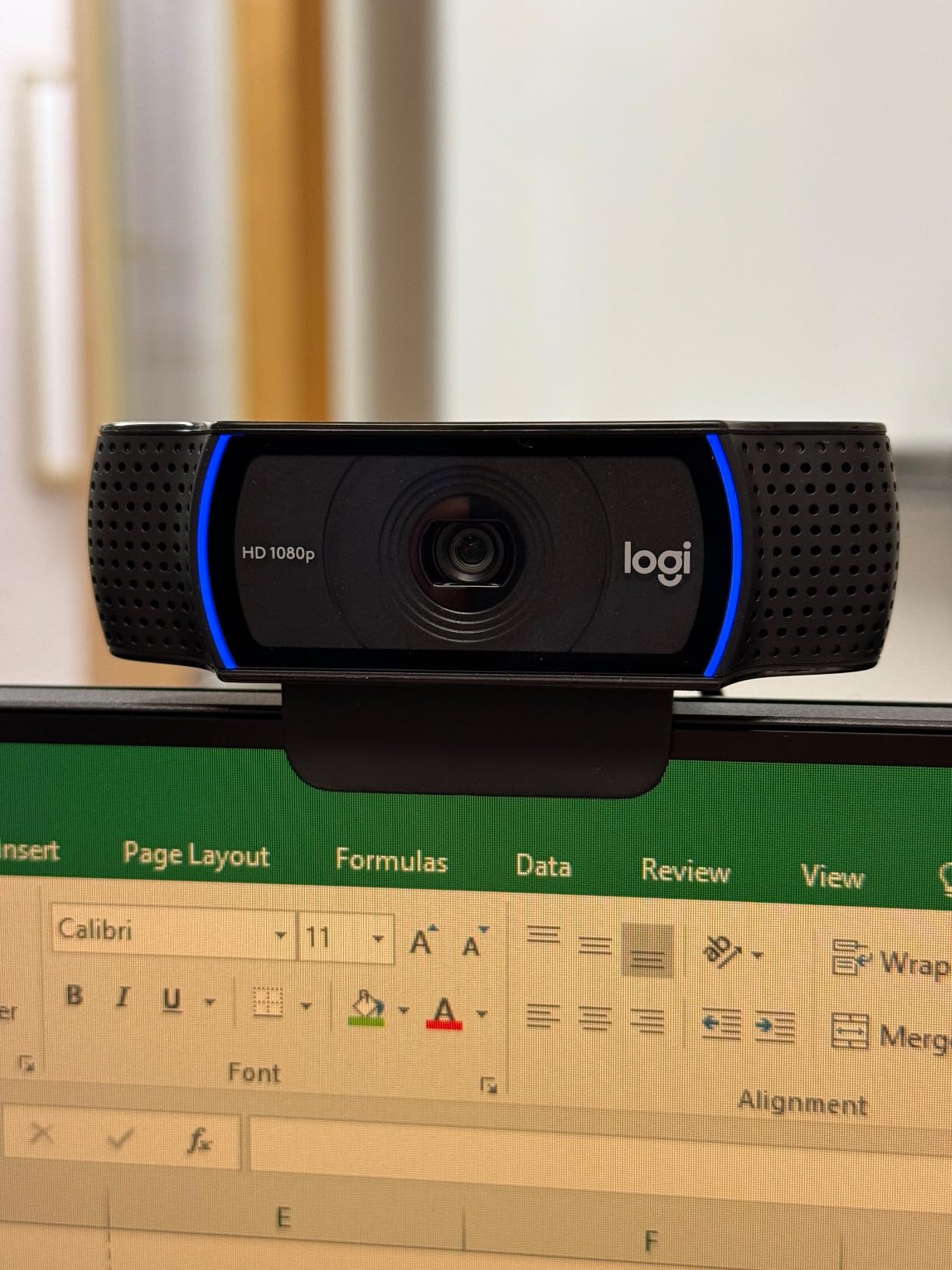
Two details set it apart from the other budget options. The f/1.8 aperture on a 1/2.9-inch sensor holds up in the dim evening light that most home offices actually get, and the automatic HD lighting adjustment brightens a face without washing out the background. Buyers also get a three-month XSplit VCam licence for background blur, which is enough to try virtual backgrounds before deciding you hate them.
The physical design is unremarkable in the best way. It weighs 5.7 ounces, clips onto a monitor without a stand, and the glass lens means no plastic scratching on the front element. Dual microphones handle a normal voice at desk distance without any fuss. Compatibility is broad: Windows, macOS and Chrome OS, with no app required to get a picture.
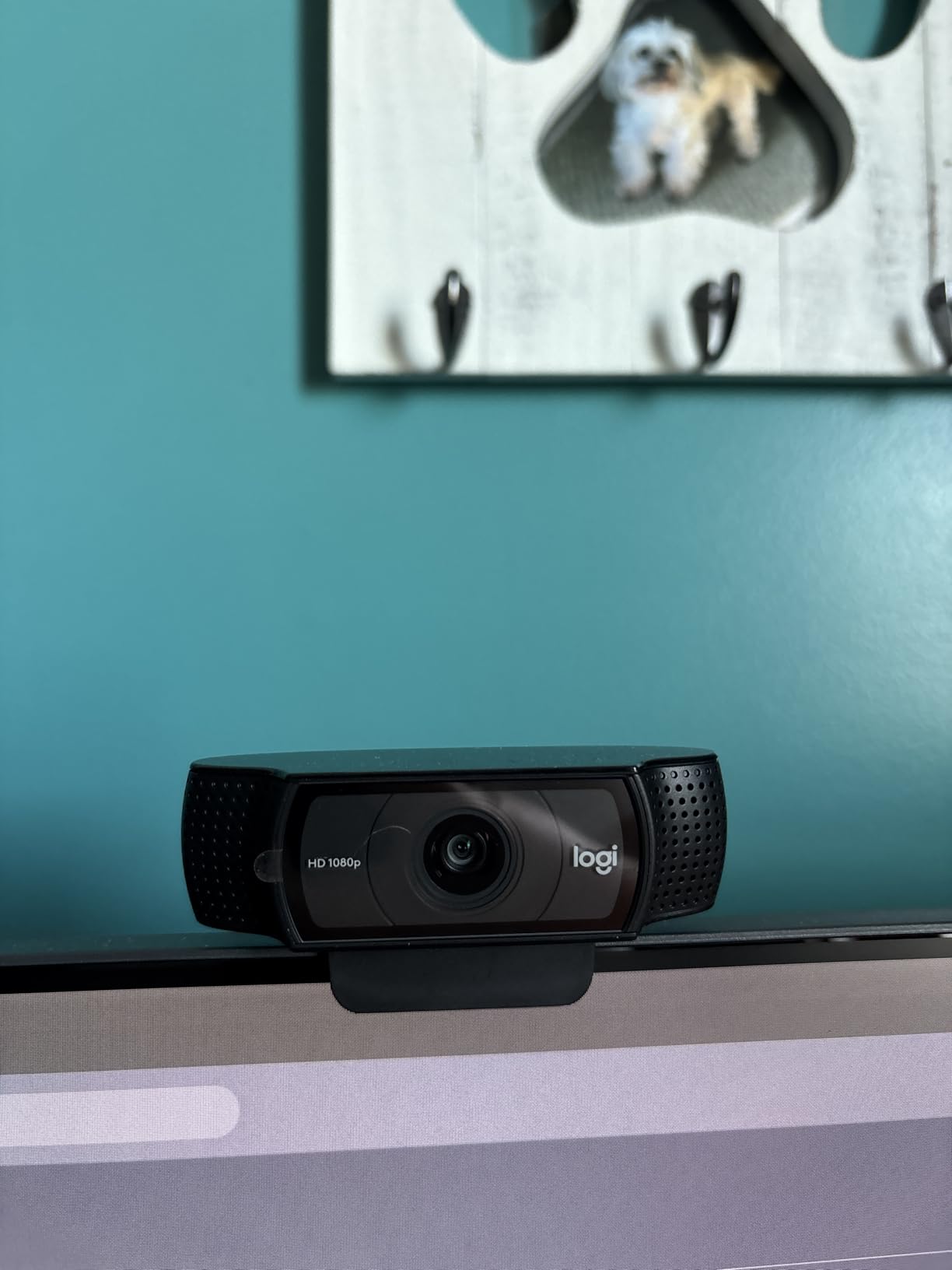
What you get every day on standup
A 1080p image that stays sharp when you move your head, and audio that does not require you to lean forward. The HD lighting adjustment does the heavy lifting for evening calls, since it lifts exposure automatically when a room light comes on behind you.
Because it is a standard UVC device, it is recognised instantly by Zoom, Microsoft Teams and Google Meet with no driver to install. That matters more than any spec here, because the most common complaint in IT forums about any camera is a device that shows up as unavailable right before a meeting starts.
Where it falls short
There is no built-in privacy shutter, and in a private home that is a real consideration. Several owners solve it with an adhesive clip-on cover, which works fine but is an extra step. If a camera in your living space makes you uneasy, pick one of the models here with an integrated cover instead.
The fixed 78-degree view also means no digital crop or framing flexibility. If you sit unusually close or unusually far away, you are adjusting physically rather than in software. That is a fair trade for the reliability, but it is a trade.
2. Anker PowerConf C200 2K – Best Value Upgrade From 1080p
Anker PowerConf C200 2K Webcam for PC/Laptop/Mac, Low-Light Correction
2K at 1440p
Selectable 65, 78 and 95 degree views
AI noise cancelling dual mics
Sliding lens cover
18 month warranty
Pros
- 2K resolution is visibly sharper than 1080p on calls
- AI noise cancellation with dual mics holds up in noisy rooms
- Good low-light performance without extra lighting
- Software-selectable framing angles
- Integrated lens cover for physical privacy
Cons
- AnkerWork software required to change field of view
- Bundled software adds setup overhead
- Fixed focus with no AI framing or tracking
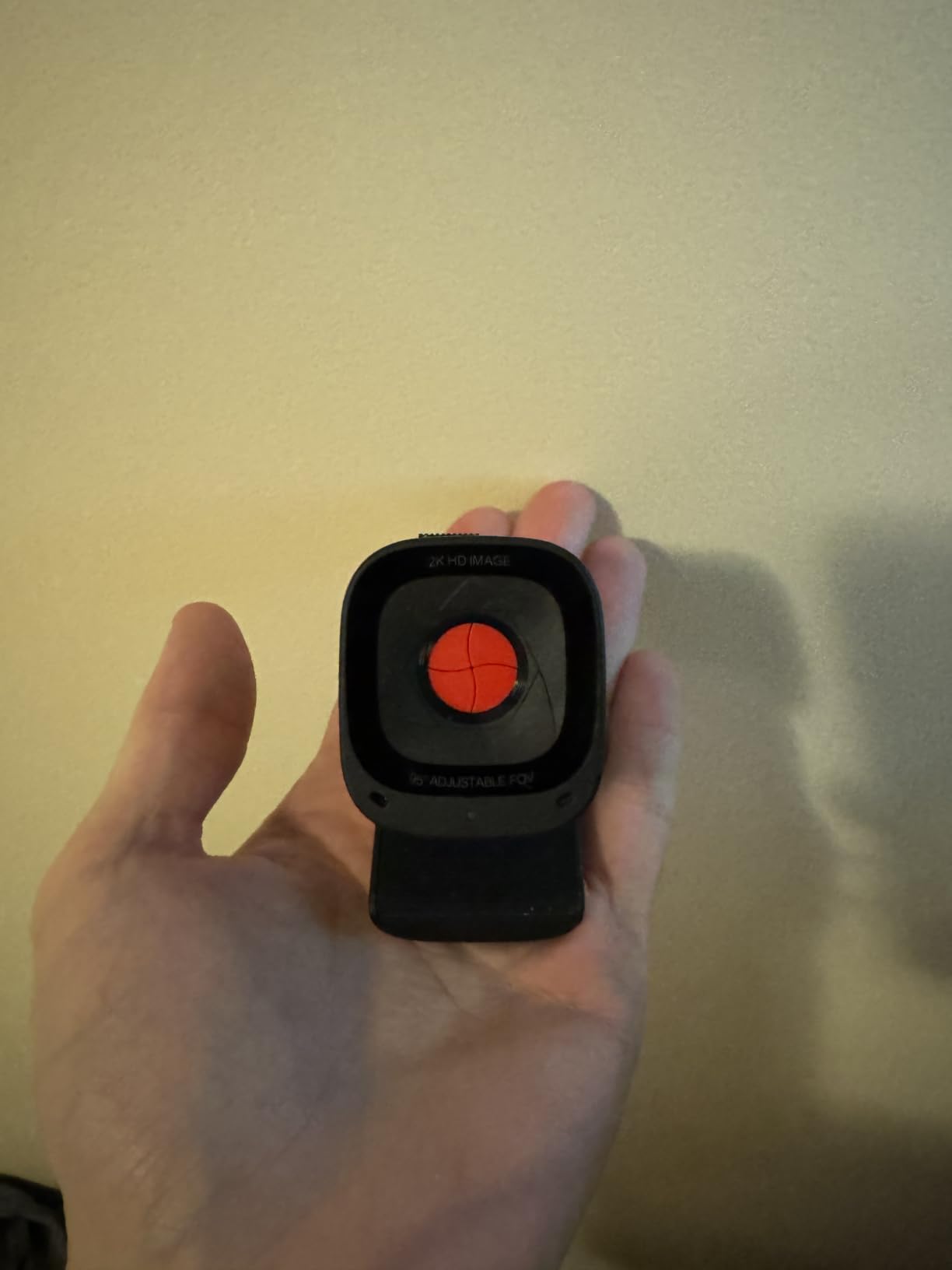
This is the camera I recommend to people whose laptop webcam has started to look genuinely bad. The jump from 1080p to 2K is not a spec-sheet upgrade, it is a visible one, because the 1440p frame holds detail on your face after Zoom compresses it.
The part I did not expect to care about is the field-of-view selector. AnkerWork lets you switch between 65, 78 and 95 degrees, so you can crop tightly for a call and widen it when a colleague sits down beside you. Without it you would be buying a physically different camera.
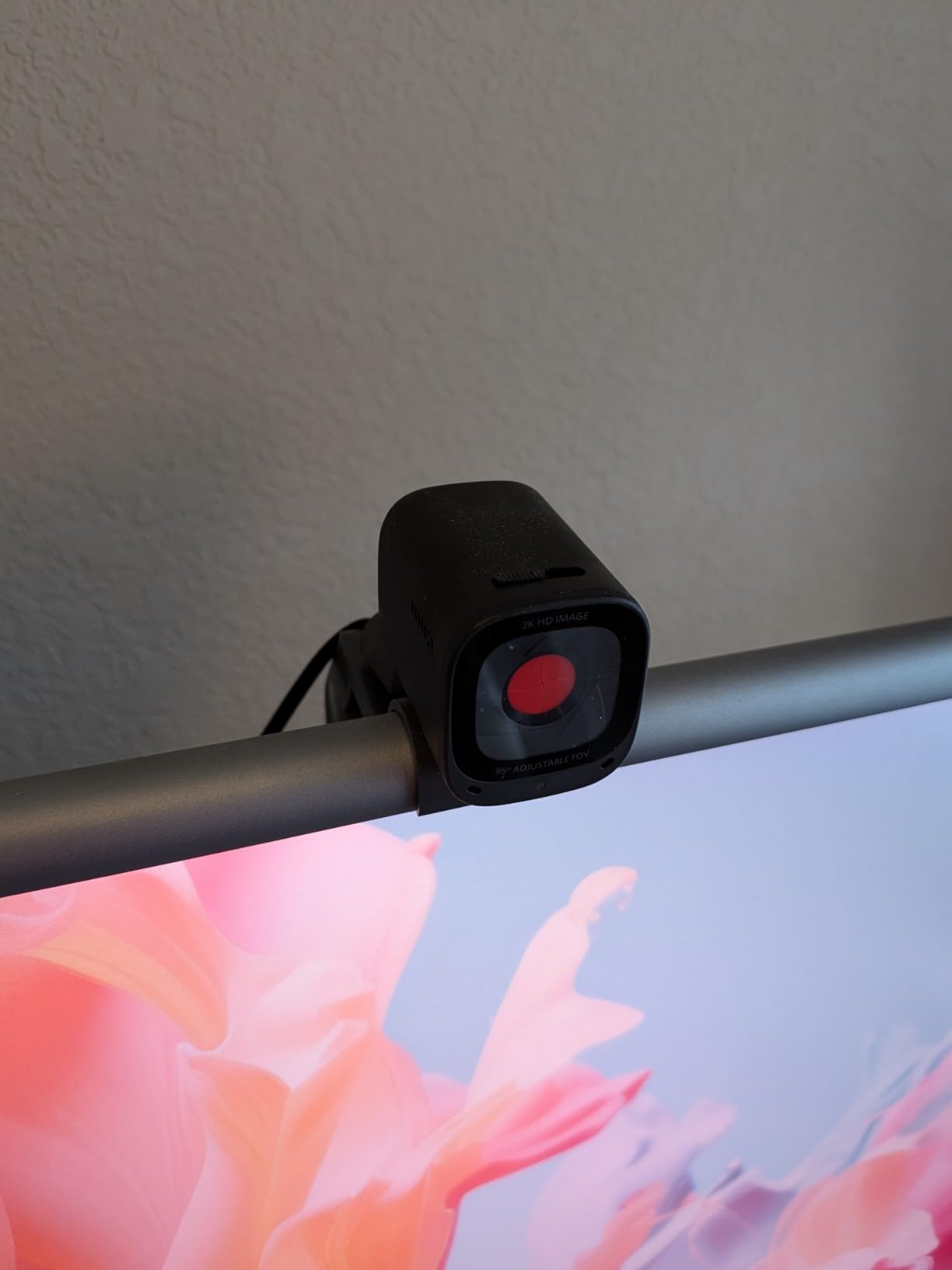
Audio is where this model earns its reputation. The dual microphones with AI noise cancellation do a solid job on keyboard clatter and general household hum, which matches what buyers consistently report. Low-light behaviour is also better than the price suggests, so it does not need a ring light to look acceptable on a dim evening call.
The sliding lens cover is the sleeper feature for a home office. It clicks over the glass in a second, no adhesive, no extra purchase, and it makes the camera an easier yes when you live with other people.
Why this is the value pick
It lands in the gap where most people should actually shop. You get a resolution bump over every budget 1080p option, a physical privacy control, and better microphones than cameras costing noticeably more. The 18 month warranty is also longer than most competitors offer.
Compatibility covers Windows 7 and later plus macOS 10.11 and later, and it is recognised as a standard webcam by Zoom, Teams and Meet. Everything above happens on the hardware, so nothing breaks when an app updates.
Where it falls short
The field-of-view switch only works through AnkerWork software, which means a first-run setup step before it does what you bought it for. That is a fair price for the feature, but it is a step. If you want something that works with zero configuration, this is not it.
Focus is fixed and there is no AI framing, so the camera does not follow you. Sit still at your desk and that is irrelevant. Stand up and walk to the whiteboard mid-call and it matters. This is a desktop camera, not a room camera, and it is honest about that.
3. Logitech Brio 101 – Budget Pick With a Privacy Cover
Logitech Brio 101 Full HD 1080p Webcam for Streaming and Meetings – Black
1080p at 30 fps
60 degree field of view
RightLight auto brightness
Digital zoom
Integrated privacy cover
Pros
- Sharp 1080p for everyday calls
- Integrated physical privacy cover
- RightLight brightens the image up to 50 percent
- Compact and lightweight at 4.96 ounces
- Built-in microphone is clear for daily meetings
Cons
- Fixed 60 degree lens cannot be zoomed
- Image looks grainy in dim rooms without a light
- Fewer manual settings than rivals
- Clip mount can cover a small part of the screen
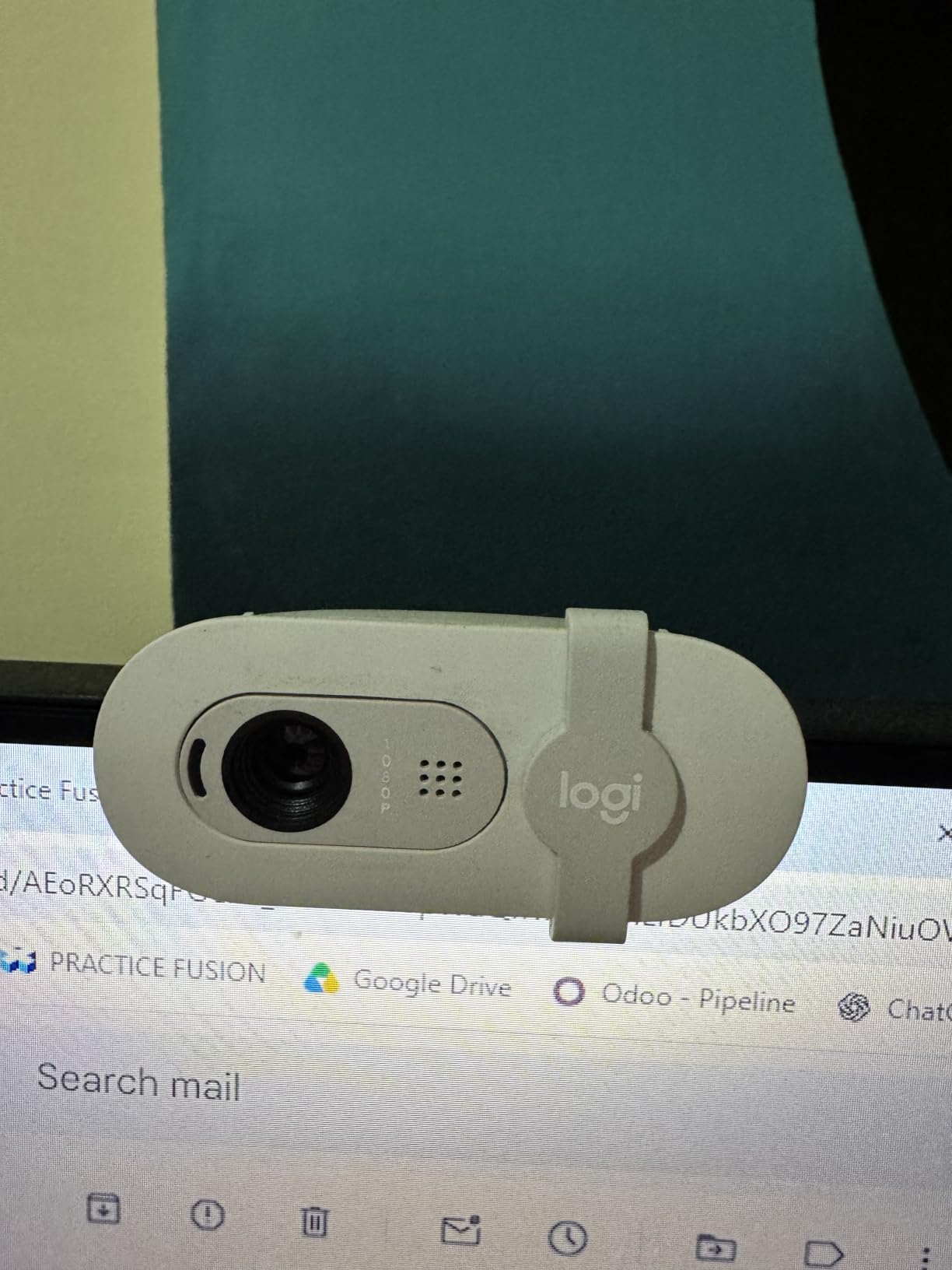
If your requirement is a camera that works, does not look terrible, and stops recording when you say so, this is the cheapest of the ten that meets all three. It is a 1080p fixed-focus unit with a sliding cover built into the body.
Logitech’s RightLight auto brightness is the useful feature here, lifting the image up to 50 percent when a room is dim. On its own it is not enough to rescue a very dark office, but paired with any desk lamp it handles the common case. Video output is 1080p at 30 fps in H.264, which every major platform handles without complaint.
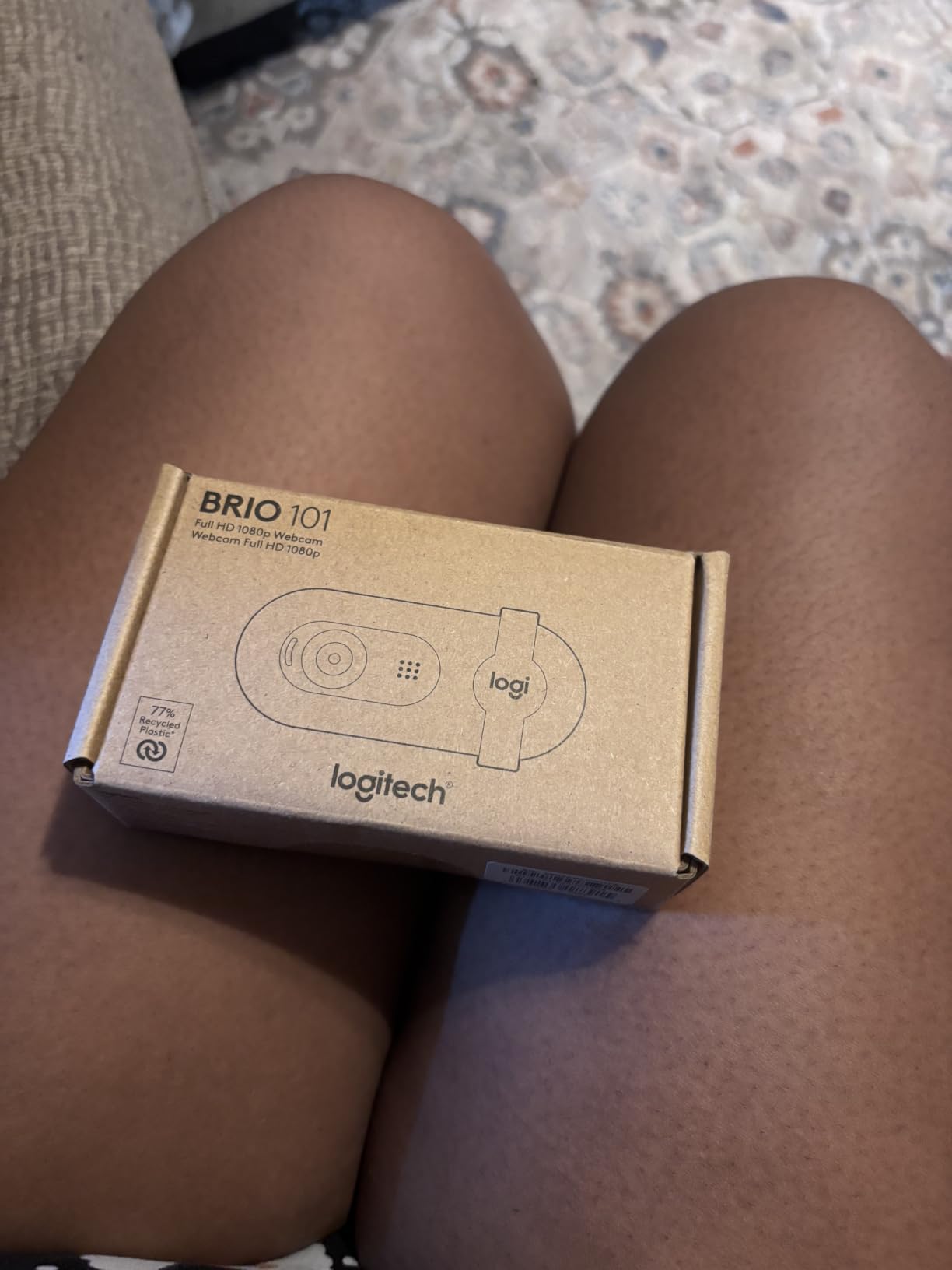
At 4.96 ounces it is one of the lightest here, and the rectangular body sits neatly on a monitor bezel. Logi Options+ gives you access to zoom and framing settings if you want them, though you never have to open it. Built using a minimum of 77 percent post-consumer plastic, which matters if your employer asks questions about procurement.
The privacy cover is the reason this beats cheaper webcams on a practical level. In a house with other people in it, a cover that slides closed without a purchase is worth more than a slightly sharper sensor you never notice.
Where this fits in a home office
Apartment and small-space setups where desk space is tight. The 60-degree view is deliberately narrow, framing you tightly and cutting out most of the background, which helps when the wall behind you is not something you want on a client call.
It works with Teams, Zoom and Google Meet out of the box on Windows, macOS and Chrome OS. If you are building a setup for someone else, a partner or a family member, this is the one you hand over without a support conversation.
Where it falls short
Sixty degrees is restrictive. Sit back from your desk, lean to the side, or have a second person join you and the framing simply cannot accommodate it. There is no zoom, so the field of view is what you get.
Low-light performance is the weak point. Reviewers describe the image as grainy in dim rooms and only passable for low-light correction. A camera with a larger sensor handles the same room better, and if your office is dark after sunset, spend up rather than down.
4. EMEET C960 4K – Sharpest True 4K Sensor on a Budget
EMEET C960 4K Webcam for PC, PDAF Auto Focus, Dual Omni Mics, 73° FOV
True 4K at 30 fps
PDAF autofocus
66 degree field of view
Dual omnidirectional mics
2 year warranty
Pros
- Genuine 4K CMOS sensor rather than upscaled 1080p
- PDAF autofocus keeps the speaker sharp
- Auto light correction handles both bright and dim rooms
- Dual omnidirectional mics capture clear call audio
- Bundled privacy cover with 1/4-inch tripod mounting
Cons
- Video defaults to 1080p until you switch it in software
- 66 degree view is tight for two people
- 4K mode needs hardware and calling software support
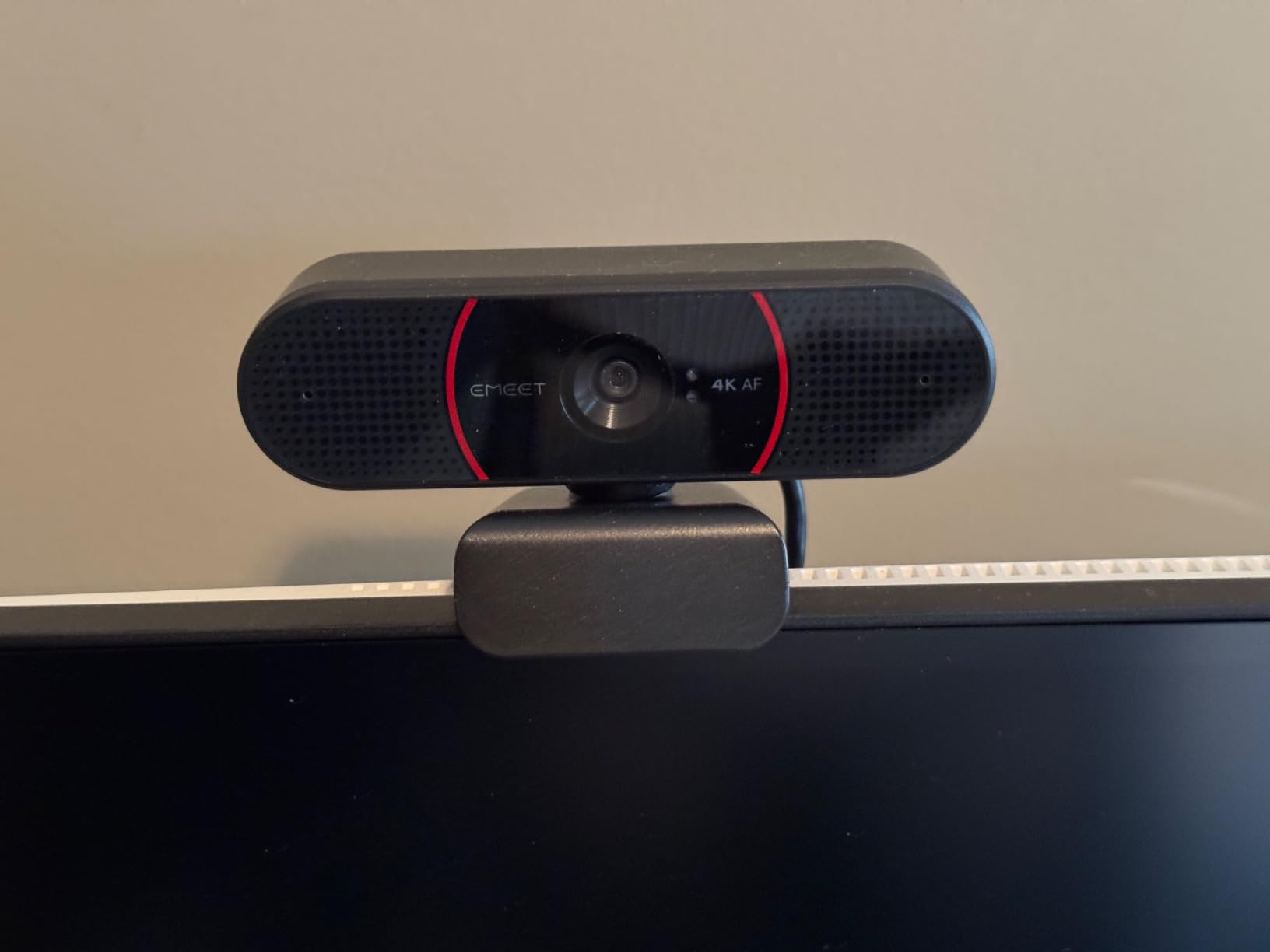
Several cameras advertise 4K by upscaling a 1080p signal. This one has an actual 2160-pixel sensor, and the difference shows when you crop or zoom rather than when you sit still. For anyone whose laptop screen looks soft on calls, that matters.
Autofocus is the surprise here. Phase detection autofocus is normally a feature on cameras costing several times more, and it locks onto your face fast enough that leaning forward to read something does not break the image. It is the reason this ranks above cheaper 4K options for meetings specifically.
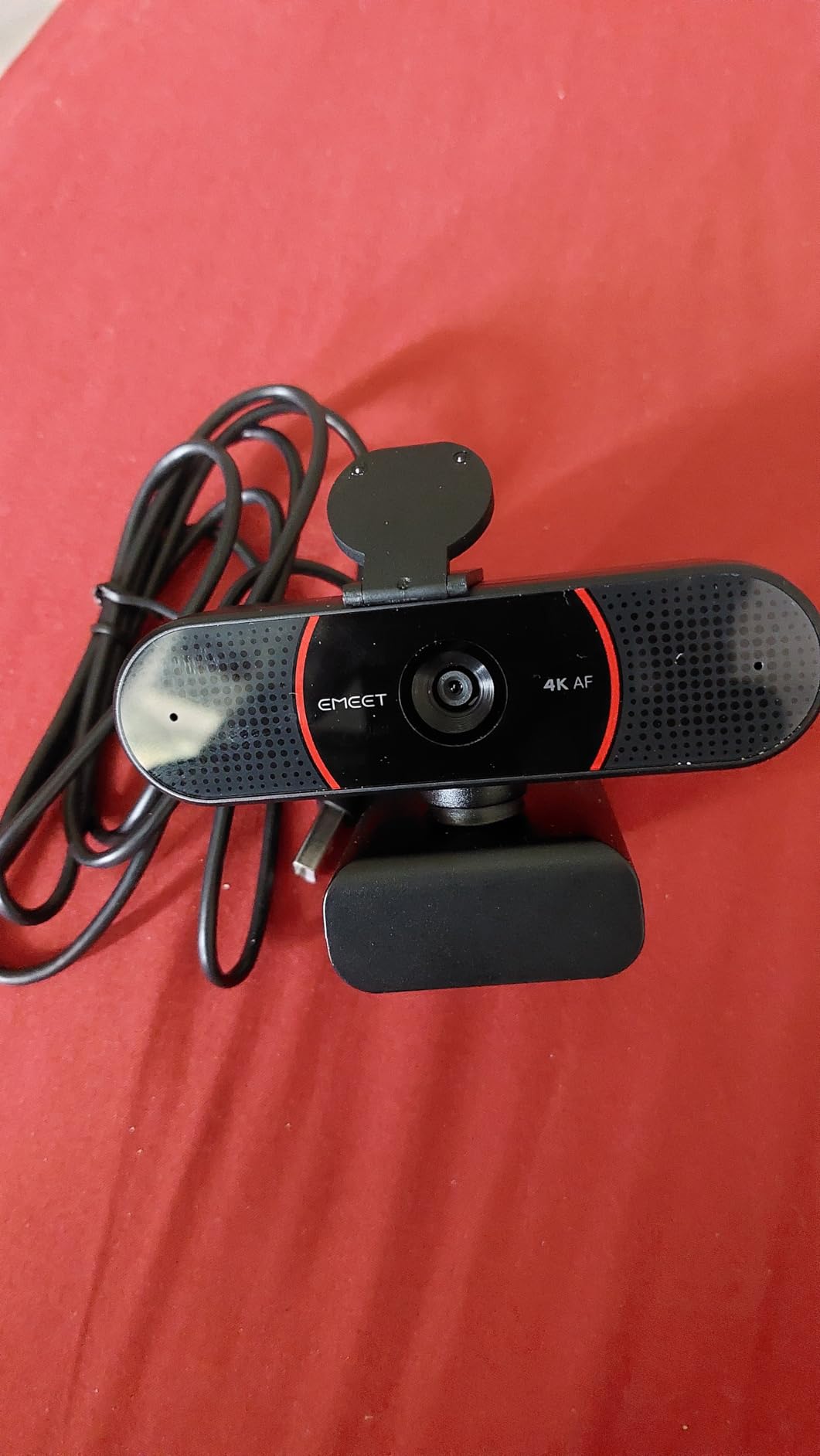
Auto light correction handles both ends of the range, which is unusual. Most cameras that help in dim rooms blow out when a window is behind you. Dual omnidirectional microphones give clear conference audio, and the 2 year warranty is the longest in this roundup apart from the j5create.
Adjustment is unusually flexible for a fixed camera: 360 degrees horizontal and 15 degrees vertical, plus a 1/4-inch tripod thread if you want it on a small stand instead of the clip. It runs on Windows, macOS, Android TV and Linux, which makes it the most flexible for a mixed-device household.
What the 4K sensor really buys you
Headroom, mostly. Conferencing platforms compress aggressively, so a 4K source gives the encoder more to work with and the extra detail survives better in a thumbnail view where people appear small. It also means digital cropping stays usable when you want a tighter shot.
The privacy cover is included in the box, which removes the most common complaint about budget 4K cameras. Everything works through a standard USB connection with no driver install.
Where it falls short
Out of the box the camera outputs 1080p. You have to open the camera software or an app like OBS and switch it to 4K yourself, and plenty of buyers never do, then wonder why it looks like their old webcam. That is the single biggest complaint in the reviews.
The view is 66 degrees, tight enough that a second person sitting beside you gets cut. If you regularly share your space with a partner or colleague, look at the wider options further down instead.
5. OBSBOT Meet 2 – Best for AI Framing on a Small Desk
OBSBOT Meet 2-4K Webcam for PC with 1/2″ Sensor, AI Framing & Autofocus
4K on a 1/2-inch CMOS sensor
AI framing and autofocus
40.5 g
4x digital zoom
Dual noise-cancelling mics
Pros
- 1/2-inch sensor delivers cleaner 4K than smaller sensors
- AI framing and autofocus compose solo speakers or small groups
- Gesture control toggles framing and zoom without touching the camera
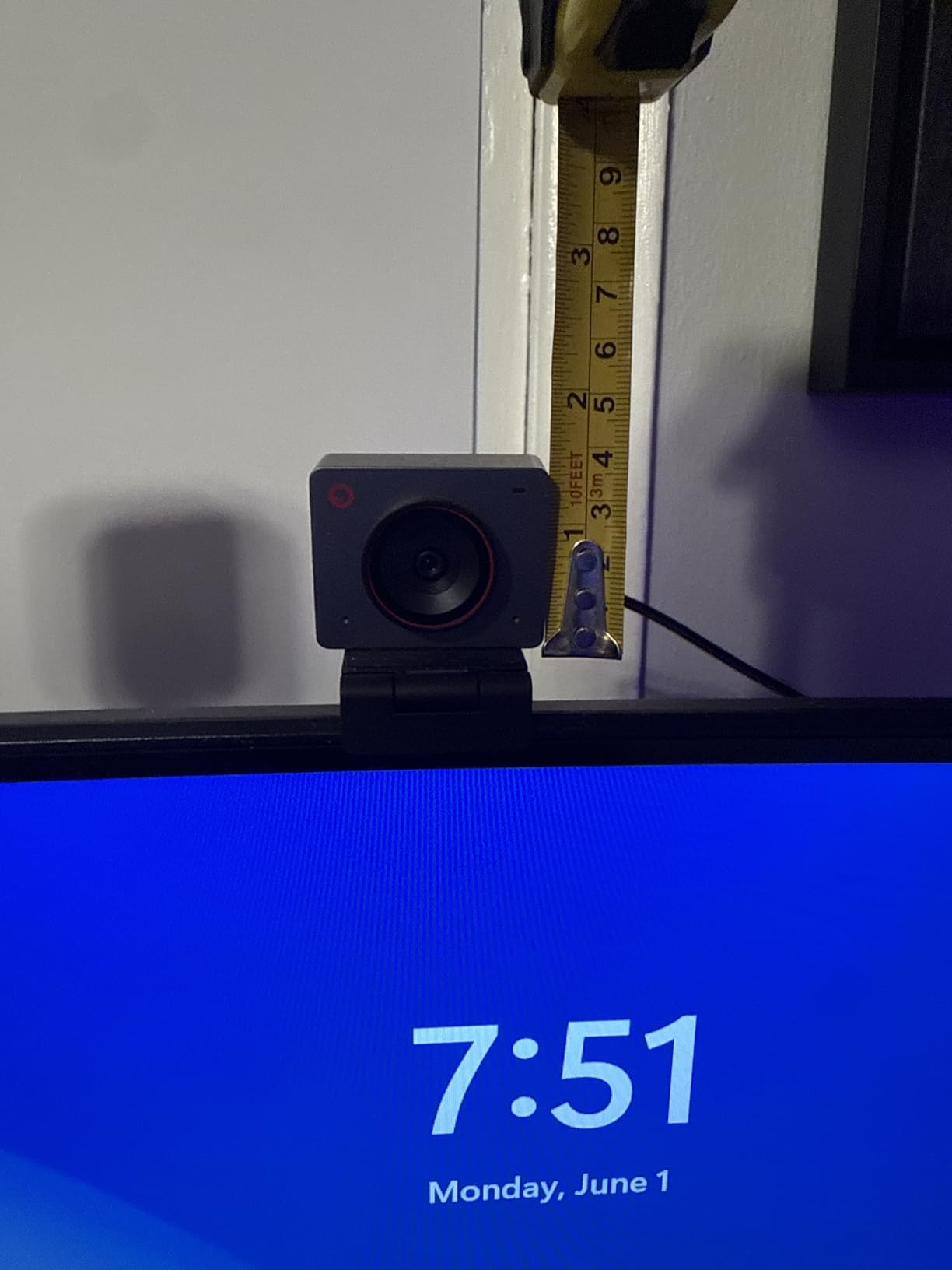
- Weighs 40.5 g so it travels anywhere
- Dual microphones filter keyboard and wind noise
Cons
- Runs warm during extended use by design
- Advanced framing needs OBSBOT Center software
- Very small body limits mounting options
- No physical privacy shutter
The Meet 2 is built around one idea: the camera adjusts the frame for you. AI framing detects where you are and reframes automatically, so leaning forward to write does not fill the screen with your forehead. For someone whose desk is not a permanent seated position, that removes constant manual adjustment.
The 1/2-inch CMOS sensor is larger than what most webcams use, and it shows in low light and in fine detail. Dual omnidirectional noise-cancelling microphones handle keyboard noise and general room hum. Gesture control is the fun part: an open palm toggles AI framing and an index finger zooms, so you never have to touch the camera mid-call.
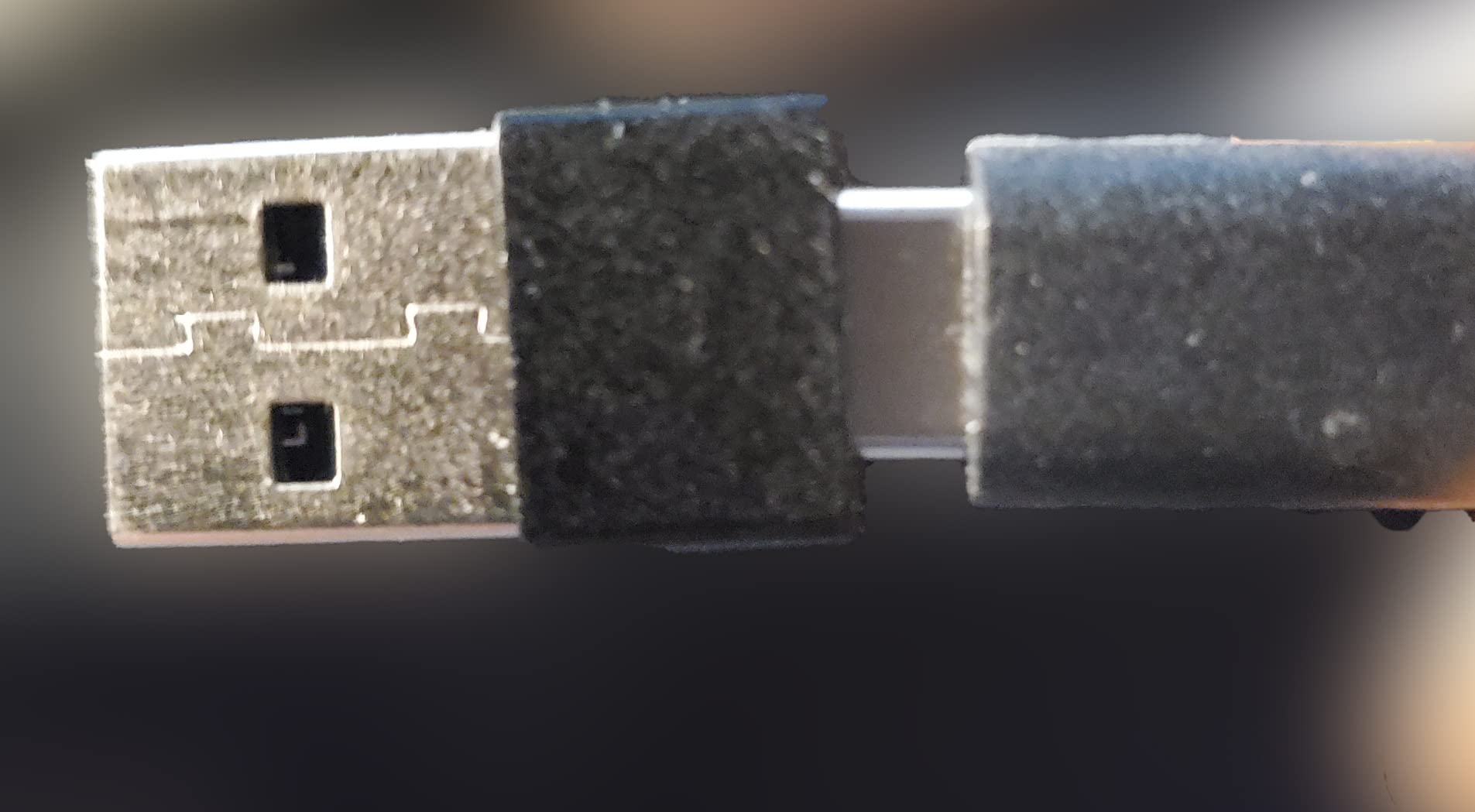
Size is the standout number. At 40.5 g in an earbud-shaped body, this is the one to pack when you take calls from different rooms, a home setup that doubles as a travel setup. It connects with a single USB-C cable and works on laptops, desktops and tablets.
Digital zoom runs to 4x, with portrait and upside-down shooting modes alongside the standard widescreen output, which is useful if you switch between landscape calls and portrait framing for vertical video. Warranty is one year.
What AI framing changes day to day
It removes the small constant frustration of adjusting your own camera. Sit back, lean in, stand up, and the frame follows. Owners who move during calls consistently single out framing and autofocus as the reason they would buy it again.
Noise-cancelling microphones matter more in a home than in an office, because the noise is yours and you cannot control it. Washing machine in the next room, another person on a call in the hallway. This camera does a reasonable job with all of it.
Where it falls short
The framing and tracking features require OBSBOT Center to be installed first, so you have a setup step and a background process running. It also runs warm during long sessions, which reviewers mention repeatedly. That is a design choice in a body this small, not a fault, but you should know before you position it.
There is no physical privacy shutter. The tiny body also limits mounting flexibility compared with clip-mounted models, and because it is so small, a sticky pad or a laptop screen is a more realistic mount than a desk clip.
6. OBSBOT Tiny 2 Lite – Best for Preset Tracking That Follows You
OBSBOT Tiny 2 Lite 4K Webcam for PC, AI Tracking PTZ Streaming Camera
4K30 and 1080p60 with HDR
AI PTZ tracking
48MP 1/2-inch sensor
250 g
Preset positions
Pros
- AI PTZ tracking follows you around the room
- 4K30 and 1080p60 with HDR on a 1/2-inch sensor
- Customisable tracking areas with per-preset parameters
- Gesture control locks on and zooms
- Plug and play but also exposes SDK
- OSC
- Stream Deck and hotkey control
Cons
- Heavier and larger than the Meet 2
- Lite version drops whiteboard mode and voice control
- Full AI tracking needs Windows 10 or macOS 11 with a recent processor
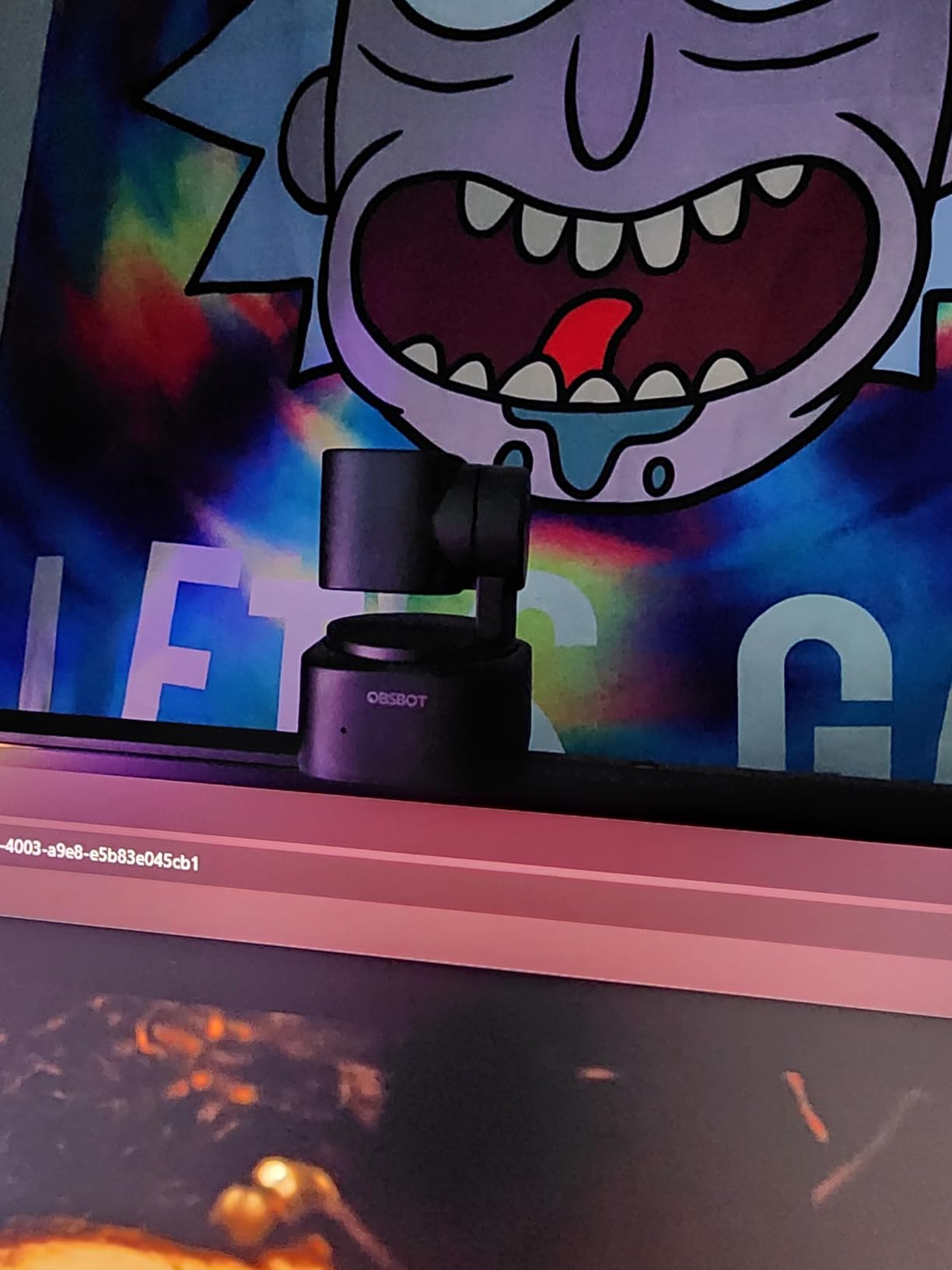
The Tiny 2 Lite is for people who teach, present or work through exercises where they move. AI tracking modes include upper-body and hand tracking, and you can define customisable tracking areas so the camera follows you only when you leave the desk, not when a cat crosses the room.
Preset positions are the feature most buyers underestimate. You can save several framings with their own tracking modes and parameters, so switching between a screen-share setup and a whiteboard view is one action. For a home office doubling as a teaching space, that is worth more than resolution.
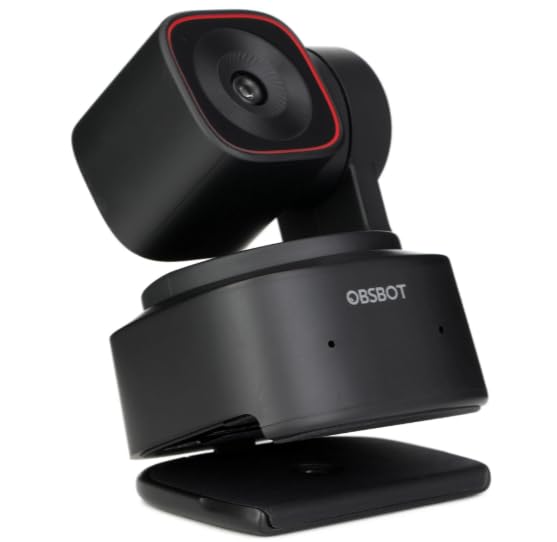
Video quality is inherited from the larger sensor: 4K at 30 fps with HDR, or 1080p at 60 fps when you want smoother motion. Digital image stabilisation and 4x digital zoom are both present, and MJPEG or YUV output is supported for flexible capture. Portrait and upside-down modes cover every orientation.
The box includes a USB-C to USB-A adapter and a USB-C cable, plus a warranty card. For people who also stream, the SDK, OSC, Stream Deck and global hotkey support means this can be driven by an Elgato deck rather than by reaching for the mouse.
Who benefits from preset tracking at home
Tutors, teachers and anyone who alternates between a desk and a whiteboard or side table. Setting a preset for each position removes the manual reframing that otherwise eats a minute at the start of every session.
It also suits hybrid households where a colleague occasionally sits down beside you, since the camera can widen its tracking area on command rather than being fixed at one width.
Where it falls short
At 250 g this is the heaviest camera here, roughly six times the weight of the Meet 2, so it is a desk camera rather than a travel one. The Lite designation also means you give up whiteboard mode and voice control compared with the full model, and you are paying for tracking features rather than image quality at this point.
Getting the full AI tracking set up needs Windows 10 or later or macOS 11 or later, with a 7th generation Intel Core i5 or equivalent and 8GB of RAM. Older hardware still records, but fewer of the smart features will run.
7. Insta360 Link 2 – Best AI Tracking With Physical Pan and Tilt
Insta360 Link 2 – PTZ 4K Webcam for PC/Mac, 1/2″ Sensor, AI Tracking, HDR, AI Noise-Canceling Mic, Gesture Control for Streaming, Video Calls, Gaming, Works with Zoom, Teams, Twitch & More
4K HDR on a 1/2-inch sensor
Physical pan and tilt
PDAF autofocus
DeskView and Whiteboard modes
1 year warranty
Pros
- 1/2-inch sensor with HDR delivers clean 4K in normal and low light
- Physical pan and tilt keeps you or a group framed
- Phase detection autofocus stays sharp without hunting
- AI noise-cancelling microphone handles busy rooms
- DeskView and Whiteboard modes plus smartphone remote control
- Tilts down automatically after 10 seconds of inactivity
Cons
- Not compatible with ARM-based Windows
- Windows Hello face recognition unsupported
- Advanced modes require the free Link Controller software
- Highest-priced model in this roundup
This is the most capable camera in the group and the one that comes closest to behaving like a room-scale conference camera in a small space. The difference is that it pans and tilts physically rather than cropping digitally, so tracking stays sharp instead of zooming into pixels.
The 1/2-inch sensor with HDR produces noticeably better 4K than the smaller sensors used elsewhere, particularly in mixed lighting where a window and a lamp are both in play. Phase detection autofocus is fast and does not hunt. It also captured the highest average owner rating in this roundup, and reviewers almost always name the same three things: image quality, tracking, and the automatic privacy tilt.
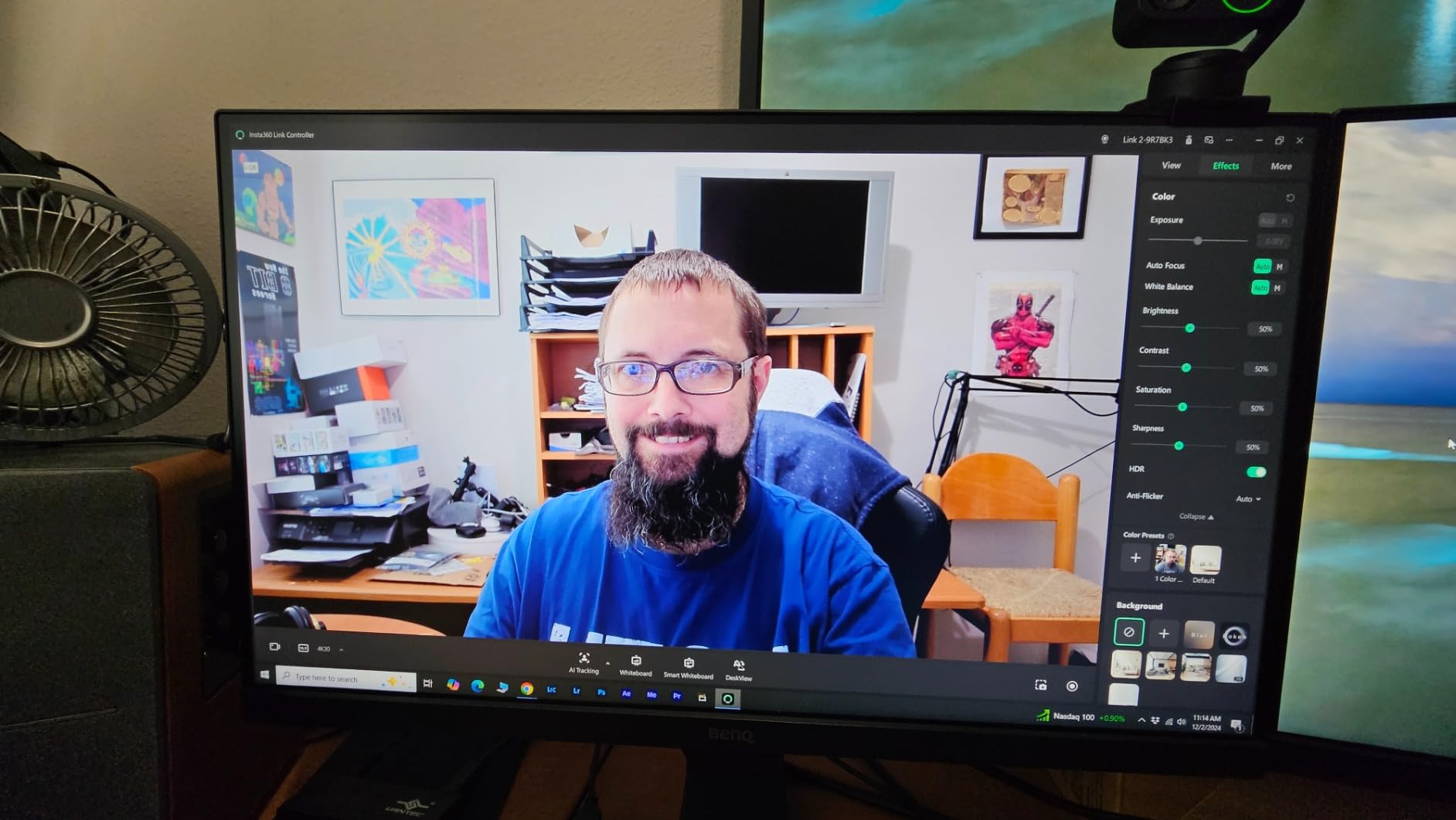
DeskView mode reframes a desk so hands and notes stay visible instead of cropping to your face, which is a genuinely useful home-office feature for people who present from notes. Whiteboard mode does the same for a board behind you. Gesture control and smartphone remote control let you adjust without touching the unit.
After ten seconds of inactivity it tilts the lens down on its own. In a house where that matters, a feature that works without you remembering beats a manual shutter. The box includes a magnetic mount, four recognition markers, a USB-C cable and a USB-C to USB-A adapter.

When physical movement beats digital cropping
Digital tracking on a fixed lens has to zoom in, which means less resolution and a tighter shot. A camera that physically moves keeps the full 4K across the room and keeps everyone in frame at a natural scale. That is the reason to spend more here rather than on a higher-resolution fixed lens.
The AI noise-cancelling microphone is tuned for rooms that are not acoustically treated, which is most homes. Combined with the auto privacy tilt, it is the configuration I would pick if the camera lives in a shared living space.
Where it falls short
It does not work with ARM-based Windows systems, and Windows Hello face recognition is unsupported, so it is a poor fit for some company laptops and a poor choice if you rely on biometric sign-in. The advanced modes need the free Link Controller desktop software installed, so there is a first-run step before DeskView and Whiteboard modes activate.
It is also the most expensive camera in this roundup. For a single seated caller, that money buys tracking you may never use, which is why it does not take the top spot despite the best rating here.
8. EMEET C980 PRO – Best When the Room Is Shared
EMEET C980 PRO 3-in-1 1080P Webcam with Microphone and Speaker, 60°-98° FOV
1080p 3-in-1 unit
4 microphones and 2 speakers
60 to 98 degree field of view
1/2.7-inch CMOS
2 year warranty
Pros
- Camera
- four microphones and two speakers in one body
- Active noise cancelling and automatic echo cancellation
- Adjustable 60 to 98 degree view captures teams and whiteboards
- Fixed focus stays sharp from 1.97 to 197 inches
- Automatic low-light correction reduces grain
Cons
- 1080p only
- so less detail than 4K rivals
- Fixed focus with no autofocus or tracking
- Onboard speakers are adequate rather than room-filling
- Bulky 6.22-inch body for laptop clipping
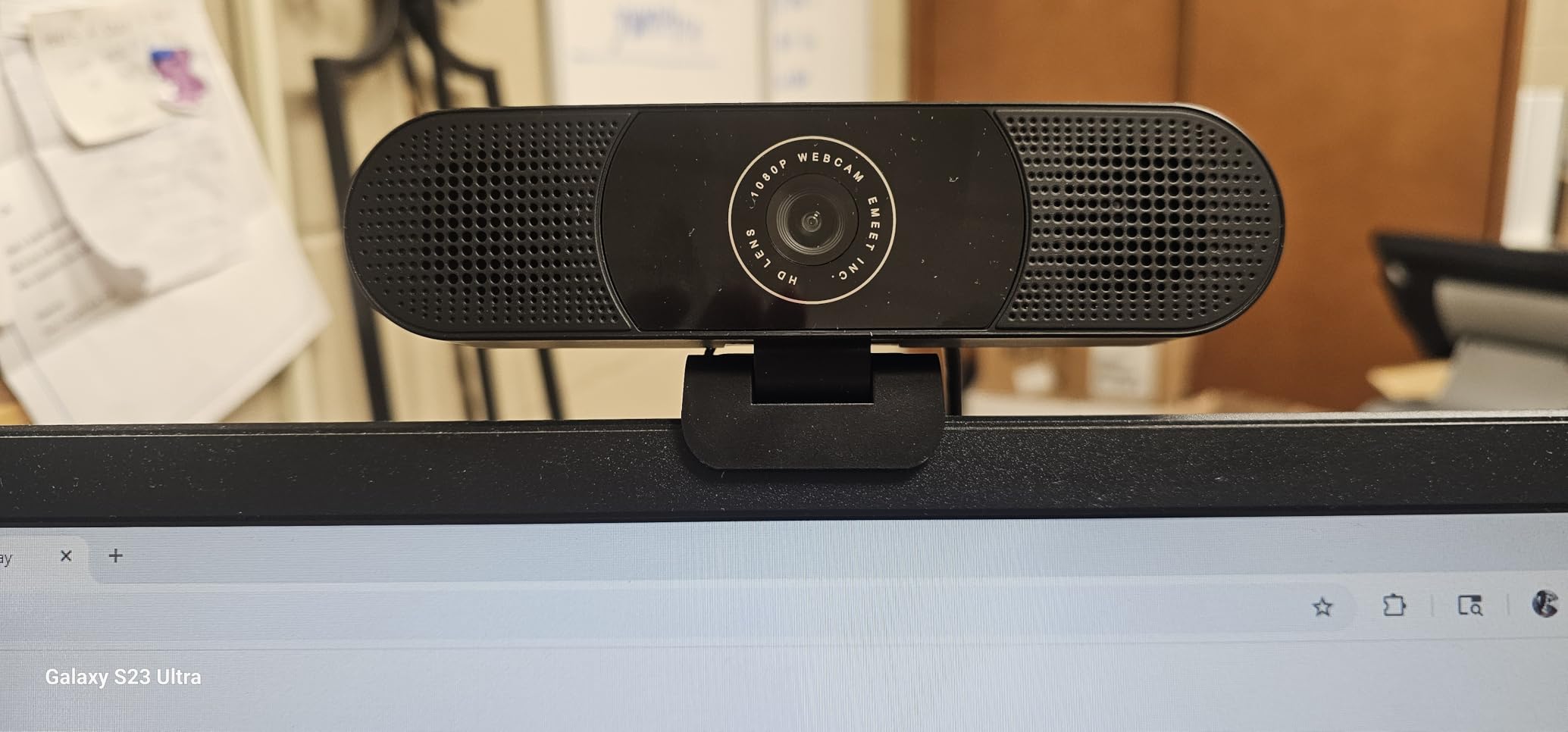
This is the only unit here that solves a headset problem. Four microphones and two speakers live in the same body as the camera, so for occasional calls with several people in the room you can avoid a boom mic and still sound like you are in the room rather than under a blanket.
Active noise cancelling and automatic echo cancellation target exactly the two problems a home office creates. Echo is the one that ruins group calls, because a laptop microphone picks up the speaker output and sends it back. The field of view adjusts from 60 to 98 degrees, so you can widen when three people are in frame and tighten when you are alone.
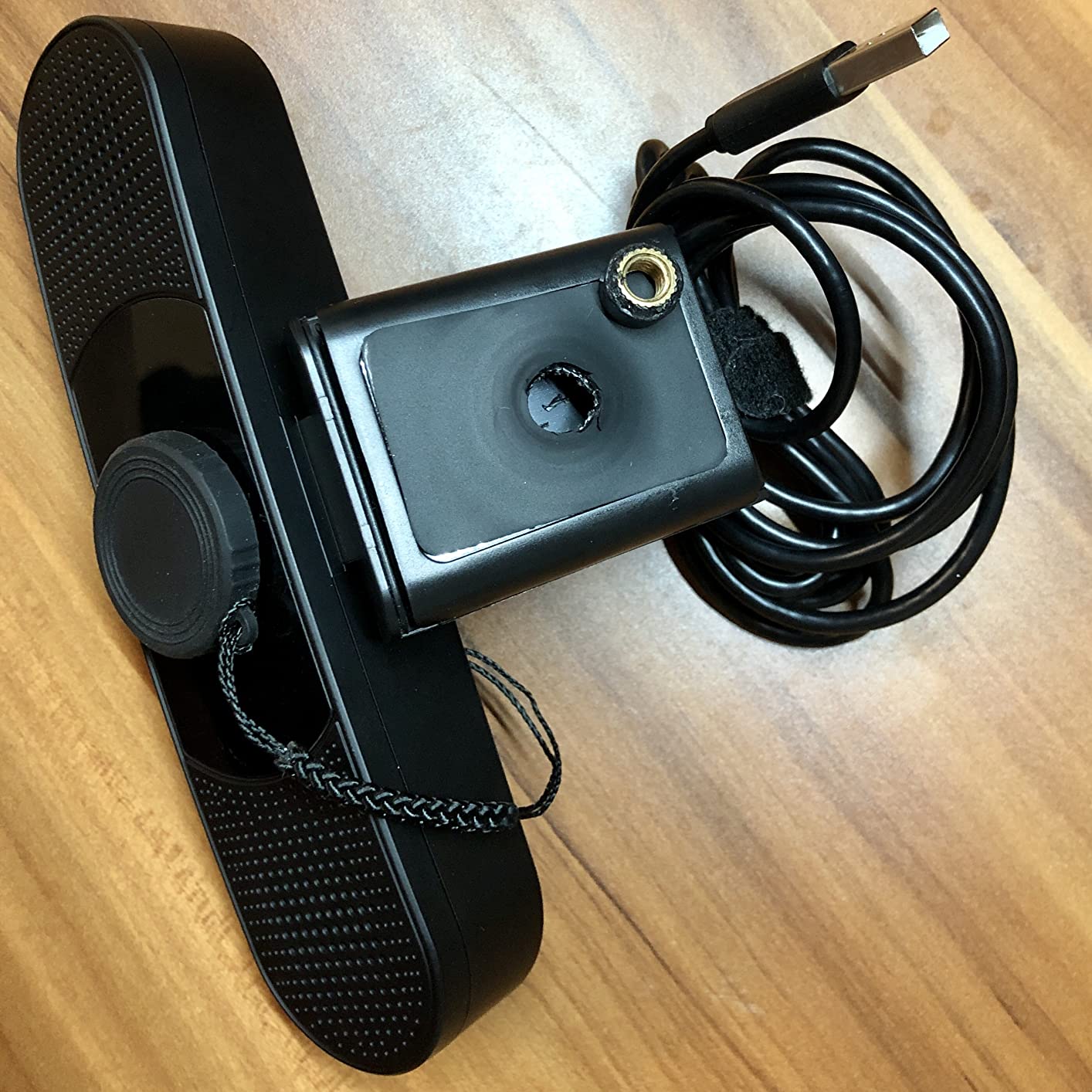
Fixed focus works from 1.97 inches out to 197 inches, which in practical terms means anything in a room stays sharp without adjustment. Automatic low-light correction reduces grain in darker spaces. It runs driver-free on Windows and macOS with a universal clip and tripod support, so it works on a laptop or a monitor.
It carries a 2 year warranty. Video output is 1080p at 30 fps with optical zoom on a 1/2.7-inch CMOS sensor, so this is a resolution-limited camera and you should know that before you buy it for image quality reasons.
When bundled audio is the right call
Group calls where two or three people share your space, and anyone who finds a headset uncomfortable for long stretches. The onboard speakers are not going to fill a room, but they are enough for a conversation at a desk, and they remove a whole category of setup.
Echo cancellation is the feature that genuinely changes a shared-room call. If you have ever heard your own voice come back to you in a four-person Zoom, that is echo, and this unit is built to stop it.
Where it falls short
1080p is the ceiling, and at 4.1 stars this is the lowest-rated camera here. Owners like the all-in-one convenience but keep expectations realistic about image detail and speaker volume. If your priority is how you look rather than how a group sounds, this is the wrong shape of device.
The body is 6.22 inches wide, which is bulky for clipping to a laptop lid and eats desk space. Fixed focus also means no tracking, so the wide view is wasted on anyone sitting off to one side.
9. j5create 360 Degree Webcam – Best 360 Degree Pick for a Home Study
j5create 360 Degree All Around Meeting Webcam
360-degree capture
1080p at 30 Hz
2MP CMOS sensor
Six display modes
2 year warranty
Pros
- 360-degree capture keeps everyone around a table in frame
- Six display modes including host
- dual host and wide-angle
- Built-in omnidirectional microphone for whole-room pickup
- Works with Zoom
- Teams
- Meet
- Webex and more via UVC
- Touch bar selects the participant view without software menus
Cons
- 1080p at 30 Hz from a 2MP sensor
- below 4K rivals
- Firmware update and app permissions may be needed
- 7.6-inch-tall body takes up desk space
- Lowest review volume in this group
This is the smallest step toward a real conference room camera, and it exists for a specific home scenario: a space where people regularly sit around a table rather than at one desk. It captures 360 degrees, so the person at the far end of a table is not cropped or reduced to a thumbnail.
The display modes are the real feature. Six options including full view, host, dual host, single view and wide-angle let you show the room, or pick who appears as the main tile, without opening a menu. The touch bar on the unit selects the participant view directly, which is faster than software controls.
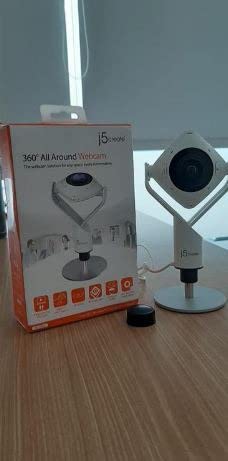
A built-in omnidirectional microphone picks up the whole room, which is what you need for a table rather than a desk. It connects over USB using standard UVC and UAC, so it is recognised as a normal camera and microphone by Zoom, Microsoft Teams, Google Meet, Skype, Webex, Cisco, BlueJeans, Amazon Chime, GoToMeeting and Slack. Compatibility is not the issue here.
The warranty is two years and it includes a 2x digital zoom. Full HD 1080p video plays back at 30 Hz.
When 360 degrees makes sense at home
Home setups that double as a small meeting room, tutoring a small group seated around a table, or a shared household office where a second person works nearby. In those situations a standard 78-degree lens leaves the second person half out of frame.
The host and dual host modes give you a way to keep a speaker prominent without anyone fiddling with layout controls mid-call, which solves the most common complaint about multi-person home calls.
Where it falls short
Resolution is the limit. A 2MP sensor producing 1080p at 30 Hz is well below the 4K models here, so faces at the far end of a 360-degree capture will be softer than a fixed camera pointed at them. You gain coverage and lose detail, and in a home office that is usually the wrong trade.
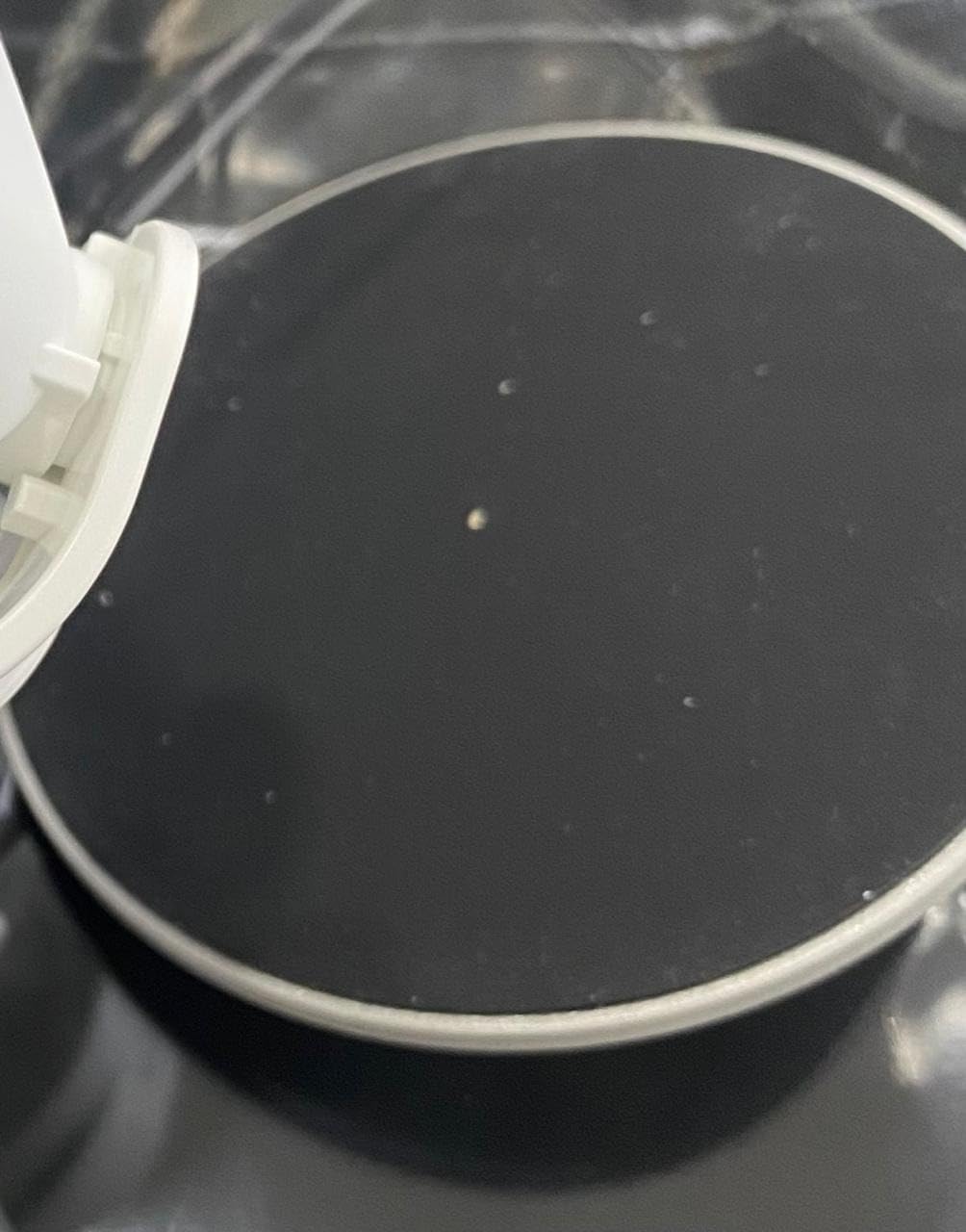
Owners also report needing a firmware update and app permissions to reach full resolution and every display mode. The body is 7.6 inches tall and takes up real desk space, and it has the smallest review base of any camera in this roundup, so long-term reliability is less well documented.
10. UGREEN 4K Webcam – Best Microphone Range for a Small Setup
UGREEN 4K@30fps Webcam for PC Ultra HD Web Camera with Noise-canceling Mics
4K at 30 fps from an 8MP sensor
PDAF autofocus to 16.4 ft
Dual mics with 16.4 ft pickup
70 degree field of view
Sliding privacy cover
Pros
- 8MP sensor delivers genuine 4K30 with good low-light sensitivity
- PDAF autofocus tracks subjects from 0.33 to 16.4 ft
- Auto exposure corrects colour temperature and low light
- Dual high-sensitivity mics pick up voice from up to 16.4 ft
- Built-in sliding privacy cover included
- Driver-free across Windows
- macOS
- Linux and Android
Cons
- Falls back to 1080p if the app or hardware cannot do 4K
- Visible noise in dark rooms
- 70 degree field of view with no tracking
- Few manual settings than software-driven rivals
The surprise in this roundup is the microphone. Reviewers repeatedly describe the audio as better than several cameras costing considerably more, and the 16.4-foot pickup figure means you are not glued to your chair for it to hear you. For standing at a whiteboard or sitting back during a long call, that is the feature that changes your day.
Video is a genuine 4K at 30 fps from an 8MP CMOS sensor, with phase detection autofocus that tracks subjects from 0.33 feet out to 16.4 feet. Auto exposure handles colour temperature and low light automatically. That combination of rating and reach is why it ranks so high despite being near the bottom of this list by price.
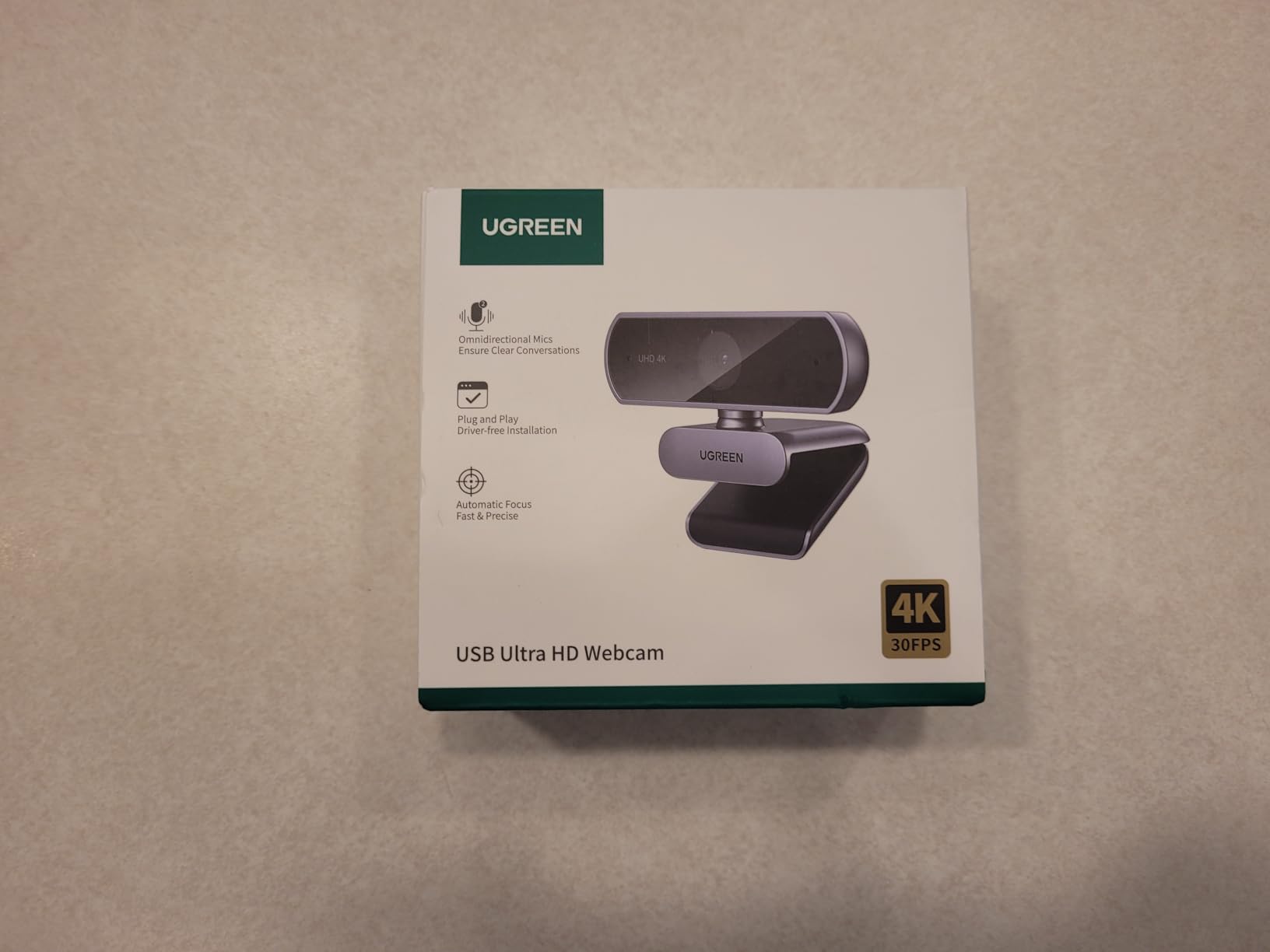
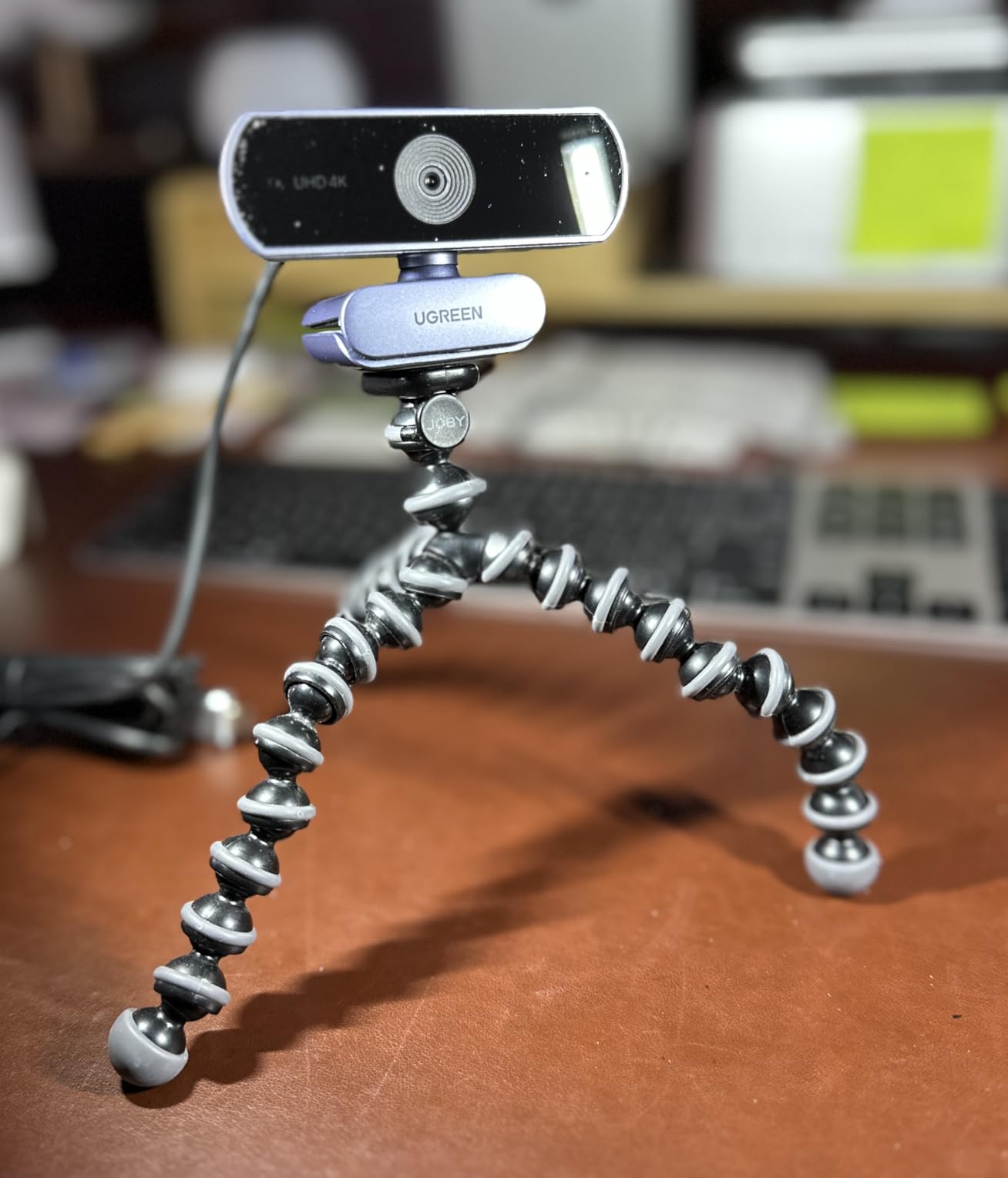
The sliding privacy cover is built into the body, not an accessory, and the box includes a USB-A to USB-C adapter so you are not stuck if your laptop only has one port. It is driver-free across Windows, macOS, Linux, Android and iPadOS, which is the widest compatibility on this list.
At 96.3 g it is light but not pocket-sized, and the 70 degree field of view frames you and a moderate amount of background. Optical zoom is listed at 1x, so this is a fixed view.
When microphone range beats everything else
If you move around during calls, present standing up, or simply dislike leaning into a desk mic, pickup range is the specification that matters. Most laptop microphones are effectively useless past arm’s length. These are not.
The autofocus range matters just as much. Subjects from 0.33 feet to 16.4 feet stay sharp, so you can pull back, write on a tablet, or shift your chair without the image hunting for focus mid-sentence.
Where it falls short
There is no AI framing or tracking. The 70 degree view is fixed, so if a second person joins you and sits outside that arc, they are simply not in the shot. It is a desktop camera with a long microphone cable’s worth of reach, not a room camera.
Image noise shows in dark rooms, and 4K drops to 1080p when the calling application or the machine cannot handle it, which happens more often than manufacturers suggest. There are also few manual settings compared with the software-driven rivals, so fine-tuning is limited.
How to Choose a Conference Camera for a Home Office
Start with audio, not pixels. Forum discussions about camera purchases almost always mention microphone pickup before image quality, and the reason is simple: people can forgive a slightly soft picture, but nobody forgives a caller asking you to repeat yourself. Any unit with a multi-microphone array and noise cancellation will outperform a sharper camera with one bare mic in a real home.
Next, size the field of view to your chair, not your ambition. A 60-degree lens frames a single person tightly. Around 78 to 86 degrees is the sweet spot for one person with some headroom. Above 95 degrees you are paying for background you probably do not want on screen, and you are smaller in the tile as a result.
Then decide whether you move. Sitting still means a fixed camera and you should spend the money on sensor size instead. Moving between a desk, a sofa and a whiteboard means you want tracking, and you should check whether it is digital or physical. Digital tracking crops the frame and loses resolution. Physical pan and tilt keeps the full sensor in use, and on a wide room it is the difference between sharp and soft.
Resolution only matters in two situations. If you crop or zoom, you need headroom, and 4K gives it. If you sit still and the platform compresses to 1080p anyway, 1080p is genuinely enough and you can spend the difference on microphones. Check that 4K actually switches on, because several cameras default to 1080p out of the box.
Privacy deserves its own line in a home. A camera in your living space can capture family members, a private hallway, or paperwork you did not mean to share. A sliding lens cover is the simplest answer, an automatic tilt-down is better because it works without you, and a sticky third-party cover is the fallback.
Placement matters more than most buyers expect. Put the camera at eye level, on top of your monitor or on a small stack of books, not flat on the desk looking up at you. Put your main light in front of you rather than behind, because a window behind your shoulder will turn you into a silhouette no sensor can rescue. And if echo is a problem, a folded duvet on the wall behind you or a thick curtain absorbs more than any microphone array can process out.
Finally, check the connection. Every camera here is USB and works as a standard device with no driver, which is the single most reliable indicator of a camera that will not cause a problem five minutes before a call. Anything requiring its own app for basic framing is a support risk, and the most common recurring complaint in IT forums about any webcam is a device that is not recognised when the meeting starts.
Know when to stop. If you already have a laptop camera and your main problem is bad audio and bad lighting, spending on a microphone and a lamp will outperform any camera on this list. If your calls are mostly one-to-one and you sit still, the Logitech C920x covers it. If a colleague regularly shares your room, move up to a wider view. If you present and move, buy tracking. See how our [10 Best Conference Cameras](https://www.mineralwaters.org/best-conference-cameras/) picks cover larger spaces when you outgrow a desk setup.
Frequently Asked Questions
What is the best camera for a home office?
The Logitech C920x HD Pro is the best camera for most home offices. It delivers a sharp 1080p image at 30 fps, a 78-degree field of view that frames a single person at desk distance, and automatic HD lighting adjustment that rescues dim rooms. It needs no app, no driver, and works immediately with Zoom, Microsoft Teams and Google Meet. If you want more resolution or a physical privacy cover, step up to the Anker PowerConf C200 2K.
What is the best camera for conference calls?
For conference calls, audio clarity matters more than resolution. The UGREEN 4K webcam has dual high-sensitivity microphones with a pickup range of up to 16.4 feet, so it hears you clearly whether you sit at your desk or stand at a whiteboard. Place the camera at eye level and put your light in front of you rather than behind, because backlighting ruins more calls than any sensor specification can fix.
Do I need a conference camera for one person?
Usually not. A conference camera solves a coverage problem for people seated far apart around a shared table. In a home office you sit 18 to 30 inches from the lens, so a fixed 1080p camera with a decent microphone is the correct choice. You only need wider coverage or tracking if a second person regularly shares your room, or if you teach and move around while you talk.
Is a 360 camera worth it for a home office?
Only in a specific setup. A 360-degree camera such as the j5create JVCU360 makes sense when people regularly sit around a table in your home, or when you tutor a small group in the same room. Its trade-off is detail: a 2MP sensor producing 1080p at 30 Hz makes faces at the far end softer than a fixed camera pointed at them. For one person at a desk, a standard camera is sharper.
What resolution webcam do I need for Zoom?
1080p at 30 fps is enough for a seated caller, because Zoom, Microsoft Teams and Google Meet compress the outgoing stream anyway. 4K earns its place only if you crop or zoom, since it gives the encoder more detail to work with and leaves usable headroom for digital framing. If you buy a 4K camera, check that it actually outputs 4K, because several default to 1080p until you change a setting in software.
What is the best 4K webcam for video conferencing?
The Insta360 Link 2 is the strongest 4K option here, using a 1/2-inch sensor with HDR, phase detection autofocus and physical pan and tilt tracking that keeps the full 4K across a room. On a tighter budget, the EMEET C960 4K has a genuine 2160-pixel sensor with phase detection autofocus and a two year warranty. Remember that ARM-based Windows systems are not supported on the Insta360 model.
Which Conference Camera Should You Buy?
Start with the Logitech C920x HD Pro if you want one camera that works every day without thinking about it. Move to the Anker PowerConf C200 2K for sharper video and a physical privacy cover, or to the UGREEN 4K if microphone range is what frustrates you most.
Buy the Insta360 Link 2 or an OBSBOT model when you move during calls, and pick the EMEET C980 PRO when other people regularly sit in the room with you. Skip the j5create 360 unless a table is genuinely part of your setup.
For anyone still choosing, remember that lighting and microphone placement change your call quality more than any of these ten cameras do. Fix those first, and ask your employer to cover the camera as work equipment.
Our full roundup of the best conference cameras for home offices is refreshed through 2026, and we test each pick against the same daily call routine rather than a spec sheet.
Related reading: our picks for [10 Best Conference Phones](https://www.mineralwaters.org/best-conference-phones/) for the voice side of a meeting, and our guide to [conference tables](https://www.mineralwaters.org/best-conference-tables/) if your home setup is expanding into shared space.