
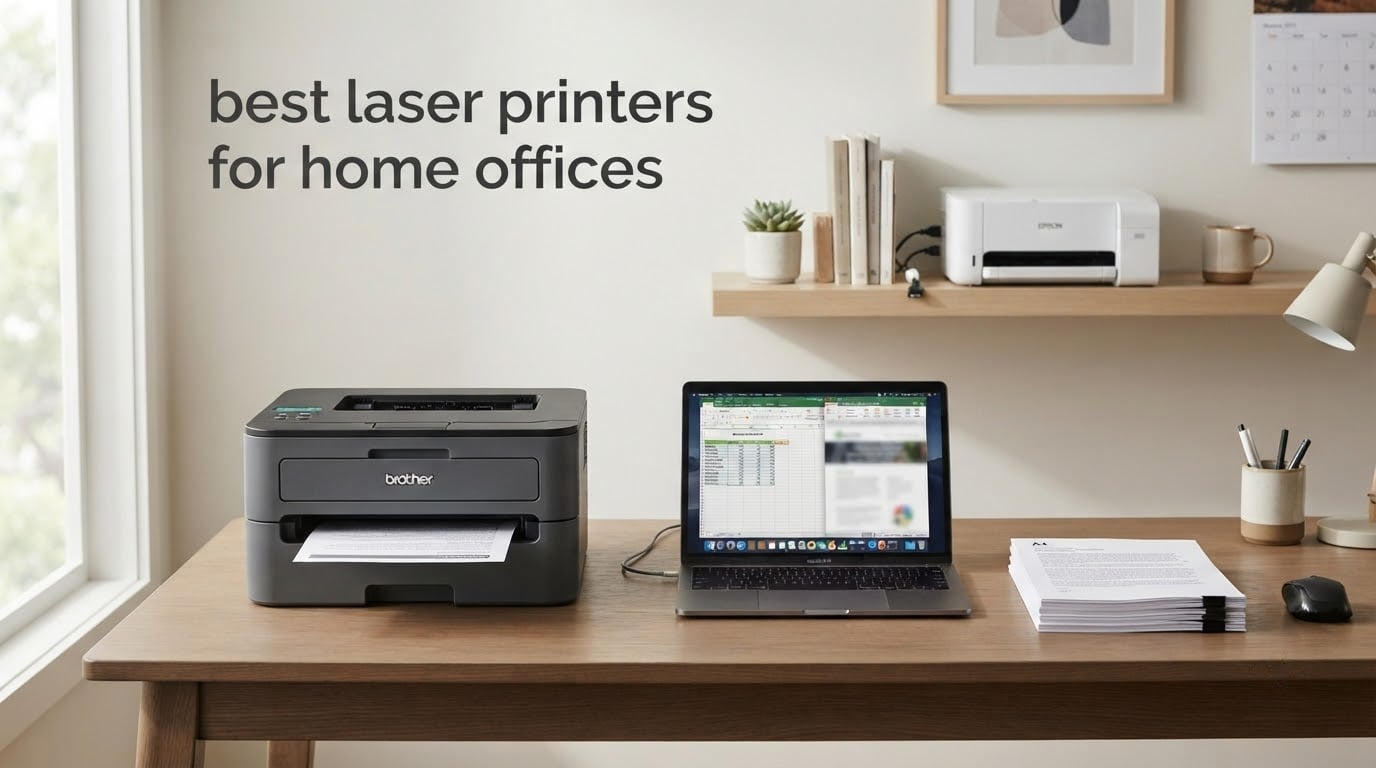
Most home office printers are chosen in about four minutes, and the wrong one then costs you for five years. Choosing the best laser printers for home offices comes down to one number nobody puts on the box: what a page actually costs you to run. A cheap printer with expensive toner is a trap, and it is the single most repeated complaint across the printer communities we read before writing this.
So we did the unglamorous part. We compared ten current laser printers across Brother, HP, Canon and Kyocera, weighing running cost, duplex capability, tray capacity, footprint, scanner usefulness and wireless reliability. Ten machines, four brands, one goal: find the printer that suits the way your home office actually prints, not the one with the biggest number on the spec sheet.
Here is where each one lands before the detail:
Best overall: Brother DCP-L2640DW — mono, auto duplex, 50-page feeder, 36 ppm.
Best value: Brother HL-L2460DW — mono, auto duplex, 250-sheet tray, 36 ppm, and small enough for a desk.
Best budget: HP LaserJet MFP M140w — the smallest print/scan/copy laser we looked at, at the cost of duplex and a large tray.
If you want the wider picture on inkjet versus laser, or you need photo output rather than documents, our guides to the best all-in-one printers for a home office and the best color laser printers cover those angles separately.
Table of Contents
Top 3 Picks for Best Laser Printers for Home Offices (October 2026)


Brother HL-L2460DW
- 36 ppm mono laser
- Automatic duplex printing
- 250-sheet tray
- Dual-band Wi-Fi

The DCP-L2640DW takes the top slot because it is the only machine here that combines a 50-page automatic document feeder, automatic duplex, a 250-sheet tray and 36 ppm speed in a package that Brother keeps in the affordable tier. The HL-L2460DW is the better buy if you never scan anything, since it strips out the scanner and drops noticeably in size. The M140w wins purely on footprint — it weighs under 12 pounds and prints, scans and copies.
Best Laser Printers for Home Offices in 2026: The Full Comparison
| Product | Specifications | Action |
|---|---|---|
| Brother DCP-L2640DW |
|
Check Latest Price |
| Brother HL-L2460DW |
|
Check Latest Price |
| HP LaserJet MFP M140w |
|
Check Latest Price |
 HP LaserJet Pro MFP 3101sdw HP LaserJet Pro MFP 3101sdw |
|
Check Latest Price |
 Canon imageCLASS LBP646Cdw Canon imageCLASS LBP646Cdw |
|
Check Latest Price |
 Canon imageCLASS MF652Cw Canon imageCLASS MF652Cw |
|
Check Latest Price |
 Brother HL-L2405W Brother HL-L2405W |
|
Check Latest Price |
 HP LaserJet Pro MFP 3101fdw HP LaserJet Pro MFP 3101fdw |
|
Check Latest Price |
 Kyocera ECOSYS P2235dw Kyocera ECOSYS P2235dw |
|
Check Latest Price |
 Canon imageCLASS MF753Cdw II Canon imageCLASS MF753Cdw II |
|
Check Latest Price |
Two patterns jump out of that table. First, seven of the ten are monochrome, which is the correct default for a home office that prints invoices, contracts and work documents. Second, automatic duplex appears on seven machines and its absence on three is the clearest single reason to skip those three.
How We Evaluated These Printers
We ranked these printers the way a home office spends money rather than the way a spec sheet reads. Every machine here was assessed on five things, in this order.
Running cost first. Toner yield and cartridge cost per page outrank purchase price, because a home office prints for years and the toner bill is what actually accumulates.
Duplex as a hard filter. Manually flipping every two-sided document is the frustration that pushes people back to a print shop. Automatic duplex earns a place in this list.
Footprint and weight. A printer that will not fit on your desk or shelf is not a home office printer, whatever else it does well.
Scanner usefulness. A flatbed you will never use is dead weight; an automatic document feeder that suits how you file paperwork is genuinely valuable.
Wireless reliability. Dual-band Wi-Fi, self-healing connections and app support decide whether printing from a phone or laptop just works.
We also read the owner reviews behind each rating closely, because the recurring complaints in a 2,000-review history tell you more about daily use than the headline spec does. Where a forum thread named a specific model, we say so. Otherwise we attribute it to reviewers generally.
What we did not do is pretend to a laboratory. Print speed and resolution figures come from the manufacturers, and owner-reported behavior comes from verified purchase reviews. We have not measured cost per page with a stopwatch; we treat the cartridge yield and the well-documented toner economics as the basis for our running cost judgement.
1. Brother DCP-L2640DW — Best Overall for a Home Office
Brother DCP-L2640DW Wireless Compact Monochrome Multi-Function Printer, Copy, Scan, Duplex, Mobile Printing
36 ppm mono laser
Automatic duplex
50-page ADF
250-sheet tray
Pros
- Prints scans and copies in one body
- 36 ppm with automatic two-sided output
- 50-page automatic document feeder
- Dual-band Wi-Fi plus Ethernet and USB
- Cheap monochrome toner per page
Cons
- Initial Wi-Fi setup takes patience
- On-printer scan menus are awkward
- No colour printing
This is the machine we would put on a desk in a one or two person home office without hesitating. It prints, scans and copies in black and white at up to 36 ppm, holds 250 sheets, and feeds a 50-page stack through the automatic document feeder without complaint. In a roundup of ten machines, it is the rare unit where nothing important is missing and nothing is extravagant.
The duplex unit is the reason it wins. Automatic two-sided printing means a 40-page contract comes out as 20 sheets, and Brother reviewers consistently single out the duplex behaviour as reliable rather than occasional. First page lands in about 8.5 seconds, so a single sheet does not feel like a commitment.
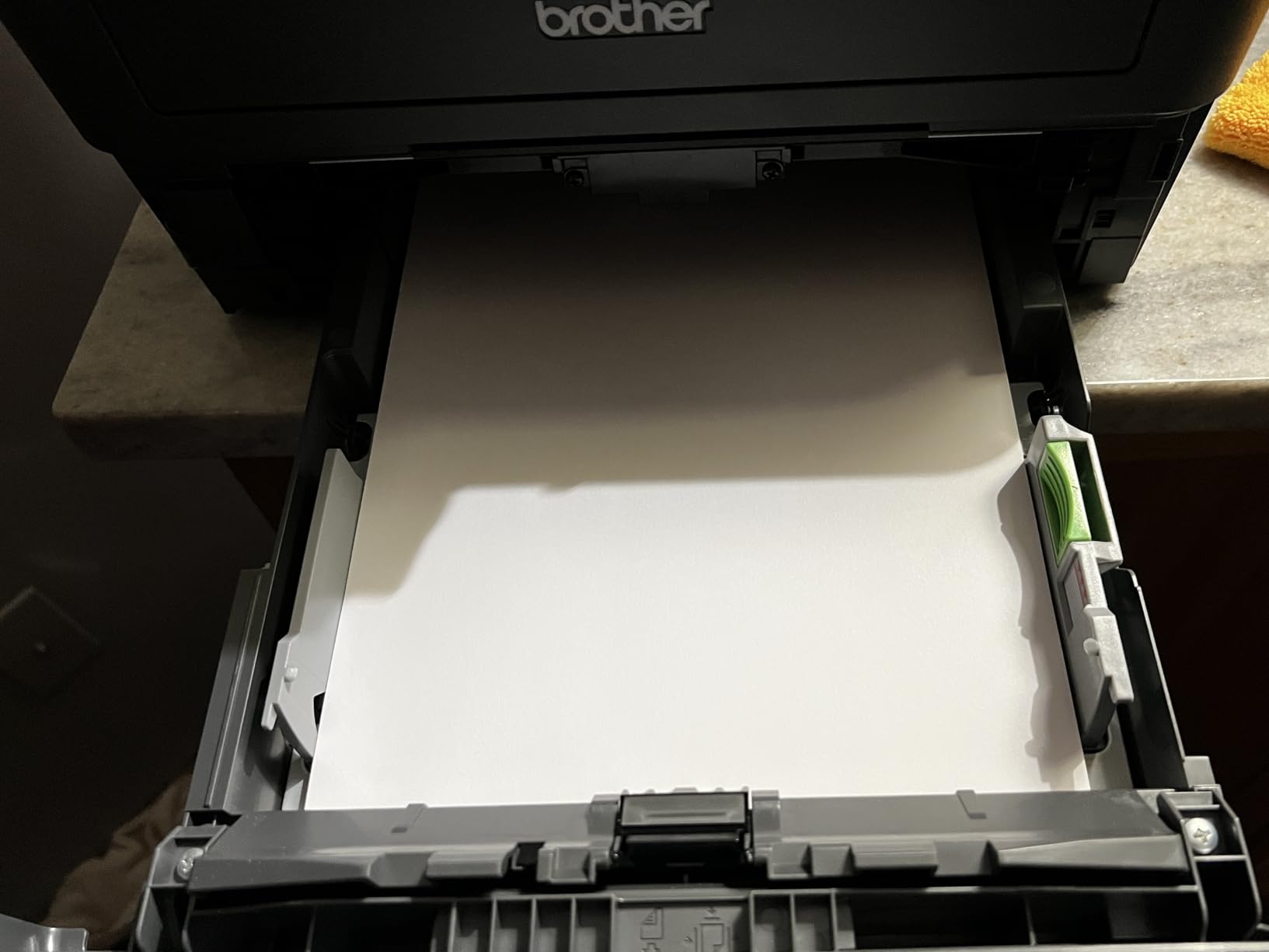
Connectivity is where the friction lives. It has dual-band 2.4GHz and 5GHz Wi-Fi, Ethernet and USB, and the Brother Mobile Connect app handles printing, scanning and toner tracking from a phone. Owners report the first-time network configuration can take several attempts, and the on-printer scan menus are less intuitive than the mobile app. We would set it up from the app rather than the control panel.
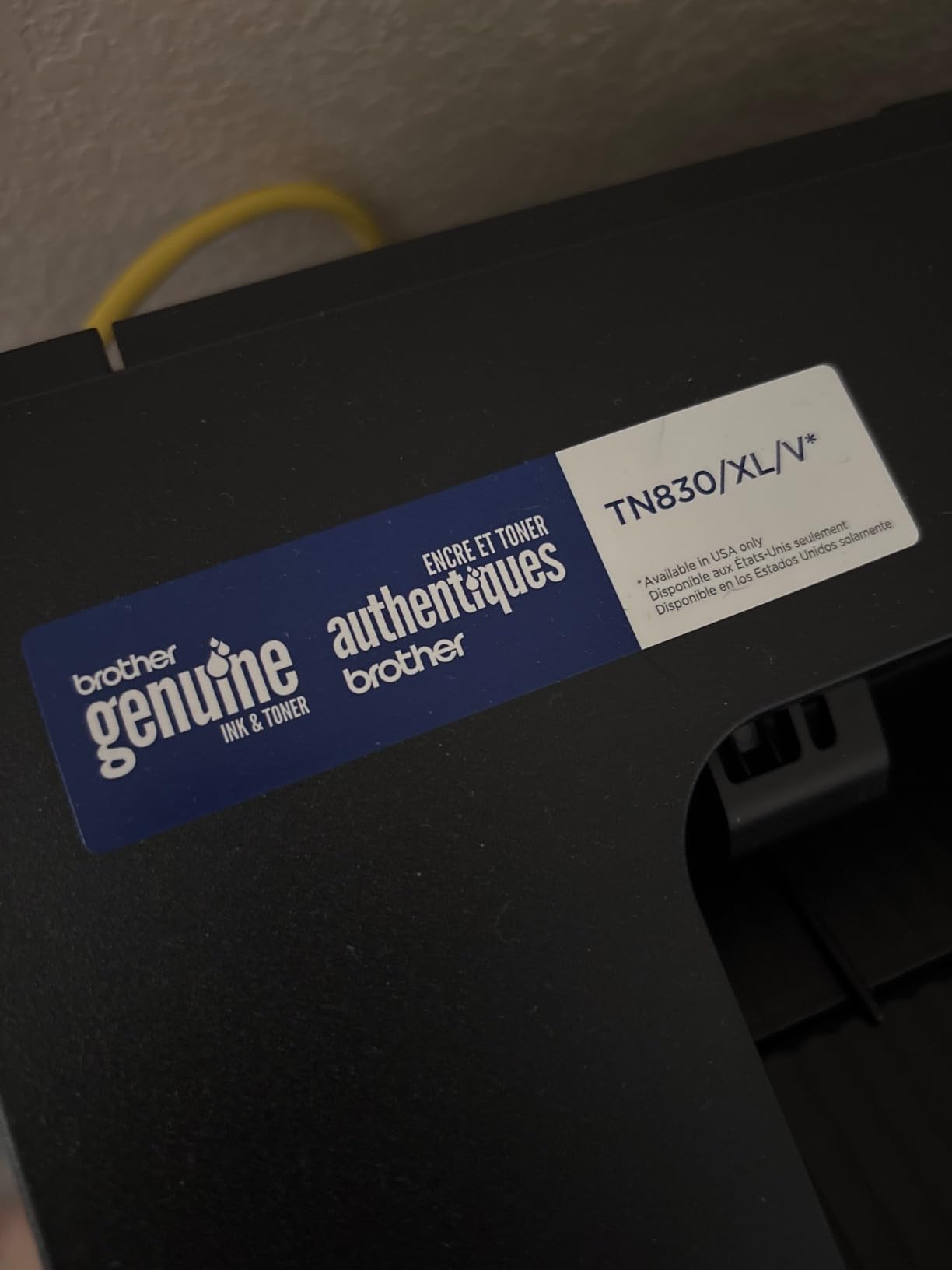
At 25 pounds and 15.7 by 16.1 by 12.5 inches, this is not a small printer, though it is narrower than most multifunction machines. It uses TN830 and TN830XL toner, and the running cost per page sits well below any color inkjet. If your home office scans receipts and signed paperwork regularly, the 50-page feeder will pay for itself in convenience alone.
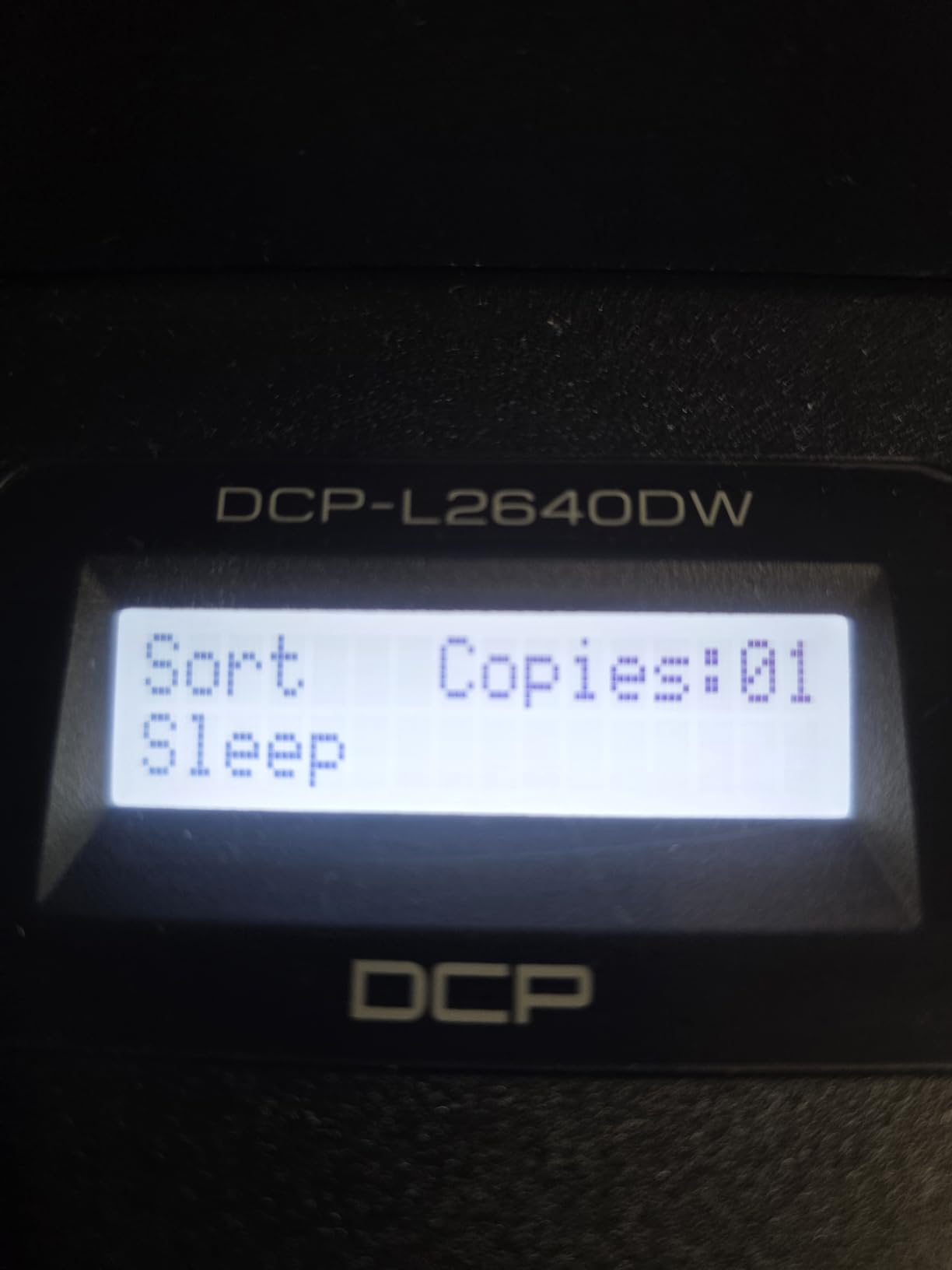
Who the DCP-L2640DW suits
It suits the text-heavy home office: contracts, invoices, shipping labels, homeschool worksheets, work documents. Anyone filing paperwork weekly gets real value from the 50-page feeder and the flatbed both. Dual-band wireless matters here if your router splits 2.4GHz and 5GHz onto separate network names, which is increasingly common in homes.
Who should buy something else
If you print photographs or anything with heavy color, this is the wrong machine — it has no color engine at all. Reviewers also note occasional PC-scan workflow hangs requiring a restart, and a few owners hit firmware or machine-password prompts that needed support to clear. Budget for ten minutes of setup patience.
2. Brother HL-L2460DW — Best Value Monochrome Printer
Brother HL-L2460DW Wireless Compact Monochrome Laser Printer with Duplex, Mobile Printing, Black & White Output | Includes Refresh Subscription Trial(1), Works with Alexa
36 ppm mono laser
Automatic duplex
250-sheet tray
14.2 by 14 by 7.2 inches
Pros
- Automatic duplex at 36 ppm
- Crisp 1200 by 1200 dpi text
- Compact enough for a desk or shelf
- Dual-band Wi-Fi plus Ethernet and USB
- 250-sheet tray with manual feed slot
Cons
- No scanning or copying
- On-device Wi-Fi menu is tedious
- Refresh EZ Print trial can add surprise charges
Strip the scanner out of the DCP-L2640DW and you get this: the same 36 ppm engine, the same automatic duplex, the same 250-sheet tray, at 15.6 pounds and 7.2 inches tall. For a home office that prints but never scans, that is a genuinely better machine because it is smaller, lighter and cheaper to buy.
The output quality is sharp at up to 1200 by 1200 dpi, first page in about 8.5 seconds, and it has a manual feed slot for envelopes and specialty media. Owners who moved from inkjets point to the crispness of the text and the low toner cost as the reason they never went back.
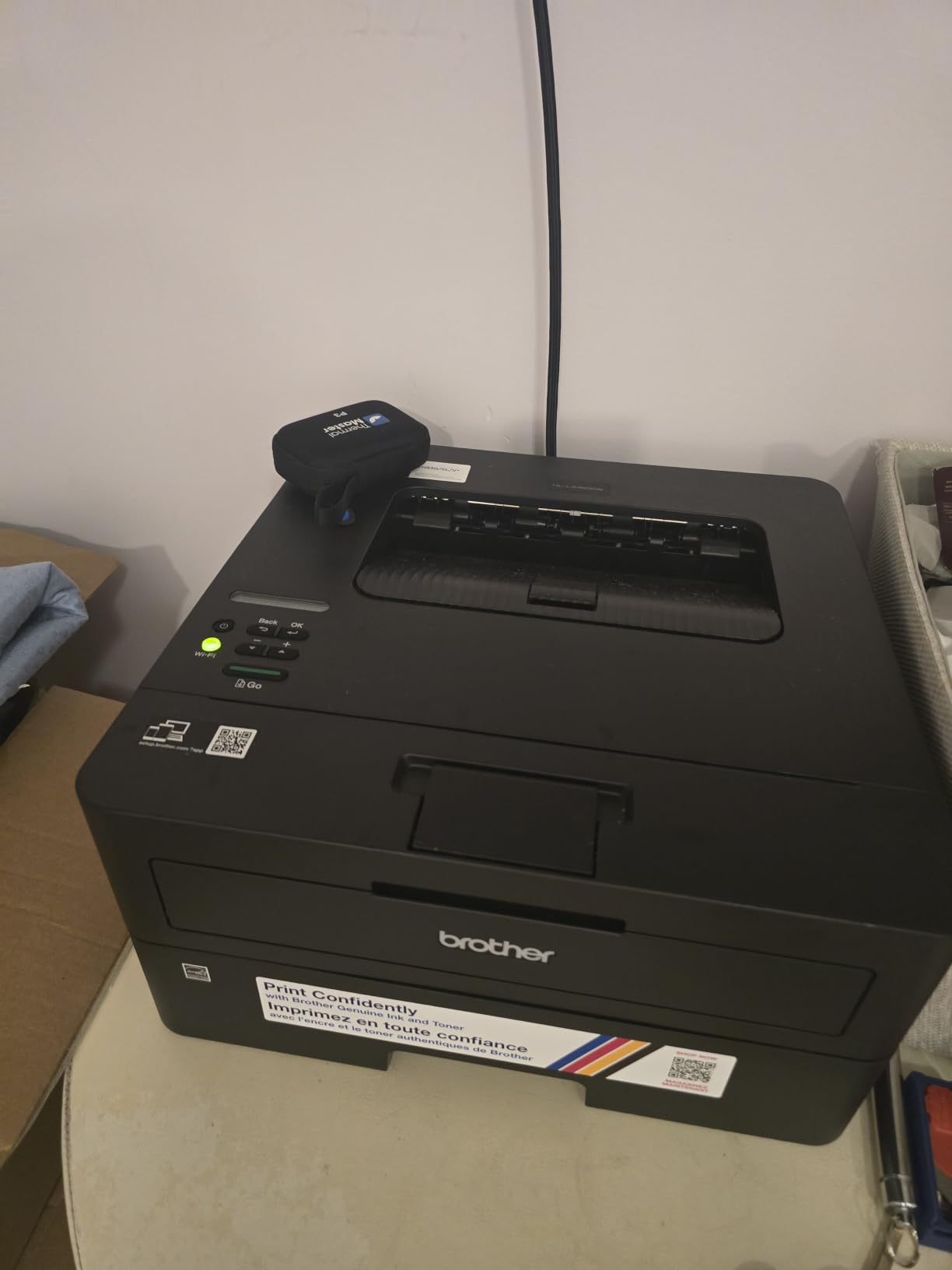
Two cautions. The Wi-Fi setup on the physical control panel is tedious because the machine has very few buttons, so use the Brother Mobile Connect app instead. And the bundled Refresh EZ Print subscription trial has generated frustration where owners felt it was treated as a paid service — check the terms before you let a trial start.
Printers like this are why Brother keeps appearing at the top of independent recommendation threads. The running cost is genuinely low, the toner is widely available, and at 14.2 by 14 by 7.2 inches it fits on a shelf beside a monitor rather than taking over a corner. A handful of owners report units failing after about a year.
When this is the right pick
Choose the HL-L2460DW when printing is the whole job. Contracts, shipping labels, boarding passes, school worksheets, handwritten drafts retyped into text. It handles paper up to 8.5 by 14 inches, so legal size is not a problem. Anyone on Windows 11 or Linux will find it works without hunting for drivers.
Where it falls short
There is no scanner, so if a fax or a signed document needs digitising you need a separate flatbed or a different pick. The single-line-style physical controls are minimal, and the Wi-Fi menu on-device is the most commonly criticised part of an otherwise well-liked machine.
3. HP LaserJet MFP M140w — Best Budget Print, Scan and Copy
HP Laserjet MFP M140w Wireless Black & White Printer, Print, scan, Copy, Fast speeds, Easy Setup, Mobile Printing, Best-for-Small Teams
21 ppm mono laser
Print scan and copy
Wireless plus USB
10.4 by 14.2 by 7.8 inches
Pros
- Smallest laser multifunction in this roundup
- Under 12 pounds and easy to move
- Flatbed scanner with ID card copy
- Works with AirPrint Android Chromebook Mac and Windows
- HP Smart app for scan-to-cloud
Cons
- No automatic duplex at all
- 99-sheet tray means constant refills
- No document feeder
This is the smallest complete laser print-scan-copy unit in the roundup, and at 11.9 pounds with a 99-sheet tray it is the machine to buy when desk space is the binding constraint. It does all three functions cleanly at up to 21 ppm, with wireless printing and a self-reset connection that reconnects on its own.
The ID card copy feature places both sides of a small document onto one sheet, which is quietly useful for expense claims and licence records. It works with AirPrint, Android, Chromebook, Mac and Windows, and the HP Smart app handles scan-to-cloud and mobile printing.
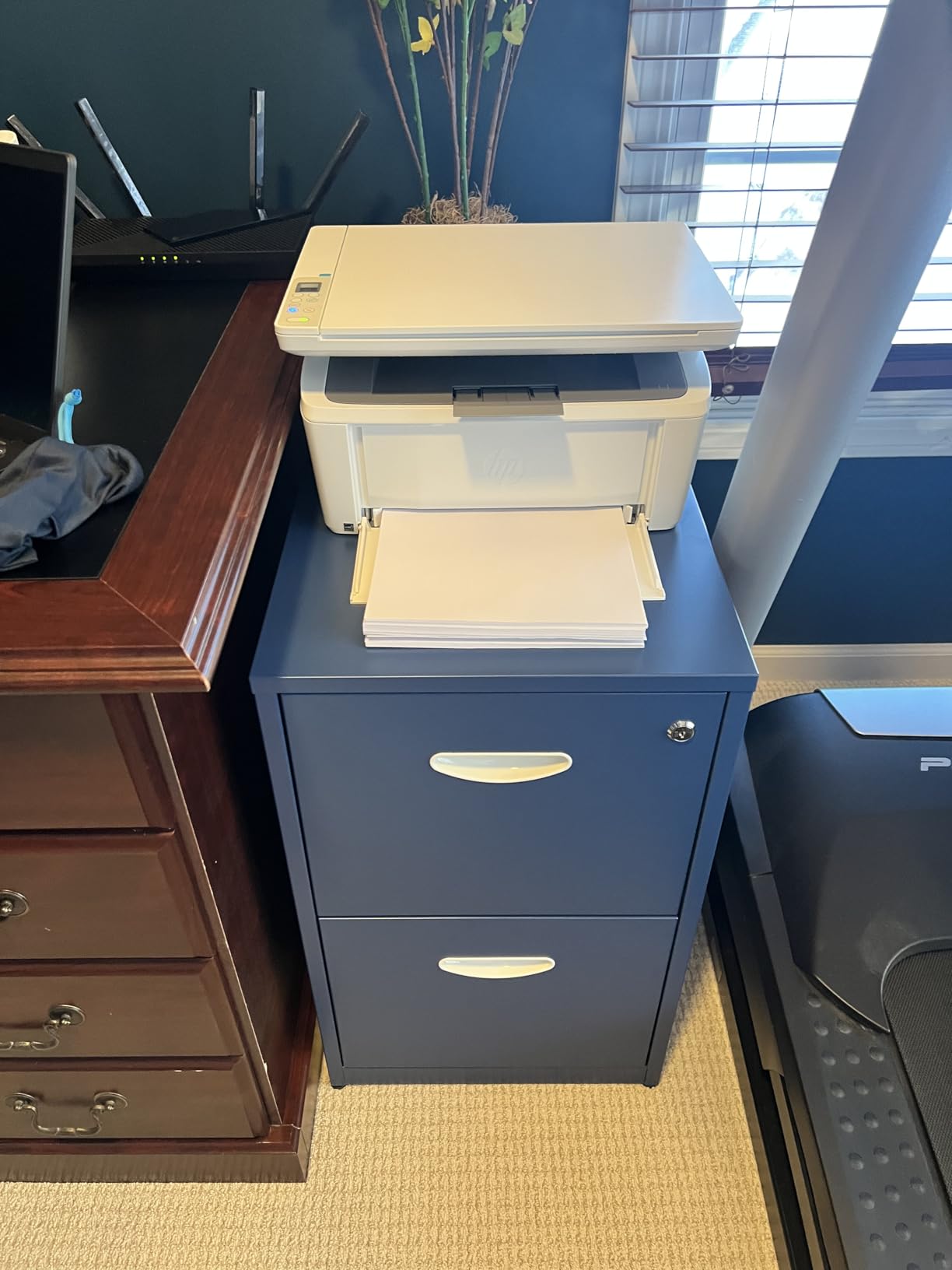
Be clear-eyed about the trade-offs, because they are real. There is no automatic duplex at all — every double-sided document means turning the stack over by hand. The 99-sheet tray is small enough that a two-person office will refill it weekly. There is no automatic document feeder, so scanning a 20-page contract means 20 flatbed passes.
Maximum resolution is 600 by 600 dpi, which is fine for forms and text but not for fine detail. It also only works with cartridges carrying original HP chips or circuitry, which is the main ongoing cost risk on this machine.
When it makes sense
Buy the M140w if you work from a kitchen table, a shared study or a small home office where square inches matter. Occasional invoicing, occasional scanning, occasional colour-free printing. Reviewers treat the trade-offs as widely accepted rather than disappointing, because nothing else at this size does all three functions.
When to step up instead
Move up if you print more than a ream a month, if two-sided documents are routine, or if you scan multi-page paperwork regularly. The Brother DCP-L2640DW fixes all three of those limits for more money up front and less per page afterwards.
4. HP LaserJet Pro MFP 3101sdw — Best Rated and Fastest Monochrome
HP LaserJet Pro MFP 3101sdw Wireless Black and White All-in-One Laser Printer, Office Printer, Duplex, Best-for-Small Teams (9D2X4F)
Up to 40 ppm monochrome
Automatic duplex
50-sheet ADF
250-sheet tray
Pros
- Highest average rating of any pick here
- First page in about 7 seconds
- Self-healing Wi-Fi reconnects after outages
- Quiet operation and crisp output at 1200 dpi
- USB direct printing without a network
Cons
- HP cartridge chips block aftermarket toner
- Flimsy build and a flexible paper tray
- ADF jams above about 25 sheets
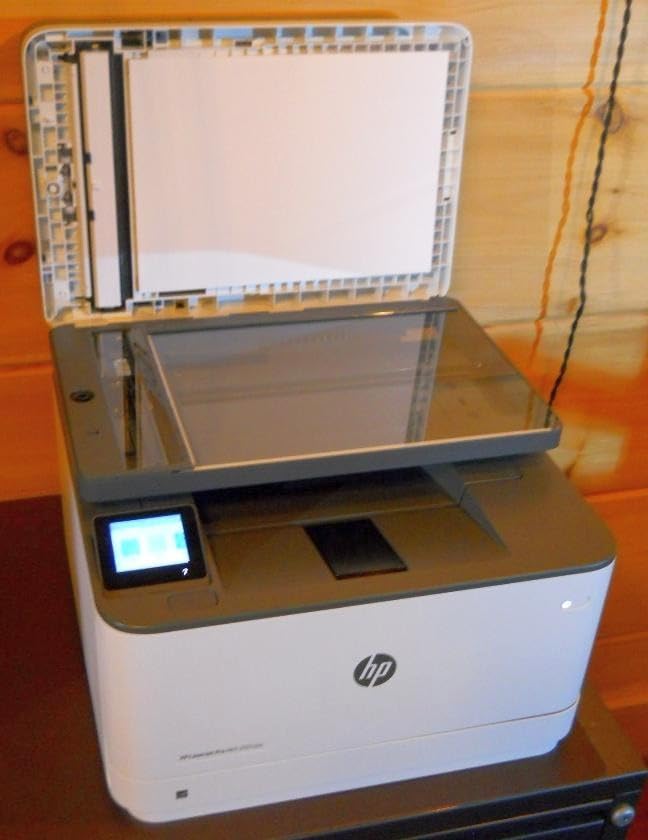
This is the highest rated machine in the roundup, at 4.5 across nearly 600 reviews, and the speed leader among the monochrome units here. It prints up to 35 ppm with a 40 ppm specification, first page in about seven seconds, at up to 1200 by 1200 dpi. It has automatic duplex, a 50-sheet automatic document feeder, a 250-sheet tray and a 250-sheet output tray.
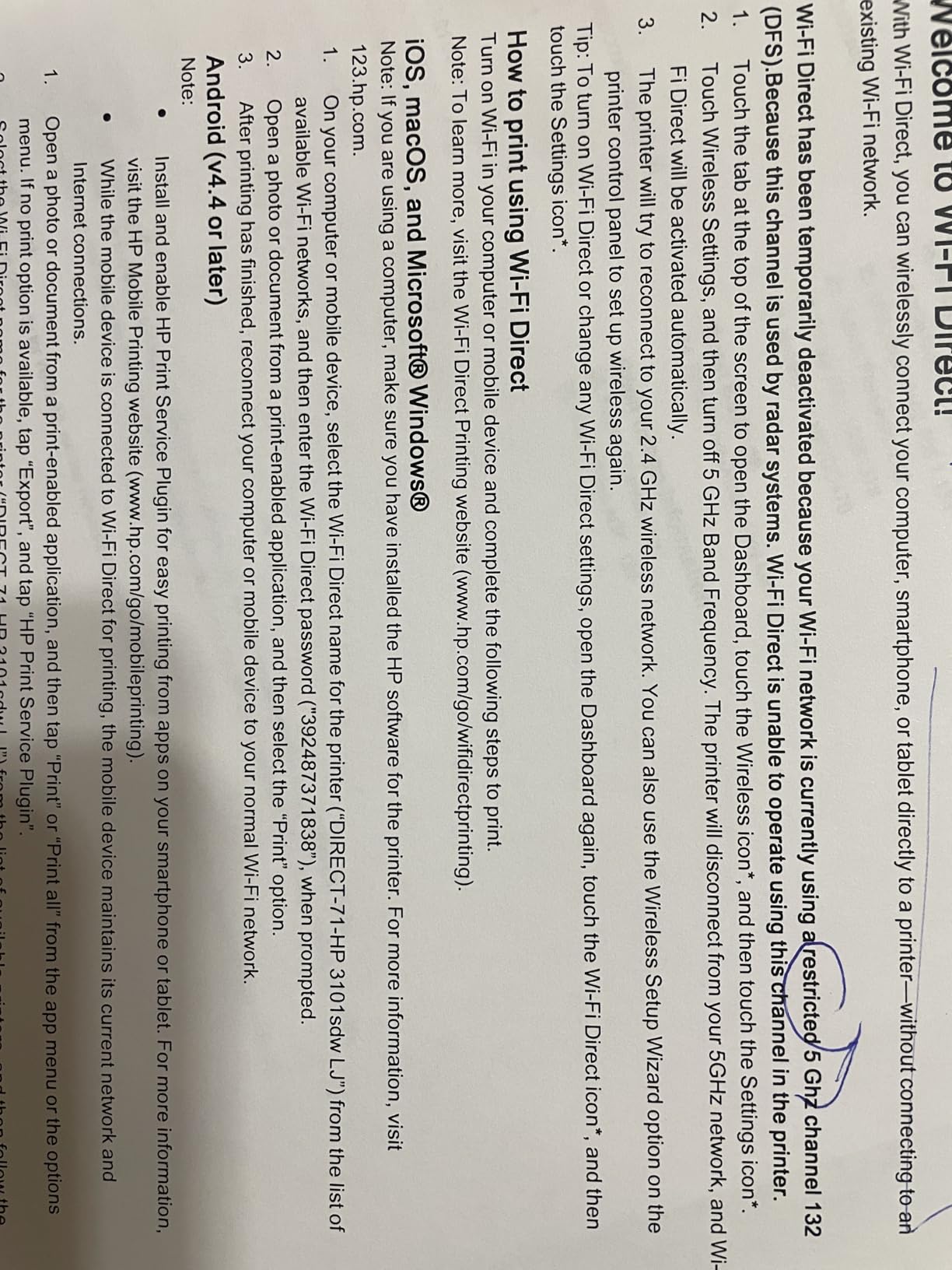
The self-healing Wi-Fi is the standout feature nobody else in this list has. It reconnects on its own after a router change or an outage, which in a home where the printer is shared with a partner and a laptop is worth more than it sounds. Scan to email and AirPrint/Mopria support are both there, and Ethernet gives a rock-solid alternative if wireless is unreliable.
The significant catch is toner policy. This unit works only with cartridges carrying HP chips or circuitry, and owners specifically report that firmware and cartridge chips can block non-HP aftermarket toner. That is a genuine running cost decision, not a footnote: you are paying HP’s price per page for the lifetime of the machine.
Build quality is the other weak point, with reviewers describing it as flimsy and the paper tray as flexible. Some units reported a false no-paper-in-tray error during setup, Wi-Fi can drop after an internet surge, and the document feeder jams if loaded with more than about 25 sheets at once.
Why owners rate it highest
Owners highlight painless installation, speed for its class, quiet operation and the self-healing wireless. It is genuinely fast without being loud, and it handles everything the Brother DCP-L2640DW does plus direct USB drive printing without a network. For a home office that alternates between laptop and phone, the AirPrint and Mopria support covers both cleanly.
Where the rating hides a problem
The rating reflects satisfaction with the machine, not with the cost to run it. If you are buying on total cost per page rather than ownership experience, the toner restriction is the deciding factor. It is also monochrome only, and a 250-sheet tray is normal rather than generous.
5. Canon imageCLASS LBP646Cdw — Best Color Laser for the Money
Canon Color imageCLASS LBP646Cdw Wireless Laser Printer, Duplex, 26 PPM, Print Only, White
26 ppm color laser
Automatic duplex
250-sheet cassette
16.5 by 16.8 by 10.5 inches
Pros
- True color laser with automatic duplex
- 26 ppm in both color and mono
- Three-year manufacturer warranty
- ENERGY STAR and EPEAT Silver certified
- Canon PRINT app plus AirPrint support
Cons
- Print only with no scanner or copier
- Heavy at about 39 pounds
- Notoriously loud while printing
If a home office genuinely needs color, this is the machine to buy. It is a true color laser engine rather than a monochrome unit pretending, it runs at 26 ppm in both color and black and white, and it has automatic two-sided printing. Owners rate the combination of color output, duplex and warranty highly for what it costs.
It comes with a 5-line LCD, a 250-sheet standard cassette plus a 1-sheet multipurpose tray, and a 3-year manufacturer warranty — longer than most units in this roundup. It is ENERGY STAR certified and EPEAT Silver, and it supports Canon PRINT, Apple AirPrint and Mopria, so phones and Chromebooks will find it without fuss.
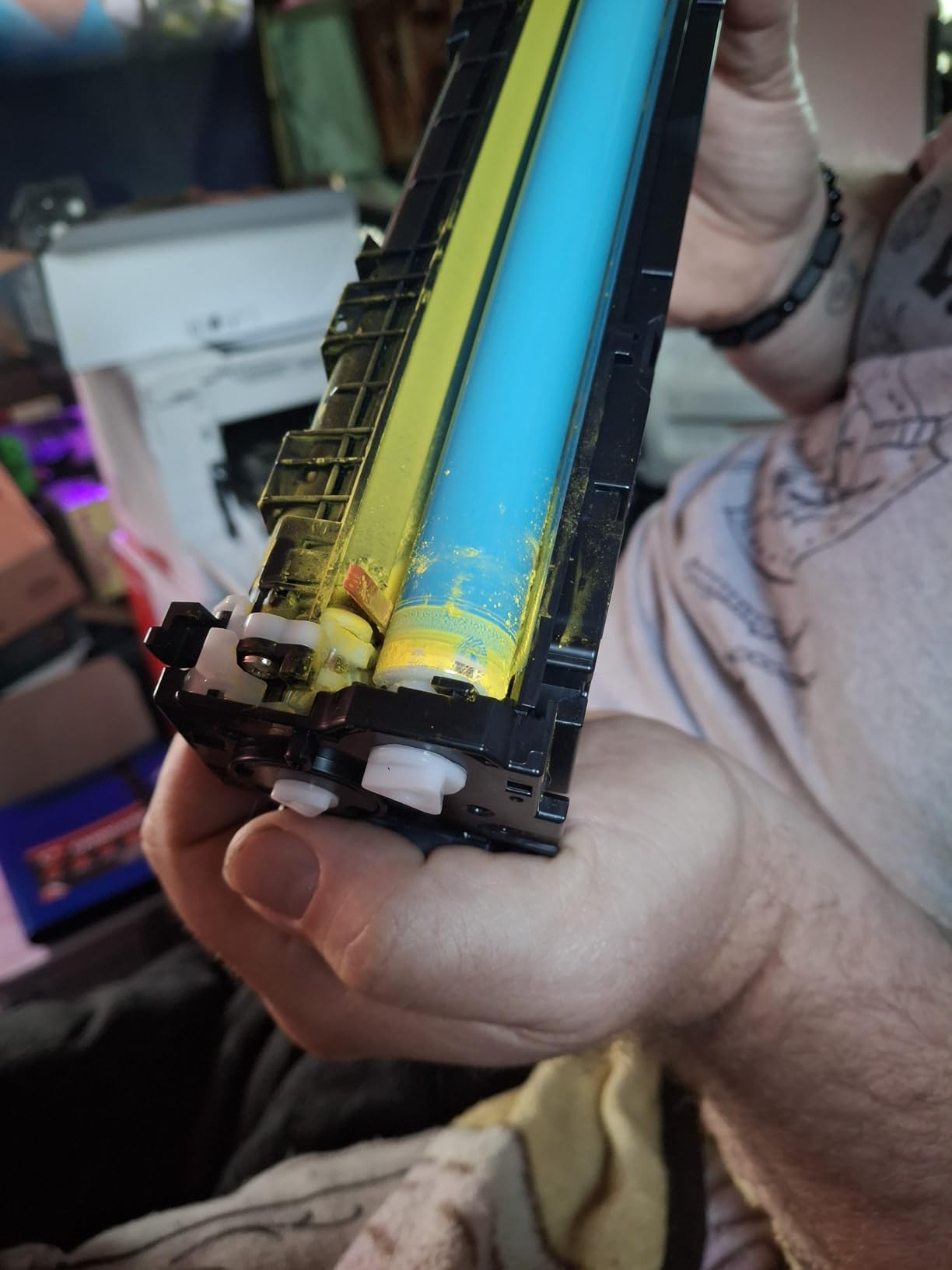
There are real compromises. It is print only — no scanning, no copying — so if you need to digitise anything, this is not the machine. At 39.4 pounds and 16.5 by 16.8 by 10.5 inches it is heavy and awkward for a small desk, and reviewers repeatedly describe it as loud in operation.
Canon Genuine Toner 075 and the higher capacity 075H are the supplies, and Canon color toner is expensive, though compatible cartridges are available. A few buyers report USB connection problems after Windows updates, and one owner reported a hardware failure about two weeks after purchase.
Who this color laser fits
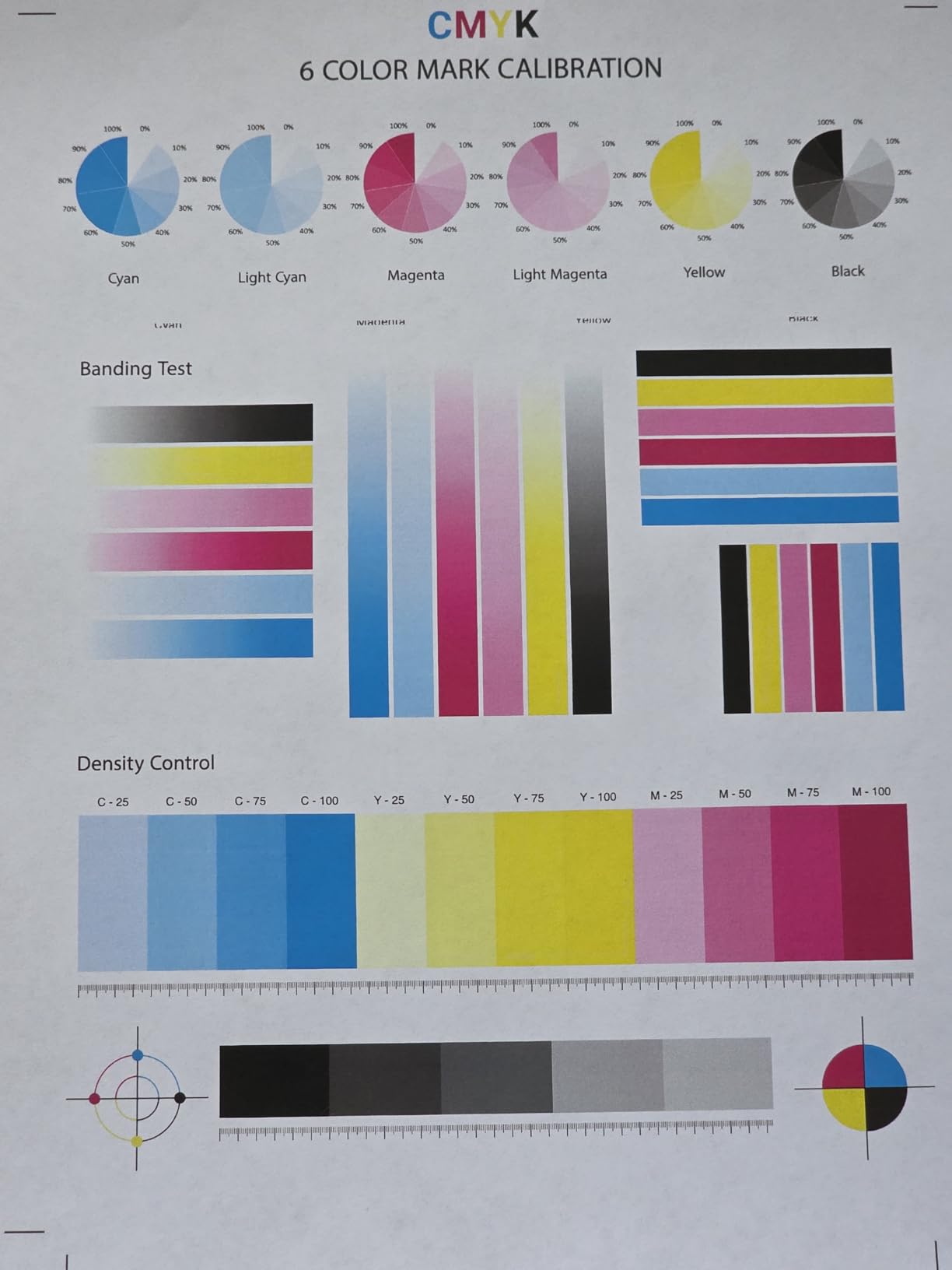
It fits a home office producing color documents rather than photos: marketing one-pagers, packaging inserts, colored forms, charts and diagrams, price lists. The duplex unit and 26 ppm speed handle a busy week, and the 3-year warranty is a genuine advantage over one-year warranties elsewhere in this list.
Where it is the wrong choice
Skip it if you scan or copy anything, since there is no scanner. Skip it if your desk is small, because 39 pounds does not move easily. And if you print a lot of color, the running cost will be noticeably higher than a monochrome machine, at which point a separate cheap inkjet for photos is the more sensible split.
6. Canon imageCLASS MF652Cw — Best for Scanning and Copying in Color
Canon Color imageCLASS MF652Cw – Wireless Laser Printer, Multifunction with Scanner, Copier, Mobile Ready, 3 Year Limited Warranty, 22 PPM Color, White
22 ppm color laser
Print scan and copy
LCD touchscreen
Three year warranty
Pros
- Color print scan and copy in one unit
- Sharp vibrant color and excellent text
- Reliable scanner and copier
- Touchscreen makes function switching easy
- Three-year limited warranty
Cons
- No automatic duplex at all
- AirPrint stops working in sleep mode
- Not compatible with some mesh systems like Netgear Orbi
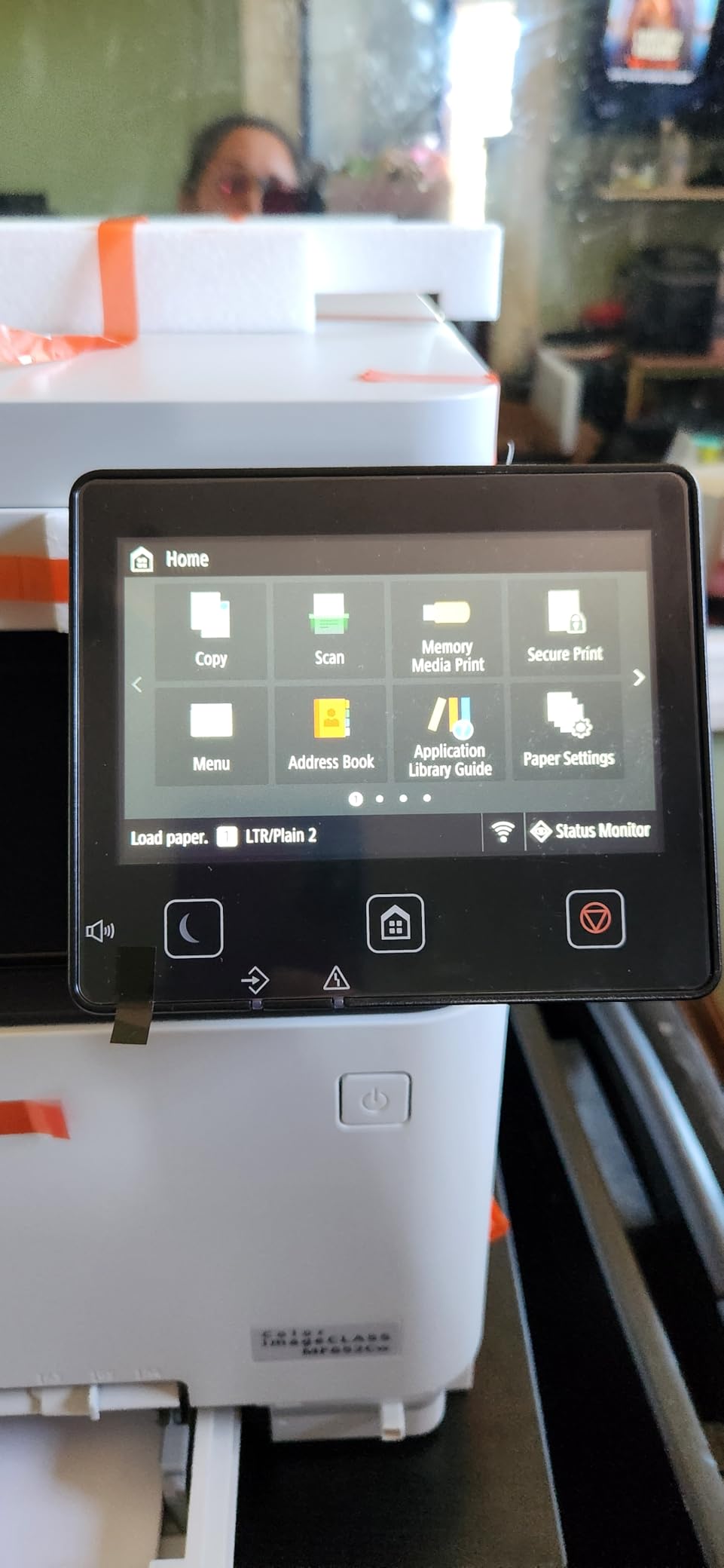
This is the color machine for a home office that scans as much as it prints. It is a wireless color laser 3-in-1 running at 22 ppm in both color and monochrome, with an LCD touchscreen that makes switching between print, scan and copy straightforward. Reviewers rate the scanner and copier reliability as the standout feature.
Color output is sharp and vibrant at 1200 by 1200 dpi, and black text is equally good. It uses Canon Genuine Toner 067 in CMYK with a high-capacity option, has a 250-sheet standard cassette plus multipurpose tray, and includes Poster Artist Online for banners and signage. The 3-year warranty is among the longest here.
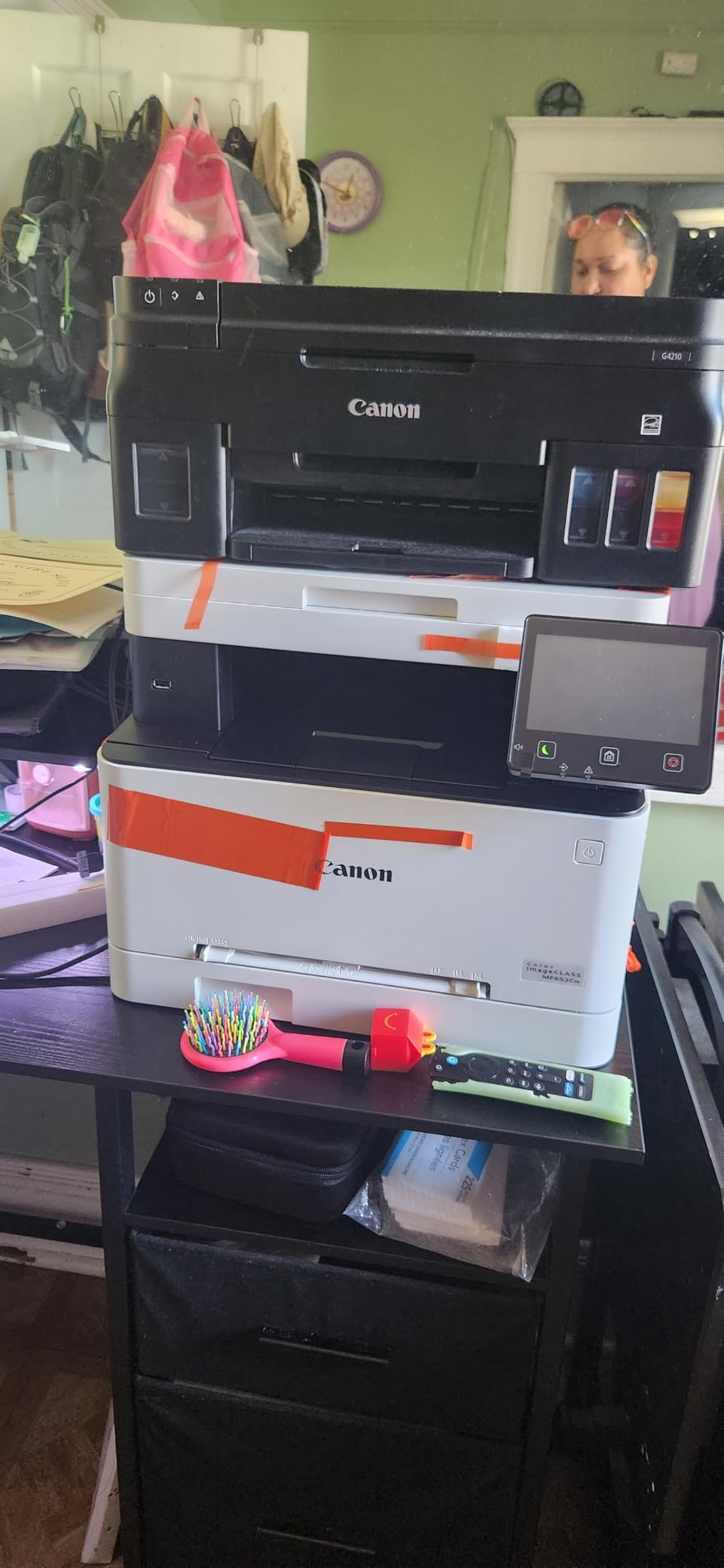
The duplex situation is the problem, and it is a strange one: this is a color laser with no automatic duplex at all. Double-sided printing means flipping pages by hand. For a home office that regularly prints multi-page reports, that is a significant daily friction and the main reason this machine is not our color recommendation.
There are network quirks worth knowing. AirPrint stops working while the machine is in sleep mode, and some owners report incompatibility with mesh systems such as Netgear Orbi. No USB cable is included for wired use, the admin console is web-only, and print quality drops noticeably with off-brand toner. At 39.7 pounds it is also not a compact machine.
Where this machine earns its place
Choose it when scanning and copying are daily tasks and color output is occasional but wanted. The touchscreen makes a non-technical user comfortable with a machine they own for five years. First page lands in about 10.3 seconds, and Wi-Fi setup was straightforward for most owners.
Where it frustrates
Manual duplex on a color machine is the deal-breaker for most. Mesh-router incompatibility and AirPrint sleep-mode behaviour will cost you an afternoon if your home runs on Orbi or a similar mesh system. Maximum copies per run is only 10, so it is a copier for occasional duplication, not a duplicating machine.
7. Brother HL-L2405W — Simplest Setup for a Small Home Office
Brother HL-L2405W Wireless Compact Monochrome Laser Printer with Mobile Printing, Black & White Output | Includes Refresh Subscription Trial(1), Works with Alexa
30 ppm mono laser
Manual duplex
250-sheet tray
15.1 pounds
Pros
- Clean install with no bloatware or terms to accept
- Sharp monochrome output at 30 ppm
- 250-sheet tray is generous at this tier
- Low toner cost per page
- Prints from PC and Android phone
Cons
- Manual duplex only
- QR-code-first setup can waste time
- Deep sleep breaks reconnection on some mesh networks
The install is the story here. Owners switching from inkjets specifically note that this printer sets up cleanly with no bloatware, no forced app installs and no terms to accept — which in a roundup dominated by HP and Canon software is genuinely unusual. It prints sharp monochrome pages at up to 30 ppm from a 250-sheet tray, with a manual feed slot for envelopes and labels.
At 15.1 pounds and 14.2 by 14 by 7.2 inches it shares the HL-L2460DW footprint. It uses the same TN830 and TN830XL toner, so running cost per page is at the inexpensive end of this list. It connects over USB and Wi-Fi, and the Brother Mobile Connect app handles mobile printing and toner ordering.
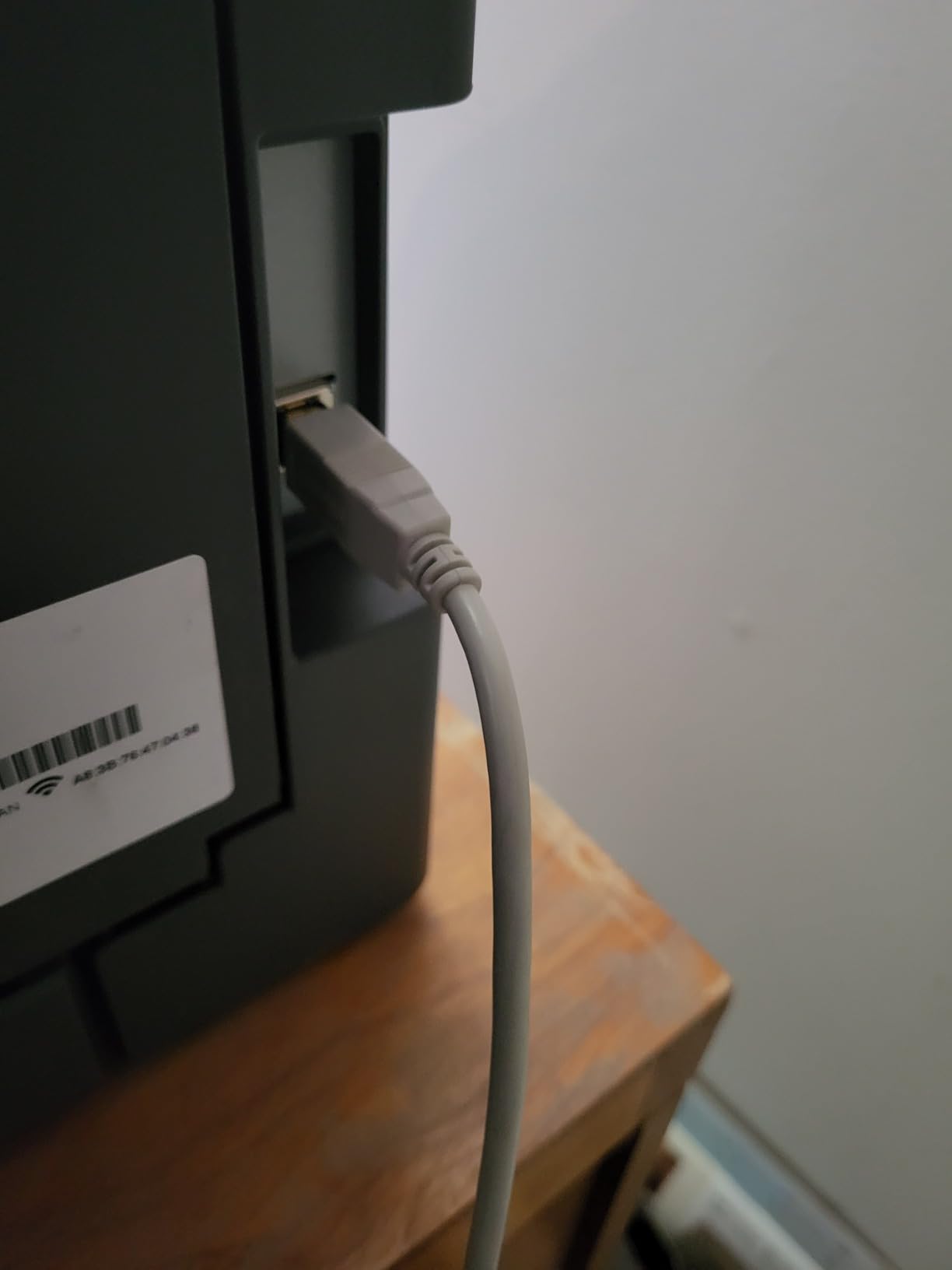
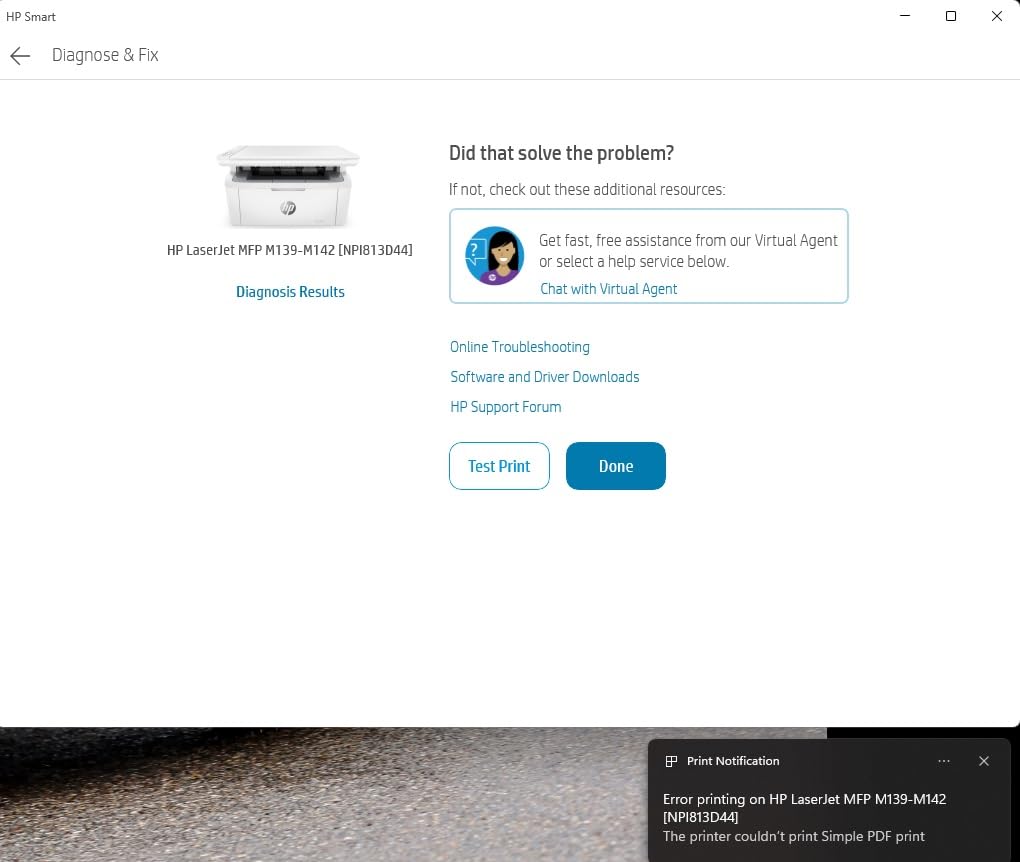
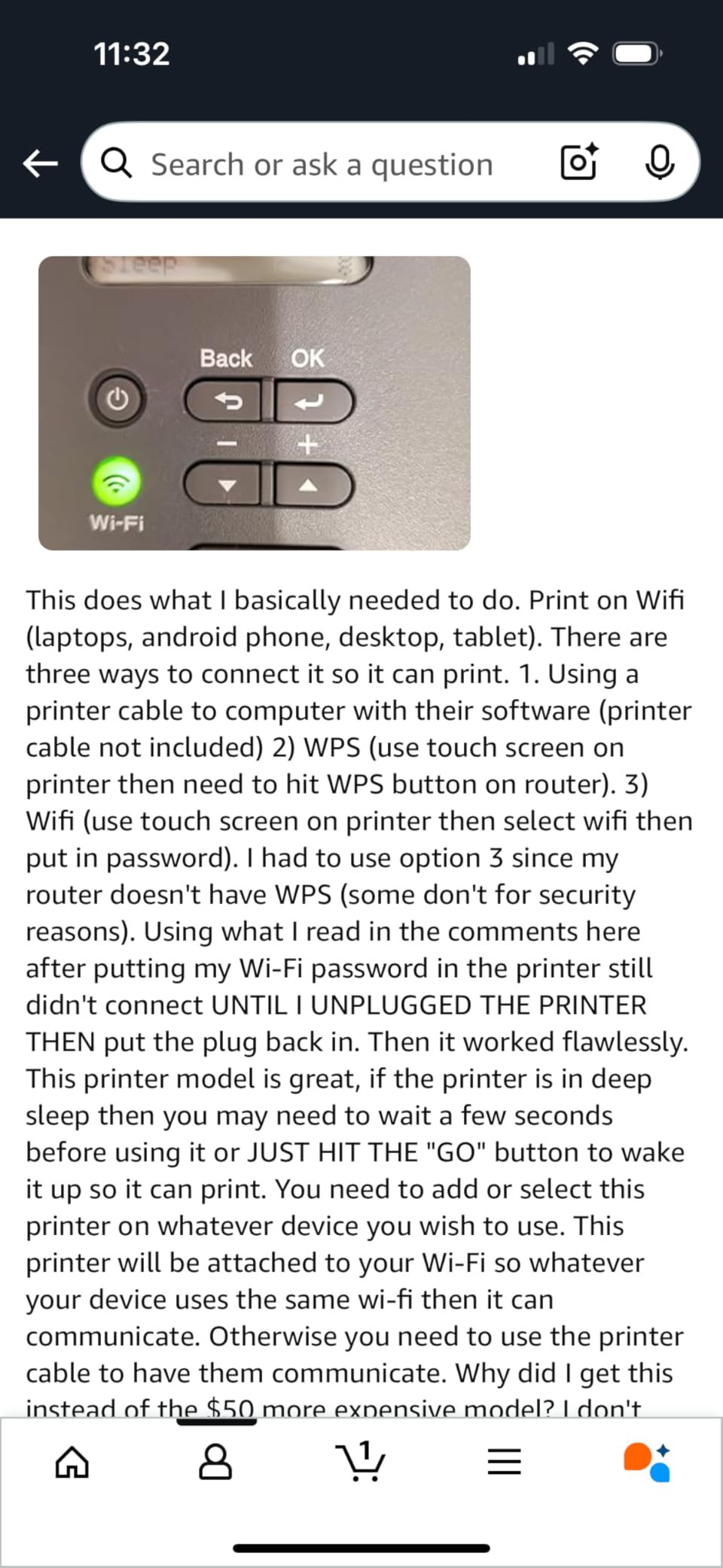
Manual duplex is the headline limitation, and the QR-code-first setup flow can genuinely waste time if you only ever print from a laptop. On some mesh networks, deep sleep mode breaks the reconnection, so the printer may go quiet after an idle period. Reviewers also note it stops printing entirely when the toner runs out rather than letting you finish a job.
There are smaller niggles: toner save mode cannot be set as a permanent default, and registration and dashboard setup can take many hours to activate. The 14.2-inch width is also larger than genuinely compact printers despite the marketing.
Who appreciates it most
Anyone who does not want to fight setup will love this. It prints from PC and Android phones reliably, the tray is large for the tier, and there is no software ecosystem to install or update. If your printing is intermittent and you mostly produce text documents, it does that job well and cheaply.
Who should choose the HL-L2460DW instead
If you print anything double-sided regularly, spend the extra and get automatic duplex from the HL-L2460DW — same engine, same toner, same size. Manual duplex on a printer used every day is the frustration that shows up most often in owner reviews across this whole category.
8. HP LaserJet Pro MFP 3101fdw — Best All-in-One with Fax
HP LaserJet Pro MFP 3101fdw Wireless Black & White All-in-One Laser Printer, Scanner, Copier, Fax, Best-for-Office (3G628F)
35 ppm monochrome
Print scan copy fax
Automatic duplex
Flatbed scanner
Pros
- Four functions in one including fax
- 35 ppm with automatic two-sided output
- Quick intuitive setup for non-technical buyers
- Ethernet with a static IP prints reliably
- HP Wolf Pro Security included
Cons
- Some units reported fuzzy or faded output
- Network scanning unreliable for some users
- ADF does not scan both sides
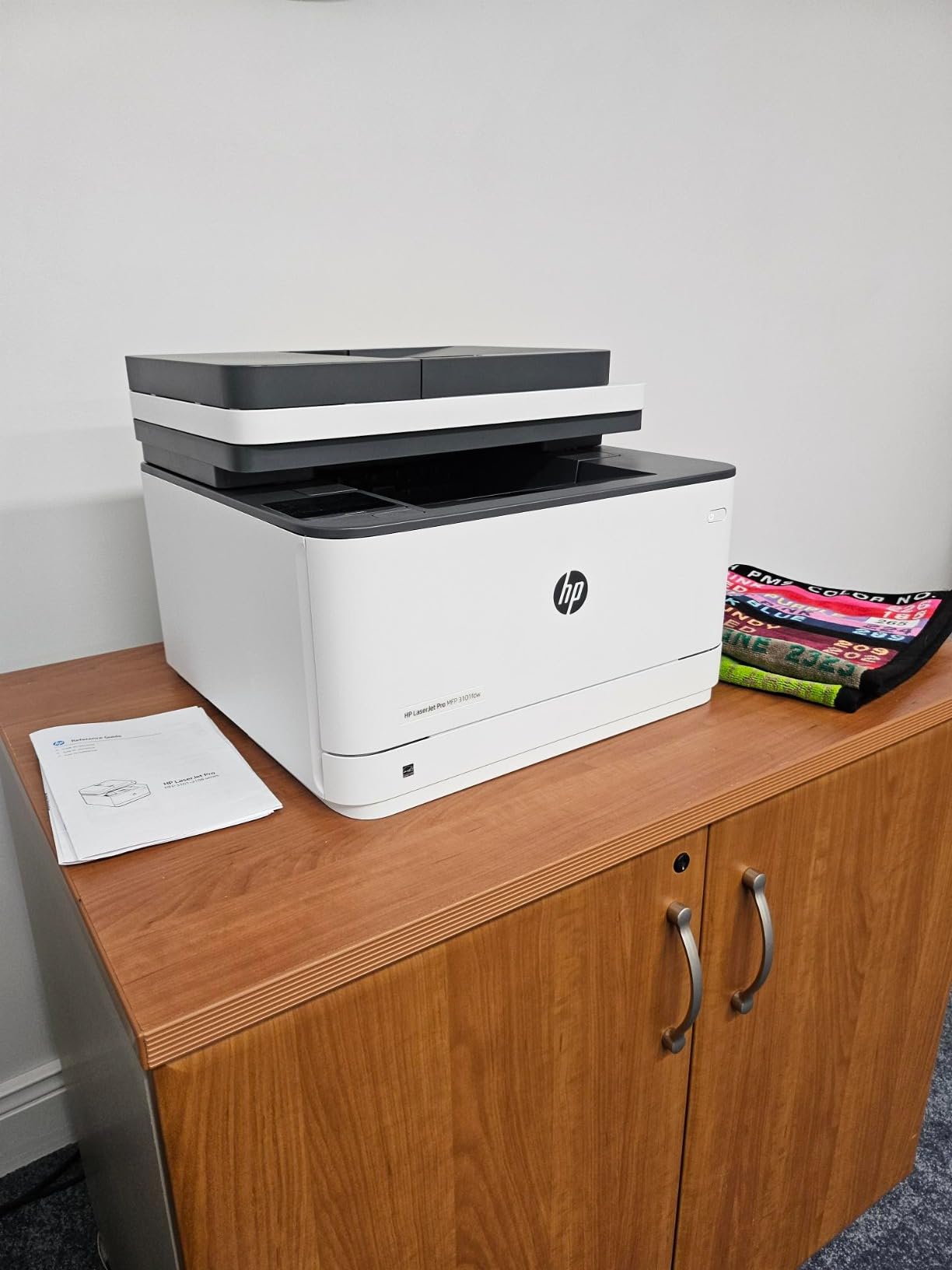
Most home offices do not need a fax machine, and that is exactly why this one stands out: it is the only pick here with a genuine four-function package, print, scan, copy and fax, in a single body. It runs at up to 35 ppm monochrome, has automatic duplex and an automatic document feeder, and supports up to 5000 copies per run.
Owners report setup being quick and intuitive even for non-technical buyers, often installing it in minutes. Connectivity is thorough — intelligent Wi-Fi plus Ethernet, USB and Bluetooth — and an Ethernet hookup with a static IP prints reliably from Linux, Windows and Android. It includes HP Wolf Pro Security with customizable settings.
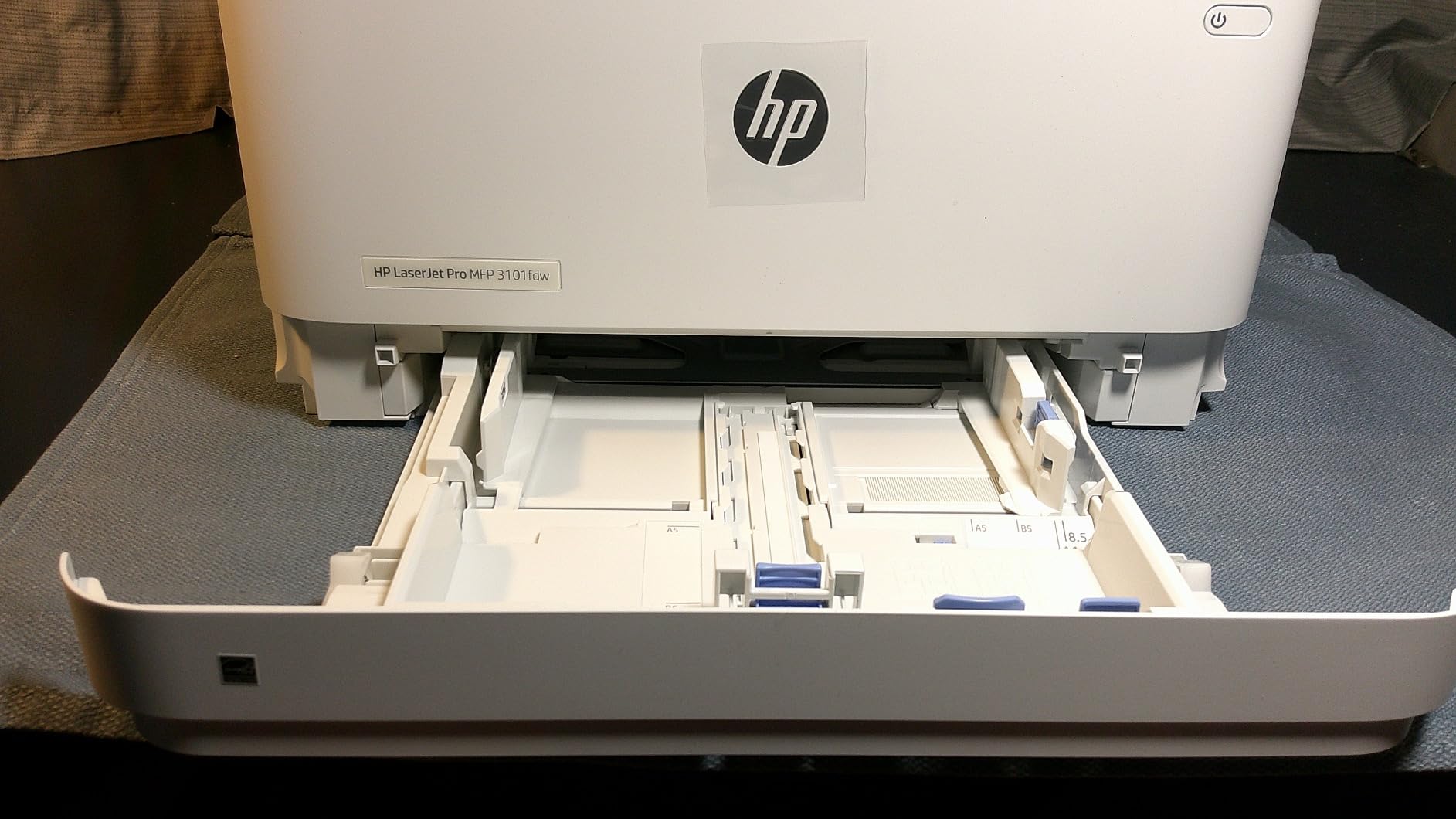
It sits at the upper end of the monochrome pricing here, and the premium buys the fax and the 4-in-1 chassis. Against that: some owners report fuzzy, uneven or faded print output and a control panel failure within weeks. Wireless scanning over the network is unreliable for some users, and the document feeder does not scan both sides of a sheet.
It works only with cartridges using original HP chips or circuitry, there is no direct USB drive printing on this model, and the setup documentation is thin. Some buyers report replacement cartridges were not included as advertised.
When the 4-in-1 is justified
It makes sense for a home office that still handles fax — a medical practice admin, a legal practice, a small trades business quoting by fax, or anyone running a home-based business with a dedicated landline. The flatbed plus feeder combination covers documents of any size, and the 250-sheet tray suits regular volume.
When to save the money
If nobody in your office will ever send a fax, the DCP-L2640DW or the HL-L2460DW give you duplex, speed and cheaper toner without the premium. Bluetooth is rarely used with printers, and paying for a function you will not use is the most common regret we see in owner reviews of 4-in-1 machines.
9. Kyocera ECOSYS P2235dw — Best for High Print Volume
KYOCERA ECOSYS P2235dw Monochrome Laser Printer, 37ppm, Up To Fine 1200 dpi, Gigabit Ethernet, Wireless & Wi-Fi Direct, Mobile Print, Auto-Duplex, LED Control Panel, 256 mb, 250 sheet tray
37 ppm monochrome
Automatic duplex
Up to 850 sheets capacity
Gigabit Ethernet
Pros
- Very high print speed for a home office
- Fine 1200 dpi text quality
- Automatic duplex included
- 850-sheet capacity reduces refills greatly
- Gigabit Ethernet plus Wi-Fi Direct and Fleet Services
Cons
- Print only with no scanner or copier
- Minimal LED panel compared with HP and Canon
- Heavier and bulkier than compact Brother units
If your home office is really a small business with a heavy print load, the capacity here changes the arithmetic. This Kyocera holds up to 850 sheets, prints at 37 ppm, has automatic duplex and produces fine 1200 dpi text. Refills become a monthly event rather than a weekly one, which is the whole point for a high-volume user.
Networking is built for reliability: Gigabit Ethernet alongside wireless and Wi-Fi Direct. It is KYOCERA Mobile Print, Google Cloud Print and Mopria compatible, and it is KYOCERA Fleet Services ready for cloud-based device monitoring and uptime tracking. It uses TK-1152 Black containers.
We should flag one thing about the listing data: the published dimensions for this model are not plausible for a machine of this class, so measure before you buy if desk space is tight. At 14 kilograms it is substantially heavier than the compact Brother units regardless.
Where it makes sense
It suits a home office printing invoices, packing lists and shipping documents in volume every day, or a homeschool family running off workbooks weekly. A long-established driver base means fewer compatibility surprises, and the LED control panel with 256 mb memory is simple to live with once set up.
Where it does not
It is print only, with no scanner or copier, so you would still need a separate flatbed for digitising. The LED panel is minimal next to HP and Canon touchscreens, and the review volume is thin at around 159 reviews, so there is less long-term owner evidence to draw on than with the Brother and HP units.
10. Canon imageCLASS MF753Cdw II — Best Color All-in-One for Heavy Users
Canon Color imageCLASS MF753Cdw II – All-in-One Color Duplex Laser Printer
35 ppm color laser
Print scan copy fax
Automatic duplex
Duplex document feeder
Pros
- True color 4-in-1 with duplex printing and duplex scanning
- 35 ppm color and mono with a 7 second first page
- Very low per-page color cost with third-party toner
- Large easy-to-navigate touchscreen
- Three-year warranty and ENERGY STAR rated
Cons
- Heavy at 50 pounds so placement matters
- 250-sheet tray is small for the duty cycle
- Canon software can fail on Windows 11
This is the most capable machine in the roundup and the least suited to a small desk. It is a color, wireless, duplex 4-in-1 running print, scan, copy and fax at up to 35 ppm in both color and monochrome, with a first page in about seven seconds. It also has a duplex document feeder, which none of the other scanners here manage.
Color output runs to 1200 by 1200 dpi, and it uses Canon Genuine Toner 069 in CMYK with a high-yield black starter cartridge. Reviewers highlight very low per-page color cost when using compatible toner, a large touchscreen that is easy to navigate, fast quiet scanning, and a document feeder that has not jammed. The 3-year warranty and ENERGY STAR rating round it out.
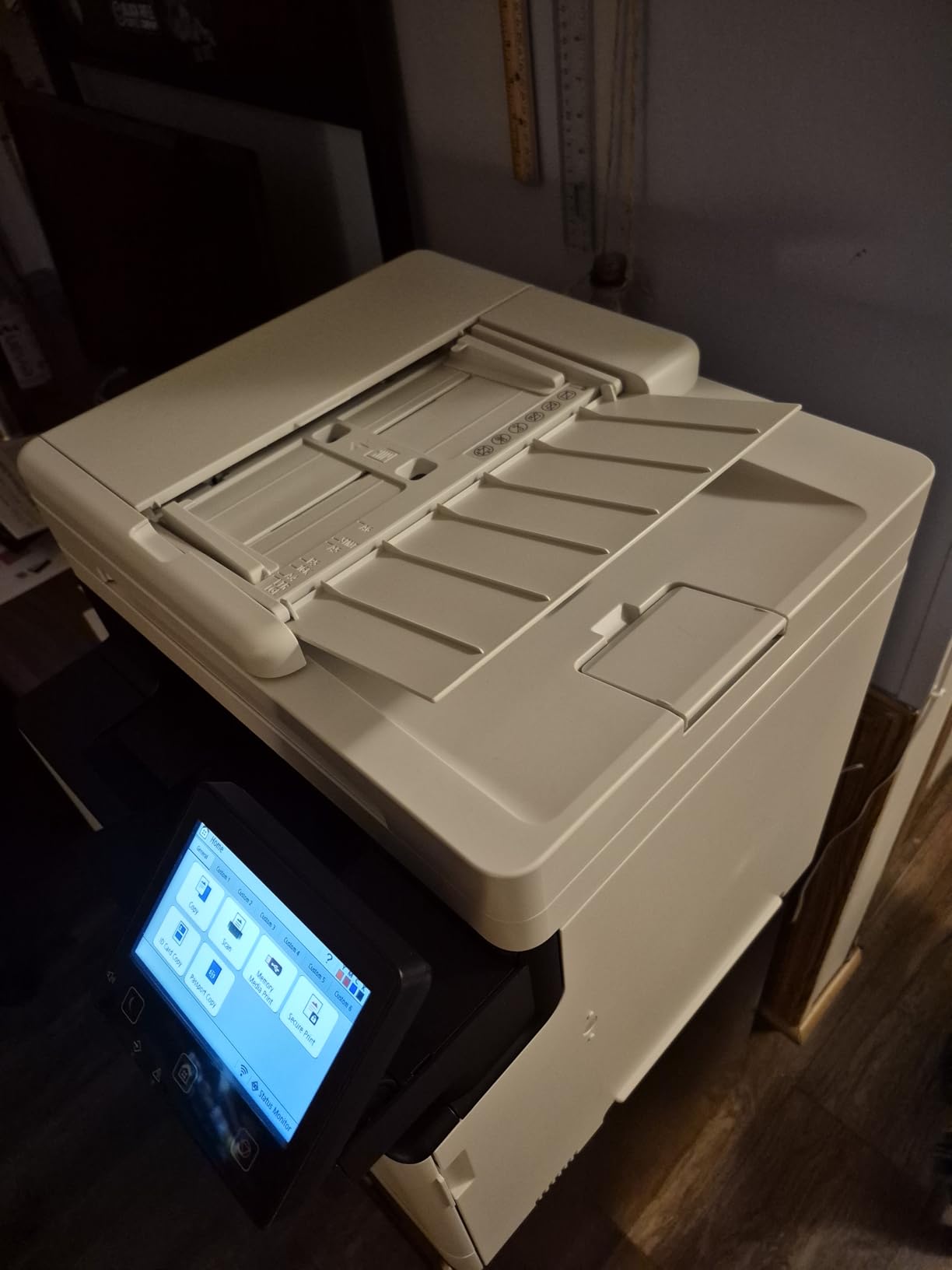
Canon’s software and support ecosystem is the weak point. Owners report Canon software failing to install or discover the printer on Windows 11, access errors on the Canon support site, and the software not running at all on ARM-based Windows devices such as Surface Pro. Wi-Fi scanning to a PC can be unreliable, though USB drive scanning works as a workaround, and you must enter the SSID manually rather than using the Easy Connection option.
At 50 pounds and 18.2 by 16.8 by 17 inches it needs a proper place, and the 250-sheet tray is small relative to its high duty cycle — a mismatch worth weighing if you intend to run it hard.
Who should buy this one
This suits a home office or homeschool household with genuinely heavy volume that needs color, fax and duplex scanning in one box. The duplex document feeder alone can save hours on multi-page paperwork, and the high yield black starter cartridge keeps early running cost down. A fax cable is included in the box.
Who should pick something lighter
If your color printing is occasional, the LBP646Cdw gives you color and duplex at a fraction of the weight and cost. If you are on an ARM-based Windows device, or you rely on Windows 11 discovery, check Canon’s software support before committing — those are the specific failures owners report.
Laser or Inkjet: What a Home Office Actually Needs
The mechanics are simple. A laser printer traces an image onto a rotating metal drum with an electrostatic charge, toner powder sticks to the charged areas, and a heated roller fuses it onto the paper. An inkjet sprays liquid ink from microscopic nozzles. That difference drives everything else: laser is faster, sharper on text, and far cheaper per page, while inkjet wins on photo quality and gloss.
For a home office, that settles it. Laser prints text at a lower total cost, starts faster and has toner that does not dry out in a cartridge sitting on a shelf for six months — a real advantage when you print intermittently. Inkjet is the right answer if your output is photographs, or if you genuinely print five pages a month, because a laser you rarely use has a higher fixed cost of ownership.
The common practical setup, and the one experienced owners describe, is a laser for documents plus a cheap inkjet kept for color photos. Nobody in our research described a single device solving both, and that is accurate.
Monochrome or Color: The Fork Most Buyers Get Wrong
Decide this before anything else, because a color engine costs you money on every page whether you use color or not. If your home office prints invoices, contracts, labels, reports and schoolwork, monochrome is the correct answer and will serve you for years. Adding a color engine you never use raises the purchase cost and the toner cost with no return.
Choose color only if you produce color documents regularly — charts, branded one-pagers, colored forms, packaging inserts. Do not choose color for photos; laser color output is for documents, not photographs. If photographs are part of your work, the hybrid setup is more sensible than a compromise machine.
One further warning from the forum research: color cartridges in low-volume machines are frequently wasted after a handful of pages, because the starter cartridge shipped in the box is a small capacity and the whole unit is treated as partly used. That is a real cost trap for occasional color printing.
Understanding Toner Cost and Cost Per Page
Cost per page is simply the price of the cartridge divided by its rated page yield. It is the number that decides this purchase, and it is the number no competitor page on the first page of this search publishes. Calculate it before you buy, using the yield printed on the cartridge box rather than the yield the machine advertises.
Then apply the second half of the calculation. A high-yield cartridge costs more per unit but far less per page. Starter cartridges shipped in the box have a low yield, so a machine purchased partly full of starter toner will need replacing sooner and cost more overall than the sticker suggests. This is the single most common financial surprise in home office printing.
The third variable is third-party toner compatibility. Some models, particularly current HP units, work only with cartridges carrying original chips or circuitry, and owners on both brands report firmware blocking aftermarket toner. Others, including several of the Canon and Brother models here, accept compatible cartridges with only a quality penalty. Buyers who prioritise running cost treat the ability to use non-genuine toner as a hard requirement, and it is worth verifying per model before purchase.
Our general guidance: budget on the genuine high-yield cartridge price per page, and treat the machine as a five-year purchase. A printer that looks expensive at checkout and cheap per page wins; a cheap printer with expensive constrained toner loses.
How to Choose a Laser Printer for a Home Office
1. Monthly page volume. Under 300 pages a month, a compact monochrome unit is plenty. Between 300 and 1,000 pages, you want a 250-sheet tray and automatic duplex. Above 1,000 pages, look at high paper capacity and high-yield toner economics rather than speed.
2. Mono or color. Resolve this first. It is the largest single cost and size decision, and it is expensive to change later.
3. Automatic duplex. Treat this as a hard filter, not a nice-to-have. Manual duplex means physically rearranging every two-sided job, and it is the most consistent complaint across the owner reviews we read.
4. Scanner need. A flatbed you never use is dead weight. If you digitise documents even occasionally, look for a multifunction unit; if you file paperwork in batches, prioritize the automatic document feeder over scanner resolution.
5. Wireless standard. Dual-band 2.4GHz and 5GHz Wi-Fi avoids the classic split-network problem in modern homes. Self-healing Wi-Fi, as on the HP LaserJet Pro MFP 3101sdw, is worth more than it sounds if several people share the printer. AirPrint and Mopria support matter if you print from a phone or Chromebook.
6. Physical footprint. Measure the space before you order. Units here range from 10.4 by 14.2 by 7.8 inches at roughly 12 pounds up to 18.2 by 16.8 by 17 inches at 50 pounds. A printer that will not physically fit is rejected outright, and that is the leading home-office-specific objection in the forums.
7. Toner yield and third-party support. Check the cartridge yield, the high-yield option and whether the machine accepts compatible cartridges. Skip the starter cartridge as a long-term plan. If you print toner rarely, note that toner does not dry out through disuse the way inkjet ink can.
8. Total cost of ownership. Multiply cost per page by your realistic monthly volume, then add that to the purchase price across an estimated five years. That figure, not the checkout price, should decide the purchase.
If your output is broader than laser covers, our guides to the best laser printers overall and the best color laser printers go deeper on specific formats.
Common Laser Printer Problems and What Causes Them
Toner cost overruns. The most common complaint by a distance. Buying the machine on price alone is the usual cause.
Starter cartridge waste. Color units shipped with a low-yield cartridge are treated as partly used, so the first replacement arrives early and feels expensive.
Wi-Fi setup friction. Most common on first-time configuration, particularly on mesh networks and split 2.4GHz/5GHz setups. Deep sleep mode breaking reconnection is a recurring Brother and Canon theme.
Paper jams on manual duplex. Largely a symptom of not having automatic duplex, plus manual feed misuse.
Streaking and uneven output. Usually toner low, a drum or imaging unit at end of life, or off-brand toner on models sensitive to it.
Third-party toner lockout. Firmware and cartridge chips on some newer models, particularly current HP units, refuse non-genuine cartridges.
Printer stopping mid-job when toner runs out. Some models will not let you finish a page without toner, which interrupts a batch print run.
A3 and Wide-Format Printing From a Home Office
A3 support is a genuine, actively requested capability and every machine in this roundup tops out at A4 or US Legal at 8.5 by 14 inches. There is no widely cited affordable home office laser that does A3 with automatic duplex and a scanner at the same time. If A3 is a hard requirement, plan on either a larger-format machine used infrequently or a print shop for those specific jobs, and buy the rest of your volume on one of the A4 picks here.
Putting a Network Printer on Your Home Wi-Fi
A network printer on the main home network is a small but real exposure. The simplest mitigation costs nothing: if your router lets you create a guest or IoT network, put the printer there and let devices on your main network reach it through the print server rather than sharing credentials directly. Whichever machine you choose, changing the Wi-Fi password later is easier than ever because most of these support AirPrint or Mopria without manual driver installs.
Frequently Asked Questions
What is the best rated laser printer for home office use?
The Brother DCP-L2640DW is our top overall pick, scoring 4.1 across roughly 3900 reviews. It prints, scans and copies in monochrome at up to 36 ppm with automatic duplex, a 50-page document feeder and a 250-sheet tray. The HP LaserJet Pro MFP 3101sdw has the highest raw rating at 4.5 and is faster, but its toner chip policy raises the long-term cost per page.
Which laser printer is best for office work?
For a light-duty home office printing under 300 pages a month, the Brother HL-L2460DW covers it with automatic duplex and a 250-sheet tray. For moderate volume with scanning, the Brother DCP-L2640DW adds a 50-page feeder. For scanning-heavy work with fax, the HP LaserJet Pro MFP 3101fdw handles four functions in one body at up to 35 ppm.
Are laser printers being phased out?
No. Laser remains the standard for office document printing, and current-generation models from Brother, HP, Canon and Kyocera are actively sold. What has blurred is the boundary at the high end, where inkjet technology has improved photo and colour output considerably. For text-heavy home office work, laser remains the cheaper and faster choice on a cost per page basis.
What are the best laser printers for home offices right now?
Our leading picks are the Brother DCP-L2640DW for overall use, the Brother HL-L2460DW for value on monochrome printing, and the HP LaserJet Pro MFP 3101sdw for speed and rating. For color, the Canon imageCLASS LBP646Cdw is the most affordable color laser with automatic duplex in this roundup.
What are some common problems with laser printers?
The most common issues are toner cost overruns caused by buying on purchase price alone, wasted starter cartridges in color units, Wi-Fi setup friction especially on mesh networks, paper jams when duplex is manual rather than automatic, streaking from low toner or a worn imaging unit, and third-party toner lockout on models with cartridge chips. Printers also stop mid-job when toner runs out on some models.
Which laser printer has the most affordable toner?
Cost per page depends on cartridge price divided by rated yield, so the cheapest printer to buy is often not the cheapest to run. The Brother TN830 and TN830XL toners used across the Brother models in this roundup sit at the inexpensive end per page. HP models that require original chips or circuitry carry a higher cost per page, while several Canon models accept compatible cartridges more readily.
What is the average lifespan of a laser toner cartridge?
Page yield varies by cartridge type, with standard cartridges typically rated around 1000 to 1500 pages and high-yield versions around 3000 pages or more. The home-specific concern that toner dries out through disuse, as inkjet ink can, does not apply to laser toner, so a cartridge sitting unused in a home office for months keeps its shelf life.
The Verdict: The Best Laser Printers for Home Offices
The best laser printers for home offices come down to volume and colour, in that order. Print mostly documents and want one machine that does everything: Brother DCP-L2640DW. Print documents only and want the cheapest per page: Brother HL-L2460DW. Print on a cramped desk: HP LaserJet MFP M140w. Need color documents with duplex: Canon imageCLASS LBP646Cdw.
Whatever you choose, work out cost per page before you buy, insist on automatic duplex, and buy the high-yield toner rather than living with the starter cartridge. Check that the model accepts compatible cartridges if running cost is your priority, and measure the footprint against your actual desk space. Those four checks will keep you out of almost every regret we saw in the reviews.
It is worth noting that none of these choices is permanent. Print speed matters far less than buyers expect at home office volumes, and what you should optimise for is the machine you will not resent owning in five years. Start with the running cost, and the rest of the decision makes itself. For other categories we cover, see our guides to the best at-home laser hair removal devices and the best laser tag sets.
Last reviewed and updated for 2026.