
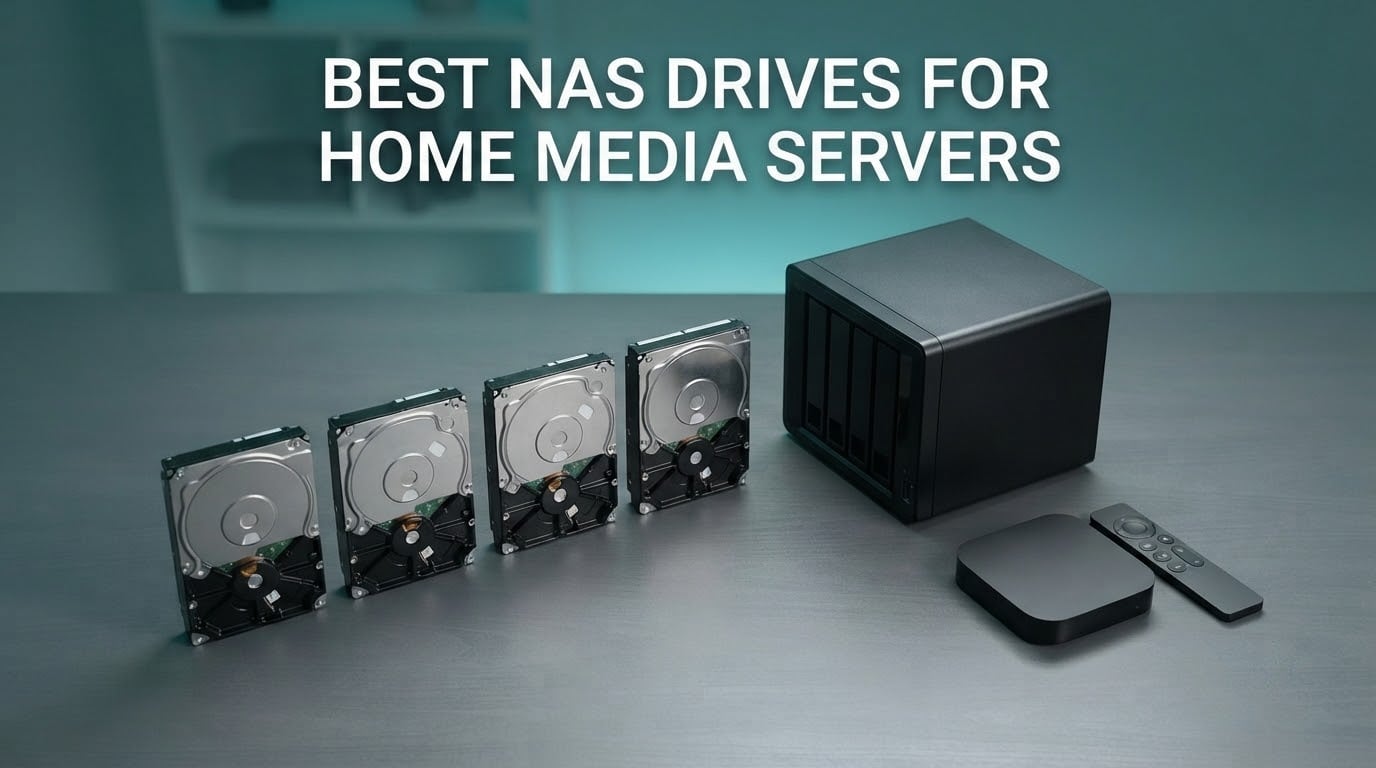
A NAS drive is a 3.5-inch hard disk built for continuous 24/7 operation inside a multi-bay network-attached storage enclosure. It uses conventional magnetic recording, NAS-aware firmware, and rotational vibration sensors so it can stream media reliably and survive a RAID rebuild without dropping out of the array.
One rule decides almost everything else: buy CMR drives only. Never SMR. Shingled magnetic recording slows to a crawl on sustained writes, which is exactly what a media server does when it scans a new library, writes metadata, or rebuilds a volume after a failure. Desktop and surveillance drives also fail faster in 24/7 multi-bay arrays because they are not built for constant head movement.
We compared the eight most-reviewed NAS-rated hard drives currently shipping for home use, then matched each one to the job it actually does well. The picks cover quiet 5400 RPM class drives, 7200 RPM workhorses, Pro models rated for 550 TB per year, and an enterprise alternative for people who want a five-year warranty. Every capacity and spec quoted below comes straight from the manufacturer listing.
If you would rather start with the box, our external hard drive picks cover single-disk options for lighter setups.
Table of Contents
Top 3 Picks: Best NAS Drives for Home Media Servers (October 2026)

Best NAS Drives for Home Media Servers at a Glance in 2026
| Product | Specifications | Action |
|---|---|---|
| WD Red Plus 4TB WD40EFRX |
|
Check Latest Price |
| Seagate IronWolf 4TB ST4000VN006 |
|
Check Latest Price |
 WD Red Pro 8TB WD8003FFBX WD Red Pro 8TB WD8003FFBX |
|
Check Latest Price |
 WD Red Plus 6TB WD60EFPX WD Red Plus 6TB WD60EFPX |
|
Check Latest Price |
 Seagate IronWolf Pro 14TB ST14000VNZ008 Seagate IronWolf Pro 14TB ST14000VNZ008 |
|
Check Latest Price |
 Seagate IronWolf 6TB ST6000VN001 Seagate IronWolf 6TB ST6000VN001 |
|
Check Latest Price |
 Toshiba N300 8TB HDWG780XZSTA Toshiba N300 8TB HDWG780XZSTA |
|
Check Latest Price |
 Toshiba MG04ACA400E 4TB Enterprise Toshiba MG04ACA400E 4TB Enterprise |
|
Check Latest Price |
1. Western Digital WD Red Plus 4TB (WD40EFRX) – The Quiet Default
Western Digital 4TB WD Red Plus NAS Internal Hard Drive HDD – 5400 RPM, SATA 6 Gb/s, CMR, 64 MB Cache, 3.5″ – WD40EFRX
4TB
5400 RPM class
CMR
64 MB cache
180 TB/yr
3-year warranty
Pros
- Built for 24/7 NAS duty in small and medium enclosures
- Very quiet and one of the coolest drives in a multi-disk chassis
- CMR keeps sustained RAID writes consistent
- 180 TB/yr workload rating
- Long owner track record
Cons
- 5400 RPM class is slower on sequential transfers than 7200 RPM drives
- Spin-up from sleep adds a few seconds of access latency
- Some third-party listings arrive repackaged
This is the drive I put in a two-bay Synology when a friend asked me to build a Plex box from scratch. It is a 5400 RPM class drive spinning between 5,400 and 5,900 rpm, and in a shelf-mounted enclosure you simply do not hear it. That silence is the reason it earned the top slot here, not raw throughput.
The WD40EFRX records with CMR, which is the non-negotiable part. It is rated to 180 TB of workload per year, carries NASware firmware, and carries a 1,000,000-hour MTBF figure that is a fleet average rather than a promise about your drive. Western Digital supports up to eight bays with this model.
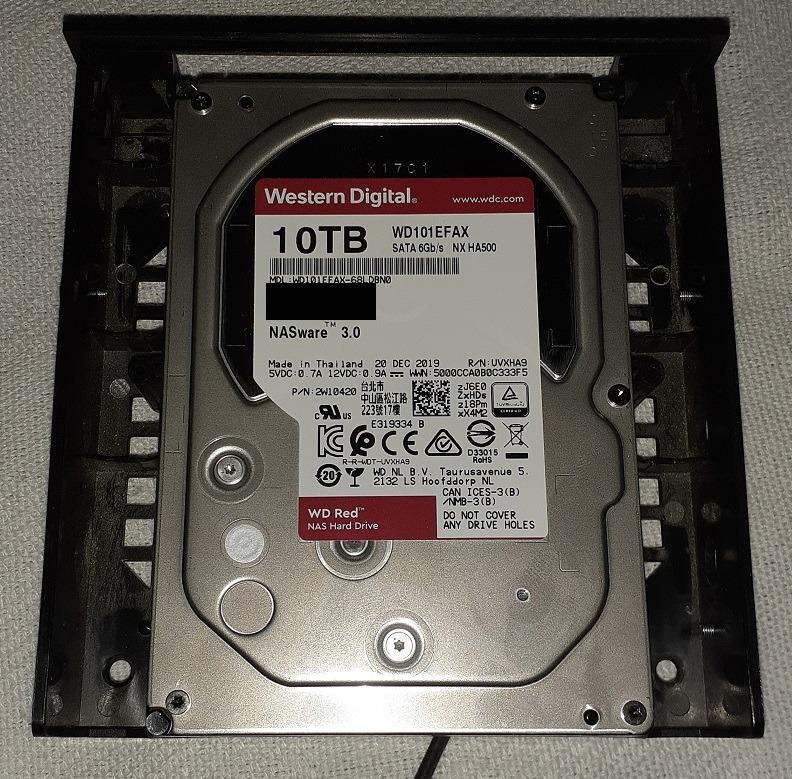
With 64 MB of cache and a 680 g weight, this is a light, cool drive that suits a bedroom or living-room unit. Reviewers running these in RAID-1 and SHR arrays over Synology, QNAP and FreeNAS report multi-year reliability, which matches the 24,364-review pool behind its 4.5 average.
The honest limitation is speed. On large file copies and multi-client 4K remux streaming, a 7200 RPM Pro drive pulls ahead of it. If your server mostly plays already-indexed media to one or two clients, you will not notice. If four people stream at once, read the IronWolf Pro section next.
What you should know before buying it
The 64 MB cache is on the small side for a drive this age, so sustained write bursts feel slower than they should. Library imports feel the effect more than playback does.
Buy from a seller that ships in factory packaging. A recurring theme in the reviews is drives turning up repackaged rather than in anti-static bags, which complicates warranty claims when something goes wrong later.
Who it suits and who it does not
It suits anyone building a quiet two-bay or four-bay Plex or Jellyfin box where power draw and noise matter as much as capacity. It also suits a first NAS build, because the price gap to a Pro drive is large and the reliability record is long.
Skip it if you run a large remux library with several simultaneous 4K HDR streams, or if the array will hold more than about 32 TB. In those cases the Red Pro or IronWolf Pro tiers earn their extra cost.
2. Seagate IronWolf 4TB (ST4000VN006) – Health Monitoring Built In
Seagate IronWolf 4TB NAS Internal Hard Drive CMR 3.5 Inch SATA 6Gb/s 5400 RPM 64MB Cache for RAID Network Attached Storage Rescue Services (ST4000VNZ06/006)
4TB
5400 RPM
CMR
64 MB cache
1M hr MTBF
3-year warranty
Pros
- Purpose-built for up to 8-bay multi-user NAS environments
- Low noise and low vibration from NAS-specific firmware
- IronWolf Health Management reports per-drive health
- Three years of Rescue Data Recovery included
- Up to 180 MB/s read speed
Cons
- 64 MB cache is small for sustained multi-stream media writes
- 5400 RPM class limits large sequential transfers
- Some seek noise reported in multi-bay chassis
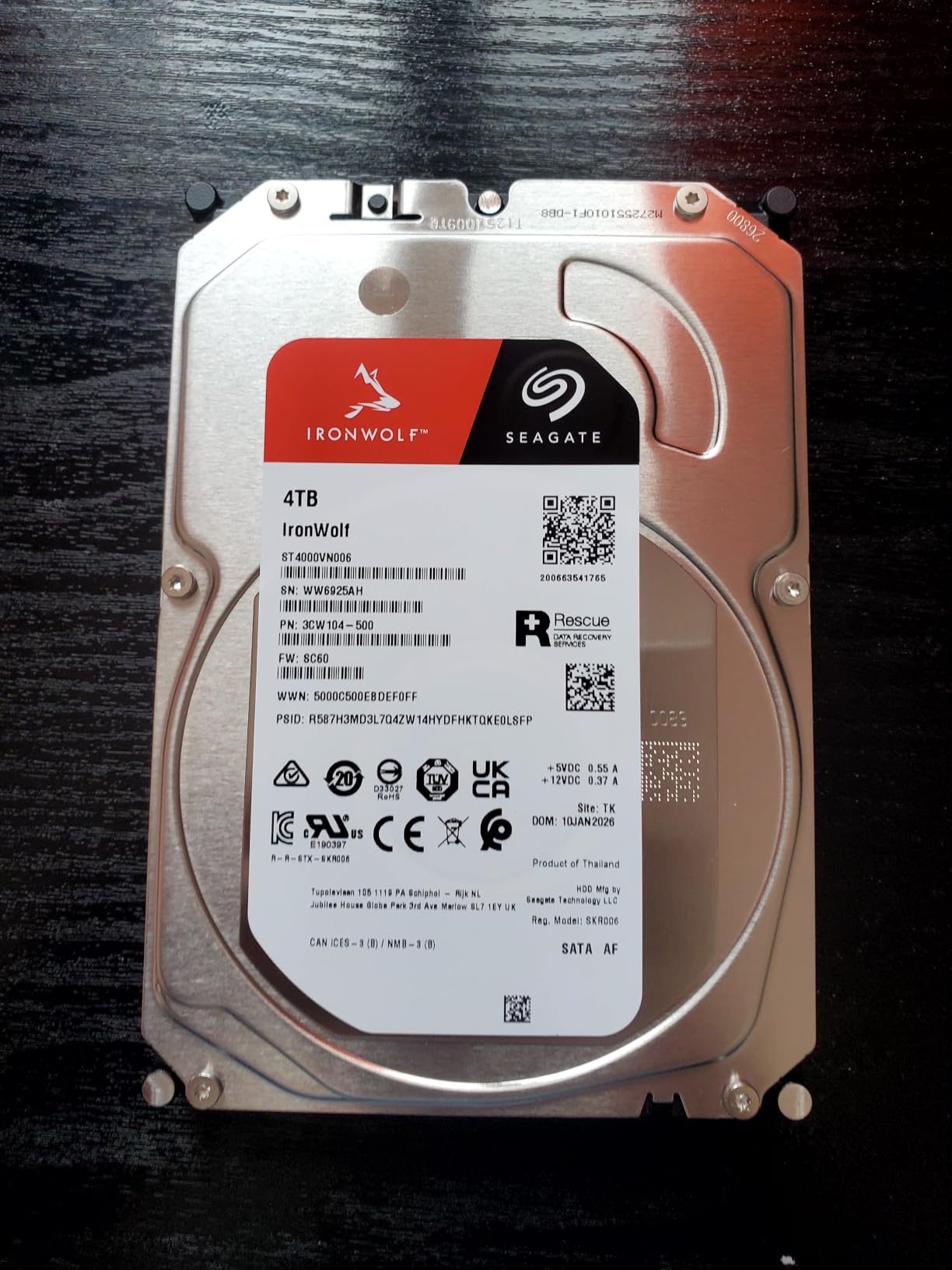
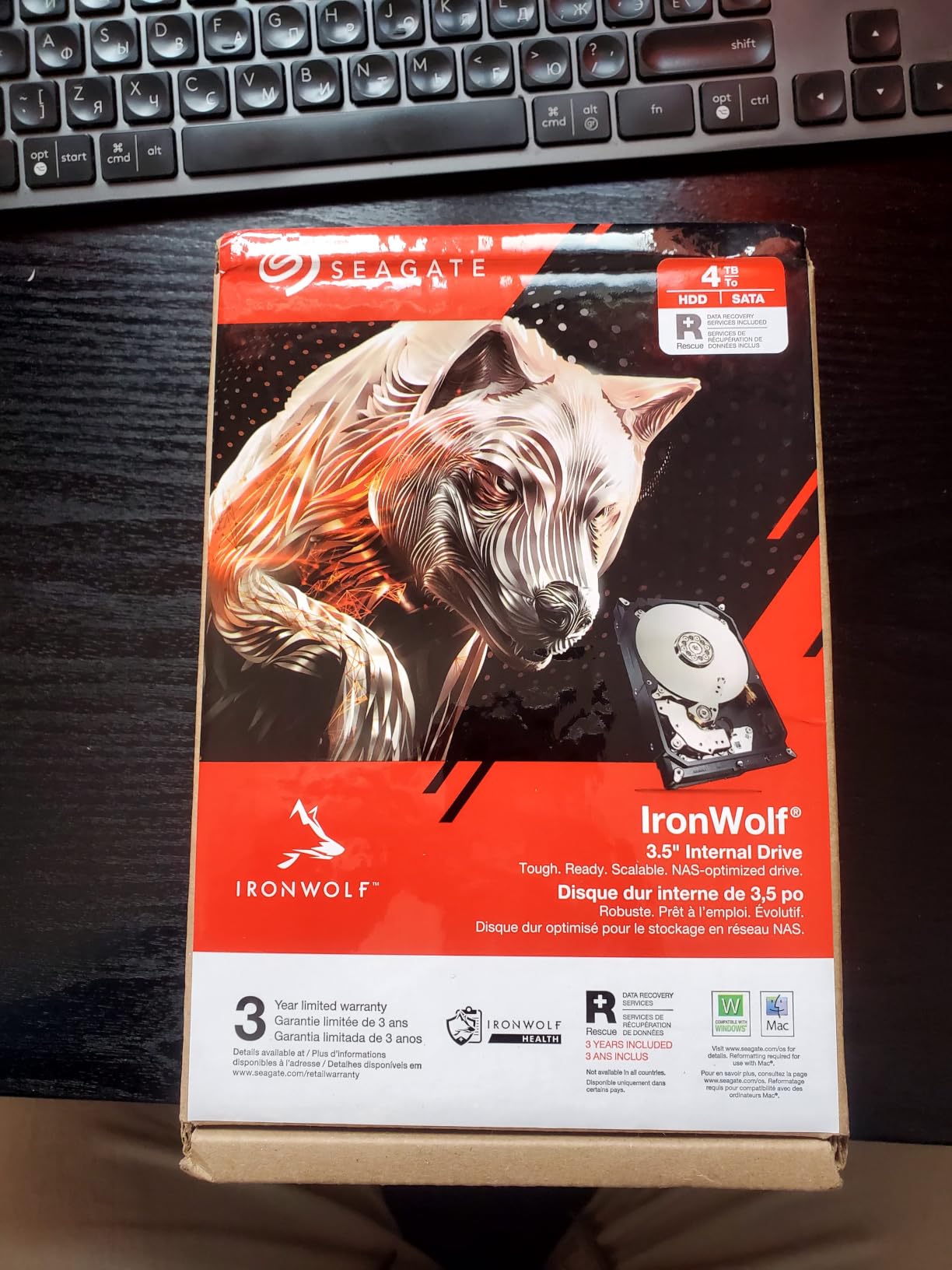
The IronWolf ST4000VN006 is the counterpart to the Red Plus and, for a lot of home builders, the one we recommend first. It runs at 5400 rpm, records with CMR, and reads up to 180 MB/s. At 490 g it is the lightest drive in this group, which helps when you are filling all four bays of a compact enclosure.
What separates it from the WD equivalent is software and paperwork. IronWolf Health Management surfaces per-drive telemetry inside the NAS rather than making you log into a desktop tool, and three years of Rescue Data Recovery Services come bundled alongside the three-year warranty. The 1M hour MTBF rating matches the Western Digital figure.
Across 13,048 reviews averaging 4.5, owners on Synology and QNAP highlight quiet operation, the health tooling, and the recovery service. A recurring theme in r/homelab threads is that IronWolf and Red Plus are treated as the two safe default families, with the two brands chosen more on warranty and tooling preference than on speed.
Do not oversell it on throughput. With 64 MB of cache, sustained multi-stream writes are modest, and some owners report audible seeks once three or four of these run in the same chassis. For a mixed library of 1080p files and one or two 4K clients, it is more than enough.
What you should know before buying it
The 64 MB cache buffer is the spec reviewers flag most. During a large library import, a bigger buffer on the same platter speed would smooth the write path noticeably.
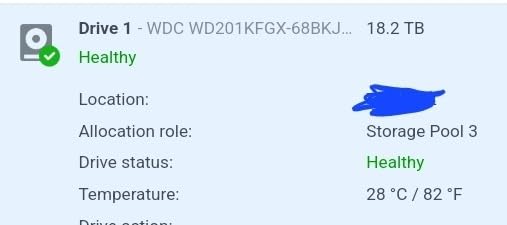
Check that your enclosure reports the drive through the NAS health panel. On Synology and QNAP, IronWolf Health Management appears inside the storage manager; on TrueNAS SCALE you read the same data through SMART.
Who it suits and who it does not
It suits a four-bay home media server where you want at-a-glance drive health without extra software, and where the media is a mix of films, photos and music rather than a single 4K archive.
Pass if your library is remux-heavy or shared with several users at once. Step up to the IronWolf Pro 14TB in this guide, which pairs 7200 rpm with a 256 MB buffer.
3. Western Digital WD Red Pro 8TB (WD8003FFBX) – For Multi-User 4K Arrays
Western Digital 8TB WD Red Pro NAS Internal Hard Drive HDD – 7200 RPM, SATA 6 Gb/s, CMR, 256 MB Cache, 3.5″ – WD8003FFBX
8TB
7200 RPM
CMR
256 MB cache
550 TB/yr
5-year warranty
Pros
- 7200 RPM and 256 MB cache transfer faster than Red Plus
- CMR keeps RAID writes consistent under load
- 550 TB/yr rating suits multi-user arrays
- Five-year manufacturer warranty
- Tested against a wide range of NAS vendors
Cons
- Highest cost per terabyte in this group
- Occasional dead-on-arrival reports
- WD RMA process reported as slow to initiate
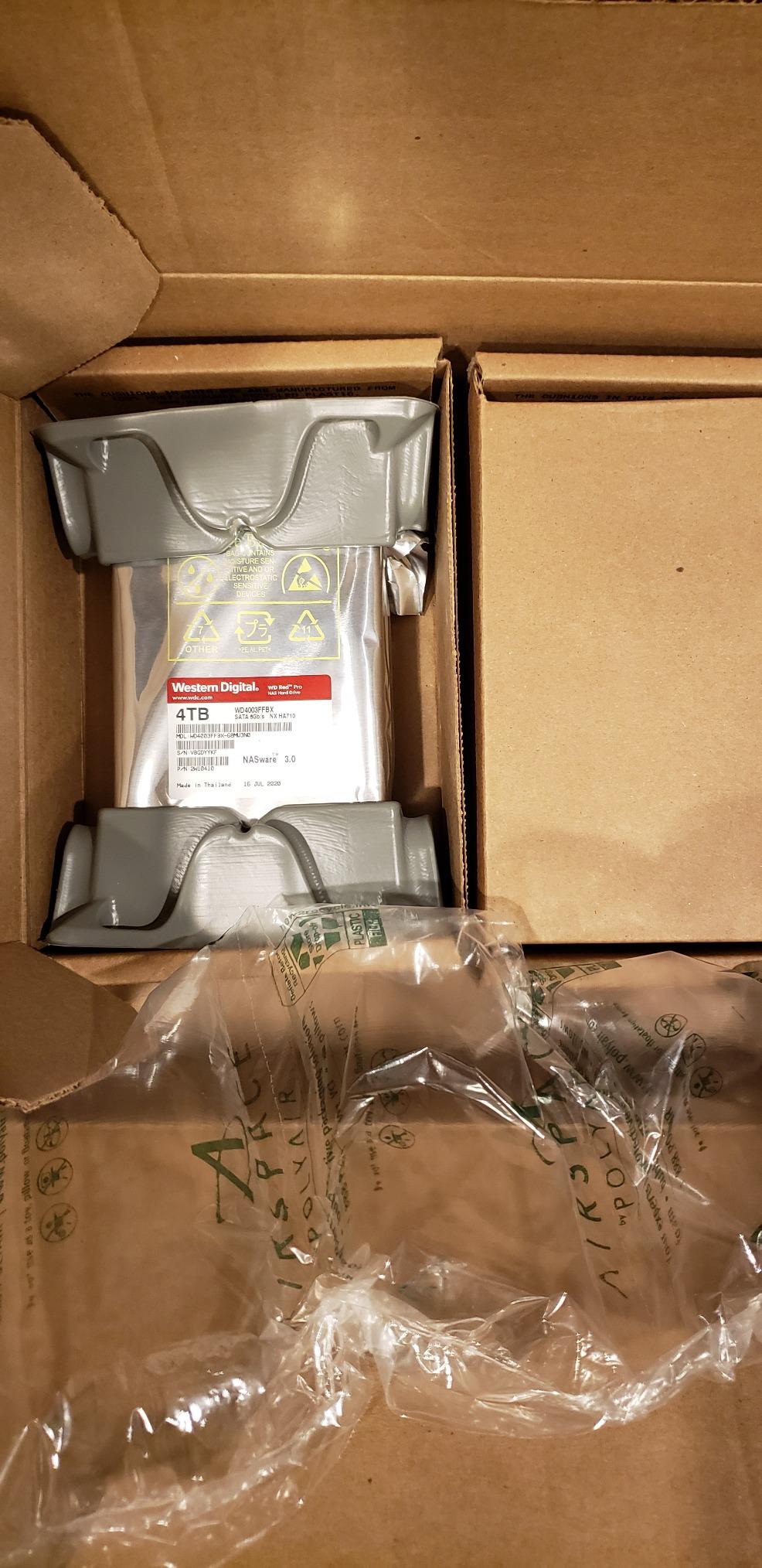
The Red Pro WD8003FFBX is where you move up when the NAS stops being a hobby. It spins at 7200 rpm, carries 256 MB of cache, moves media at up to 235 MB/s, and is rated to 550 TB of workload per year against 180 TB for the Red Plus line.
That workload figure is the real differentiator for a media server. A Pro drive is built for high-intensity 24×7 multi-user enclosures with unlimited bay counts, and Western Digital tests it against a wide range of NAS vendors for compatibility. It is listed as a supported NAS enterprise drive on the DS920+ support list.
Owners running these in RAID-5 or SHR with an SSD boot drive report consistent throughput and CMR behaviour across the board. At 4.5 stars from 3,787 reviews, the criticism is narrow: dead-on-arrival examples and friction with the Western Digital RMA process, which several buyers say is slow to start.
Weigh that against the cost per terabyte, which is the highest of any drive in this roundup. For a 32 TB four-bay array that gets hit with simultaneous 4K remuxes every evening, the throughput and workload headroom are worth it.
What you should know before buying it
Verify the serial number against the warranty database before you install the drive. A recurring buyer recommendation in the reviews, and it takes a minute.
Confirm the enclosure lists it as supported. It appears on Synology enterprise lists and on QNAP’s compatibility documentation, but model support varies by generation of hardware.
Who it suits and who it does not
It suits a household with three or more simultaneous 4K streams, or a NAS that also runs backups, syncing and a database on the same array. The 256 MB buffer keeps a RAID rebuild from stalling behind playback.
Do not buy it for a single-client library of mostly 1080p content. You will pay more per terabyte and notice no difference in everyday use.
4. Western Digital WD Red Plus 6TB (WD60EFPX) – The Quietest Drive in a Full Chassis
Western Digital 6TB WD Red Plus NAS Internal Hard Drive HDD – 5400 RPM, SATA 6 Gb/s, CMR, 256 MB Cache, 3.5″ -WD60EFPX
6TB
5400 RPM
CMR
256 MB cache
180 MB/s
3-year warranty
Pros
- Exceptionally quiet with a very low access noise floor
- CMR avoids the SMR write penalty during rebuilds
- 256 MB cache helps with sustained library writes
- Hot-swaps cleanly in Synology enclosures
Cons
- Some recent batches enable Power-Up In Standby by default
- A few dead-on-arrival reports
- 5400 RPM is slower on large transfers than 7200 RPM drives
Noise is the deciding factor for many home media servers, and the WD60EFPX is the quietest option we list. It runs at 5400 rpm, records with CMR, and reaches up to 180 MB/s, but the idle and access noise floor sits low enough that a full four-bay chassis stays unobtrusive in a living room.
The 256 MB cache here is a real step up from the 64 MB on the 4TB Red Plus. That matters during imports: when Plex or Jellyfin writes thumbnails, subtitles and database records alongside your media files, the larger buffer keeps the write path moving.
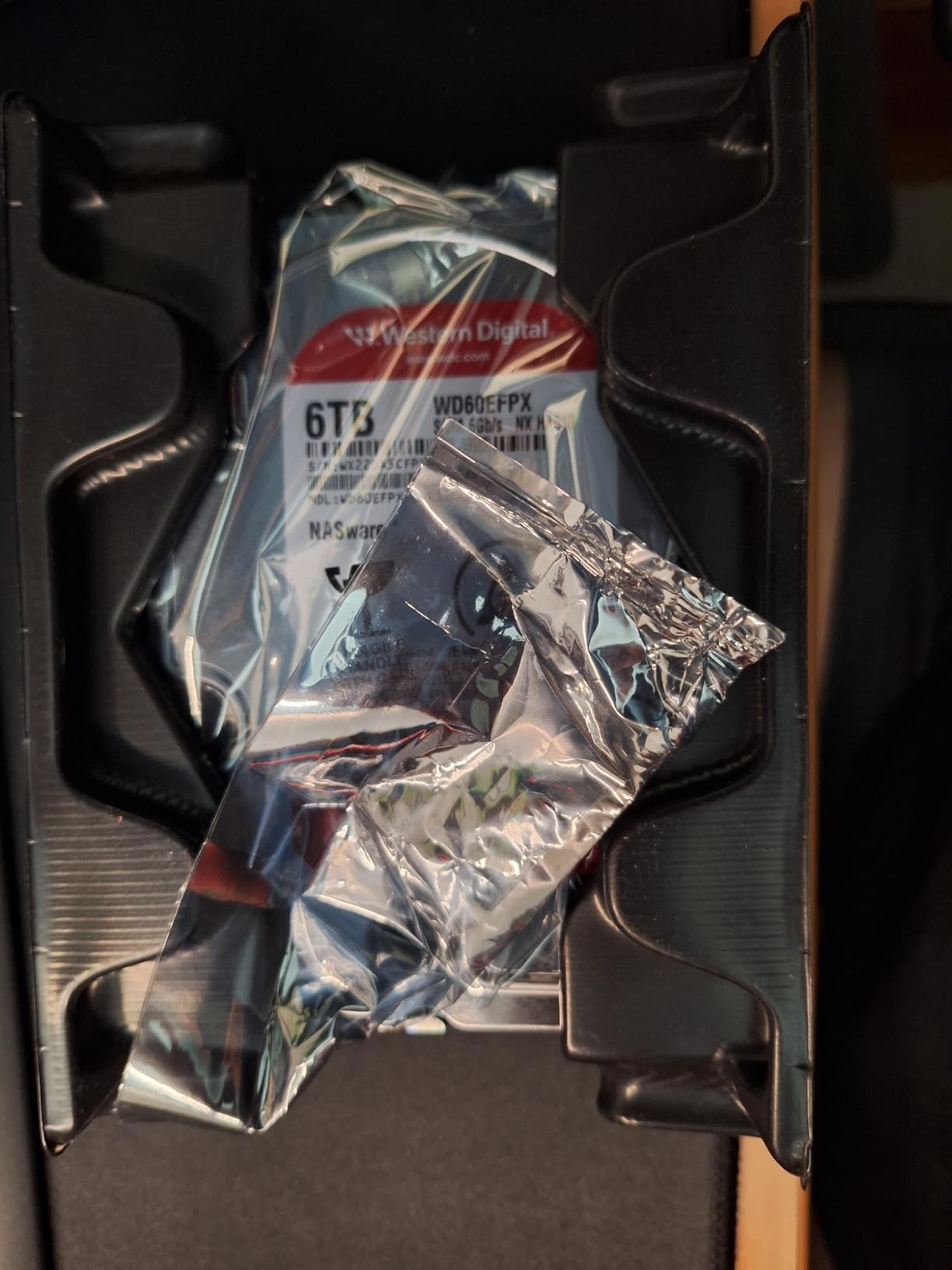
At 4.2 stars across 3,711 reviews, this is the lowest-rated drive in the group, and the reason is specific rather than general. A number of buyers report that newer batches enable Power-Up In Standby by default, so the enclosure flags a healthy drive as failed until the setting is changed on a direct SATA port.
Western Digital’s support desk draws praise for honouring replacements quickly once contacted. Hot-swapping in Synology enclosures is reported as clean, and the CMR write behaviour holds up in RAID rebuilds.
What you should know before buying it
If your NAS reports the drive as failed immediately, do not return it first. Connect it to a direct SATA port, disable Power-Up In Standby, then rebuild it into the array. That single step resolves most of the complaints in the review pool.
Some QNAP trays need vendor-specific mounting screws that are not in the box. Check your enclosure’s hardware before you order, or pick up the screws separately.
Who it suits and who it does not
It suits a media server that lives in a room where noise is unacceptable, and buyers who want more capacity than 4TB without moving up to a 7200 rpm Pro drive. The larger buffer also makes it a better choice than the 4TB for heavy library imports.
It does not suit multi-user 4K streaming, where sustained sequential reads outrank silence. And check the batch behaviour before committing four of them to an array.
5. Seagate IronWolf Pro 14TB (ST14000VNZ008) – The Throughput Leader
Seagate IronWolf Pro 14TB NAS Internal Hard Drive HDD – CMR 3.5 Inch SATA 6Gb/s 256MB Cache for RAID Network Attached Storage, Data Recovery Service – Frustration Free Packaging (ST14000NEZ008)
14TB
7200 RPM
CMR
256 MB cache
250 MB/s
5-year warranty
Pros
- 250 MB/s is the highest throughput in this group
- CMR plus 256 MB cache keeps rebuilds and scrubs fast
- Built for up to 24-bay multi-user enclosures
- IronWolf Health Management telemetry
- Five-year warranty plus three years of Rescue
Cons
- High cost per terabyte against standard models
- Audible seek noise in some multi-bay chassis
- Narrower capacity range than standard IronWolf
If your library is large and you care about how fast it serves, the IronWolf Pro 14TB is the fastest drive here. It runs at 7200 rpm, reads at up to 250 MB/s, holds 256 MB of cache, and averages 4.17 ms latency. A 1.2M hour MTBF rating is the highest in the group.
It is also the one built for scale. Seagate rates it for enclosures of up to 24 bays, with extra protection during power loss events, which is a fair concern if your server runs an UPS-less array that has just come back from an outage.
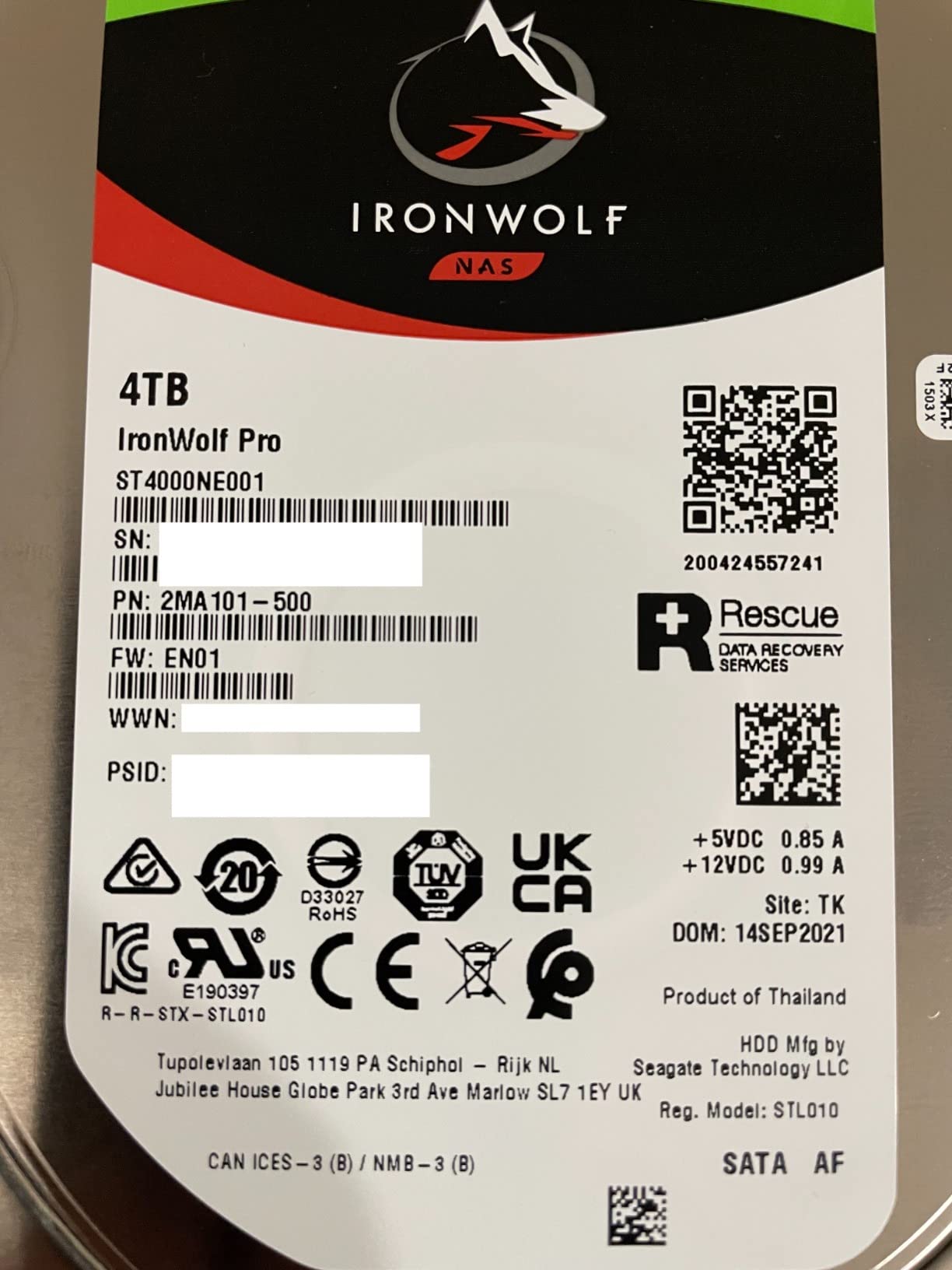
Owners building multi-bay media servers report that the throughput matches the 250 MB/s specification inside Synology units. The five-year warranty plus three years of Rescue Data Recovery Services is the reason most cite for choosing Pro over the standard line, and the 4.5 average from 2,702 reviews reflects that.
Cost per terabyte is the trade. The complaints stay limited to price and occasional seek noise, with no reported reliability pattern. For a big archive that streams to several clients at once, the throughput headroom pays for itself in a different kind of way.
What you should know before buying it
Capacity is fixed in this listing. If your array mixes drive sizes, the Pro line covers a narrower range than standard IronWolf, so plan the capacity mix before ordering.
Seek noise shows up more on this drive than on the 5400 rpm models. In a living-room NAS, a four-bay chassis of Pro drives will be heard.
Who it suits and who it does not
It suits a 4-bay to 8-bay server holding a large 4K HDR remux library with multiple concurrent streams, and anyone who wants a five-year warranty on the storage tier.
It does not suit a small library or a quiet-room build. Below roughly 24 TB of usable storage, a Red Plus or standard IronWolf covers the same playback without the extra spend.
6. Seagate IronWolf 6TB (ST6000VN001) – The 6-Bay Mid-Point
Seagate IronWolf ST6000VN001 6 TB Hard Drive – 3.5″ Internal – SATA (SATA/600)
6TB
5400 RPM
CMR class
128 MB cache
SATA 6Gb/s
Pros
- Balances capacity
- transfer rate and power consumption
- Common drop-in upgrade from smaller NAS drives
- Straightforward volume creation and RAID-5 rebuild
- Reported quiet and cool in Synology enclosures
Cons
- A few dead-on-arrival and bad-sector reports
- Occasionally damaged in transit
- Older 128 MB cache trails newer IronWolf models
The ST6000VN001 sits at the point most six-bay builds actually need. It is 5400 rpm, SATA 6Gb/s, 6 TB, and rated up to 180 MB/s on reads. Reviewers repeatedly describe it as the sweet spot of capacity, transfer rate and power consumption for that class of enclosure.
It earns its place mainly as an upgrade path. Owners moving from 2TB or 4TB drives to 6TB report smooth hot-swaps, straightforward volume creation, and RAID-5 rebuilds finishing in about a day at this capacity. Longer-term owners describe it as quiet and thermally well behaved.
What you should know before buying it
The 128 MB cache is older than what ships on newer 6TB IronWolf models, so burst performance lags slightly behind. It carries a smaller review pool than the other picks here, at 645 reviews, and a 4.4 average.
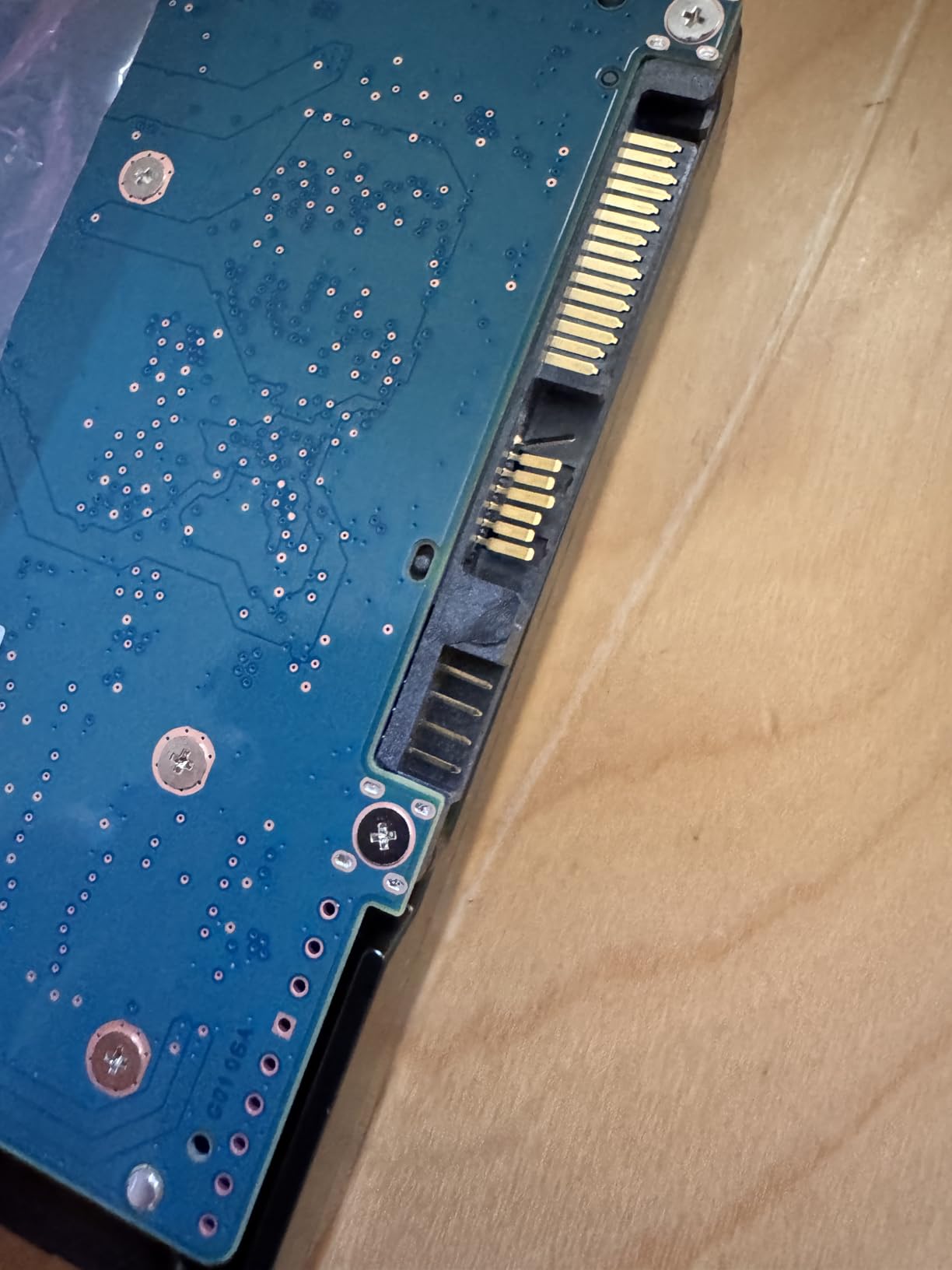
Inspect the drive on arrival. A small number of reports describe dead-on-arrival examples, bad sectors, and units damaged in transit, and the one-star share is the highest among the IronWolf listings in this roundup. Test before you populate the array.
Who it suits and who it does not
It suits an existing six-bay Synology or QNAP that needs more capacity per bay at a sensible power draw, or a first build where the budget does not stretch to a 7200 rpm Pro drive.
Pass if you are building from empty and want the largest cache available. In that case the 8TB Toshiba N300 listed below has a 512 MB buffer at the same rpm class.
7. Toshiba N300 8TB (HDWG780XZSTA) – 512 MB Cache and RV Sensors
Toshiba N300 8TB NAS 3.5-Inch Internal Hard Drive – CMR SATA 6 GB/s 7200 RPM 512 MB Cache – HDWG780XZSTA
8TB
7200 RPM
CMR
512 MB cache
253 MB/s
RV sensors
Pros
- 512 MB cache is the largest buffer in this group
- 253 MB/s reads suit 4K direct play and fast scrubbing
- Reported quieter than equivalent Seagate NAS drives
- RV sensors handle multi-bay rotational vibration
- Good value per terabyte at the 8TB point
Cons
- More audible than 5400 RPM NAS drives in a quiet room
- Slow and audible spin-up at start
- Three-year warranty is shorter than the Pro lines
The N300 is the odd one out in this list, and that is exactly why it is worth a look. It is the only drive here with 512 MB of cache, and it pairs that with 7200 rpm and up to 253 MB/s reads. That combination makes it the strongest option for multi-stream media serving at 8TB.
It also has integrated RV sensors, which detect rotational vibration from neighbouring drives and compensate. In a four-bay or larger chassis, that is a real benefit rather than a spec-sheet line, and Seagate and Western Digital NAS drives handle vibration through firmware instead.
Long-running r/homelab threads describe the N300 as the value and performance alternative to Red Plus and IronWolf, and the consensus is that the trade is heat and sound. Across 483 reviews averaging 4.5, owners from Synology, QNAP and TerraMaster builds single out the cache, the speed, and quietness relative to equivalent Seagate NAS drives.
Several buyers cite Backblaze-style drive statistics when making the choice. One reported hardware failure around the two-year mark was treated as normal attrition rather than a pattern, and the recurring gripe is the audible spin-up at boot.
What you should know before buying it
It is louder than the 5400 rpm drives, especially at start. If the NAS sits in a bedroom or a living room, budget for a cabinet rather than an open shelf.
The warranty is three years, shorter than the five-year terms on the Red Pro and IronWolf Pro. For a media server you plan to keep for a decade, that is a meaningful difference in what a failure costs you.
Who it suits and who it does not
It suits a home lab or a media server in an office or utility space, where the largest cache in the group and the 253 MB/s reads matter more than silence. It also works well for iSCSI or NFS storage that mixes streaming with general file access.
It does not suit a living-room Plex box. The noise profile is the most commonly reported drawback among owners with several of these in one chassis.
8. Toshiba MG04ACA400E 4TB Enterprise – 24/7 Duty With a Five-Year Warranty
Toshiba 4TB Enterprise Internal Hard Drive – MG Series 3.5″ SATA HDD for Server, Storage, 24/7 Operation, Hyperscale, Cloud (MG04ACA400E)
4TB
7200 RPM
Enterprise 24/7 duty
128 MB cache
5-year warranty
Pros
- Enterprise 24/7 duty rating for always-on service
- Stable Plater and Persistent Write Cache aid integrity
- Five-year warranty
- Supports SATA or SAS configurations
Cons
- 128 MB cache is the smallest in this group
- Enterprise acoustic profile is louder than consumer NAS drives
- Sold as a server drive so it may miss consumer NAS compatibility lists
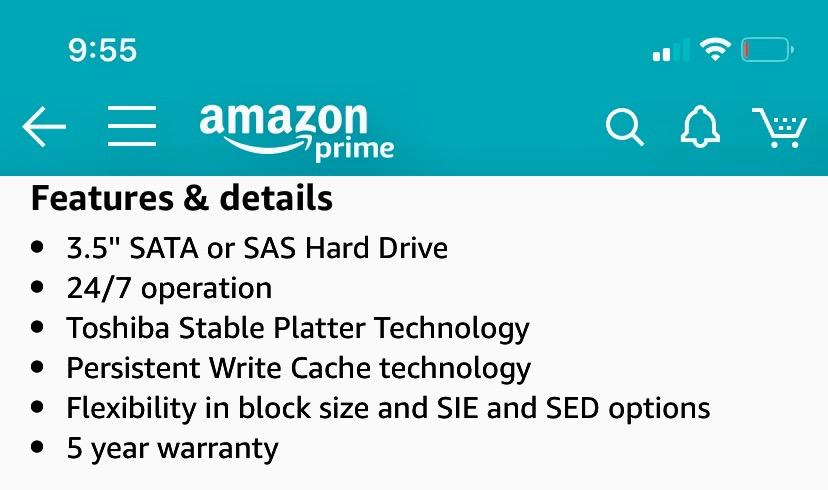
This is the wildcard. The MG04ACA400E is an enterprise MG-series drive rather than a NAS-specific model, rated for 7200 rpm and continuous 24/7 operation in servers, storage appliances and hyperscale workloads. It ships with a five-year warranty, which is longer than most NAS drives in this roundup.
Two technologies do quiet work here. Stable Plater Technology dampens platter vibration at high speeds, and Persistent Write Cache protects in-flight data through a power loss, which is meaningful on a server that runs unattended.
Owners using MG-series drives in always-on servers and NAS units point to the duty rating and the warranty as the deciding factors over consumer NAS drives, and the cost per terabyte comes in below comparable CMR NAS models. The 4.2 average from 395 reviews reflects a 16% one-star share, driven mainly by noise and the modest cache rather than reliability reports.
What to keep in mind is that this is a server drive. It supports SATA or SAS configurations and metal-enclosure construction, and it may not appear on the compatibility list of a consumer NAS even though it works in practice.
What you should know before buying it
The 128 MB cache is the smallest in this roundup, so burst performance trails every NAS-specific model here. It is a sustained-throughput drive, not a fast-burst drive.
Acoustics are the other issue. This is an enterprise acoustic profile, louder than any consumer NAS drive listed, and there is no quiet variant in this series.
Who it suits and who it does not
It suits a home server that doubles as a backup target, or an always-on box in a garage, basement or utility room where noise is a non-issue and uptime matters more than playback speed. The five-year term also suits people who hate replacing drives.
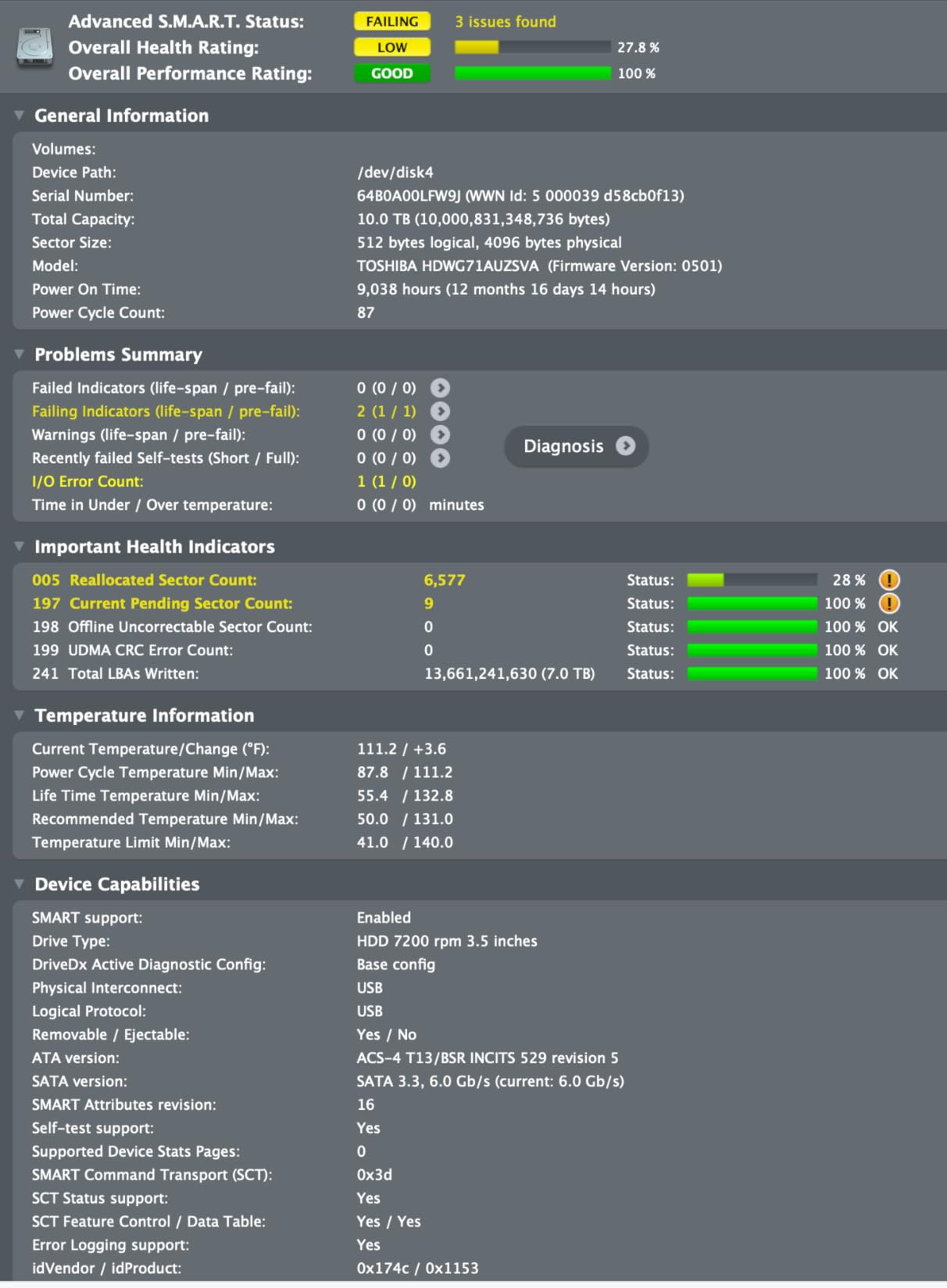
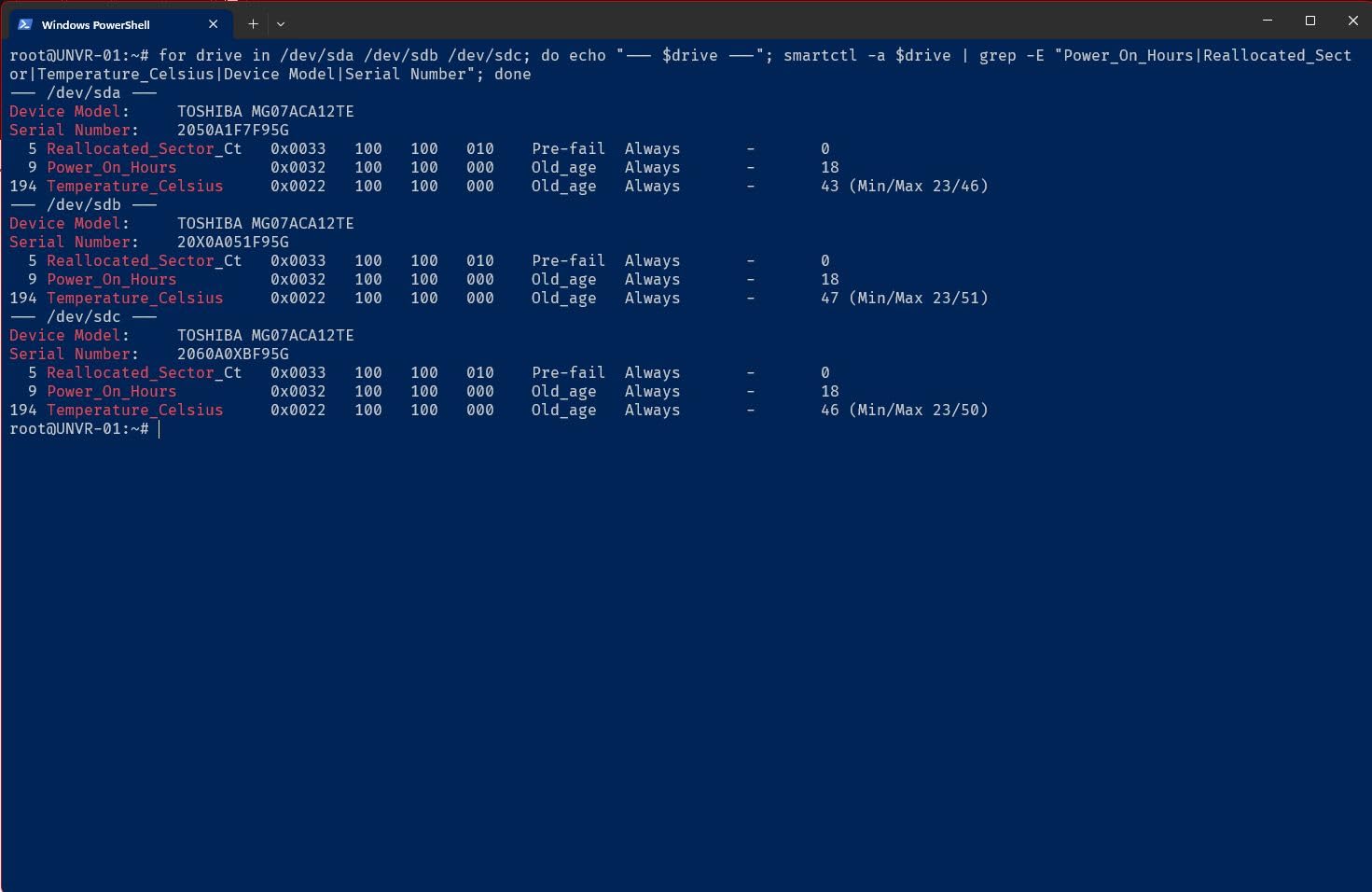
It does not suit a media server in an occupied room, and it is a poor fit for a two-bay Plex box. Buyers on forums who take this route typically check the SMART data and confirm the drive has been re-certified, and that habit is worth keeping.
What to Look For in a NAS Drive Before You Buy
Six criteria decide whether a drive belongs in a media server. Check them in this order, because the first one invalidates a drive entirely if it fails.
1. Recording technology: CMR only. Conventional magnetic recording writes tracks independently, so write speed stays constant. SMR overlaps tracks, so sustained writes slow dramatically. Look for CMR stated in the listing, and note that the bare WD Red line and several Seagate capacities in the past have shipped as SMR.
2. Spindle class: 5400 RPM or 7200 RPM. The 5400 rpm class covers most 1TB to 6TB NAS drives and stays quiet. The 7200 rpm class appears from about 8TB up, moves more data per second, and is louder. Plex forum users generally point out that with hardware transcoding on a QuickSync CPU, the drive matters for CMR behaviour and reliability more than raw speed.
3. Workload rating. Standard NAS drives are rated 180 TB per year. Pro drives go to 300 or 550 TB per year. Multiply your daily writes by 365 and compare: a server that ingests recordings or runs nightly backups can approach 180 TB, at which point a Pro drive makes sense.
4. Cache buffer. Anything from 64 MB upward works. Buffers above 128 MB help most during library imports, where Plex or Jellyfin writes thumbnails, subtitles and metadata next to the media files.
5. Bay support and vibration handling. Standard NAS drives are usually rated for up to eight bays. Pro and enterprise drives go to 24. Integrated RV sensors, as on the Toshiba N300, add a layer of protection in tightly packed chassis.
6. Warranty and recovery. Three years is the consumer norm. Five years appears on Pro and enterprise models. Rescue Data Recovery Services bundled with the drive is worth having, because recovering a failed drive typically costs more than the drive itself.
On MTBF, treat a 1,000,000-hour figure as a fleet average rather than a promise about your unit. It describes a large population of drives, not an individual drive’s expected life. Forum buyers put more weight on real failure data and SMART history than on the number printed on the box.
How Many Drives to Buy and How to Buy Them
Buy the number of drives your enclosure supports, but stagger the purchases where you can. r/DataHoarder buyers worry about same-batch failure risk for a good reason: drives from one manufacturing run share component lots and failure timelines, and losing four at once in month fourteen is a real outcome people have reported.
A workable protocol is straightforward. Buy two drives first, add them to the array, and let them run a few weeks. Then buy the next two from a different batch or a different seller, and check the manufacture date before you order. Keep the receipts for every purchase and record each serial number against the warranty database on the day the drive arrives.
Mixing capacities is fine under Synology Hybrid RAID, which uses the smallest drive in the pool for parity. Under RAID 5 or RAID 6 in a mixed array, plan for the smallest drive to determine parity, which wastes capacity. Buying one capacity for the whole array is simpler to expand later.
On sizing, count usable capacity after parity rather than raw capacity. A four-bay RAID-5 array of 8TB drives gives you 24 TB usable, not 32 TB. RAID 6 on the same four drives gives 16 TB. Work out your library size first, then add headroom for growth.
One more rule: RAID is not a backup. It protects you from a single drive failure, and from nothing else. Keep a second copy of anything you cannot re-download, on a different device or an off-site target.
Setting Up Your Drives for Media Server Performance
Three setup steps matter more than any drive choice you make.
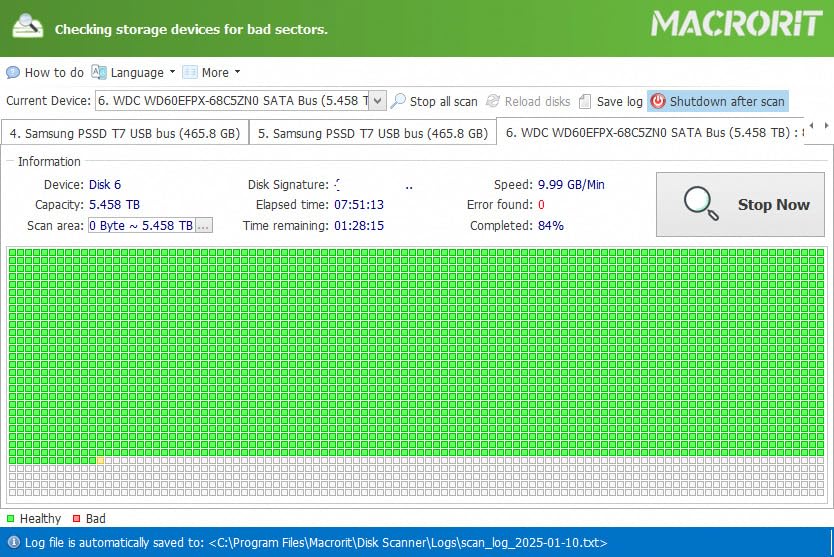
1. Burn in every new drive. Run a full surface scan before you trust a drive with your library. On Synology, create the storage volume and let the initial verification complete. On TrueNAS or QNAP, run a long SMART test and a bad-block scan. A drive that fails this stage is far cheaper to return than a drive that fails during a rebuild.
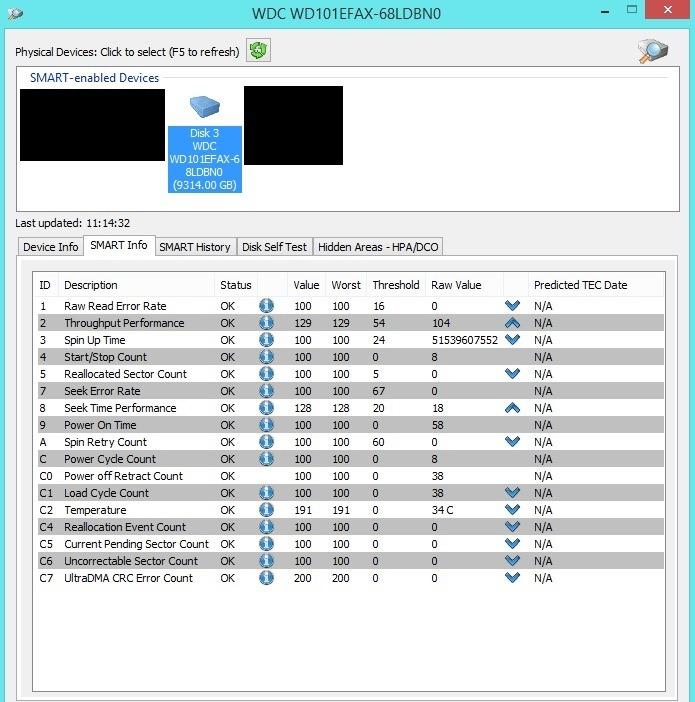
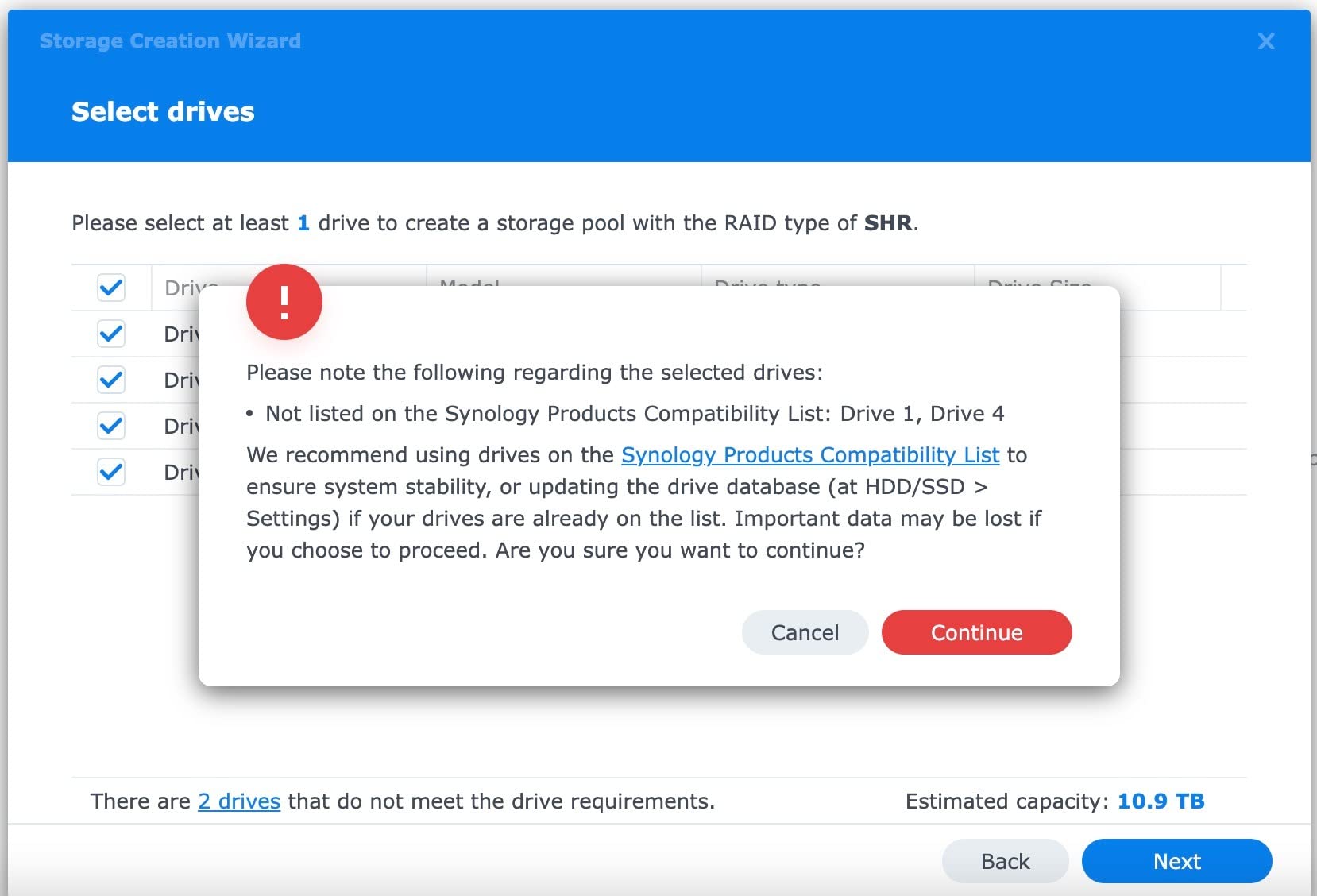
2. Turn on SMART alerts. Configure email or push notifications for reallocated sectors, pending sectors and temperature thresholds. A drive that warns you early gets replaced on your schedule rather than on the array’s.
3. Keep the media server database on an SSD. The Plex or Jellyfin database generates thousands of small writes during scans. Put the application and its database on an SSD or NVMe volume, and leave the HDD array for media data only. You will see faster library scans and less seek noise on the hard drives.
For the box itself, a CPU with hardware transcoding such as an Intel QuickSync chip matters more than drive speed when clients cannot direct-play a file. If you want a wider view of enclosures, we covered the basics in our media device picks.
Frequently Asked Questions
Can I use a NAS as a media server?
Yes. A NAS is a normal way to run Plex, Jellyfin or Emby at home. The NAS holds the media files and serves them over the network, while the NAS operating system runs the streaming software. The one requirement worth planning for is hardware transcoding, so clients that cannot direct-play a 4K file still stream smoothly.
What is the best NAS drive for a Plex server?
A CMR drive rated for 180 TB per year is the baseline. For most home libraries the WD Red Plus 4TB or the Seagate IronWolf 4TB fit, both quiet 5400 rpm CMR drives with three-year warranties. If several people stream 4K at once, move to a 7200 rpm Pro drive such as the WD Red Pro 8TB or the IronWolf Pro 14TB.
Is an SSD or a hard drive better for a Plex server?
Both, used for different jobs. Put the Plex or Jellyfin application and its database on an SSD, because the database generates thousands of small writes during scans. Store the media files themselves on NAS-rated CMR hard drives, where the cost per terabyte is far lower.
Which is better, Seagate IronWolf or WD Red Plus?
Both are CMR NAS drives rated to 180 TB per year with three-year warranties, and both suit a typical two-bay to four-bay home media server. Seagate adds IronWolf Health Management and three years of Rescue Data Recovery Services. Western Digital counters with a longer track record and typically lower noise. Choose on tooling and availability rather than speed, since both are 5400 rpm class.
Is the Toshiba N300 good?
Yes, particularly for media serving. The 8TB N300 combines 7200 rpm, up to 253 MB/s reads and a 512 MB cache, the largest buffer in this group, plus integrated RV sensors for multi-bay vibration. The trade-off is a 7200 rpm acoustic profile that is louder than 5400 rpm drives, and a three-year warranty shorter than the Pro lines.
Should I buy all my NAS drives at once?
Stagger them if you can. Drives from one manufacturing batch share component lots, and forum buyers report losing entire arrays to same-batch failures. Buy two, run them for a few weeks, then buy the next two from a different batch, check the manufacture date, and record each serial number against the warranty database on arrival.
Conclusion: The Best NAS Drives for Home Media Servers Verdict
The best nas drives for home media servers come down to one rule and three answers. The rule is CMR only, no exceptions, because SMR write penalties wreck RAID rebuilds and library imports.
For most people, the WD Red Plus 4TB is the drive to start with: quiet, cool, CMR, and backed by the largest review pool in this roundup. If you want built-in health telemetry and recovery services, the Seagate IronWolf 4TB is the equivalent pick with better tooling.
For a large 4K library with several simultaneous streams, the WD Red Pro 8TB covers multi-user workloads, and the IronWolf Pro 14TB leads on throughput. The Toshiba N300 8TB wins on cache and speed where noise does not matter, and the Toshiba MG04ACA400E serves an always-on box that prioritises a five-year warranty.
Check the model number for CMR before you order, stagger your purchases, and keep a second copy of anything you cannot re-download. Those three habits protect your library more than any spec on this page.