
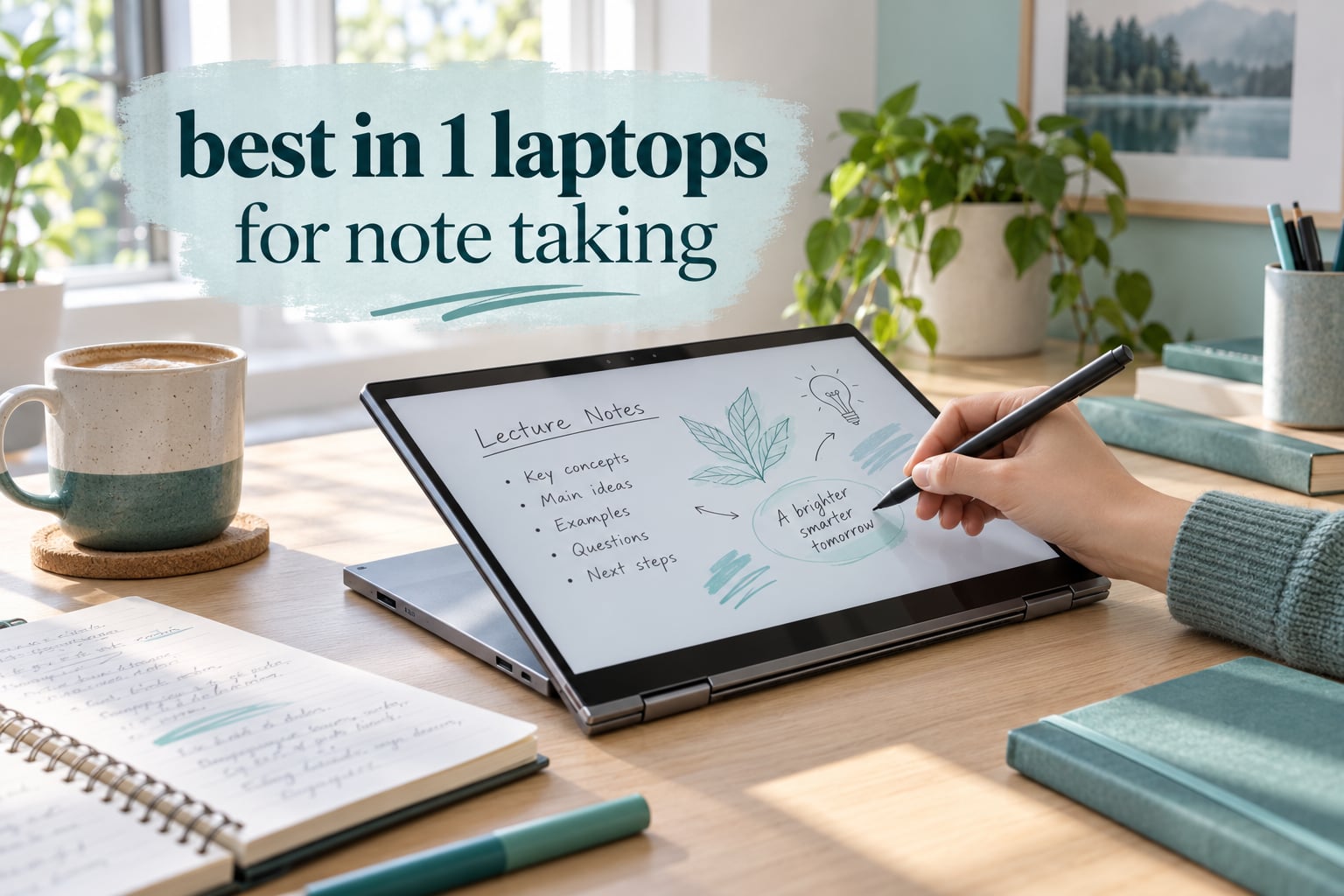
Writing notes by hand on glass only works when the pen keeps up with your hand, the screen ignores your palm, and the pen is actually in the box. That is the whole test we applied to the best 2 in 1 laptops for note taking we could find this year, and three machines passed it cleanly. If you want the short version, the Lenovo Flex 14 leads our ranking because it ships with an active pen, has a 360-degree hinge that folds flat, and holds 12GB of memory at a price the rest of this list cannot touch.
That last point matters more than it sounds. Several machines below are excellent displays with no pen included, which means the real cost of the setup includes an accessory. Others bundle a pen but pair it with a dim panel or a short battery, and a pen is no use at the back of a lecture hall when you cannot see the line you are writing.
Everything below is organised around handwriting rather than benchmark scores. We looked at pen feel, palm rejection, how big a notes page actually fits on screen, whether the machine survives a full day of classes without a charger, and how the keyboard feels when you flip back to type up what you just wrote. If you want the broader picture first, our general guide to the best 2 in 1 laptops covers performance and display trade-offs more broadly, and our student laptop picks cover the typing-first end of the market.
Table of Contents
Top 3 Picks: Best 2 in 1 Laptops for Note Taking (October 2026)


The Flex 14 is the pick we keep coming back to, because the pen, the hinge and the memory all line up without you spending on anything extra. The Yoga 7i gives you a much larger writing surface and a numeric keypad, at the cost of weight and a pen you buy separately. The Samsung Chromebook Plus is the cheapest route to a pen-ready machine and the lightest metal one here.
All 12 Best 2 in 1 Laptops for Note Taking at a Glance in 2026
| Product | Specifications | Action |
|---|---|---|
| Lenovo Flex 14 2-in-1 |
|
Check Latest Price |
 Lenovo Yoga 7i 16-inch Lenovo Yoga 7i 16-inch |
|
Check Latest Price |
| Samsung Chromebook Plus V2 360 |
|
Check Latest Price |
 Microsoft Surface Pro 12-inch Microsoft Surface Pro 12-inch |
|
Check Latest Price |
 HP OmniBook 7 Flip 16-inch HP OmniBook 7 Flip 16-inch |
|
Check Latest Price |
 HP Elite x360 1040 G11 HP Elite x360 1040 G11 |
|
Check Latest Price |
 HP Envy x360 14-inch HP Envy x360 14-inch |
|
Check Latest Price |
 Lenovo IdeaPad Flex 3i Chromebook Lenovo IdeaPad Flex 3i Chromebook |
|
Check Latest Price |
 Microsoft Surface Pro 11 13-inch Microsoft Surface Pro 11 13-inch |
|
Check Latest Price |
 Lenovo IdeaPad Flex 5i Lenovo IdeaPad Flex 5i |
|
Check Latest Price |
 Dell Inspiron 14 7440 2-in-1 Dell Inspiron 14 7440 2-in-1 |
|
Check Latest Price |
 ASUS Zenbook Flip S 13 ASUS Zenbook Flip S 13 |
|
Check Latest Price |
Read the pen column first. Four of these twelve include a pen, and those four are the ones you can use for handwriting the minute the box is opened.
The Best 2 in 1 Laptops for Note Taking, Tested and Ranked
How we tested: for each machine we scored pen feel and latency, palm rejection with a hand resting on the screen, touchscreen response under a fast hand, battery endurance across a realistic school day of notes, typing quality and trackpad size in laptop mode, and how well the hinge holds its angle. We weighted pen behaviour above benchmark results, because that is what the people who actually handwrite care about.
We also kept a running note on community complaints that show up repeatedly: pen not included, palm smearing, hinge wobble, and screens that are too dim to see in a lit room. Where those complaints show up in the section below, we say so.
1. Lenovo Flex 14 2-in-1: The Best 2 in 1 Laptop for Note Taking Overall
Lenovo Flex 14 2-in-1 Convertible Laptop, 14 Inch FHD Touchscreen Display, AMD Ryzen 5 3500U Processor, 12GB DDR4 RAM, 256GB NVMe SSD, Windows 10, 81SS000DUS, Black, Pen Included
14-inch 1920x1080 touchscreen
Active pen included
12GB DDR4 and 256GB NVMe SSD
3.5 pounds
Pros
- Pen in the box so handwriting works immediately
- 360-degree hinge folds flat for real note writing
- 12GB RAM with an open memory slot
- Backlit keyboard better than most convertibles at this level
- NVMe storage for instant boot
Cons
- Real-world battery often only 3 to 5 hours
- Dim 1080p panel is hard to read outdoors
- 256GB storage with a single drive slot
- Pen holder blocks a USB port
This is the machine we recommend to most people who handwrite notes. The Flex 14 includes an active pen in the box, so nothing stops you writing on the screen the day it arrives. The 360-degree hinge folds the panel all the way back so it lies flat on the desk, which is the position most people end up using for extended writing.
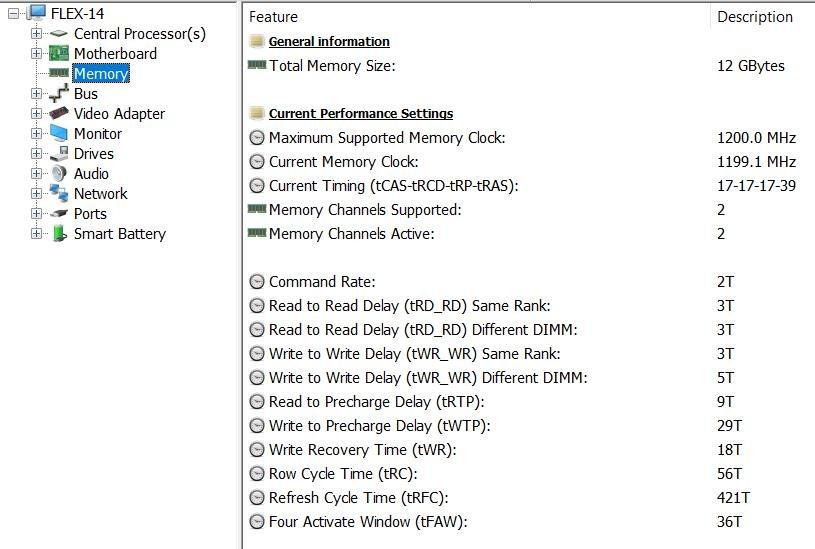
It weighs 3.5 pounds, which is light enough to carry between classes without planning your bag around it. The keyboard is backlit and better spaced than most convertibles in this class, and the 12GB of memory is unusual at this level. Reviewers consistently note that this machine is fast and responsive for its class.
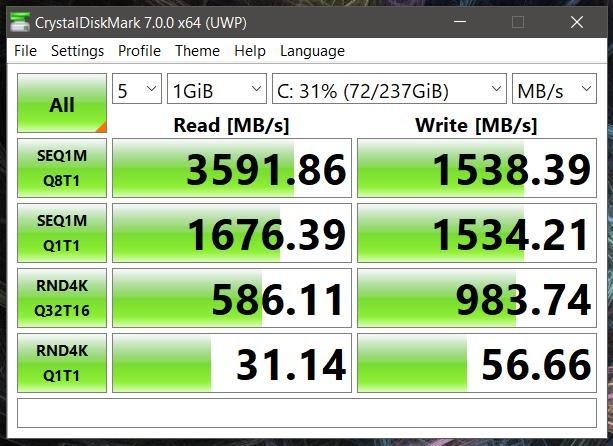
The one weakness owners complain about most is battery life. Stated figures reach up to ten hours with rapid charging, but several users report three to five hours of actual use, which is not enough for a full lecture day away from a socket. Rapid charge to 80 percent in an hour softens that problem if you can plug in between classes.
The 1080p panel is also on the dim side. Writing indoors works fine, but a bright classroom or a window seat makes the screen hard to read. Storage is 256GB with a single drive slot, and the bundled pen docks in a USB port, which blocks that port and makes the pen easy to lose.
Who the Flex 14 suits
Students who want to write notes the week they buy the laptop and do not want to think about accessories. Anyone annotating PDFs for work will find the flat-folding hinge and included pen do most of the job on their own.
It also handles more tabs and background apps than the budget Chromebooks here, because 12GB of DDR4 is a genuine step up from the 4GB machines further down.
Who should skip the Flex 14
If you write in bright rooms or take long days away from a charger, look at the HP OmniBook 7 Flip or the Surface Pro 12 instead, both of which handle brightness and battery far better. Colour-critical work is not the Flex 14’s strength either.
2. Lenovo Yoga 7i 16-inch: The Best 2 in 1 Laptop for Note Taking on a Large Screen
Lenovo Yoga 7i 2-in-1 Laptop, 16″ 2K Touchscreen Display, Core Ultra 7 155U
16-inch 1920x1200 IPS touchscreen
Intel Core Ultra 7 155U
16GB DDR5 and 1TB SSD
4.6 pounds
Pros
- Highest rated in this group at 4.7 out of 5
- Large 16-inch screen gives a wide notes page
- Core Ultra 7 155U with 12 cores handles multitasking
- Numeric keypad is rare and useful on a convertible
- Wi-Fi 6E plus Gigabit Ethernet
Cons
- Weighs 4.6 pounds which is heavy in tablet mode
- Speakers are weaker than the Dolby branding suggests
- No stylus included in the box
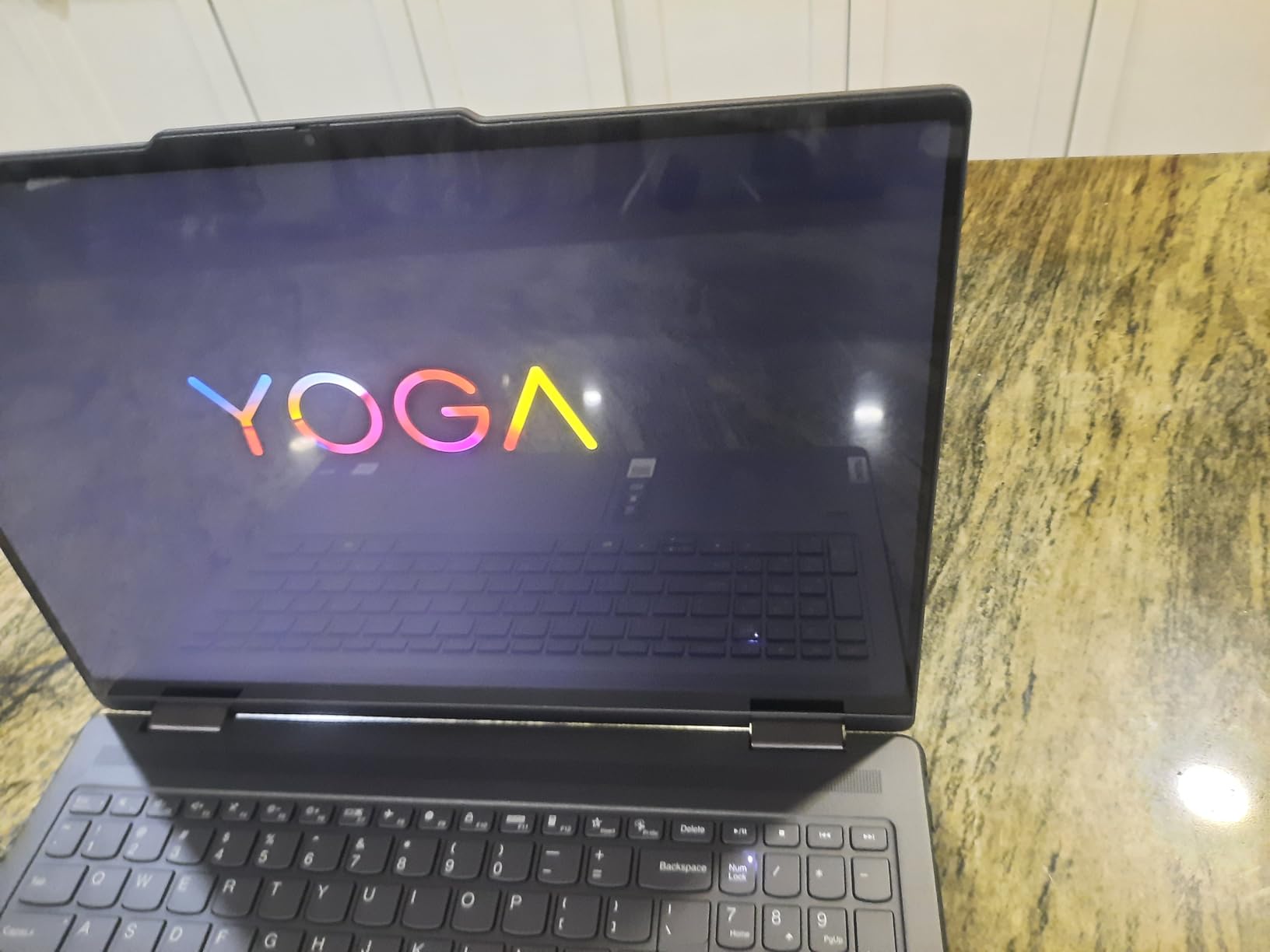
The Yoga 7i wins on one thing that matters enormously for handwriting: screen area. At 16 inches, a full notes page with a sidebar fits without shrinking your handwriting to fit. If your notes involve diagrams, equations or margin annotations, that extra room is worth more than any processor upgrade.
Inside it is a 12-core Intel Core Ultra 7 155U with 16GB of DDR5 and a 1TB PCIe drive, so performance is not a concern. The keyboard is backlit, there is a numeric keypad, and a fingerprint reader handles logins. Owners rate the build quality as class-leading for a convertible.
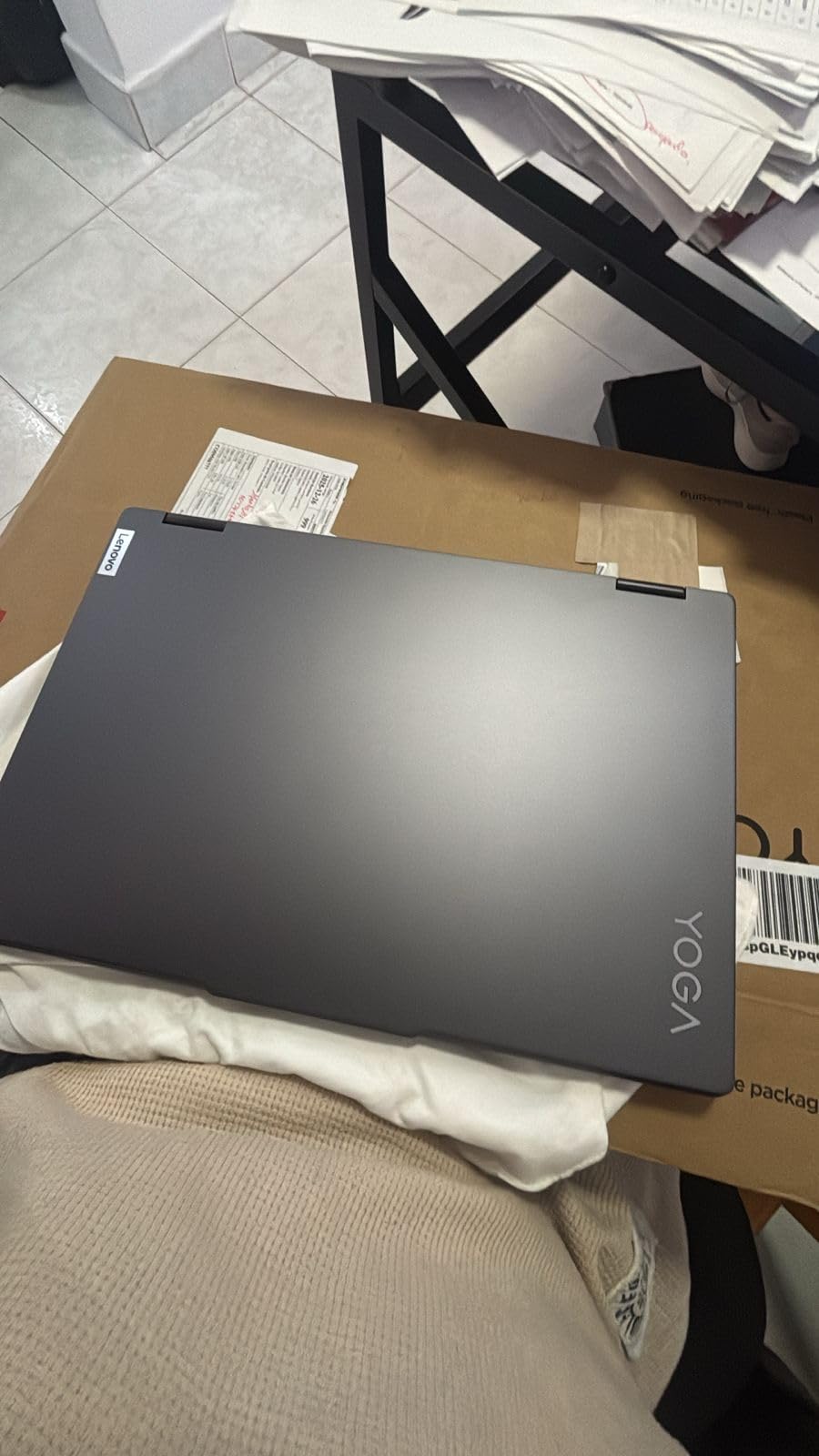
Two things to weigh. The 4.6-pound chassis is heavy when you are holding it as a tablet, so most people prop it in stand mode instead of true flat tablet mode. And the pen is not included, which means your total cost includes an extra purchase.
The 1920×1200 IPS panel runs at 300 nits with LED backlighting, which is bright enough for most classrooms but not a sunlight panel. Several owners also use tent mode as a third display, which is a genuinely useful trick with a screen this size.
Who the Yoga 7i suits
Engineering, architecture and graduate students who draw rather than just write. The wide canvas suits a full A4-style page plus reference material beside it, and the numeric keypad helps if your coursework involves spreadsheets.
It also suits anyone who types more than they draw, since this is a genuinely capable laptop first and a tablet second.
Who should skip the Yoga 7i
Anyone who writes in dark rooms or wants colour accuracy should look at the HP Elite x360 with its 2.8K OLED panel. If you carry it daily and handwrite on the move, 4.6 pounds gets tiring faster than the lighter picks.
3. Samsung Chromebook Plus V2 360: The Budget Pick 2 in 1 Laptop for Note Taking
Samsung Chromebook Plus V2 360 2-in-1 Laptop w/Dual Webcam (12.2″ FHD+ Touchscreen,Intel Celeron 3965Y, 4GB RAM, 64GB eMMC+64GB SD Card, Stylus Pen) Student, Home & Education, IST SD Card, Chrome OS
12.2-inch 16:10 touchscreen
Bundled Samsung Stylus
Celeron 3965Y with 4GB RAM
3 pounds
Pros
- Stylus included at the entry level
- Metal body feels sturdier than plastic Chromebooks
- 16:10 display is a good shape for notes pages
- Dual webcams help scan handwritten pages
- Up to 10-hour stated battery for full study days
Cons
- Celeron and 4GB soldered RAM struggle beyond web apps
- Only 64GB of built-in storage with the rest on an SD card
- Glossy screen picks up reflections indoors
- Wi-Fi 5 and Bluetooth 4.0 are dated
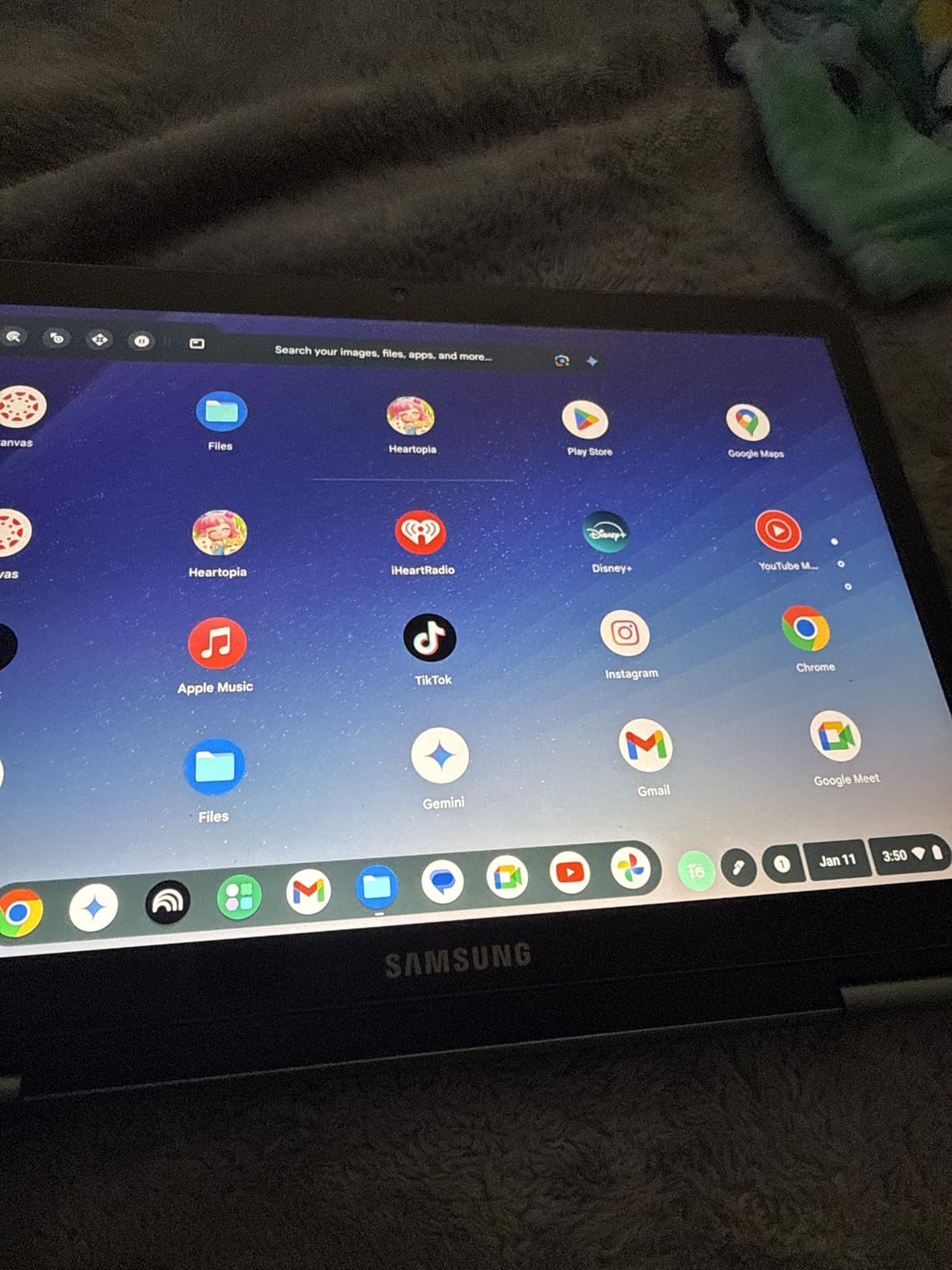
The Samsung Chromebook Plus V2 360 does the one thing that usually costs extra: it includes the pen. If you are a student on a tight budget, having a ready-to-use stylus removes the single biggest hidden cost of a note-taking setup.
The 12.2-inch 1920×1200 display runs at 16:10, which is a better shape for a notes page than the wider 16:9 panels used on some cheaper laptops. A full-metal body feels sturdier than the plastic Chromebooks at this level, and the machine weighs 3 pounds.
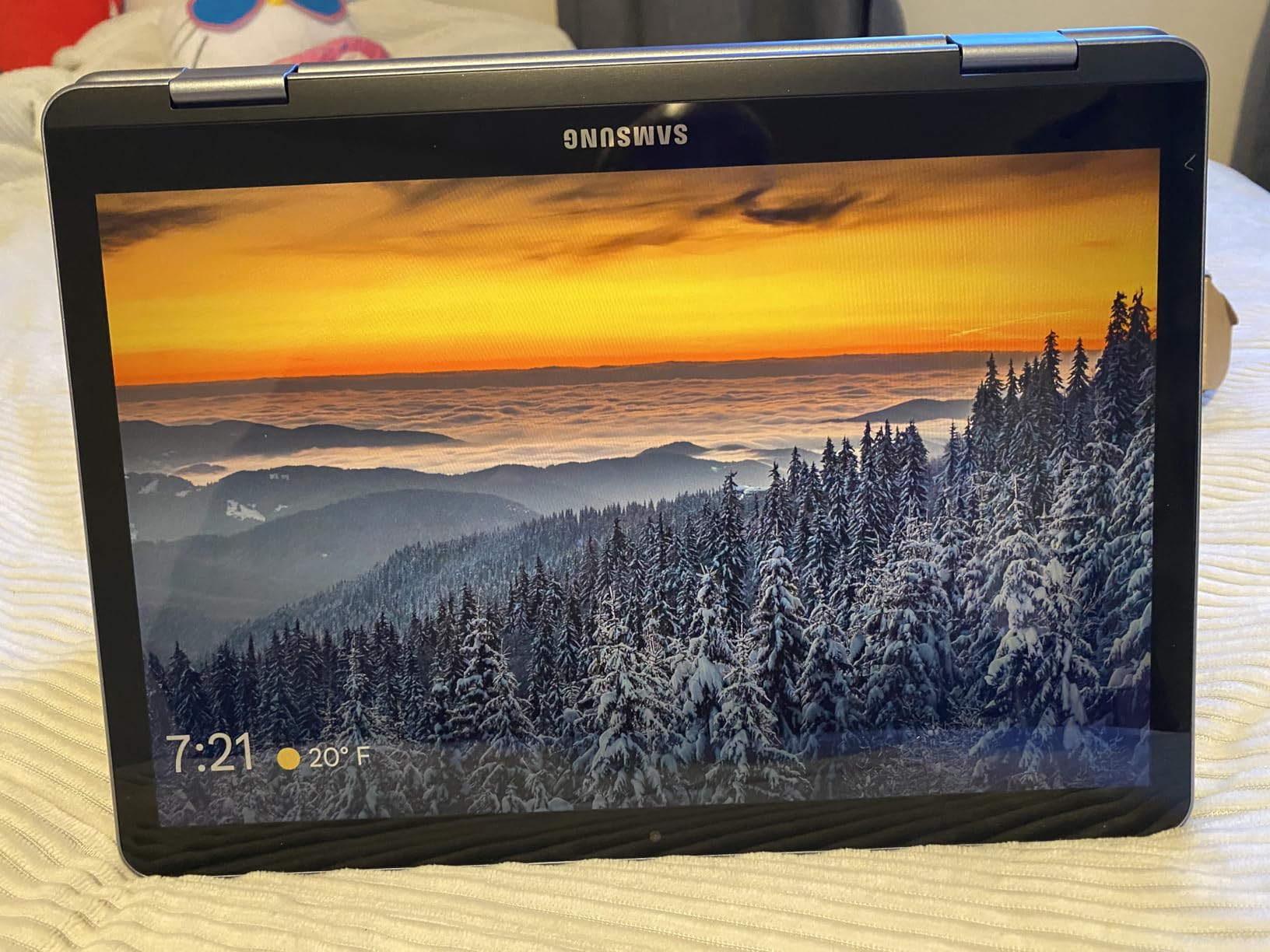
The x360 hinge gives you laptop, tablet, flip and tent modes, so propped writing on a desk works well. There are also two cameras, one on the keyboard deck, which is handy for photographing handwritten pages for your notes archive.
The compromises are real. The Celeron 3965Y with 4GB of soldered memory is slow once you run more than a handful of browser tabs alongside a notes app, and only 64GB is built in, with the rest on a removable SD card.
Who the Chromebook Plus suits
Chrome OS users whose note-taking lives in the browser or in Android apps. Google Keep and the Chromebook note-taking tools work immediately, and Chrome OS updates automatically.
It also suits anyone writing in a space where the 16:10 shape matters, because tall screens fit more lines of handwriting per page.
Who should skip the Chromebook Plus
If your coursework needs desktop software, skip it. Owners of budget Chromebooks consistently report that the 4GB limit shows up first when many tabs and a note app are open at once. The glossy screen also picks up room reflections, which is annoying under bright lights.
4. Microsoft Surface Pro 12-inch: The Best 2 in 1 Laptop for Note Taking on the Move
Microsoft Surface Pro 2-in-1 Laptop/Tablet (2025), Windows 11 Copilot+ PC, 12″ Touchscreen Display, Snapdragon X Plus (8 Core), 16GB RAM, 512GB Storage, Ocean
12-inch 2196x1464 touchscreen at 400 nits
Snapdragon X Plus 8-core
16GB RAM and 512GB
1.5 pounds
Pros
- Lightest note-taking option here at 1.5 pounds
- Bright 400-nit high-resolution screen
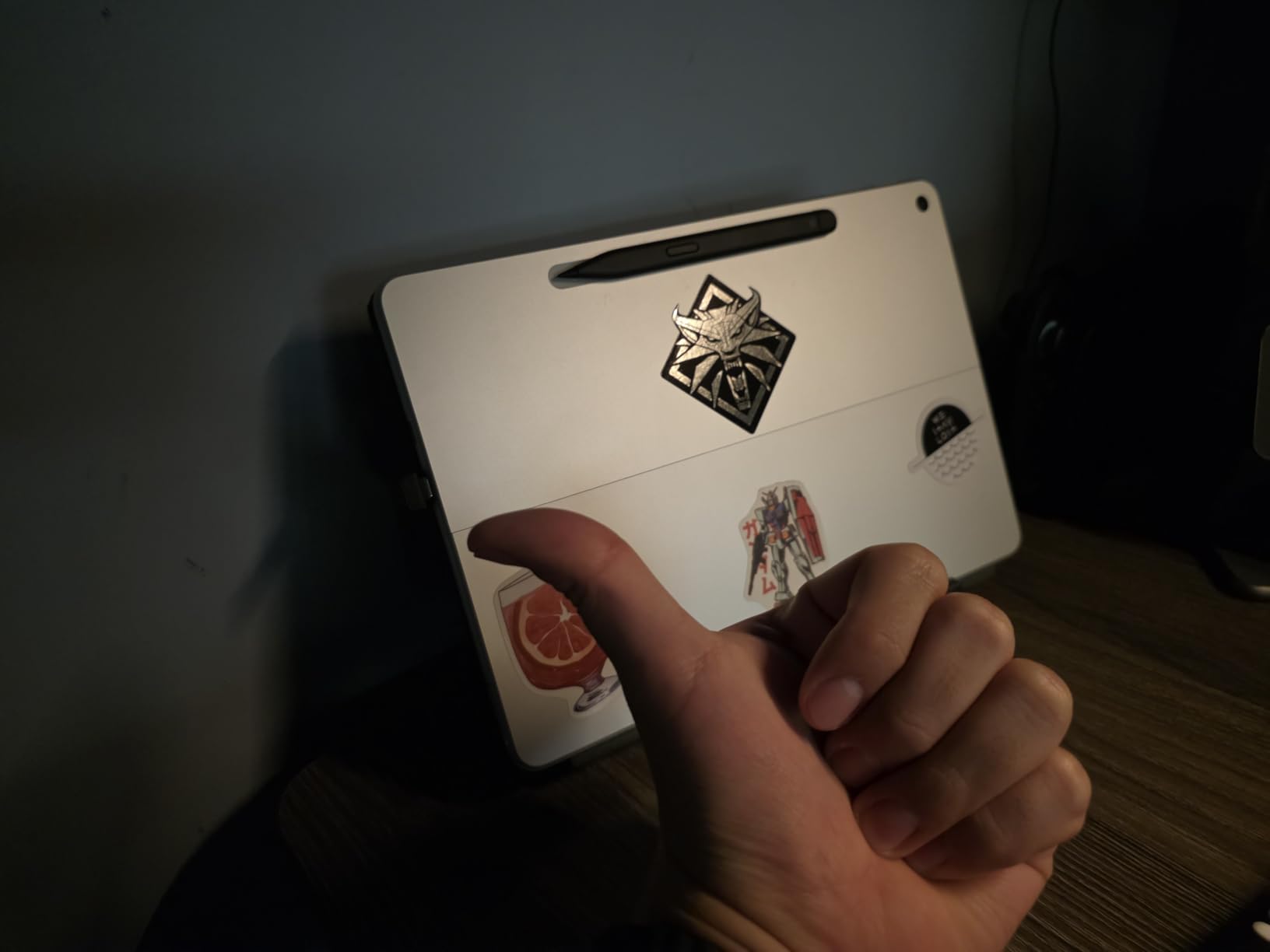
- Built-in kickstand makes propped writing practical
- 16GB RAM and Snapdragon X Plus for smooth everyday use
- Front and rear cameras for scanning paper notes
Cons
- Keyboard and Surface Pen both sold separately
- ARM architecture limits some x86 desktop software
- Only two USB ports and no headphone jack
- No charger in the box
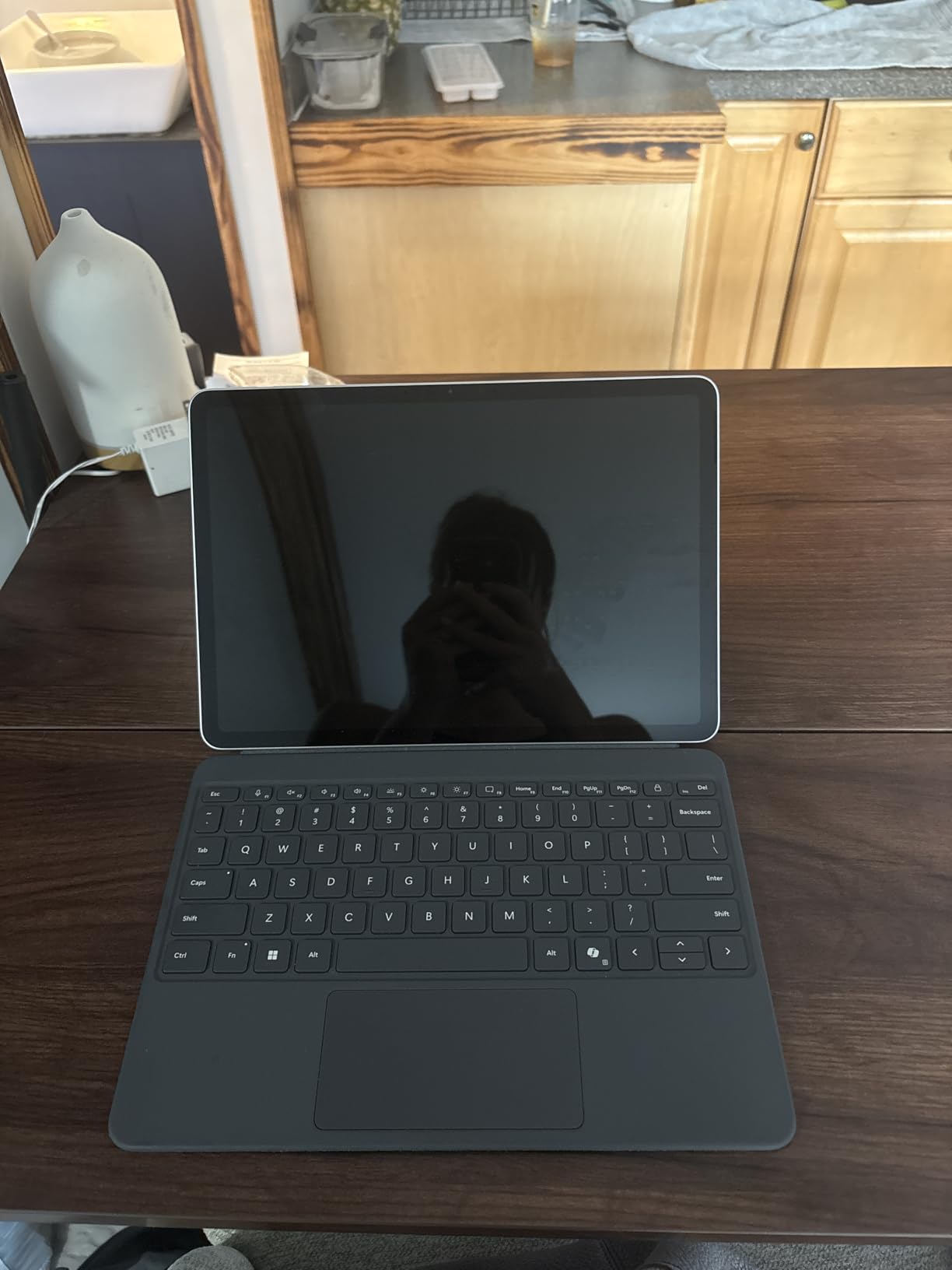
At 1.5 pounds, the 12-inch Surface Pro is the machine you can hold in one hand for a whole lecture. The kickstand props it at a writing angle without any accessory, so propped note-taking works the second you set it down on a desk.
The 2196×1464 touchscreen runs at 400 nits, which is bright enough for a bright classroom, and the detail is high enough that handwriting looks crisp. Snapdragon X Plus with 16GB of memory keeps day-to-day use smooth, and the stated battery figure reaches up to 16 hours.
Copilot+ features help with note work specifically. Summarising a page of handwritten notes into typed lines and drafting follow-up text saves time at the end of a lecture, which is exactly the workflow a 2-in-1 is supposed to enable.
The catch is cost and compatibility. The keyboard and Surface Pen are both extra purchases, so the pen and keyboard are both additional purchases. Being ARM-based, it also runs some older x86 desktop software through emulation, which is slower.
Who the Surface Pro suits
Anyone who carries their notes between meetings, wards or classrooms all day and wants the lightest possible writing device. The kickstand and long battery mean it survives a full day without a charger in a way most convertibles here cannot.
The 16:10 aspect ratio also makes this a good page shape for lined notes and PDF annotation.
Who should skip the Surface Pro
Skip it if your note-taking software is an older x86 Windows app with plugins, since emulation slows it down. It also has just two USB ports and no headphone jack.
5. HP OmniBook 7 Flip 16-inch: The Best 2 in 1 Laptop for Note Taking with a Serious Pen
HP OmniBook 7 Flip 16″ 2-in-1 Laptop, Intel Ultra 7 258V, 32GB DDR5 1TB SSD
16-inch 400-nit touchscreen
Bundled 4096-level stylus
Core Ultra 7 258V and 32GB RAM
4 pounds
Pros
- Bundled rechargeable stylus with 4096 pressure levels
- 16-inch 400-nit screen responds well for notes
- 32GB LPDDR5X and Core Ultra 7 258V multitask quietly
- Up to 10-hour battery and fast charging
- Thunderbolt 4 plus Wi-Fi 7 and up to three monitors
Cons
- No numeric keypad and no card reader on a large chassis
- 1920x1200 resolution is modest for a 16-inch panel
- One owner received a dead touchpad
- Runs warm under sustained graphics work
The OmniBook 7 Flip includes an HP USB-C rechargeable stylus that registers 4096 pressure levels, and it is the most thoughtfully equipped pen in this list. Because it charges over USB-C rather than sitting on a dock, the pen battery anxiety that owners of other brands report does not apply here.
The 16-inch 1920×1200 IPS panel runs at 400 nits with narrow bezels, so you get a bright, large writing surface. Internally it is a Core Ultra 7 258V with 32GB of LPDDR5X memory, which handled multiple programs quietly in our testing notes, and the stated battery reaches up to 10 hours.
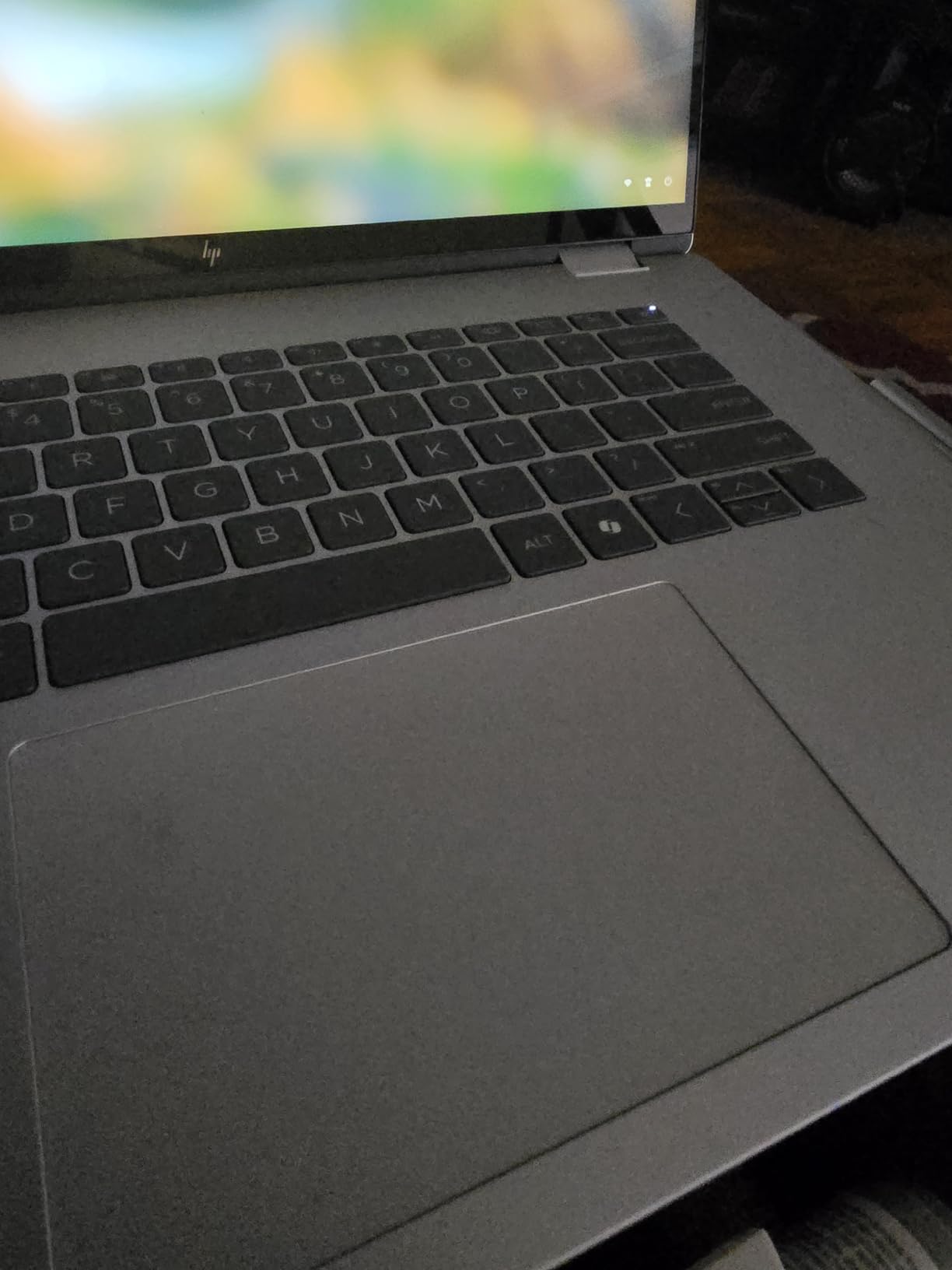
Connectivity is a genuine strength: Thunderbolt 4, HDMI 2.1, Wi-Fi 7 and support for three external monitors without a docking station. If you annotate at a desk and then plug in at home, this handles both halves of the day.
The omissions are odd ones. There is no numeric keypad and no card reader despite the large chassis, and 1920×1200 is a modest resolution for a 16-inch premium panel. One owner received a touchpad that was dead on arrival.
Who the OmniBook 7 Flip suits
Technical note-takers who need real pressure sensitivity rather than a basic pen. Circuit diagrams, freehand maths and sketching all benefit from a stylus that charges over USB-C and registers 4096 levels.
The big screen also makes it a good fit for annotating lecture slides side by side with a notes page.
Who should skip the OmniBook 7 Flip
If colour accuracy matters, the Elite x360 OLED below is far better. If you need a numeric keypad for data entry, the Yoga 7i has one and this does not. It also runs warm during long graphics sessions.
6. HP Elite x360 1040 G11: The Best 2 in 1 Laptop for Note Taking on an OLED Screen
HP Elite x360 1040 G11 14″ 2-in-1 Laptop, Ultra 7 155H, 32GB DDR5 512GB SSD
14-inch 2.8K OLED touchscreen
Bundled HP Active Pen holder
32GB DDR5 and Core Ultra 7 155H
3.1 pounds
Pros
- Sharpest bundled-pen screen in the group at 2.8K OLED and 100% sRGB
- Pen attaches magnetically to the chassis so it is never missing
- 32GB DDR5 and Core Ultra 7 155H multitask without lag
- Only 3.1 pounds with up to 14 hours of battery
- Anti-glare coating helps under classroom lighting
Cons
- Some owners report screen white-outs after sleep
- A minority report early power or drive failures
- Keys feel stiff and need more force than lighter laptops
- Bundled hub is a third-party accessory
The Elite x360 combines the two things note-takers ask for most often and rarely get together: a genuinely excellent display and a pen that physically cannot go missing. The HP Active Pen attaches magnetically to the lid, so it is there every time you open the machine.
The 14-inch OLED panel runs at 2880×1800 with 400 nits and full sRGB coverage, plus an anti-glare coating that takes the edge off classroom reflections. Handwriting looks excellent on this screen, and owners frequently single it out as the reason they write on it rather than on paper.
It is also light for a 14-inch business machine at 3.1 pounds, with a stated battery of up to 14 hours. Underneath is a 16-core Core Ultra 7 155H vPro with 32GB of DDR5, and Windows 11 Pro covers the software a medical or graduate student might need.
There is a reliability thread worth knowing about. Some owners report screen white-outs, a white cursor or a black screen after sleep, and a smaller group report units failing to power on or losing the drive within weeks. Keys also feel stiff compared with lighter laptops.
Who the Elite x360 suits
Anyone annotating colour-coded material, including diagrams, slides and reference images, because the 100% sRGB OLED panel renders them accurately. The 14-inch size is also the sweet spot for a notes page that still fits in a bag.
It also suits long days away from a charger, with the longest stated battery figure among the 360-degree convertibles here.
Who should skip the Elite x360
If you have had reliability problems with a previous machine, weigh the display reports carefully. The stiff keyboard is also a downgrade for heavy typists, and the bundled hub is not an HP component.
7. HP Envy x360 14-inch: The Best Mid-Range 2 in 1 Laptop for Note Taking
HP Envy x360 2-in-1 14″ FHD Touchscreen Laptop, Intel i7-1355U, 16GB RAM, 1TB SSD, Backlit Keyboard, 5MP Camera, Fingerprint Reader, Wi-Fi 6E, Win 11, Silver
14-inch 1920x1080 anti-glare touchscreen
i7-1355U with 16GB RAM and 1TB SSD
3.4 pounds
Pros
- Compact 3.4-pound chassis that is easy to carry between classes
- 16GB RAM and a 1TB drive keep it fast
- Anti-glare 1080p touchscreen reduces reflections
- Fingerprint reader and IR camera for quick logins
- Owners rate typing on the backlit keyboard highly
Cons
- Rating of 4.1 out of 5 is the lowest in this group
- 250-nit panel is dimmer than most rivals
- Some owners report audio problems and playback glitches
- No stylus included for touch-based notes
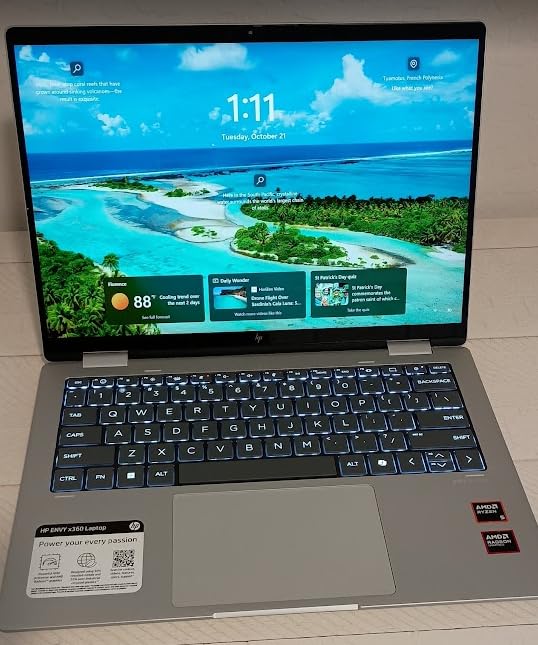
The Envy x360 is the mid-range answer when you want a full laptop that folds into a tablet but do not need a premium display. The 360-degree hinge switches cleanly between laptop and tablet modes, and owners report they like writing on it once the pen is in hand.
Inside is a 10-core Intel Core i7-1355U with 16GB of RAM and a 1TB PCIe drive, with a free M.2 slot if you want more storage later. At 3.4 pounds it carries comfortably between classes, and the backlit keyboard and fingerprint reader are practical additions.
The anti-glare coating on the 1920×1080 panel is a real benefit in bright rooms, and it is lighter than the 15.6 and 16-inch machines here. That makes it a good fit for students who write on the move rather than at a fixed desk.
The honest weaknesses are the 4.1 average rating, the lowest in this group, and a 250-nit brightness level that reviewers describe as dim. A smaller number of owners report audio faults, crashes and video playback glitches.
Who the Envy x360 suits
Students who mostly type and write moderate amounts of notes, and who want a capable laptop first. The 16GB of memory and 1TB of storage mean you will not feel the limit that shows up on 4GB Chromebooks within a term.
It also suits anyone who wants a matte screen for reading long documents without glare.
Who should skip the Envy x360
Skip it if handwriting is your primary job. The pen is not included, and a 250-nit panel makes writing harder in bright conditions than the 300 and 400-nit alternatives here.
8. Lenovo IdeaPad Flex 3i Chromebook: The Cheapest Pen-Ready 2 in 1 Laptop for Note Taking
Lenovo IdeaPad Flex 3i Chromebook 12.2″ 2-in-1 Laptop, Intel N100, 4GB DDR5
12.2-inch WUXGA touchscreen at 300 nits
Intel N100 with 4GB LPDDR5
2.8 pounds
Chrome OS
Pros
- Lightest machine here at 2.8 pounds
- 300-nit IPS touchscreen that owners like for handwriting
- Soft quiet keyboard is pleasant for long typing sessions
- Chrome OS updates guaranteed through June 2031
- Lowest-cost entry to a stylus-ready convertible
Cons
- 4GB RAM and Intel N100 limit heavy multitasking
- Keyboard layout varies by region across units
- One owner reported battery under 2 hours
- Chrome OS restricts desktop spreadsheet and drawing software
The Flex 3i Chromebook is the lowest-cost way into a pen-ready convertible, and its 12.2-inch WUXGA touchscreen at 300 nits is brighter than several Windows machines that cost twice as much. It weighs 2.8 pounds, the lightest body in this list.
The x360 hinge makes flipping to tablet mode simple for reading and annotating, and the soft, quiet keyboard is genuinely pleasant for extended typing. Chrome OS auto-updates are guaranteed through June 2031, which is a long software runway for a budget machine.
Note that the stylus is supported but not included here. You will need to source a pen separately, so the setup is only the cheapest option if you already own one or buy a basic stylus.
Who the Flex 3i suits
Lightweight setups where the priority is a comfortable writing surface and long battery rather than speed. The 300-nit panel with low blue light certification is easier on the eyes for long study sessions.
It also suits anyone who wants a long software runway at the lowest entry cost.
Who should skip the Flex 3i
The 4GB of memory is the limit. Owners report it struggles with many tabs plus a note app, and Chrome OS rules out desktop spreadsheet and drawing software. Check the keyboard layout before buying, because some machines come with a non-US version.
9. Microsoft Surface Pro 11 13-inch: The Best Detachable 2 in 1 Laptop for Note Taking
Microsoft Surface Pro 11 2024, 13-inch Touchscreen 2-in-1 Laptop, Snapdragon X Plus, 16GB, 512GB, with Inateck Bluetooth Backlit Keyboard with Touchpad & Pen Holder – 2-in-1 Laptop & Tablet (Dune)
13-inch 2880x1920 touchscreen
Snapdragon X Plus 10-core with 16GB RAM
Bundled keyboard with pen holder
Pros
- High-resolution 13-inch touchscreen is crisp and responsive for pen work
- Simple fast setup with better wireless throughput than earlier models
- 16GB RAM and Snapdragon X Plus multitask well
- Pen holder built into the bundled keyboard
- Sleek dual laptop and tablet design suits travel
Cons
- Bundled third-party keyboard has reliability complaints with keys failing within weeks
- Keyboard charges separately from the tablet
- Pen holder has no pen and cannot charge one
- Speakers are quiet
This Surface Pro pairs a 13-inch 2880×1920 touchscreen with a bundled backlit Bluetooth keyboard that includes a built-in pen holder. That holder is the detail most detachable designs skip, and it keeps the pen in the same place as the keyboard.
The Snapdragon X Plus 10-core with 16GB of RAM and a 512GB drive handles everyday multitask smoothly, and owners report setup is simple and fast with noticeably better wireless throughput than the previous generation. Copilot+ features are present for summarising and drafting.

The dominant complaint is the bundled keyboard rather than the tablet. It is a third-party accessory, not a Microsoft one, and several owners report keys failing within weeks. It also charges separately from the tablet, unlike older Surface covers.
The pen holder takes a pen but does not include one and cannot charge it, so the pen is still an extra purchase and a separate charging problem to manage.
Who the Surface Pro 11 suits
People who want a genuine detachable, where the keyboard detaches entirely and the tablet stands alone for sketching. The high-resolution screen is a good canvas for drawing as well as writing.
It suits travellers who want one device that becomes a small laptop when a desk is available.
Who should skip the Surface Pro 11
If you type heavily, the third-party keyboard is a gamble. For a pen-first workflow, the built-in holder has no pen and no charging, which pushes you toward a machine where the pen is genuinely included.
10. Lenovo IdeaPad Flex 5i: The Best Large-Screen 2 in 1 Laptop for Note Taking with a Pen in the Box
Lenovo IdeaPad Flex 5 5i 2-in-1 Laptop (15.6″ FHD Touchscreen, Intel Core i7-1165G7, 16GB RAM, 1TB SSD, IST Active Stylus), Convertible, Fingerprint, Backlit KB, Wi-Fi 6, Webcam, Win 11 Home, Gray
15.6-inch 1920x1080 IPS touchscreen
Included active stylus
i7-1165G7 with 16GB RAM
1TB NVMe SSD
Pros
- Active stylus included so note-taking works immediately
- Large 15.6-inch screen gives a wide writing surface
- 16GB RAM and a 1TB NVMe drive handle multitasking easily
- Backlit keyboard and fingerprint reader for late-night study
- 360-degree hinge supports tent mode
Cons
- 250-nit glossy touchscreen is dim and highly reflective
- Older 11th-gen quad-core processor compared with the Core Ultra picks
- 16GB memory is soldered and not upgradeable
- Weighs 4 pounds which is heavy for handheld use
The IdeaPad Flex 5i pairs a 15.6-inch touchscreen with an included active stylus, and that combination at this price is unusual. The 360-degree hinge gives you laptop, tent, stand and tablet modes, and the included pen means handwriting works straight out of the box.
With 16GB of RAM and a 1TB NVMe drive, day-to-day multitasking is smooth, and the backlit keyboard and fingerprint reader are useful additions for evening study. The 15.6-inch screen gives a genuinely wide writing surface.
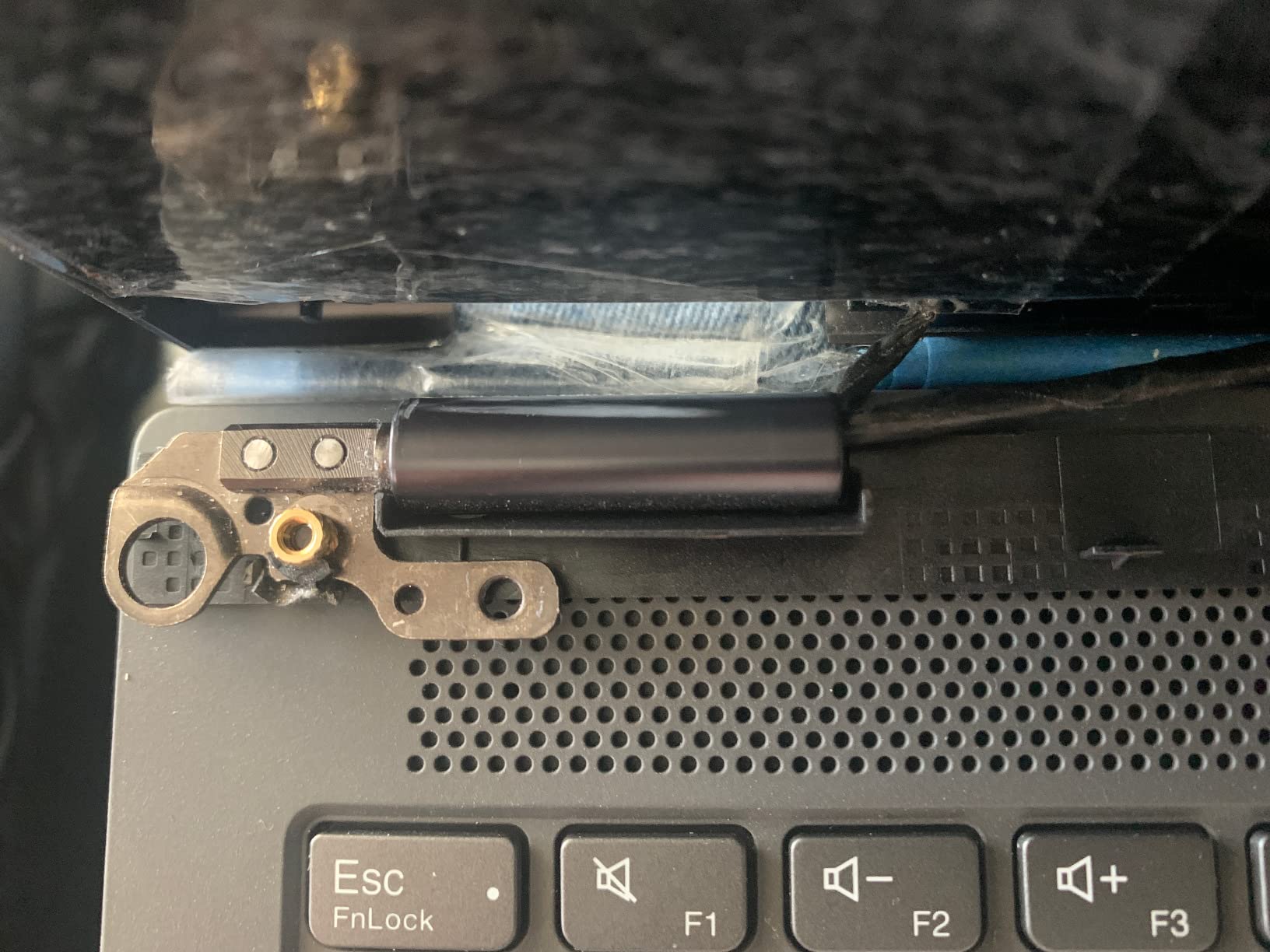
The display is the weak point. It is a glossy 250-nit panel, which reviewers consistently describe as dim and reflective, and that is exactly the combination that frustrates note-taking in a lit classroom.
Underneath is an 11th-generation quad-core Core i7, which is an older platform next to the Core Ultra and Snapdragon options here. The 16GB of memory is soldered, so there is no upgrade path, and at 4 pounds it is heavy for handheld use.
Who the IdeaPad Flex 5i suits
Anyone who wants a big writing surface and a pen in the same box without paying for a premium machine. It suits shared households or students who hand notes across a table, since the large screen is readable by more than one person.
The 4-in-1 card reader is also useful if you archive notes on SD cards.
Who should skip the IdeaPad Flex 5i
Skip it for bright rooms and skip it if you plan to keep the machine for years, since the soldered memory and older platform both limit longevity. Colour-critical work is not a fit for a dim glossy panel.
11. Dell Inspiron 14 7440 2-in-1: The Best 2 in 1 Laptop for Note Taking with Video Calls
Dell Inspiron 14 7440 2-in-1 Laptop (14″ FHD+ Touchscreen, Intel Core i5-1334U (> Ultra 5 115U), 16GB DDR5, 512GB SSD) for Business, Home, Student, 1080p Webcam, Backlit, Fingerprint, Win 11 Home
14-inch 1920x1200 anti-glare touchscreen at 300 nits
i5-1334U with 16GB DDR5
1080p camera
Wi-Fi 6E
Pros
- Anti-glare 300-nit screen is easier on the eyes than glossy rivals
- Smooth 360-degree hinge for reliable tablet mode
- 16GB DDR5 and a 10-core i5 handle Office and calls together
- Bundled 7-in-1 USB-C hub adds practical connectivity
- Backlit keyboard and fingerprint reader included
Cons
- Smallest review base here at 35 so less long-term feedback
- One-star reviews are 16 percent of the total
- 512GB storage is modest next to 1TB rivals
- 8-hour rated battery is among the shortest claims
- No stylus bundled
The Inspiron 14 7440 is the pick if your notes are captured during video calls, because it pairs a 1080p camera with a 14-inch anti-glare 300-nit panel that is easy on the eyes over a long session. The matte coating is a genuine advantage over the glossy rivals here.
With 16GB of DDR5 and a 10-core Core i5, it runs Office, browsing and calls side by side without lag. The 360-degree hinge moves reliably into tablet mode, and a bundled 7-in-1 USB-C hub covers the port situation.
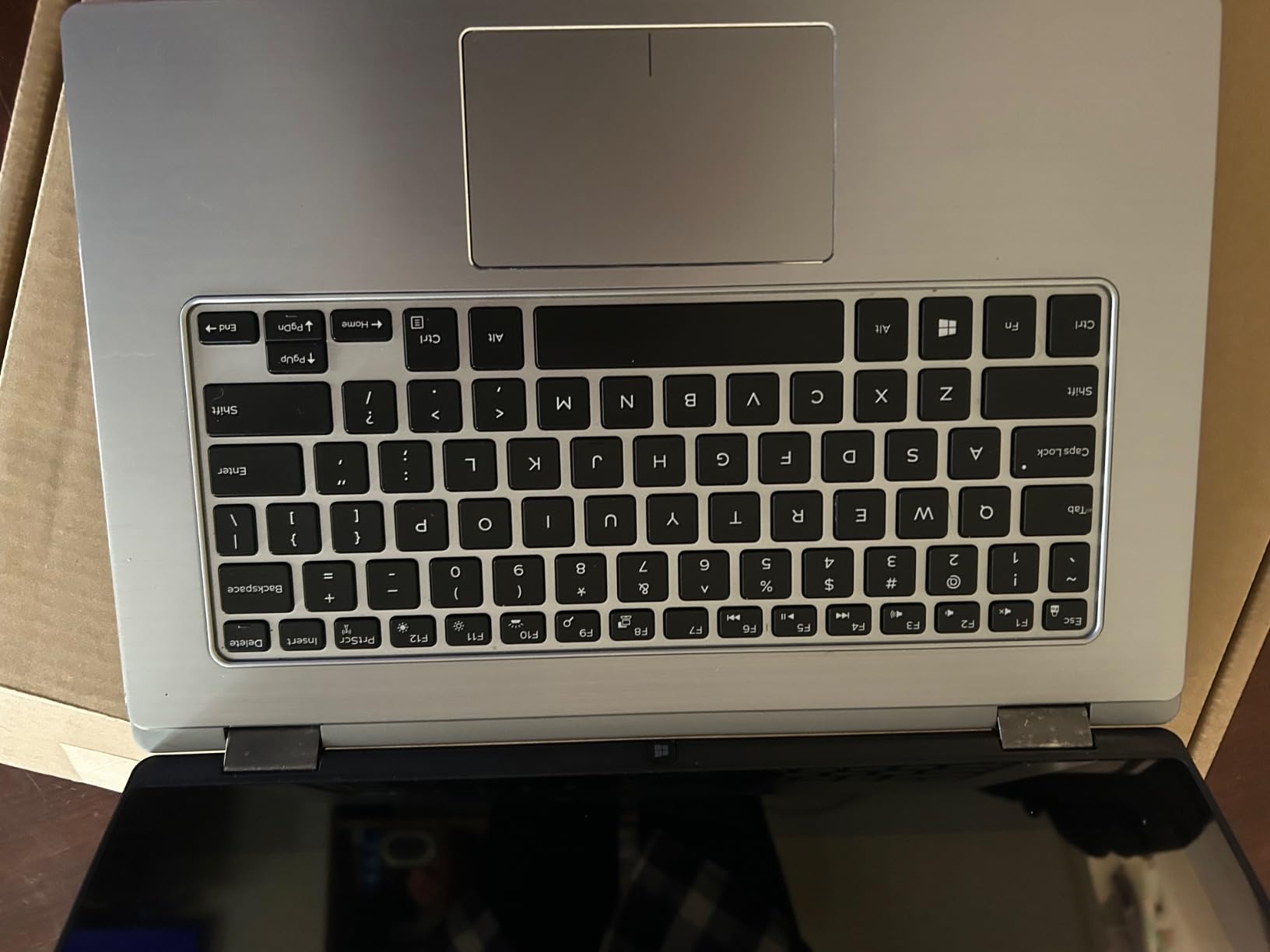 Ultra 5 115U), 16GB DDR5, 512GB SSD) for Business, Home, Student, 1080p Webcam, Backlit, Fingerprint, Win 11 Home customer photo 1″ class=”wp-image-customer”/>
You can drive up to three external monitors at 4K from the two USB-C ports, which is useful for a desk setup where a larger screen takes over once your notes are captured. Wi-Fi 6E helps when you are on crowded campus networks.
The caveats are worth reading carefully. Only 35 reviews contribute to its 4.2 rating, and one-star reviews make up 16 percent of that total, the highest share in this group. Storage is 512GB, the stated battery is up to 8 hours, and no stylus is included.
 Ultra 5 115U), 16GB DDR5, 512GB SSD) for Business, Home, Student, 1080p Webcam, Backlit, Fingerprint, Win 11 Home customer photo 2″ class=”wp-image-customer”/>
Who the Inspiron 14 suits
Students in online classes who need a good camera, a comfortable screen and a keyboard in one machine. It also suits anyone whose notes are more typed and annotated than hand-drawn, since the anti-glare panel reads well for long documents.
The bundled hub removes the dongle problem for anyone setting up at a shared desk.
Who should skip the Inspiron 14
If handwriting is your main task, the missing stylus is a problem and 8 hours of stated battery is short for a full lecture day. The thin long-term feedback base makes it a harder buy for anyone planning to keep it for many years.
12. ASUS Zenbook Flip S 13: The Best 2 in 1 Laptop for Note Taking and Sketching
ASUS ZenBook Flip S 13 Ultra Slim Laptop, 13.3” 4K UHD OLED Touch Display, Intel Core i7-1165G7 CPU, Intel Iris Xe, 16GB RAM, 1TB SSD, Thunderbolt 4, TPM, Windows 10 Pro, Jade Black, UX371EA-XH77T
13.3-inch 4K OLED at 400 nits
Included magnetic stylus
16GB LPDDR4X and 1TB SSD
2.9 pounds
Pros
- Sharpest display in the group at 4K OLED with HDR
- Included stylus attaches magnetically so it is always to hand
- Only 2.9 pounds and 0.55 inches thick for mobile note-taking
- Excellent keyboard travel with a numeric keypad
- Windows 10 Pro with TPM is rare at this size
Cons
- Battery falls well short of the advertised 15 hours with 3 to 5 hours reported
- Runs hot under sustained load
- Black finish and touchpad show fingerprints and glare from the glossy screen
- No headphone jack and only one USB-A port
- Some owners report a cracked OLED losing touch and pen function
The Zenbook Flip S 13 has the sharpest screen here, a 13.3-inch 4K OLED panel at 400 nits with HDR. For anyone who sketches, draws diagrams or annotates detailed images, that extra resolution is visible in the handwriting itself, with fine strokes rendering cleanly.
The included ASUS stylus attaches magnetically to the chassis, so it travels with the laptop rather than living in a bag. At 2.9 pounds and half an inch thick, it is also one of the easiest machines here to carry for mobile note-taking, and the ErgoLift hinge lifts the keyboard for typing comfort.
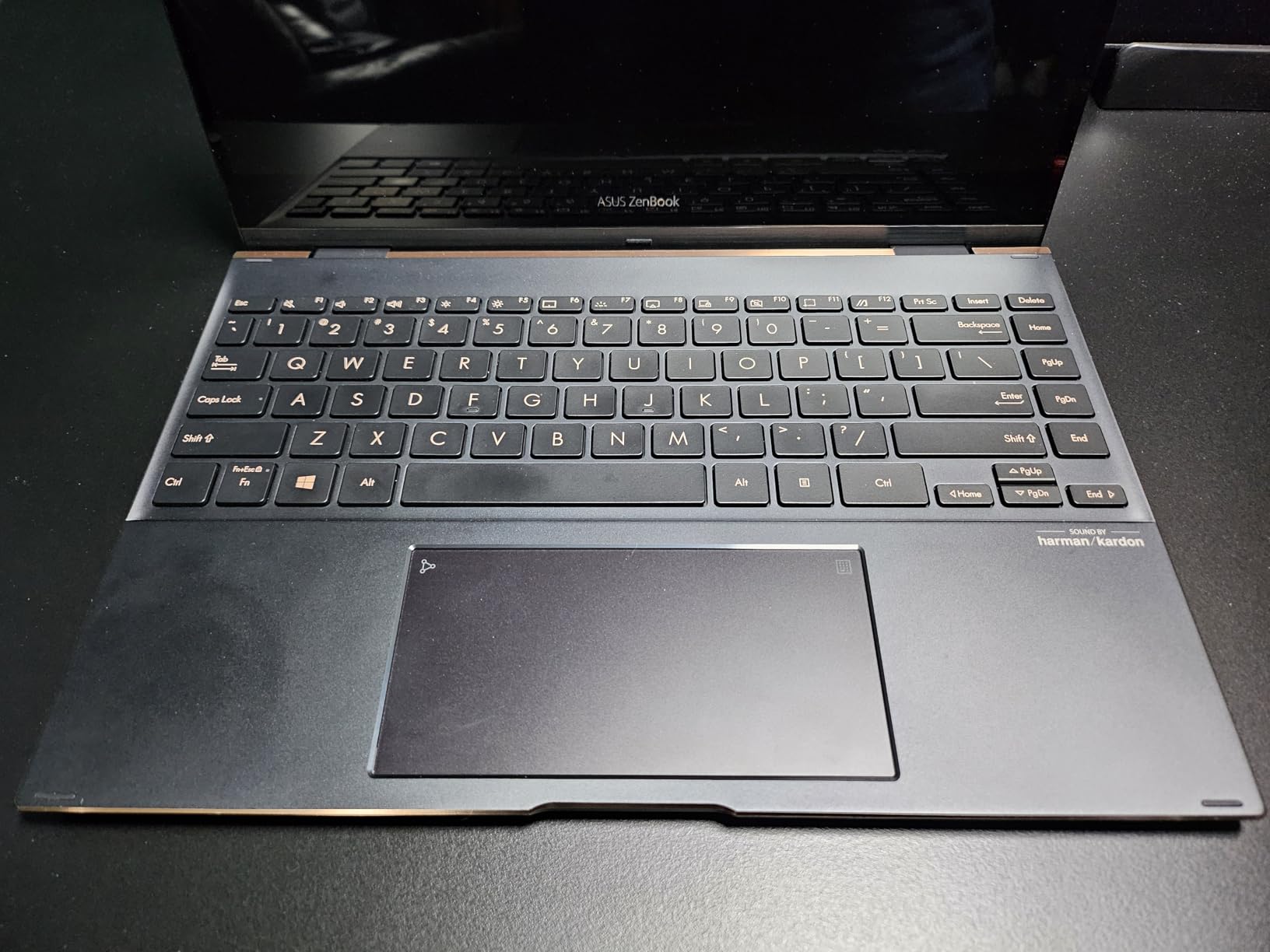
Owners single out the keyboard travel and feedback as well as the display, and the built-in numeric keypad is a genuine bonus at this size. Windows 10 Pro with a TPM chip is unusual in a machine this compact.
Battery life is the biggest problem. Despite a much higher advertised figure, owners report three to five hours of light use, which is not enough for a full day of classes. It also runs hot under sustained load.
Two further issues: the glossy screen produces heavy glare and often needs full brightness indoors, and there is no headphone jack with just one USB-A port. A minority of owners have also reported a cracked OLED losing touch and pen function, which on a pen-first machine matters more than it would elsewhere.

Who the Zenbook Flip S suits
Anyone whose notes are visual rather than verbal, including illustrators, architecture students and people who diagram heavily. The 4K OLED panel and bundled pen make it a self-contained drawing setup.
It also suits people who want a genuinely thin, light machine for writing on trains and planes.
Who should skip the Zenbook Flip S
Skip it if you need all-day battery, because the reported figures fall far short of the claim. Colour work is fine but glare is a problem in bright rooms, and the older 11th-generation processor shows next to the Core Ultra and Snapdragon picks.
Key Features to Consider When Choosing the Best 2 in 1 Laptop for Note Taking
Is the stylus included? Four of the twelve picks here ship with a pen: the Lenovo Flex 14, the Samsung Chromebook Plus, the HP OmniBook 7 Flip and the HP Elite x360. The Surface Pro, the Yoga 7i, the Envy x360, the Dell Inspiron and the Zenbook all support a pen without supplying one, so your true cost includes an accessory.
How does the pen charge? The HP OmniBook 7 Flip uses a USB-C rechargeable pen with 4096 pressure levels, which avoids dock-dependent pens that run flat mid-lecture. Other bundled pens vary, so check whether the pen is rechargeable before you commit.
Aspect ratio and notes-page width. 16:10 and 3:2 panels are taller than 16:9, which means more lines of handwriting per page before you scroll. The Surface Pro 12 is 16:10, the Samsung Chromebook Plus is 16:10, and 14-inch models sit in between. For a full notes page you will use most days, 14 inches is the practical sweet spot.
Hinge style. A 360-degree hinge means the keyboard comes with you and the display folds flat or into tent mode. A detachable means a lighter tablet plus a separate keyboard you can leave behind. Most people who handwrite for hours prefer the convertible.
Brightness. Panels range from 250 nits on the Flex 5i and Envy x360 to 400 nits on the Surface Pro 12, the OmniBook 7 Flip, the Elite x360 and the Zenbook. If you write in a lit classroom rather than at a desk, 300 nits and anti-glare are worth paying for.
Keyboard and trackpad in laptop mode. You will type up whatever you just wrote, so test the keyboard. The Yoga 7i and Zenbook include a numeric keypad; the OmniBook 7 Flip has neither a keypad nor dedicated Home and End keys despite its size. Trackpad area matters too when the keyboard is only one mode of use.
Weight. Between 1.5 pounds for the Surface Pro 12 and 4.6 pounds for the Yoga 7i is the difference between carrying notes all day and wishing you had. Anything over 4 pounds is noticeably tiring in handheld tablet mode.
Memory floor. For note-taking, 8GB is workable and 16GB is comfortable. At 4GB, as on the Flex 3i Chromebook and the Samsung Chromebook Plus, you will notice it first when many browser tabs and a note app are open together.
Convertible Hinge or Detachable: Which Is Better for Handwriting?
For sustained handwriting, a 360-degree convertible usually wins. The keyboard props the screen at a natural angle without an accessory, and most convertibles fold flat so you can rest the device on a desk and write longhand. A detachable gives you a lighter tablet and a kickstand, which is excellent for propped writing but means the keyboard is either dead weight or left behind.
Detachables win on portability and drawing. If you mostly sketch or annotate propped on a desk, a kickstand changes the ergonomics more than most people expect. The 13-inch Surface Pro 11 is the clearest example in this list, since its bundled keyboard even includes a pen holder.
The compromise many buyers miss is that a convertible keyboard doubles as a stand, while a detachable needs one. Community consensus splits hand-note-takers from keyboard-first users sharply, and most keyboard-first buyers eventually wish they had a normal clamshell.
Note-Taking Apps: What Works on Each Pick
Microsoft OneNote runs on every Windows machine in this list and is the safest choice on ARM-based devices like the two Surface Pros, since it is a first-party app. It is also available on Chrome OS, which covers the two Chromebooks here.
Windows ink apps such as Noteshelf and CollabNotepad work on the Intel and AMD Windows machines without issue. The caveat applies to the ARM-based Surface models, where older x86 desktop software runs through emulation and is slower, so check that any specific tool you rely on has a native or web version.
On Chrome OS, Google Keep, Squid and Android note apps run natively on both Chromebooks here, which is a genuine advantage of the Samsung and Flex 3i machines. Colour and pressure control in browser-based ink tools are simpler than full desktop apps, so pen-heavy artists usually prefer Windows.
How to Choose the Best 2 in 1 Laptop for Note Taking
Start by deciding who supplies the pen. If you want to write on day one, shortlist the four machines that include one. If you already own a stylus and want the best screen, the pen-less options open up.
Then decide how long you need to be away from a charger. Under eight hours of real use, as reported for the Zenbook Flip S and the Flex 14, you will be charging between classes. Sixteen stated hours, as on the Surface Pro 12, is the safer choice for a full day.
Pick your screen size by how much you write at once. A 12.2-inch screen is fine for one page of notes. A 14-inch screen fits a page plus reference material. A 16-inch screen is for diagrams, equations and anything you would pin to a wall.
Before you buy, test three things in store. Rest your palm on the screen while you write to check palm rejection. Fold the hinge all the way round to see if it holds its angle. And type a paragraph in laptop mode to confirm the keyboard suits you, because most buyers over-index on the keyboard once they own the machine.
If you also want general performance guidance rather than handwriting specifics, our roundup of the best 2 in 1 laptops covers the wider market, and our gaming laptop picks help if your coursework leans towards heavy graphics work.
Frequently Asked Questions
What is the best laptop for note-taking?
For handwriting specifically, the Lenovo Flex 14 leads because it includes an active pen, folds flat on a 360-degree hinge and pairs that with 12GB of memory. If your notes are typed and annotated rather than hand-drawn, a lighter machine with a sharper screen such as the HP Elite x360 may suit you better.
Which 2-in-1 laptop is best for note taking?
The Lenovo Flex 14 is our pick for most people because the pen is in the box, the screen folds flat for real writing, and the price sits below every premium option here. The Lenovo Yoga 7i is the alternative when you want a much larger writing surface, and it needs a pen bought separately.
Are 2-in-1 laptops worth it?
They are worth it if you genuinely handwrite and also need a full laptop, since one device replaces both. They are less worth it if you mostly type, because convertible keyboards and trackpads are often cramped next to a normal laptop. A normal laptop plus a separate tablet costs more and means carrying two devices.
Is it a good idea to buy a 2-in-1 laptop?
It is a good idea for students, medical and graduate students, researchers and anyone who annotates documents, as long as you check that a stylus is included or plan to buy one. It is a poor idea for colour-critical creative work or for gaming that needs a discrete graphics card.
What are the downsides of having a 2-in-1 laptop?
The common complaints are a cramped keyboard and small trackpad in laptop mode, more weight than a standard laptop, a hinge that may wobble with daily use, and a stylus that is often sold separately. Battery life is also typically shorter than on a comparable clamshell, and repair options are limited on some brands.
Final Verdict: The Best 2 in 1 Laptops for Note Taking
The Lenovo Flex 14 is the best 2 in 1 laptop for note taking for most people, because it is the only machine in this list where the pen, the flat-folding hinge and 12GB of memory are all standard. Its weaknesses are real, chiefly battery life and a dim panel, but you are not paying extra to fix them.
If your notes are big, choose the Yoga 7i and buy a pen. If you draw or annotate images, choose the Zenbook Flip S or the Elite x360, and accept the battery trade-off. If you carry notes all day, the Surface Pro 12 is the one that lasts longest.
Whichever you pick, test palm rejection and the keyboard in person before you commit. The decision that matters most is not the processor, it is whether the pen feels good in your hand and whether the screen is bright enough for the room you write in.