
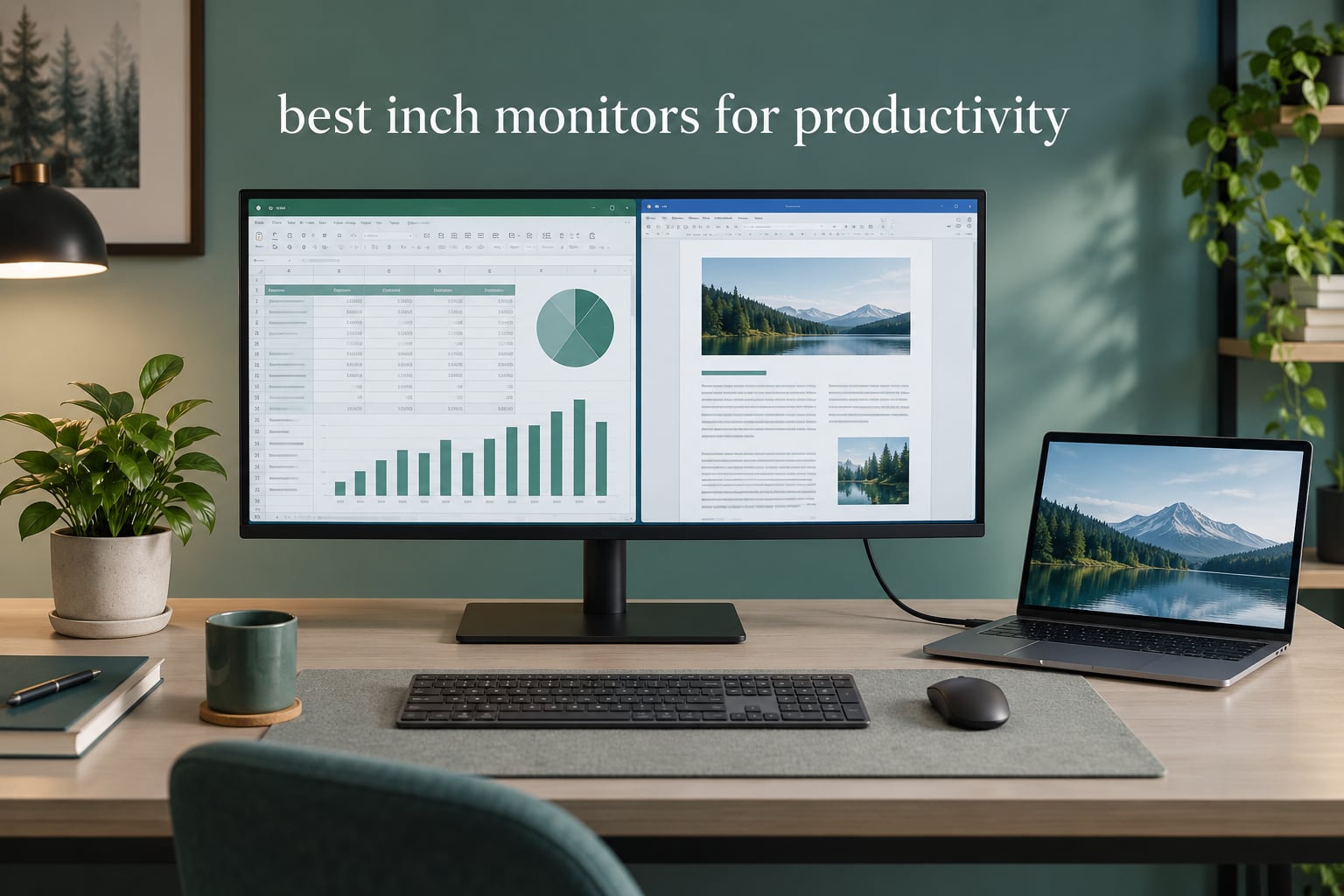
A 32 inch monitor is the point where a single screen stops being a screen and starts being a desk. At that size you can hold a spreadsheet, a document and a video call side by side without shrinking any of them into illegibility, which is the whole difference between working and tab-switching.
But size alone buys you nothing. The reason the best 32 inch monitors for productivity are all 4K is pixel density. A 31.5-inch 3840 x 2160 panel lands at roughly 140 pixels per inch, so the extra usable area arrives with proportional sharpness rather than blur. A 32-inch QHD panel sits near 92 pixels per inch, and owners consistently describe the text as soft once they have used something sharper.
That single number settles more arguments than panel size does. Experienced buyers on r/Monitors rank pixels per inch above inches when picking a productivity display, and the fear that most often stops people buying a 32 inch screen is scaling: will I need 150% zoom and end up with the same desktop as a 27 inch panel? Short answer is yes, you will probably scale, and the result is still meaningfully more workspace.
We evaluated published specifications, current owner feedback and warranty terms for eight current 32 inch models, then ranked them by what actually helps on a working day: text sharpness, contrast, how many windows fit, whether one cable charges your laptop, and whether the stand holds a sensible eye height. Prices change daily, so use the buttons below to see current availability at your retailer.
Table of Contents
Top 3 Picks: Best 32 Inch Monitors for Productivity (October 2026)
If you want a short answer, these are the three we would put on a shortlist first.


Dell S3225QS
- 120Hz refresh rate
- Height swivel and tilt stand
- 99% sRGB with ComfortView Plus
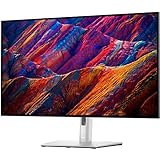
Dell UltraSharp U3223QE
- IPS Black with 1000:1 contrast
- 90W USB-C hub with 7 ports
- Factory calibration report
All 8 Best 32 Inch Monitors for Productivity Compared Side by Side
Every screen below is 4K at 32 inches. What separates them is panel type, refresh rate, port selection and how far the stand adjusts.
| Product | Specifications | Action |
|---|---|---|
| LG UltraFine 32UL500-W |
|
Check Latest Price |
| Dell S3225QS |
|
Check Latest Price |
| Dell UltraSharp U3223QE |
|
Check Latest Price |
 ViewSonic VP3256-4K ViewSonic VP3256-4K |
|
Check Latest Price |
 Samsung ViewFinity S8 Samsung ViewFinity S8 |
|
Check Latest Price |
 BenQ PD3205U BenQ PD3205U |
|
Check Latest Price |
 LG UltraFine 32UP83AK-W LG UltraFine 32UP83AK-W |
|
Check Latest Price |
 ViewSonic VX3276-4K-MHD ViewSonic VX3276-4K-MHD |
|
Check Latest Price |
1. LG UltraFine 32UL500-W — Best 32 Inch Monitor for Productivity Overall
LG Ultrafine 32-Inch Computer Monitor 32UL500-W, VA with HDR 10 Compatibility and AMD FreeSync, White
31.2-inch 4K VA panel
160Hz refresh
3000:1 contrast
DisplayPort and 2x HDMI
Pros
- Sharp 4K text with room for two to four windows
- Bright and accurate out of the box
- Built-in stereo speakers are louder than expected
- 178-degree viewing angle
- Wall-mountable with a joystick control
Cons
- Stand has no height adjustment
- No USB-C input and no USB-A hub
- Bundled cables are limited to 30Hz
The LG 32UL500-W is the 32 inch monitor for productivity we keep coming back to, and the reason is not a single clever feature. It is the combination of a true 4K panel at roughly 140 pixels per inch, a high refresh rate, built-in speakers and the largest owner base in this roundup at more than 1700 reviews. That last point matters more than it sounds: a screen this size touches a lot of surfaces, and a well-reviewed one is a lower-risk purchase.
Reviewers consistently report that the size genuinely replaces a dual-monitor setup. Two or three applications at full height is the reported sweet spot, and at that point the extra pixels per inch are doing real work rather than just adding desk space. Brightness is high enough for a bright office, and the factory calibration needs little adjustment for document work.
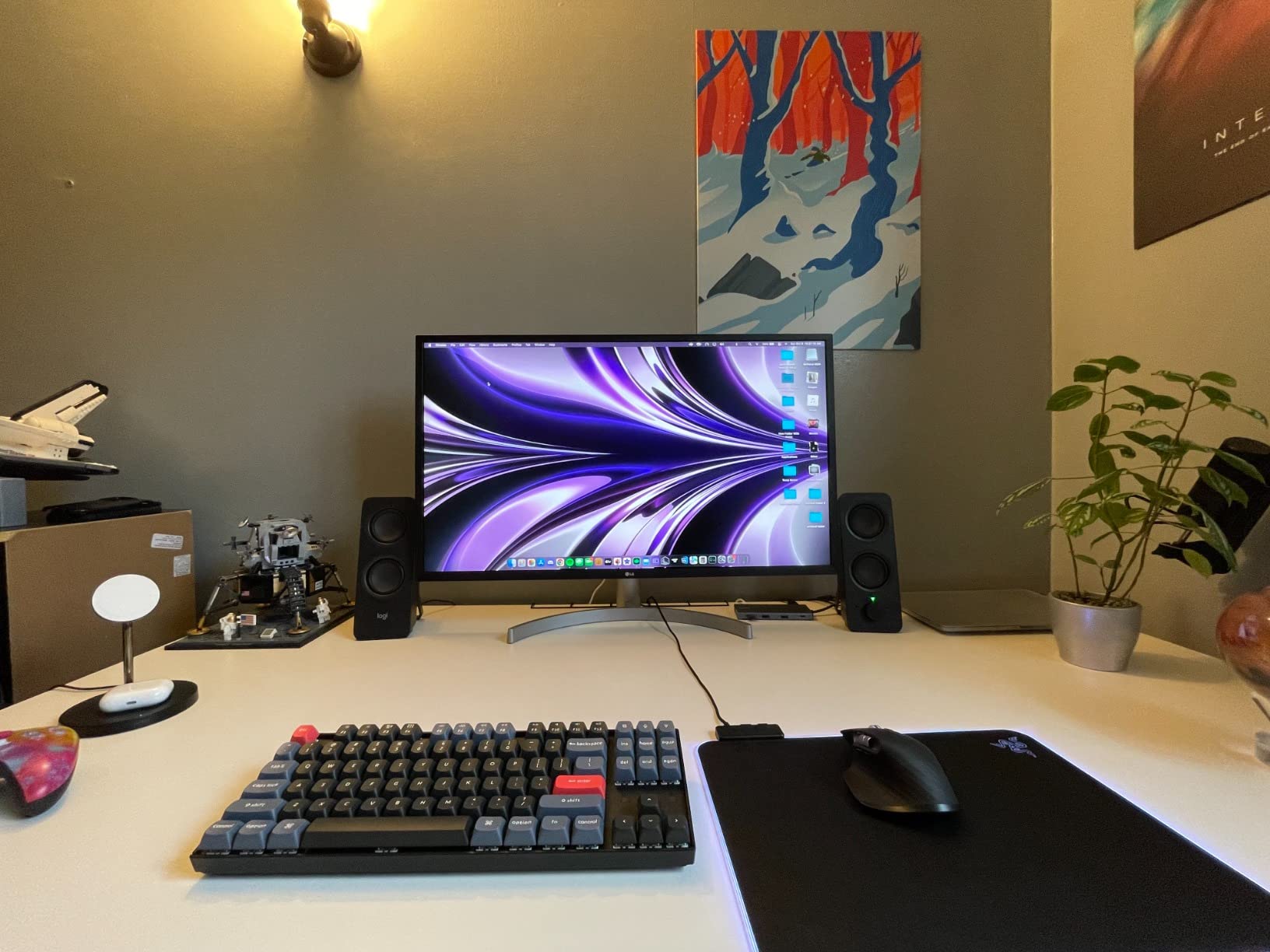
The specifications that matter for a working day are all present. Contrast is rated at 3000:1 typical, which is unusually deep for a 32 inch panel and keeps dark text on light backgrounds from looking grey. The refresh rate is 160Hz, so scrolling through a long document or dragging a spreadsheet window is visibly smoother than on a 60Hz screen. Response time is listed at 4 milliseconds and the panel supports AMD FreeSync.
There are trade-offs, and they are worth being blunt about. The stand offers tilt only, with no height adjustment, so on a desk where the monitor sits too high you will need a riser or a monitor arm. There is no USB-C input and no USB hub, so a laptop user carries a DisplayPort adapter and separate cables. Reviewers also note that the bundled HDMI and DisplayPort cables are limited to 30Hz rather than 4K at 60Hz, so buy your own cable.
Why it works for spreadsheet and document work
The VA panel here is the reason contrast reaches 3000:1, and that is a genuine advantage when you spend eight hours reading dense text. Black text on white stays crisp, and you avoid the washed-out look that low-contrast panels give long documents. The 16:9 aspect ratio matches your documents and web pages exactly, so nothing is letterboxed.
Owners of this model also point to the viewing angle. At 178 degrees, moving a chair sideways or leaning back to read a long paragraph does not visibly wash out the image. That is a practical benefit in a bright room, where a narrower angle or a glossy surface would otherwise create glare across the text area.
Where it falls short
The fixed stand is the biggest everyday annoyance. If your desk height puts the centre of the screen above eye level, you will spend the day tilting your head down, and no amount of pixel density fixes that.
The glossy screen finish is the second issue. Reviewers note that reflections show up more than on matte-coated alternatives, which matters in a window-facing desk. Several Mac owners also report that LG’s OnScreen Control software is Windows-only and poorly reviewed, so Mac users are managing settings from the panel’s own joystick instead.
2. Dell S3225QS — Best 32 Inch Monitor for Smooth Scrolling
Dell 32 Monitor S3225QS, 4K UHD VA, 120Hz, FreeSync Premium, Eye Comfort
32-inch 4K VA panel
120Hz with 0.03ms response
99% sRGB and 95% DCI-P3
FreeSync Premium
Pros
- Very bright panel that stays clean at high brightness levels
- 120Hz makes scrolling and window dragging feel smooth
- Height swivel and tilt adjustment
- ComfortView Plus cuts blue light to 35%
- 100x100 VESA mount with screws included
Cons
- VA viewing angles are weak vertically
- Uneven brightness with dimmer edges
- Smart HDR can flicker unless switched off
- Dell utility is not Mac compatible
If your day involves long documents, endless scrolling and dragging windows around while you think, the Dell S3225QS is the 32 inch productivity monitor we would pick for comfort. The reason is the 120Hz refresh rate, which sounds like a gaming specification and is not. On a large 4K canvas, 120Hz makes cursor movement and scroll animations visibly smoother, and reviewers single that out as the feature they notice most.
The stand is also better than the LG’s. Height adjustment, swivel and tilt are all present, so you can set the panel at eye height and angle it away from window glare. That combination of smoothness and ergonomics is unusual at this size.
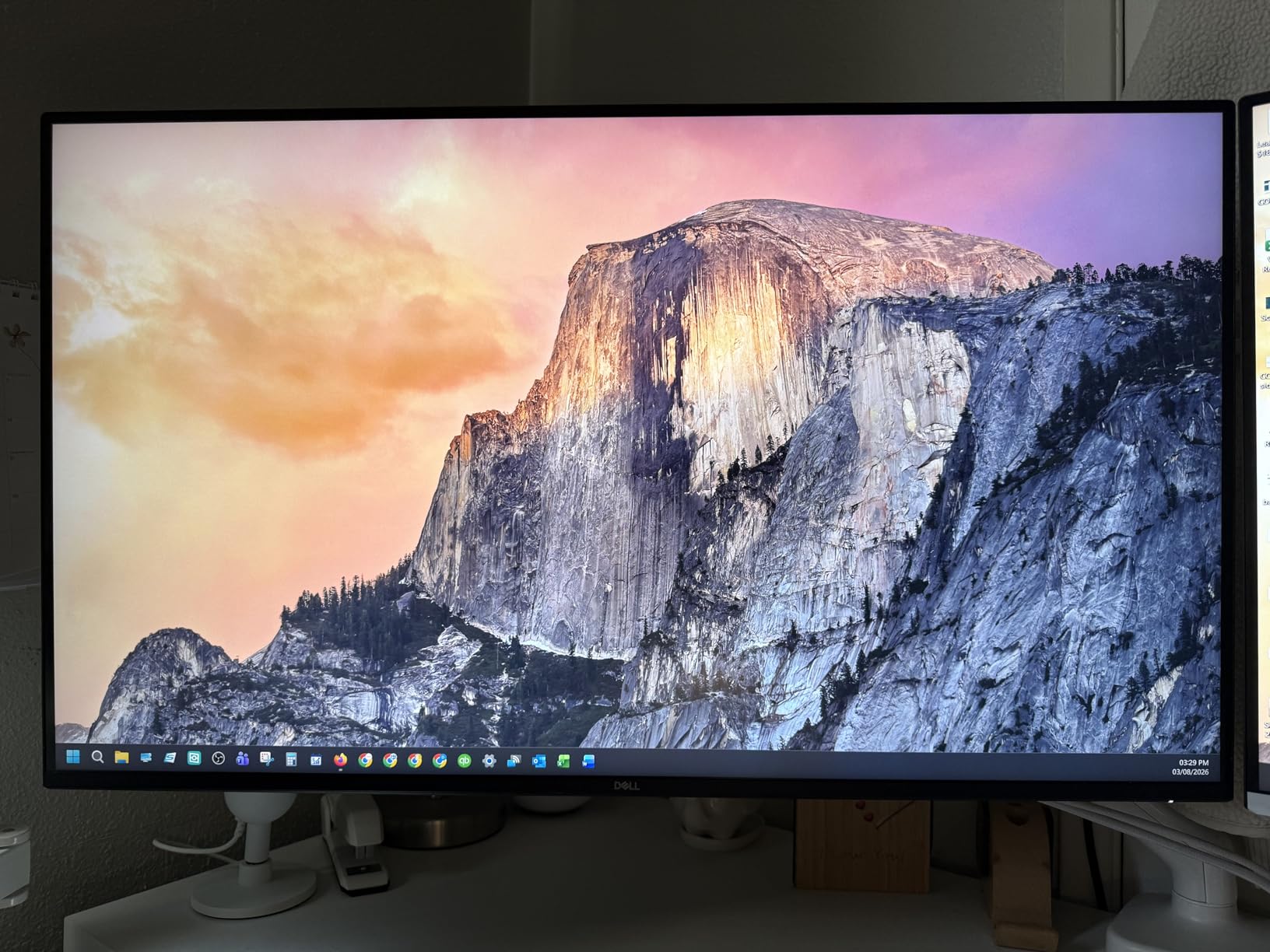
On the specification side you get a 32-inch 3840 x 2160 VA panel rated at 300 nits with 1500:1 contrast, 99% sRGB and 95% DCI-P3 coverage, and AMD FreeSync Premium adaptive sync. ComfortView Plus reduces reported blue light emissions to 35% of the standard output, which is a real comfort feature for an eight-hour day. Response time is listed at 0.03 milliseconds, and the built-in speakers are described by owners as unusually loud for a monitor.
The honest drawback is the VA panel’s vertical viewing angle. Reviewers report washed-out and shifted colour when looking slightly above or below the screen, and uneven brightness with dimmer edges and a darker gradient near the bottom. Smart HDR is another reported annoyance, producing visible flicker until it is switched off in the on-screen menu. There is also no instruction manual in the box, and the packaging is bulky.

Best fit for analysts and heavy scrollers
Buy this one if you work in long spreadsheets, plans or PDFs and you notice the difference between smooth and stuttery scrolling. The reported use cases for this model centre on spreadsheets, CAD work and document review, and the brightness headroom means it stays readable in a well-lit office without washing out.
The VESA 100×100 mounting with included screws is a quiet advantage. If you later decide the stand is not the right height, a gas-spring monitor arm drops straight in, and several owners report doing exactly that after the first few weeks.
Where it falls short
If you sit off-centre, move around the desk a lot, or plan to angle the screen steeply, the VA panel will not hold colour as well as an IPS alternative. For pure document and spreadsheet work that trade is usually worth making, but for a desk shared between two people at different heights it costs more.
The Dell monitor utility also does not support macOS, so Mac users lose the software control panel and work from the rear joystick instead, which a few reviewers find awkward. The warranty is a 1-year advanced exchange service with premium panel exchange, which is shorter than some rivals in this list.
3. Dell UltraSharp U3223QE — Best Premium 32 Inch Monitor for Two Computers
Dell UltraSharp U3223QE 31.5″ 4K UHD WLED LCD Monitor – 16:9 – Black, Silver
31.5-inch 4K IPS Black panel
90W USB-C hub with 7 USB ports
Picture-by-Picture
450 nits
Pros
- Factory calibrated with a calibration report in the box
- Excellent port selection including a 90W USB-C hub
- Picture-by-Picture for a PC and a Mac on one screen
- Stable stand for long sessions
- Display management software for remote control
Cons
- No built-in speakers microphone or camera
- Matte screen shows ambient reflections
- Included USB-C cable is only 3 feet
- Bulky stand footprint
The Dell UltraSharp U3223QE is the 32 inch monitor for productivity when your desk holds more than one computer. Its 90W USB-C hub carries display, data and laptop charging over a single cable, and Picture-by-Picture puts two sources on the 31.5-inch 4K panel at once. Reviewers report replacing dual-screen and even 5K iMac setups with it, and running a Windows PC and a Mac side by side without extra hardware.
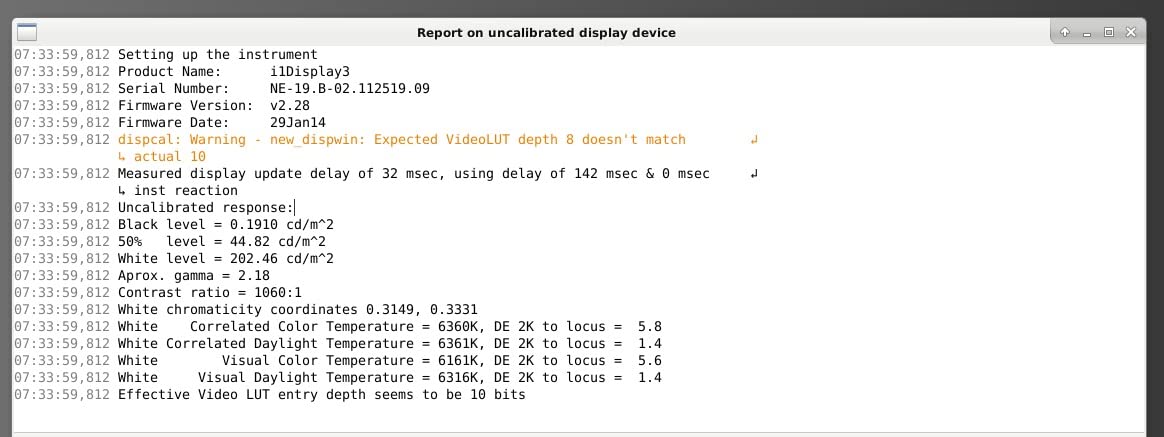
The panel is IPS Black, which is the technology behind the 1000:1 contrast figure. That is roughly three times what a standard IPS panel manages, and reviewers note that the difference is visible on dark interfaces and in a dim room. Brightness is 450 nits with 100% sRGB coverage, and the factory calibration ships with a printed report.
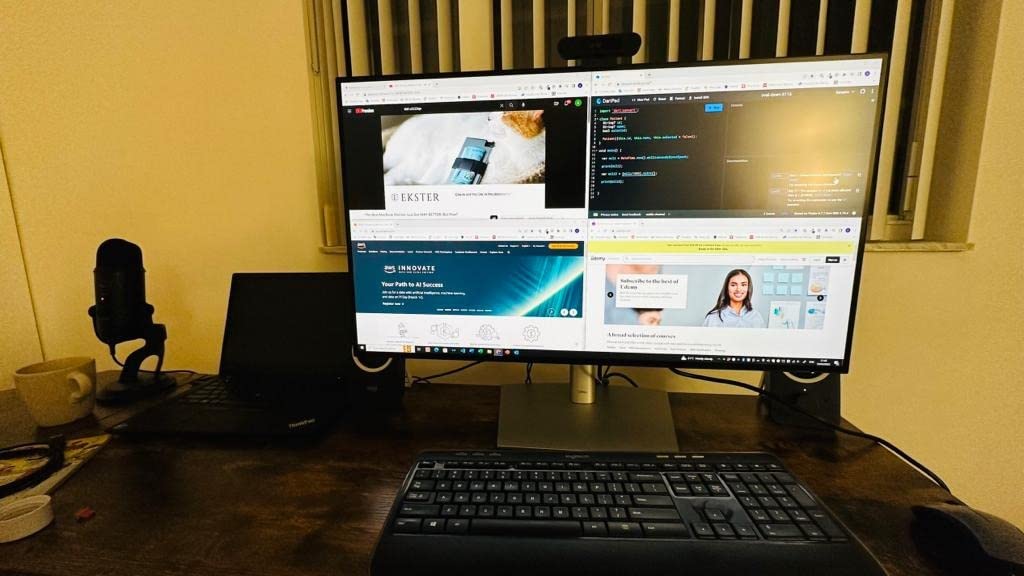
Connectivity is where this model separates itself. There are up to 7 USB ports in total, including the USB-C connection with power delivery, so a laptop user plugs in once and keeps a keyboard, mouse, webcam and drive permanently attached. Picture-by-Picture lets you toggle between machines with a button rather than a menu, and Dell’s display management software allows remote brightness and contrast control from a Mac or Windows machine. The stand adjusts in height and the chassis supports 100×100 VESA mounting.
The compromises are real. There are no built-in speakers, microphone or camera, which matters if you run calls from a clamshell laptop with the screen closed. The matte screen finish picks up more ambient light than a glossy alternative, and the included USB-C cable is only 3 feet long, so plan your cable route before you buy. The stand also has a substantial desk footprint at 18.5 inches deep, and the rear joystick and on-screen UI are fiddly to operate. The Dell warranty claim process is reported by owners as cumbersome.
Why it suits hybrid and multi-machine desks
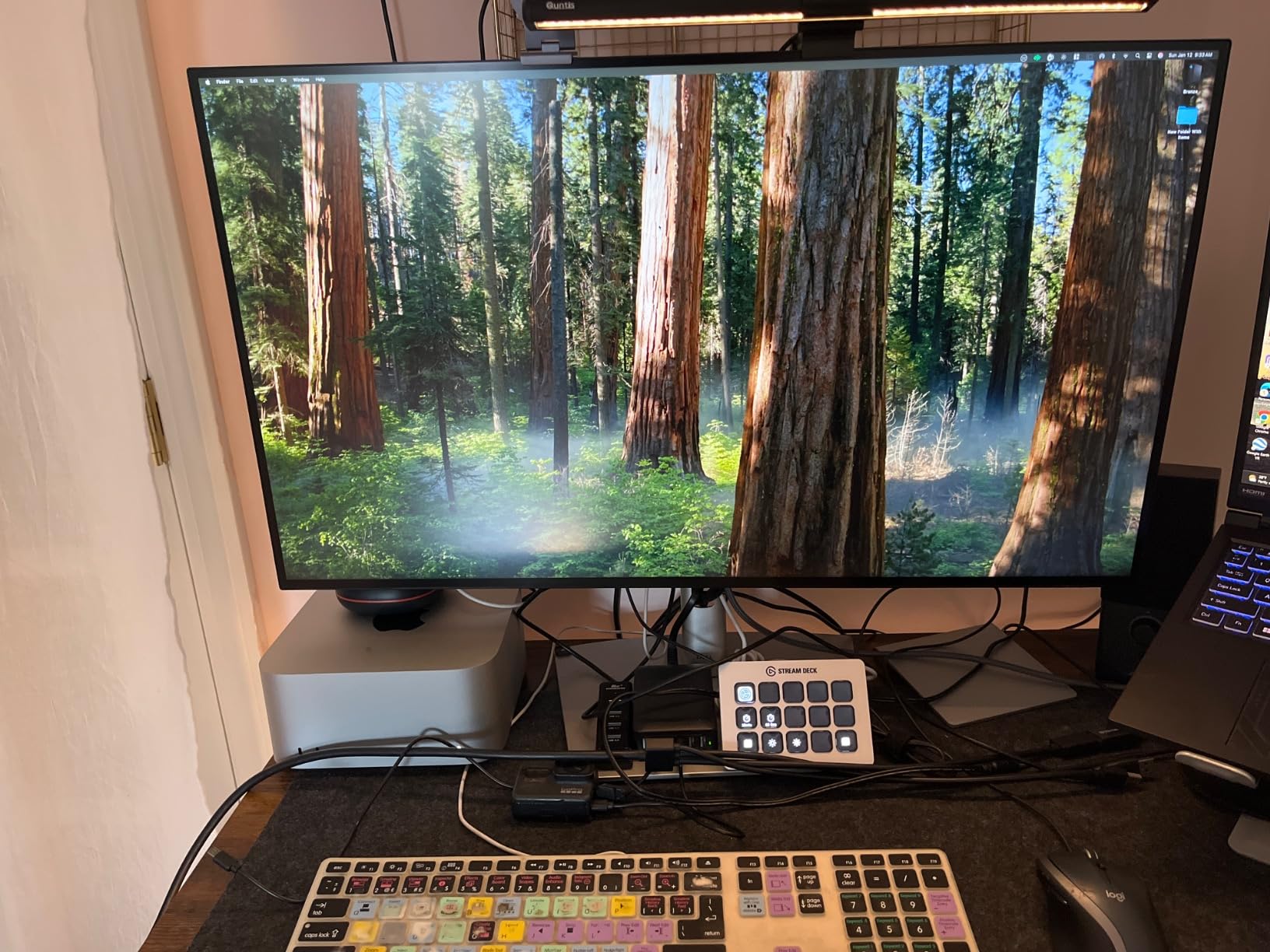
The 90W charging figure is the number to check against your laptop, and it is the reason this model suits most professional notebooks on a single-cable setup. The 3-year manufacturer warranty is also among the longer terms in this roundup, which matters if you are buying for a business that replaces equipment on a cycle.
Reported use for this screen centres on long working sessions at full 4K with no reported eye strain at arms-length viewing distance. For a developer pairing an editor, a terminal and documentation, or for an analyst who wants a spreadsheet and a reporting tool visible at the same time, the combination of sharpness, contrast and switching convenience is hard to beat.
Where it falls short
Anyone who needs audio or video from the monitor itself should look elsewhere. Without speakers, a microphone or a camera, a closed-clamshell setup means you are buying a separate webcam and speaker set, and owners mention this gap directly.
The matte coating is also a consideration in a bright, window-facing office, where rebound light can make text harder to read at the edges. And the price of this model puts it at the premium end of the 32 inch category, which is a poor trade if your work is entirely documents and spreadsheets.
4. ViewSonic VP3256-4K — Best 32 Inch Monitor for Colour-Critical Work
ViewSonic VP3256-4K 32 Inch 4K UHD ColorPro Monitor, HDR10, 65W USB C, sRGB
32-inch 4K SuperClear IPS
USB-C with 65W power delivery
Factory calibrated to Delta E under 2
Pantone Validated
Pros
- Single USB-C cable handles video data and 65W charging
- Factory calibrated to Delta E under 2 with 100% sRGB
- Pantone Validated for design work
- Height tilt swivel and rotate stand
- Flicker-Free and Blue Light Filter
Cons
- 60Hz refresh rate only
- 125W power draw is high for the class
- DisplayPort daisy-chain adds setup complexity
The ViewSonic VP3256-4K is the 32 inch productivity monitor to buy if your work is judged on how it looks. It is factory calibrated to a Delta E under 2, covers 100% sRGB and the DICOM-SIM space, and carries Pantone Validated certification. For photo and design review that is a stronger claim than a vague “vivid display” line, and it is the specification that separates this model from the rest of the roundup.
It also handles single-cable laptop setups properly. The USB-C input carries video, audio, data and 65W of charging, and reviewers report that it cuts cable clutter on a desk where a hub would otherwise be needed. Daisy-chain support through DisplayPort means a second display can be driven from the first.
The stand is fully ergonomic, with height, tilt, swivel and pivot adjustment, plus cable management. Flicker-Free technology and a Blue Light Filter are both standard, which reviewers highlight for long working days where screen fatigue is the concern. The 3-year limited warranty covers parts, labour and the backlight, which is one of the more complete service terms we saw.
The limitation owners mention most is the 60Hz refresh rate. If you have used a 120Hz screen, 60Hz scrolling is the thing you will notice, and this panel sits behind several rivals here. Power consumption is listed at 125W, which is high for a monitor in this class. The DisplayPort daisy-chain route also adds real complexity to multi-screen workflows compared with a dedicated hub.
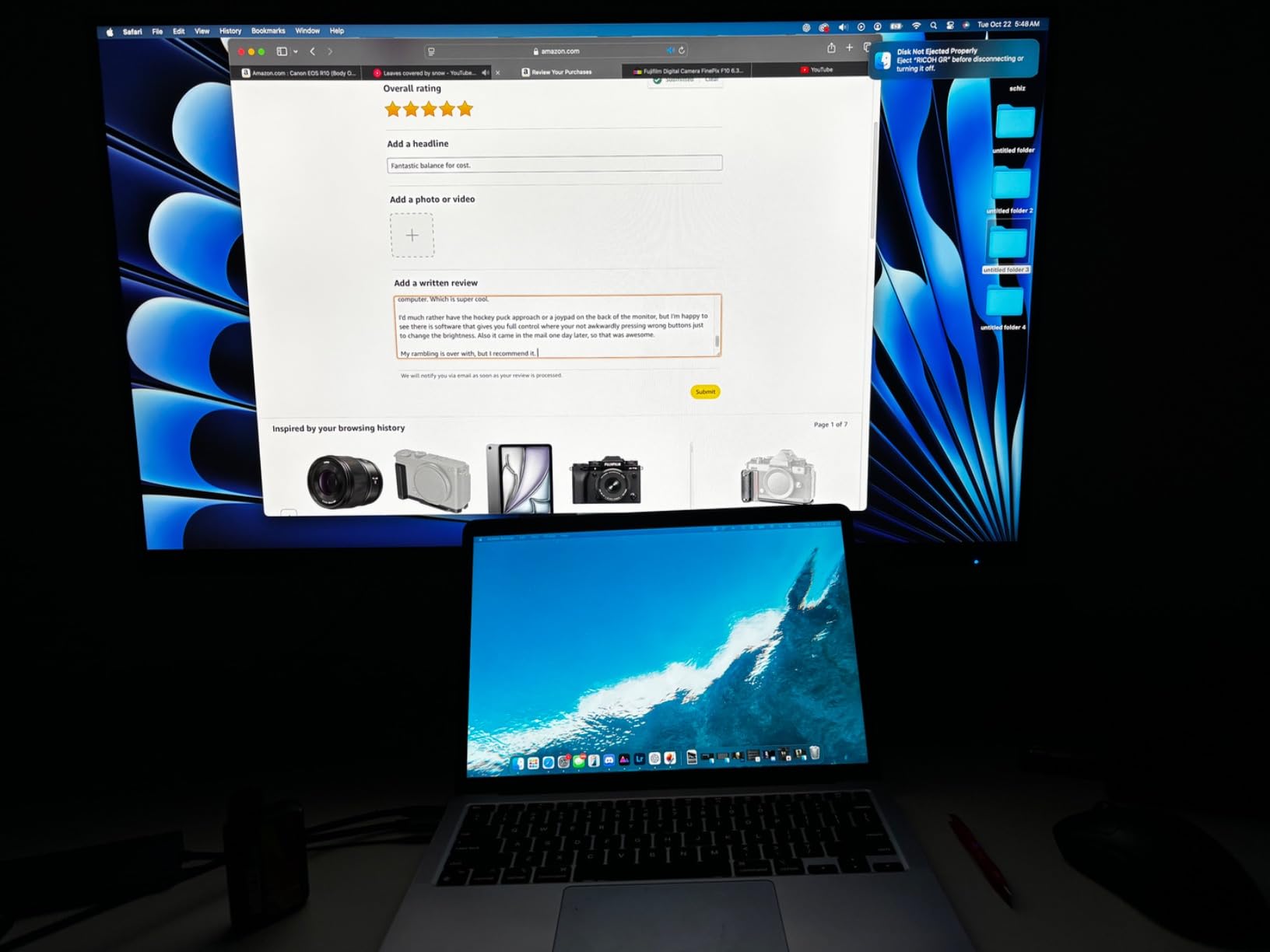
Best fit for designers, photo editors and hybrid workers
Where colour accuracy is part of the job description, the calibration report and Delta E figure are worth more than refresh rate. A designer reviewing a layout or an editor checking a grade gets a screen whose colour is trustworthy out of the box, which removes a calibration step that most 32 inch panels require.
Reviewers also note the anti-glare matte coating holds up next to a window, and that the 4K canvas gives plenty of detail for long documents and media work. If you work from a MacBook or a Windows ultrabook, the 65W USB-C charging is adequate for most thin-and-light notebooks, though we would check your machine’s requirements first.
Where it falls short
Motion-heavy work is where this panel is weakest. The 5 millisecond response time and 60Hz rate mean it is not a good choice if you also want to use the same screen for games, and the higher power draw is worth noting on a desk running a laptop on battery.
If your workflow is documents rather than colour, the premium for a Pantone Validated panel is harder to justify, and a higher-refresh IPS alternative will serve you better for the same kind of money.
5. Samsung ViewFinity S8 (S80D) — Premium Pick 32 Inch Monitor for Office Work
SAMSUNG 32″ ViewFinity S8 (S80D) Series 4K UHD High Resolution Computer Monitor, HDR10, Multiple Ports w/ HDMI, DisplayPort, USB-A, Height Adjustable Stand, LS32D806EANXGO, 2024, 3Yr Warranty
32-inch 4K with 3000:1 contrast
HDR10
Tool-free stand with 90 degree pivot
3-port USB hub
Pros
- 4K detail with a large canvas for smoother workflows
- Tool-free stand assembles in seconds and releases with one button
- Height swivel tilt and 90 degree pivot adjustment
- Eye Saver Mode with automatic brightness adjustment
- Highest average rating in this roundup
Cons
- 60Hz refresh rate
- No USB-C input so laptops need separate charging
- 32-inch panel is unwieldy in portrait
The Samsung ViewFinity S8 S80D has the highest average owner rating in this roundup, and for a specific reason: the 3000:1 contrast ratio on a 4K panel. That figure is unusual at 32 inches, and it is what makes dense text and dark interfaces look the way they should. Combined with HDR10 support, it delivers a picture that reviewers describe as unusually solid for a monitor at this price tier.
The stand is the other reason it stands out. Samsung’s tool-free Easy Setup stand assembles in seconds and releases with a single button push, and it adjusts for height, swivel and tilt with a 90 degree pivot for reading long documents. A pivot at 32 inches is not something every screen offers.
Connectivity covers HDMI, DisplayPort, USB-A and USB-B through a 3-port USB hub, with the USB-B cable included for a clean PC connection. Eye Saver Mode is TUV-certified for flicker and blue light, and the display adjusts brightness and colour temperature automatically as room conditions change. A 3-year warranty is listed, with a 4-year figure also appearing in the manufacturer terms. Panel coverage is 100% sRGB class with a flat, anti-glare, flicker-free finish.
The limits are the familiar two. The refresh rate is 60Hz, which reviewers flag as modest for smooth scrolling and motion, and there is no USB-C input, so a laptop user runs DisplayPort or HDMI plus a separate charging cable. The 90 degree pivot is a genuine bonus in theory, but owners note that a 32-inch panel becomes unwieldy vertically when rotated.
Why it suits document-heavy office days
Eye Saver Mode and the automatic brightness and colour temperature adjustment are aimed at exactly the use case the word productivity describes: a full day in front of one screen. Reviewers highlight the combination of 4K detail, the tool-free stand and the eye-care certification for long office days and document-heavy work.
The pivot is a small thing that pays off if you read long reports, because a portrait orientation fits a page better than landscape. It is also the quickest stand to assemble of any model here, with no tools and one-button release, which matters for shared hot-desking setups.
Where it falls short
60Hz is the compromise. Anyone who has worked on a 120Hz screen will notice the difference when scrolling a long spreadsheet, and the lack of USB-C power delivery means hybrid workers carry a second cable regardless of how many ports the monitor has.
The USB hub is also not a docking station. Three USB-A ports are useful for peripherals, but they do not charge a laptop, so this is a good second screen for a desktop rather than a complete solution for a single-cable laptop desk.
6. BenQ PD3205U — Best 32 Inch Monitor for Hybrid Work With KVM
BenQ PD3205U Mac-Ready Monitor 32″ 4K UHD 99% Rec.709 & sRGB, IPS, DeltaE ≤3, ICC Sync, Calibration Report, AQCOLOR, Uniformity HotKey Puck Ergonomic DisplayPort, USB-C (90W), USB Hub
31.5-inch 4K IPS
USB-C with up to 90W power delivery
Built-in KVM switch
Hotkey Puck G2 included
Pros
- Two full applications side by side without shrinking
- 90W USB-C charges a laptop over one cable
- Built-in KVM switch moves between a Windows and a Mac laptop
- Hotkey Puck gives fast access to profiles and inputs
- Calman Verified and Pantone Validated
Cons
- Built-in speakers are tinny
- Portrait rotation blocked by the supplied stand
- Ports sit on a hard-to-reach ledge
- Puck and KVM switching can be slow
The BenQ PD3205U is the 32 inch monitor for productivity built specifically around a shared desk. Two features set it apart from everything else in this roundup: a built-in KVM switch, which lets you move between a Windows laptop and a Mac laptop with a single key press, and 90W USB-C power delivery, which is enough for most professional notebooks over one cable.
The Hotkey Puck G2 is included in the box and gives fast access to colour profiles, brightness and input switching without touching the rear controls. Reviewers describe it as genuinely useful rather than a gimmick, and the 99% sRGB and Rec.709 coverage with Calman Verified and Pantone Validated accuracy makes the screen usable for photo and video editing too.
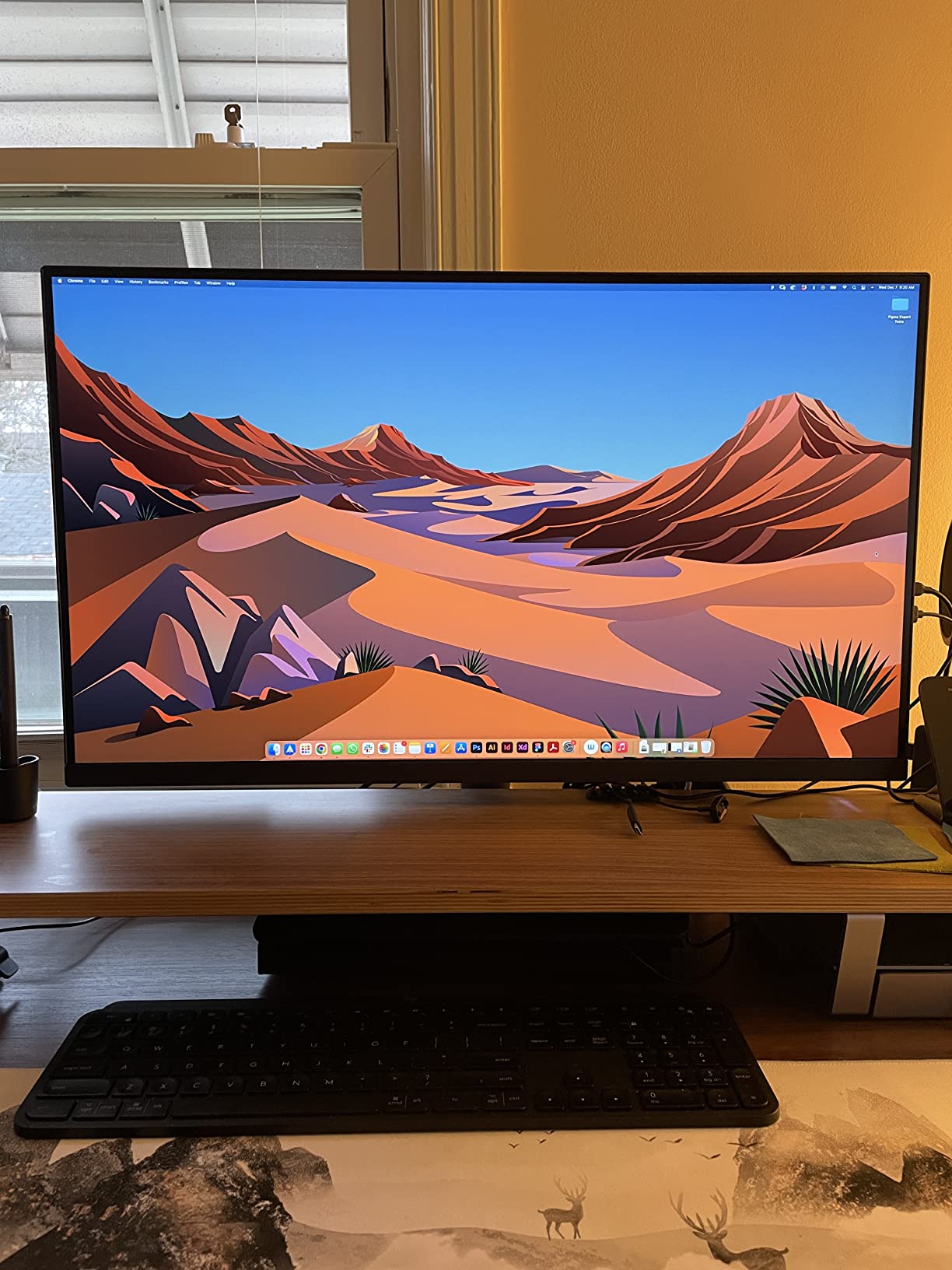
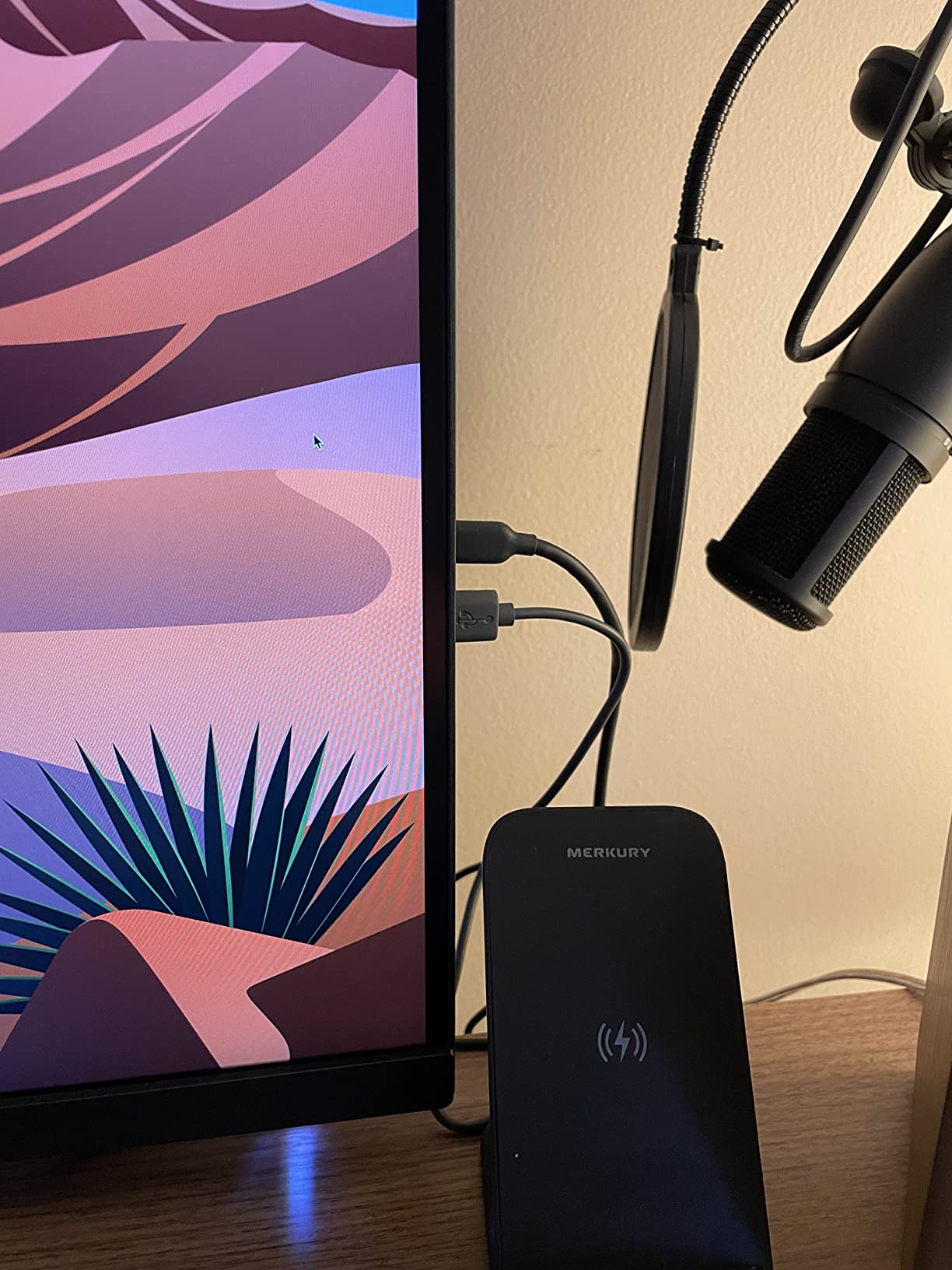
The ergonomic stand handles tilt, swivel, pivot and height adjustment with cable management, and the anti-glare matte coating holds up next to a window. Reviewers report uniform brightness across the panel with no flicker, and describe the 32-inch 4K IPS as wide enough to place two full applications side by side without shrinking either one. Connectivity covers USB-C, DisplayPort 1.4, HDMI 2.0 and a 3-port USB hub, with a headphone jack.
Several practical issues are reported. The built-in speakers are described as tinny with almost no bass, despite marketing language, so plan on separate audio. Portrait rotation is effectively blocked by the supplied stand’s height, which is why BenQ sells an ergo arm for it. The ports sit on a narrow downward-facing ledge that becomes awkward if you wall-mount the screen. KVM and puck input switching can be slow and occasionally need a reboot, and 350 nits is not enough for a very sunny room.
Why KVM changes the workflow
For a hybrid worker who alternates between a company laptop and a personal Mac, a built-in KVM switch removes an entire category of desk clutter. Instead of a separate KVM box, a second cable run and a manual input switch, the monitor handles it internally and the Hotkey Puck makes the switch a single action.
At 31.5 inches and 4K, the reported layout is two full applications side by side without reducing either. For a developer with an editor and a terminal, or a consultant with two document sets, that is the specific capability the size was bought for. The 3-year manufacturer warranty and Mac-ready tuning also make it a safer choice for a mixed-OS desk.
Where it falls short
Reliability of the switching is the reported weak point. Owners describe the KVM and puck input switching as slow or unreliable, sometimes requiring a reboot, which undercuts the main reason to buy it. If your workflow depends on switching many times a day, test that expectation carefully.
The speaker quality, the port ledge and the blocked portrait rotation are the other complaints. And if you are not switching between two machines, the KVM is a feature you will not use, which makes a simpler USB-C hub a more sensible spend.
7. LG UltraFine 32UP83AK-W — Best 32 Inch Monitor for Laptops and Macs
LG 32UP83AK-W 32-inch Ultrafine 4K UHD (3840 x 2160) IPS Computer Monitor, 60Hz, HDR10, Built-in Speaker, Reader Mode, HDMI, DisplayPort, USB Type-C 60W PD, Tilt/Height/Pivot Adjustable Stand, White
31.5-inch 4K IPS panel
USB Type-C with 60W power delivery
HDR10 at up to 95% DCI-P3
Height tilt and pivot stand
Pros
- IPS keeps brightness consistent from any angle
- USB Type-C carries 4K video data and 60W charging
- Stand adjusts height tilt and pivot
- Over 8 million pixels of detail for documents and code
- Built-in speaker and Reader Mode
Cons
- 60Hz refresh rate
- Only one USB port listed alongside dual HDMI and DisplayPort
- HDR10 is compatibility level rather than full HDR
The LG UltraFine 32UP83AK-W is the straightforward choice if you want a 32 inch 4K IPS panel that connects to a laptop over one USB-C cable and then gets out of the way. The USB Type-C input handles 4K video, data transfer and up to 60W of charging, which covers most ultraportables and many mid-range notebooks without a separate dock.
The IPS panel is the productivity default, and reviewers highlight the practical benefit: brightness stays consistent from virtually any viewing angle. That matters more at 32 inches than at smaller sizes, because you tend to move in your chair, lean back, or angle the screen away from a window. The stand adjusts for height, tilt and pivot, which handles most desk setups.
On the specification side, brightness is 350 nits with 1000:1 contrast and 95% DCI-P3 coverage under HDR10. The 4K UHD resolution provides over 8 million pixels, which is the number that translates directly into how much text you can read without squinting. A built-in speaker and Reader Mode cover casual audio and reading-heavy work, and the white chassis suits a light office desk. Connectivity is two HDMI ports, DisplayPort and the USB-C input, with HDMI, power and USB-C cables included.
The weaknesses are specific. The refresh rate is 60Hz, which limits scrolling smoothness, and the 5 millisecond response time with basic FreeSync means this is not a screen for fast competitive gaming. Only one USB port is listed, so hub capacity is thin compared with the 90W models in this roundup. HDR10 is a compatibility-level implementation rather than a full HDR experience, so do not buy it for HDR.

Best fit for coding and document writing
For a developer, the combination of 4K sharpness and a 31.5-inch canvas is the practical win. You get an editor, a terminal and documentation visible at once at a readable text size, and the IPS panel means the terminal’s dark background stays black from any position in the chair.
For anyone moving between a desk and a sofa with a laptop, 60W over USB-C removes the charger from the bag. The height, tilt and pivot adjustment covers most working positions, and the white finish is one of the few options here that blends into a light office rather than dominating it.
Where it falls short
The single USB port is the one to think about. It is enough for a keyboard and mouse, but not for a drive, a webcam and peripherals without a separate hub, which partly defeats the point of a one-cable laptop setup.
60Hz is also the deciding factor if you have used a faster panel. If you spend your day scrolling long documents rather than reading a fixed page, the difference is noticeable, and a 120Hz VA alternative will suit you better.
8. ViewSonic VX3276-4K-MHD — Best Budget 32 Inch 4K Monitor
ViewSonic VX3276-4K-MHD 32 Inch 4K UHD Monitor, HDR10, HDMI, DisplayPort
32-inch 4K UHD display
2500:1 contrast at 300 cd per m2
Four video inputs
100x100 VESA mount
Pros
- Best price to resolution ratio in this roundup
- Four inputs allow three computers to stay connected
- Front-mounted control buttons are easy to reach
- ViewMode presets for text web and mono tasks
- 100x100 VESA mounting works with monitor arms
Cons
- MVA panel gives weaker viewing angles
- Flesh tones read too red for photo work
- Built-in speakers are poor quality
- Only about 2 inches of height adjustment
The ViewSonic VX3276-4K-MHD is the most affordable route onto a true 4K 32 inch canvas, and for spreadsheets, documents and general office work that is most of what you need. With 826 owner reviews, it is also one of the most thoroughly reported models in this roundup, and the consensus is straightforward: the resolution-to-cost ratio is the selling point and the panel type is the compromise.
Four inputs is unusual at this price. Two HDMI ports, DisplayPort and Mini DisplayPort let you keep three computers connected and switch between them, which suits a shared or multi-machine desk. The front-mounted control buttons are easier to reach than a rear stick, and the menu can be enlarged.

The panel delivers 3840 x 2160 with 2500:1 contrast and 300 cd per m2 brightness, plus HDR10 support. Flicker-Free technology and a Blue Light Filter cover eye comfort, and ViewMode presets give dedicated settings for Game, Movie, Web, Text and Mono tasks, which is a small touch that pays off if you spend the day in text. The frameless design supports 100×100 VESA wall mounting and monitor arms, and the three-year limited warranty covers parts, labour and backlight.
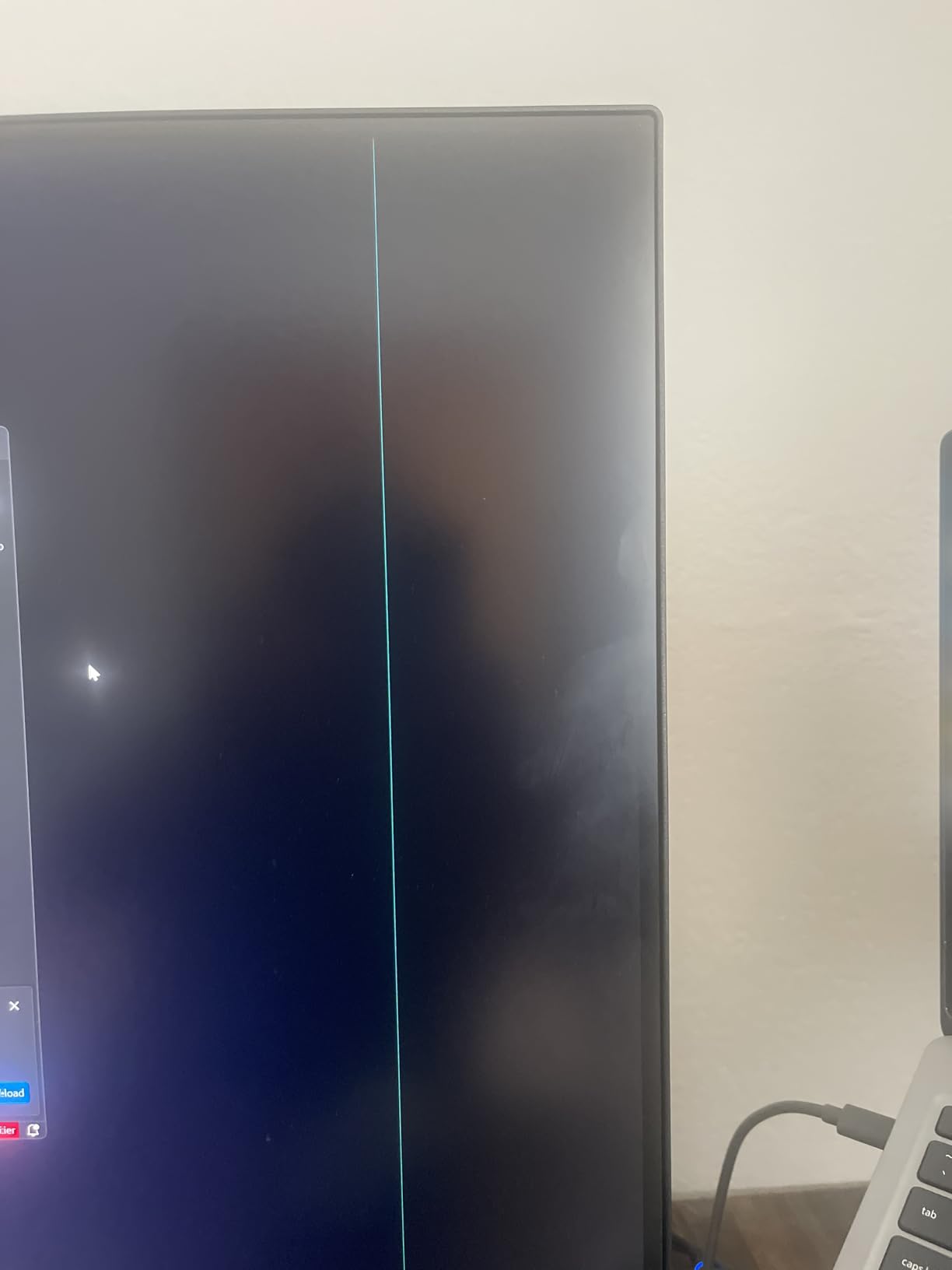
The MVA panel is the reason the owner rating sits below the IPS-based models. Reviewers report weaker viewing angles with colour shifting roughly 10% off to either side, and flesh tones reading too red for photo and video editing work. Input switching is buried in the menu with no dedicated button and can auto-switch unexpectedly, and the built-in speakers are poor quality with audible noise. Some units report flicker or vertical lines, so quality control consistency is not its strong point.
Why it makes sense as a second or shared screen
The arithmetic is simple. If you need a second 4K screen for a second machine, this is the least expensive way to add one, and the four inputs mean you are not constantly unplugging cables. Small businesses pairing a larger 4K screen with a smaller secondary display get a very usable arrangement this way.
Owner reviews consistently describe it as a good value pick with a sharp, bright display and good colour for general creative work. The 100×100 VESA mounting works well with monitor arms, which is how you solve the limited height adjustment on the supplied stand.
Where it falls short
Colour and viewing angles are the honest limits. If you are grading, editing photos, or sharing a screen with someone sitting at an angle, the MVA panel’s shift and red-heavy skin tones will show. Choose an IPS model instead if any of that applies.
The stand offers only about 2 inches of height adjustment, the speakers are poor, and input switching through the menu is a daily irritation. The Quick Start Guide is also minimal, so expect to work out the settings by trial and error.
27 vs 32 vs 34 Inch: Which Size Should You Actually Buy?
The most common question on this category is not about brands. It is whether 32 inches is genuinely the right step up from 27, and whether a 34 inch ultrawide is a better destination. The answer depends on what you are short of: vertical space, horizontal space, or desk depth.
Choose 27 inches if desk depth is limited or you sit close. A 27 inch 16:9 panel is about 24 inches wide and roughly 13.5 inches tall. A 32 inch 16:9 panel is closer to 28 inches wide and about 18 inches tall, so the jump is as much vertical as horizontal. If your desk is under 24 inches deep, the larger screen will overhang the front edge or force you to sit too close.
Choose 32 inches if you regularly run three or more windows. This is where the extra vertical height does the work. Reviewers report that two or three applications at full height is the practical sweet spot, and the ~140 pixels per inch of a 4K panel keeps all of them legible. A spreadsheet next to a document next to a mail window fits without shrinking anything.
Choose 34 inches if your work is almost entirely horizontal. A 34 inch 21:9 ultrawide is wider than a 32 inch 16:9 but shorter, and its native width at 4K-class sharpness is the reason it appeals to video editors and traders. The trade is that you gain width and lose roughly 4 inches of vertical space compared with a 16:9 32 inch panel.
A current Techenclave thread captures the argument neatly: a user moving from a 29 inch 1080p ultrawide to a 32 inch 4K screen because the vertical space was not enough. A 1080p ultrawide is 21:9, so it is short for the same reason. If your eye is drawn to the top and bottom of the screen rather than across it, the 32 inch 16:9 wins.
One honest caveat: if you already own a good ultrawide, a 32 inch 4K screen is often a sidegrade rather than an upgrade. Confirm that your problem is sharpness or height, not width, before you spend.
What to Look for in a 32 Inch Monitor for Work
Resolution and pixel density
Buy 3840 x 2160. There is no real alternative at this size for productivity. A 32 inch 4K panel lands at roughly 140 pixels per inch, which is the figure experienced buyers treat as the deciding metric, and a 32 inch QHD panel sits near 92 pixels per inch, which owners describe as visibly soft for text. A 27 inch 4K screen works out around 163 pixels per inch, so it is sharper, just smaller.
The scaling reality check
Yes, you will probably use scaling. At 100%, a 32 inch 4K screen shows small text that many people find tiring over a full day. At 150% scaling, elements are rendered at a size most people read comfortably and the usable desktop shrinks considerably, so you are back to something close to a 1080p layout at a higher resolution. The difference is that the leftover space is sharper and window snapping still works properly.
Our advice is to spend a day at 150% before you commit. If you can live with the layout, the extra panel size is still worth it, because the text is rendered at native density. QHD at 32 inches is the option to avoid, since it gives you the scaled-down usable area of a 150% setting without any of the sharpness.
Panel type
IPS and IPS Black are the productivity defaults, because brightness and colour stay steady as you move and the text rendering is predictable. IPS Black raises contrast to around 1000:1, which is a visible improvement on dark interfaces. VA panels deliver deeper blacks, some reaching 3000:1, but shift colour off-axis, which is a real cost when you share a screen or lean back.
VA is a reasonable choice for a bright office or a document-heavy desk where contrast matters more than viewing angles. MVA, found on the budget model here, is the weakest of the three and is the one to avoid if colour accuracy matters at all.
Connectivity and laptop charging
For a laptop user, the number that matters is USB-C power delivery wattage, not the port count. Around 65W covers most ultraportables and thin-and-light notebooks. Around 90W covers most professional machines. A 65W dock will fail with a heavier laptop plus peripherals, and that mismatch is normally discovered only after the purchase.
Also check for a built-in KVM switch if you alternate between two computers, and for a USB hub with enough ports to keep your keyboard, mouse, drive and webcam permanently connected. A three-port hub is enough for a single-cable desk; a one-port arrangement is not. RJ45 Ethernet is worth having if your desk does not have a network port nearby.
Ergonomics and monitor arm compatibility
Height adjustment is the first thing to check, because a screen that cannot reach eye height causes neck strain no matter how good the panel is. Swivel and pivot are useful for sharing a desk or reading long documents. Every model in this roundup supports 100×100 VESA mounting, so a monitor arm is always an option, and several models ship with the screws in the box.
A 32 inch panel is roughly 28 inches wide, so allow 28 to 32 inches of desk depth and sit about 2.5 to 3 feet from the screen. On a shallow desk, a monitor arm is a better investment than a larger screen.
60Hz versus 120Hz
For productivity, 120Hz is a scrolling-smoothness upgrade rather than a gaming feature. Scrolling a long spreadsheet or dragging a window is visibly smoother at 120Hz, and that is the whole benefit if you never play games. 60Hz is perfectly usable for reading and document work, so treat 120Hz as a comfort item rather than a requirement.
Curved versus flat
At 32 inches the curve is mild, in the 1000R to 1500R range, and the effect is a slightly wider field of view with less neck movement. The argument against it is that a flat panel reproduces straight lines and text more faithfully, which matters if you work in photo or design. For documents and spreadsheets, the difference is small either way. All eight models here are flat, which is the safer default for text-heavy work.
More guides from our site
If you are also upgrading the rest of your workspace, our buyers have covered other categories in depth: 6 Best 12 Inch Cordless Miter Saws Tested, 8 Best Chainsaws With 24 Inch Bar Tested, 8 Best 12 Inch Sliding Miter Saws Tested, 8 Best 8 Inch Bench Grinders Honest Reviews and 8 Best 7 Inch Angle Grinders Tested and Ranked.
Frequently Asked Questions
What is the best 32-inch monitor for productivity?
The LG UltraFine 32UL500-W is the best 32 inch monitor for most people: a true 4K panel at roughly 140 pixels per inch, a 160Hz refresh rate for smooth scrolling, 3000:1 typical contrast and built-in stereo speakers. If your desk holds two computers, the Dell UltraSharp U3223QE adds a 90W USB-C hub, seven USB ports and Picture-by-Picture. If colour accuracy is part of the job, the ViewSonic VP3256-4K ships factory calibrated to Delta E under 2.
What type of monitor is best for productivity?
A 32 inch 4K IPS panel is the productivity default, because it combines roughly 140 pixels per inch with brightness and colour that stay steady as you move. IPS Black adds contrast near 1000:1 for dark interfaces. VA panels offer deeper blacks, sometimes 3000:1, but shift colour off-axis, which costs you when you share a screen or lean back. MVA is the weakest option and is the one to avoid for colour work.
Which monitor is better for productivity, a 32-inch or a 34-inch monitor?
A 32 inch 16:9 screen is roughly 4 inches taller than a 34 inch 21:9 ultrawide but narrower overall. Choose 32 inches if you read long documents, write code or work with spreadsheets, because the extra vertical height fits more applications at full size. Choose 34 inches if your work is almost entirely horizontal, such as timelines and multi-column trading layouts, where width matters more than height.
Is a 27 or 32 monitor better for office work?
Choose 27 inches if your desk is shallower than about 24 inches deep or you sit close to the screen, since a 32 inch panel is around 28 inches wide. Choose 32 inches if you regularly run three or more windows, because the extra height and width let a spreadsheet, a document and a call sit side by side without shrinking. A 32 inch 4K screen gives up some pixel density against a 27 inch 4K screen, so test 150% scaling for a day before deciding.
Do you need Windows scaling on a 32-inch 4K monitor?
Most people do, and that is expected rather than a fault. At 100% scaling the text is small, and at 150% the elements are rendered at a comfortable size with the usable desktop shrinking back toward a 1080p layout. The difference is that everything is drawn at native density, so window snapping and text rendering stay sharp. What you should avoid is a 32 inch QHD panel, which gives you the reduced usable area of 150% scaling with none of the sharpness.
How far should I sit from a 32-inch monitor?
A 32 inch 16:9 panel is about 28 inches wide, so sit roughly 2.5 to 3 feet away and centre the screen at or slightly below eye height. If you find yourself leaning forward to read the outer thirds of the screen, move back rather than increasing the display scaling. Allow matching desk depth of 28 to 32 inches, or use a monitor arm to clear the space in front of the panel.
Is a curved 32-inch monitor better for work?
At 32 inches the curve is mild, typically 1000R to 1500R, and the benefit is a slightly wider field of view with less neck movement across long sessions. The argument against it is that a flat panel reproduces straight lines and text more faithfully, which matters in photo and design work. For document and spreadsheet work the difference is small, and a flat panel is the safer default for text-heavy tasks.
Is 120Hz worth it if I don’t play games?
It is worth it for comfort rather than speed. On a large 4K canvas, 120Hz makes cursor movement, scrolling through long spreadsheets and window dragging visibly smoother, and that is the entire benefit for non-gamers. A 60Hz panel remains perfectly usable for reading and document work. If you have never used a faster screen, treat 120Hz as a nicety rather than a requirement when you compare options.
Which 32 Inch Monitor Should You Buy?
Start with the LG UltraFine 32UL500-W. It is our top pick among the best 32 inch monitors for productivity because it delivers a genuine 4K panel, a high refresh rate, unusually deep contrast and built-in speakers, with the largest owner base of any model here. If you need height adjustment, the Dell S3225QS gives you 120Hz and a full ergonomic stand.
Move up to the Dell UltraSharp U3223QE if two computers share your desk, and to the BenQ PD3205U if you switch between a Windows and a Mac laptop daily. Choose the ViewSonic VP3256-4K when colour accuracy decides your work, and the Samsung ViewFinity S8 when a 3,000:1 contrast ratio and a tool-free stand matter more than refresh rate. The ViewSonic VX3276-4K-MHD is the way to a 4K 32 inch canvas for the least money.
Before any of them, check your desk depth. A 32 inch panel is around 28 inches wide, and if yours is shallower than that, a 27 inch screen is the better buy. This guide was updated in 2026, and the buttons above show current pricing at each retailer.