
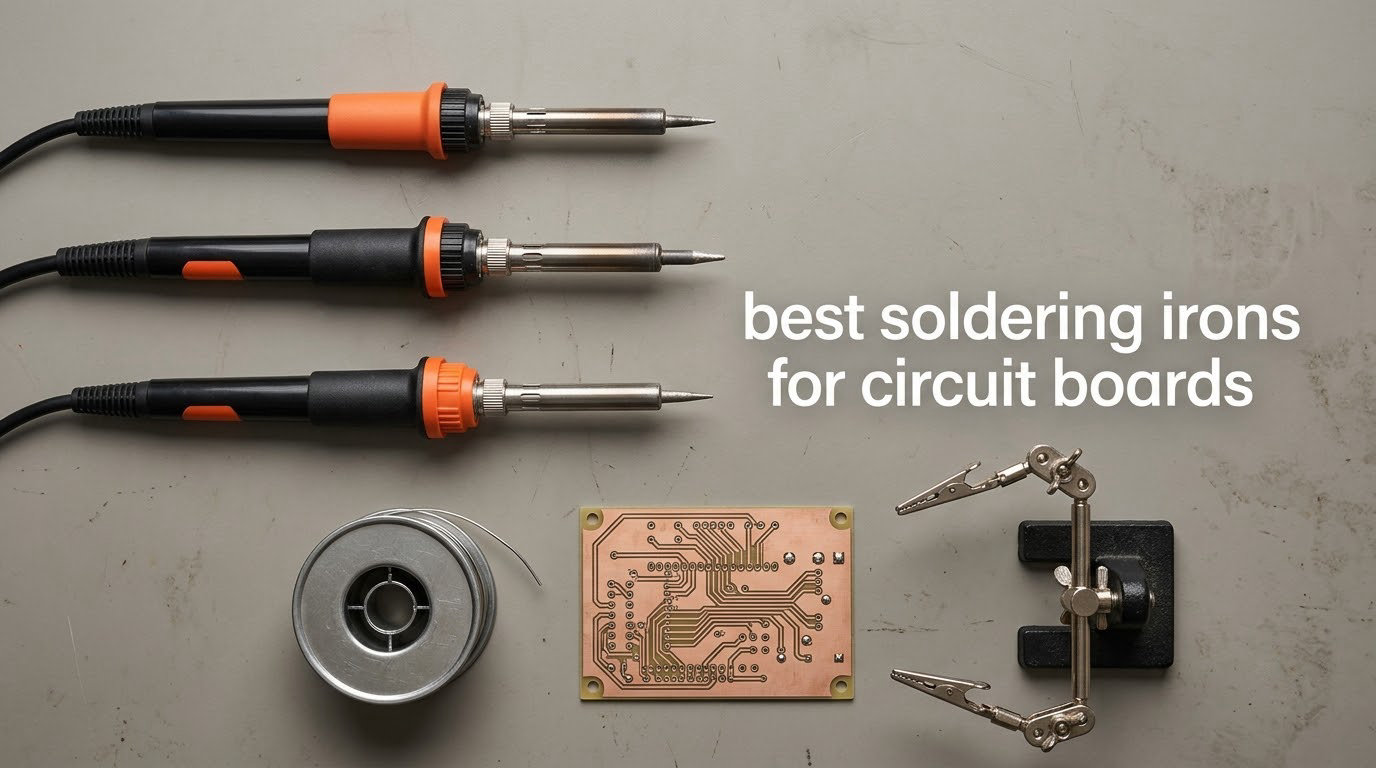
If you only buy one tool for board work this year, get the Weller WE1010NA. It is the pick I keep coming back to after months of putting irons through thru-hole joints, SMD rework and copper-heavy ground planes, because its 70W element actually pushes heat back into the tip the moment you touch a pad. If your work happens away from a bench, the PINECIL is the one I pack in the tool bag. Those two answer most questions people ask about the best soldering irons for circuit boards, and the eight picks below cover the rest.
The thing that trips up new buyers is wattage. A headline wattage number tells you how much power the tool can draw, not how quickly it recovers when heat drains into a copper pour. On a circuit board that difference decides whether you finish a joint in two seconds or hold the iron on the pad long enough to lift it. We looked at ten irons spanning bench stations, USB-C pens and true cordless tools, and weighed them on heat recovery, temperature control, tip availability and what happens to a board when the joint is heat-soaked.
Everything below was chosen for board work specifically, so you will see fewer jigsaw and stained-glass references than a general-purpose roundup. If you are still deciding between formats, our beginner soldering iron guide covers the format question in more depth, and this roundup stays on PCBs.
Table of Contents
Top 3 Picks for the Best Soldering Irons for Circuit Boards (October 2026)

Weller WE1010NA 70W Station
- 70W iron with fast heat recovery
- Temperature stability of plus or minus 4F
- ESD safe station with silicone cable

PINECIL Smart Mini Iron
- USB-C PD and QC 3.0 plus DC5525 input
- Working temperature in about 12 seconds
- Open-source IronOS firmware

YIHUA 939D+ Station
- Built-in transformer for contact-safe output
- 392F to 896F range with LCD
- Compensates within 20 milliseconds
Best Soldering Irons for Circuit Boards in 2026
Ten picks, one row each. Scan the power format column first, because the bench-versus-portable split does more to shape your experience than any other single spec. Our dedicated soldering station roundup covers desk-only setups in more detail.
| Product | Specifications | Action |
|---|---|---|
| Weller WE1010NA 70W Digital Station |
|
Check Latest Price |
 YIHUA 926 III 60W Kit YIHUA 926 III 60W Kit |
|
Check Latest Price |
| PINECIL Smart Mini Iron |
|
Check Latest Price |
 ANBES Cordless Iron Kit ANBES Cordless Iron Kit |
|
Check Latest Price |
| YIHUA 939D+ Station |
|
Check Latest Price |
 UY CHAN TS101 Kit UY CHAN TS101 Kit |
|
Check Latest Price |
 WEP 927-IV Station Kit WEP 927-IV Station Kit |
|
Check Latest Price |
 Fanttik T1 Max Cordless Kit Fanttik T1 Max Cordless Kit |
|
Check Latest Price |
 X-Tronic 3060-PRO Station Kit X-Tronic 3060-PRO Station Kit |
|
Check Latest Price |
 FNIRSI HS01 Iron Kit FNIRSI HS01 Iron Kit |
|
Check Latest Price |
1. Weller WE1010NA – Best Overall Bench Station for Circuit Boards
Weller 70 Watt Digital Soldering Station | WE1010NA
70W iron
LCD with temperature lock
Stability of plus or minus 4F
120V mains, ESD safe
Pros
- Fast heat recovery on copper pads and ground planes
- Exceptionally stable temperature with lock
- Comfortable ergonomic handle with silicone cable
- Password protection keeps set temperatures from being changed
Cons
- Single channel with no temperature presets
- Heavy 5.5 pound bench unit
- Needs proprietary WEP70 replacement tips
This is the station I keep at the bench when the job is a board that matters. The 70W element is a real step up from the 60W units that dominate this price band, and on a dense ground plane it is the difference between a joint that flows in a couple of seconds and one where you are still waiting for the pad to heat through. Temperature holds within plus or minus 4F with the lock engaged, which means leaded solder and lead-free solder both land where you set them.
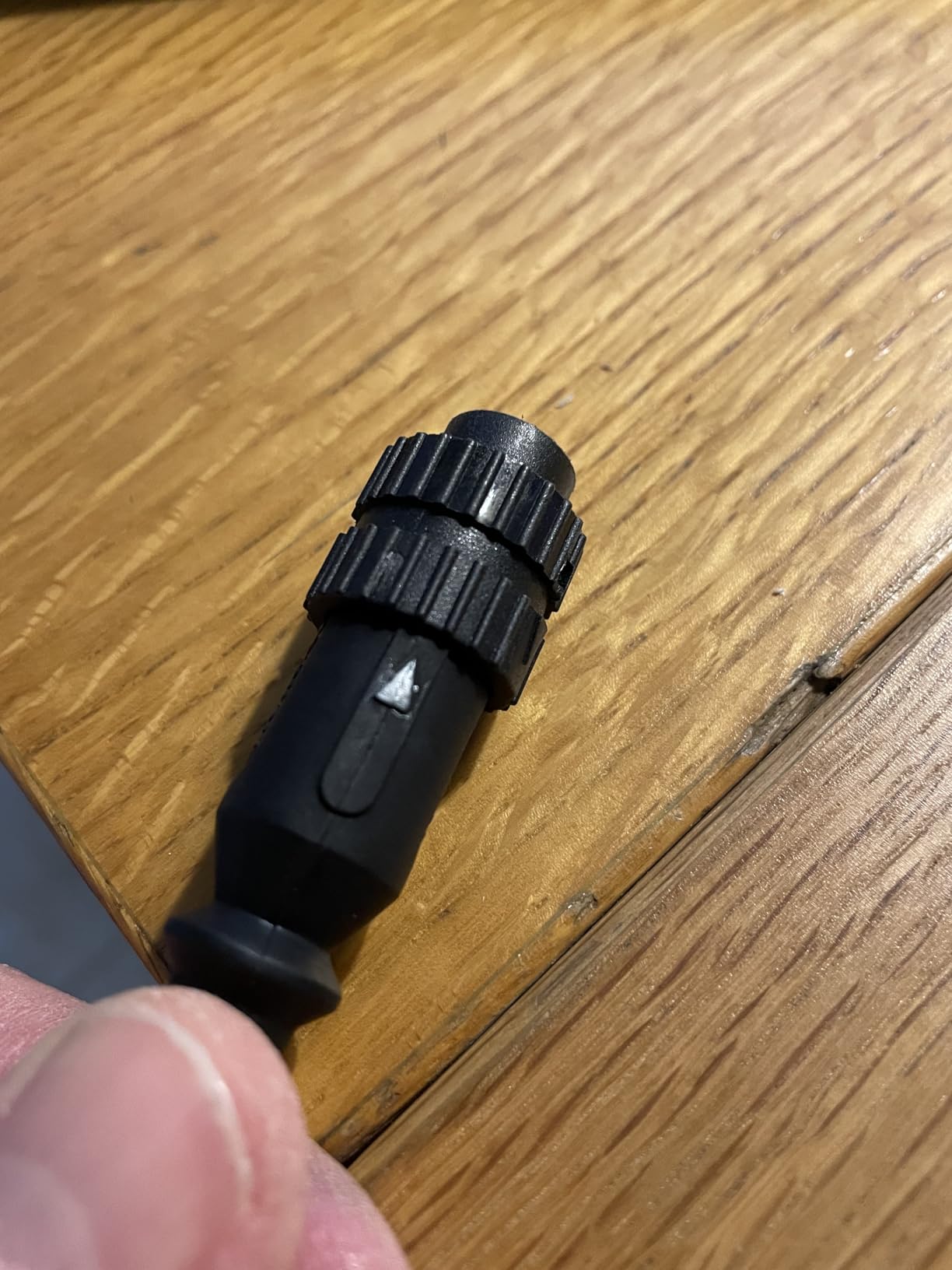
The controls are the least glamorous part of the design and the part I appreciate most. A digital LCD with temperature lock, standby and auto setback means a forgotten iron cools down instead of cooking a tip all evening. The heat-resistant silicone cable stays flexible, which matters more than it sounds when you are dragging the iron across a board all afternoon.
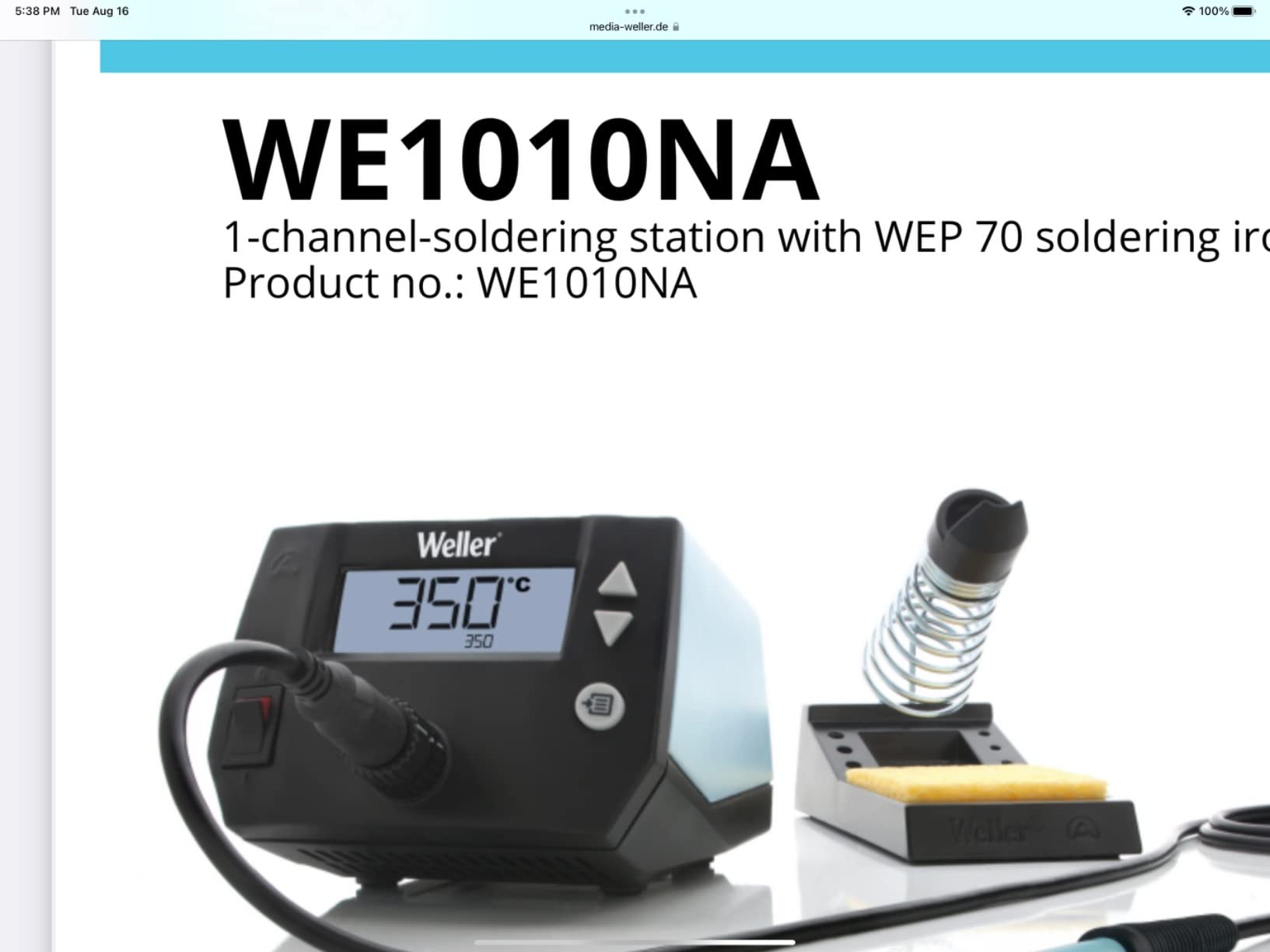
For static-sensitive work the station is listed as ESD safe, which covers the MOSFET and CMOS level repairs most of us do without ceremony. Weller specifies a 120V design, so outside North America you will be running it through a step-down transformer. It weighs 5.5 pounds, which is a lot of bench furniture, but the footprint is compact enough to sit at the back of a desk.
The honest limitation is the tip ecosystem. Replacement tips are the proprietary WEP70 line, so a shelf of other-brand tips will not help you here. The single channel also means no stored profiles, which is a minor annoyance if you alternate between a 335C leaded setting and a 380C lead-free setting several times an hour.
When this iron is the right call
Choose the WE1010NA when the board is the job, not the wire. It has the recovery to handle a 0.1 inch thru-hole joint on a board with a lot of copper, and enough stability that you are not chasing a drifting temperature on an ESP32 or a power supply board. For a repair shop or a serious hobby bench that spends hours a day on boards, it is the most capable station in this group.
It also suits anyone who wants one iron that never has to think about. Temperature lock, standby and auto setback mean the failure mode of a forgotten iron is handled by the tool. If you are new to board work and want the fewest ways to go wrong, this is the least complicated high-performance option.
When to pick something else
If your board work happens in a client cupboard, a vehicle or a server room, 5.5 pounds and a 120V plug are a problem. There is no battery and no USB-C input, so it is a bench tool and only a bench tool.
If you mostly do fine-pitch surface-mount work under a magnifier, the fixed 70W element and single channel will not give you the tip variety or the thermal margin a dedicated SMD setup offers. And if tip cost matters to you over a few years, proprietary WEP70 tips narrow your options compared with an open T12-style platform.
2. YIHUA 926 III 60W Kit – Best Starting Kit for First-Time Board Builders
YIHUA 926 III 60W Digital Display Soldering Iron Station Kit w 2 Helping Hands, 6 Extra Iron Tips, Lead-Free Solder, Solder Sucker, S/S Tweezers, °C/ºF Conversion, Auto Sleep & Calibration Support
60W iron
194F to 896F PID range
12-piece kit
110V mains
Pros
- PID control holds set temperature steadily
- Wide temperature range for thru-hole and SMD
- Iron holder and tip storage built into the base
- Kit includes helping hands
- solder
- solder sucker and tweezers
- Calibration and sleep modes included
Cons
- 60W output is modest for large ground planes
- Single channel with no preset memories
- Included tips are less durable for heavy work
The 926 III is the box most beginners actually end up with, and for a first circuit board it covers almost everything. PID stabilisation holds the set temperature across a 194F to 896F range, which spans leaded electronics work at the low end and lead-free assembly at the top. Reviewers consistently report fast heat-up and steady holding, which is the part that matters when you are learning to read a joint through the smoke.
The kit is the real argument. You get two helping hands, six assorted tips, a roll of lead-free solder, a desoldering pump, ESD-safe tweezers and a sponge, and the station base has an integrated iron holder with tip storage slots in the back. For someone assembling their first board, that is the difference between starting on day one and spending a week ordering accessories.
Temperature conversion, an adjustable sleep mode at 5, 10 or 30 minutes, and a digital calibration function are all present, which puts it ahead of fixed-temperature budget irons. The design is rated for 110-127V with a US-standard plug, and the listing states UL standard compliance.
The ceiling is wattage. At 60W, this station is comfortable on standard thru-hole joints and 0805 or 1206 surface-mount parts, but it will slow down on a large ground plane or heavy-gauge wire. It is also a single channel, so there are no stored temperature profiles. The included tips are general-purpose rather than heavy blade tips, which reinforces that this is a starter station rather than a rework bench.
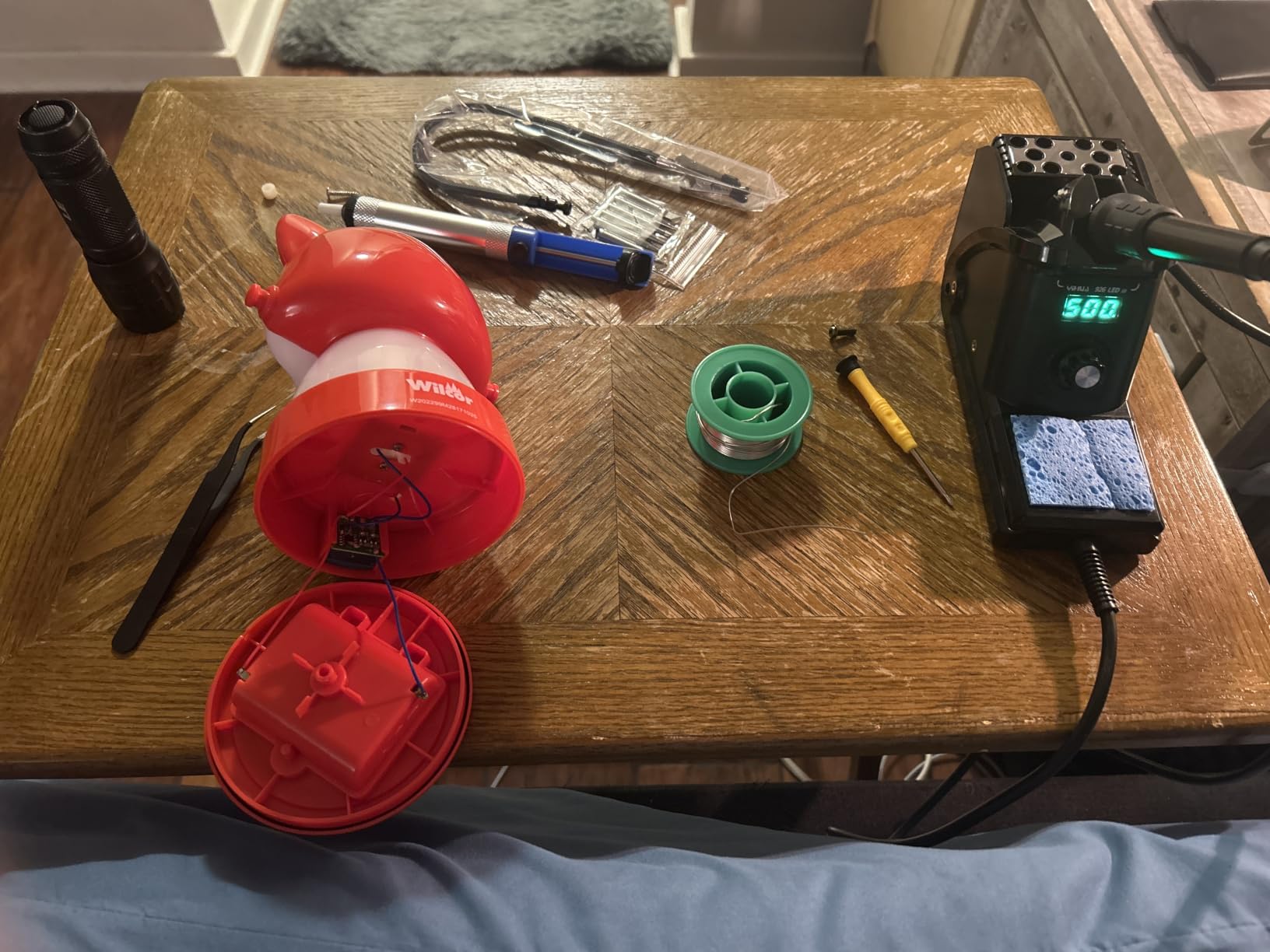
What you get for the money
For a beginner, the accessory bundle is what carries this station. Helping hands solve the single biggest beginner problem, which is holding a board steady while both hands are busy. The solder sucker and the included solder wire mean your first joint does not stall waiting for a delivery.
It also has the widest temperature range of any entry-level station here, so you can move from a low-temperature leaded job to lead-free without buying another tool. If you want a broader look at what a starter setup should contain, our home soldering iron guide covers the essentials list.
Where it runs out of road
The 60W element is the limit. If you start taking on board repair involving shielding cans, power inductors or multilayer boards with heavy copper, you will feel the iron slow down. The fix is more dwell time, and more dwell time on a small pad is how pads lift.
Second, the single channel means every temperature change is manual. Once you are mixing leaded and lead-free solder regularly, a station with stored presets saves real bench time. Third, tip durability on heavy joints is not a strength, so expect to replace tips sooner if you push it.
3. PINECIL Smart Mini Iron – Best Portable Pick for PCB Work
PINECIL – Smart Mini Portable Soldering Iron, Small
65W element
12 second heat-up
USB-C PD, QC 3.0 and DC5525
60g body
Pros
- Reaches working temperature in roughly 12 seconds
- Dual power input covers PD bricks
- power banks and DC adapters
- Slim 60g body reaches tight spots in enclosures
- OLED display with precise temperature control
- Motion-sensor sleep and tip thermal protection
Cons
- Needs a capable USB-C PD supply
- which is not included
- Struggles on large ground planes and multilayer boards
- Replacement tips cost extra and no stand is included
The PINECIL is the one I recommend when the board is not on a desk. It reaches operating temperature in roughly 12 seconds, which changes the rhythm of field work entirely. You are not waiting on a bench, so the seconds an iron spends heating are seconds you spend diagnosing the fault instead.
Power input is the clever part. It takes USB-C PD and QC 3.0 alongside a DC5525 barrel jack, so you can run it from a laptop brick, a power bank or a LiPo pack depending on what you have already. The SAE 304 stainless steel core sits in a polycarbonate shell at 60g and 6.1 inches long, which is what lets you get the tip into a crowded enclosure without knocking the board.
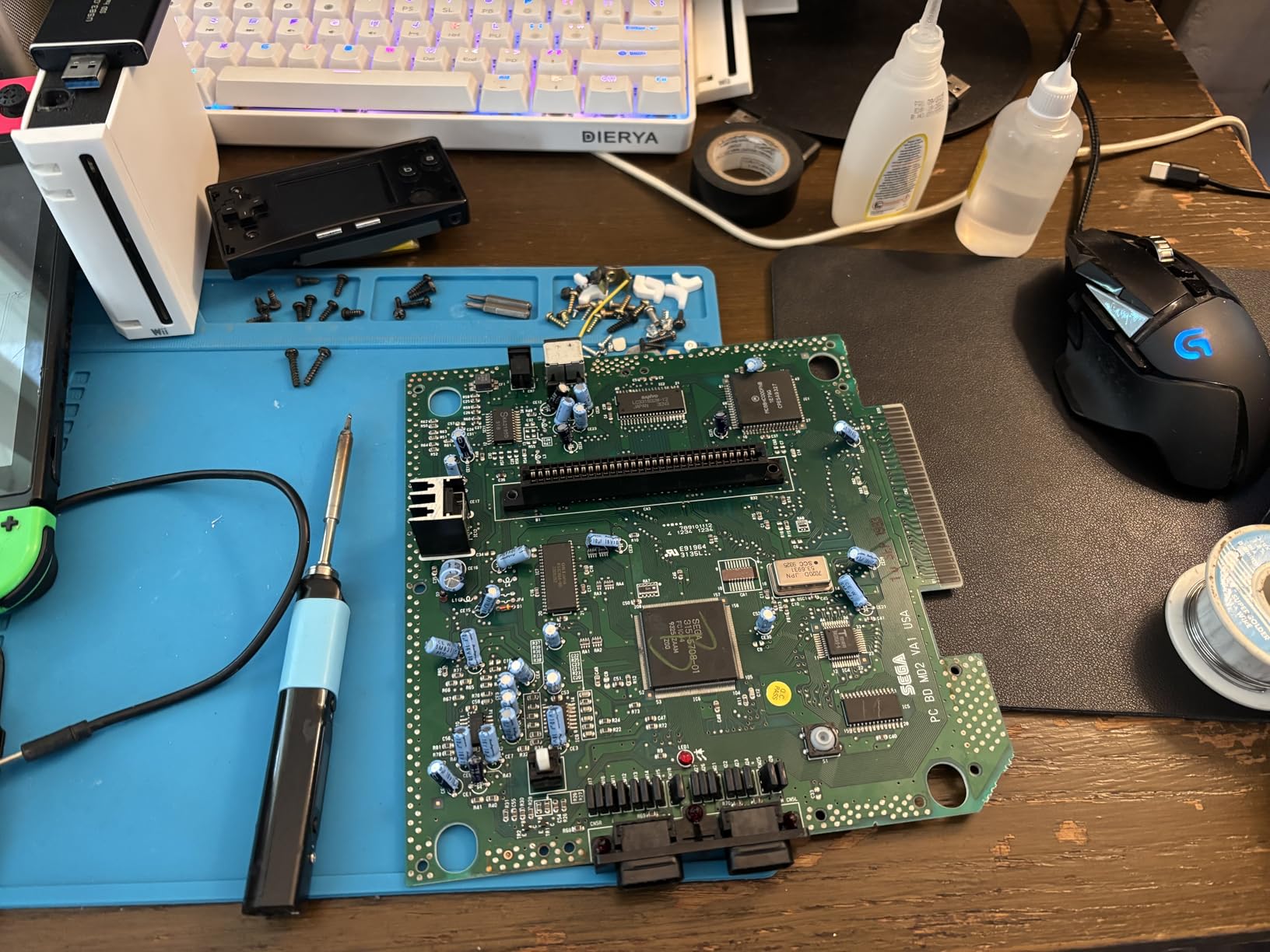
The OLED screen shows real temperature, and the firmware is open source, which means the sleep behaviour and boost logic can be adjusted rather than lived with. Auto standby kicks in when the iron is not being used, and there is tip thermal protection on top of that. On a customer site that matters, because it is one less warm object to worry about in a bag.
Be clear about the limits though. Reviewers report that it struggles on large ground planes and multilayer boards, which is the same thermal-capacity wall every compact pen iron hits. It also ships without a power supply and without a stand, so budget for a 65W PD adapter and a holder before the first job. The included tip is a Type B2, and spares cost extra.
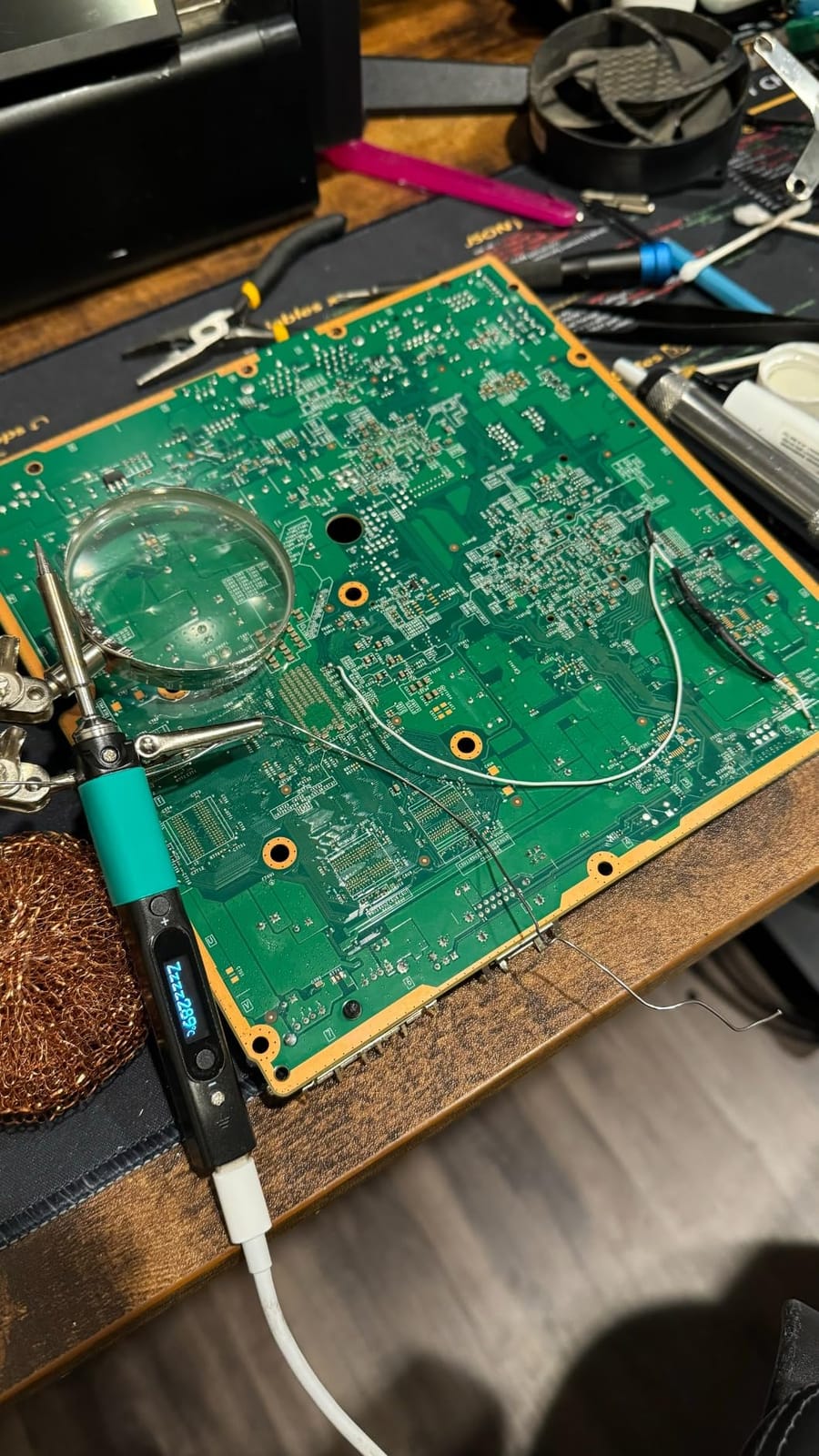
Why field technicians like it
Anyone doing on-site repair knows that the bench is a luxury. The PINECIL runs from whatever power source is already in the bag, heats in seconds, and fits where a full station cannot. For a dead connector on an industrial controller or a cracked pad on a remote sensor, that combination solves a real problem.
The precision also holds up. A B2 tip is a good general board tip, and the OLED readout means you are not guessing at temperature when the work is a sensitive part. r/CommercialAV forum users specifically recommend pen irons of this class for light board repair away from a bench, which matches how we use it.
Where the compact format gives out
Thermal capacity. Sixty-five watts is plenty to heat a pad quickly, but a large copper pour will still pull temperature down and force you to wait. For rework on a power board or a multilayer main board, a bench station with a 70W or 110W element is the better tool.
The accessory gaps matter too. No power supply, no stand and paid tips mean the first purchase is not the whole purchase. If you want a portable iron that arrives ready to use, look at one of the cordless kits below instead.
4. ANBES Cordless Soldering Iron Kit – Best for Genuinely Cordless Repair
ANBES Cordless Soldering Iron Kit, 3s Fast Heat 75W-PD/30W-Battery
75W wired and 30W cordless
18000mAh battery
Three C210 tips
LCD with LED work light
Pros
- True cordless operation with a large built-in battery
- Reaches higher temperatures than most compact cordless irons
- Battery holds up through long sessions at high temperature
- Live temperature and battery level on the LCD
- LED work light and magnetic stand included
Cons
- Cordless output drops to 30W
- Some reports of an inaccurate temperature probe
- Included wire and wire strippers are low quality
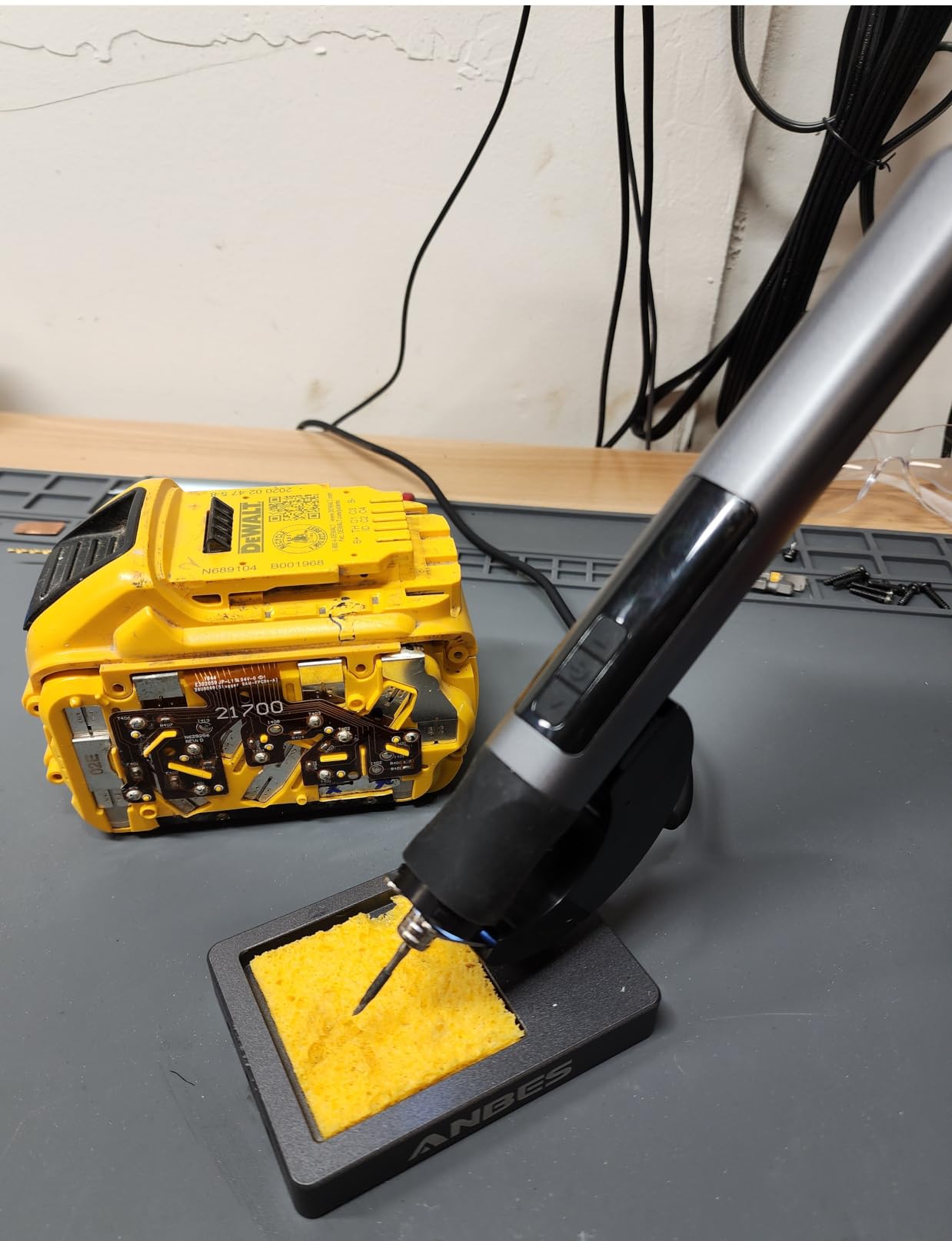
Most so-called cordless irons are USB-C pens with a short battery. This one is genuinely cordless, with a built-in 18000mAh battery that keeps working when there is no outlet and no power bank anywhere near. In wireless mode it puts out up to 30W, and plugged in over USB-C it goes to 75W, so you choose between freedom and power depending on the job.
The temperature range of 180C to 480C is wider than most pocket irons, which means it handles leaded electronics solder and lead-free alloy without argument. Three replaceable C210 precision tips are included with snap-lock retention, so tip swaps are quick, and the LCD shows live temperature and battery level at the same time.
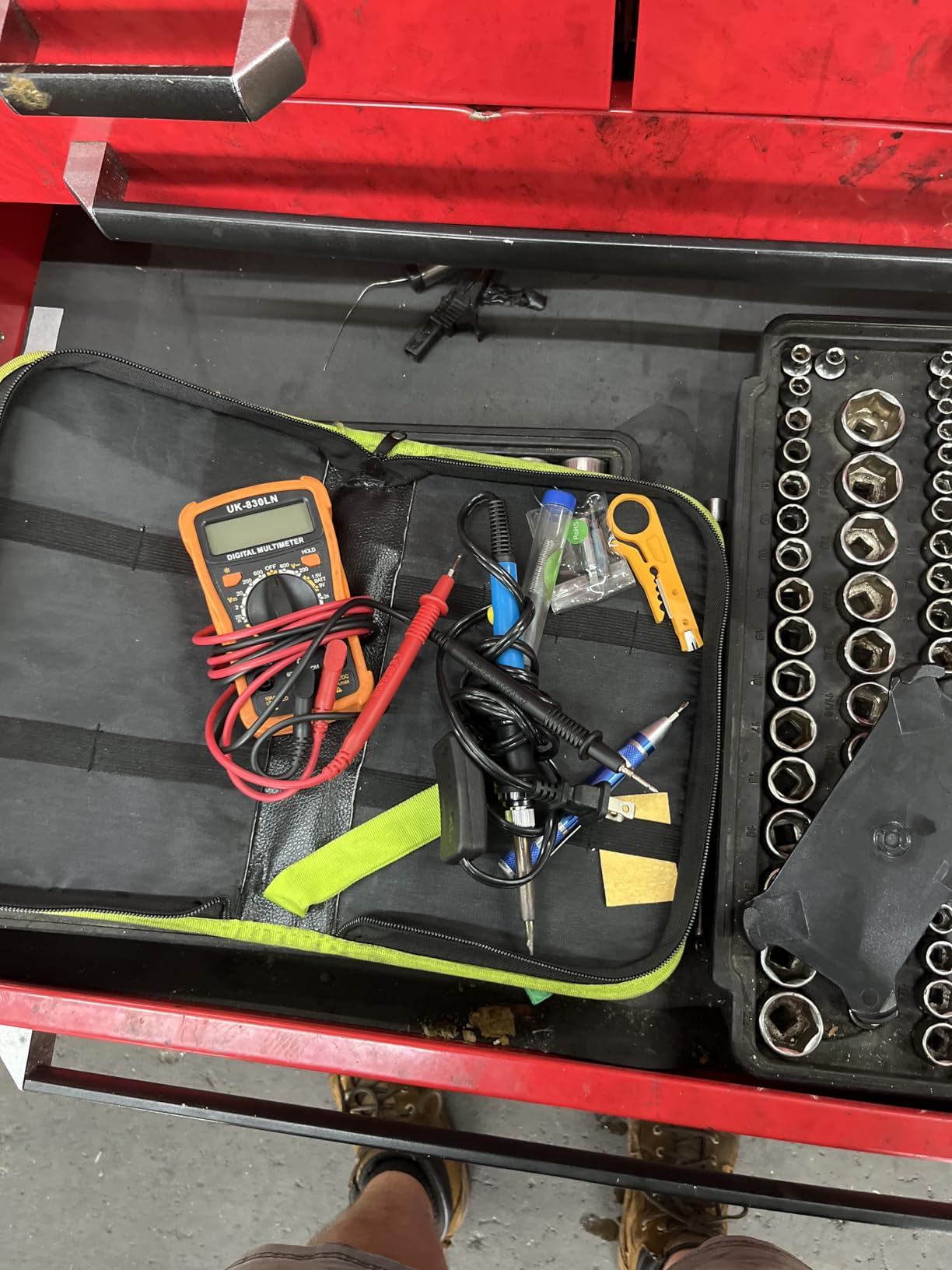
The small things make it pleasant to hold. There is a gravity-sensing auto sleep after 40 seconds idle and an automatic shutdown after 10 minutes, an LED work light for dark enclosures, a magnetic stand that holds the iron in place on a metal surface, and a silicone sleeve over the barrel. The whole thing weighs 4.16 ounces.
The compromise is the 30W wireless ceiling. Thirty watts is fine for standard thru-hole joints and small surface-mount rework, and it is not enough for a heavy lug or a big ground plane. There are also a few reports of an inaccurate temperature probe, which is worth checking against a known-good joint when you first use it. The bundled wire and wire strippers are throwaway quality, as expected at this level.
Who should buy a genuinely cordless iron
It fits installers, field technicians and anyone who works in awkward places. No cable to snag, no battery pack to forget, no adapter hunt. The LED work light and the stand handle the two things that normally make a cordless job annoying, which is seeing what you are doing and putting the iron down safely.
It is also a good second iron. Leave the bench station at the desk and take this one in the bag, and you get full temperature control on site rather than whatever fixed-temp tool you would otherwise reach for.
When the battery is not enough
Continuous high-temperature work. If you are soldering for hours, the battery is the constraint, because you are running at 30W instead of 75W and the iron recovers more slowly. Bench work on dense boards belongs to a mains-powered station.
Also consider the temperature probe reports. If accurate temperature control is the entire reason you are buying, verify the readout against a work that you already know the correct temperature for before you commit to it as your only iron.
5. YIHUA 939D+ – Best Value Transformer Station for Daily Bench Use
YIHUA 939D+ Digital Soldering Station, 75W Equivalent with Precision Heat Control (392°F to 896°F) and Built-in Transformer. ESD Safe, Lead Free with °C/°F display (Black)
Built-in transformer
392F to 896F range
20 millisecond compensation
ESD safe, 110V
Pros
- Holds set temperature accurately and quickly
- Transformer build feels durable for daily use
- Simple dial and single button are easy to learn
- Brushed aluminium panel resists scorch marks
- Factory tips outperform typical aftermarket tips
- Handles and other spares are widely available
Cons
- 110-127V design only
- so unusable on 230V mains
- Short iron cord reported by some users
- Base lacks rubber feet and slides on hard surfaces
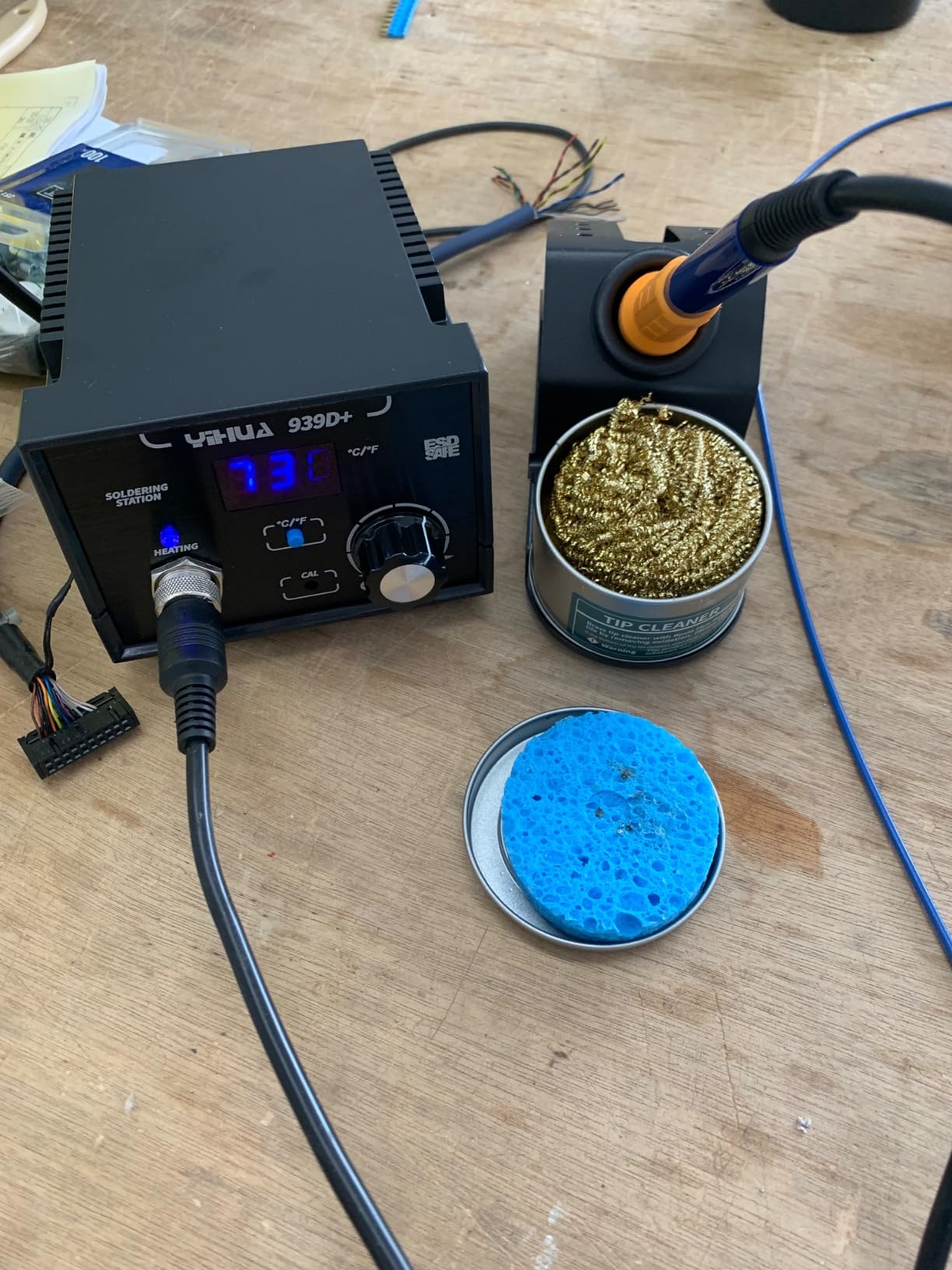
The 939D+ is the step-up station that most hobbyists land on, and the reason is the built-in transformer. It delivers contact-safe output at high power, which is a different architecture from the small plastic boxes in the same price band, and it is why the temperature holds so steadily once it is warm. The control program compensates within 20 milliseconds, so the dip when you touch a pad is short and shallow.
The range runs 392F to 896F on an LCD, with automatic handle detection, temperature calibration and a Fahrenheit or Celsius toggle. Construction is brushed aluminium on the control panel with a solid metal-alloy iron stand, and it is listed as ESD safe and lead-free ready. A brass tip cleaner and a sponge are in the box, which is more than most.
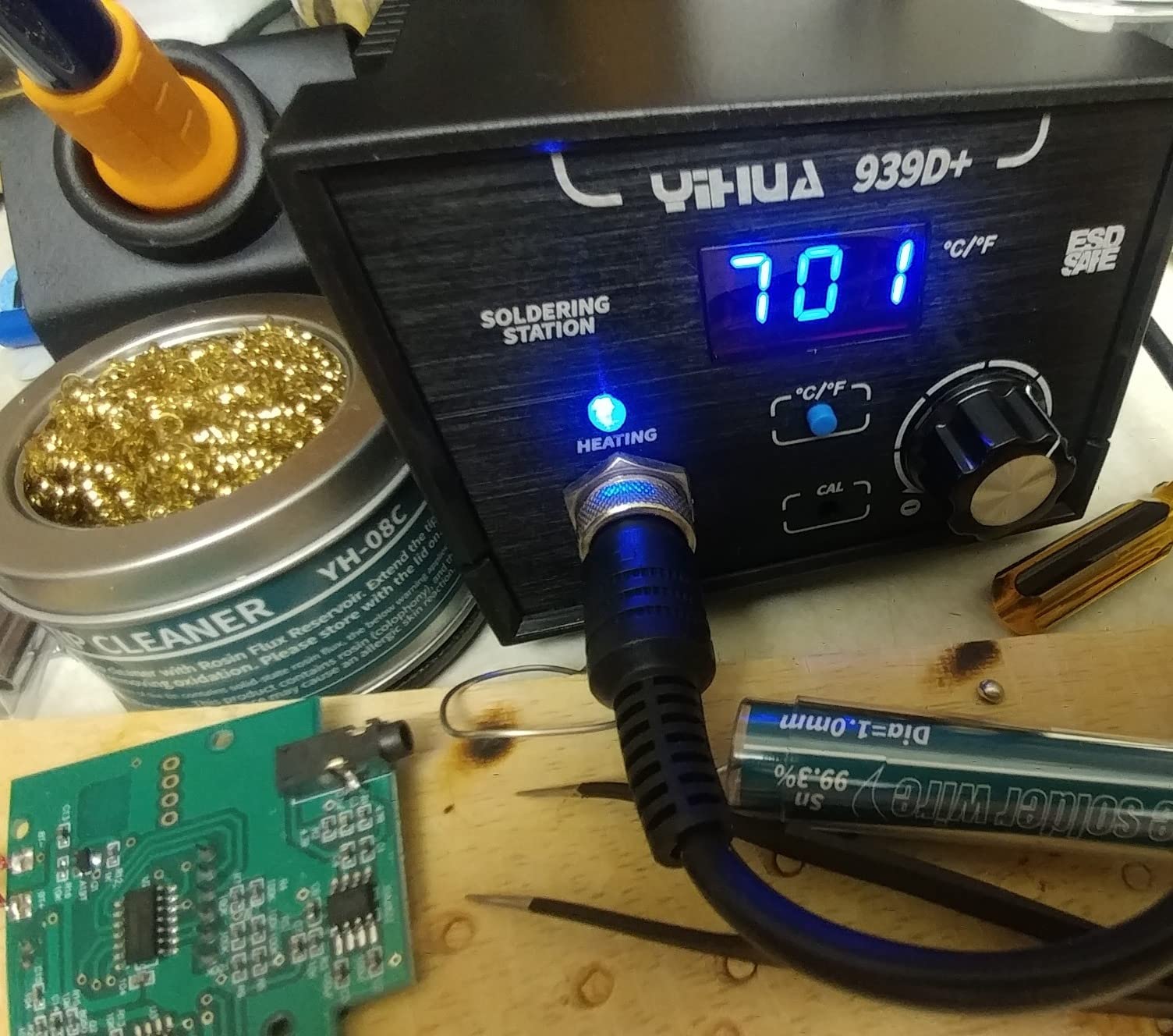
Reviewers praise that the factory tips perform better than typical aftermarket replacements, and that handles and other parts are easy and inexpensive to source. For an iron you will use daily for years, that parts story matters as much as the first impression.
Everything about it is designed for 110-127V mains with a US plug, which is the single biggest limitation. It is not usable on 230V supply without a transformer, and that is worth checking before you order if you are outside North America. Some users also report a short iron cord and a base without grippy feet that slides on a hard desk.
Why the transformer matters on a board
A transformer-based supply keeps the output stable when the load changes, which is exactly what happens when you drag a tip across a copper pour and then come back to a small pad. The temperature does not wander, so the next joint gets the same heat as the last one. On repeated work that consistency is what removes the guesswork.
It is also the cheapest route to a station that feels like a tool rather than a gadget. The simple dial and single button mean there is nothing to learn, and the metal build tolerates a decade of daily use. r/AskElectronics contributors describe exactly this shape of upgrade, moving from a budget T12-class iron to a station like this as the sensible next step.
When it is the wrong choice
If your mains is 230V, stop here. Every YIHUA station in this roundup is a 110-127V design, and a step-down transformer adds bulk and cost to a bench you chose for compactness.
It is also a single-channel station with no stored temperature presets, so alternating between leaded and lead-free settings means dialling each time. And it is a bench tool by design, not built for all-day professional continuous duty alongside other bench equipment.
6. UY CHAN TS101 Kit – Best for Hackable Open-Hardware Work
UY CHAN Original TS101 Soldering Iron Station Kit Upgraded from TS100 DC 65W PD 45W Power Programmable Smart Mini Electric Portable Soldering Pen with B2 Solder Tip USB Type C Cable
65W DC and 45W USB-C PD
50C to 400C OLED
24V supply included
Reflashable firmware
Pros
- Heats in roughly 10 seconds and recovers quickly
- Excellent value for a programmable temperature-controlled iron
- Runs from USB-C PD or a DC barrel adapter
- Sleep mode wakes as soon as you pick it up
- Heating element is built into the tip
- Fine B2 tip suits electronics work
Cons
- Factory menu system takes practice to learn
- Two-button interface is not intuitive
- DC5525 barrel connector is an uncommon size
- Included cord and stand sponge are short
The TS101 is the one to buy if you enjoy the tool as much as the soldering. It can be re-flashed and reprogrammed from a computer, so temperature curves, sleep behaviour and boost logic are all yours to set. Plenty of owners immediately replace the factory firmware with an open-source alternative, and the two-button interface that frustrates people out of the box stops mattering once that happens.
On the electrical side it is flexible. The DC5525 input was extended to 9-24V for up to 65W, and the USB-C PD input handles 12-24V up to 45W. Unlike several pen irons in this roundup, the kit includes a 24V US standard DC power supply, a USB-C cable, a stand and a TS-B2 tip, so it works the day it arrives.
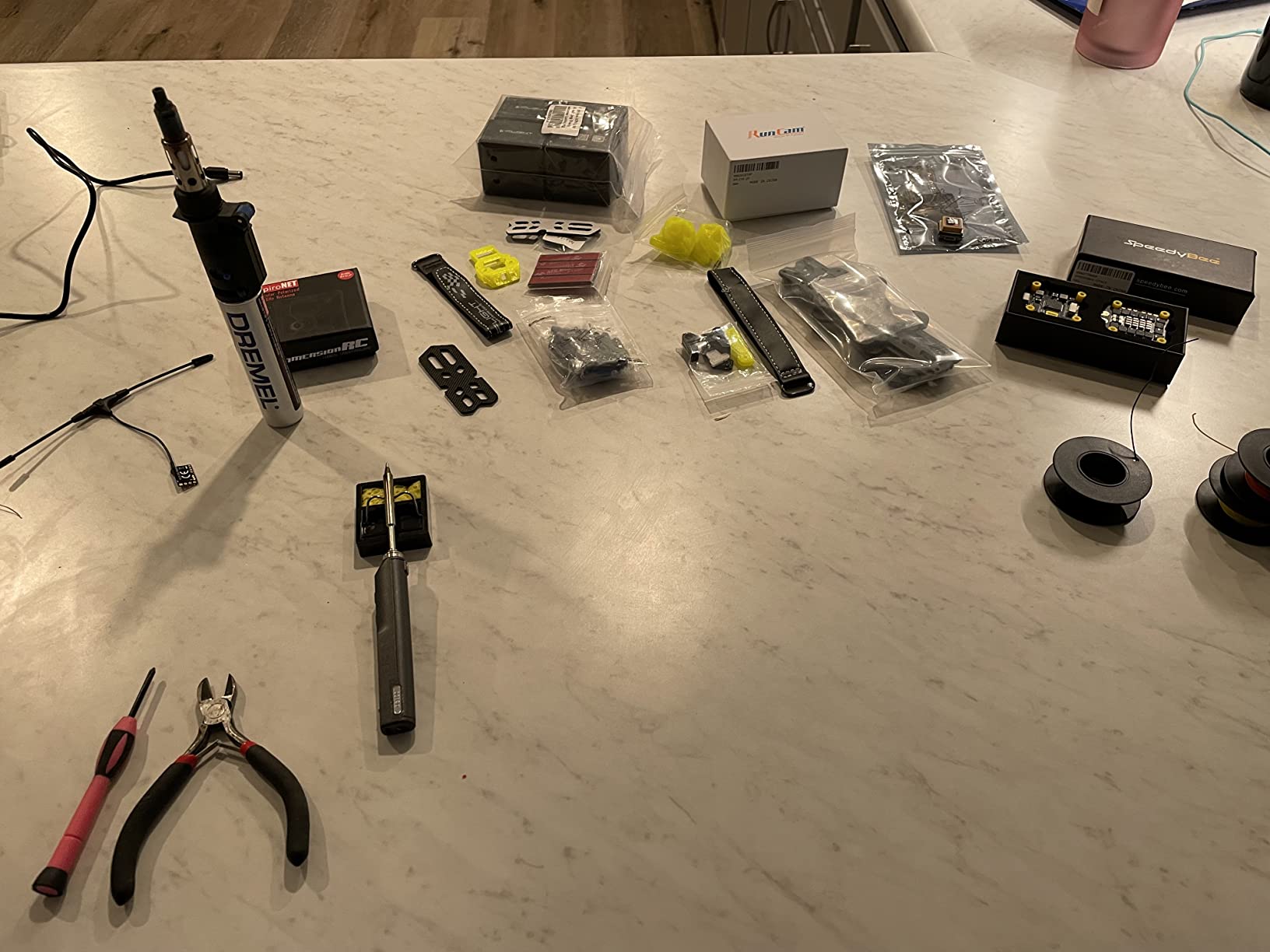
The OLED display covers 50C to 400C with a boost mode, and dual temperature sensors plus acceleration sensors handle auto sleep and overheat warnings. The heating element is integrated into the tip, so if the element fails you replace the tip rather than the iron. That design choice extends tool life and simplifies service, and it is why B2 tips are the ecosystem to plan for.
The recurring complaints are ergonomic rather than electrical. The stock menu is confusing, the DC5525 barrel plug is not the most common size so your existing adapter may not fit, and the included cord and stand sponge run short. Six inches of body at 100g is genuinely portable.
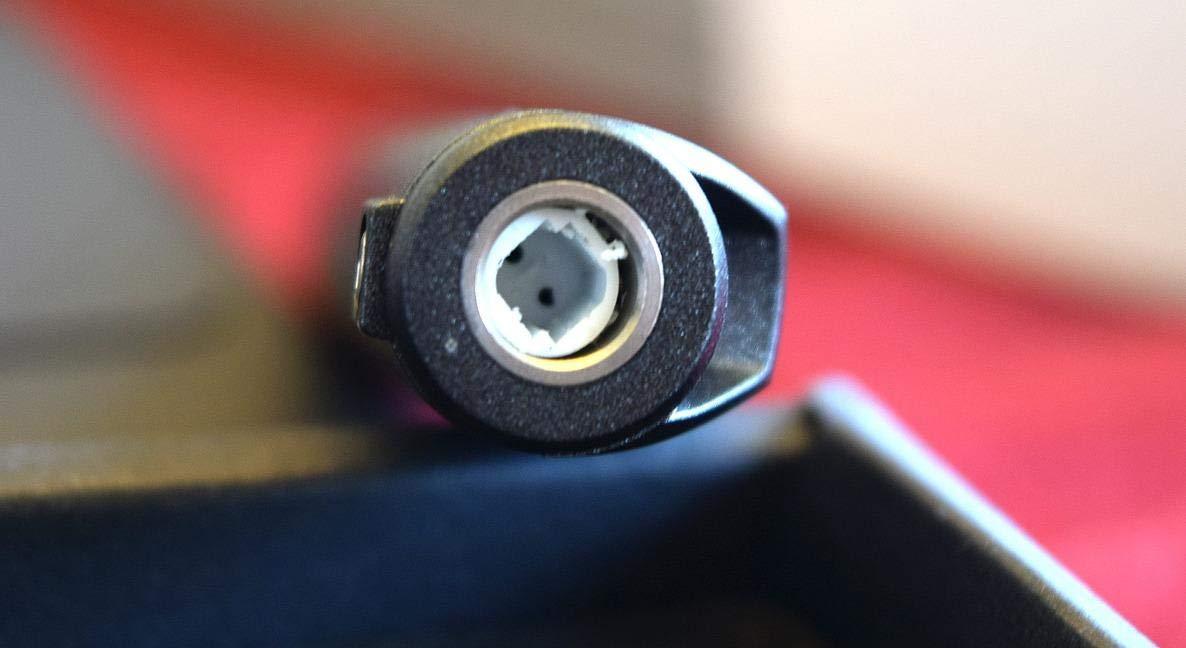
Best fit for tinkerers and FPV builders
Open hardware is the reason this one earns its place. Custom temperature profiles matter if you work with unusual alloys, and being able to read and change the firmware means you are not locked to whatever the manufacturer decided. The r/soldering community treats this class of iron as the enthusiast step above a basic T12 setup.
It is also a good field tool, because the same open firmware handles sleep and wake predictably. Bring it, reflash it, set it to whatever you last worked with, and you are not recalibrating from scratch on site.
When to choose a sealed-box station instead
If you want a tool that works perfectly the first time you switch it on, the factory interface is a poor fit. Two buttons and a nested menu is real friction for a beginner, and it is unnecessary friction for anyone who will never touch the firmware.
It is also a lower-power tool than the bench stations here, topping out at 65W on DC. That is fine for fine electronics and light rework, and it is not the answer for a heavy ground plane or a thermal-mass joint.
7. WEP 927-IV – Best for Preset Temperature Channels and Magnified Work
WEP 927-IV Soldering Station Kit High-Power 110W with 3 Preset Channels, Sleep Mode, LED Magnifier, 5 Extra Iron Tips, Tip Cleaner, 2 Helping Hands, Tip Storage Slots, Lead-free Solder Wire, Tweezers
110W heating element
194F to 896F range
Three preset channels
LED magnifier included
Pros
- 110W element heats fast and holds temperature
- Dual display shows set and actual temperature together
- Three preset channels remove repeated temperature changes
- Integrated LED magnifier genuinely helps fine board work
- Compact all-in-one design keeps the bench tidy
Cons
- Uses proprietary WEP #1400 tips
- Rated for 110-127V only
- Bulkier kit than an iron-only purchase needs
The 927-IV does two things the other stations here do not. First, the 110W heating element is the highest sustained wattage in this group, and it holds temperature well on boards with heavy copper. Second, it has three preset temperature channels, so you can keep a leaded setting, a lead-free setting and a heat-set-insert setting in memory instead of dialling each time.
The dual numerical display showing set and actual temperature side by side is a small detail that changes how you work. You can watch the iron recover after touching a ground plane and see the gap between the two numbers, which is the fastest way to learn what your iron is doing.
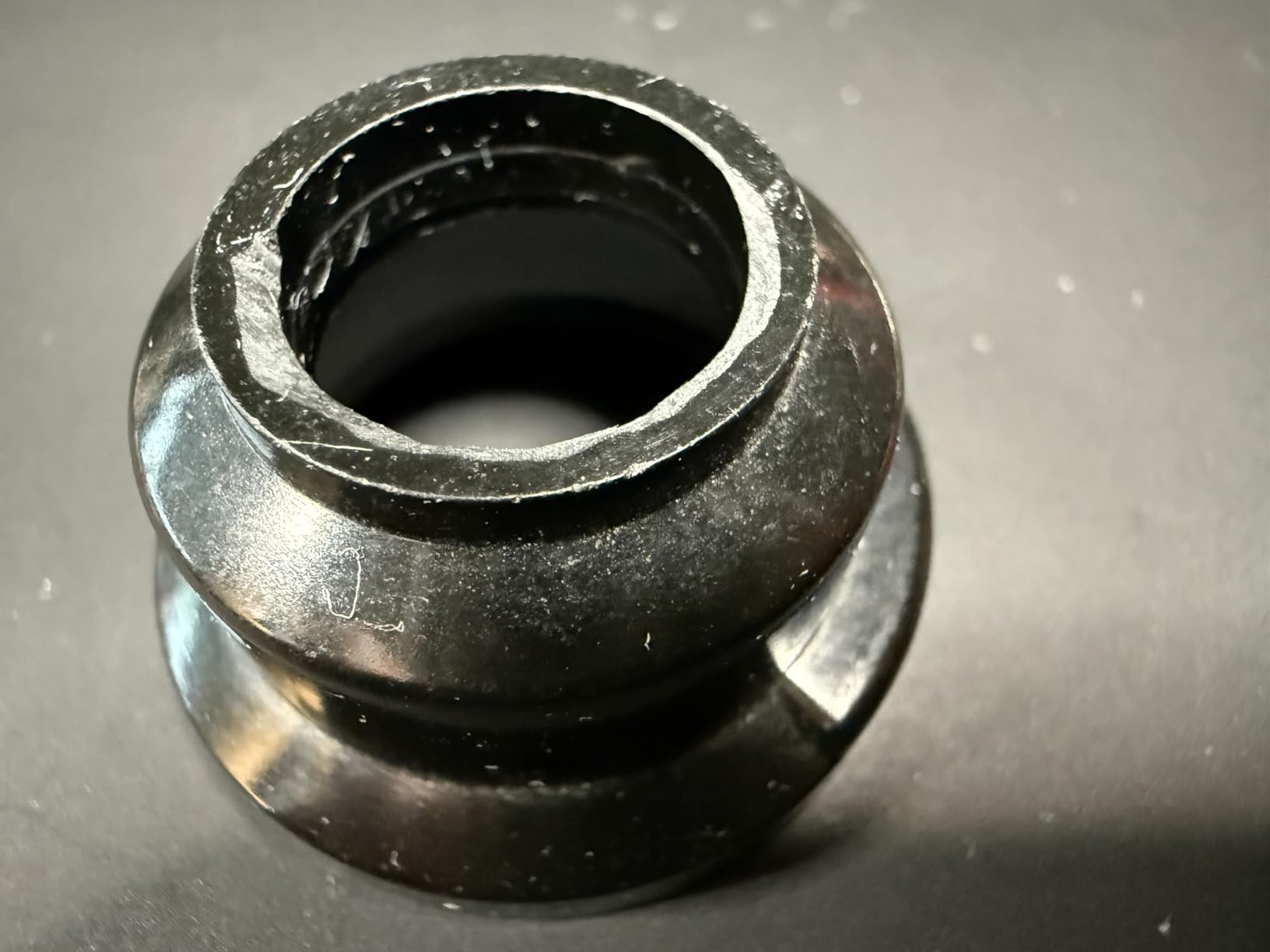
The station integrates a lot into a small footprint: iron, holder, tip cleaner, solder dispenser, helping hands, an LED magnifier and tip storage slots, with a sleep timer adjustable from 0 to 99 minutes. The magnifier matters more than it sounds on 0603 and 0805 surface-mount parts. Reviewers point to it as the reason fine board work got easier rather than the raw wattage.
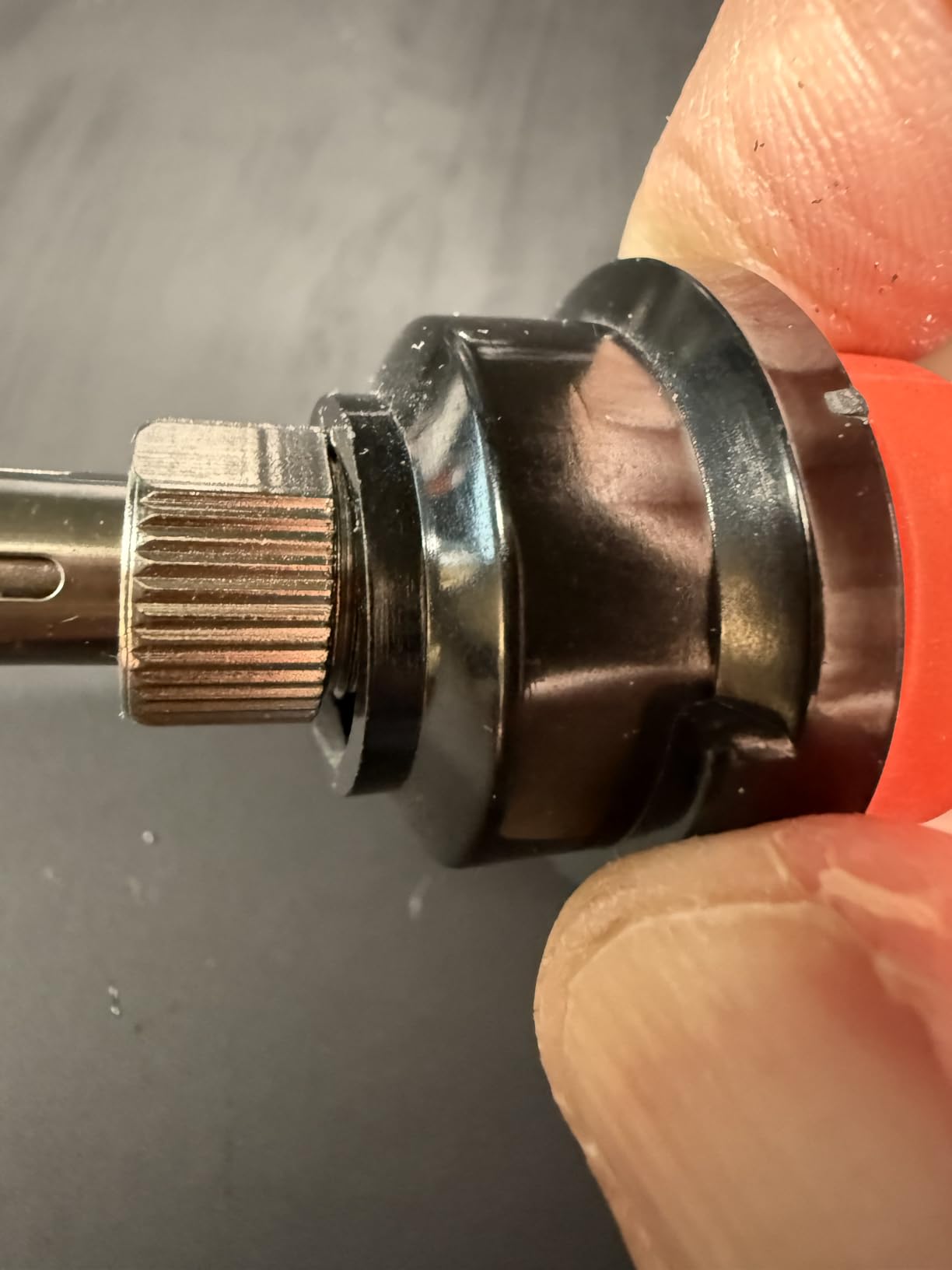
The catch is the same catch as the Weller, only sharper. It uses proprietary WEP #1400 tips, so no other vendor’s tips fit. The unit is rated for 110-127V, and the all-in-one design adds bulk if all you need is an iron.
Where the 110W element pays off
More power is not automatically better on a delicate board, but it is better when the board drinks heat. Thick ground planes, multilayer boards with internal copper, heat-sinks tied to a pad, larger connectors and wire that is not thin signal wire all drain heat faster than a 60W element can replace. At 110W, the recovery is there to keep the joint short.
The preset channels then pay for themselves. If you move between a 335-345C leaded setting and a higher lead-free temperature, storing both means the iron is at the right heat before the board is on the bench. r/MechanicalKeyboards users commonly quote 335-345C for 0.8mm rosin core 63/37 solder, which is exactly the kind of setting you would want stored.
When the accessory weight is a disadvantage
If you already own a magnifier, helping hands and a decent tip cleaner, the integrated extras are just bulk on a bench you were trying to keep clear. The tip lock-in is the bigger long-term consideration, because replacement tips have to come from the same family and availability varies over time.
And if you are outside the 110-127V range, the same transformer caveat applies. Confirm your mains voltage before ordering any of the WEP or YIHUA stations in this roundup.
8. Fanttik T1 Max – Best Cordless Kit for Precision Repair
Fanttik T1 Max Soldering Iron Kit, Cordless Soldering Iron
2600mAh battery
Four C210 tips
200C to 450C range
360 degree swivel stand
Pros
- Truly cordless with no cable management
- Fast heat-up and quick click-lock tip changes
- Aluminium stand doubles as tip and sponge storage
- Built-in LED work light is useful in dark enclosures
- Comfortable body with little fatigue in long sessions
- Can be used while plugged in over USB-C
Cons
- Low output
- especially cordless
- limits larger joints
- Wide handle limits reach into tight enclosures
- 30-second sleep timer fires too easily
- Some reports of the plastic tip collet warping
The T1 Max is a cordless kit that arrives ready to use, which is more than several pen irons in this roundup manage. You get the iron, four C210 tips, anti-static tweezers, a desoldering pump and ten sponges in the box, plus an aluminium storage stand with a press-to-pop tip drawer and a 360-degree swivel arm. Nothing else to buy before the first repair.
It heats in about 7 seconds and offers six temperature levels from 200C to 450C set with the tail knob. The 2600mAh battery delivers up to 60 minutes at 450C, and gravity sensing puts it to sleep after 30 seconds with automatic wake when you pick it up. That sleep behaviour is the difference between cordless being pleasant and cordless being annoying.
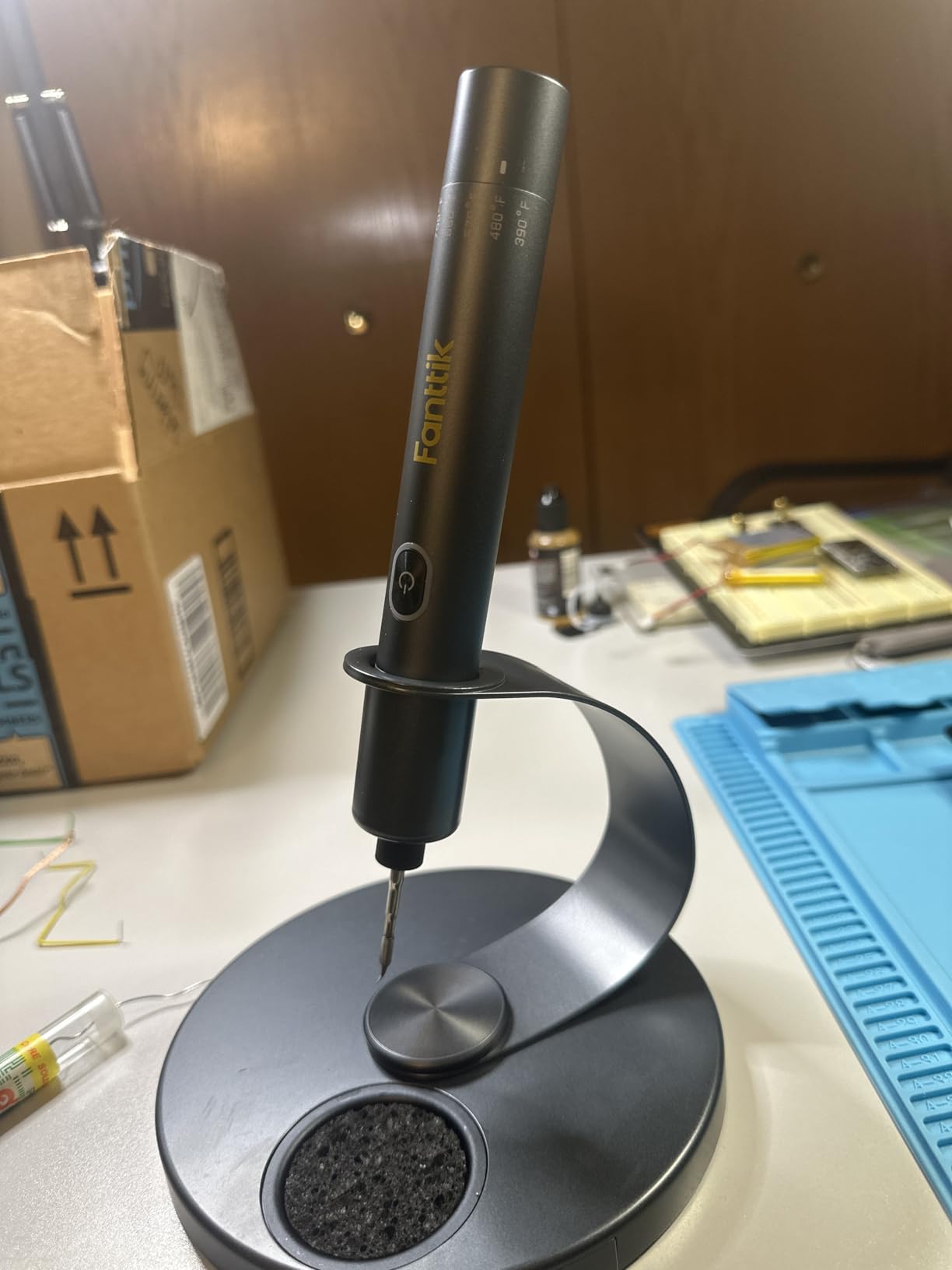
It is also USB-C capable while you solder, so you can work cordless in the field and plug in at the bench without switching tools. The built-in LED work light is genuinely useful inside a dark enclosure, and the light body stays comfortable over long sessions.
The 16W figure is the real constraint, and it is lower in cordless mode. Fine electronics repair is exactly what that suits, and larger joints are not what it is for. Reviewers also flag the 30-second sleep timer as aggressive during multi-point soldering, the wide handle as a limit on reach, and a small number of reports of the plastic tip-retaining collet warping and losing heat, which the manufacturer reportedly addressed with replacements.
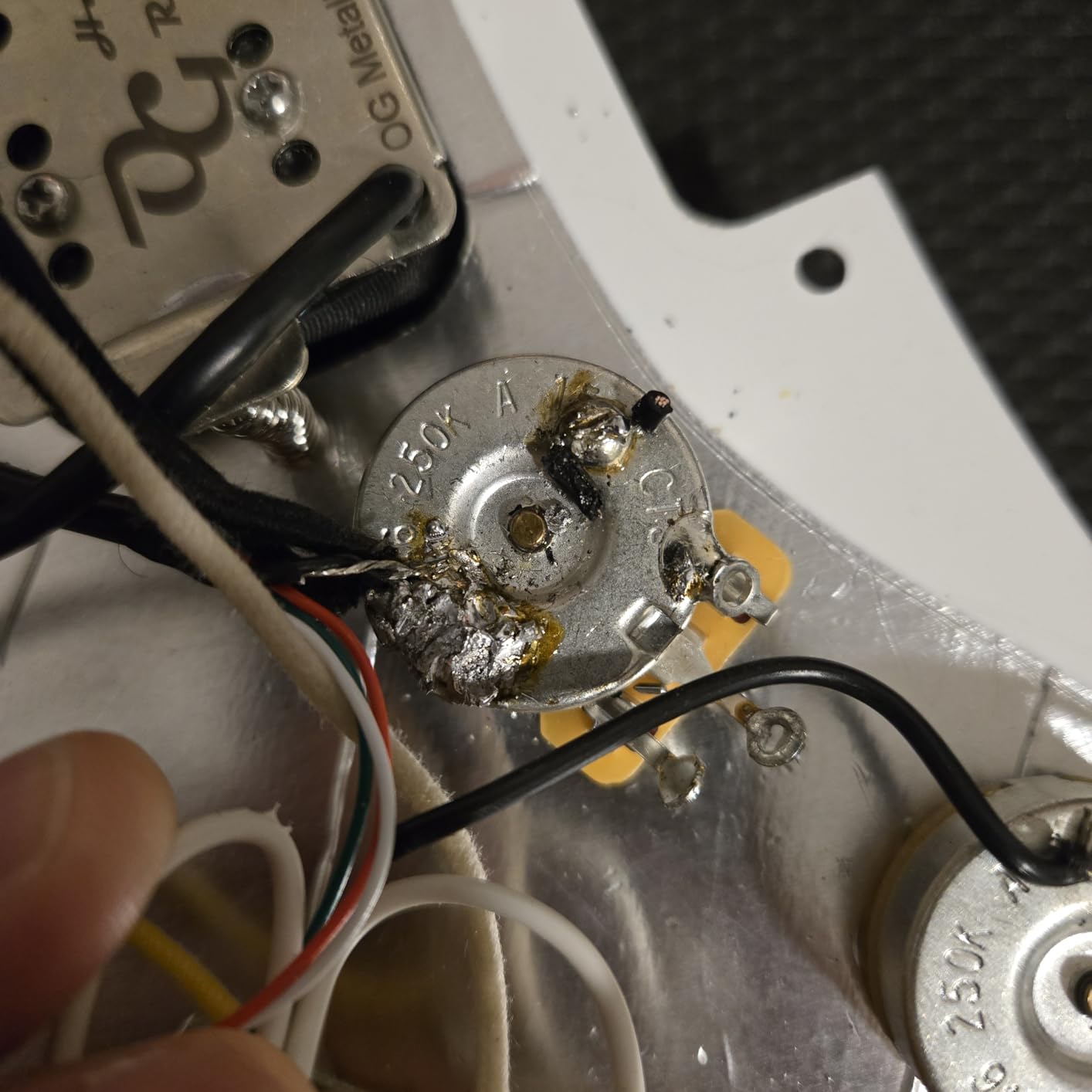
Best for small, fiddly repairs
Think smartphone-adjacent work, small sensor boards, camera modules and hobby electronics where access is tight and the joints are small. The swivel stand lets you park the iron out of the way and use both hands on the board, and the tip drawer keeps four C210 tips on the base instead of scattered across a bench.
For a first cordless tool, the completeness is what wins. Sponges, tweezers and a desoldering pump in the box means it is a working kit on arrival, and the LED removes the most common complaint about working inside enclosures.
When it is the wrong choice
Power is the answer. Sixteen watts is fine for small joints and thin wire, and it is not enough for a heavy-gauge lug, a heat-sink pad or a large ground plane. If your work is more structural than delicate, look at a 75W or higher station.
Also consider the sleep timer. Thirty seconds is short for a job where you are positioning, inspecting and reapplying flux. And if you work in hot or tight spaces, the wide handle reaches less well than a slim pen like the PINECIL.
9. X-Tronic 3060-PRO – Best ESD-Safe Full Bench Kit
X-Tronic 3060-PRO • 75W Soldering Iron Station Kit • 5 Extra Tips • Mini Mag Lamp • 4 Helping Hands • Solder Sucker • Tweezers • 50g Solder • Brass Sponge w/Flux • Sleep Func, °C/°F, 3 Temp Presets!
75W station with a 60W iron
PID compensation and dual displays
Three presets
3-year warranty
Pros
- Very stable temperature with plus or minus 2C static stability
- Three temperature presets plus dual set and real displays
- ESD safe with an included grounding wire for PCB work
- Exceptionally complete accessory set
- Built and supported in the USA with a 3-year warranty
- Long silicone cords with no memory
Cons
- 110V only
- with no 220V version offered
- Bulkier kit with a large number of accessories
- Fixed 60W iron output
The 3060-PRO is the most considered station here for someone who works on sensitive boards all day. It is listed as ESD safe and anti-static, and it includes a dedicated anti-static grounding wire specifically for PCB board work, which is the detail that separates a board-aware station from a general-purpose one. For MOSFET, CMOS and microcontroller level repairs, that grounding lead is the point.
Temperature control is a 60W iron inside a 75W station, across 194F to 896F, with PID compensation and two control panels showing set and real temperature at the same time. Static stability is plus or minus 2C. Three preset memory functions, digital calibration and a Fahrenheit or Celsius toggle are all present, and the sleep timer is adjustable at 0, 5, 10 or 30 minutes.
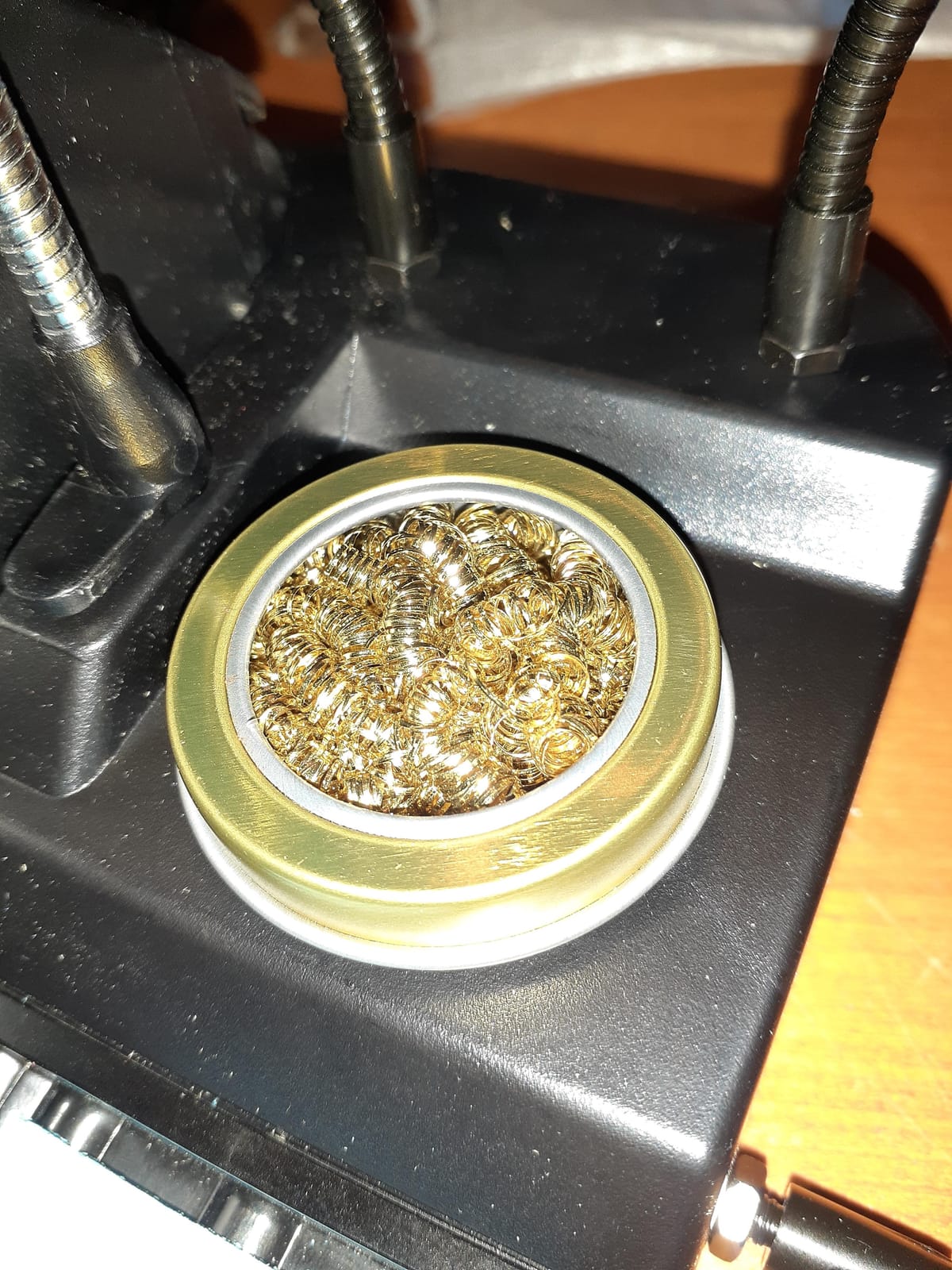
The accessory list is genuinely complete: five extra tips, a mini magnifier lamp, four helping hands, a solder sucker, pinpoint tweezers, 50g of solder, a brass sponge with cleaning flux, a wet sponge, a solder roll holder and the grounding wire. The 57-inch silicone iron cord barely holds a shape, which is a small quality-of-life thing you notice on long jobs.
Support is the other strength. It carries a 3-year warranty with lifetime technical support from Lincoln, Nebraska, which matters more for a tool intended to last a working lifetime. The trade-offs are the accessory bulk, the 110V-only design, and a 60W iron rather than something higher-powered.
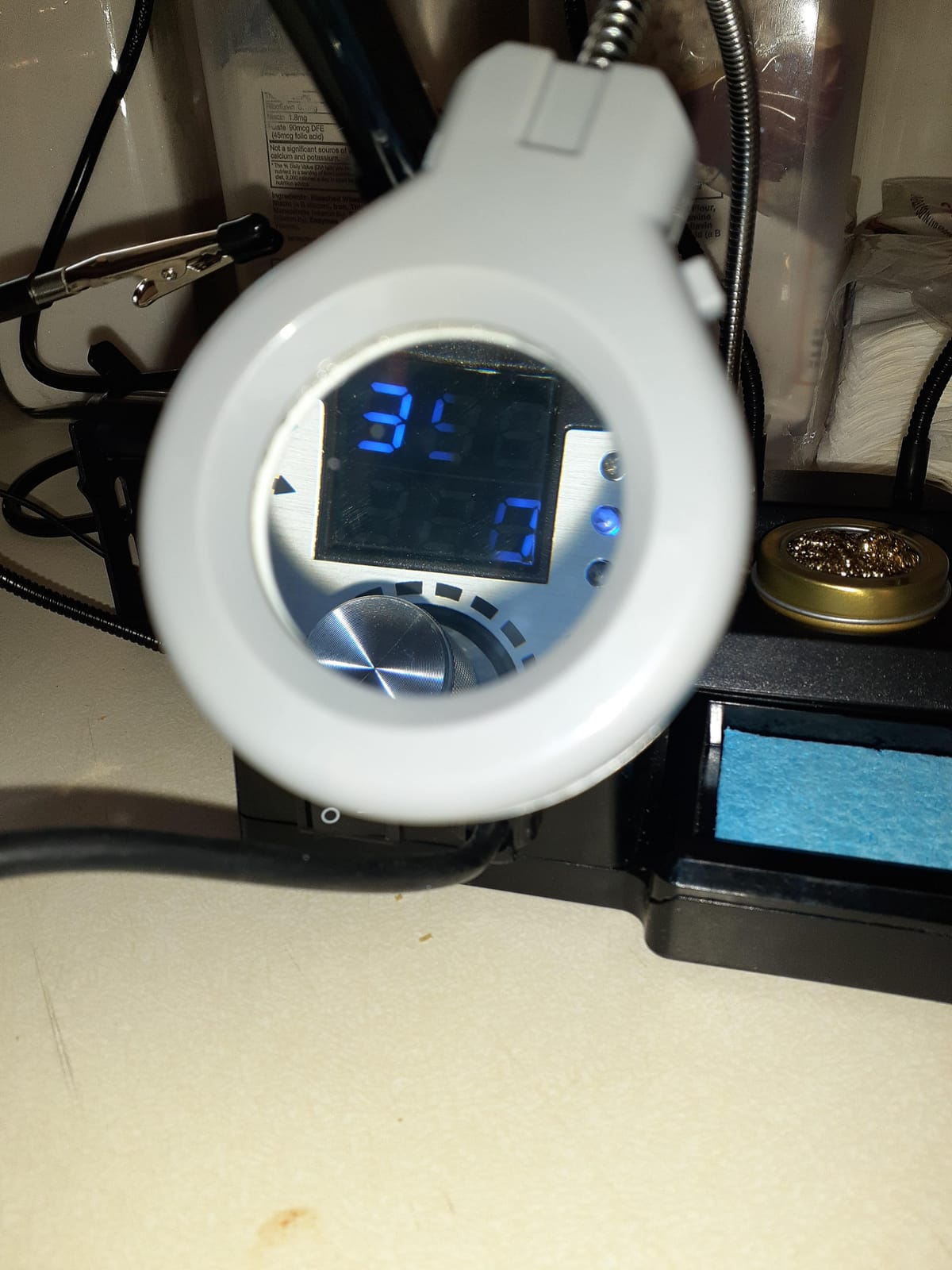
Why ESD protection is not a luxury on circuit boards
Most small components fail invisibly from static rather than from soldering. MOSFET gates, CMOS parts and microcontroller pins can be damaged by a charge you never felt, and the failure shows up weeks later as a component that mysteriously does not work. A grounded, ESD-safe station reduces that risk as a matter of course rather than as an extra precaution.
The included grounding wire is how you use that. Clip it to the board and the work stays at the same potential as the ground plane, so charge does not sit waiting to discharge through a component. For a repair bench handling static-sensitive devices, this is the feature that justifies the station.
When it is more station than you need
The kit is large, and if you only want an iron for occasional board work, the accessories are dead weight on a small bench. The 110V-only design is the other practical blocker outside North American mains.
Finally, the iron is fixed at 60W. That is plenty for everyday thru-hole and SMD work, and if your typical job is a large thermal joint, the 70W and 110W stations elsewhere in this roundup have more headroom.
10. FNIRSI HS01 – Best Power-to-Size Ratio in a Small Body
FNIRSI HS01 Soldering Iron Kit DC/PD(96W/65W) 6S Fast Heating
96W DC and 65W PD input
80C to 420C OLED
65W PD adapter included
Tips with integrated heater
Pros
- Very high output for its size
- Heats in seconds and handles small SMD rework well
- Includes a 65W PD adapter
- several tips and a flexible USB-C cable
- Comfortable silicone grip and a tip cover
- Works from a power bank in the field
Cons
- Changing tips means unscrewing the retainer while hot
- Included stand is low quality
- Limited third-party tip selection
- Menu navigation has no clear confirm button
- Some early USB-C port failures reported
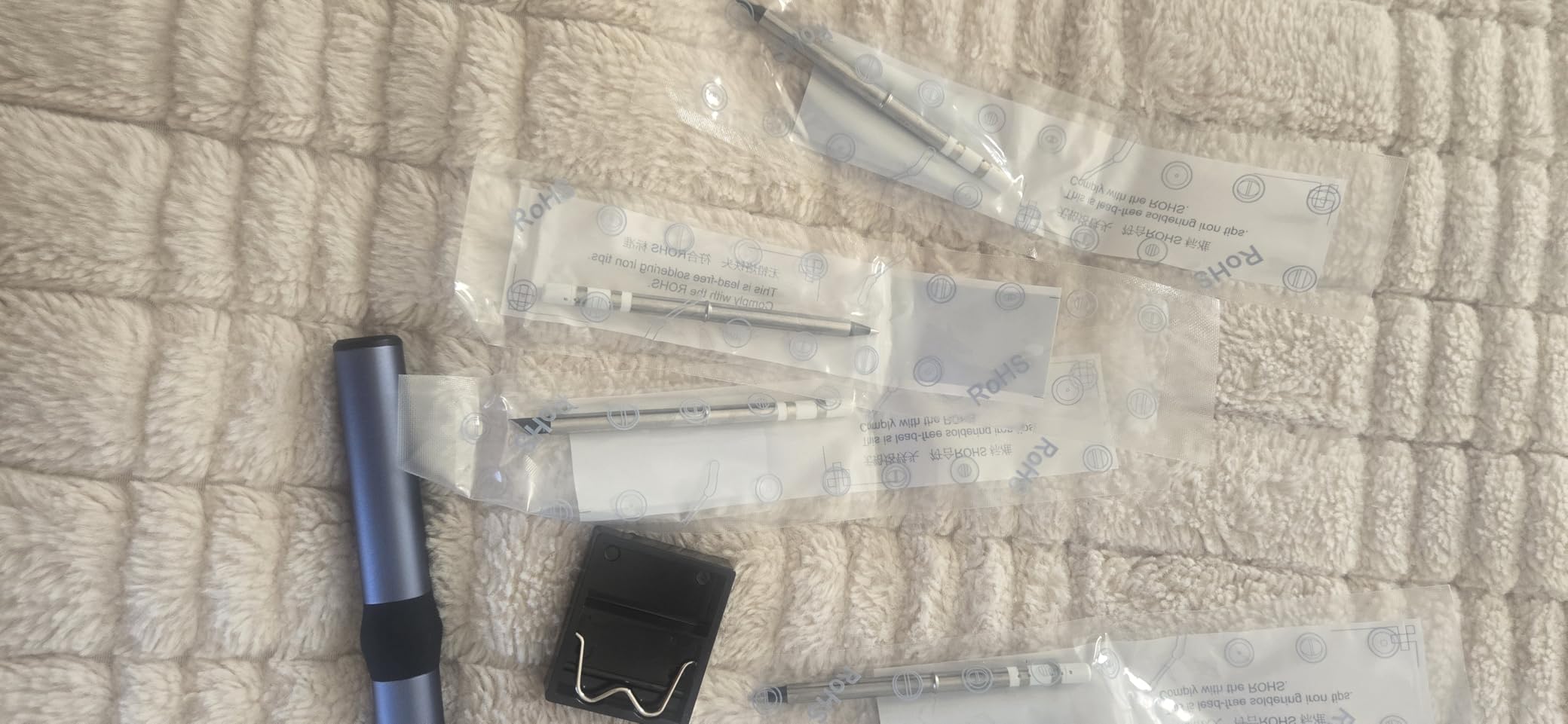
The HS01 solves a specific problem: getting real power out of a body you can hold in one hand. It accepts DC and PD dual input up to 96W on DC and 65W on PD, across a 9-24V working range over Type-C. That headroom is why reviewers report it handling small SMD rework and lead-free solder well despite the compact format, and it comes with a 65W PD adapter so it is usable immediately.
The OLED display is adjustable from 80C to 420C, which covers leaded electronics work and most lead-free temperatures. Smart tip temperature control handles the rise and fall, and sleep mode, automatic power-off and a child lock are all included. The silicone handle stays comfortable and there is a tip cover for storage.
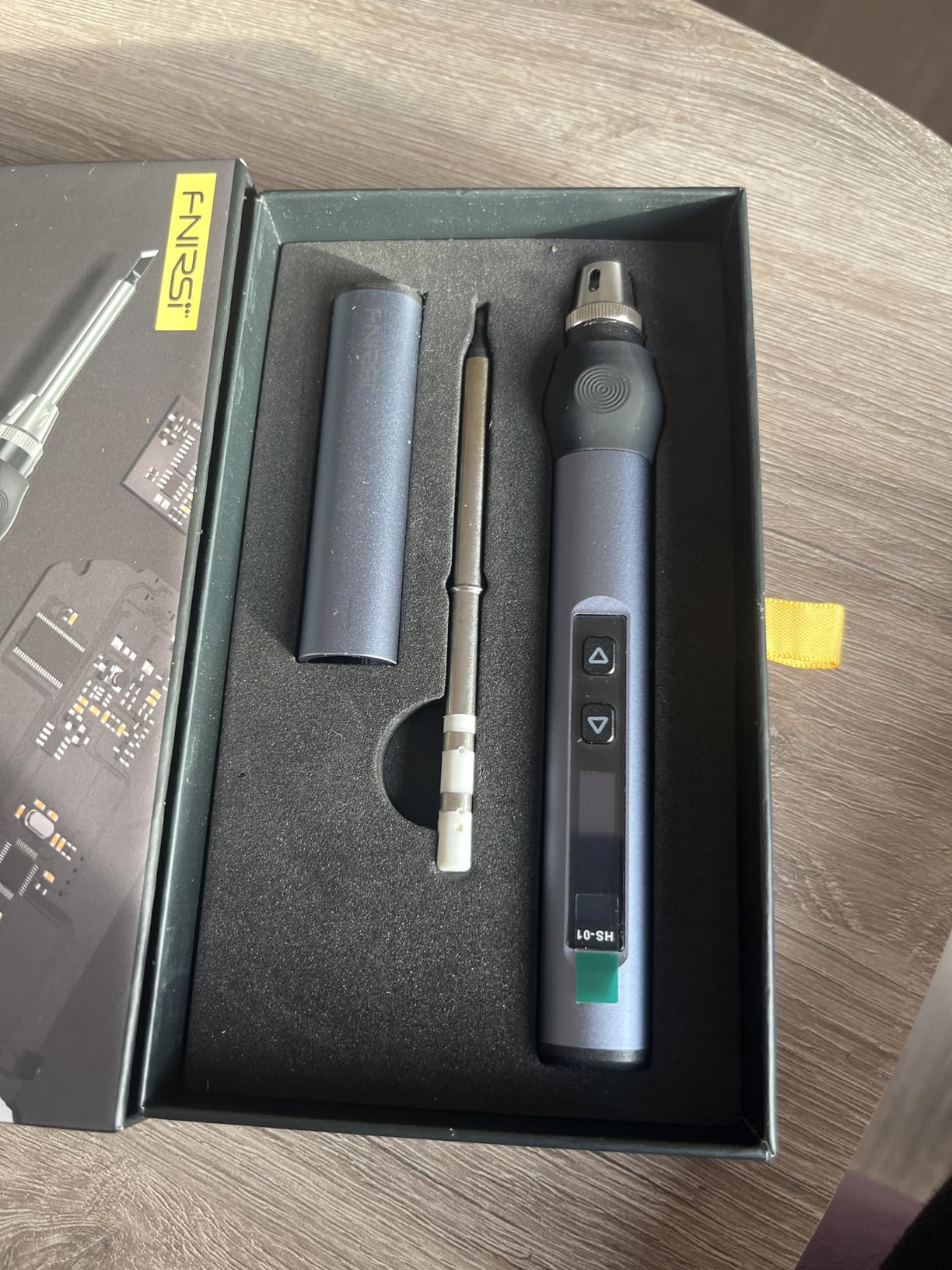
Because the heating element is integrated into the tip, tip and heater change together, which simplifies spares but also narrows third-party options. At 200g it is heavier than the slim pen irons, though still far lighter than any bench station.
It also has the weakest rating and smallest review count in this group, at 4.3 from 264 reviews, and the feedback reflects that. Owners like the power-to-size ratio and the rapid heating, while criticism lands on the included stand, the tip-change method that has you unscrewing the retainer while the iron is hot, and a small number of early USB-C connection failure reports.
When a compact high-power iron is the right call
This is the pick for someone who wants one tool that is small, powerful and ready to work. The 96W DC input gives it the recovery of a much larger station in a body you can hold in a palm, and the included PD adapter means there is no purchase-blocker on day one.
It suits light-to-medium SMD rework away from a bench, and it works from a power bank, which widens where you can take it. The six included tips cover enough shapes to get started without a second order.
When to pick a different iron
If you need a tool you can rely on daily for years, the thinner review history is worth weighing. Every other pick here has a much larger body of owner feedback behind it, and on a tool you will use constantly that history is real information.
For sustained board work, a mains-powered station with a heavier element still wins on heat recovery. And if you change tips often, unscrewing a hot retainer is a step backwards from the tool-free or click-lock systems on the cordless kits above.
How to Choose a Soldering Iron for Circuit Boards
Which Iron Format Do You Need?
Four formats cover almost all board work, and the wrong one is the most common expensive mistake. A fixed-temperature pencil is the cheapest and the least controllable, and for a modern board it is a false economy. An adjustable pencil is a step better but still limited. A temperature-controlled station gives you set-point accuracy, stored profiles and a holder. A USB-C or battery pen gives you portability at the cost of sustained power.
Board work points toward a temperature-controlled station. Portable pens suit field repair and light board work, which is exactly how r/CommercialAV users describe using the pen class of iron. If your boards are on a desk, the mains station is the right default.
Temperature Control vs Heat Recovery
These are different things and buyers confuse them constantly. Temperature control means the iron holds the temperature you set, and heat recovery means it pushes extra power into the tip the moment heat drains out of it into the joint. On a circuit board, recovery is the one that determines joint quality, because a slow-recovering iron has to stay on the pad longer and longer dwell time is what lifts pads.
Diagnose recovery yourself. Touch the tip to a large ground plane and watch the set-versus-actual display. A good iron closes the gap in a second or two. If the number sits far below your set point for several seconds, you are holding heat on the board and that is the source of most cold-joint and lifted-pad complaints.
Wattage: What Actually Matters for PCB Work
Wattage is electrical input, not joint performance. What matters is sustained delivery into a thermal load, and the practical rule is that 60W handles standard thru-hole joints and 0805 or 1206 surface-mount parts comfortably, while large ground planes, multilayer boards and heavy wire want 70W to 110W.
Compact pens go the other way. The PINECIL is 65W, the Fanttik T1 Max is 16W and the ANBES drops to 30W on battery. None of them is wrong, they simply are not the tool for a thermal-mass joint.
Tip Shape and Tip System Lock-In
Tip shape decides how much contact area you have, and contact area decides how fast heat moves. A chisel tip moves the most heat and suits thru-hole joints and larger pads. A conical tip suits fine electronics work. A bevel tip is the all-rounder. A hoof or knife tip is for dragging solder bridges off SMD pads without lifting them.
Tip systems do not mix. B2 tips, C210 tips, WEP #1400 tips and WEP70 tips are all different physical formats, and the ecosystem you pick is the ecosystem you buy spares from for the life of the tool. That is why the PINECIL and the TS101 are attractive long-term buys and why the proprietary-tip stations are cheaper up front and more expensive later. Third-party tips are widely available for the B2 and C210 families and much harder to find for the proprietary lines.
SMD vs Thru-Hole: Matching the Iron to the Board
Thru-hole work on 0.1 inch pitch involves a bigger pad and a lead that conducts heat away from the joint, so it rewards a chisel tip and a mid-range temperature. SMD work on 0805 and 1206 parts is forgiving. 0603 needs a fine tip and steady control. 0402 and 0201 need either a high-thermal-mass fine tip or hot air, and on that front r/AskElectronics users point to the Weller high-thermal-mass tip as the community benchmark for soldering down to 0402.
The practical rule is that a bench station with a 70W or 110W element and a range of interchangeable tips handles both, while a compact pen is at its limit below 0805.
Solder, Flux and the Rest of the Bench Kit
The iron is half the bench. You also need solder, flux, solder wick, a desoldering pump, brass wool, a wet sponge, helping hands or a PCB holder, and somewhere to put the iron down. On solder choice, r/soldering users consistently recommend Kester 44 rosin core 63/37 for a first joint, because the lower melting point gives beginners a wider processing window. Leaded solder is easier to learn on; lead-free runs hotter and needs more heat.
For temperature with 0.8mm rosin core 63/37, the community consensus quoted on r/MechanicalKeyboards is 335-345C, which is a good starting point for leaded work on sensitive boards. Run a fan and ventilate, because flux fumes are the real long-term risk at the bench.
Mains Voltage and Static Safety
Almost every station in this roundup is designed for 110-127V with a US-standard plug. If your mains is 230V, you need either a version built for that voltage or a step-down transformer, and that decision should be made before you order rather than after. The portable pens avoid the question entirely, which is part of their appeal.
On static, treat it as a real requirement for MOSFET, CMOS and microcontroller repairs. An ESD-safe station with a grounding wire for the board removes a failure mode you cannot see or diagnose later.
Frequently Asked Questions
What is the best type of soldering iron for electronics work?
A temperature-controlled station is the best type for most circuit board work because it holds a set temperature and recovers quickly. A fixed-temperature pencil is cheapest but least controllable, while a USB-C or battery pen trades sustained power for portability. Choose the station if your boards sit on a desk, and the pen if you repair away from one.
What wattage soldering iron is best for soldering PCBs?
For standard thru-hole joints and 0805 or 1206 surface-mount parts, 60W to 70W is comfortable. Large ground planes, multilayer boards and heavy wire want 70W to 110W. Compact pens run 16W to 65W and are fine for fine electronics, but they recover slowly on copper-heavy boards, so dwell time goes up and pads suffer.
What type of soldering tip is best for soldering circuit boards?
A chisel tip for thru-hole joints and larger pads, a conical or fine bevel for 0603 and 0805 surface-mount work, and a hoof or knife tip for dragging solder bridges off small pads. For 0402 and below you want a high-thermal-mass fine tip. Match the tip to the smallest pad you work on rather than the largest joint.
What is the best soldering iron for soldering PCB boards?
The Weller WE1010NA is our best overall pick for circuit boards because its 70W element recovers quickly on copper pads and holds temperature within plus or minus 4F with the lock engaged. The X-Tronic 3060-PRO is the better choice when static-sensitive components are involved, and the PINECIL is the pick when the board is not on a bench.
What is the best solder to use for circuit boards?
Kester 44 rosin core 63/37 is the common recommendation for a first board because its low melting temperature gives beginners a wider processing window. Leaded solder flows at lower heat and is easier to learn on, while lead-free requires higher temperatures and more heat. Whatever you choose, match the iron temperature to the alloy rather than guessing.
Are T12 tips interchangeable between soldering irons?
Tip systems are not interchangeable. B2, C210, WEP #1400 and WEP70 are different physical formats, and an iron will only accept its own family. Third-party tips are widely available and inexpensive for the B2 and C210 ecosystems, which is part of why the PINECIL and TS101 are easier to own long term, while proprietary-tip stations cost more to maintain.
Final Verdict for Circuit Board Soldering in 2026
For most people building or repairing circuit boards, the Weller WE1010NA is the iron to buy. Its 70W element recovers on copper the way a compact pen cannot, and the temperature lock keeps joints consistent. Take the X-Tronic 3060-PRO instead if your work involves MOSFETs, CMOS or microcontroller pins, since the ESD-safe design and included grounding wire target exactly that. Go cordless with the ANBES kit for field work, or the PINECIL if you already carry a USB-C PD supply. Budget beginners get the most complete first bench from the YIHUA 926 III, and if you want hackable open firmware, the TS101 is the enthusiast answer.
Whichever you pick, the details that decide whether joints are good are heat recovery, a tip matched to your smallest pad and a temperature set for your solder. Our beginner soldering iron guide covers the first-time setup, and this roundup will keep up with the market through 2026.