
Choosing the best all in one computers used to mean picking whichever box was cheapest and hoping for the best. That is no longer how this category works. The machines in front of me this year range from a fanless 24-inch slab with an Apple M4 chip to 27-inch Windows desktops that a small office can standardise on across a whole floor, and the gap between the cheapest and the most capable is enormous.
An all-in-one computer, or AIO, is a desktop with the motherboard, memory, storage and speakers mounted behind the display rather than in a separate tower. You get one screen, one power cord, and a machine that can sit on a kitchen counter or a reception desk without a nest of cables behind it. That is the entire appeal, and it is a real one. It is also the entire limitation, because the same integration that tidies the desk usually seals the innards shut.
So who should buy one? People who want a quiet, tidy machine for documents, browsing, video calls, schoolwork, and streaming in a shared space. Who should skip one? Anyone running heavy games, 3D rendering, virtual machines, or large video timelines, and anyone who expects to add memory or a bigger drive in three years. We compared twelve AIOs across screen size, processor, memory, ports, webcam and stand adjustability, read the owner reviews closely, and flagged the bundled-keyboard problems that turn up again and again. Our full all-in-one printer picks sit in a separate guide if you are also building out a home office.
Table of Contents
Top 3 Picks: Best All in One Computers (September 2026)
Three machines stood out once we sorted the field by how much usable hardware you get per pound and how the owner reviews read a year after purchase. The 24-inch iMac leads because nothing else in this list pairs a 500 nit display with a chip that never stutters and a chassis you will not want to hide.

Apple iMac 24-inch M4
- 24-inch 4.5K Retina at 500 nits
- 8-core CPU and 8-core GPU
- 16GB unified memory
- Silent fanless design

Apple iMac 24-inch M4 24GB
- 10-core CPU and 10-core GPU
- 24GB unified memory and 512GB SSD
- 24-inch 4.5K Retina display
- Ports for two external 6K displays

Dell 23.8-inch FHD AIO
- 23.8-inch FHD IPS at 99% sRGB
- Intel Core 3 100U with 8GB DDR5
- 512GB SSD
- 5MP IR pop-up camera
All 12 All-in-One Computers Compared for 2026
Every pick below sits in the table, with the specification that decides whether it fits your desk and your workload. Prices move constantly, so use the buttons rather than any figure you may have seen elsewhere.
| Product | Specifications | Action |
|---|---|---|
| Apple iMac 24-inch M4 8-core |
|
Check Latest Price |
| Apple iMac 24-inch M4 10-core |
|
Check Latest Price |
| Dell 23.8-inch FHD AIO |
|
Check Latest Price |
 Dell 27-inch FHD AIO Dell 27-inch FHD AIO |
|
Check Latest Price |
 HP 27-inch Ryzen 7 AIO HP 27-inch Ryzen 7 AIO |
|
Check Latest Price |
 Lenovo ThinkCentre neo 50a 27 Lenovo ThinkCentre neo 50a 27 |
|
Check Latest Price |
 ASUS V470 27-inch Touch AIO ASUS V470 27-inch Touch AIO |
|
Check Latest Price |
 Lenovo A100 23.8-inch AIO Lenovo A100 23.8-inch AIO |
|
Check Latest Price |
 AOC 23.8-inch Ryzen 5 AIO AOC 23.8-inch Ryzen 5 AIO |
|
Check Latest Price |
 HP OmniStudio A24 24-inch HP OmniStudio A24 24-inch |
|
Check Latest Price |
 Lenovo IdeaCentre V100 24 Lenovo IdeaCentre V100 24 |
|
Check Latest Price |
 HP 21.5-inch FHD AIO HP 21.5-inch FHD AIO |
|
Check Latest Price |
1. Apple iMac 24-inch with M4 Chip – The Best All-in-One Overall
Apple 2024 iMac All-in-One Desktop Computer with M4 chip with 8-core CPU and 8-core GPU: Built for Apple Intelligence, 24-inch Retina Display, 16GB Unified Memory, 256GB SSD Storage; Blue
24-inch 4.5K Retina at 500 nits
M4 8-core CPU and GPU
16GB unified memory
256GB SSD
Pros
- Fastest-feeling machine in the list with no fan noise
- 500 nits 4.5K Retina display is the brightest panel here
- Silent operation with no moving parts
- Attractive thin chassis in seven colors
Cons
- Only USB-C ports
- no height adjustment on the stand
- 256GB base storage cannot be upgraded
I spent the most time on this one because it sets the bar the other eleven are measured against. Owners describe the same thing almost word for word: it just responds. Tabs stay quick, spreadsheets open instantly, and there is no whirring fan under load because there is no fan. Several buyers describe it as replacing a desktop they had owned for a decade or more, which tells you how much headroom the M4 has.
The 24-inch 4.5K Retina panel is the strongest display specification in this roundup, and the 500 nits brightness figure is the highest any pick here states. At that pixel density, text is crisp enough that most people stop noticing the screen after a week, which is exactly what you want for a machine that sits in a shared room.
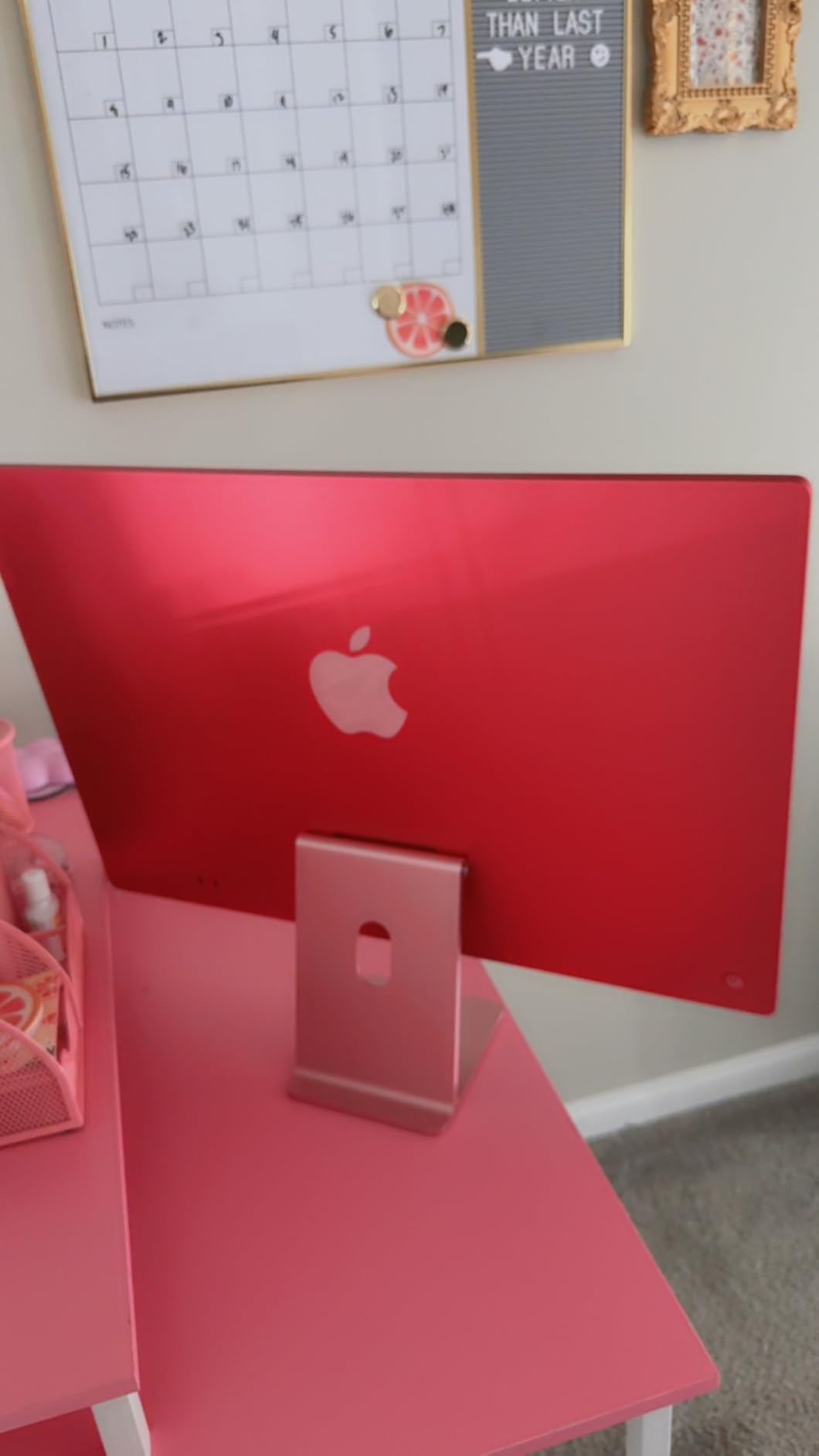
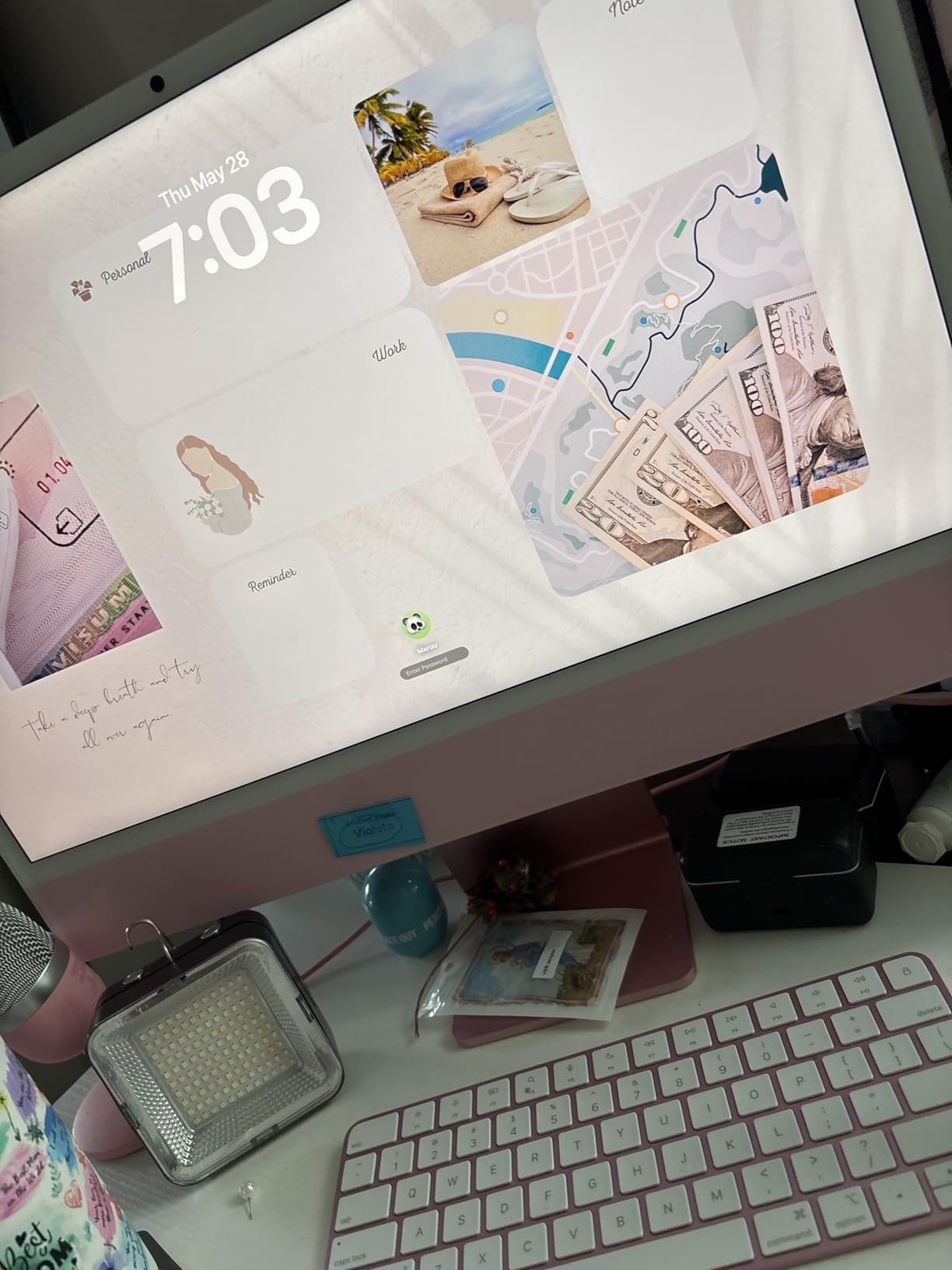
The 12MP Center Stage camera is genuinely useful rather than a checkbox. It frames you properly on calls, and the three studio-quality mics with six speakers mean video meetings sound better than most laptops manage. Apple ecosystem features like iPhone Mirroring and AirDrop are cited often in reviews as the reason people stay inside the system.
What you get for your money
You get Thunderbolt 4 ports, support for up to two external 6K displays, and Wi-Fi 6E with Bluetooth 5.3. The M4 has an 8-core CPU and 8-core GPU, and the machine weighs 9.72 pounds, so moving it between a desk and a kitchen table is a one-person job.
Where the reviews get sharp
Almost every complaint is about the accessories and ports, not the computer. The bundled Magic Keyboard is compact with no wrist support, the Magic Mouse charges from a port on its underside so it cannot be used while charging, and there is a single cable for both. Several owners replaced both peripherals on day one.
2. Apple iMac 24-inch with M4 Chip and 24GB Memory – The Best for Heavy Multitasking
Apple 2024 iMac All-in-One Desktop Computer with M4 chip with 10-core CPU and 10-core GPU: Built for Apple Intelligence, 24-inch Retina Display, 24GB Unified Memory, 512GB SSD Storage; Silver
M4 10-core CPU and GPU
24GB unified memory
512GB SSD
24-inch 4.5K Retina
Pros
- 24GB memory and 10-core CPU handle dozens of tabs plus creative and AI apps
- Instant startup and painless setup
- Step up in memory is clearly felt from 8GB configurations
- Easy to move between rooms as one unit
Cons
- 24-inch is smaller than the retired 27-inch iMac
- Fewer ports than older iMacs
- Older accessories may not carry over
This is the same machine as our top pick with the processor and memory stepped up, and it earns the highest average rating of any product we reviewed. The difference is not cosmetic. Owners who came from 8GB configurations describe the extra memory as a genuine change in daily feel rather than a spec-sheet improvement.
The 10-core CPU and 10-core GPU handle the workloads that defeat smaller machines: many browser tabs alongside Canva, AI tools, and even World of Warcraft without stalling. For a family machine that doubles as a work computer, that headroom is what stops it feeling slow in three years.
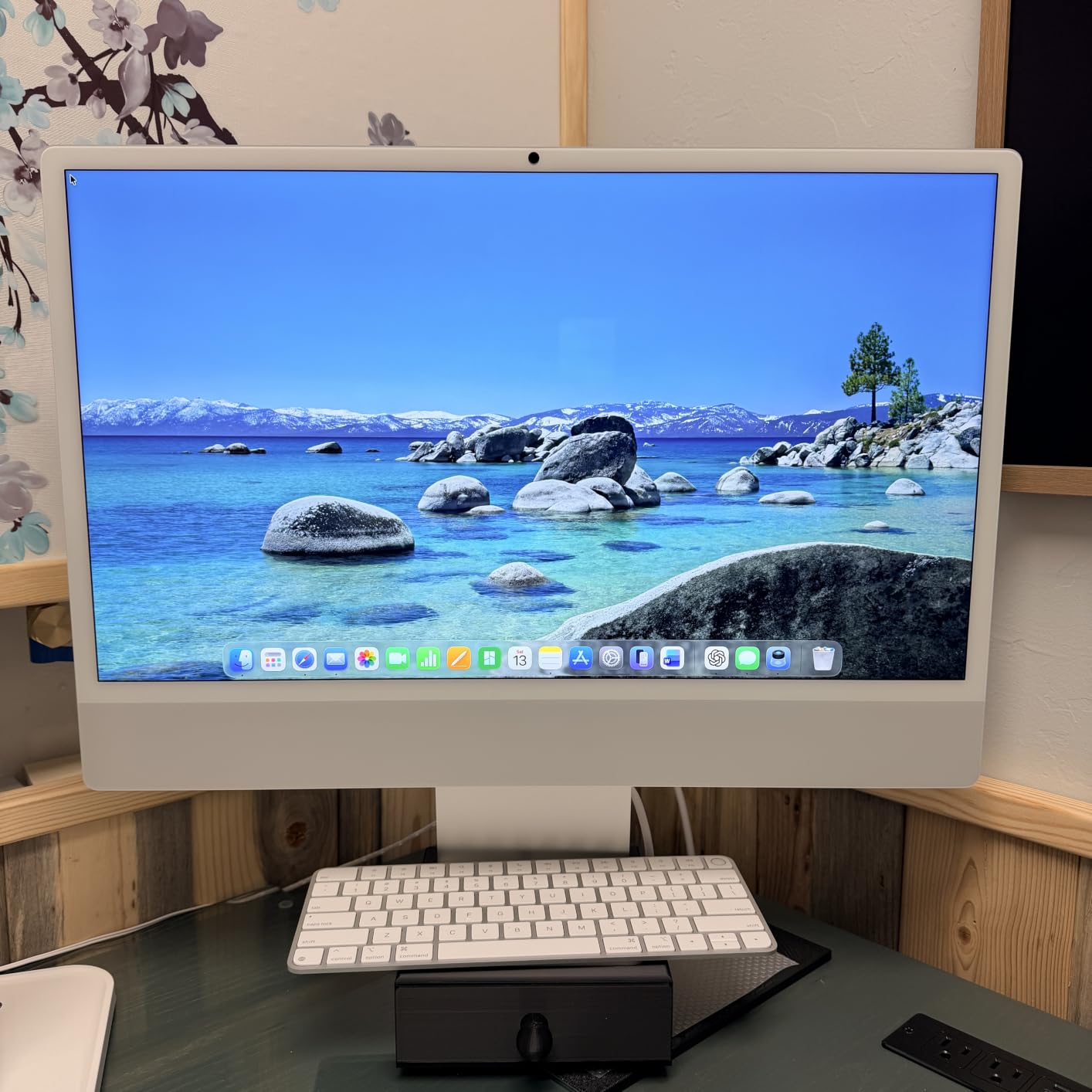
Storage doubles to 512GB, which matters more than it sounds because there is no internal upgrade path. A 512GB drive fills with system files, photo libraries and a few large applications faster than most people expect, so the extra capacity here removes a future problem rather than solving a present one.
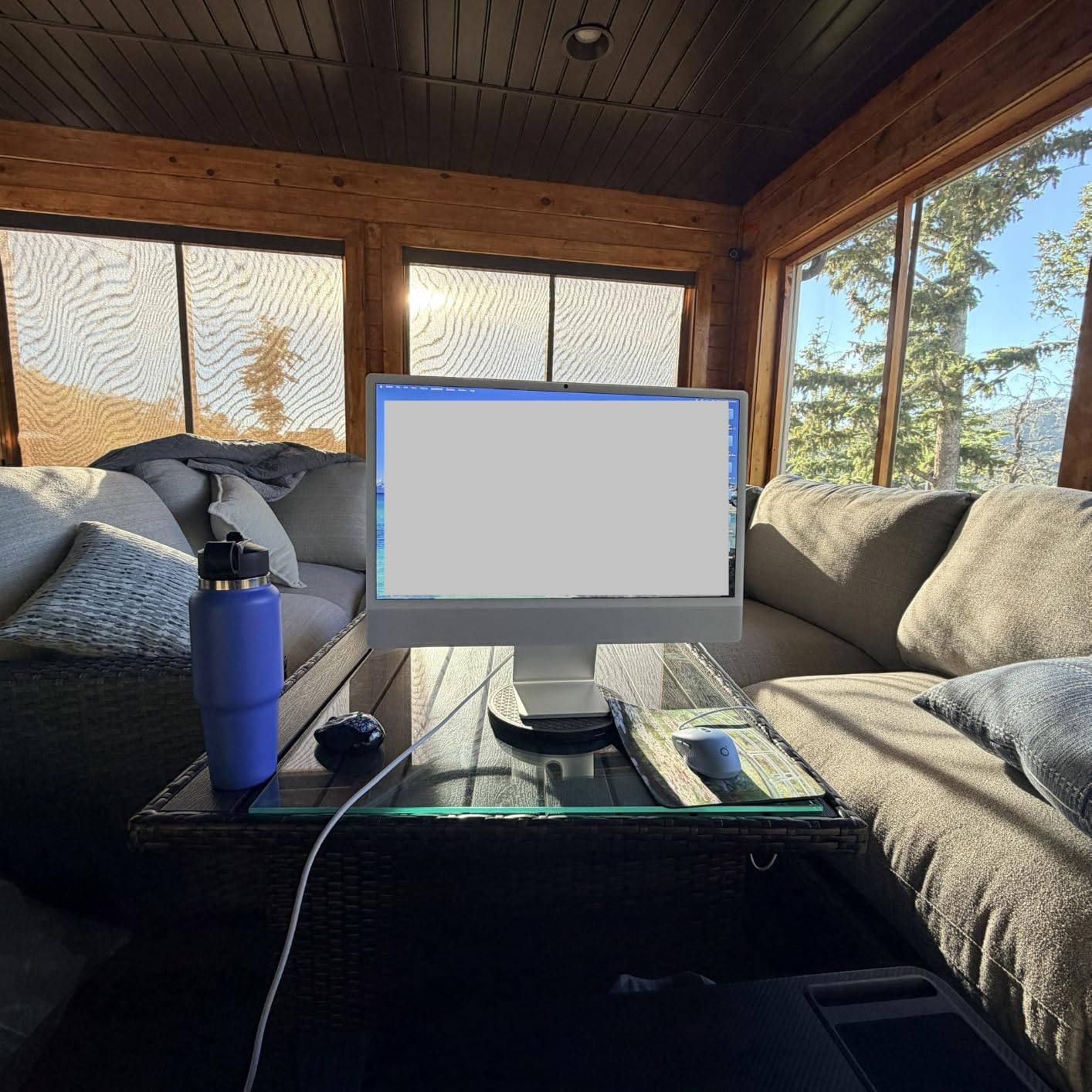
Who this configuration suits
It suits a household where one machine serves two people, or a home office running a browser-based business. Owners frequently describe 24 inches as the right balance for multi-tab work, and a panel this bright makes long document sessions easier on the eyes than a standard office monitor. If the desk is shared with a printer, our home office printer picks cover the other half of the workspace.
What you give up
A handful of reviewers miss the retired 27-inch iMac and find 24 inches tighter for a large desk. Older iMac peripherals and legacy printers may not pair with the new machine, and the port count is lower than the aluminium models it replaced. Weigh those against the speed gain before deciding.
3. Dell 23.8-inch FHD All-in-One – The Best Value Pick
Dell 23.8″ All-in-One Desktop, FHD, Intel Core 3 100U, Windows 11 Home
23.8-inch FHD IPS at 99% sRGB
Intel Core 3 100U
8GB DDR5 and 512GB SSD
5MP IR pop-up camera
Pros
- Fast boot and smooth everyday performance
- Crisp IPS panel with ComfortView Plus blue-light reduction
- Single-cable design keeps the desk uncluttered
- Setup is simple enough for older users
Cons
- 8GB of RAM limits heavier multitasking
- Pop-up camera mechanism feels awkward
- Some shipped keyboard or mouse units did not work
This is the machine I would put on a kitchen counter for a family that browses, streams, and handles homework. Owners consistently describe it as dependable rather than exciting, which is exactly the right register for a shared household computer. The Intel Core 3 100U is a six-core part that boots fast and stays out of the way.
The display is a 23.8-inch FHD IPS panel at 99% sRGB with ComfortView Plus blue-light reduction, and reviewers single it out as easy on the eyes for long sessions. The stand tilts from flat to 20 degrees, which is more than several machines in this roundup offer even though none of them offer much.
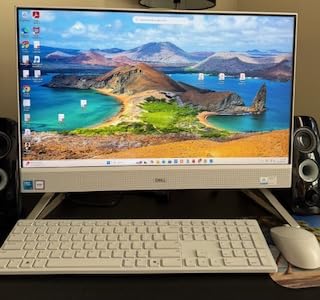
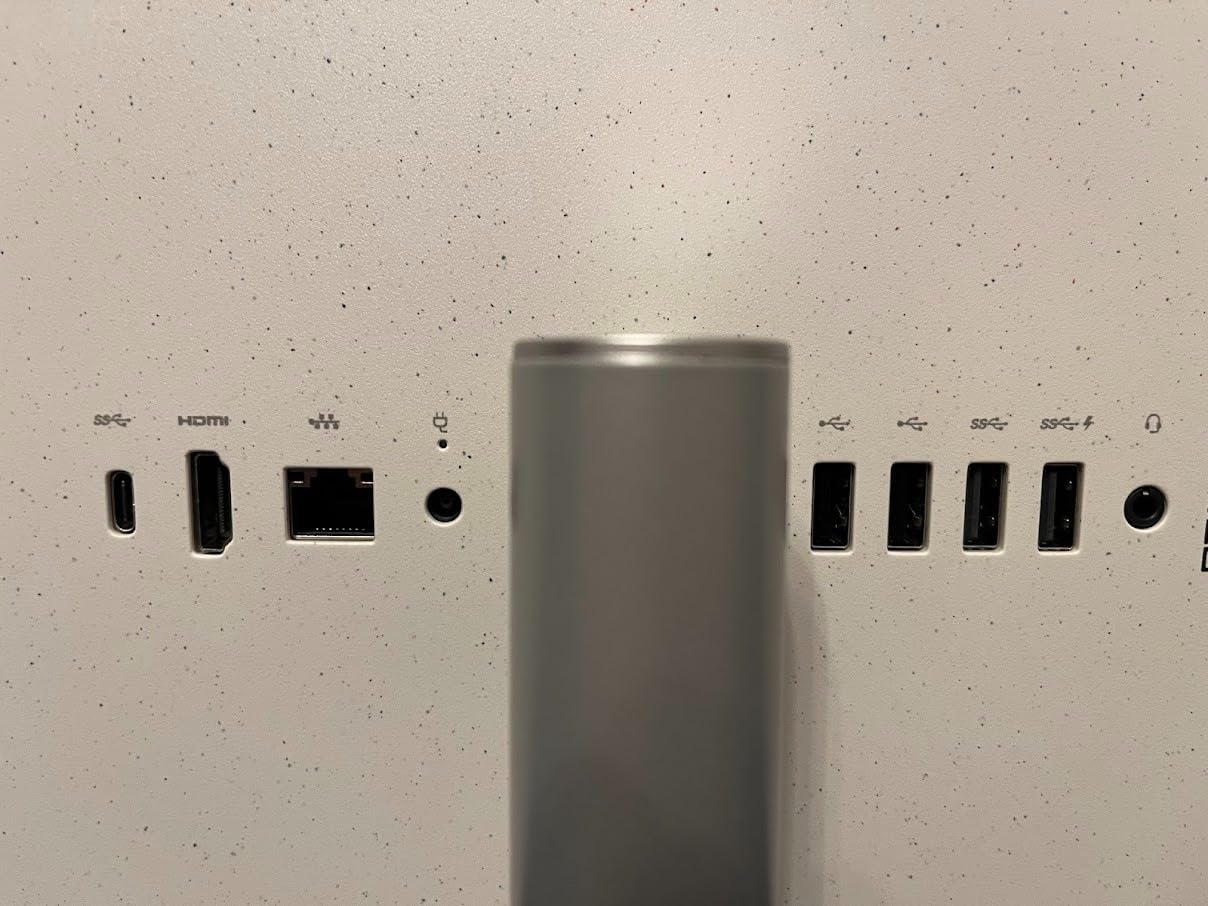
Storage is a 512GB SSD and connectivity is generous for the size, with two HDMI ports, five USB ports, an SD card reader, Ethernet, Wi-Fi 6 and Bluetooth. A 5MP infrared pop-up camera handles Windows Hello sign-in and video calls, and the stereo speakers carry Dolby Atmos processing.
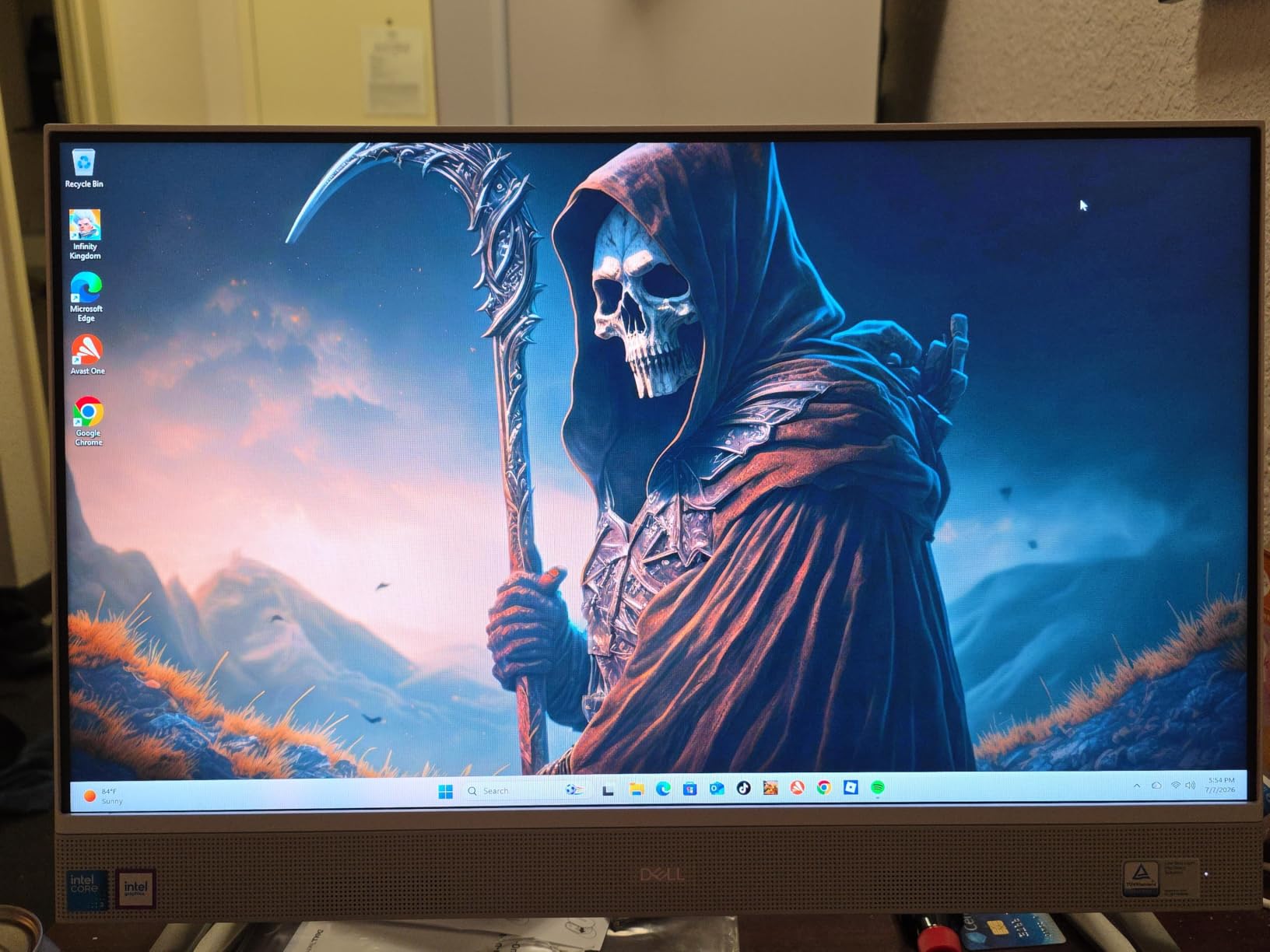
Where the budget shows
Eight gigabytes of DDR5 is the constraint, and reviewers mention it as the ceiling on heavier multitasking. The 8GB is shared with integrated graphics, so memory pressure shows up first when several large applications are open together. If your family runs more than a browser and a streaming app at once, step up a tier.
Mind the box contents
A recurring minority of reviews describe the bundled wireless keyboard or mouse failing on arrival, and that single issue generates most of the one-star ratings here. The pop-up camera also draws complaints about feeling rough to operate. Both are cheap to fix with a replacement peripheral, but check the box before you rely on the machine that day.
4. Dell 27-inch FHD All-in-One – The Best Large Screen for Everyday Work
Dell 27″ All-in-One Desktop, FHD, Intel Core 5 120U, Windows 11 Home
27-inch FHD IPS at 99% sRGB
Intel Core 5 120U 10-core
16GB DDR5 and 512GB SSD
Keyboard storage in stand
Pros
- Large screen owners find bigger than expected
- 16GB DDR5 handles daily work and light gaming
- Setup described as the easiest buyers have done
- Integrated keyboard storage under the display
Cons
- Non-adjustable stand offers no height change
- Some shipments missing dongle or paperwork
- Facial recognition login is slow
Bigger screen, more memory, same idea. The Intel Core 5 120U brings ten cores and 16GB of DDR5, and that combination is the reason this machine feels composed where cheaper models feel tight. Reviewers mention browsing, office work, and light gaming all running without complaint.
The 27-inch FHD IPS display at 99% sRGB comes with a micro-edge treatment that makes the panel look larger than it measures. Multiple buyers describe the screen as bigger than they expected, which is a good problem to have on a desk that was already cramped.
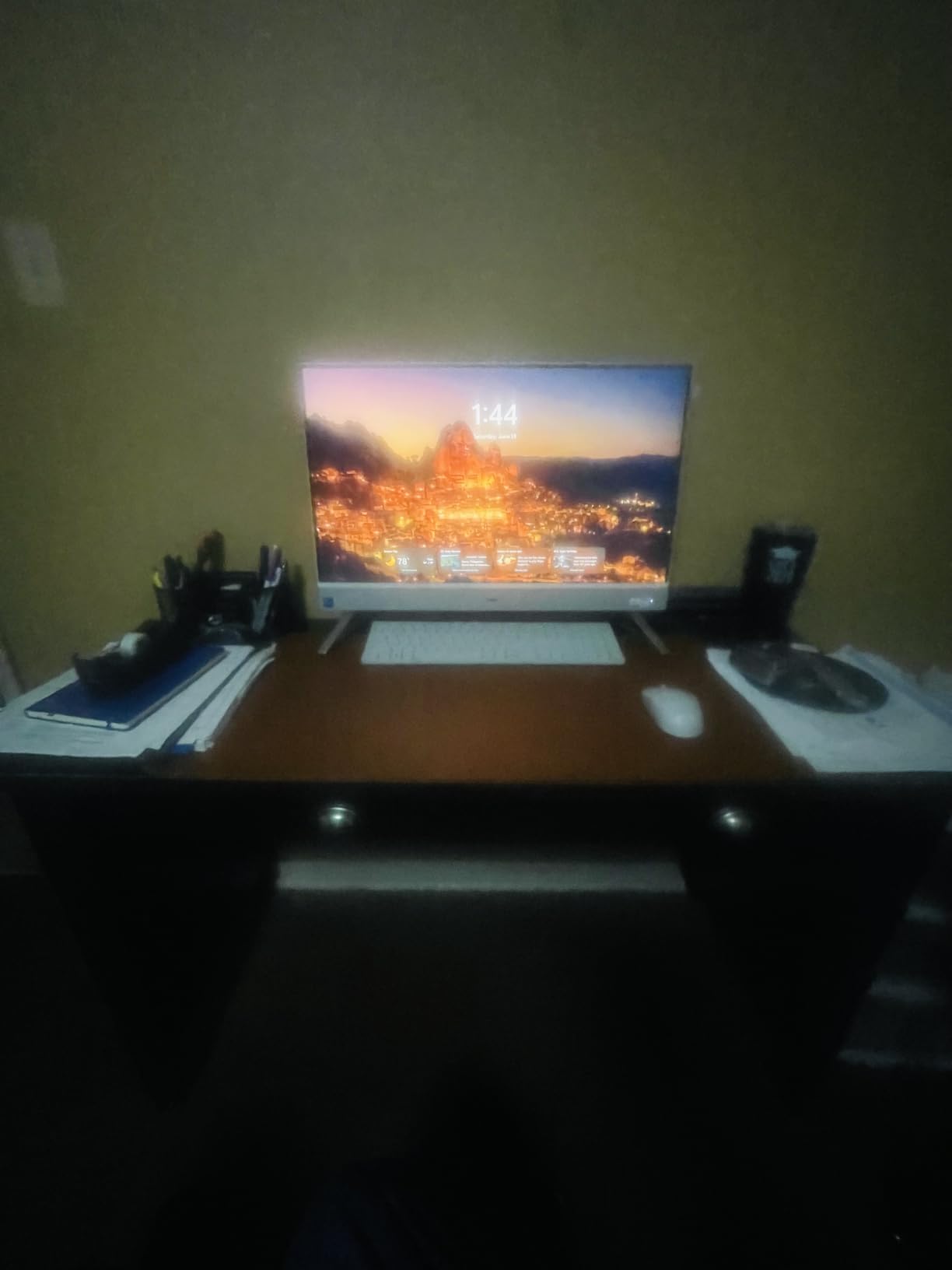
The stand has a shelf underneath where the bundled keyboard stores, and the cable-free footprint is the quiet hero of the design. Audio is clear and louder than the smaller Dell in this list, and Windows accessibility options are cited as helpful for users with visual impairment.
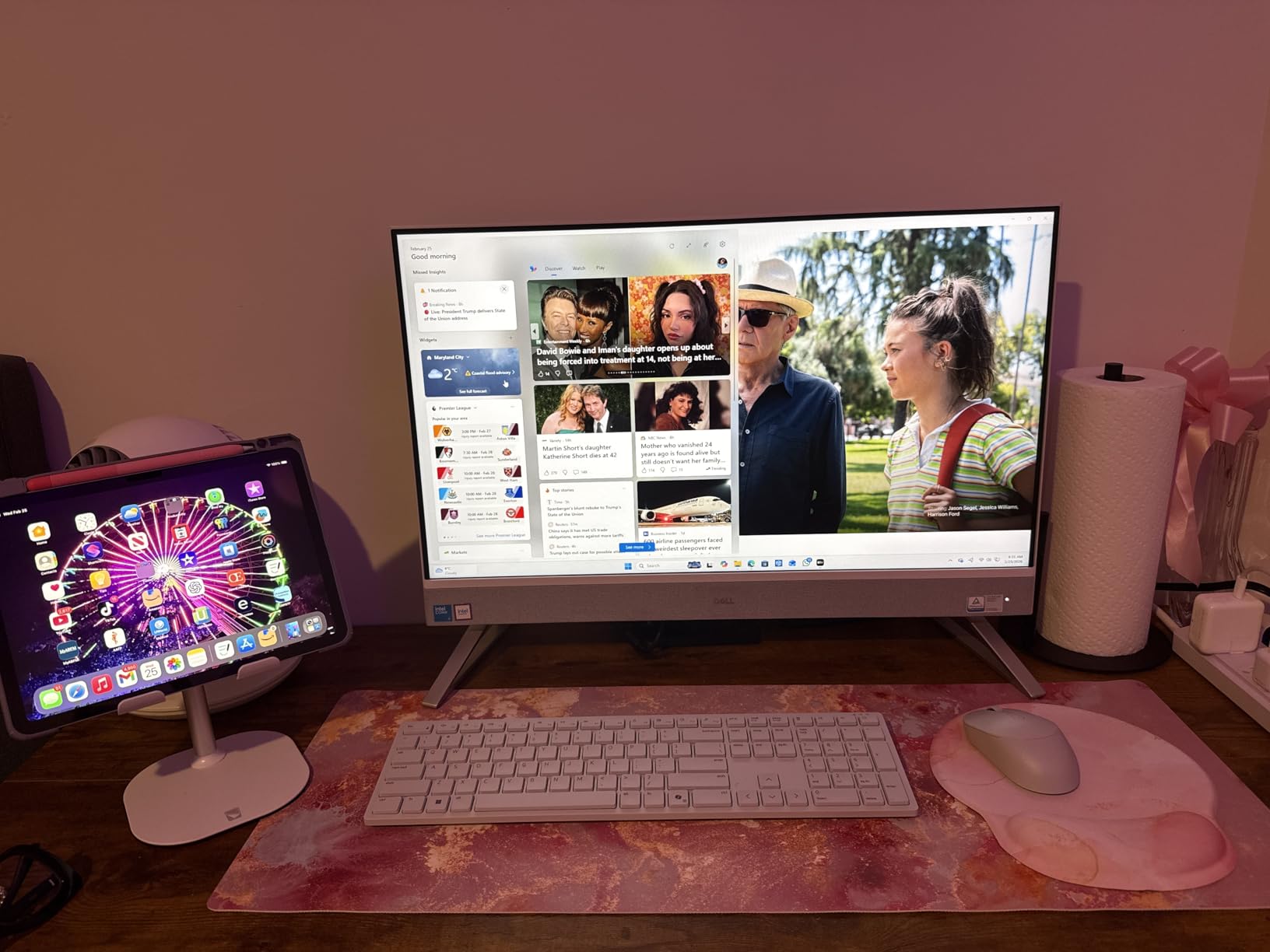
Check your desk depth first
The most cited physical drawback is the fixed-height stand. At least one buyer returned a unit over exactly this, and it is worth weighing: 27 inches is pleasant only if the panel is at eye level, and this one does not move vertically. If you already sit at a desk, the tilt may be enough. If you use a standing desk, look elsewhere.
Small quality-control notes
Some shipments arrived without setup instructions or the wireless keyboard USB dongle, and face recognition sign-in is described as slow to recognise, especially for wearers of glasses. Those are annoyances rather than failures, but they are the kind of thing that decides a purchase on the day you unbox it.
5. HP 27-inch AIO with Ryzen 7 7730U – The Best for Heavy Multitasking
HP 27 inch All-in-One Desktop PC, FHD Display, AMD Ryzen 7 7730U, 32 GB RAM, 1 TB SSD, AMD Radeon Graphics, Windows 11 Home, 27-cr0012 (2024)
27-inch FHD micro-edge display
AMD Ryzen 7 7730U 8-core
32GB DDR4 and 1TB SSD
Pop-up privacy camera
Pros
- 32GB RAM and 1TB SSD give real headroom
- Strong everyday and productivity performance
- High screen-to-body ratio on a slim 27-inch panel
- Slim white design suits a home office
Cons
- Only one HDMI port limits multi-monitor setups
- Some configurations have limited memory slots
- Highest one-star share among the picks we reviewed
The specification sheet here is the most generous in the roundup, and the eight-core Ryzen 7 7730U backs it up for productivity work. Thirty-two gigabytes of DDR4 and a 1TB SSD mean this machine does not have the memory ceiling that limits several cheaper picks, which is exactly what work-from-home setups need.
The 27-inch FHD panel uses an ultra-slim three-sided micro-edge bezel to reach up to a 90 percent screen-to-body ratio. Owners like the clean look, and the tiltable pop-up privacy camera with HP Video Controls is a sensible default for a machine in a shared room.
Dual array microphones with noise reduction handle calls, and the machine is Energy Star certified with a one-year warranty. Reviewers report strong everyday performance across browsing, documents, and multiple applications at once.
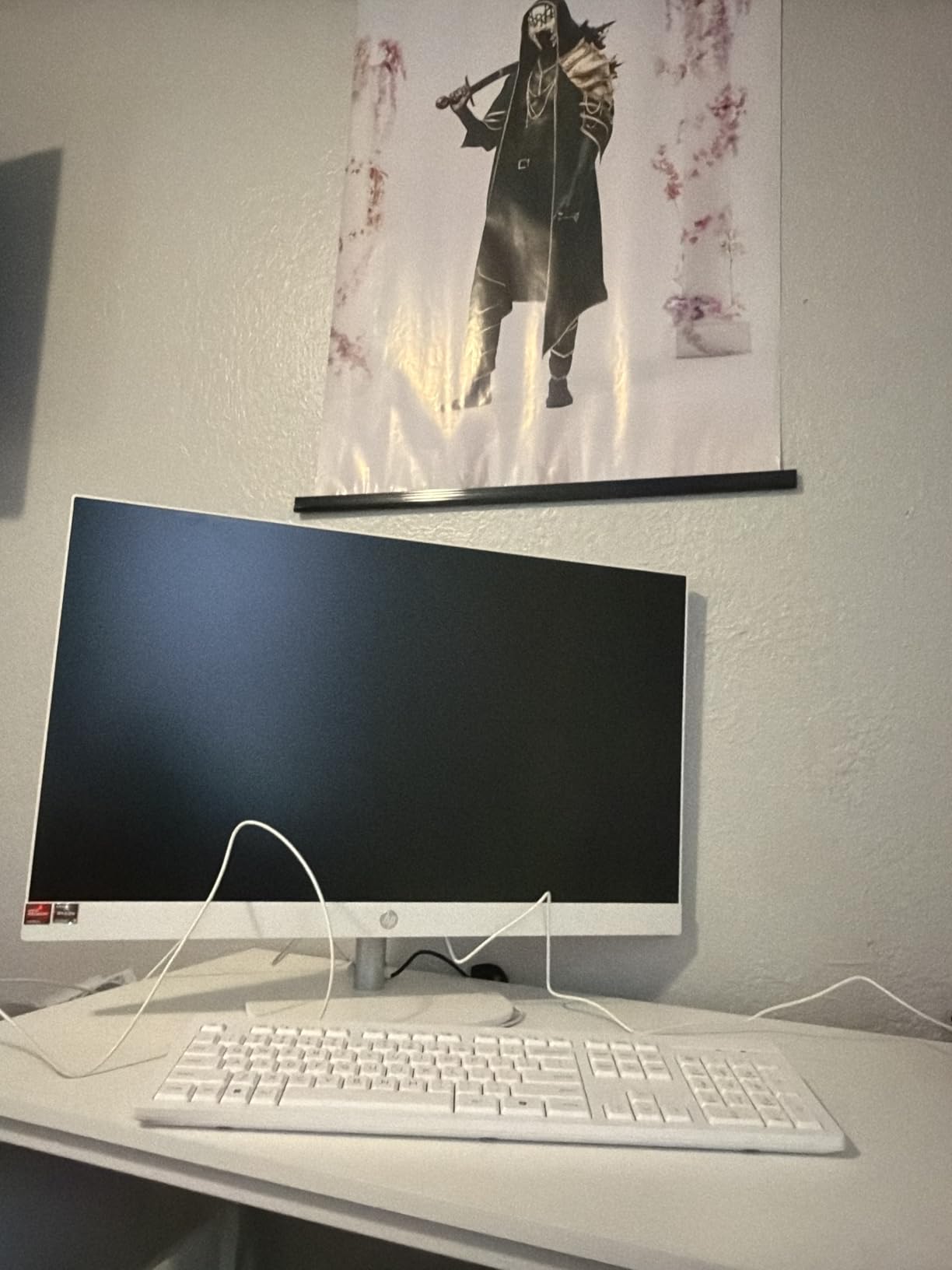
Why the rating is lower than the specs suggest
The 4.1 average across 243 reviews comes with the highest share of one-star ratings of any product we examined, and the research surfaced no individual review text to explain it. When a machine has this much memory and storage, a mediocre rating usually points at delivery or component issues rather than performance, so we would treat it as a reason to check your return window carefully.
Ports are the real limit
One HDMI port and integrated Radeon graphics restrict you to one external display, which matters if you plan to dock a laptop. Memory slots are also limited on some configurations, so confirm the 32GB figure is what you actually receive rather than a maximum.
6. Lenovo ThinkCentre neo 50a 27 – The Best All-in-One for Business
Lenovo ThinkCentre All-in-One Desktop Computer, 27″ FHD IPS Display, 8-core Intel Core i5-13420H, 16GB DDR5, 512GB SSD, Wi-Fi 6, USB-C, HDMI in&Out, Wired KB&Mouse, Windows 11 Pro
27-inch FHD IPS at 100Hz and 300 nits
Intel Core i5-13420H 8-core
16GB DDR5 expandable to 64GB
Windows 11 Pro with HDMI in
Pros
- Fast and reliable for office and video work
- Display runs at 100Hz which is rare at this size
- Memory and storage are genuinely expandable
- HDMI input lets you reuse the screen
Cons
- Bundled keyboard had dead numeric keypad keys
- Monitor cables are not included
- Smallest review base in the roundup
This is the pick for an office rather than a home, and the reasons are unglamorous and decisive. Windows 11 Pro ships as standard, memory runs to 64GB, and the 512GB PCIe M.2 drive can be replaced with up to 4TB. Offices reportedly standardise on machines like this for exactly that reason: they can be serviced.
The 27-inch FHD IPS anti-glare display runs at 100Hz with 99% sRGB coverage and 300 nits, which is a specification you rarely see on an all-in-one. The 100Hz refresh rate makes scrolling and cursor movement noticeably smoother than the 60Hz panels most competitors use.
Why businesses pick it
Two ports matter more than the rest here. The HDMI input lets you plug in a laptop, a console, or a streaming device and use the panel as an external monitor, which effectively turns the all-in-one into a dual-purpose display. Ethernet is present alongside Wi-Fi 6 and Bluetooth, so a wired network is always an option.
Where the complaints sit
The bundled wired keyboard drew a specific complaint about dead numeric keypad keys, and cables for a second monitor are not included. With 53 reviews this is the thinnest feedback base we worked from, so treat the pattern as a prompt to test the peripherals on arrival rather than a proven fault.
7. ASUS V470 27-inch Touch AIO – The Best All-in-One with a Touchscreen
ASUS V470 All-in-One, 27” FHD Anti-Glare Touch Display, 16GB DDR5 RAM, 1TB SSD, Intel® Core™ i5-13420H Processor, Windows 11 Home, Wired Keyboard and Mouse Included, V470VA-MS504T, Black
27-inch FHD anti-glare touchscreen
Intel Core i5-13420H with Iris Xe
16GB DDR5 and 1TB SSD
Retractable 1080p camera
Pros
- Only touchscreen option in our list
- Retractable 1080p camera hides when unused
- Dolby Atmos audio and AI noise cancellation
- Fast and quiet in a compact 9-pound chassis
Cons
- Stand height is not adjustable
- Bundled keyboard and mouse are wired only
- ASUS preinstalls some bloatware
Touch is the feature that separates this machine from every other pick here, and if you want finger input on a 27-inch anti-glare panel this is the only one on our list that offers it. Reviewers value the convenience for navigation, and it turns a desktop into something closer to a large tablet.
Underneath, the Intel Core i5-13420H with Iris Xe graphics and 16GB of DDR5 handle everyday work quietly, and a 1TB PCIe SSD removes any storage anxiety. Several owners report that it outperforms what they expected for the money.
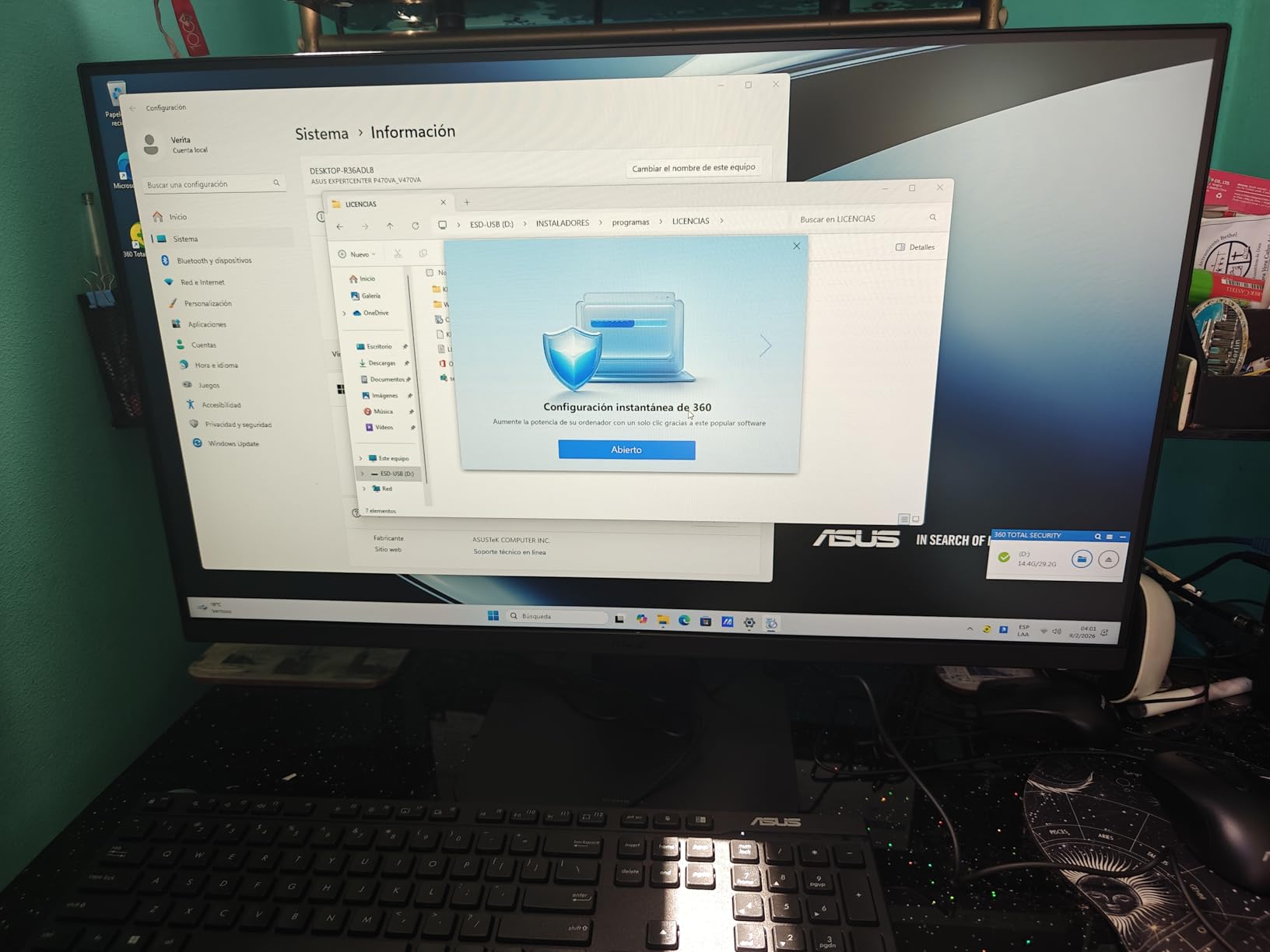
The 1080p camera slides up and down so it physically disappears when you are not on a call, and Dolby Atmos speakers with an array microphone and AI noise cancellation make it a good meeting machine. Wi-Fi 6E, Bluetooth 5.3, USB-C, HDMI out and Gigabit Ethernet cover connectivity, and a firmware TPM 2.0 handles security.
Best for touch-first work
The audio and camera combination makes this the pick if your day is video calls. The hide-away camera is a genuine privacy improvement over a fixed lens, and the noise cancellation is cited in reviews as a noticeable upgrade during meetings.
Know the trade-offs
The stand does not adjust in height, the bundled keyboard and mouse are wired, and some ASUS software is preinstalled that you may want to remove. With only 35 reviews this is the thinnest feedback base we worked from, so the sentiment is encouraging but not deeply proven.
8. Lenovo A100 23.8-inch – The Best All-in-One for Home and School
Lenovo 24″ FHD All-in-One Desktop Computer for Home & Office, Intel Processor, 16GB RAM, 512GB PCIe SSD, HDMI, WiFi 6, Bluetooth 5.2, Business AIO, Vent-Hear, Wireless KB & Mouse, Windows 11 Pro
23.8-inch FHD IPS at 250 nits
Intel N100 4-core
16GB DDR4 and 512GB NVMe SSD
Windows 11 Pro with wireless set
Pros
- 16GB RAM and 512GB SSD at this tier
- Windows 11 Pro rather than Home
- Ethernet plus Wi-Fi 6 for flexible networking
- Several owners bought more than one
Cons
- Intel N100 is an entry-level processor
- Bundled wireless keyboard has mislabelled symbol keys
- Weak built-in speakers
The headline detail here is Windows 11 Pro on a compact all-in-one. For school, work, or a household that wants BitLocker and remote management, that edition difference alone justifies a look, and reviewers call it out as a genuine bonus rather than a marketing line.
Storage is a 512GB PCIe NVMe M.2 drive and memory is 16GB of DDR4, expandable to 32GB. The 23.8-inch FHD IPS anti-glare panel at 250 nits and 99% sRGB is a sensible everyday screen, and the Vent-Hear cooling design keeps the machine quiet without a loud fan.
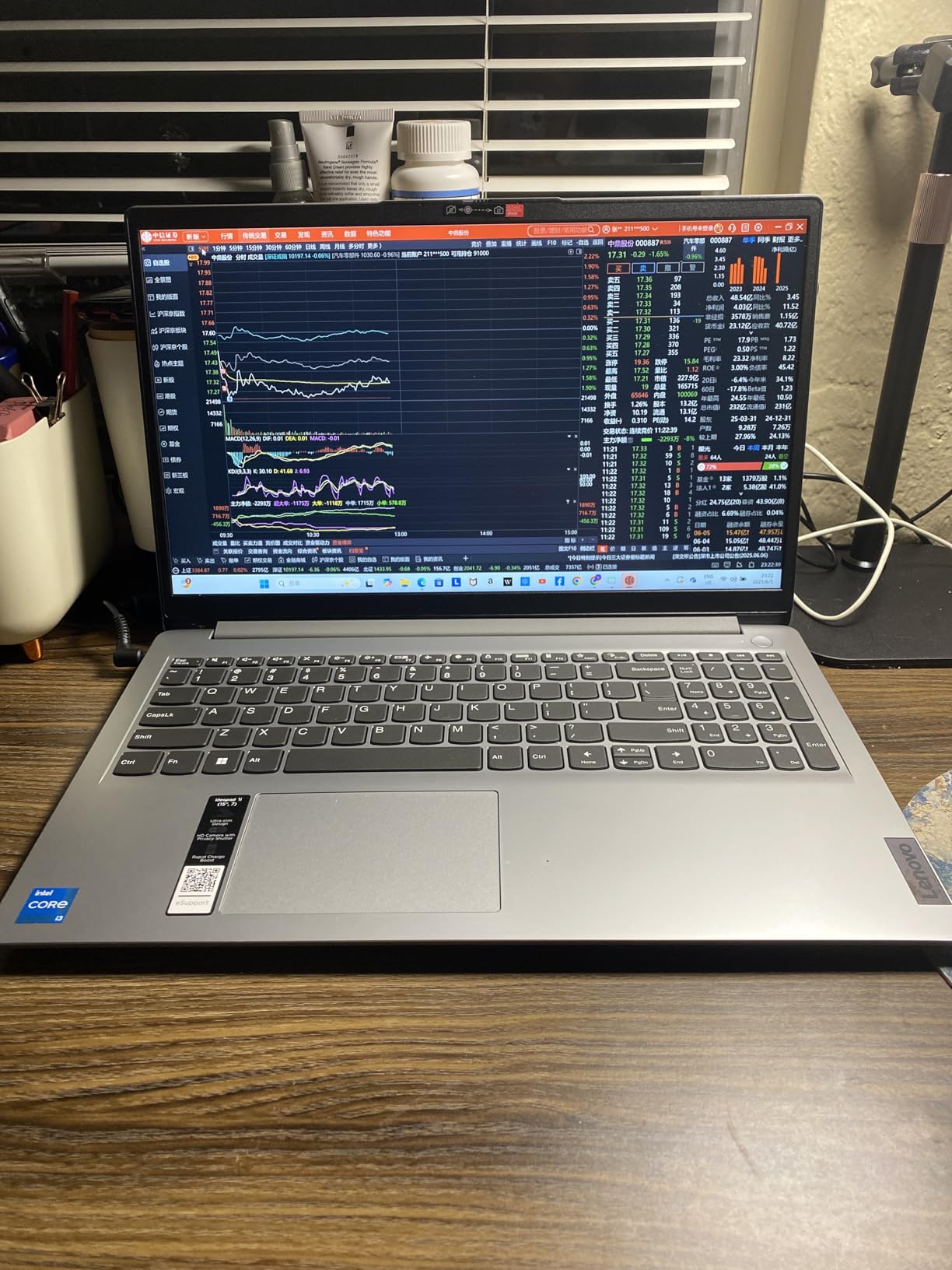
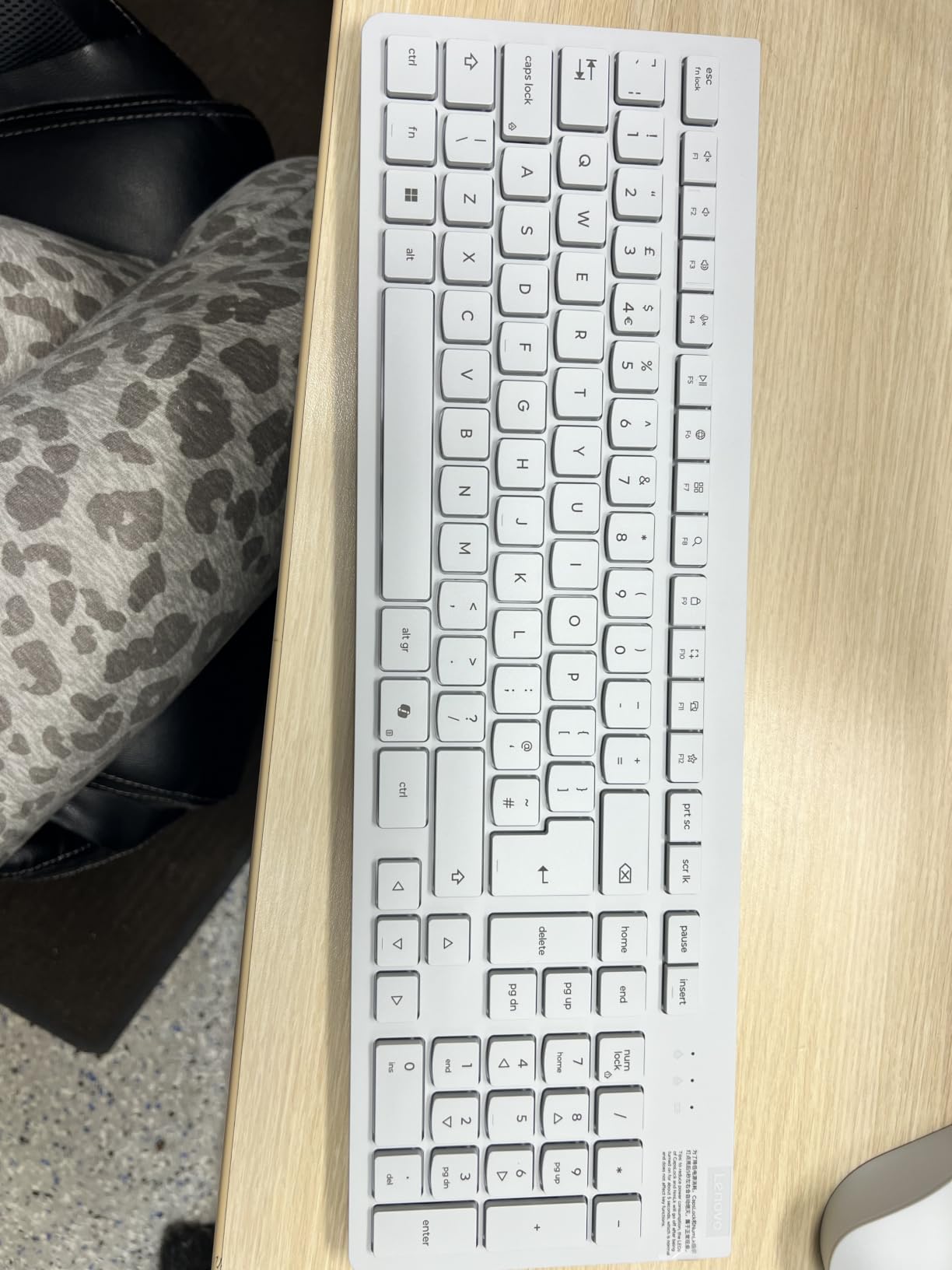
White wireless keyboard and mouse are included, which is unusual at this level and keeps the desk cable-free. Wi-Fi 6, Bluetooth 5.2, and a full Ethernet jack mean you are not dependent on a single connection method.
Understand what the N100 is
The Intel N100 is a four-core processor built for light work: documents, browsing, streaming, and school applications. It is not a weak chip so much as a narrow one, and owners describe it as fast and responsive for the price. It is the wrong choice for video editing, and the USB-C port does not drive docking stations for extended monitors.
Test the keyboard first
The most repeated complaint in reviews is the bundled wireless keyboard, whose symbol keys are mislabelled, with the @ and number sign printed in the wrong positions. At least one user could not type certain password characters. Swap it early rather than debugging later, and expect weak built-in speakers.
9. AOC 23.8-inch Ryzen 5 AIO – The Best for Reception Desks and Offices
AOC 24″ All-in-One Desktop Computer, 512GB SSD, AMD Ryzen 5, Windows 11
23.8-inch FHD at 60Hz
AMD Ryzen 5 3500U
16GB DDR4 and 512GB SSD
No built-in camera or microphone
Pros
- Dependable office and school performance with 16GB
- Handles many tabs
- documents and streaming at once
- HDMI output supports a second monitor
- Good value for everyday productivity
Cons
- No built-in camera or microphone for calls
- 60Hz panel and Vega 8 rule out gaming
- Modest 3W built-in speakers
With 583 reviews, this is one of the most thoroughly documented products we reviewed, and the picture is consistent. Owners position it as an office, reception-desk, and student machine rather than a performance machine, and they are happy with it on those terms.
The AMD Ryzen 5 3500U is a four-core, eight-thread part with integrated Radeon Vega 8 graphics, paired with 16GB of DDR4 and a 512GB SSD. That is enough headroom for browsing, spreadsheets, email, media playback, and several applications at once, which is exactly the reception-desk workload.
Plan for the missing camera
There is no built-in webcam or microphone, and this is the single most important thing to know before buying. Several owners solved it with an inexpensive external USB webcam for classes and meetings, but if you expect to run video calls daily, budget for that accessory or choose a different machine.
What you gain and give up
HDMI output works well for a second monitor, and the port selection is unusually full for the size with two USB 3.0, four USB 2.0, Ethernet, and separate mic and line-out jacks. Against that, the 60Hz panel and integrated graphics rule out competitive or console gaming, and the 3W speakers are modest for media.
10. HP OmniStudio A24 24-inch – The Best Compact 24-Inch All-in-One
HP 24“ FHD OmniStudio All-in-One Desktop, 8GB DDR5, 640GB Capacity
24-inch FHD IPS with thin bezels
Intel N150 4-core
16GB LPDDR5 at 4800 MHz
Pop-up privacy camera
Pros
- Good value and build for a compact desktop
- 24-inch size suits a home desk well
- Sound quality praised by several buyers
- Pop-up camera and dual noise-reducing mics
Cons
- Intel N150 is entry-level
- Storage listed inconsistently in the product data
- Bundled keyboard has an unusual layout
This is the machine we would pick for a small home desk where 27 inches would be too much and 21.5 inches too little. The 24-inch FHD IPS panel reaches up to a 90 percent screen-to-body ratio with ultra-thin bezels, so it reads as a much larger display than it measures.
Memory is 16GB of LPDDR5 at 4800 MHz, and the Intel N150 is a four-core part that handles general computing, documents, and streaming. Owners report fast setup and reliable day-to-day use, and one cited six months of trouble-free operation after purchase.
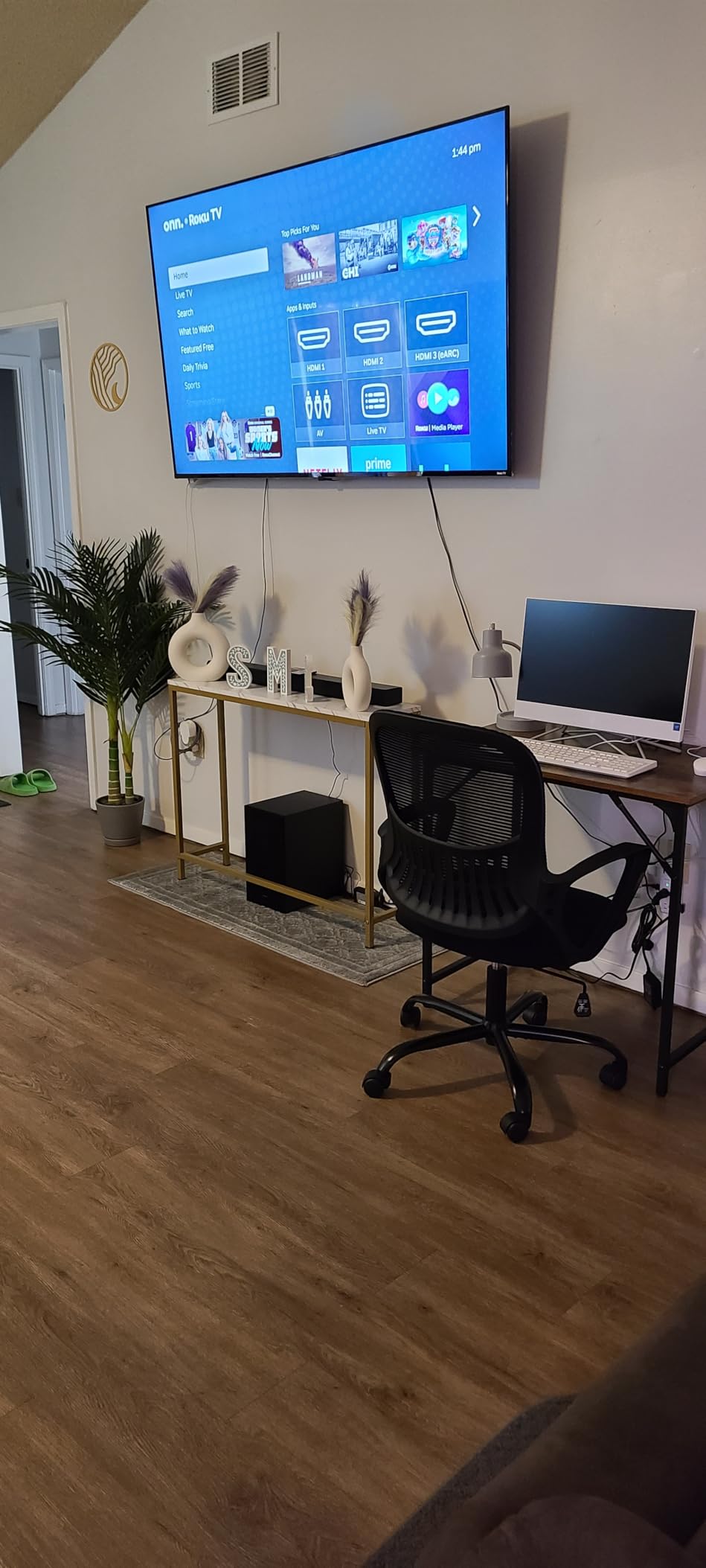
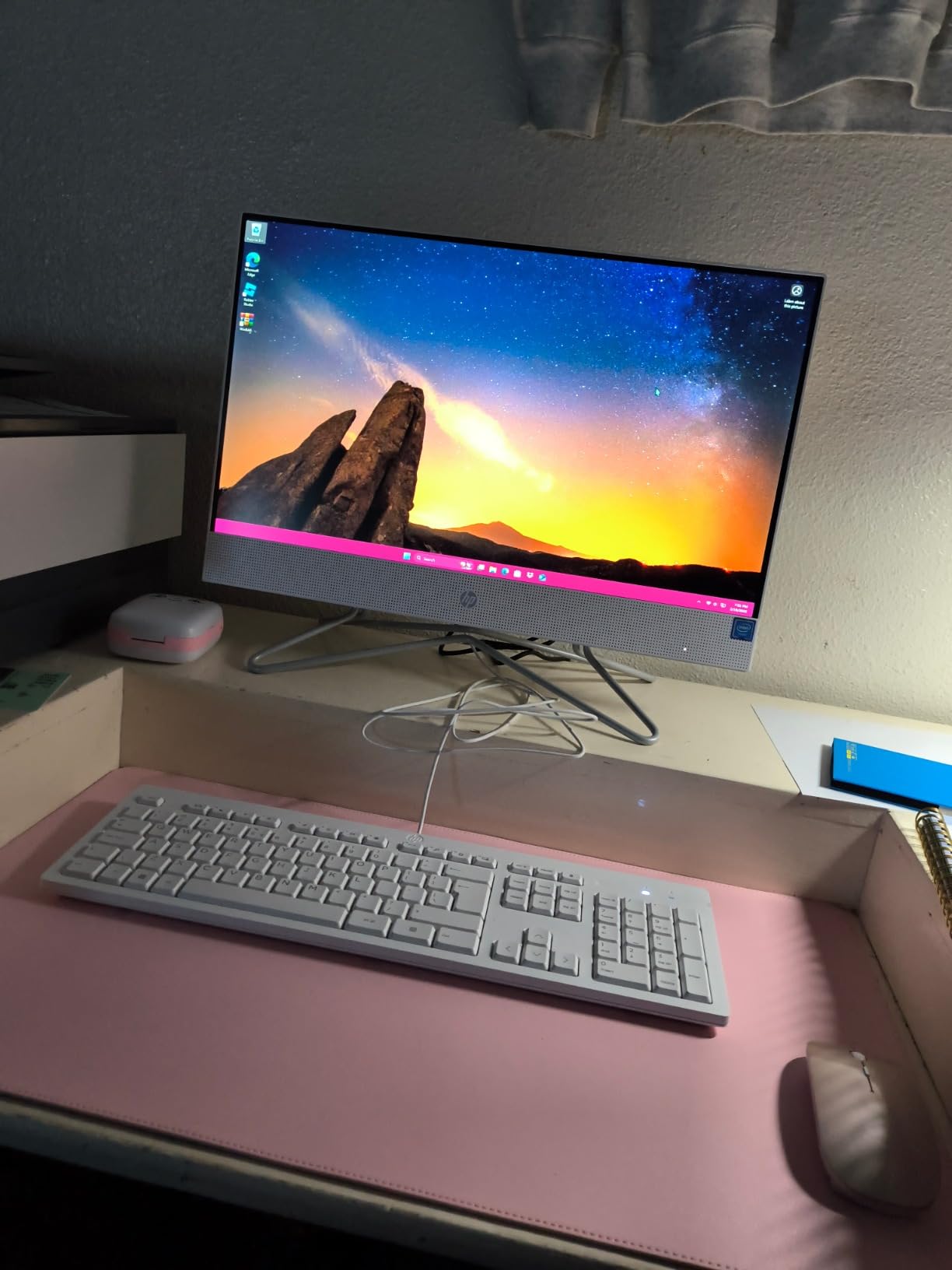
The pop-up privacy camera retracts when unused, and dual microphones with noise reduction support video calls. Wi-Fi 6 is standard, and the machine carries EPEAT Gold and Energy Star certifications, which matters for corporate procurement.
Check the storage figure carefully
The product data is inconsistent on memory and storage, with the title advertising 640GB of storage while the specification fields list 128GB. We are flagging this rather than guessing, and we would confirm the actual capacity with the seller before ordering. One reviewer also describes the machine running very slowly, though that is an isolated report.
Replace the keyboard early
The most consistent complaint is the bundled keyboard layout, which has no slash key between the left Shift and Z and causes repeated typing errors. At least one owner replaced it with a standard keyboard. Speaker quality, by contrast, is praised more often than on most machines at this level.
11. Lenovo IdeaCentre V100 24 – The Best Budget All-in-One
Lenovo IdeaCentre 24 All-in-One Desktop Computer Intel 8GB 512GB SSD AIO
23.8-inch FHD IPS at 250 nits
Intel N100 4-core
16GB DDR4 expandable to 32GB
512GB PCIe NVMe SSD
Pros
- Strong value with 16GB and 512GB at this tier
- Quick setup and fast operation
- Clear screen is a step up from a laptop
- Minimal desk footprint
Cons
- Intel N100 is slower than some buyers expect
- No productivity software included
- Bundled mouse is wired not wireless
Sixteen gigabytes of memory and a 512GB NVMe drive in a compact 23.8-inch body is the balance that matters here, and owners call the machine good value in plain terms. The all-in-one footprint means no tower to find space for, which is the whole point in a small room.
The Intel N100 is the same four-core processor used in the Lenovo A100 in this roundup, so expect identical day-to-day behaviour: quick for documents, browsing, and cloud applications, slow for anything heavy. The 23.8-inch FHD IPS anti-glare panel at 250 nits is a clear, unfussy screen.
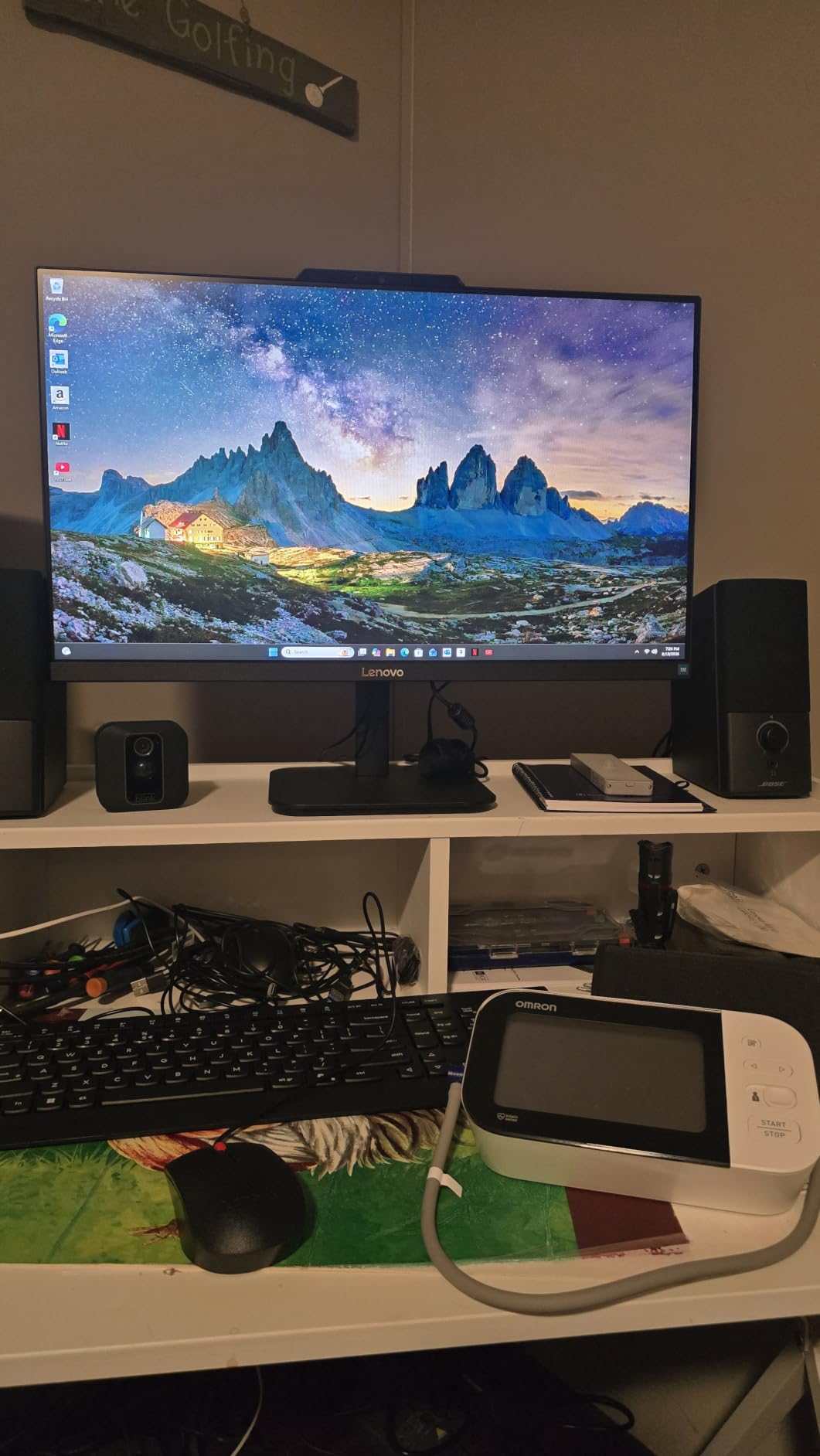
Wi-Fi 6, Bluetooth 5.2, Ethernet, four USB ports and HDMI cover the essentials, and the black finish suits a home office better than white. A wired full-size QWERTY keyboard is included in the box.
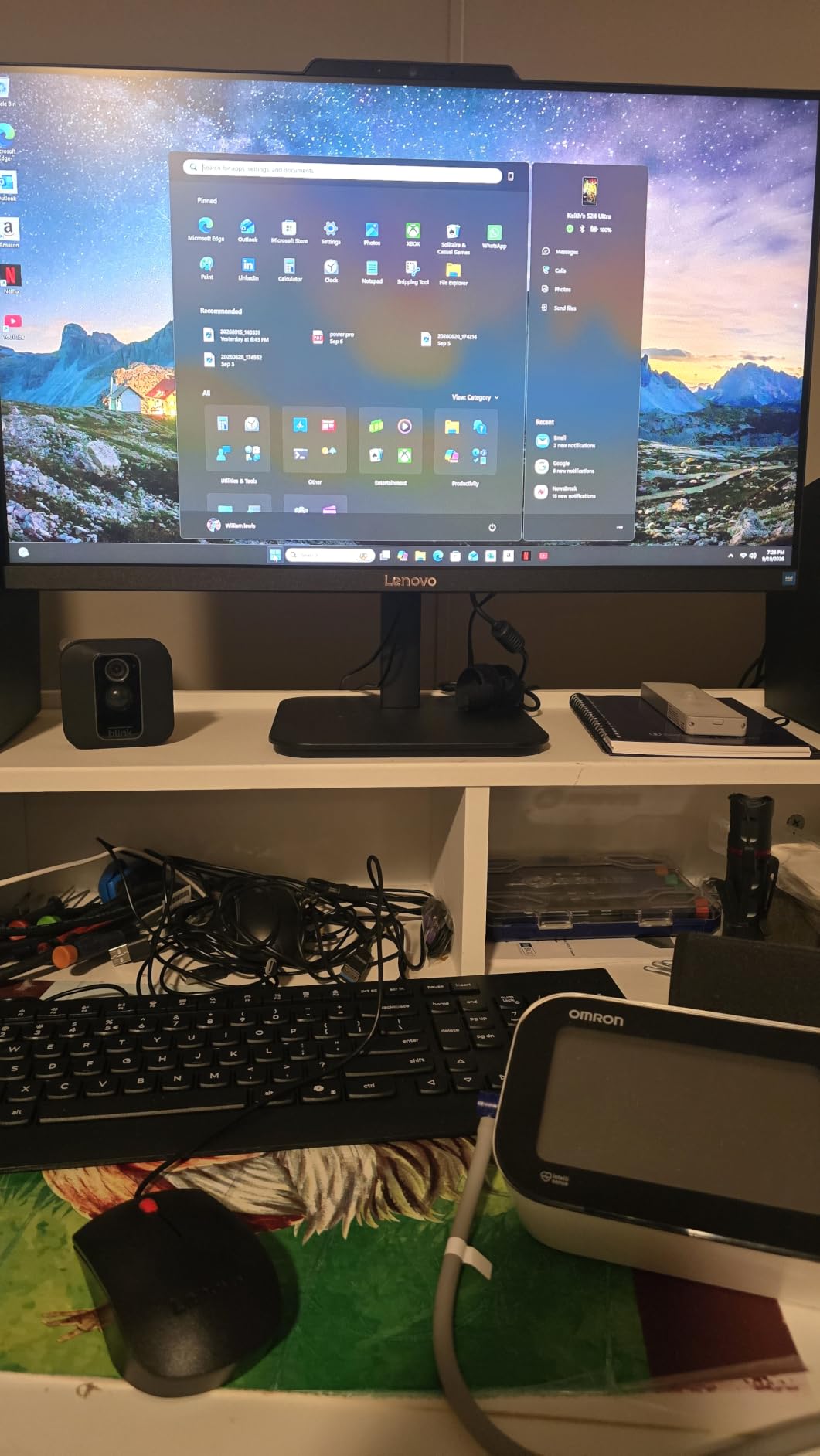
Where the money was saved
Two things are missing and both are worth knowing. No productivity software is preinstalled, so Microsoft Office requires a separate subscription, and one reviewer wishes that had been stated more clearly at the point of purchase. The included mouse is wired, which slightly undercuts the tidy-desk story.
Who it works for
Owners describe it as a dependable budget office machine for a small clinic, home, or reception setting running cloud applications. If your work is browser-based, this is enough. If you want to keep files locally, note that Windows reports less usable capacity than the advertised 512GB.
12. HP 21.5-inch FHD All-in-One – The Best for the Smallest Desk
HP 21.5″ FHD All-in-One Desktop Computer, 8GB DDR5 RAM 384GB Storage (128GB SSD + 256GB Docking Station Set), Quad-Cores Intel N100, Windows 11 & 8-in-1 Docking Hub, Keyboard & Mouse Included, White
21.5-inch FHD anti-glare VA display
Intel N100 4-core up to 3.4 GHz
Adjustable tilt from -6 to 21 degrees
8-in-1 docking hub included
Pros
- Compact footprint suits a small desk
- Adjustable tilt stand is a real improvement
- Clean white finish and easy assembly
- No bloatware according to a long-term owner
Cons
- Listing data on memory and storage is inconsistent
- Docking hub documentation is unclear
- 720p camera is the lowest here
Twenty-one and a half inches is a genuinely different category from the rest of this list, and it is the right answer for a cramped corner, a kitchen nook, or a second workspace. The machine is small, light-looking, and the all-in-one format means it needs no floor space for a tower.
The stand tilts from minus 6 to plus 21 degrees, which makes it the most adjustable small machine in the roundup even though that is not a lot of movement. The FHD anti-glare VA panel is fine for documents and browsing, and the front-facing 720p camera plus DTS Audio-tuned speakers cover basic calls and media.
What the docking hub actually does
The included 8-in-1 docking hub adds SD card storage and extra ports, and the listing pairs it with a 256GB SD card to reach the advertised 384GB total. Documentation describing this is unclear, and at least one reviewer was unsure whether the extra storage was being recognised, so confirm the arrangement at setup.
Read the listing carefully
The product title states 8GB of DDR5 and 384GB of storage, while the specification fields list 32GB and 640GB, and older reviews on the page refer to a touchscreen variant the current configuration does not include. We are reporting the discrepancy rather than resolving it. One reviewer also describes facial recognition sign-in as clumsy.
How to Choose an All-in-One Computer in 2026
Screen first, because it is the part you cannot change. A 23.8-inch FHD panel is comfortable for documents and browsing at arm’s length. A 27-inch panel suits a bigger desk and side-by-side documents, but the resolution often stays at 1920×1080, so text gets slightly softer on a larger surface. Match the size to your desk depth before anything else, and check whether the stand adjusts in height. A 27-inch panel at the wrong height causes neck strain, and several picks here cannot be raised at all.
Processor model numbers matter more than brands. The Intel N100 and N150 in this roundup are four-core chips built for light work, and they are the right choice for browsing, documents, and streaming. Core i5-13420H, Core 5 120U, and Core 3 100U parts give noticeably more headroom for multitasking, while the Apple M4 with either 8 or 10 cores is a different class entirely. The processor you choose today is the one you will still be living with in four years, because you cannot swap it later.
Memory is the second sealed decision. Sixteen gigabytes is the practical minimum for anything beyond browsing, and eight gigabytes, shared with integrated graphics, is the point where a machine starts to feel slow. Storage of at least 512GB avoids constant cleanup, and remember that reported capacity is always lower than the number on the box once Windows is installed.
Ports decide whether you can connect anything else. Look for at least two USB-A ports, one USB-C port, and an Ethernet jack. If you plan to reuse the screen with a laptop or a console, an HDMI input is the feature that makes it possible, and only the Lenovo ThinkCentre in this list has one. A pop-up or retractable camera is a genuine privacy advantage over a fixed lens, and a 1080p camera is worth more than 720p on daily calls.
Repairability is where all-in-ones lose. Memory and storage are frequently soldered or behind sealed panels, so a slow machine cannot be rescued the way a tower can. That is why the ThinkCentre stands out for business, with RAM expandable to 64GB and a replaceable M.2 drive. If you want the tidy desk and the ability to upgrade later, the honest answer is a mini PC or a small tower with a separate monitor, accepting the extra cable.
Our advice on who should skip an all-in-one is short. Gamers, editors, developers running virtual machines, and anyone doing 3D rendering should buy a tower. Forum discussion on this topic is consistent on that point, with users reporting noticeably slower render and compile times on integrated all-in-one hardware than on equivalent desktops. Everyone else, particularly families and shared spaces, gets a genuinely better experience from a single tidy unit.
One more note for long-term planning: a common recommendation in owner communities is to treat a midrange all-in-one as a five year machine rather than a ten year one. If you keep the storage uncluttered and the machine lightly used, that is reasonable. If you want a purchase to still be fast in five years time, start at the top of the range.
If you are also upgrading the rest of your workspace, our picks for the best all-in-one printers cover printing and scanning, and the dive computer guide covers the wrist-mounted side of the same buying logic.
Frequently Asked Questions
Which all-in-one computer is the best?
For most people the 24-inch iMac with the M4 chip is the best all-in-one overall, because it pairs a 500 nit 4.5K Retina display with a fanless design and no perceptible lag under normal multi-tasking. The best Windows alternative in this roundup is the Lenovo ThinkCentre neo 50a 27, which adds memory and storage expandability that Apple does not offer.
Is it a good idea to buy an all-in-one computer?
Yes, if you want a quiet, tidy computer for documents, browsing, video calls, schoolwork, and streaming in a shared space, and you do not need a discrete graphics card or a future upgrade path. No, if you play demanding games, edit large video timelines, run virtual machines, or expect to add memory in a few years. The sealed internals are the deciding factor.
What is the downside of an all-in-one computer?
The main downsides are closed internals, limited port selection on some models, stands that often do not adjust in height, and a weaker bundled keyboard and mouse than you would buy separately. Because memory and storage are frequently soldered, a machine that feels slow in three years usually cannot be upgraded and must be replaced.
Which brand is best for an all-in-one desktop?
It depends on the job. Apple leads on display quality and silent performance, Dell and Lenovo offer the broadest ranges from 21.5 to 27 inches, HP covers compact and large-screen options, ASUS is the only choice here with a touchscreen, and AOC provides a no-name value option for reception desks. For business use, Lenovo ThinkCentre is the most serviceable.
How long does an all-in-one computer last?
A midrange all-in-one typically stays useful for about five years, and a well-specced model can run closer to eight if storage is kept uncluttered and the machine is used lightly. The limit is rarely the display or the chassis, which barely change, but the processor and memory, which cannot be upgraded once the machine is sealed.
Can all-in-one computers be upgraded?
Rarely. Some models let you replace the M.2 SSD, and business machines such as the Lenovo ThinkCentre neo 50a in this roundup also allow memory expansion, but most consumer all-in-ones have soldered memory and storage sealed behind the panel. If upgradability matters, buy a small tower or a mini PC with a separate monitor instead.
Our Verdict on the Best All-in-One Computers for 2026
The 24-inch iMac with the M4 chip and 16GB of unified memory is our pick for the best all in one computer, and it holds that position because nothing in this roundup pairs a brighter display with a quieter, faster machine. If your work runs on Windows rather than macOS, the Lenovo ThinkCentre neo 50a 27 is the one to buy, because its memory and storage can still be replaced in four years.
At the value end, the Dell 23.8-inch FHD all-in-one is the pick for a family kitchen computer, and the Lenovo A100 is the one to choose if you want Windows 11 Pro at a compact size. The ASUS V470 is the only machine here with a touchscreen, and the Lenovo IdeaCentre V100 is the cheapest way to get 16GB and a 512GB drive into a tidy single unit.
Before you buy anything, check the bundled keyboard and mouse on arrival, because that single issue generates more one-star reviews across this category than any other. Use the buttons on each card to see the current configuration, and pick the machine whose processor you can still live with in five years.