
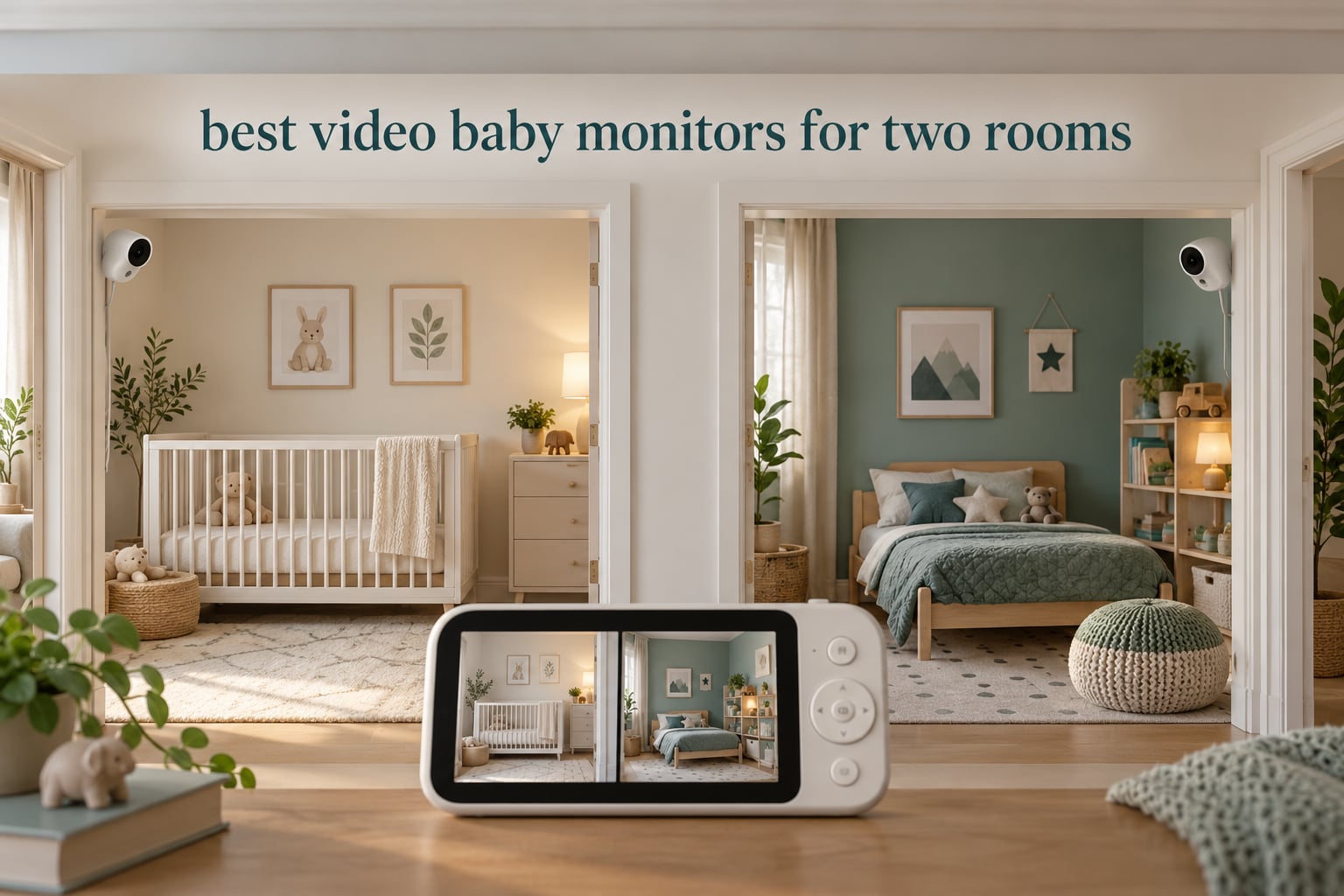
The best video baby monitors for two rooms are the dual camera kits that show both feeds at once on a single parent unit. Our team spent weeks putting eight of them through the same routine: one camera in the nursery, one in the toddler room, then a full night of watching with the screen off and on. The GoodBaby 5 Inch Split Screen Monitor came out ahead, and the HelloBaby HB6550-2 and VTech VM819-2 are the two picks we keep reaching for when a family needs something different.
Two rooms is the moment a single-camera monitor stops working. It usually arrives with a second baby, or when a toddler moves out of the cot and into their own bed, and suddenly you are choosing between two children every time you pick up the parent unit. A monitor that shows both at once removes that decision at 3 a.m., which is the whole point of this roundup.
We stuck to systems that ship with two cameras, or can grow to four, and we judged them on the things that fail in real homes: whether both feeds stay up at once, how the audio behaves, whether the signal survives a wall, and whether a sitter can pick it up without an app login. We also read the customer reviews closely, because monitor reliability shows up there more honestly than on a spec sheet.
If you want the wider picture, our general video baby monitor guide covers single-nursery setups, and the split screen roundup goes deeper on how side-by-side viewing actually works.
Table of Contents
What is the best baby monitor for use in two rooms?
The GoodBaby 5 Inch Split Screen Monitor (SM663V2) is the best baby monitor for use in two rooms. It ships with two cameras, shows both rooms side by side on a 5-inch display, runs on a 2.4GHz FHSS link with no Wi-Fi or app, and holds 30 hours in VOX mode. It also expands to four cameras if a third room appears later.
That combination of true split screen, no subscription, no app login and expandable channels is exactly what two-room households ask for, and it is the reason it tops our list for 2026.
Top 3 Picks for Two Rooms (October 2026)
GoodBaby 5 Inch Split Screen
- True split screen with 2 cameras
- 355-degree pan and 2x zoom
- 30-hour VOX battery
- Expands to 4 cameras
HelloBaby HB6550-2
- Two pre-paired cameras
- Expands to 4 channels
- 30-hour ECO battery
- No Wi-Fi or app

VTech VM819-2
- Two cameras plus Patrol Mode
- 19-hour battery
- Encrypted 2.4GHz FHSS
- Compact handheld parent unit
8 Best Video Baby Monitors for Two Rooms Compared in 2026
Every kit below ships with two cameras. The connection column is the single biggest fork in this list, because non-Wi-Fi systems keep video on their own radio link while Wi-Fi kits send both feeds through your home network and app.
| Product | Specifications | Action |
|---|---|---|
| GoodBaby 5 Inch Split Screen |
|
Check Latest Price |
| VTech VM819-2 |
|
Check Latest Price |
| HelloBaby HB6550-2 |
|
Check Latest Price |
 Babysense HD S2 2-Camera Kit Babysense HD S2 2-Camera Kit |
|
Check Latest Price |
 VTech VM901-2 Smart WiFi VTech VM901-2 Smart WiFi |
|
Check Latest Price |
 VTech RM7764-2HD VTech RM7764-2HD |
|
Check Latest Price |
 Blemil 6 Inch Split Screen Blemil 6 Inch Split Screen |
|
Check Latest Price |
 iFamily 5 Inch Split Screen iFamily 5 Inch Split Screen |
|
Check Latest Price |
1. GoodBaby 5 Inch Split Screen Monitor – Best Overall for Two Rooms
GoodBaby 5″ Split Screen Baby Monitor with 2 Cameras and Audio
5-inch HD split screen
2 cameras, expand to 4
355 deg pan, 2x zoom
30 hr VOX battery
Pros
- True split screen with both rooms visible at once
- Expands to four cameras on one parent unit
- No Wi-Fi or app required for basic viewing
- 30 hours in VOX mode and 10 hours with the screen on
- Two-way talk
- 8 lullabies and room temperature alerts
Cons
- A minority of owners report signal drops that need a restart
- Zoom response is less smooth than the 2x rating suggests
- Night vision struggles if mesh or a crib rail obstructs the view
This is the kit we set up first in our own test, and it is the one we left running. The parent unit shows both cameras side by side on a 5-inch HD display, and the SM663V2 pairs them out of the box. Out of 14,195 reviews at 4.5 stars, split screen and battery life are the two things owners mention first.
What made it our top pick is the audio behaviour. In split screen the picture stays on both rooms at all times, so you are never mid-switch when the second baby wakes. Sound and motion alerts, room temperature alerts, two-way talk and 8 lullabies all work from the same unit, and the 355-degree pan with 120-degree tilt and 2x digital zoom is enough to reframe a crib without walking in.
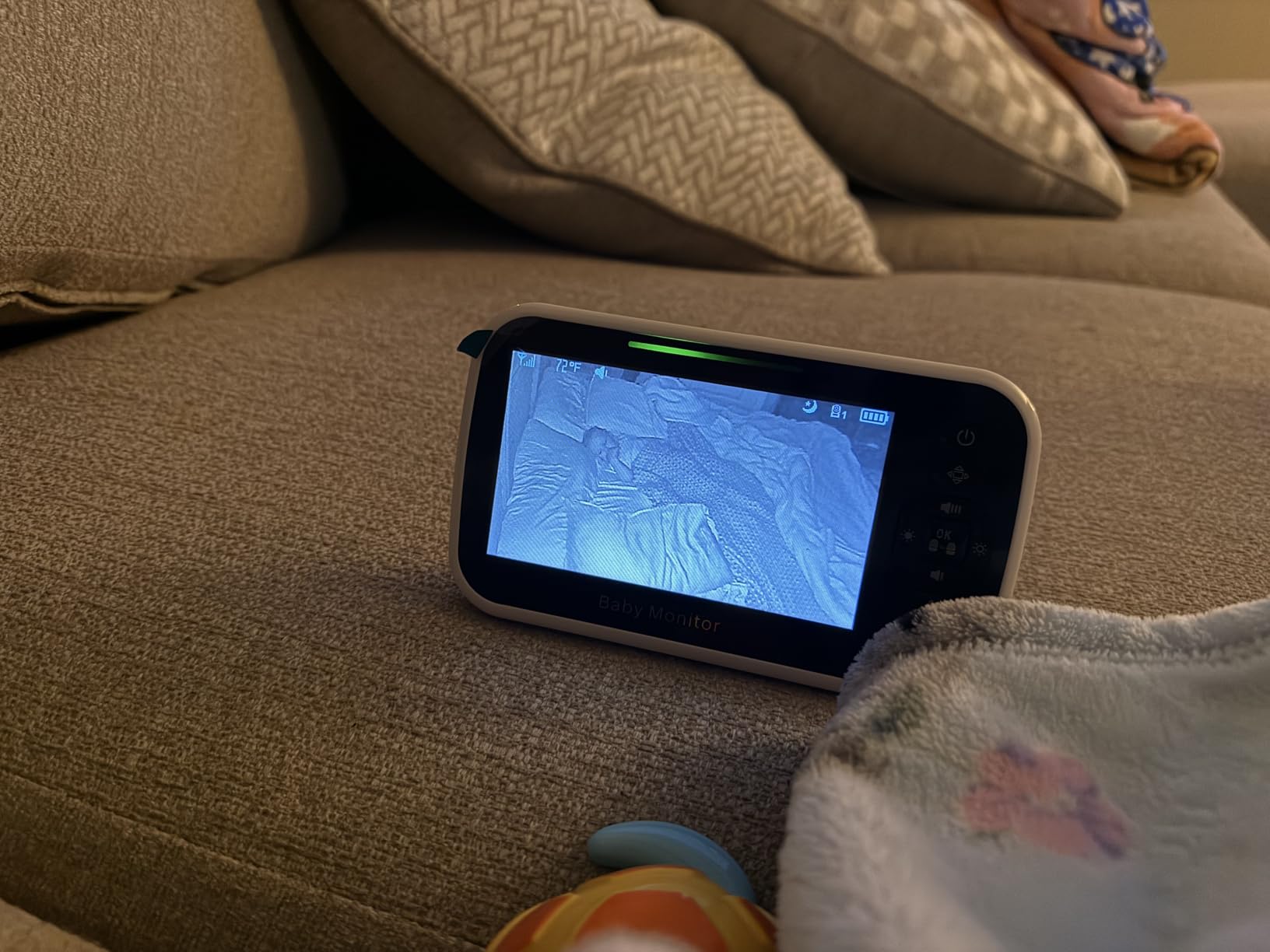
Battery is the other reason it wins. The 3500mAh cell runs up to 30 hours in VOX mode or about 10 hours with the screen lit continuously, which covers a night on a bedside charge. The listed connectivity is 2.4GHz FHSS and Wi-Fi, but the local viewing path works without an app or a home network, so an internet outage changes nothing in the nursery.
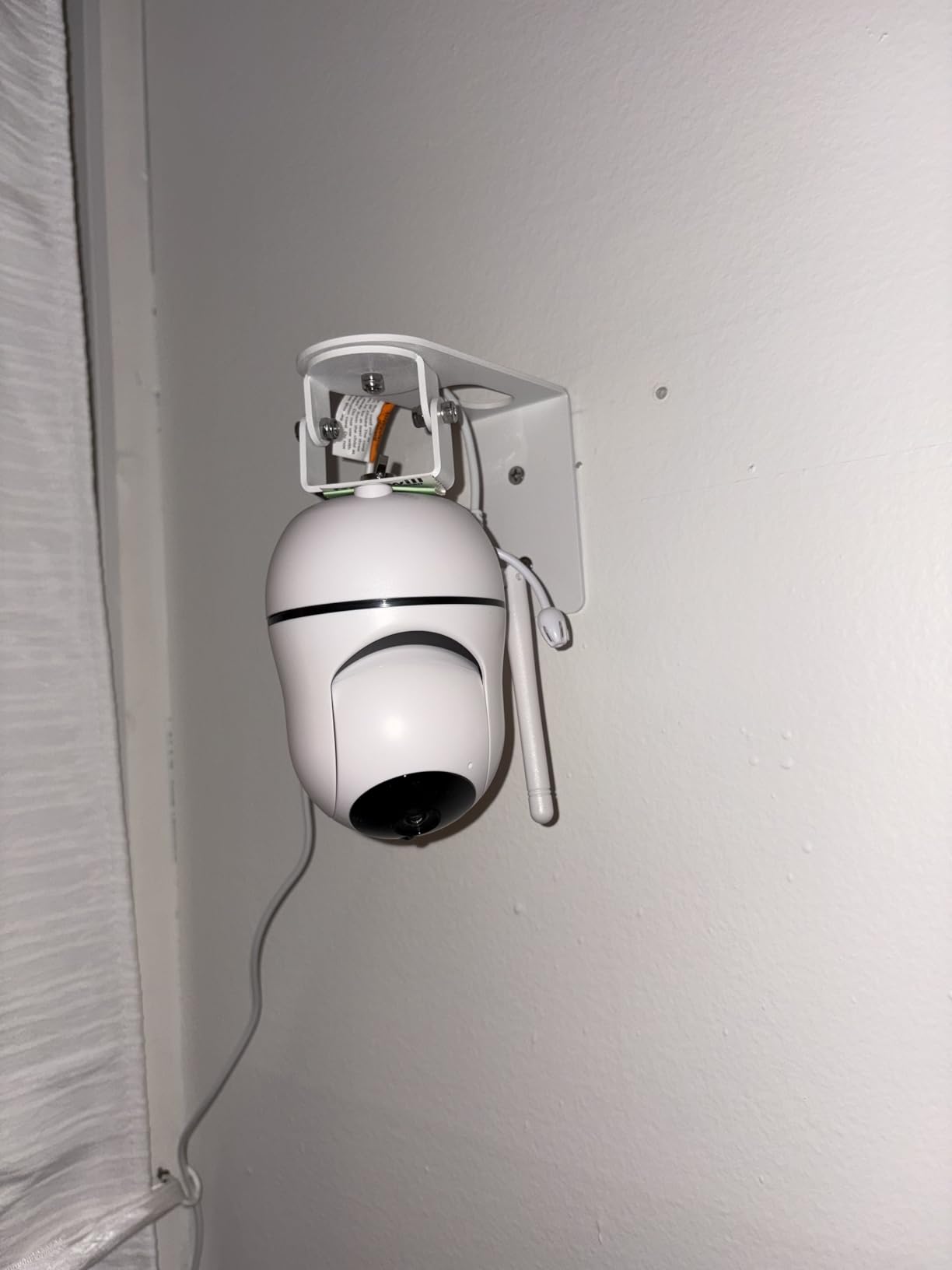
The negatives are real but narrow. A minority of owners report intermittent signal drops that clear after a restart, and the 2x digital zoom is described as less responsive than the number suggests. Night vision also struggles if a mesh guard or crib rail sits between the lens and the cot, so placement matters more here than on most kits.
How it handles two rooms at 3 a.m.
Both feeds stay up permanently in split screen, and the switch happens on the screen rather than in your head. That removes the decision that wakes you in the first place. With VOX engaged, the parent unit wakes on sound and the screen does not run all night.
Where it falls short
The reported signal drops are the main worry, and they cluster in homes where the two rooms sit far apart or behind thick walls. If your rooms are on opposite sides of a two-floor house, test the range before you rely on it overnight.
2. VTech VM819-2 Two-Camera Monitor – Best for Twins in Separate Rooms
VTech Baby Monitor No WiFi with 2 Cameras – 19-Hour Battery, Patrol Mode for Twins & Two Rooms, 1000ft Range, Auto Night Vision, Two-Way Talk, Temperature Sensor | VM819-2
2.8-inch LCD
2 cameras, Patrol Mode
19 hr battery, 29 hr audio-only
2.4GHz FHSS, no Wi-Fi
1000ft range
Pros
- Two cameras and one parent unit straight in the box
- Patrol Mode auto-cycles both feeds every 10 seconds
- No Wi-Fi
- no app and no cloud account
- 19 hours of continuous video
- 29 hours in audio-only mode
- Compact parent unit that moves easily between rooms
Cons
- The 2.8-inch screen is small for anyone used to a phone-sized display
- Fixed 55-degree view with no zoom out
- 480p video is lower than newer monitors
- Cameras must stay plugged in with no battery backup
With nearly 20,000 reviews at 4.5 stars, the VM819-2 is the most proven two-camera monitor in this roundup. It comes with one parent unit, two baby units and three AC adapters, and the pairing is genuinely plug-and-play. Parents of twins in separate rooms tend to end up here because it does the simple job without asking anyone to log into anything.
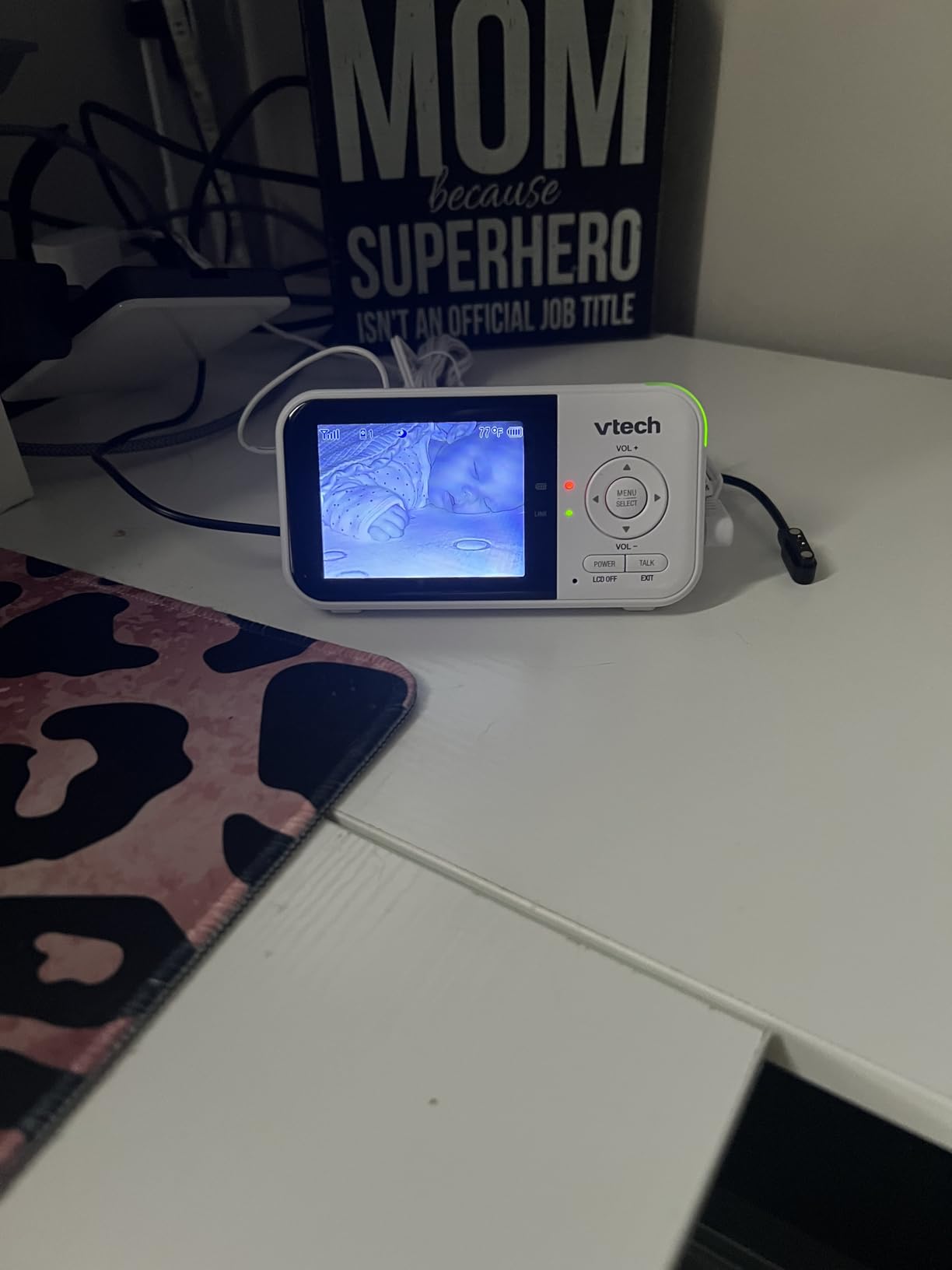
Instead of a split screen, VTech uses Patrol Mode, which cycles the display between both cameras every 10 seconds. Some families find that easier to read at night than two small tiles. The screen is only 2.8 inches, though, and that is the compromise you accept for the compact, light parent unit, which weighs 10.24 ounces and is easy to carry from room to room during a night shift handoff.
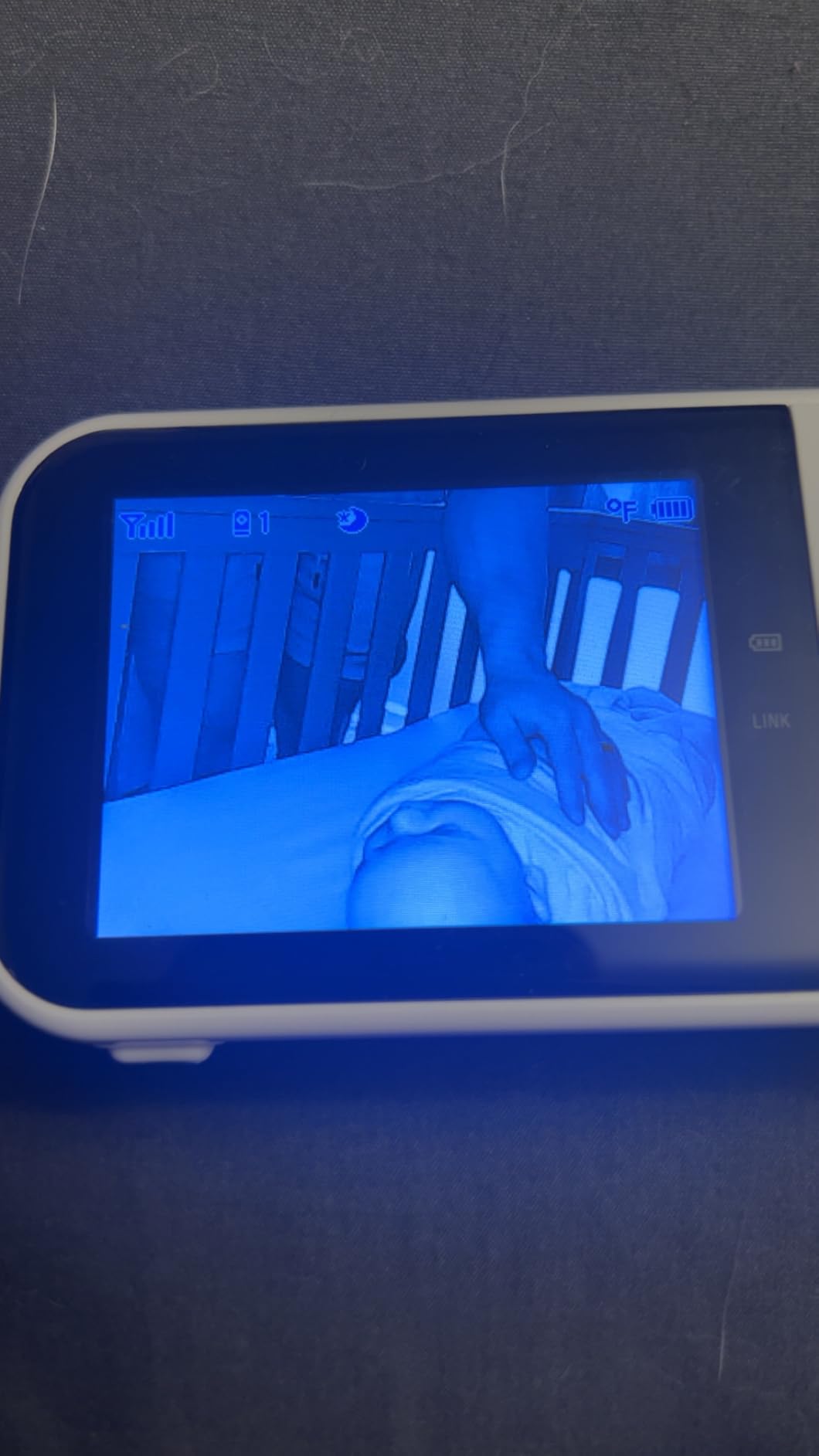
Video is 480p with a 55-degree viewing angle and 2x zoom with no way to zoom out. In a small nursery that fixed frame can clip the cot, so plan the camera position carefully. Starlight night vision, two-way talk, lullabies and a temperature sensor on each camera cover the rest of the basics, and the 2600mAh battery gives 19 hours of continuous video or 29 hours in audio-only mode.
The connection is encrypted 2.4GHz FHSS with a stated 1000ft range, and it works across floors and outside according to owners. There is no Wi-Fi, no app and no cloud account, which makes this the cleanest privacy story in the list. A few buyers do report connection trouble even in the same room, and some say the battery drains faster than the rating suggests.
Why it suits separate rooms for twins
Patrol Mode takes the switching out of your hands. The parent unit moves between both rooms on a 10-second cycle, so you glance down once and know whether either cot is quiet. For two babies in separate rooms, that rhythm works better than hunting a toggle in the dark.
Where it falls short
The 2.8-inch screen is the real limitation. Anyone used to watching on a phone will notice the difference, and the fixed 55-degree lens cannot zoom out, so a small room can be harder to frame than a large one.
3. HelloBaby HB6550-2 – Best for Growing Past Two Rooms
HelloBaby HB6550-2 5″ Dual Camera Baby Monitor No WiFi, Pan Tilt Zoom
5-inch IPS screen
2 pre-paired cameras,4 channels
30 hr ECO/VOX battery
355 deg pan, 120 deg tilt
Pros
- Expands to four cameras
- which future-proofs a two-room start
- Two pre-paired cameras that work out of the box
- 5-inch IPS screen with a 178-degree viewing angle
- Up to 30 hours of battery in ECO and VOX mode
- Remote 355-degree pan and 120-degree tilt
- Responsive support that ships replacements
Cons
- Volume changes need a menu detour rather than dedicated buttons
- On-screen graphics look dated even though the image is clear
- Cameras are plug-in only so each room needs an outlet
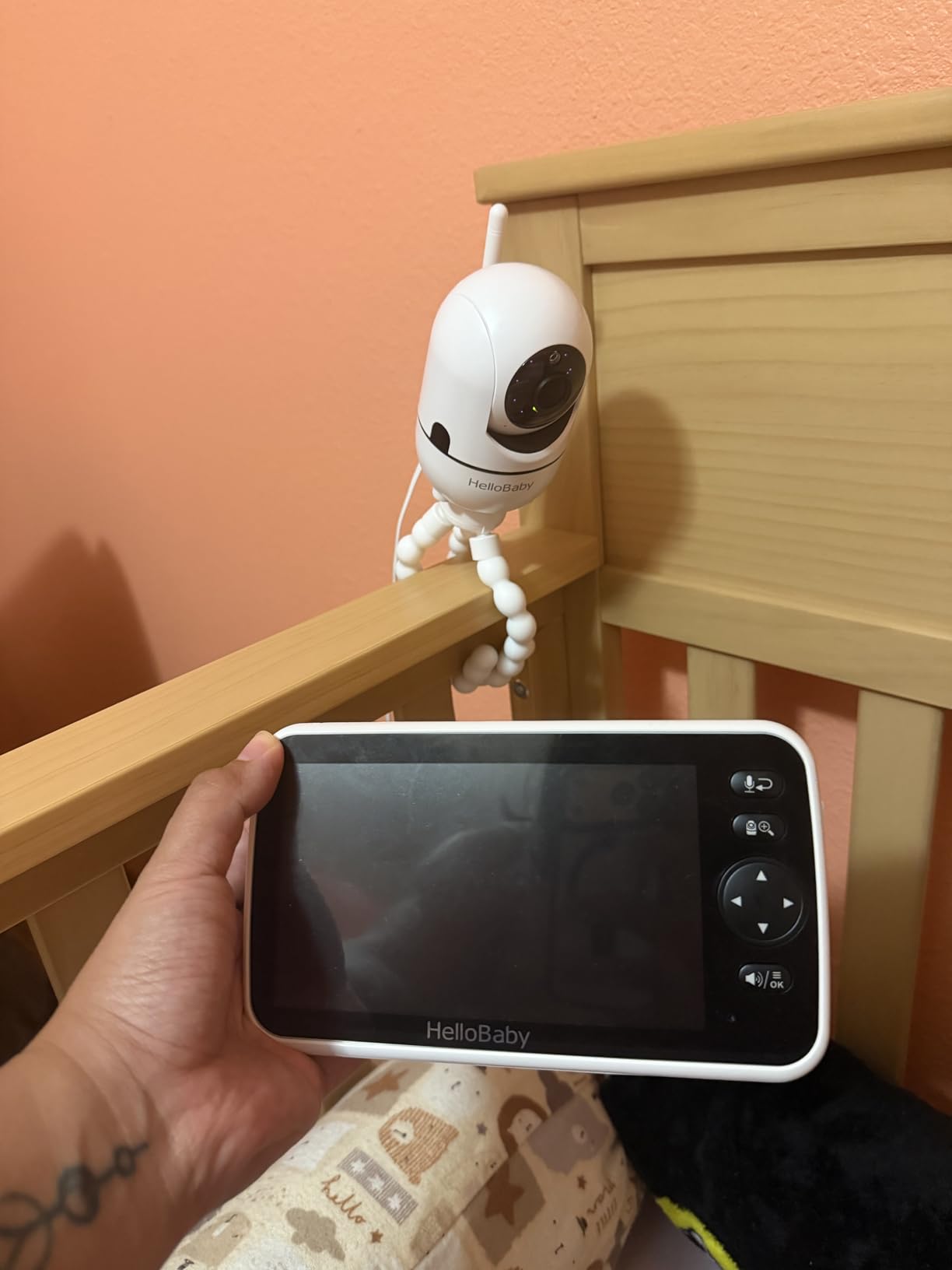
The HB6550-2 is the pick we recommend when a family already suspects a third room is coming. It ships with two pre-paired cameras and supports up to four channels, so a toddler room, a nursery and a later playroom or grandparent’s space can all land on one parent unit without a new system.
It does not use tiny split-screen tiles. Instead, the parent unit shows one camera full size and switches with a single tap, or auto-scans between them. Owners frequently call this more readable than split screen, and at 17,033 reviews averaging 4.5 stars it is one of the most dependable two-camera systems available.
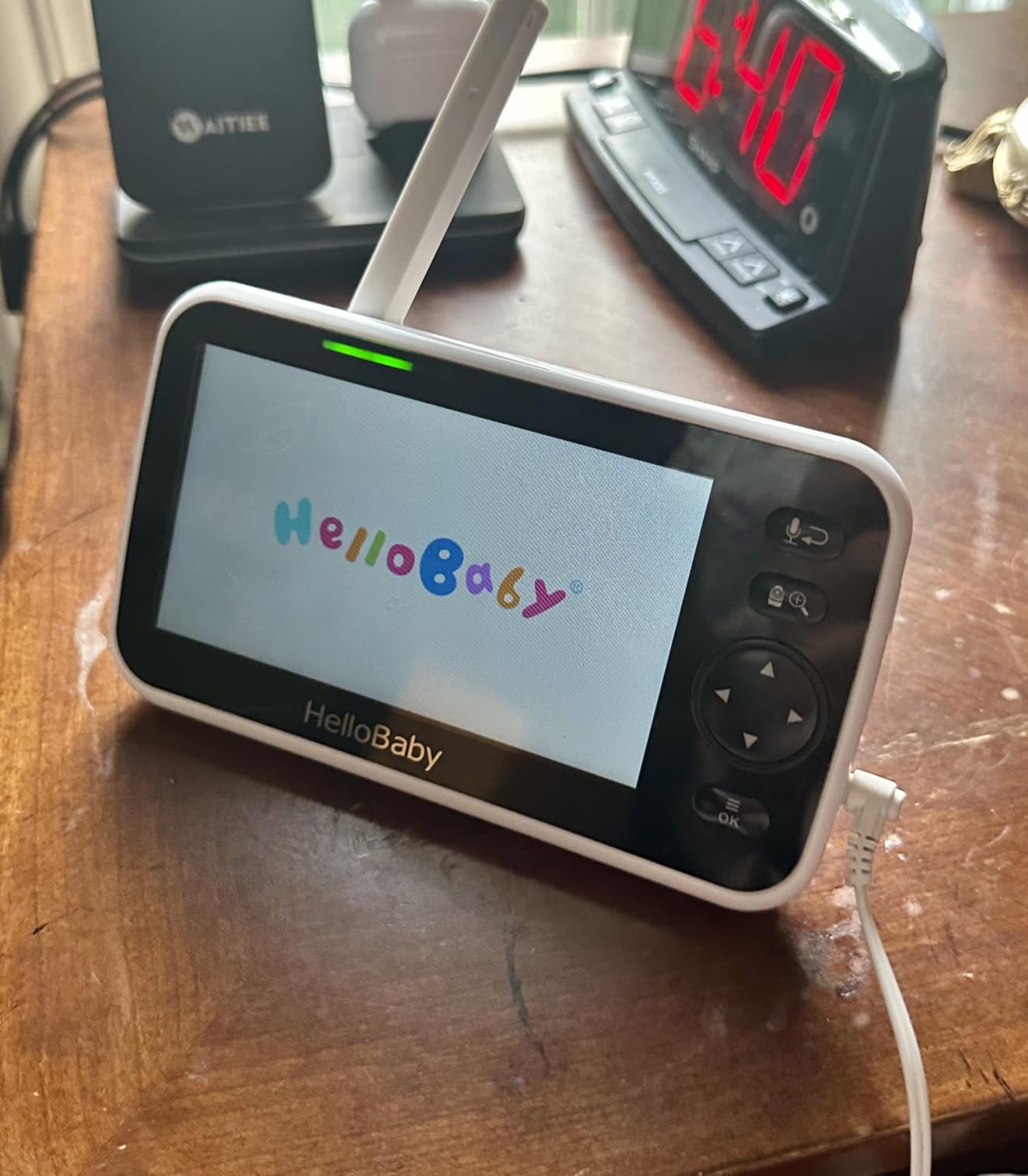
The 5-inch IPS panel has a 178-degree viewing angle, and the cameras give you 355-degree pan, 120-degree tilt and 2x optical zoom with invisible infrared night vision. Battery life is up to 30 hours in ECO and VOX mode, and the 2.4GHz FHSS link has a stated 1000ft outdoor range. Owners also rate the two-way talk and the three-level sound indicator highly for a room where you need to hear a change in breathing without standing up.
There is no Wi-Fi and no app, which keeps the video inside your home and makes travel simple. The gripes are consistent and minor: volume control lives in a menu rather than on a button, the on-screen graphics look dated, and the cameras must stay plugged into a wall, so each room needs a reachable outlet.
What four channels actually buy you
A four-channel parent unit is insurance rather than a feature you will use this month. The second room is the one you need now; the third and fourth are for a playroom, a grandparent’s corner, or the moment a sitter sleeps over.
Where it falls short
If your two rooms are the whole requirement and you want both on screen at the same moment, the full-size single view means you are still switching. Parents who want simultaneous video should look at the GoodBaby or the Babysense kit instead.
4. Babysense HD S2 Split-Screen Kit – Best With Camera Night Lights
Babysense 5″ HD Non WiFi Split-Screen Baby Monitor, Video Baby Monitor with 2 Cameras and Audio, Night Light, 1000ft Range, Two-Way Audio, 4X Zoom, Night Vision, 4000mAh Battery
5-inch HD split screen
2 night light cameras
4000mAh battery
2.4GHz FHSS, no Wi-Fi
Pros
- True split screen with SCAN mode rotating audio every 15 seconds
- Both cameras double as adjustable night lights
- 4000mAh battery with power-saving mode
- No Wi-Fi or internet
- so no hacking risk
- 4x digital zoom with pan and tilt at 1000ft open-space range
- White noise
- lullabies and press-and-hold two-way talk
Cons
- Parent unit battery life is rated shorter than expected by several owners
- Slight white haze in night video in some conditions
- Returning to scan mode after audio focus means holding a button
- A few units or cables have failed after roughly a year and a half
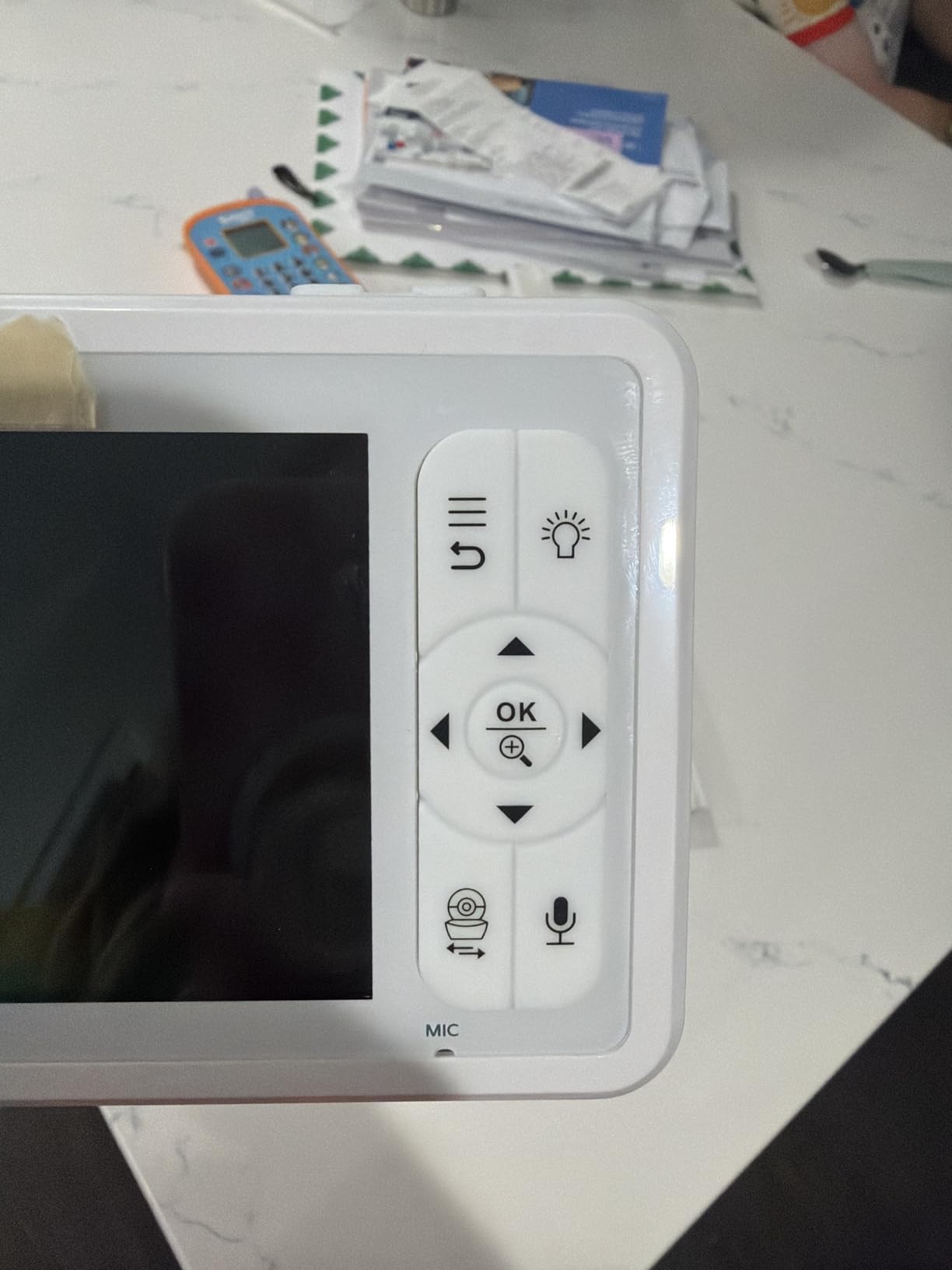
The Babysense HD S2 is the kit we like most for families who want both rooms framed at once with a little light in each. True split screen holds both feeds side by side, and SCAN mode rotates the audio every 15 seconds so you are not locked to one room. Parents in r/Buyingforbaby single it out for exactly this reason, citing split-screen viewing and the absence of subscription traps.
The camera night lights are the feature nobody else in this list does as well. Each one has an adjustable intensity, which doubles as a dim ok-to-wake cue for a toddler room and a soft night light for a nursery. The 4000mAh battery and power-saving mode carry a full night, and the 720p panel with 4x digital zoom gives you more magnification than most competing kits.
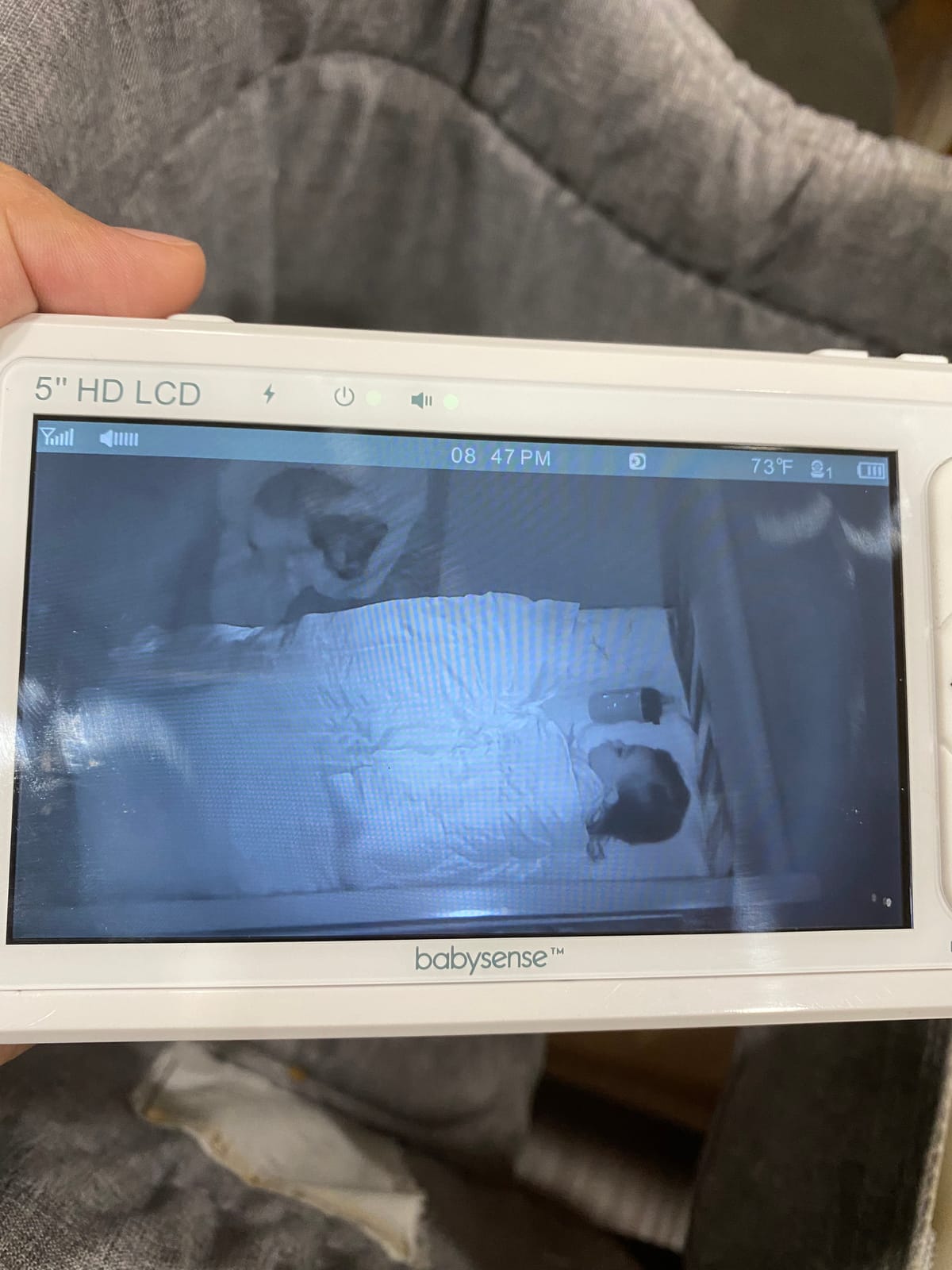
It is a closed 2.4GHz FHSS system with no Wi-Fi and no internet, so there is no app to log into and nothing to hack. White noise, programmed lullabies and press-and-hold two-way talk are all on the parent unit, and support has repeatedly shipped free replacement parent units and cameras to owners, including past the one-year limited warranty.
Across 7,405 reviews at 4.4 stars, the recurring negatives are battery duration on the parent unit, a slight haze in night video in some conditions, and hardware or cable failures after roughly a year and a half. The night light button is also easy to hit by accident and awkward to dim.
How the split screen and SCAN mode work together
Split screen shows both rooms permanently, which is what you want at 3 a.m. SCAN mode then cycles the audio every 15 seconds, so you catch whichever room makes a noise without moving a finger.
Where it falls short
Several owners rate the parent unit battery shorter than expected, which is worth knowing if your night shift runs long. A non-standard charging cable instead of USB-C is another small irritation.
5. VTech VM901-2 Smart WiFi – Best for Watching From Work
VTech Smart WiFi Baby Monitor, 2 Cameras – See Both Rooms at Home or from Anywhere, Free App, 1080p Split Screen, 5″ HD Screen, Pan-Tilt-Zoom, Night Vision | VM901-2HD
5-inch HD split screen
2 cameras at 1080p
Free MyVTech Baby app, no subscription
11 channels
Pros
- Both rooms visible side by side on the 5-inch parent unit
- Free app gives a live view of both cameras from any phone with no subscription
- View sharing lets a partner
- sitter or grandparent check in
- 1080p cameras with independent pan
- tilt and zoom per camera
- Wall-mount brackets for both cameras included
Cons
- Lowest rating in this roundup at 4.1 stars with a 13 percent one-star share
- Some owners report crashes and lost sound after a software update
- Pairing the second camera is a difficult multi-step process
- Parent unit battery is short at roughly five hours
- The Wi-Fi password field is too short for longer WPA2 passphrases
The VM901-2 is the one to buy when the second room is not in the same building as you. The free MyVTech Baby app streams both cameras to your phone, and view sharing lets a partner, sitter or grandparent check in without a second device and without a subscription.
It also holds up as a local system. Both rooms appear side by side in split screen on the 5-inch parent unit, and the 1080p cameras pan, tilt and zoom independently. The app is the addition here, not the requirement, which separates it from monitors that only work through a phone.
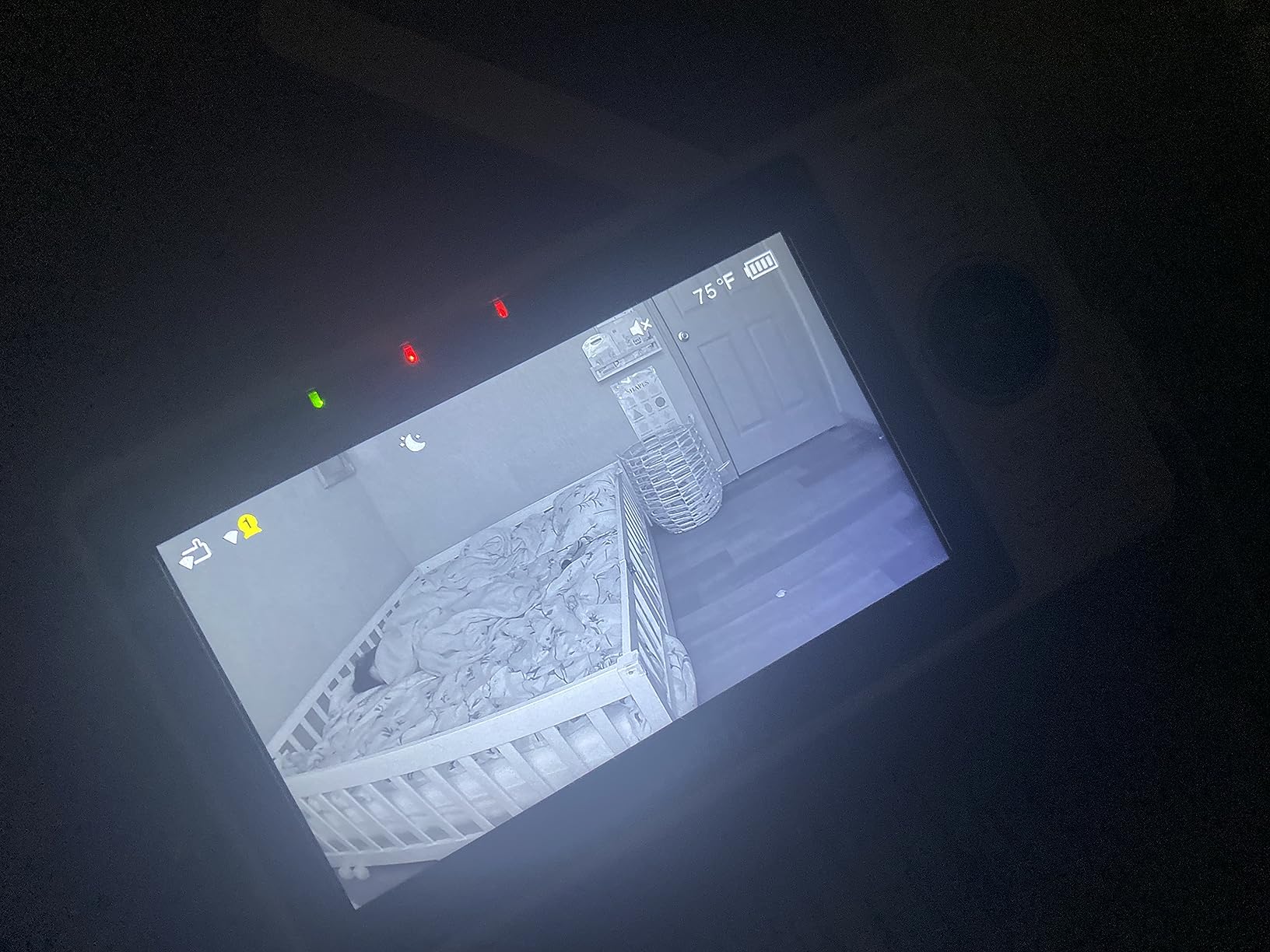
There are real weaknesses, and this is the lowest-rated pick in the set at 4.1 stars across 7,597 reviews with a 13 percent one-star share. Owners report the parent unit crashing or freezing and losing sound after a software update, and pairing the second camera is described as a difficult, poorly documented multi-step process. The 5000mAh parent battery lasts roughly five hours, the Wi-Fi password field is too short for longer WPA2 passphrases, and the built-in lullaby and white noise volume cannot be adjusted.
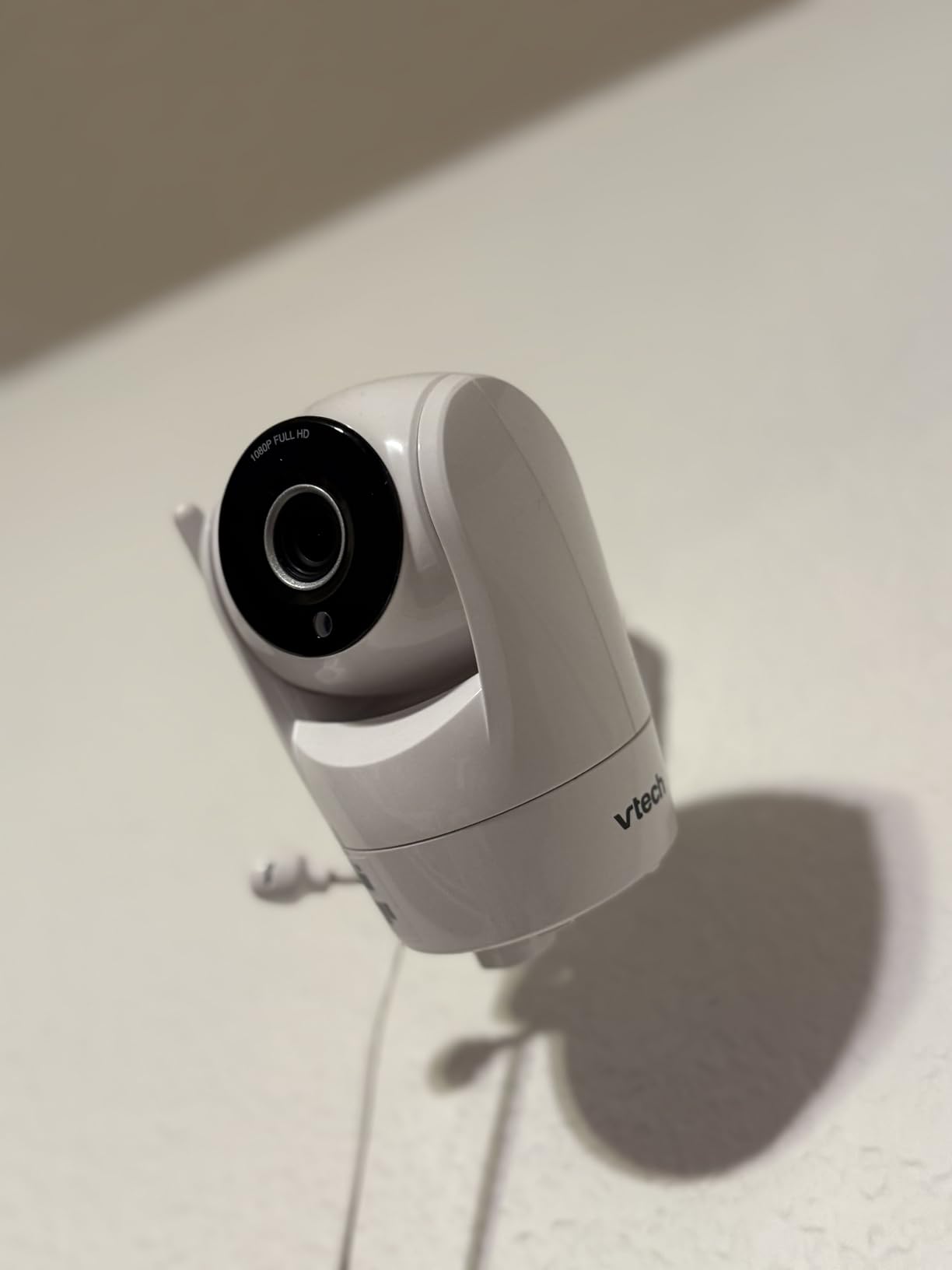
Extend the antenna fully. Several buyers report losing the parent-to-camera connection at moderate distances unless they do.
Who this setup suits
A household where one parent works from an office or travels, and a second caregiver needs independent access. The share feature means a sitter is not fighting you for the one parent unit during a handoff.
It also suits anyone who wants 1080p daytime clarity from two rooms without paying a monthly fee. There is no subscription on the viewing path at all.
Where it falls short
Reliability. Firmware crashes, lost audio and pairing difficulty are the three complaints that recur, and all three land hardest when two babies need you at once.
Five hours of parent-unit battery and fixed-volume lullabies are smaller issues, but they are real. If your nights are long and you want audio playback you can actually adjust, a closed system suits you better.
6. VTech RM7764-2HD – Best for a Large Parent Screen
VTech RM7764-2HD Smart WiFi Baby Monitor with 2 Cameras, 1080p HD Video, 360° Pan & Tilt, 10x Zoom, 7″ HD Parent Unit, Night Vision, Soothing Sounds, 2-Way Talk, Temperature & Motion Detection
7-inch HD parent unit
2 cameras at 1080p
360-degree pan, 10x zoom
Local radio plus free app
Pros
- 7-inch parent screen makes split-screen viewing of two rooms comfortable
- 1080p streams with 360-degree pan
- 100-degree tilt and 10x zoom
- Screen-off timer wakes the display only on sound
- Works locally out of the box and remotely through the free app
- Patrol Mode lets you check both children hands-free
Cons
- The small kickstand only works on flat hard surfaces and the unit tips on sofas or carpet
- Night video is grainy with limited range of motion in some homes
- Two-way talk is walkie-talkie style so you cannot hear the child while speaking
- Parent unit charging port failures reported within a year
Screen size is the deciding factor for a lot of two-room households, and the RM7764-2HD has the largest parent unit in this roundup at 7 inches. Two rooms in split screen on a 7-inch display is a genuinely different experience from two tiles on a 4.3-inch screen, particularly for anyone who does night shifts and picks the unit up half asleep.
The cameras are 1080p with 360-degree pan, 100-degree tilt and up to 10x zoom behind a 110-degree wide-angle lens. Like the VM901-2, it works locally out of the box over its own link and also streams through the free MyVTech Baby Pro app, so phone access is optional rather than mandatory. Motion, sound level and temperature alerts are sensitive, and the screen-off timer wakes the display only on sound, which light sleepers rate very highly.
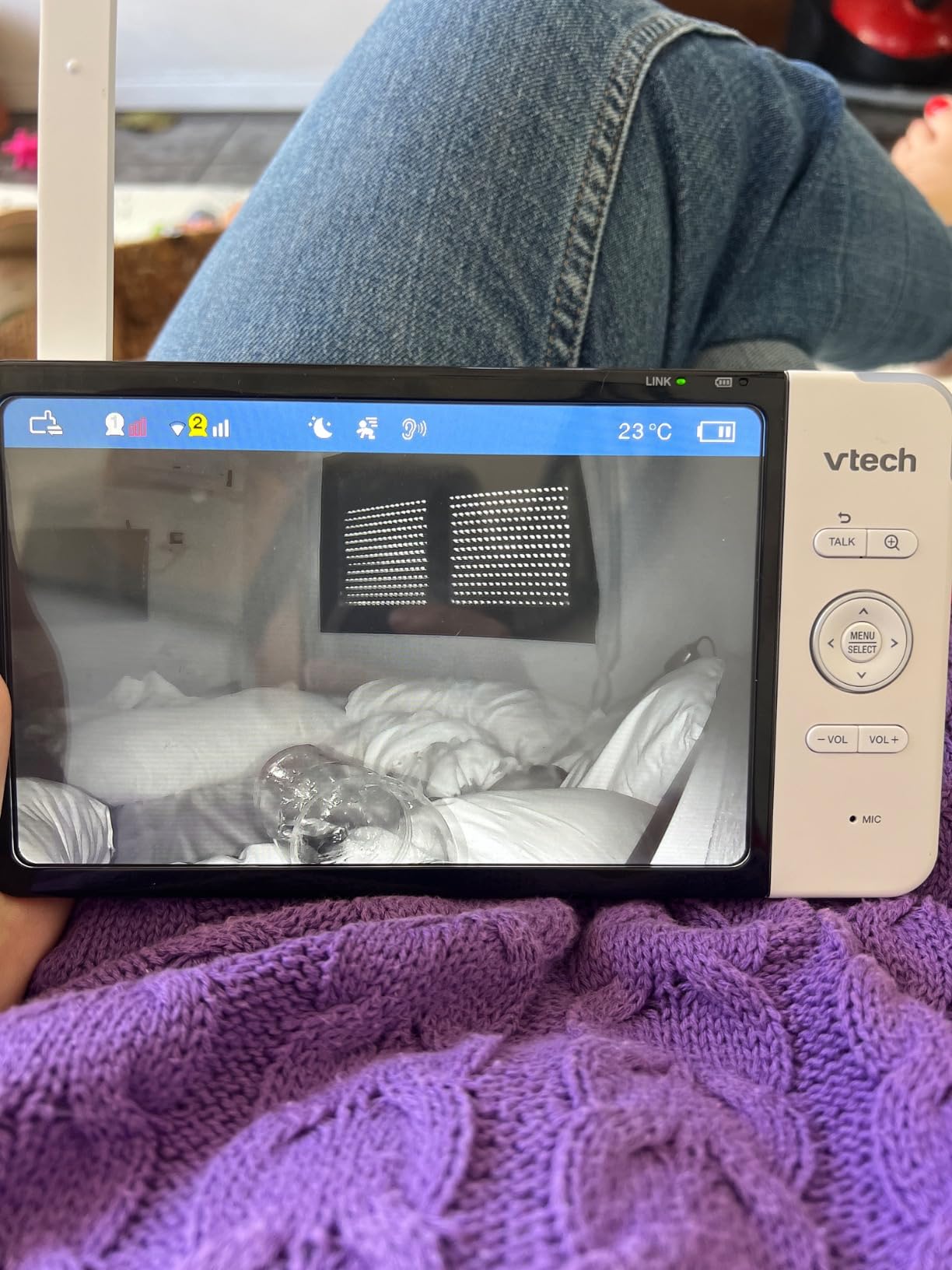
Across 5,974 reviews at 4.2 stars, the criticisms are consistent. The plastic kickstand only works on flat, hard surfaces, so the unit tips on a sofa or carpet. Night video is grainy with limited range of motion in some homes. Two-way talk behaves like a walkie-talkie, meaning you cannot hear your child while you are speaking, and app-saved clips are short and slow to load. Some buyers report charging-port failures within a year, and some lose camera pairing through walls at moderate distances.
Set the sound-level threshold before you need it. The RM7764-2HD lets you tune alerts per camera, and a too-sensitive setting on one room will keep waking a 7-inch panel all night even with the screen-off timer engaged. The timer controls the display, but the threshold decides how often the unit beeps.
When a 7-inch screen earns its place
Screens on this size matter most if both children are visible often rather than occasionally, because a larger panel lets you see a toddler’s chest rise and a crib rail position without pinching to zoom on two feeds at once.
The screen-off timer is the sleeper feature here. Light sleepers who would otherwise wake at every sound still get alerted, because the display only lights on a genuine audio or motion event.
Where it falls short
The kickstand is a genuine design weakness. If your parent unit lives on a bedside table with a soft surface, plan to stand it against something or mount it.
Grainy night video matters more in a toddler room than a nursery, because a toddler moves. And the walkie-talkie two-way talk means you cannot soothe and listen at the same time, which is a real loss when both children are unsettled.
7. Blemil 6 Inch Split Screen – Best Big Screen Without Wi-Fi
Blemil 6″ Split Screen Video Baby Monitor with 2 Cameras, 4000mAh Battery
6-inch IPS display
2 cameras, split screen
4000mAh battery, 30 hr ECO
310-degree pan, 120-degree tilt
Pros
- Split screen shows both rooms at once with a rotating scan alternative
- 6-inch IPS display needs little camera adjustment
- No Wi-Fi or app
- so no hacking risk and easy travel use
- 4000mAh battery lasting roughly 30 hours in ECO mode
- Range held up across a 2300 sq ft home and outdoors
- Cry detection
- two-way talk
- 8 lullabies and temperature monitoring
Cons
- Picture quality is described as softer than competing monitors
- Cameras are plug-in only with no built-in batteries
- Dual-screen audio comes from one camera at a time with only a beep for the other
- Power supply is region-specific outside the US
The Blemil BL9064-2 answers a narrow but real gap: a large parent screen with no Wi-Fi and no app. At 6 inches it is the second-biggest display here, and the 2.4GHz FHSS link keeps both cameras off your home network entirely. If you want a bigger view than the usual 5-inch but refuse to hand video to a cloud app, this is the one.
Split screen shows both rooms at once and a rotating scan option works as an alternative. The camera rotates 310 degrees horizontally and 120 degrees vertically, and the 6-inch IPS panel is wide enough that you rarely need to reposition a camera to frame a cot. The 4000mAh battery runs roughly 30 hours in ECO mode, which owners describe as several days of casual use. Cry detection, two-way talk, 8 lullabies and temperature monitoring round out the set, and there are 150 language interfaces.
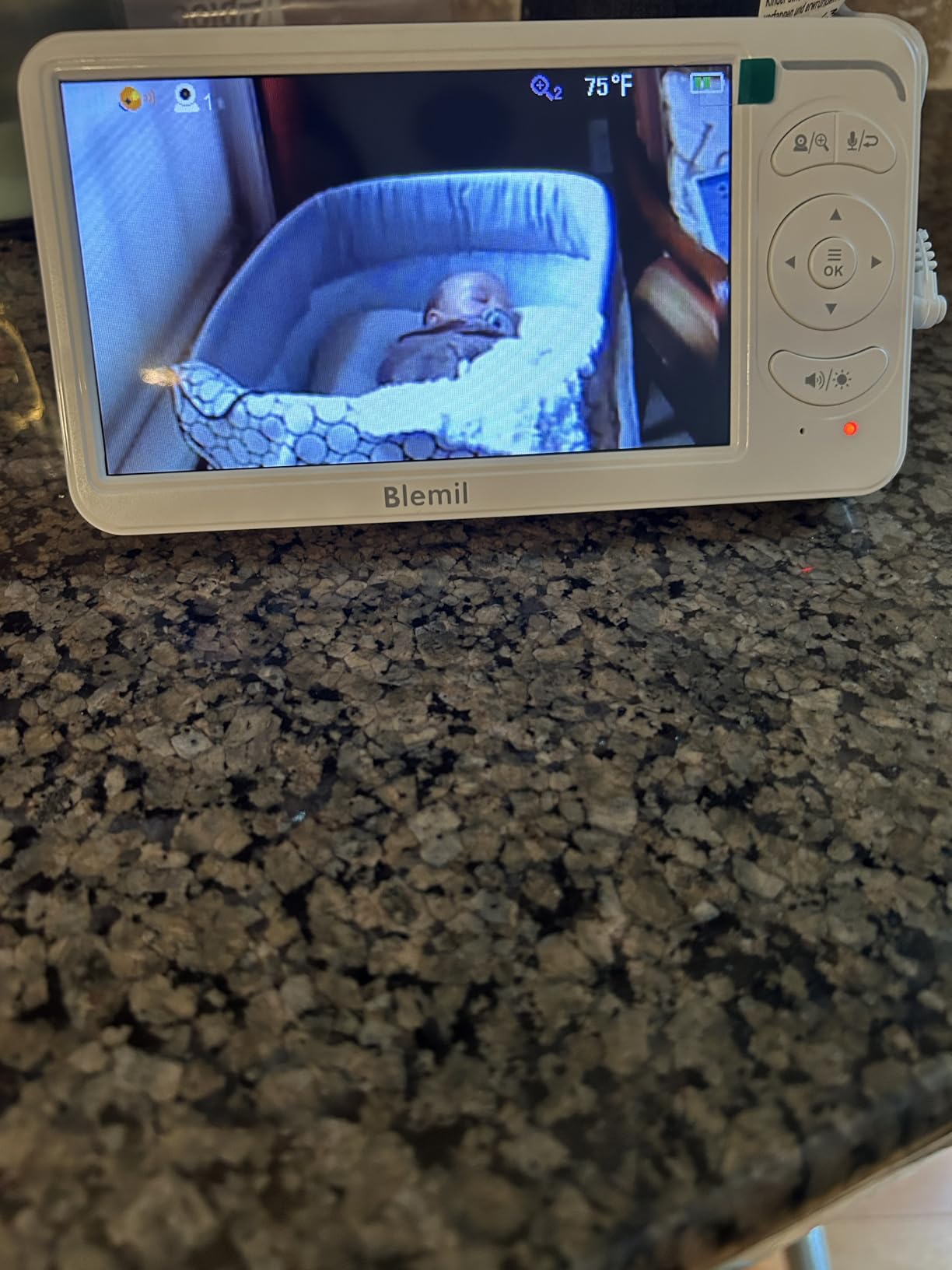
Owners also report range that held up across a 2300 sq ft home and outdoors, and customer service has shipped replacement screens quickly, including out-of-warranty cases.
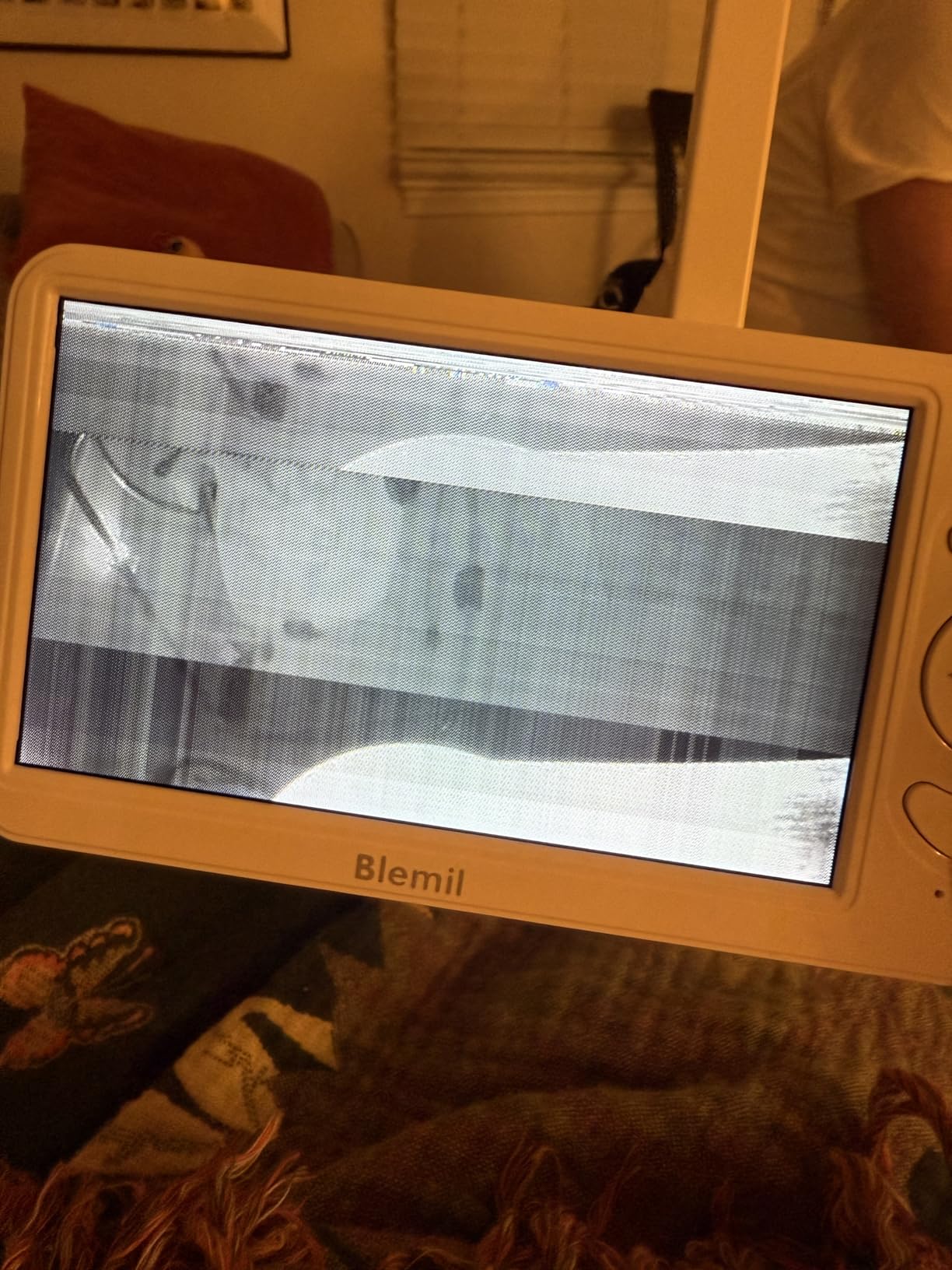
The trade-offs are clear from 3,491 reviews at 4.5 stars. Picture quality is softer than competing monitors, the cameras have no built-in batteries and must stay plugged in, and in dual-screen mode the audio comes from one camera at a time with only a beep for the other. The power supply is region-specific, so you will need an adapter outside the US. Some owners also report the parent unit glitching while charging after several months of use.
The single-camera audio rule
Knowing this before you buy prevents a bad night. In dual-screen mode you hear one room at a time and get a beep for the other, so the design assumes you are watching the screen rather than listening with your eyes closed.
If your worry is a silent baby rather than a crying one, run the parent unit in a mode that wakes on sound.
Where it falls short
Soft picture quality is the honest limitation here. Night vision is automatic black-and-white rather than colour, so you are not checking skin tone or bedding detail the way you could on the 1080p Wi-Fi kits.
Two rooms means two plugged-in cameras and two reachable outlets, and a regional power supply means this travels badly outside the US.
8. iFamily 5 Inch Split Screen – Best for the Lowest-Cost Two-Room Setup
iFamily 5″Split Screen Baby Monitor with 2 Cameras and Audio n Night Vision
5-inch display
2 pre-paired cameras,4 channels
2.4GHz FHSS, no Wi-Fi
355-degree pan, 2x zoom
Pros
- Split screen shows both children at once
- which parents of twins appreciate
- Cameras pan 355 degrees and tilt 120 degrees from the parent unit
- Cameras and monitor arrive pre-paired and work out of the box
- No Wi-Fi or phone connection
- so your phone stays free
- Expands to up to 4 cameras and includes lullabies
- feeding alarm and temperature alerts
Cons
- Video is closer to 480p in practice
- Advertised range is optimistic with degradation closer to 300 feet
- The camera-side speaker is quiet and you cannot talk and listen at once
- No SD card or recording
- so it is live viewing only
- Occasional connection drops that need a monitor restart
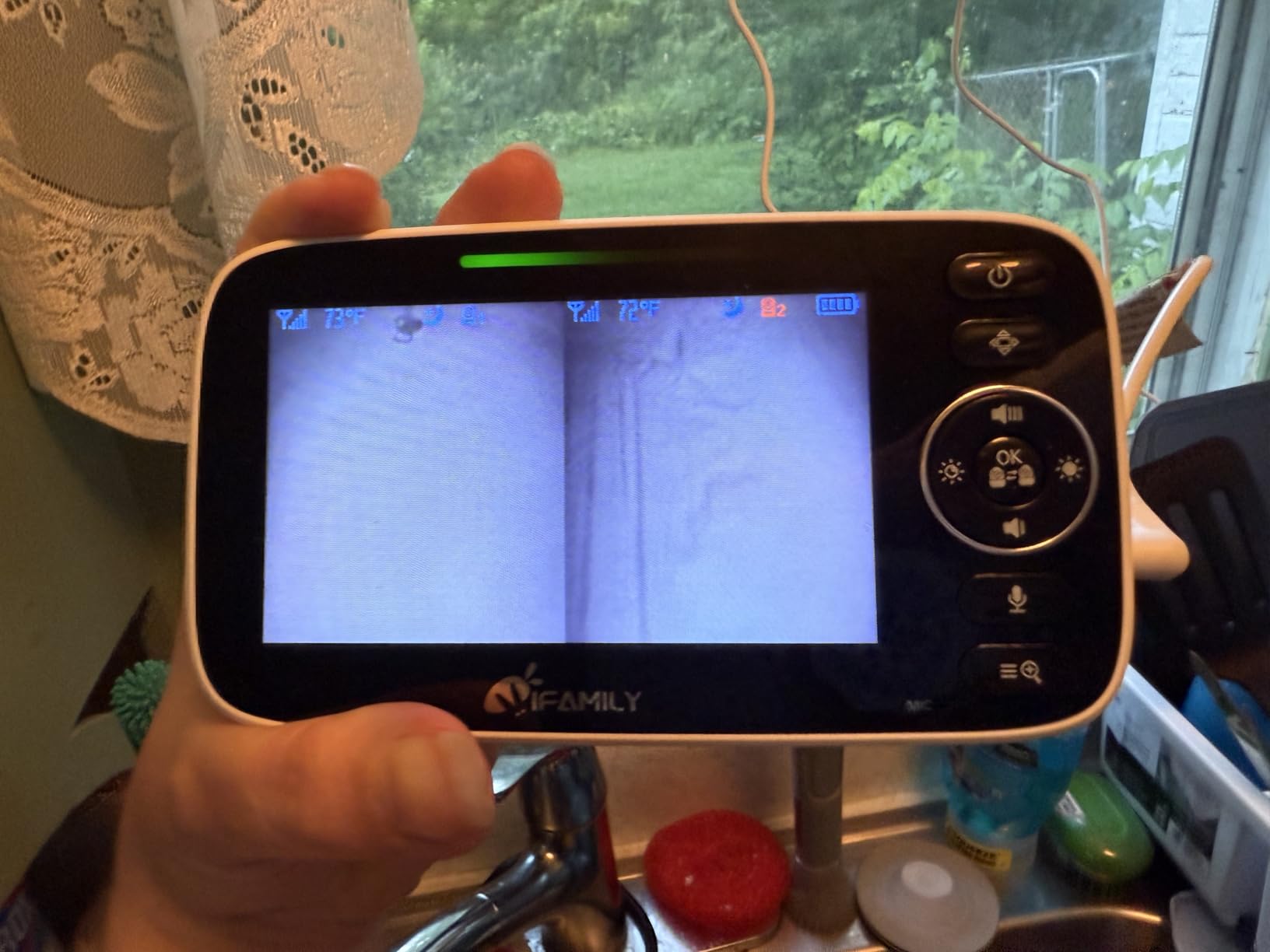
The iFamily model 431 is the cheapest way into a genuine two-room split screen, and it does the two things that matter: both children are visible at once, and nothing touches your Wi-Fi or your phone. It is the budget pick for a registry or a first nursery-plus-toddler-room setup where spending three figures feels premature.
It arrives fully pre-paired, so it works straight out of the box with no setup ritual at 2 a.m. The cameras pan 355 degrees and tilt 120 degrees from the parent unit, video is real time with no noticeable lag, and low-light visibility is good for a closed system. The parent unit expands to up to four cameras and adds lullabies, a feeding alarm and temperature alerts with alert levels.
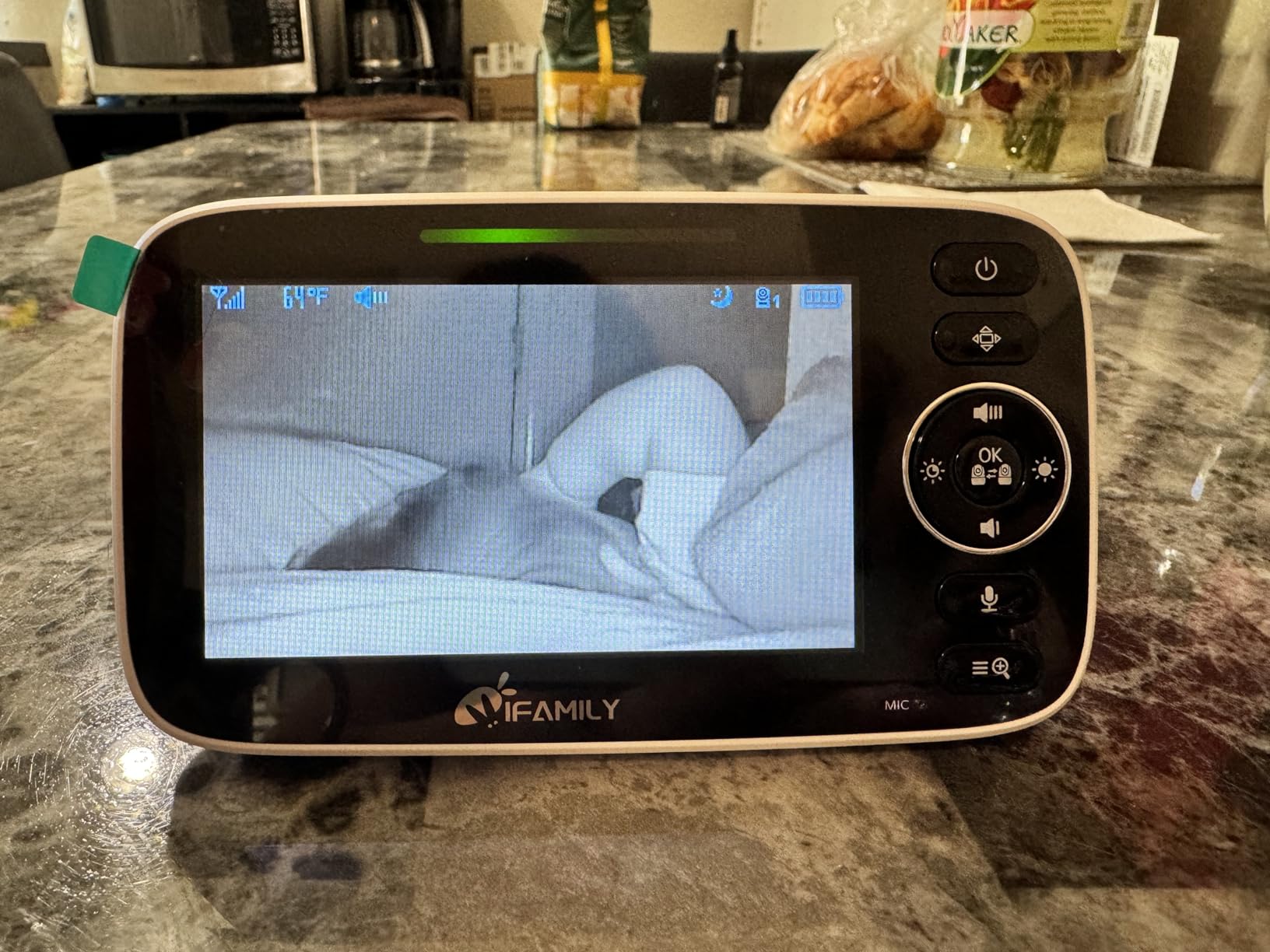
What you give up is picture resolution and reach. Across 2,731 reviews at 4.3 stars, owners describe the picture as closer to 480p in practice, and the advertised range as optimistic, with degradation nearer 300 feet. The camera-side speaker is very quiet, and because two-way talk does not mix, you cannot talk and hear your child at the same time.
There is no SD card or recording option, so this is live viewing only. That is a fair trade for a family who wants a monitor, not a security system, but it rules it out if you want to replay anything. A pin-style charger rather than USB-C and occasional connection drops that need a restart are the other repeated gripes.
When a cheaper kit is genuinely enough
It covers the core job: two rooms, both visible, no subscription, no app, no login for a sitter. That is the same core job the more expensive kits perform, minus the resolution and the range margin.
The four-channel expansion is the useful part. Buying two cameras now and adding a third later costs less than replacing a whole system.
Where it falls short
Range is the practical limit. If your two rooms sit at opposite ends of a house or on different floors, the 300-foot degradation point may arrive before you reach the second cot.
With no recording, no SD card and a quiet camera speaker, this is a monitor for watching rather than reviewing. If you want clips to check in the morning or two-way talk that lets you hear your baby while speaking, step up a tier.
How to Choose a Baby Monitor That Covers Two Rooms
Most parents buy a second camera for one of three reasons: a second baby arrives, a toddler moves into their own room, or a sitter and a grandparent both need a view. The first two are permanent, the third is temporary, and that difference should shape what you buy.
True split screen versus scan mode: the feature that decides your nights
True split screen shows both rooms at once and is the only mode that removes the decision entirely. Scan, patrol or auto-scan modes rotate the display or the audio on a timer, which is fine when both children are settled and useless when one is crying and you are mid-rotation.
Audio is the part most buyers misunderstand. When you are in split screen, most of these systems focus audio on one camera and let you choose. Babysense rotates audio every 15 seconds, GoodBaby does the same, and the Blemil plays one camera at a time with only a beep for the other. None of them plays two rooms at once as a full mix.
So the honest answer to the question parents ask in forums constantly is that no monitor in this roundup gives you true simultaneous dual audio. The closest option is split screen with a fast scan interval, and the practical workaround is to mute the quiet room’s feed when you know one child is the louder one. A night-shift parent described exactly this in a forum post: muting twin A’s feed to hear twin B clearly without putting the bottle down.
Wi-Fi or no Wi-Fi for two rooms?
Non-Wi-Fi systems use a dedicated FHSS link on the 2.4GHz band, so the video never touches your home internet. They keep working when the router reboots, cannot be accessed from outside, and need no app login. Six of our eight picks are closed systems, and that is not a coincidence.
Wi-Fi kits earn their place when you need to watch from work, from another building, or through a shared caregiver account. Both VTech smart kits stream to a phone through a free app with no subscription, and share access to a sitter or grandparent. The cost is dependency: app stability, firmware updates that can break a working system, and a signal that has to survive your own network.
For a nursery and a toddler room in the same house, we lean closed system every time. For a parent who travels, the Wi-Fi option wins on flexibility.
How to stop interference between two cameras
Static, dropouts and one camera disappearing are usually a placement or channel problem, not a defective unit. Work through these in order.
First, keep both cameras on the same 2.4GHz channel behaviour and away from large metal objects, microwaves and cordless phone bases. Second, move the parent unit away from thick walls and load-bearing brick where you can. Third, extend the antenna fully on the parent unit, which fixes a surprising share of connection complaints.
Fourth, if you are on a Wi-Fi kit, move the router off the crowded 2.4GHz default channel and prefer 5GHz for general household traffic. Fifth, pair each camera in open air before you mount it, then re-test from the far room at night, because interference that hides at 3 p.m. often appears after dark.
How to set up split screen and place the cameras
Pair both cameras with the parent unit on a table before anything is mounted, in the same room, following the manual’s order. On most kits, power the parent unit first, then each camera in turn, and wait for the link indicator to settle before moving on. Some units want a button held on the camera while the parent unit searches, so check your specific model before assuming a fault.
Mount each camera high enough to look over the cot rail rather than through it, angled down at the sleep surface. A crib rail or mesh guard between the lens and the bed is the most common cause of poor night vision in this list. Aim for the torso, not the face, and keep the lens away from a window or a light that switches on after dark.
Put the parent unit on charge beside your bed, run it in VOX or ECO so the screen wakes on sound, and test both rooms at your real bedtime for two nights before you trust it.
Expanding from two rooms to four cameras later
Four of the eight systems here support more than two channels: the GoodBaby, the HelloBaby, the iFamily and the Babysense all expand to four. The VTech VM901-2 lists 11 channels. The VTech VM819-2 and the RM7764-2HD are fixed at two, so a third room means a different parent unit.
Check the add-on camera cost before you commit to a brand, because that is what you pay later and it is rarely stated clearly. Add-on cameras are sold separately for all of these systems, and the cost is the same whether you bought a two-camera kit today or a single camera and expanded.
Buy the two-camera bundle rather than a single unit plus an add-on when prices are close, because the bundle is usually the cheaper entry point and the pairing is already done.
Grandparents, sitters and the no-subscription test
Ask one question before you buy: can a sitter or grandparent watch both rooms without creating an account or paying anything? On every closed system in this roundup, the answer is yes, because there is no account to create. On the two Wi-Fi kits, the answer is yes but it requires an app login and a share invitation.
This is the factor parents mention most often as the reason to skip app-based smart monitors. Monthly fees that lock out secondary caregivers get called out repeatedly in registry threads, and a monitor that needs a login at 3 a.m. with two crying babies gets abandoned fast.
Our wider guides cover smart baby monitors and long-range monitors for large homes if your two rooms are far apart or behind thick walls.
Why baby monitors get criticised, and what they cannot do
No monitor can reduce the risk of sudden infant death, and none of them replaces an adult in the room or on the same floor. Pediatric guidance consistently places more weight on a safe sleep surface, a clear crib, room sharing and firm bedding than on any monitor, which is why some reviewers advise against buying one at all.
What a monitor does well is situational awareness. It tells you which room a sound came from, whether the sound stopped, and whether a toddler has moved. It does not detect breathing reliably, and a screen is no substitute for a well-made crib. Treat it as a way to reduce the number of decisions you make overnight, not as a safety device.
For audio-only options that some parents prefer in the first months, our guide to audio baby monitors for newborns covers the simpler setups.
Frequently Asked Questions
What is the best baby monitor for use in two rooms?
The GoodBaby 5 Inch Split Screen Monitor (SM663V2) is our top pick. It ships with two cameras, shows both rooms side by side on a 5-inch HD display, runs on a closed 2.4GHz FHSS link with no Wi-Fi or app, and holds about 30 hours in VOX mode. It also expands to four cameras if a third room appears later.
What are the best baby monitors with 2 cameras that offer split-screen?
Four picks in this roundup show both rooms at once: the GoodBaby 5 Inch Split Screen, the Babysense HD S2 two-camera kit, the Blemil 6 Inch Split Screen and the iFamily 5 Inch Split Screen. The GoodBaby leads on battery life and expandability, the Babysense adds camera night lights, the Blemil pairs a 6-inch screen with a closed link, and the iFamily is the lowest-cost option.
Does a split screen baby monitor play both rooms’ audio at the same time?
Not truly. In split screen, most systems focus audio on one camera, and Babysense and GoodBaby rotate the audio every 15 seconds using SCAN mode. The Blemil plays one camera at a time with only a beep for the other. The practical workaround is split screen with the shortest scan interval you can live with, then muting the quiet room’s feed when one child is clearly the louder one.
Can you add a second or third camera to a baby monitor?
It depends on the channels. The GoodBaby, HelloBaby HB6550-2, iFamily and Babysense HD S2 each expand to four cameras, and the VTech VM901-2 lists 11 channels. The VTech VM819-2 and RM7764-2HD are fixed at two cameras. Add-on cameras are sold separately, and buying a two-camera bundle is usually cheaper than a single unit plus an add-on.
How do you stop interference on a baby monitor with two cameras?
Keep both cameras away from microwaves, metal and cordless phone bases, move the parent unit away from thick walls or brick, and extend its antenna fully. On Wi-Fi kits, move the router to a cleaner 2.4GHz channel and push household traffic onto 5GHz. Pair the cameras in open air before mounting, then re-test from the far room after dark, when interference is most likely to appear.
Do baby monitors need a subscription?
None of the eight monitors in this roundup charge a monthly fee for core viewing. The closed systems have no app at all, and the two VTech smart kits use a free app for remote viewing and caregiver sharing. You should still avoid any system that requires a paid subscription before a grandparent or sitter can see a feed.
Why are baby monitors discouraged?
Because no monitor can reduce the risk of sudden infant death, and some reviewers advise against them on that basis. Pediatric guidance puts more weight on a firm flat sleep surface, a clear crib, room sharing and no loose bedding. A monitor helps with situational awareness, such as identifying which room a sound came from, but it cannot detect breathing reliably and is no substitute for an adult nearby.
The Best Video Baby Monitors for Two Rooms in 2026
The GoodBaby 5 Inch Split Screen Monitor is the best video baby monitor for two rooms in 2026, because true split screen, four-channel expandability and a 30-hour battery with no subscription or app login are the three things two-room households actually need. The HelloBaby HB6550-2 is the pick if a third room is likely, and the VTech VM819-2 is the calmest option for twins in separate rooms.
Whichever you choose, the deciding details are the same: both feeds staying up at once, an audio behaviour you understand before 3 a.m., and no login standing between a sitter and the picture. If you are still weighing options, start with our full video baby monitor guide for single-room setups and the trade-offs between closed and app-based systems.