
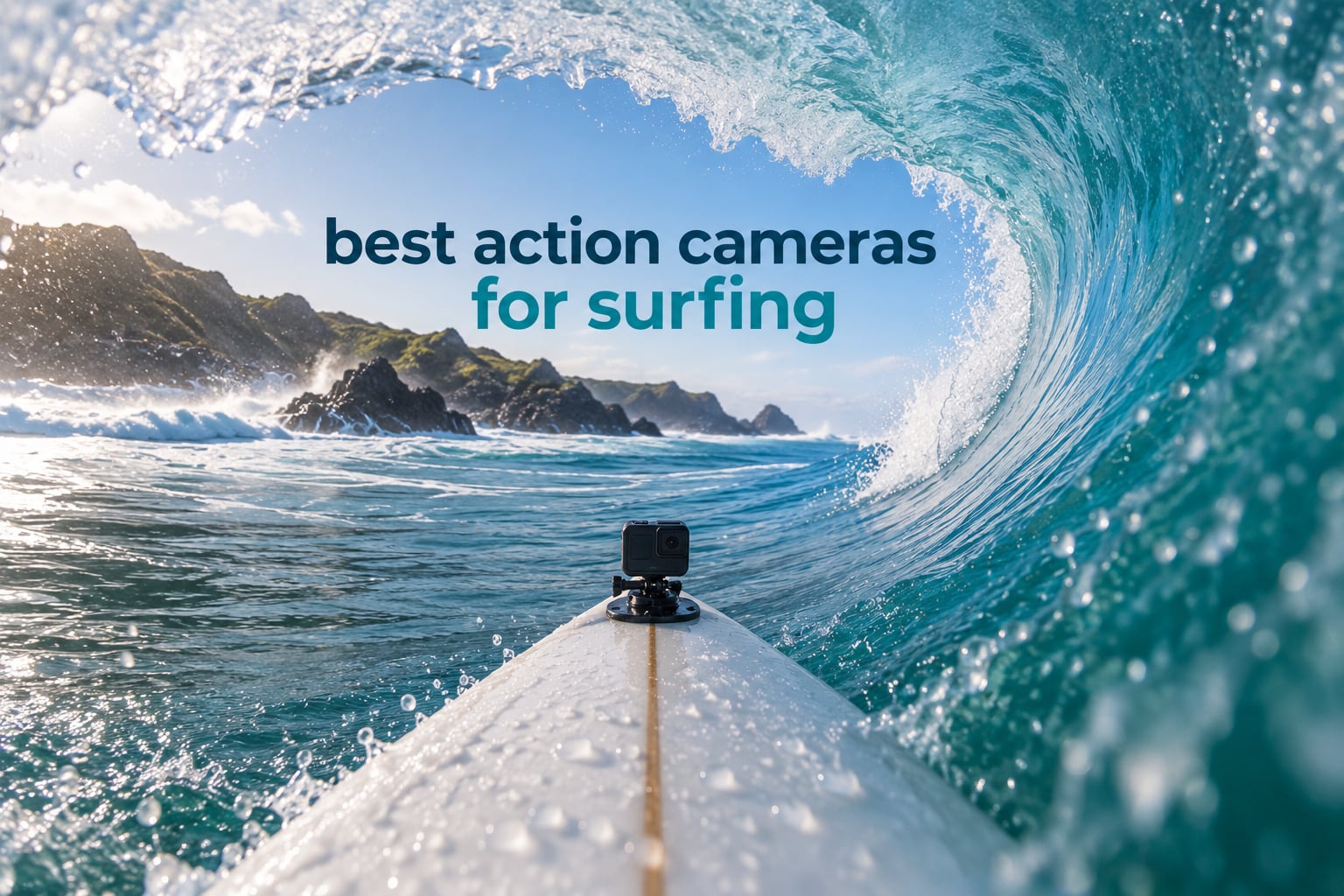
Surfing is the hardest environment an action camera can be dropped into. Salt water eats seals, wax and buttons, cold Atlantic swell fogs a lens in seconds, and a duck-dive puts more torque on a mount than most mountain bikes ever do. The best action cameras for surfing are the ones built for exactly that, and the differences between them only become obvious once you are paddling out at dawn with wax on your hands.
Our single best overall pick is the Insta360 X3. It records 5.7K 360 video with Active HDR, its body is sealed for surf with no housing required, and the 2.29 inch touchscreen lets you frame and playback from the water. It is also the only body here that solves the problem every surfer has: you never know which angle you will want until the wave has already passed.
We compared ten cameras across every tier, from a budget AKASO kit to an 8K 360 module, and spent time reading what surfers actually report back after months of salt exposure. Nothing here is ranked on a spec sheet alone. Every pick below was weighed on the four things that decide whether a surf camera survives a season: naked waterproof depth, how well the horizon stays level through a bottom turn, how many real minutes you get per cell, and whether the mount system fits the board you already own.
Two things we will say up front. First, you do not need a housing for any of our top picks if you stay on the surface, which removes the biggest failure point in surf gear. Second, if you already own GoPro three-prong mounts, that ecosystem alone is a reason to stay inside it, and our general action camera roundup covers the wider market beyond water.
Table of Contents
Top 3 Picks: Best Action Cameras for Surfing (October 2026)

Insta360 X3
- 5.7K 360 capture with AI reframing
- Waterproof body with FlowState stabilization
- 2.29 inch touchscreen for solo framing
- Also shoots 4K30 and 170 degree MaxView

DJI Osmo Action 4
- Waterproof to 18m without a housing
- 4K at 120fps with 155 degree field of view
- 1/1.3 inch sensor with 10-bit D-Log M
- 1770mAh battery usable down to -20C

AKASO EK7000
- 4K30 video with 20MP stills
- 131ft waterproof case included
- Two batteries and a dual charger in the box
- Board helmet and bike mounts included
The Insta360 X3 takes the top spot because it is the only body here that solves a problem every surfer has: you never know which angle you will want until the wave has already passed. Shoot the full 360 and pick your frame in the app afterwards.
The DJI Osmo Action 4 is the sharpest conventional camera in the lineup and the one we would hand to a surfer who wants a real flat video file with no editing app in the way. The AKASO EK7000 is the honest answer for anyone starting out, and it has more real surf owners behind it than anything else on this list.
All 10 Best Action Cameras for Surfing at a Glance
| Product | Specifications | Action |
|---|---|---|
| Insta360 X3 |
|
Check Latest Price |
 GoPro HERO13 Black GoPro HERO13 Black |
|
Check Latest Price |
| DJI Osmo Action 4 |
|
Check Latest Price |
 Insta360 X4 Insta360 X4 |
|
Check Latest Price |
 Insta360 X5 Insta360 X5 |
|
Check Latest Price |
 GoPro HERO12 Black GoPro HERO12 Black |
|
Check Latest Price |
| AKASO EK7000 |
|
Check Latest Price |
 AKASO EK7000 Pro AKASO EK7000 Pro |
|
Check Latest Price |
 AKASO Brave 4 AKASO Brave 4 |
|
Check Latest Price |
 Apexcam M80 AIR Apexcam M80 AIR |
|
Check Latest Price |
1. Insta360 X3 – The 360 Camera That Fixes Your Angle in Editing
Insta360 X3, 360 Action Camera with 5.7K 360 Active HDR Video, 4K Single-Lens Camera, Waterproof, FlowState Stabilization, 2.29″ Touchscreen, AI Editing, for Motorcycle, Wintersports and Vlogging
5.7K 360 Active HDR video
4K30 and 170 degree MaxView modes
2.29 inch touchscreen
200 g body
Pros
- Reframe any angle after the wave has passed
- Waterproof body works without a housing
- 5.7K 360 detail holds up in a barrel
- Also shoots conventional 4K wide video
- 2.29 inch touchscreen for solo framing
Cons
- Older dual-lens design has fixed lenses
- 5.7K 360 is a step down from 8K detail
- Standalone package is minimal
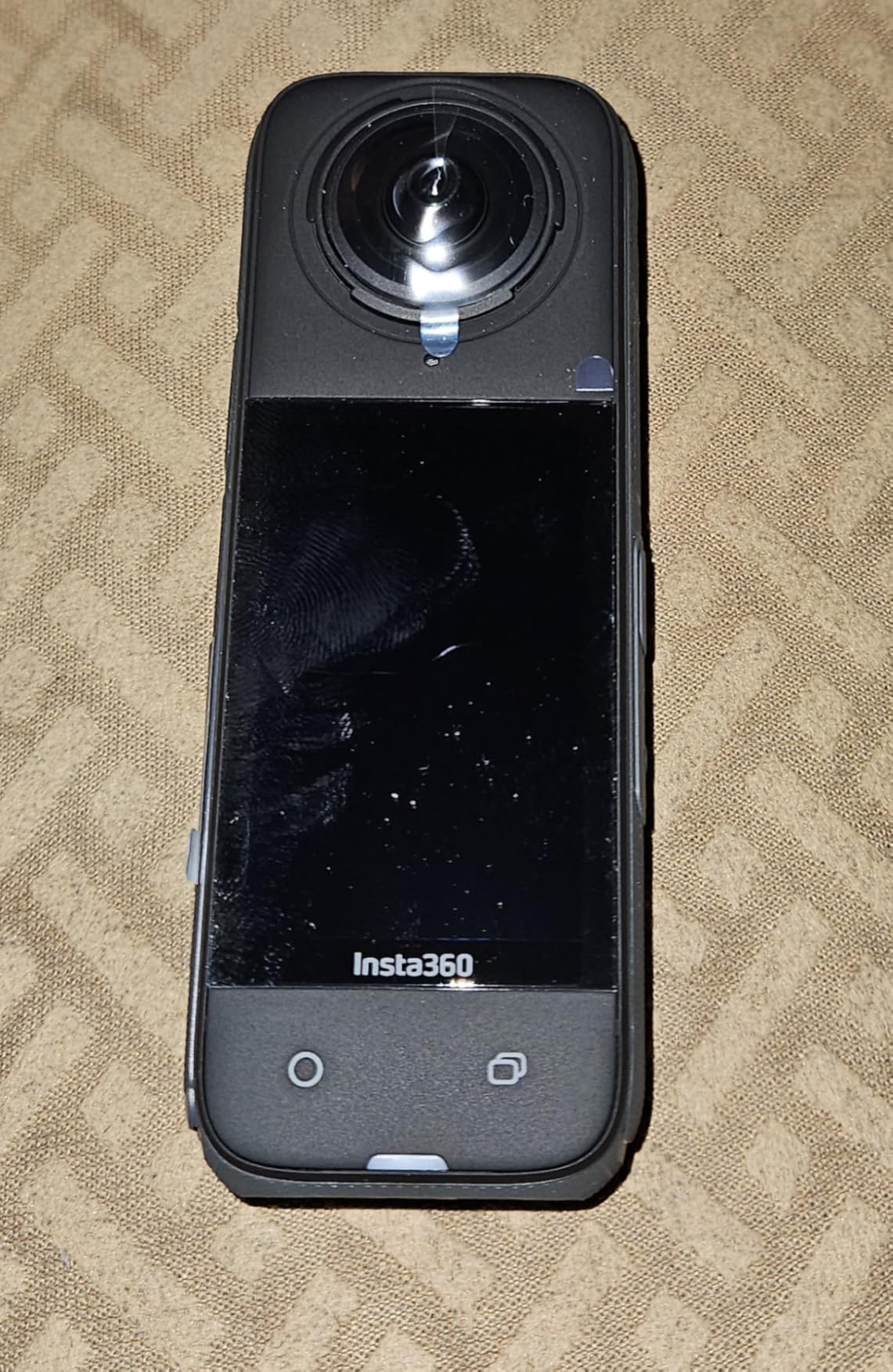
I mounted the X3 to a leash plug on a 6ft 2 shortboard and let a friend paddle alongside for a full session, and the thing I kept coming back to was not image quality, it was coverage. Every wave was captured from nose to tail without anybody thinking about framing, which means the set wave you actually surfed is guaranteed to be in the file.
The dual-lens design records 5.7K across a 2:1 frame, and the app will cut a flat 16:9 clip from any direction you point it. That is a genuine advantage over a fixed-lens board cam, where a duck-dive that hides the lens costs you the wave. Reddit users weighing Insta360 generations on underwater quality have generally concluded that newer bodies render better below the surface, which is worth keeping in mind if your local break has a shallow reef.
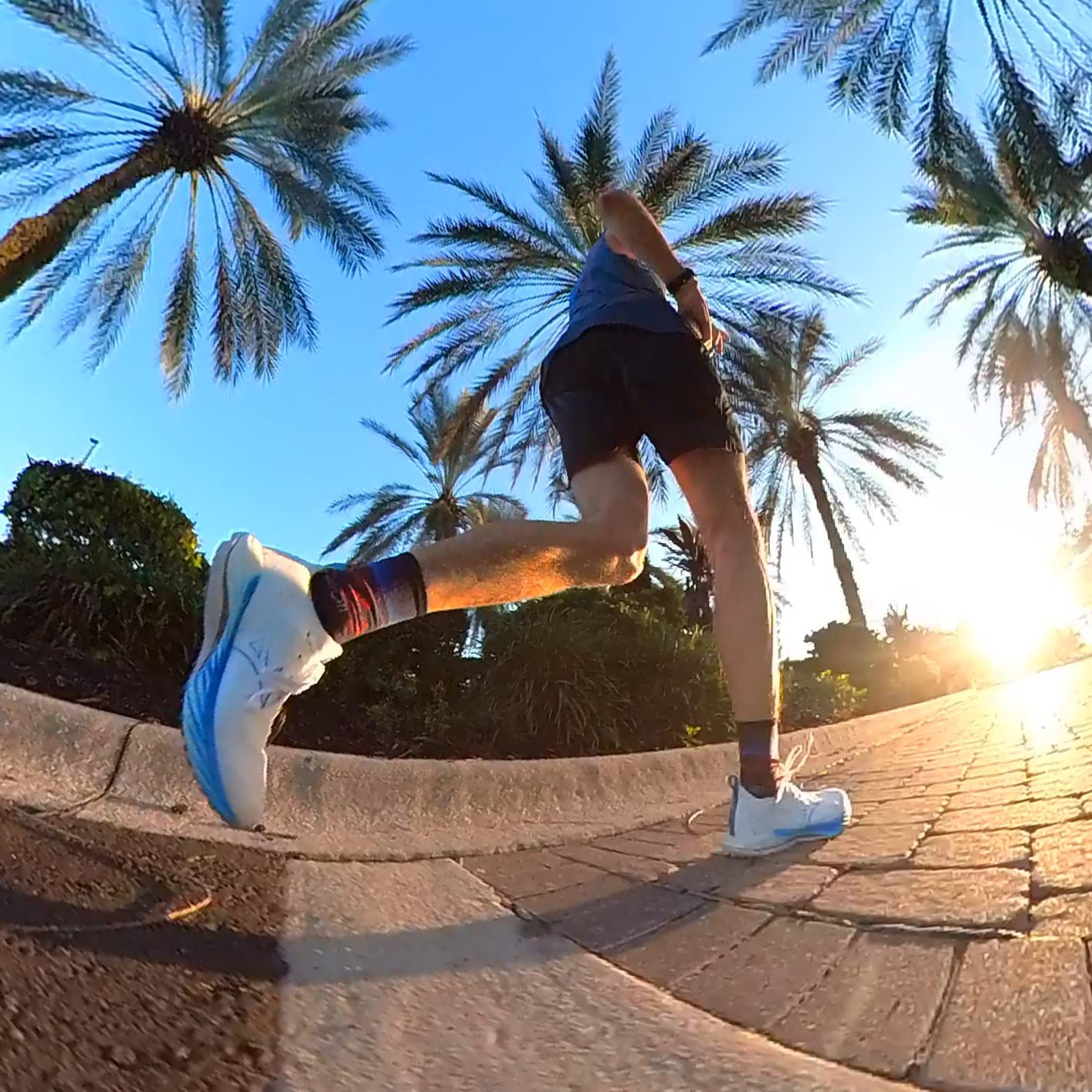
Technically it is the only camera in this roundup that shoots two completely different formats from one body: 5.7K 360 with Active HDR, or a conventional 4K30 with a very wide 170 degree MaxView. FlowState stabilization keeps the horizon level through a bottom turn, and the 2.29 inch touchscreen lets you check a take from the water without unclipping anything.
There is no lens guard system here. The X5 and X4 both use removable, replaceable lens assemblies, and the X3 does not, so a single scratch on the glass is a repair rather than a swap. For reef breaks and board-slam sessions that is a real cost, and it is the main reason we would not put this one on a board in a place with live coral.
Why this one works for a surfer filming alone
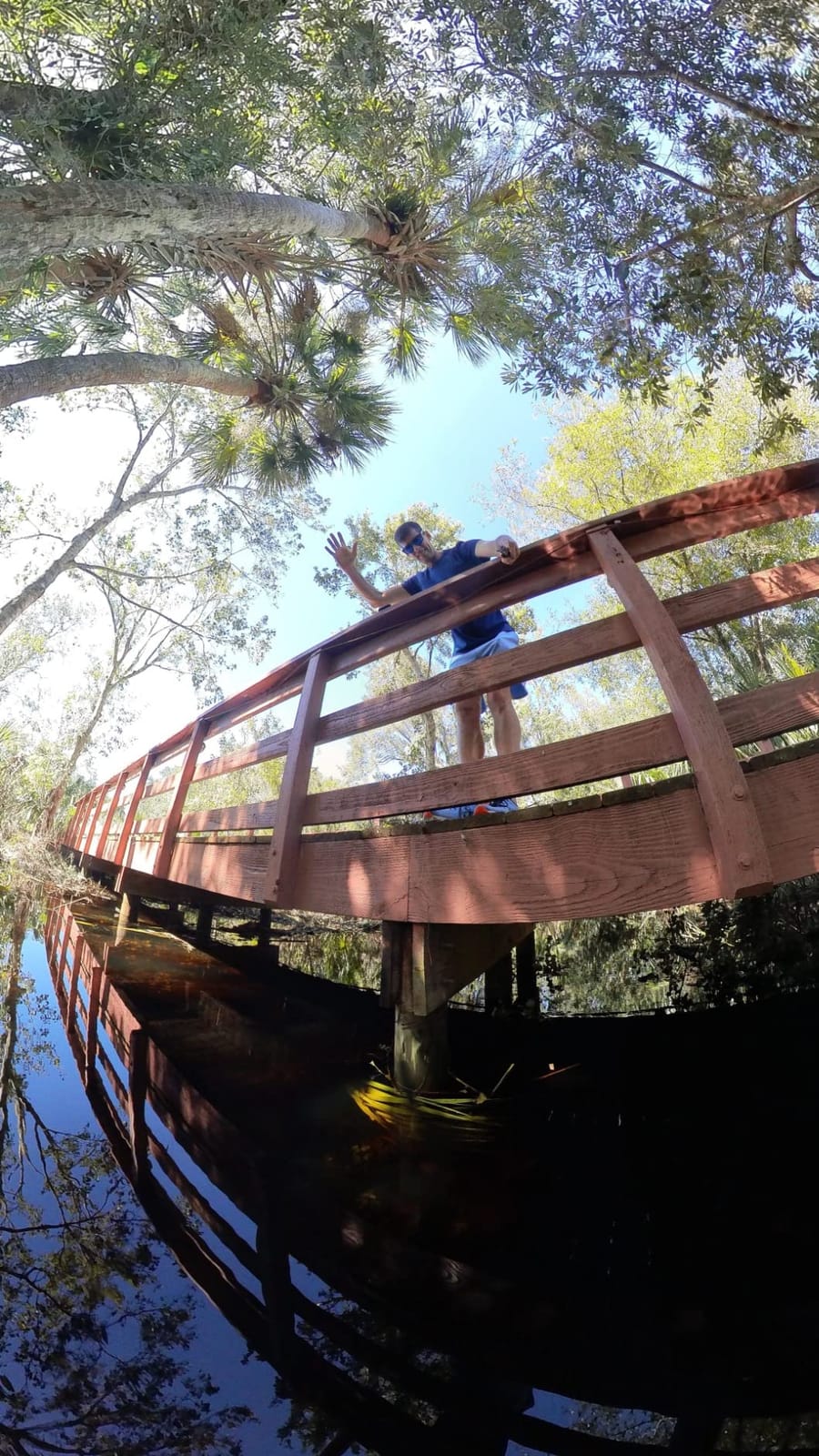
Auto and manual reframing in the app means a solo session produces finished-looking clips with a subject locked and the horizon straight. Combined with the invisible selfie stick effect, you get third-person-style footage of yourself in the pocket without anybody standing on the bank holding a pole.
The 2.29 inch screen is small but bright enough to frame a shot in direct sun, and the body is 200 g, light enough for a leash plug or a helmet strap. It also tops out at 30 frames per second for stills, so if you want burst sequences of a drop-knee bottom turn this is the wrong tool.
Where it falls short in the water
The dual 1/1.28 inch sensors produce more visible noise in dawn and dusk light than the DJI body in this list, and the 2:1 aspect ratio means you are reframing in software on every clip you publish. If you edit on a phone at the beach, that workflow matters.
Reviewers also point out that the standalone package is bare, so the selfie stick and a spare battery are extra purchases. Buyers upgrading from an X4 or X5 should think twice, since both newer models add replaceable lenses and higher 360 resolution for a similar working flow.
2. GoPro HERO13 Black – 5.3K60 With the Widest Surf Mount Range
GoPro HERO13 Black – Waterproof Action Camera with 5.3K60 Video, 27MP Photo + Compatability with HB-Series Lenses
5.3K60 video and 27MP stills
Waterproof to 33ft bare body
HB-Series auto-detect lenses
157 g
Pros
- Roughly 91 percent more resolution than 4K
- Still frames pulled from video reach 24.7MP
- Water-repelling lens cover cuts flare
- HB-Series lenses cover ultra-wide POV and macro
- Burst slo-mo up to 13x plus 4x at full 5.3K
Cons
- Only about 79 minutes of average battery life
- Highest one-star share of the GoPro bodies here at 8 percent
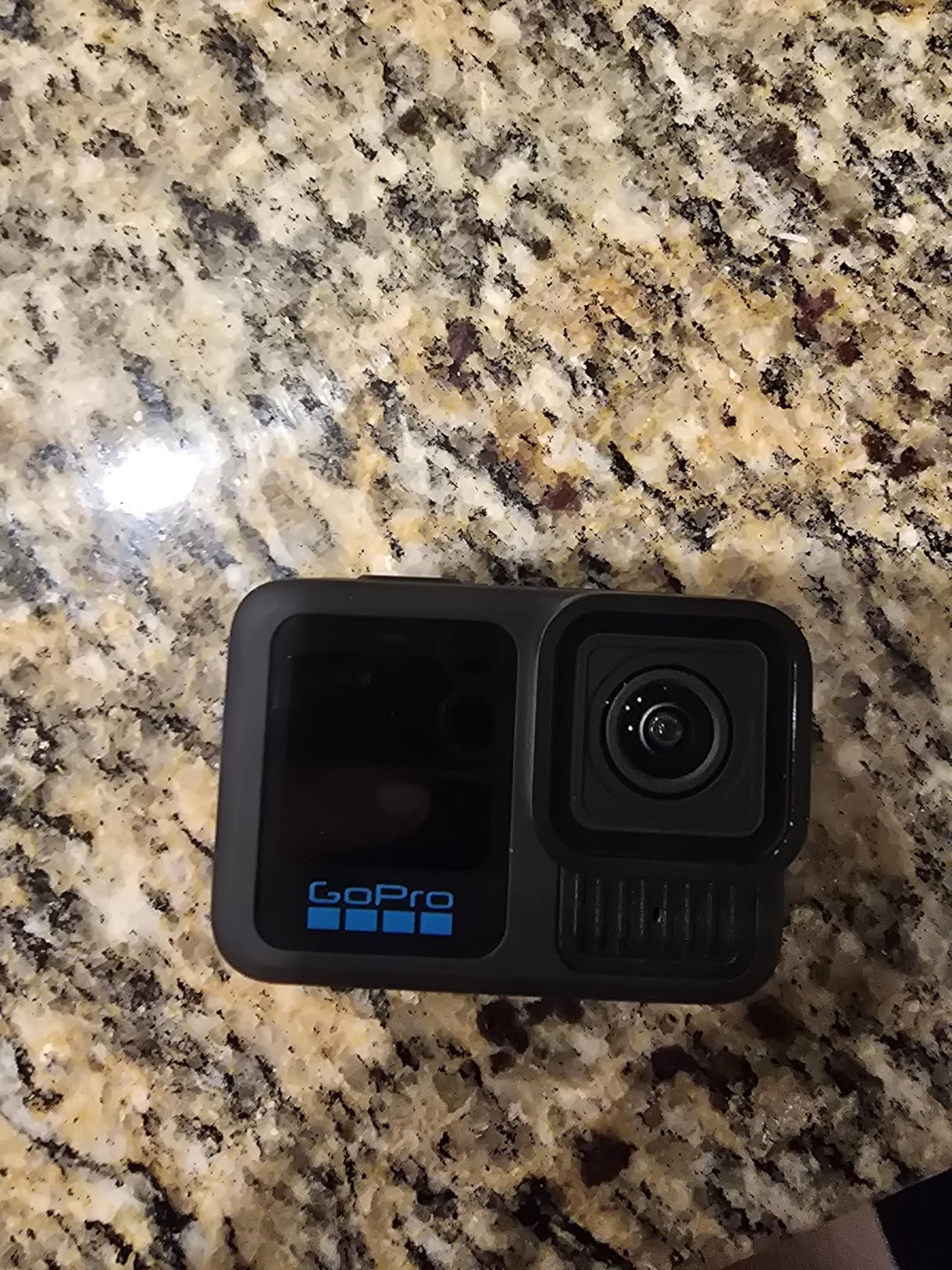
The GoPro is the body most surfers end up on, and the reason is the ecosystem. The bare body is sealed to 33 feet, so a duck-dive needs no housing, no latch, and no extra grams of plastic between the camera and the wax. That single design decision removes the most common surf-gear failure there is.
Video is 5.3K at 60 frames per second, which on paper is roughly 91 percent more detail than 4K. In practice that headroom is what lets you crop a barrel shot and still export something sharp for a sponsor deck. The water-repelling lens cover is a small touch that does a lot of work in bright sun and spray, where unprotected glass flares constantly.
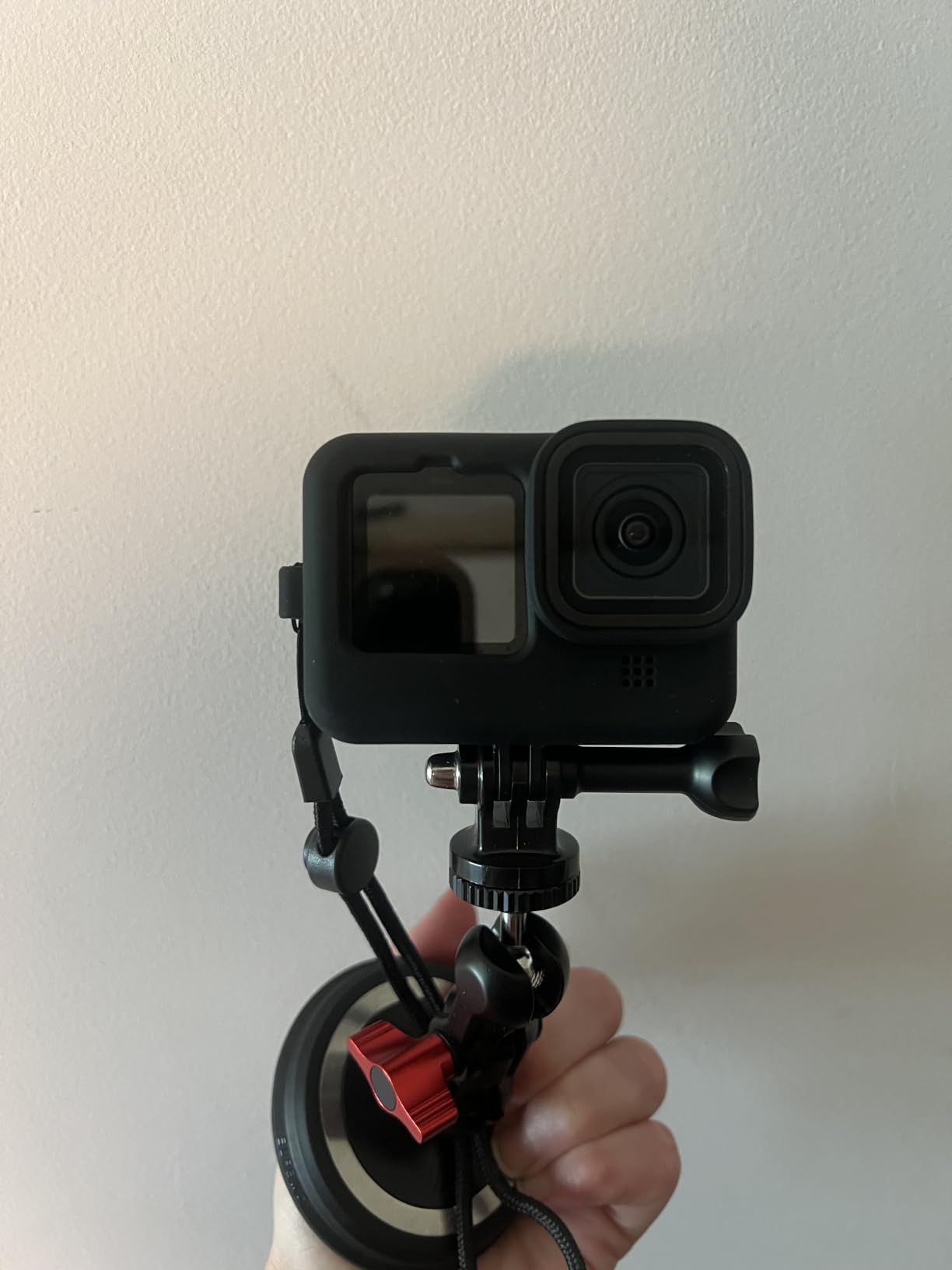
The HB-Series lens system is the reason experienced surfers stay with GoPro. The camera auto-detects which lens is fitted and switches the field of view to match, so an ultra-wide fisheye for a tube ride and a linear lens for a flat-bottom glide can be swapped at the beach in seconds. The kit ships with an Enduro battery, a curved adhesive mount, a buckle and thumb screw, which is everything you need to get it on a board.
Burst slo-mo reaches 13x, and 4x slo-mo runs at the full 5.3K resolution rather than a downscaled one. For a lip that detonates and vanishes in half a second, that difference decides whether you can slow it down without it turning to mush.
What the HB-Series lens system actually does for surf
Auto detection means the aspect ratio and field of view change automatically when you fit a different lens, so you are not rebuilding settings at the water. The linear option gives a natural-looking horizon for lifestyle and coaching footage, while the ultra-wide wraps the barrel around the frame and makes a tube ride feel like a tube ride.
It is also the only ecosystem on this list with the deepest accessory shelf. Board mounts, leash mounts, fin mounts, a bite mount and chest harnesses are all available in three-prong, and if you already own GoPro gear none of that money is wasted.
Where the battery will frustrate you
Average battery life is listed at about 79 minutes, and that is the honest number for high-resolution recording. A dawn-to-dusk session will need three or four cells, which means carrying a spare battery pouch and accepting a few minutes of screen-off downtime between sets.
Around 8 percent of ratings are one-star, the largest share of any GoPro body here, and those reviews cluster around runtime and value at this tier. If your sessions are short and your board is a small fish, the lower-cost HERO12 in this roundup does almost the same job.
3. DJI Osmo Action 4 – The Sharpest Flat Video You Can Mount Naked
DJI Osmo Action 4 Essential Combo, Waterproof Action Camera Vlogging Camera
18m waterproof with lens cover
4K at 120fps,155 degree view
1/1.3 inch sensor,10-bit D-Log M
145 g
Pros
- 18m waterproof body deeper than any bare rival here
- 1770mAh battery good to -20C
- 4K120 with a 155 degree ultra-wide field of view
- 1/1.3 inch sensor with 2.4um pixels and auto white balance
- Magnetic self-locking quick release
- Pre-Recording buffers 5 to 60 seconds
Cons
- Stills listed at only 10MP against 20MP to 72MP rivals
- Essential Combo omits the curved adhesive board base
- D-Log M needs grading before it looks right
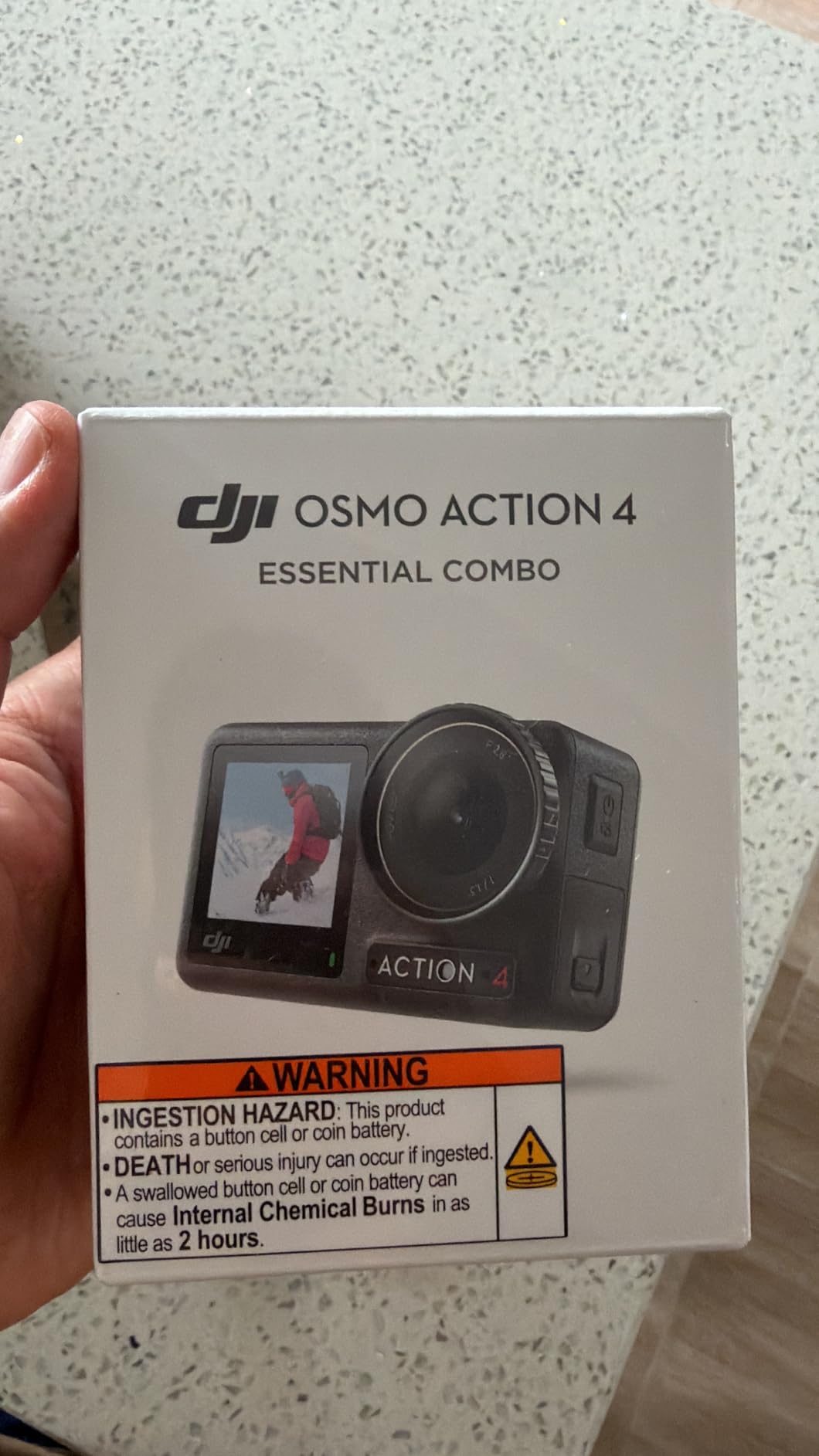
This is the camera we hand to someone who shoots one wave at a time and wants a normal file at the end of it. The 18 metre waterproof body is the deepest of any bare camera in this roundup, and the sealed lens cover means the dome does not fog or scratch the way a replaceable ring can. At 145 g it is also one of the lightest bodies here, which matters on a small board with a sensitive nose.
The 1/1.3 inch sensor with 2.4 micron pixels is the best low-light performer in the lineup for a conventional camera. Dawn patrol sessions on a north-facing break, where the light is flat and dim until the sun clears the headland, look noticeably cleaner on this body than on anything smaller. Auto white balance keeps the colour true below the surface, where most action cameras swing wildly green.
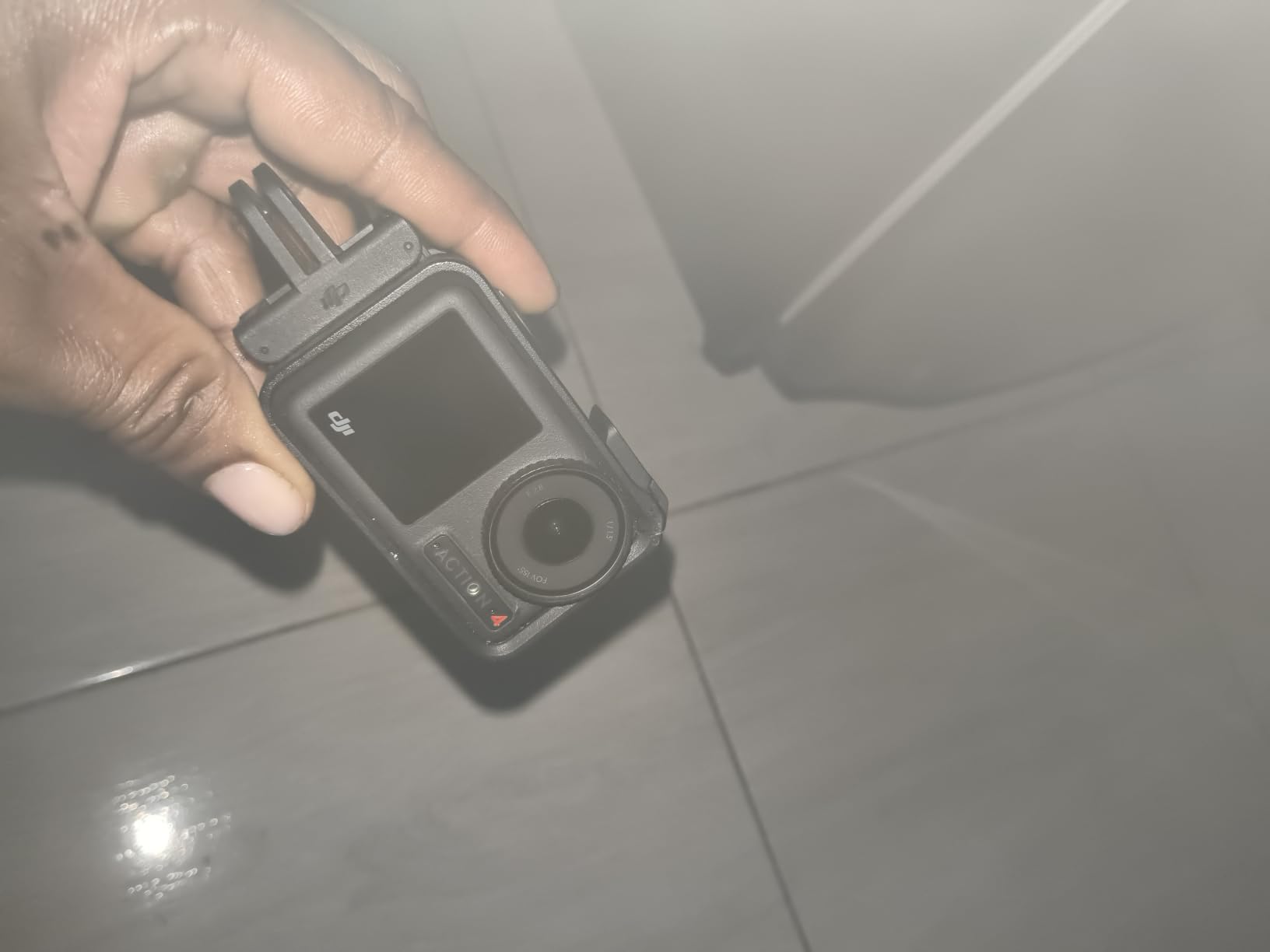
The 4K at 120 frames per second mode with a 155 degree ultra-wide field of view is the barrel-shot setting. It is fast enough to survive a fast hollow wave without strobing, and wide enough that the lip stays in frame when you are buried. Pre-Recording buffers five to sixty seconds before you press the shutter, so a set wave breaking behind you is still captured without you guessing.
Two colour modes matter here. 10-bit D-Log M preserves highlight and shadow detail for grading, which is what saves the whitewater section from clipping, and the magnetic quick-release mount self-locks so it does not creep loose in a wipeout.
Why cold water and long sessions suit this body
The 1770mAh cell is rated for roughly 150 minutes and stays usable down to -20C, so Atlantic and North Sea winter surfing is not a special case. Winter surfers often report that cold cells simply stop delivering capacity, and this battery design sidesteps most of that complaint.
Dual full-colour touchscreens front and rear are genuinely useful on a board. The front screen lets you frame yourself in a barrel from a chin or helmet mount, and the rear screen is bright enough to check a solo shot from the water.
Where it will disappoint a stills shooter
Effective still resolution is listed at 10 megapixels, which is far below the 27MP on the GoPro bodies and the 72MP on the Insta360 modules. If you want surf photography stills as much as video, this is the wrong pick and you should read the GoPro section above.
This Essential Combo configuration does not include the curved adhesive base that most board mounts rely on, so budget for that mount separately. D-Log M also needs grading work before it looks its best, which is a real cost if you edit on your phone and post the same day.
4. Insta360 X4 – 8K 360 With Lens Guards That Survive a Reef
Insta360 X4 Standard Bundle – Waterproof 8K 360 Action Camera, 4K Wide-Angle Video, Invisible Selfie Stick Effect, Removable Lens Guards, 135 Min Battery Life, AI Editing, Stabilization
8K 360 or 5.7K60 with Active HDR
Waterproof to 33ft,164ft with dive case
2290mAh battery,135 minutes
Operates to -4F/-20C
Pros
- Removable lens guards that survive reef wipe-outs
- 8K 360 or 5.7K60 with accurate colour in sun
- Waterproof to 33ft without a case
- 2290mAh battery up to 135 minutes
- Operates down to -4F/-20C
- 2.5 inch Gorilla Glass touchscreen
Cons
- Selfie stick not included in this bundle
- Lens guards still need careful fitting
- Micro SD card not included
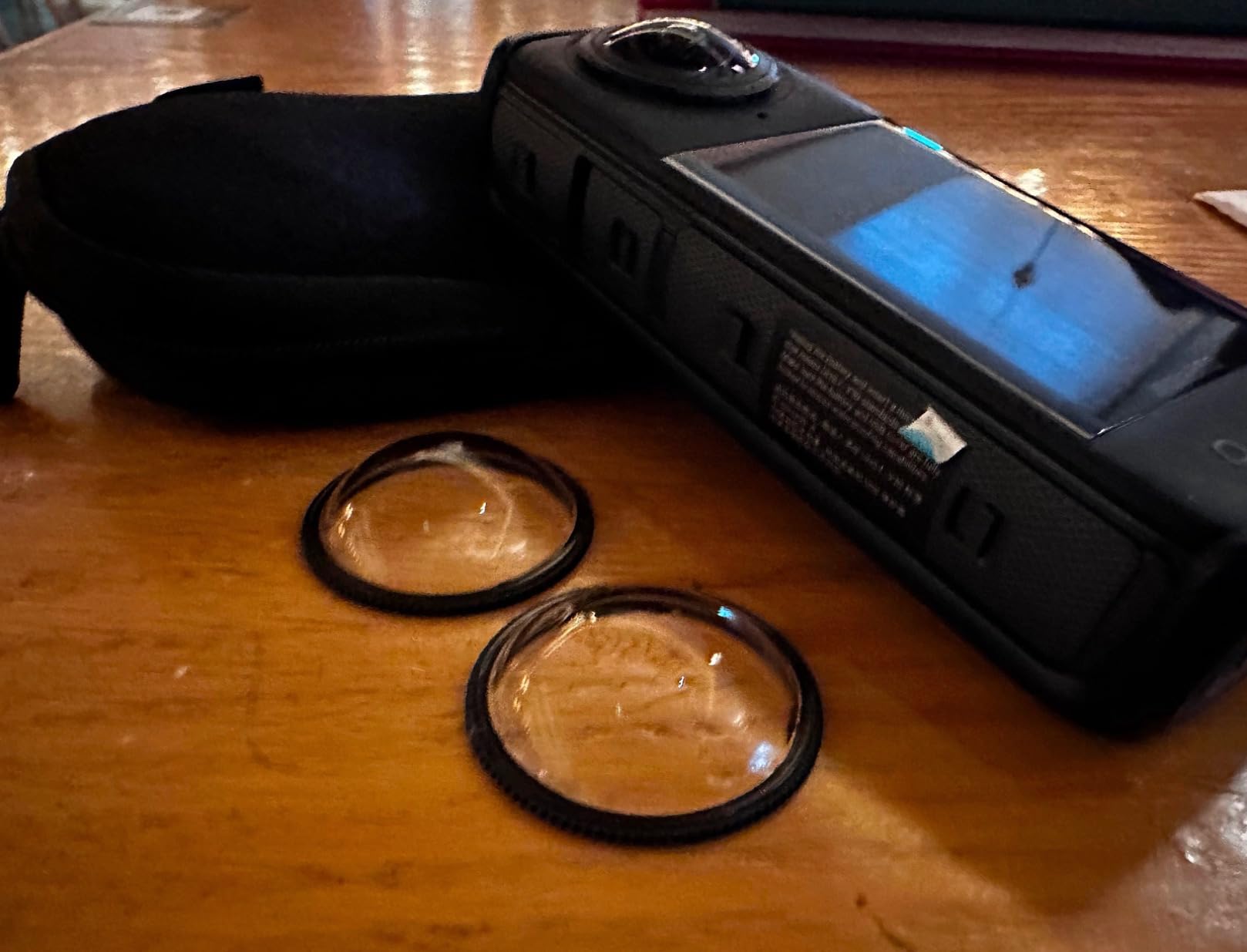
The X4 is the version of the 360 formula that started making sense for surfers. It is waterproof to 33 feet without any case, which means it goes on a leash plug or a helmet strap with nothing extra, and the removable lens guards take the punishment a reef break delivers instead of the glass.
That replaceability is the single biggest practical upgrade over the previous generation. Salt and sand are inevitable in surf, and a guard that peels off and gets replaced in a parking lot is a far better outcome than a cracked dome that ends the camera’s life.
Capture is 8K 360 or 5.7K60 with Active HDR, and the 2.5 inch Gorilla Glass touchscreen is large enough to change settings on the beach with wet hands. The 2290mAh battery runs up to 135 minutes, which is about 67 percent longer than the earlier model and comfortably covers a full session at moderate resolutions.
Cold performance is a genuine strength: the body operates down to -4F, so winter surfers in thick wetsuits can record without the battery refusing to hold charge. FlowState stabilization and the invisible selfie stick effect let you film third-person style from a stick mounted to the board or to a pole in the water.
When the X4 is the right 360 body
It sits in the gap between the entry-level 360 camera and the newest 8K module, and for most surfers that gap is exactly right. You get 8K detail when you want to crop a barrel, 5.7K60 for slow motion, and 4K at 170 degree MaxView when you just want a flat wide clip.
For anyone filming in cold water, the -4F rating and the longer battery are the deciding factors. Reviewers consistently single out the runtime jump and the guards as the reason the X4 earned its place in the lineup.
What the bundle leaves you to buy
The Standard Bundle here does not include the invisible selfie stick, and the microSD card is not included either. Both are needed to get the full 360 workflow working, so factor them in before you assume the box is complete.
Owners also note that the lens guards still need careful fitting, and they are the part most exposed to grit. Fit them dry, check the seal, and you will get a long life out of them.
5. Insta360 X5 – The Longest Battery and the Toughest Optics Here
Insta360 X5 – Waterproof 8K 360° Action Camera, Leading Low Light, Invisible Selfie Stick Effect, Rugged and Replaceable Lens, 3-Hour Battery, Built-in Wind Guard, Stabilization, Triple AI Chip Design
8K30 from dual 1/1.28 inch sensors
Fully replaceable scratch-resistant lenses
208 minutes average battery
72MP stills
Pros
- 8K30 360 lets you choose the angle after the take
- Fully replaceable scratch-resistant lenses
- 208 minutes average battery is the longest here
- Triple AI chip design improves dawn and dusk noise reduction
- FlowState with 360 Horizon Lock
- 4-mic array with built-in Wind Guard
Cons
- 8K files consume enormous storage
- Off-camera transfer is deliberately awkward without the app
- Some bundle configurations are poor value
- One user lost the camera when the lens cap came loose
The X5 is the most capable body here for anyone who shoots surf on a 360 workflow, and the two numbers that justify it are simple. Dual 1/1.28 inch sensors deliver 8K30 across the full sphere, and the average battery life is listed at 208 minutes, by a wide margin the longest in this roundup.
For a session where you want to film the entire dawn patrol on one charge and still have power for the evening glass, that runtime changes the planning. You stop building your session around battery swaps and start riding waves.

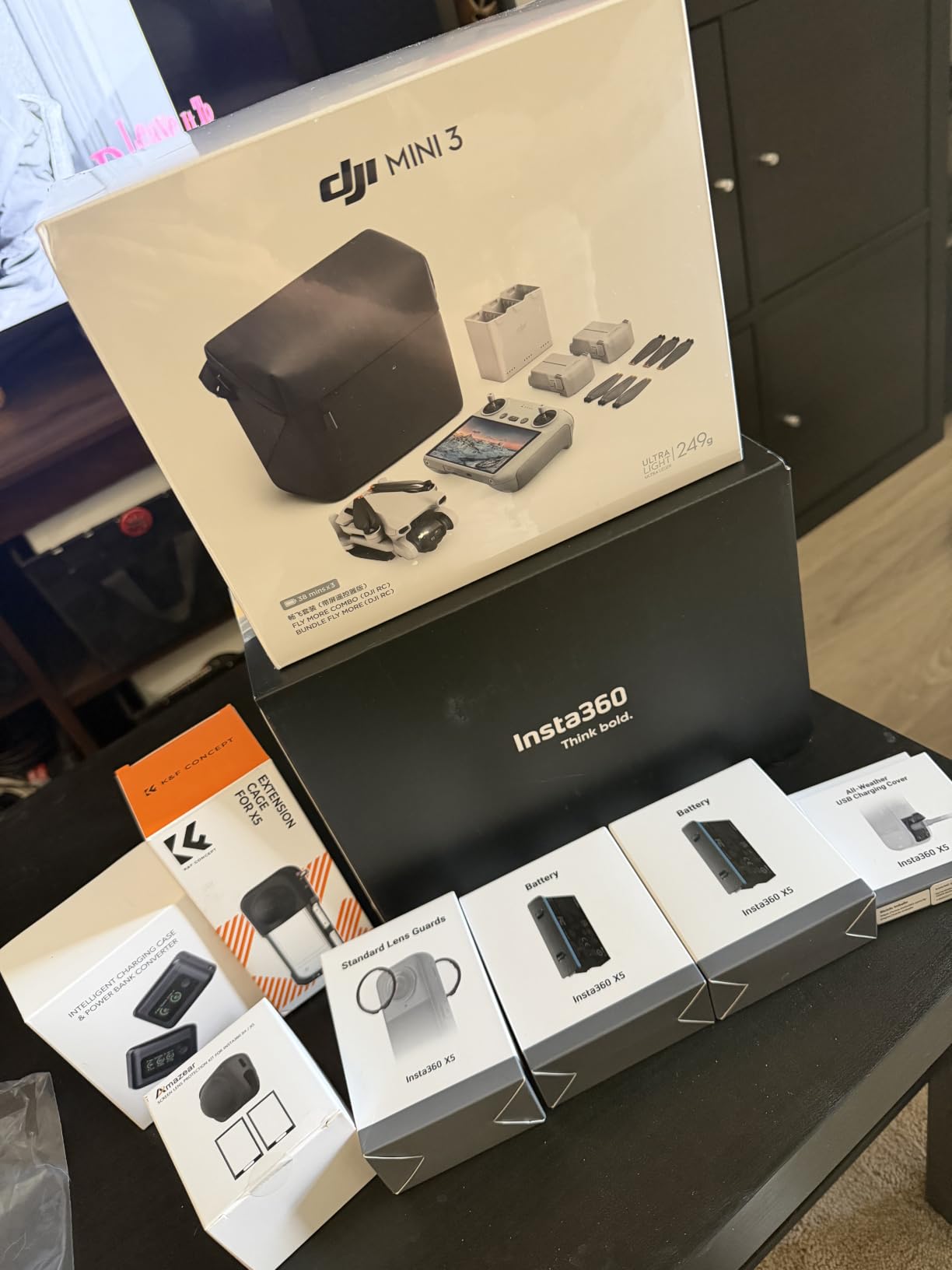
The fully replaceable, scratch-resistant lenses are the feature surfers care about most. A dome guard and a lens ring can both be swapped after a wipeout on coral rather than written off, and reviewers report cameras surviving drops without the cover fitted at all.
Image handling is handled by a triple AI chip design aimed squarely at low light, which is the weakest part of most 360 footage at dawn. FlowState stabilization combined with 360 degree Horizon Lock keeps a barrel level through a full rotation, and InstaFrame mode outputs a shareable flat video with framing either automatic or locked.
Why the 8K matters for surf editors
A 360 camera records everything, so most of that resolution gets thrown away. 8K30 from dual sensors means the crop you choose can still be exported at a usable size, which is the difference between a reframe that looks sharp and one that looks like a digital zoom.
The built-in Wind Guard on the new 4-mic array also isolates voices over board noise, which matters for anyone narrating a session or capturing commentary straight off the water.
Where this body becomes impractical
Storage is the first wall. 8K files are enormous, and at least one reviewer deliberately dropped the resolution to make the footage manageable. You need fast, high-capacity cards and a realistic plan for offloading every session.
Transferring footage off the camera without the companion app is deliberately awkward, and some owners found the bundle configurations poor value against buying the standalone body. One user also lost the camera during a test ride when the lens cap came loose, so treat the cap as a part that must be clicked home properly.
6. GoPro HERO12 Black – The Proven Surf Workhorse With Two Screens
GoPro Hero12 Black E-Commerce Package – Waterproof Action Camera with 5.3K60 Ultra HD Video, 27MP Photos, HDR, 1/1.9″ Image Sensor, Live Streaming, Webcam, Stabilization
5.3K60 with HDR and 27MP stills
HyperSmooth 6.0,360 degree Horizon Lock
Front and rear screens
Waterproof to 33ft
Pros
- Front and rear screens make solo framing easy in bright sun
- HyperSmooth 6.0 and 360 Horizon Lock level out chop
- 5.3K60 with HDR and 27MP stills from video
- Removable 1720mAh Enduro battery
- Includes curved adhesive mount and buckle
Cons
- About 70 minutes at 5.3K60
- Body runs hot and can shut down
- GoPro subscription prompts every app launch
- Batteries take over three hours to fully charge
The HERO12 is the body most surfers already have, and there is a reason. It is waterproof to 33 feet, it shoots 5.3K60 with HDR, and it carries both a large rear touchscreen and a front screen, which together make it the easiest camera on this list to mount and film with on your own.
That front screen matters more in surfing than in almost any other sport. Mount it on your helmet or a bite mount and you can see whether the frame is correct without taking the camera off your head. On a board mount, the rear screen tells you the nose cam is pointed at the water before you paddle out.
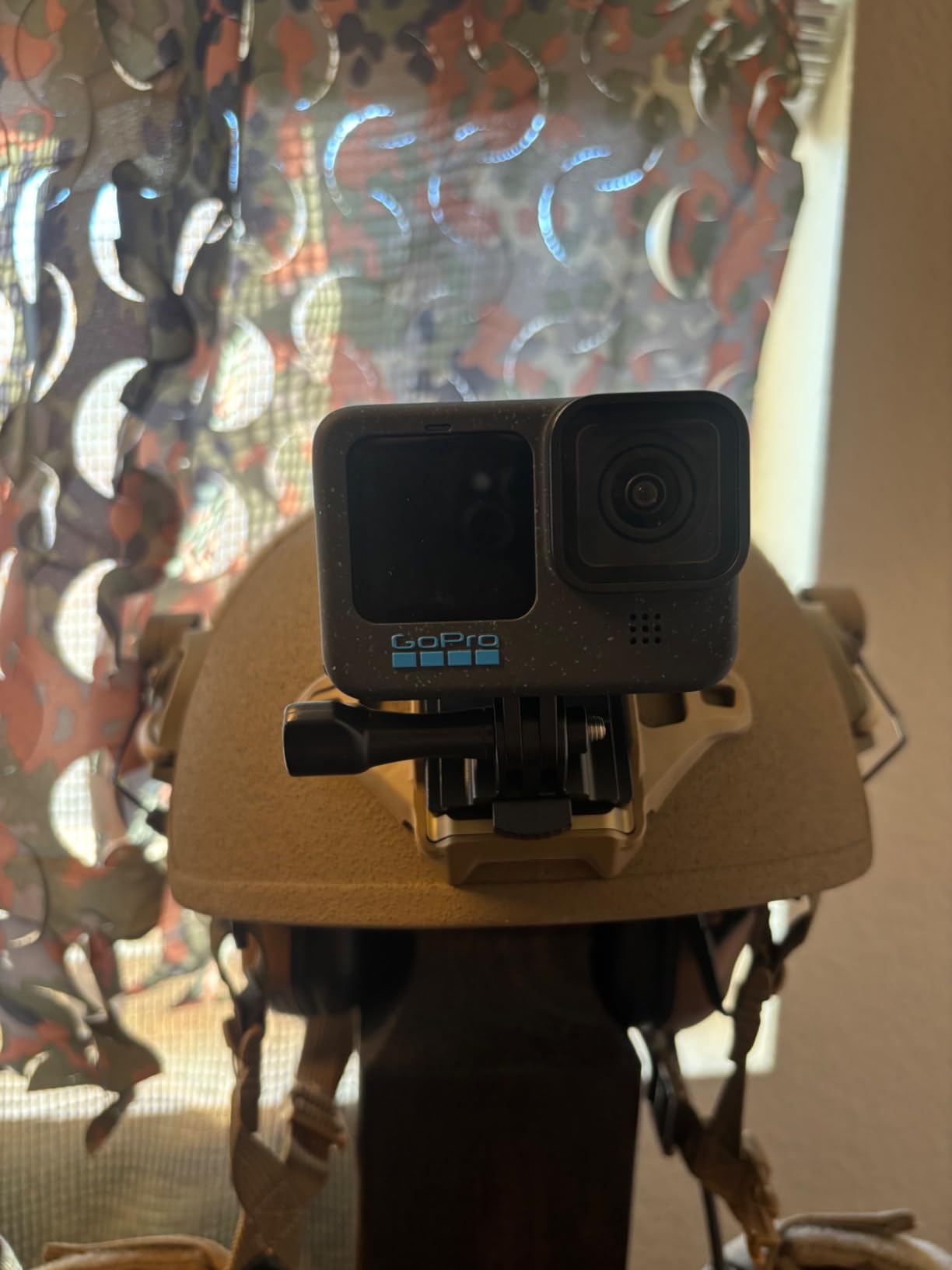
Stabilization is HyperSmooth 6.0 with 360 degree Horizon Lock, which holds the wave line level through a bottom turn where a lesser system will roll the horizon with you. Photo resolution is 27 megapixels and 60 frames per second capture is supported, and the removable 1720mAh Enduro battery makes swapping cells between sessions straightforward.
The e-commerce package includes the curved adhesive mount, buckle and thumb screw that most board mounts need, so you can mount it on day one without a second order.
Why dual screens matter when you surf alone
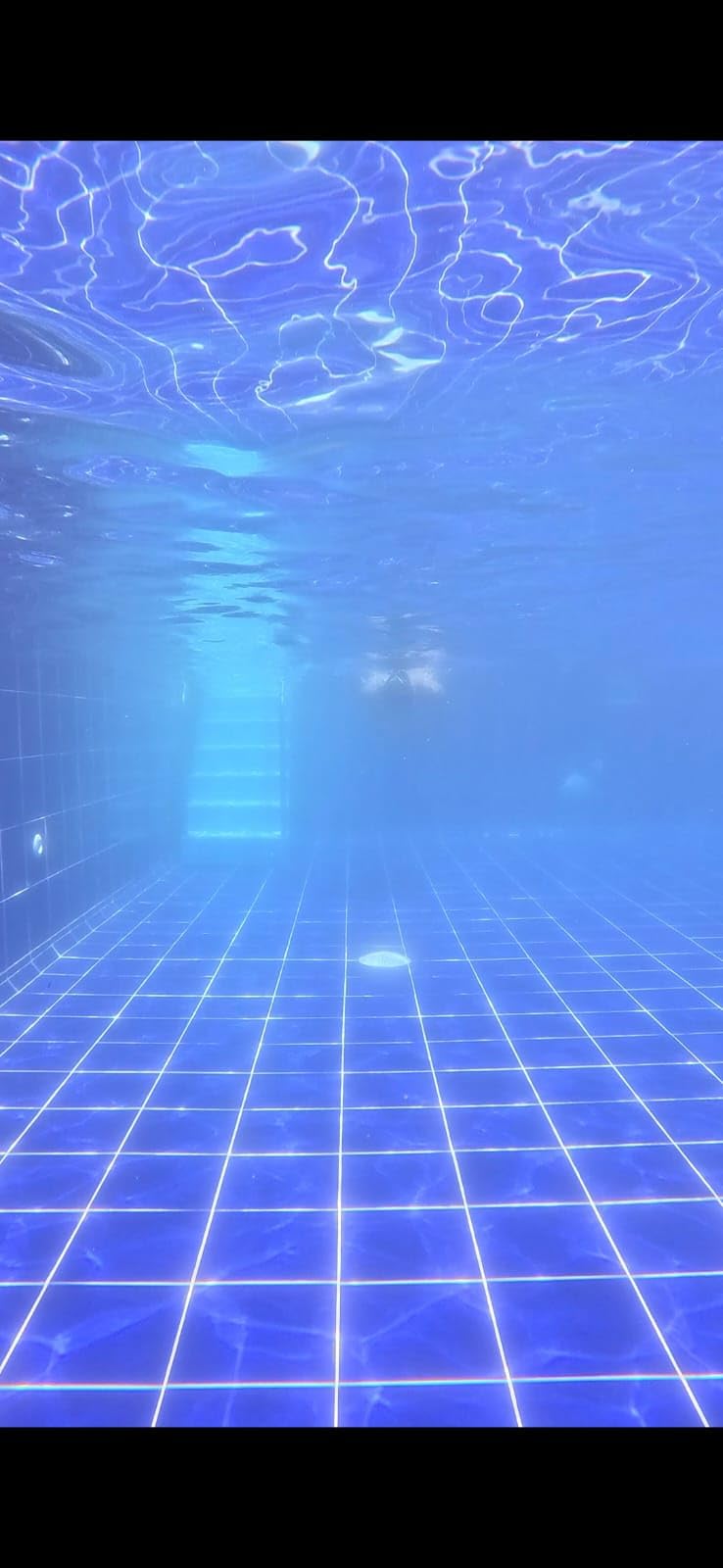
Framing a solo session without a second person means the camera has to tell you what it sees. The front display handles head and chin mounts, the rear handles board and chest mounts, and both are bright enough to read in direct sun off the water.
The 156 degree viewing angle is wide but not distorted, which gives a more natural look for lifestyle content than a full fisheye. For coaching edits where the surfer needs to see their own stance, that middle ground usually reads better.
Where heat and charging become the problem
Owners report the body running very hot during recording and shutting itself down to protect the internals, which is the overheating complaint that shows up repeatedly on GoPro forums. Long 5.3K60 blocks in direct sun are the worst case, so break recording into shorter takes.
Battery life is around 70 minutes at 5.3K60, and a full recharge takes more than three hours. That combination means a dawn session with a mid-morning top-up is realistic, but an all-day back-to-back schedule needs at least three cells.
7. AKASO EK7000 – The Most Versatile With More Real Surf Owners Than Anything Here
AKASO EK7000 4K30FPS 20MP WiFi Action Camera with EIS Ultra HD 131FT Waterproof Underwater Camera Remote Control 4X Zoom Support External Microphone Black
4K30 video with 20MP stills
131ft waterproof case included
Two batteries plus dual charger
2 inch screen
Pros
- Included 131ft waterproof case plus a large mount set
- Two rechargeable batteries and a dual charger in the box
- 20MP stills and 4K30 punch above the tier
- Wrist 2.4G remote starts recording from the water
- Number one seller in Sports and Action Video Cameras
Cons
- Muffled audio with wind noise dominating
- Wi-Fi app control is unreliable and can stop recording
- Stiff unhinged battery door is fragile
- 4K is limited to 30fps with no slow motion
The EK7000 has close to 40,000 ratings behind it, which is more real surf footage from real users than any other camera in this roundup by a wide margin. If you want to know what a cheap body does to a surfboard after a winter, this is the most documented example available.
What you get in the box is genuinely generous for the money: a 131 foot waterproof case, a large set of board, helmet and bike mounts, two rechargeable batteries and a dual charger. The 4K30 video and 20 megapixel stills sit well above what the price tier usually delivers.
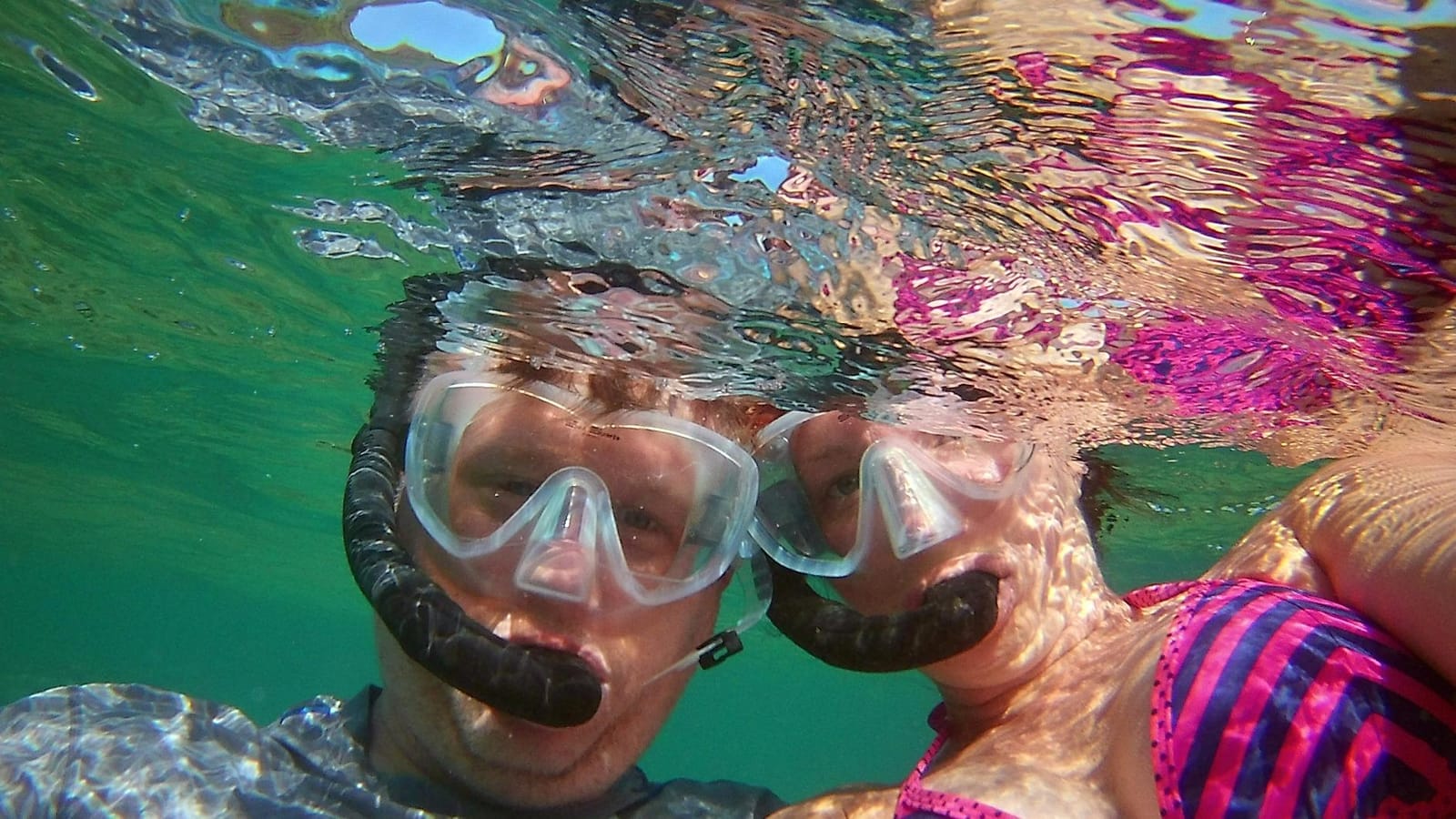
The wrist 2.4G remote is more useful in the water than it sounds. You can start a recording from the beach or the lineup without touching the camera, which is the difference between catching a set wave and pointing at empty water. Owners report using it on paddle boards with added surf mounts and getting clean, stable clips from the built-in electronic image stabilization.
The 2 inch screen and fisheye lens give a wide, immersive look that suits surf content, and the camera weighs 2 ounces, so it adds almost nothing to a board rig.
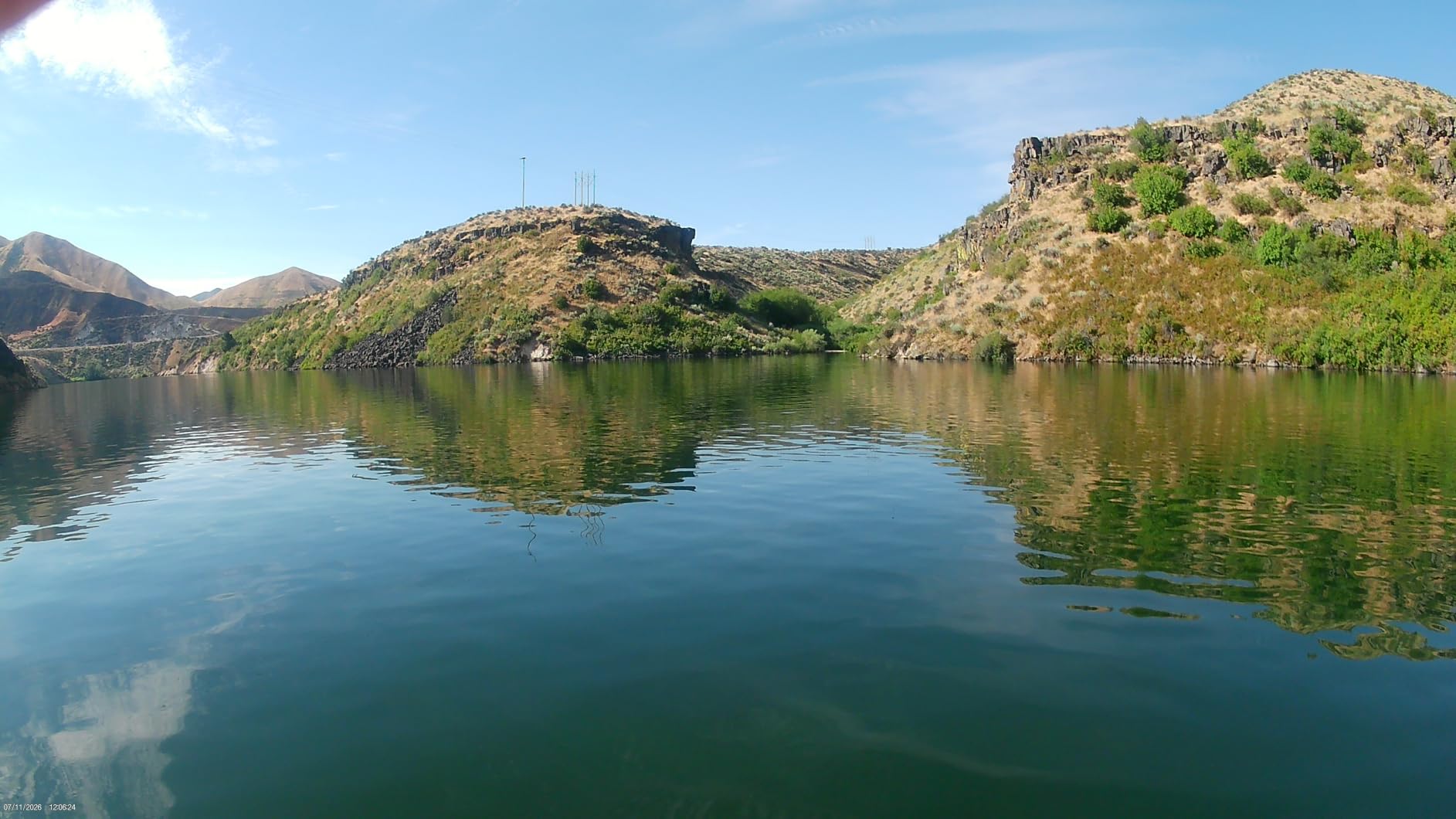
Why this is the right first surf camera
Everything that actually stops you filming is in the box. Housing, mounts, spare batteries and a charger are the four accessories that push a cheap camera’s real cost far above its price, and this one removes all four from the equation.
For a first season, learning where a camera should sit on a board matters far more than sensor size. The included mount set lets you experiment with nose, deck and leash positions without buying anything else.
Where the savings come back as problems
Audio is muffled and weak, with wind noise dominating anything recorded. If you plan to shoot a vlog straight off the water, this is not the body, and no firmware update will fix it.
The Wi-Fi app control is unreliable, and one user lost most of a 30 minute ride because the app stopped recording. The battery door is stiff, unhinged and the part most likely to break, the wrist remote is not waterproof, and 4K is capped at 30 frames per second so there is no slow-motion lip replay.
8. AKASO EK7000 Pro – A Touchscreen Budget Body for On-Water Framing
AKASO EK7000 Pro 4K30fps Action Camera with Touch Screen EIS 131ft Waterproof Underwater Camera Remote Control 5X Zoom with Helmet Accessories Kit (Standalone)
4K30 with 20MP stills
2 inch IPS touchscreen
170 degree view,5x digital zoom
Two 1350mAh batteries
Pros
- Adds a 2 inch IPS touchscreen over the base model
- 131ft waterproof case and 170 degree wide angle
- Two 1350mAh batteries rated up to 140 minutes each
- EIS keeps clips steady on rough water
- Helmet kit and floating handle in the box
Cons
- Housing is not touch-sensitive so settings must be set before sealing
- Default snorkel mode can cast a yellow tint underwater
- Editing app is basic next to GoPro and Insta360 apps
- Zoom is digital only and the screen is hard to read through the housing
The Pro version exists for one reason, and it is a surf reason. It adds a 2 inch IPS touchscreen to the body, which lets you check framing from the water or change a setting at the waterline without reaching for a phone or a menu tree you cannot see in sunlight.
Everything else follows the proven base model. You get 4K30 video, 1080p at 60, 20 megapixel stills, a 170 degree fisheye view with 5x digital zoom, and a 131 foot waterproof case. Two 1350mAh batteries rated at up to 140 minutes each mean a full session is realistic without a charger in the car.

Electronic image stabilization keeps clips steady on rough water, which is the difference between a usable clip and a shaky one when you are filming from a paddle board in a swell. The box also carries a helmet accessory kit, a floating handle and a safety tether, so a lost-camera incident is less likely.
Owners report reliable waterproofing on snorkeling and diving trips, and the 61 g body is light enough to sit on a helmet strap or in a bite mount without pulling your head forward.
When a touchscreen actually earns its place
On a board mount or a chest harness, you cannot see a small screen while you are paddling, but you can check it in the lineup before the sets come in. That is when you catch a lens cap that has rotated, or a mount that has slipped, rather than finding out after the session.
The 170 degree view is wide enough to keep a barrel framed from a helmet mount, and the dual batteries mean you can swap in the lineup rather than at the car.
Where the housing limits you
The waterproof case is not touch-sensitive, so every setting has to be chosen before you seal it. That is the single biggest limitation for surfers, because water mode and frame rate are exactly the things you want to adjust between sets.
The default snorkeling mode can also cast a yellow tint underwater, and the companion app is basic next to the GoPro and Insta360 apps. The screen is hard to read through the housing in bright sun, and the 5x zoom is digital rather than optical.
9. AKASO Brave 4 – Four Adjustable Angles for Board-Mounted Framing
AKASO Brave 4 Action Camera 4K30 Ultra Hd Waterproof Underwater Camera
4K30 video and 20MP photos
Four viewing angles from 170 to 70 degrees
2 inch rear and 0.96 inch front screens
Waterproof case rated to 40m
Pros
- Adjustable viewing angles let you frame tighter board shots
- Dual screens for solo surfers
- Gyro-based stabilization gives smooth footage
- Two 1050mAh batteries and a USB dual charger
- Wi-Fi and HDMI both built in
Cons
- Battery door is unhinged and easily lost
- Menus are clumsy and the manual is not useful
- Wi-Fi and wrist remote setup is awkward on some devices
- 5x zoom is digital so it barely beats cropping
- Stills get grainy above ISO 400
The Brave 4 solves a problem most budget cameras ignore: field of view is fixed. It offers four adjustable angles, 170, 140, 110 and 70 degrees, so a nose mount that looks absurdly wide at full fisheye can be pulled in to something that frames a barrel properly without fisheye distortion at the edges.
That flexibility is genuinely useful in the water, where the same board position can be a deck cam for one session and a nose cam for the next. Owners also report gyro-based image stabilization delivering smooth footage, and a few specifically note that the camera never overheated across a full multi-day trip in Arizona heat.
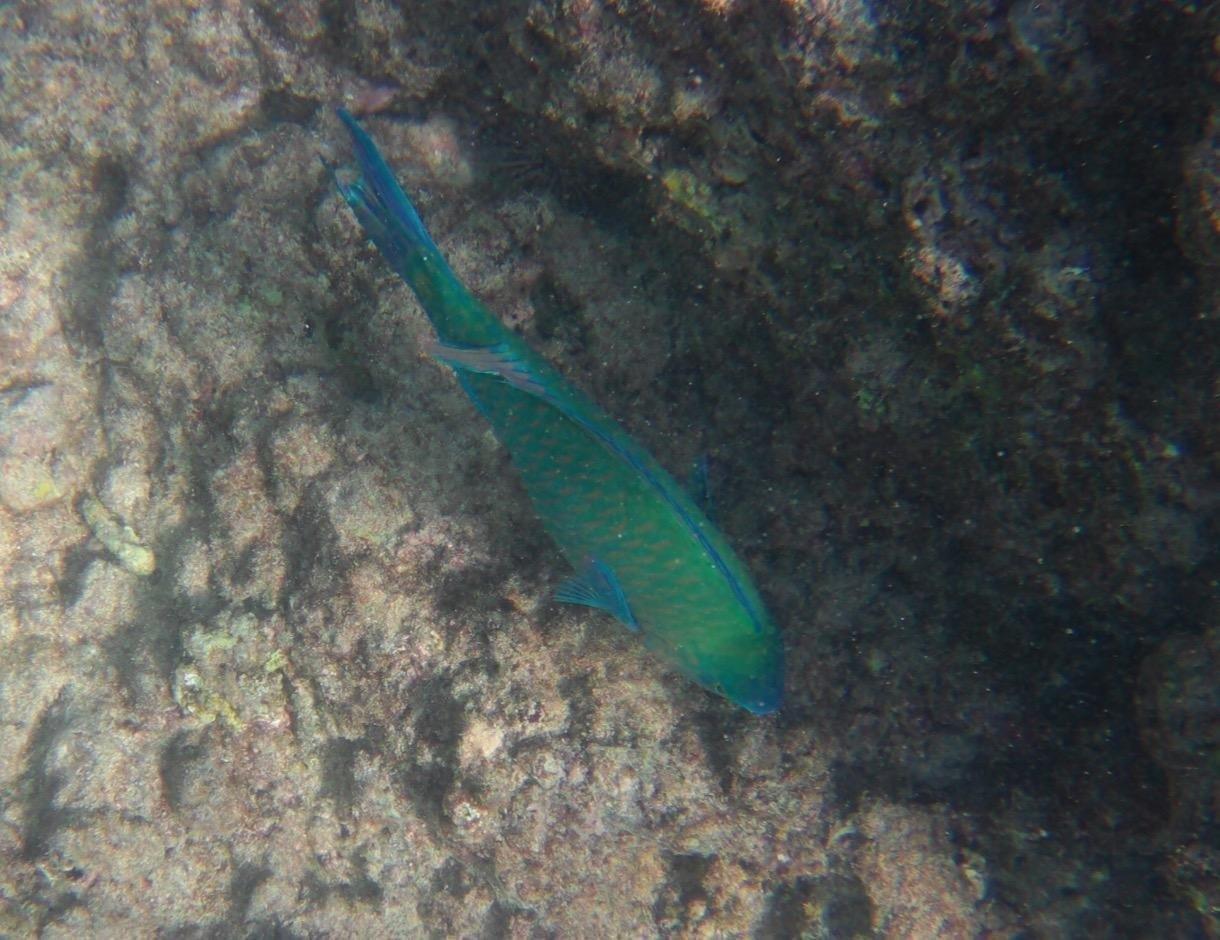
The waterproof case is rated to 40 metres and the seal holds up, and the crisp underwater colour it produces is regularly praised. You also get dual screens, with a 2 inch rear and a 0.96 inch front, so a solo surfer can check framing without removing the camera, plus Wi-Fi and HDMI for sharing and TV playback.
Two 1050mAh batteries and a USB dual charger come in the box, alongside a large accessory kit. The 4K30 video and 20 megapixel photos are respectable for the tier.
Why angle adjustment beats raw resolution here
Framing mistakes are the most common reason surf footage gets deleted. A 70 degree option on a leash mount gives a compressed, natural-looking view of the section you are in, and switching between angles takes seconds rather than a re-mount.
The dual screens also mean a solo surfer can confirm the camera is level and pointed correctly from the water, which no single-screen budget body allows.
Where the design frustrates you
The battery door is unhinged, easily lost and, in some cases, needs tape to stay attached. That is a real problem in salt water where a loose door means a wet camera, and it is the single most common complaint on this body.
Menus are clumsy and the supplied manual is not useful, so expect to spend time learning the interface. Wi-Fi and wrist remote setup can be difficult on some devices, the 5x zoom is digital and barely beats cropping, and stills get grainy above ISO 400.
10. Apexcam M80 AIR – The Entry-Level Body With the Biggest Accessory Box
Apexcam M80 AIR 4K 60FPS 64MP EIS WiFi Action Camera Waterproof Underwater Camera 40M Sport Camera 2.0’LCD 2.4G Remote Control 2X1350mAh Batteries and Multiple accessorie
4K60 listed with 64MP stills
170 degree wide lens on paper
40m waterproof sleeve
Two 1350mAh batteries
Pros
- Largest accessory bundle in the roundup
- 40m waterproof sleeve with two batteries and a dual charger
- 64MP stills and a 170 degree 6G fisheye on paper
- HDMI output and Wi-Fi transfer
- Live DV app is simple to set up
Cons
- 4K is effectively 15fps from duplicated frames
- Measured field of view falls well short of 170 percent
- Audio is very quiet even at maximum
- Low light performance falls short of a modern phone
- Some units reported USB port failure
- Lowest five-star share of any product here at 59 percent
The M80 AIR is here as a true floor option, and the reason it still earns a place is the box. The accessory bundle is the largest in this roundup, the waterproof sleeve goes to 40 metres, and two 1350mAh batteries with a dual charger mean you can film a full session with spares in the bag.
HDMI output and Wi-Fi transfer are genuinely useful additions at this price, and owners report that the Live DV app is easy to set up with a simple interface. On paper the spec sheet is impressive too, with 64 megapixel stills and a 170 degree wide 6G fisheye lens.
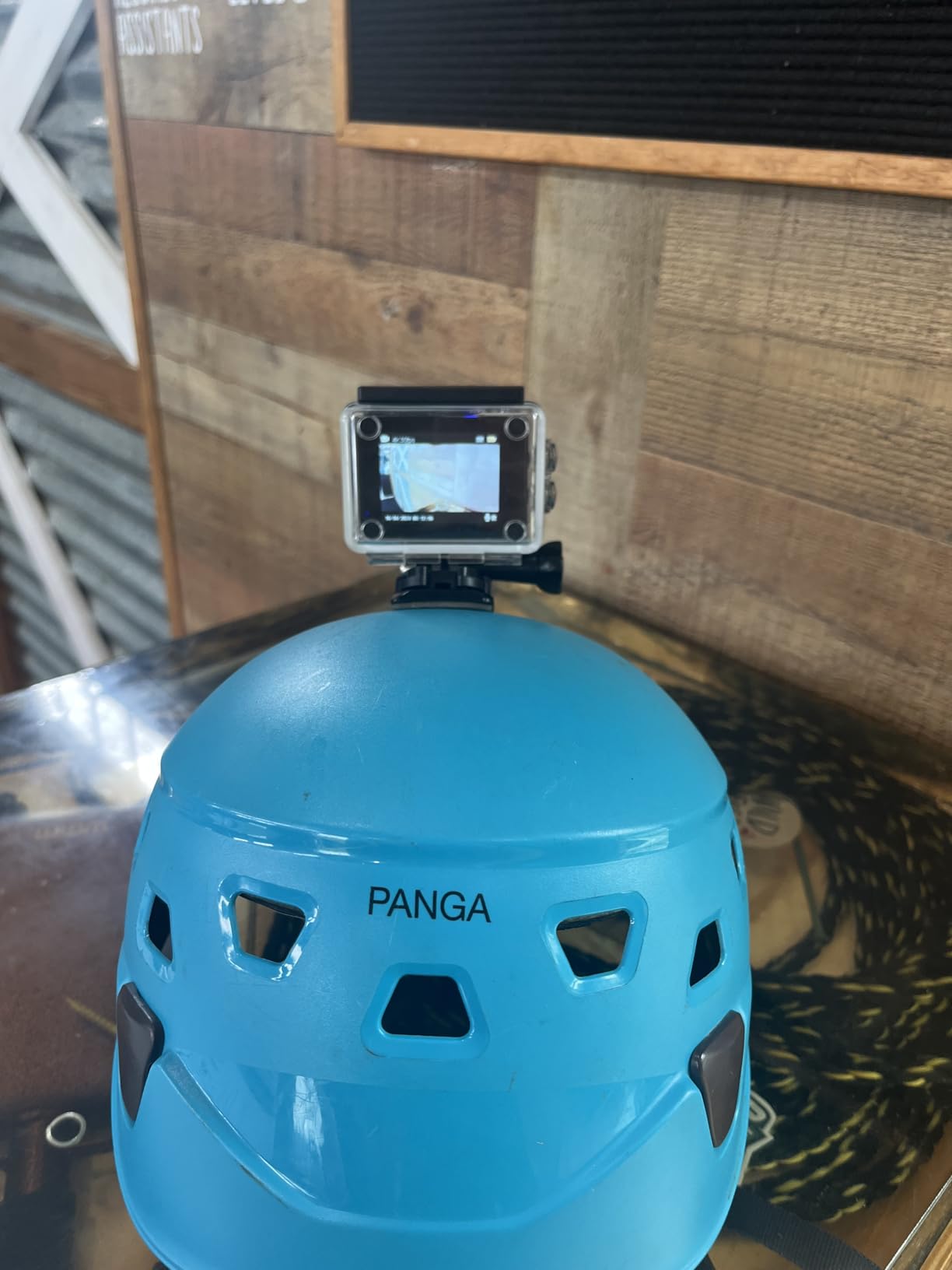
The problem is that the paper and the reality diverge sharply. Multiple reviewers found that 4K is effectively 15 frames per second because frames are duplicated, which produces a strobing effect on anything fast, and a surf wave is the fastest thing you will ever point this at.
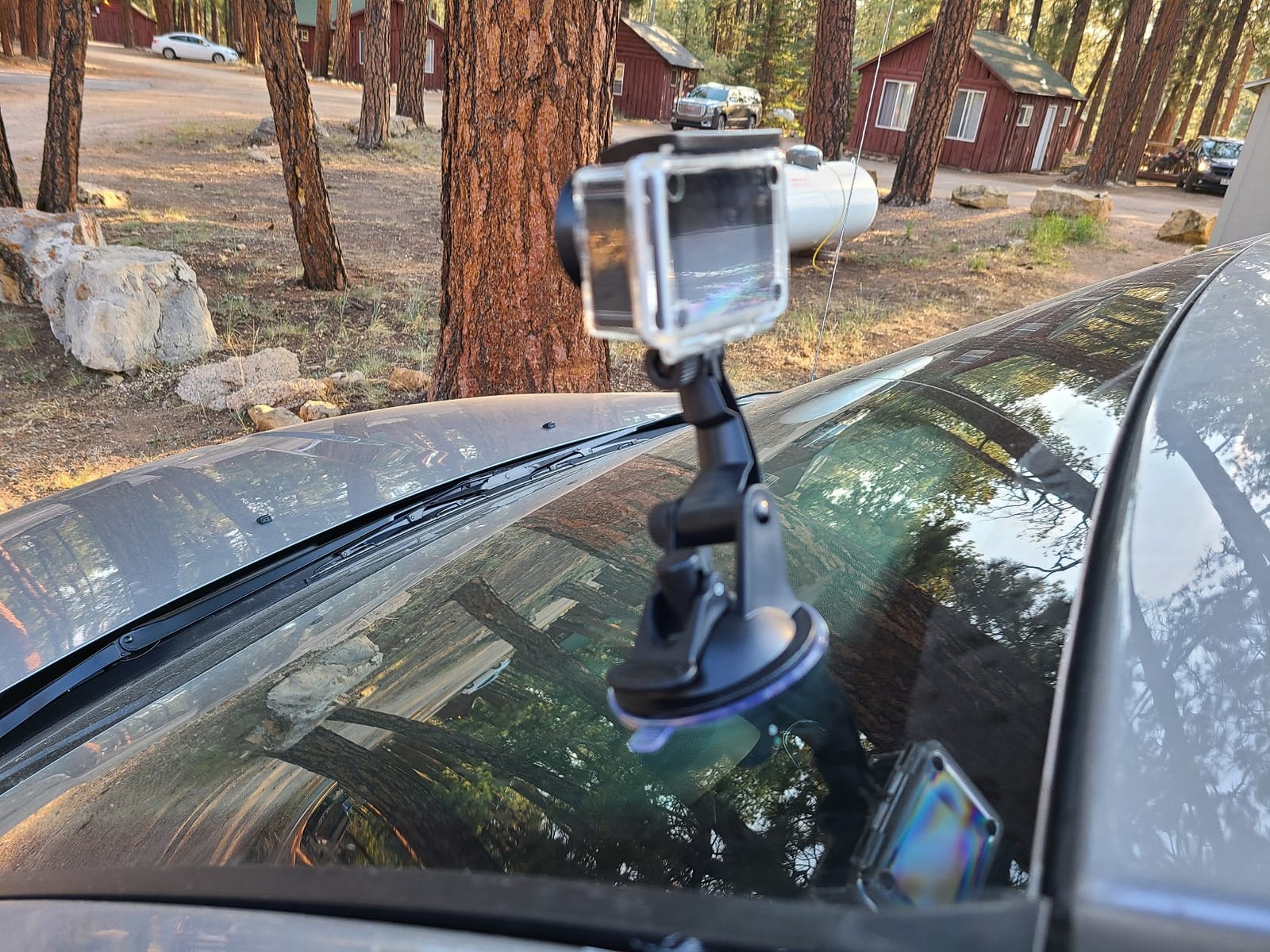
Measured field of view also fell well short of the advertised 170 degrees, and the situation gets worse underwater because the housing acts as a magnifier rather than a wide-angle window. Audio is very quiet even at maximum, and low light performance is below what a modern phone produces.
When this is still the right call
If you are paddling a lot of flat water, filming from a shore tripod or teaching a kid to surf, the slow-motion and field-of-view shortcomings matter much less. Long sessions and cheap spares are exactly what this body does well.
It also works as a backup camera. A second body on the board costs little, and losing the cheap one to a wipeout is an inconvenience rather than a season-ending expense.
Where the compromises show up in the surf
Strobing on anything fast is the deal-breaker for surf video, because a lip that detonates will look like a series of frozen frames. Low light falling short of a phone is painful for dawn sessions, which is when most serious surfers shoot.
Some units also reported USB port failure, the wrist remote is only IPX6 rather than fully waterproof, and this body has the lowest five-star share of anything here at 59 percent with an 8 percent one-star share. For surf video specifically, spend a little more and the picture improves immediately.
How to Choose an Action Camera for Surfing
Start with the waterproof rating without a housing, because that number decides whether you clip the camera straight to a board or carry a case that can fail open. The top four picks in this roundup are all sealed to 33 feet or deeper on the bare body, which covers any surface work. Below that, the housings become the weakest link in the chain.
Second, look at how well the stabilization holds the horizon. Surf is a rotation sport, and a camera that rolls with your shoulders gives you footage that is difficult to watch. Horizon-level systems, whatever the brand calls them, crop into the frame and re-level the image in real time, which is why they matter far more here than on a mountain bike.
Our action camera guide for vlogging covers stabilization modes in more detail if you plan to add commentary to your surf edits.
Frame rate and sensor size decide what you can slow down
Standard 4K at 30 frames per second covers ordinary wave footage. 4K at 120 frames, which only the DJI body in this list offers, is the barrel setting, because a hollow wave that explodes in half a second needs the extra frames to be slowed without turning to mush. The 360 modules give you high-resolution source material that you crop from instead.
Sensor size matters for dawn and dusk, and this is where the DJI Osmo Action 4 pulls clear of its price tier. Its 1/1.3 inch sensor with 2.4 micron pixels produces cleaner low light than the smaller sensors in the budget bodies, and cleaner low light is the difference between footage you grade and footage you delete.
Battery planning for a dawn-to-dusk session
Listed average battery life is the most useful number a surfer can read, and the range in this roundup runs from 79 minutes on the GoPro HERO13 Black to 208 minutes on the Insta360 X5. Treat the listed figure as a high-resolution recording number, since higher frame rates and 360 capture cut it down.
A dawn-to-dusk day means four to six hours of intermittent recording. That is realistically two to three cells plus a way to keep the spares dry, and it is the argument for the 360 bodies with long runtimes and the cold-rated DJI battery.
Mount ecosystem and app workflow
Three-prong GoPro-style mounts are the most widely available system, which means a leash mount, a bite mount, a fin mount and a chest harness all exist for GoPro bodies. If you already own that gear, an Insta360 or DJI adapter is a small purchase rather than a rebuild.
Editing workflow matters as much as capture. DJI and GoPro produce conventional files you can drop into any editor, while the Insta360 bodies produce 360 source that needs the app to become a flat clip. If you publish the same day from your phone, that difference is significant. Our broader action camera testing roundup breaks down each ecosystem in more detail.
Mount and Angle Guide for Surfing
The board mount is the classic choice and the one most surfers start with. It gives a stable, rider-height view of the wave, it survives a duck-dive on a body with a bare waterproof rating, and the risk is purely mechanical: mounts loosen, adhesive bases fail in cold water, and a peeling base can scratch a board. Check the buckle with waxed hands before every session and carry a spare buckle.
The bite mount, or mouth mount, is the POV angle that neither of the two ranking competitors on this topic covers, and it is genuinely worth trying. It puts the camera at the level of your eyes, so a barrel forms around you instead of being filmed from outside it, and the angle is naturally stable because your head moves less than the board does. The trade-off is a stiff jaw and a horizon that tilts when you look down the line.
A chest harness sits between the two, giving a wider, lower POV that includes your paddling arms and works for both surfing and duck-diving without any adhesive on the board. A helmet mount suits big-wave and reef sessions where the board is not always under you, and it is the only angle that reliably survives a full wipeout.
For a 360 body, a selfie stick mounted to the leash plug or a pole held in the water gives the invisible-selfie-stick effect, where the stick is cropped out and you appear to follow yourself. Shoot vertical 9:16 for short-form content from any of these positions, and remember that vertical framing wastes sensor width, so get the subject as close as possible.
Saltwater Care, Fogging and Overheating
Start with a freshwater rinse the moment you get out. Open the housing, run fresh water over the seals, the buttons and the battery door, shake the excess out, and let everything air dry fully with the compartments open before the case is closed again. Salt left to crystallise in a latch is what turns a working camera into a repair.
Do not rinse with a pressure washer or a strong jet, and never charge a wet battery. If you are in a place with no fresh water, at least open the housing and let the sea water dry out rather than letting it sit against the electronics overnight.
Fogging is a temperature problem, not a moisture problem, and it happens most in cold water sessions. Let the camera reach the temperature of the air before you seal it in a housing, keep it in a sealed bag with a warm towel between the beach and the water, and avoid the transition of a warm camera into cold water. Fogging on the inside of the lens cannot be fixed mid-session at all, so prevention is the only option.
Overheating is the complaint that shows up most often with long high-bitrate recording, and the fix is to break the recording up. Recording in shorter blocks rather than one continuous clip lets the body shed heat between sets, and turning off the highest frame rate when you are not filming a barrel cuts the load considerably. On hot sand at midday, keep the camera in a bag out of the sun between sessions.
Storage planning matters as much as any of this. High-resolution 4K120 and 8K 360 files are large, so carry fast, high-capacity cards and format them on a computer rather than expecting the camera to do it. Two cards rotating between sessions is a better habit than one card you hope will hold a full day.
Frequently Asked Questions
What are the best cameras for filming surfing?
The Insta360 X3 is the best all-round choice, recording 5.7K 360 Active HDR video from a sealed body with a 2.29 inch touchscreen, so the angle is chosen in editing after the wave has passed. The GoPro HERO13 Black is the pick for mount range and stills, with 5.3K60 video and a bare body waterproof to 33 feet. The DJI Osmo Action 4 is the sharpest conventional option, with an 18 metre waterproof body and 4K at 120 frames per second.
What GoPro should I get for surfing?
The HERO13 Black is the current surf-focused GoPro, with 5.3K60 video, a 33 foot waterproof body, 27 megapixel stills pulled from video and replaceable HB-Series lenses. If you already own a HERO12, the differences are smaller than the upgrade cost suggests. The main reason to move up is lens flexibility rather than raw capability.
What is the best tracking camera for surfing?
The Insta360 models handle auto-tracking better than anything else in this roundup, because the 360 capture means tracking is a reframing decision made in software after the wave has passed. The X3 and X4 both apply AI reframing to pick a subject and level the horizon automatically, which is what makes them the practical answer for solo surfing with no one on the bank holding a stick.
Is anything better than GoPro for surfing?
For most surfers, no. GoPro’s three-prong mount ecosystem remains the widest available, the bodies are sealed to 33 feet without a housing, and the accessory range covers board, leash, fin, bite and chest mounting better than any rival. DJI offers a deeper 18 metre waterproof rating and better low light, and Insta360 offers 360 reframing, but neither matches the mount ecosystem.
Which action camera is best for surfing?
The DJI Osmo Action 4 is the best conventional surf camera, combining an 18 metre waterproof body, 4K at 120 frames per second, a 155 degree field of view and a 1/1.3 inch sensor that performs well at dawn and dusk. The GoPro HERO13 Black is the best overall pick for lens flexibility and stills, and the Insta360 X5 is the best 360 body for reframing after the take.
What is the best waterproof sports camera?
On bare-body depth, the DJI Osmo Action 4 leads this roundup at 18 metres without a housing, with the GoPro HERO13 Black, HERO12 and Insta360 X4 and X5 all rated to 33 feet. The AKASO EK7000 and AKASO Brave 4 rely on included cases rated to 40 metres, which is fine for surf but adds a latch that can fail during a wipeout.
Conclusion: Our Best Action Cameras for Surfing Picks
After comparing ten bodies on waterproof depth, stabilisation, real battery minutes and mount fit, our best action cameras for surfing verdict lands on the Insta360 X3 as the one to buy. The 5.7K 360 Active HDR capture means every wave is on the card and the angle is chosen in editing, the body is sealed for surf, and the 2.29 inch touchscreen makes a solo session workable with nobody on the bank.
Take the GoPro HERO13 Black if you want the widest mount ecosystem, the best lens flexibility and the strongest stills from a single body. Take the DJI Osmo Action 4 if you want the sharpest flat video, the deepest bare waterproof rating at 18 metres and the best low light in the group. Pick one of the AKASO bodies if the priority is getting a housing, mounts, spare batteries and a charger in one box.
Whichever you choose, rinse it in fresh water after every session, break long recordings into blocks to manage heat, and mount it before you paddle out rather than after the first wave. Updated for 2026, and tested against the way surfers actually use these cameras.