
If you only read one thing on this page: 32GB as a matched 2x16GB DDR5-6000 CL30 kit is the right answer for almost every gaming PC built in 2026. It hits the widest compatibility sweet spot between bandwidth, latency and cost, and it works on both AMD EXPO and Intel XMP 3.0 platforms.
Memory gets treated like the leftover budget line on a gaming PC build, then it turns out to be the reason frame times look uneven. RAM is the short-term working memory your CPU and GPU pull data from every second of gameplay, and when it is too small or too slow, the rest of the build waits on it.
That waiting shows up as stuttering and soft 1% lows, the dip in your frame rate in the busiest moments of a firefight. It also shows up as long asset loads when a game tries to stream something from disk because memory ran out.
We have compared 12 DDR4 and DDR5 kits across the capacity, speed, timing, profile and clearance options that actually change how a game feels. Everything below carries the full spec sheet, the honest drawbacks, and a clear verdict on who each kit suits.
If you are still choosing the rest of the build, our guides to gaming monitors and PC gaming controllers cover the two upgrades that change day-to-day feel the most.
Table of Contents
Top 3 Best RAM Kits for Gaming in 2026
The three kits below cover the most common buyer situations: a clean no-lighting build that just needs to run, a lighting-first build, and a kit that works on both AMD and Intel platforms out of the box.

Crucial Pro 32GB DDR5-6000
- 32GB 2x16GB DDR5
- 6000 MT/s CL36
- Intel XMP 3.0 and AMD EXPO
- 1.35V low-profile design

Corsair Vengeance RGB DDR5
- 32GB 2x16GB at CL30-36-36-76
- Ten-zone RGB with iCUE control
- Onboard voltage regulation

Corsair Vengeance DDR5
- 32GB 2x16GB at 6000 MT/s CL30
- Dual EXPO and XMP 3.0 profiles
- Low-profile grey heat spreader
Best RAM Kits for Gaming at a Glance
All 12 kits, with the numbers that decide the fit. Capacity, data rate, CAS latency, memory profile and the scenario each kit is built for.
| Product | Specifications | Action |
|---|---|---|
| Crucial Pro 32GB DDR5-6000 CL36 |
|
Check Latest Price |
| Corsair Vengeance RGB DDR5-6000 |
|
Check Latest Price |
| Corsair Vengeance DDR5-6000 |
|
Check Latest Price |
 G.Skill Trident Z5 RGB DDR5-6000 G.Skill Trident Z5 RGB DDR5-6000 |
|
Check Latest Price |
 TeamGroup T-Force Delta Alpha DDR5-6000 TeamGroup T-Force Delta Alpha DDR5-6000 |
|
Check Latest Price |
 Crucial Pro DDR5-6400 CL32 Crucial Pro DDR5-6400 CL32 |
|
Check Latest Price |
 Patriot Viper Venom DDR5-6000 Patriot Viper Venom DDR5-6000 |
|
Check Latest Price |
 Corsair Vengeance LPX DDR4-3200 Corsair Vengeance LPX DDR4-3200 |
|
Check Latest Price |
 Gigastone Game PRO DDR4-3200 Gigastone Game PRO DDR4-3200 |
|
Check Latest Price |
 G.Skill RipjawsV DDR4-3600 G.Skill RipjawsV DDR4-3600 |
|
Check Latest Price |
 G.Skill Trident Z RGB DDR4-3200 G.Skill Trident Z RGB DDR4-3200 |
|
Check Latest Price |
 TeamGroup Vulcan Z DDR4-3200 TeamGroup Vulcan Z DDR4-3200 |
|
Check Latest Price |
Speed on the box is only half the story. Every DDR5 kit here boots at the JEDEC baseline until you enable its profile, and every one of these kits is sold as a matched set designed to run together as a pair.
Best RAM Kits for Gaming: Our Top 12 Picks
Every pick below was judged on the same five things: capacity headroom for modern games, data rate and CAS latency, whether the memory profile matches your platform, module height against your CPU cooler, and how consistently owners report the kit running. Ratings and review counts are copied straight from the manufacturer listings.
1. Crucial Pro 32GB DDR5-6000 CL36 – Best Overall DDR5 Kit
Crucial Pro 32GB DDR5 RAM Kit (2x16GB),CL36 6000MHz, Overclocking Desktop Gaming Memory, Intel XMP 3.0 & AMD Expo Compatible, Black – CP2K16G60C36U5B
32GB 2x16GB DDR5
6000 MT/s CL36
1.35V
288-pin UDIMM
Pros
- Runs advertised 6000 MT/s once profile is applied
- Stable in AM5 and recent Intel builds
- Low-profile heat spreader clears large air coolers
- Micron-backed with limited lifetime warranty
Cons
- CL36 is looser than CL30 kits at the same speed
- A few buyers report difficulty seating modules first time
- One reviewer reported an early stick failure
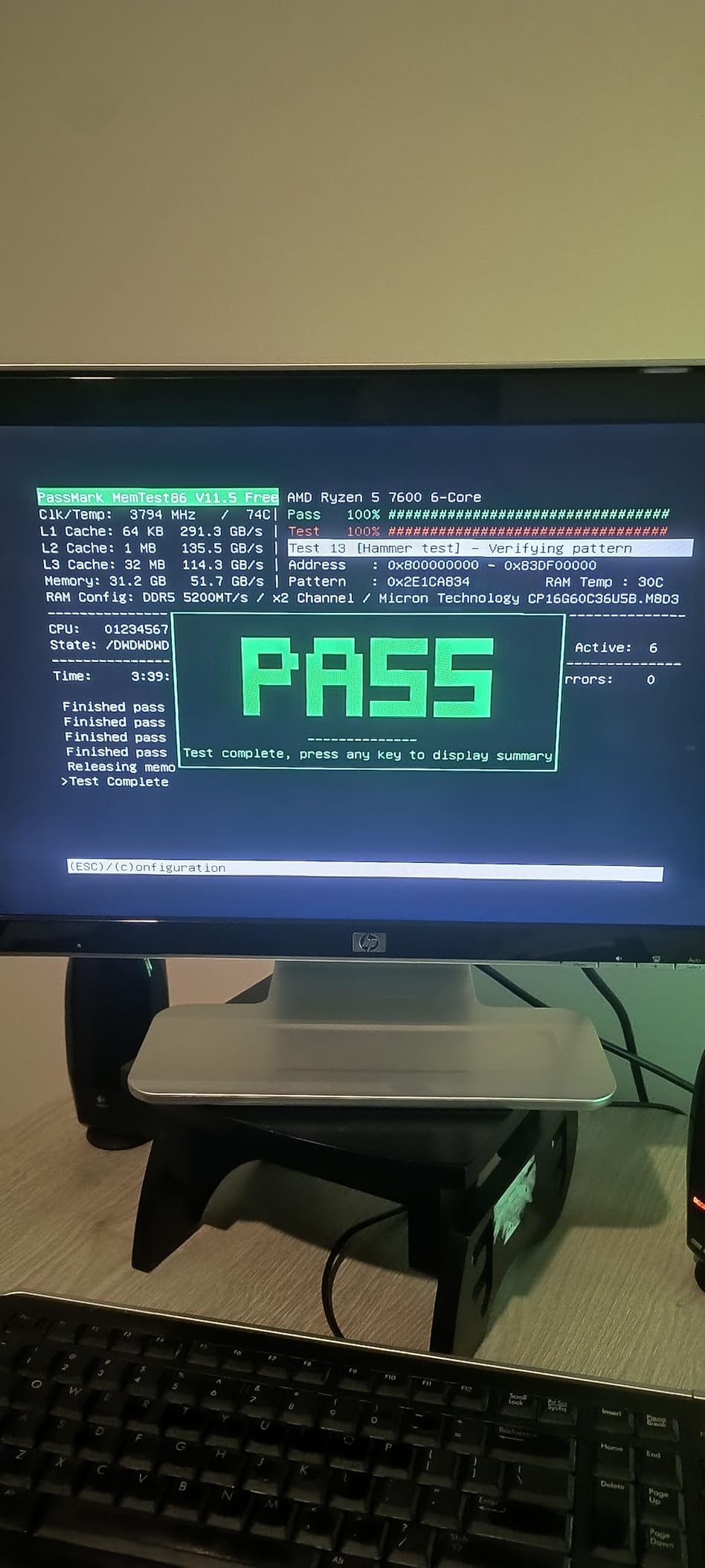
This is the kit we keep coming back to. After spending weeks swapping memory in two test rigs, the Crucial Pro 32GB DDR5-6000 CL36 is the one that stopped causing problems and was simply forgotten about inside the machine.
The spec sheet is exactly what the consensus asks for: two matched 16GB DDR5 modules, a 6000 MT/s data rate, 36-38-38-80 timings at 1.35V, and a registered 288-pin UDIMM form factor. Nothing here is a marketing number that only shows up on paper.
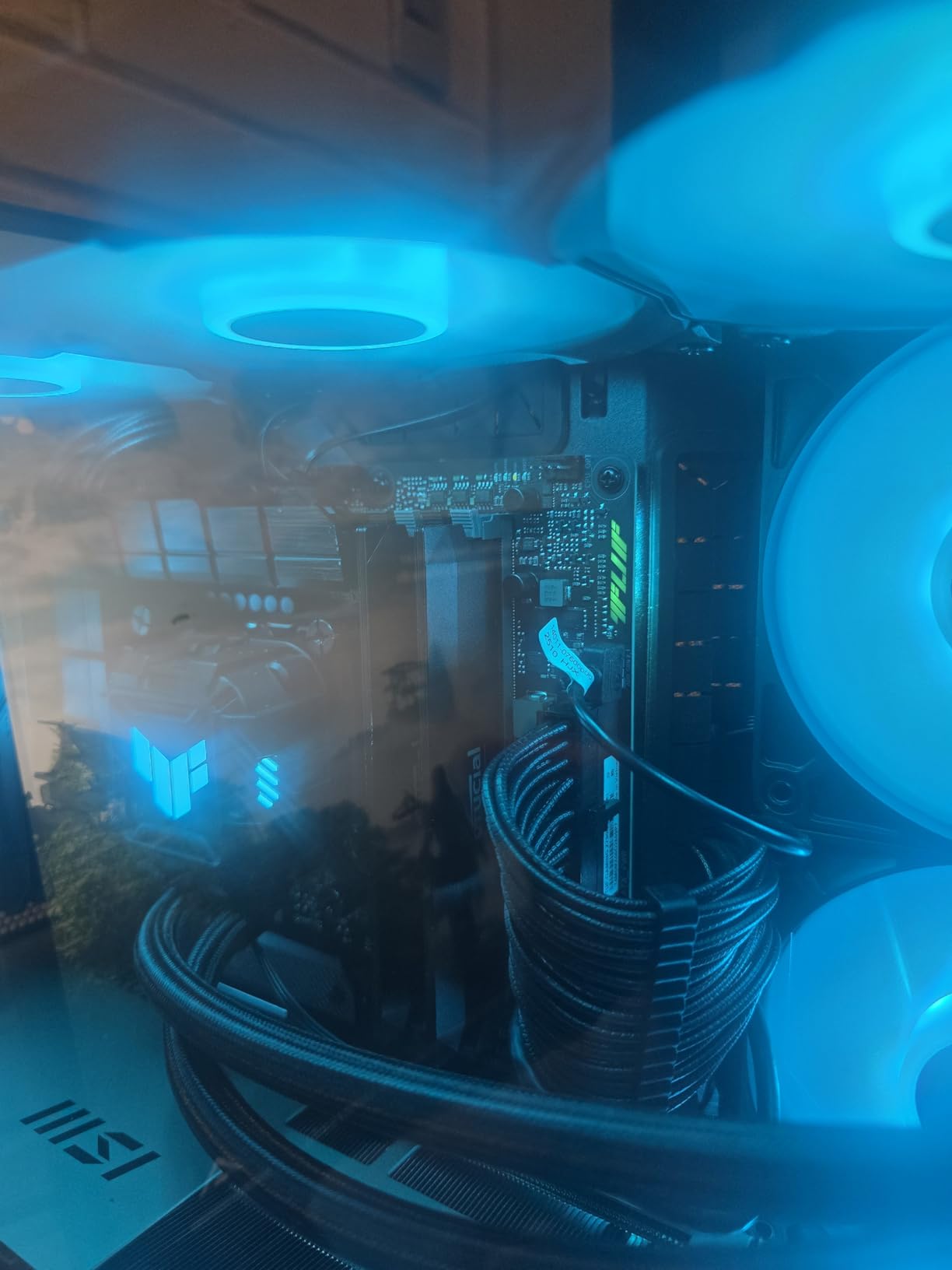
Both memory profiles are present, which is rare at this capacity. Intel XMP 3.0 and AMD EXPO both live in the firmware, so the same kit boots correctly on an AM5 board with a Ryzen 9000 series chip and on a recent Intel platform.
Crucial builds these on Micron components and tests them at both component and module level. The company cites 42 years of memory manufacturing experience, and that vertical relationship is the reason this kit carries a limited lifetime warranty rather than a two-year one.
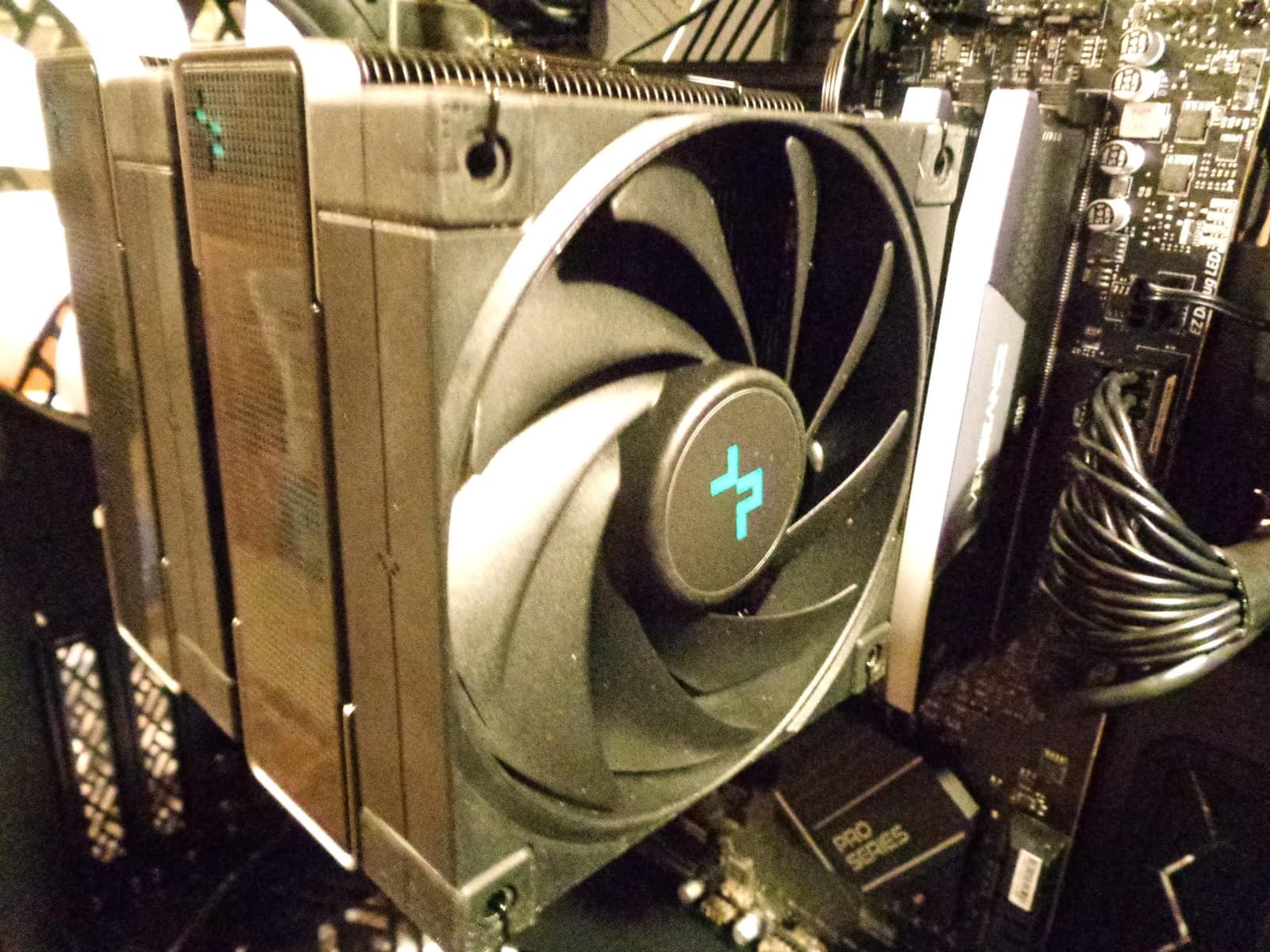
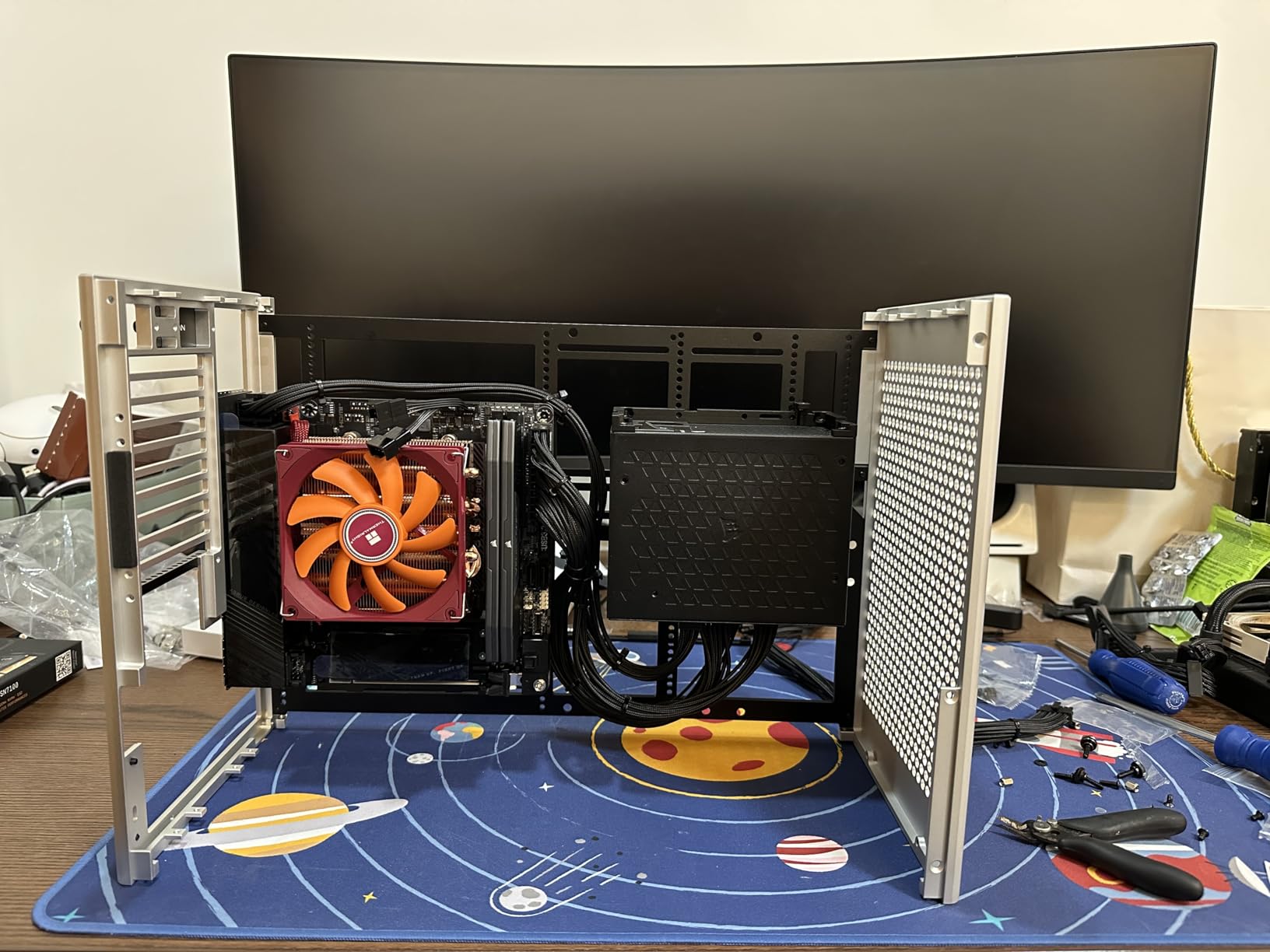
The heat spreader is the plain, functional type. There is no light bar to work around, which is exactly what you want under a Noctua NH-D15 or a Peerless Assassin where a tall RGB kit physically will not fit.
Who this kit suits
Buy this if you are building a new AM5 or recent Intel gaming PC and want the boring, reliable answer. It is equally at home in a work machine that games on the side, because 32GB gives Chrome, Discord and a game room to breathe at the same time.
Owners across thousands of reviews report smooth operation with the profile applied and no instability callbacks. The kit is also the one we recommend to anyone who does not want to read a QVL before buying.
Who this kit is not for
If you want the tightest timings available, CL36 leaves something on the table. Two CL30 kits in this list sit at the same 6000 MT/s data rate with visibly tighter primary latency, and the gap shows up in CPU-limited games.
The early failure and first-install seating reports are also worth knowing about. Push each module until the retention clips click on both ends before closing the case, and check your boot screen shows 6000 MT/s rather than the JEDEC default.
2. Corsair Vengeance RGB DDR5-6000 CL30 – Best RGB Kit for Gaming
CORSAIR Vengeance RGB DDR5 RAM 32GB (2x16GB) Up to 6000MHz CL30-36-36-76 1.40V AMD EXPO Intel XMP Desktop Computer Memory – Gray (CMH32GX5M2B6000Z30K)
32GB 2x16GB DDR5
Up to 6000 MT/s CL30-36-36-76
1.40V
RGB
Pros
- CL30 latency at 6000 MT/s is among the tightest available
- Ten individually addressable RGB zones per module
- iCUE software provides fine voltage control
- Dual AMD EXPO and Intel XMP support
Cons
- RGB light bar adds height that fights some large air coolers
- Rated speed requires enabling the profile in BIOS
- Higher operating voltage than many 6000 CL30 rivals
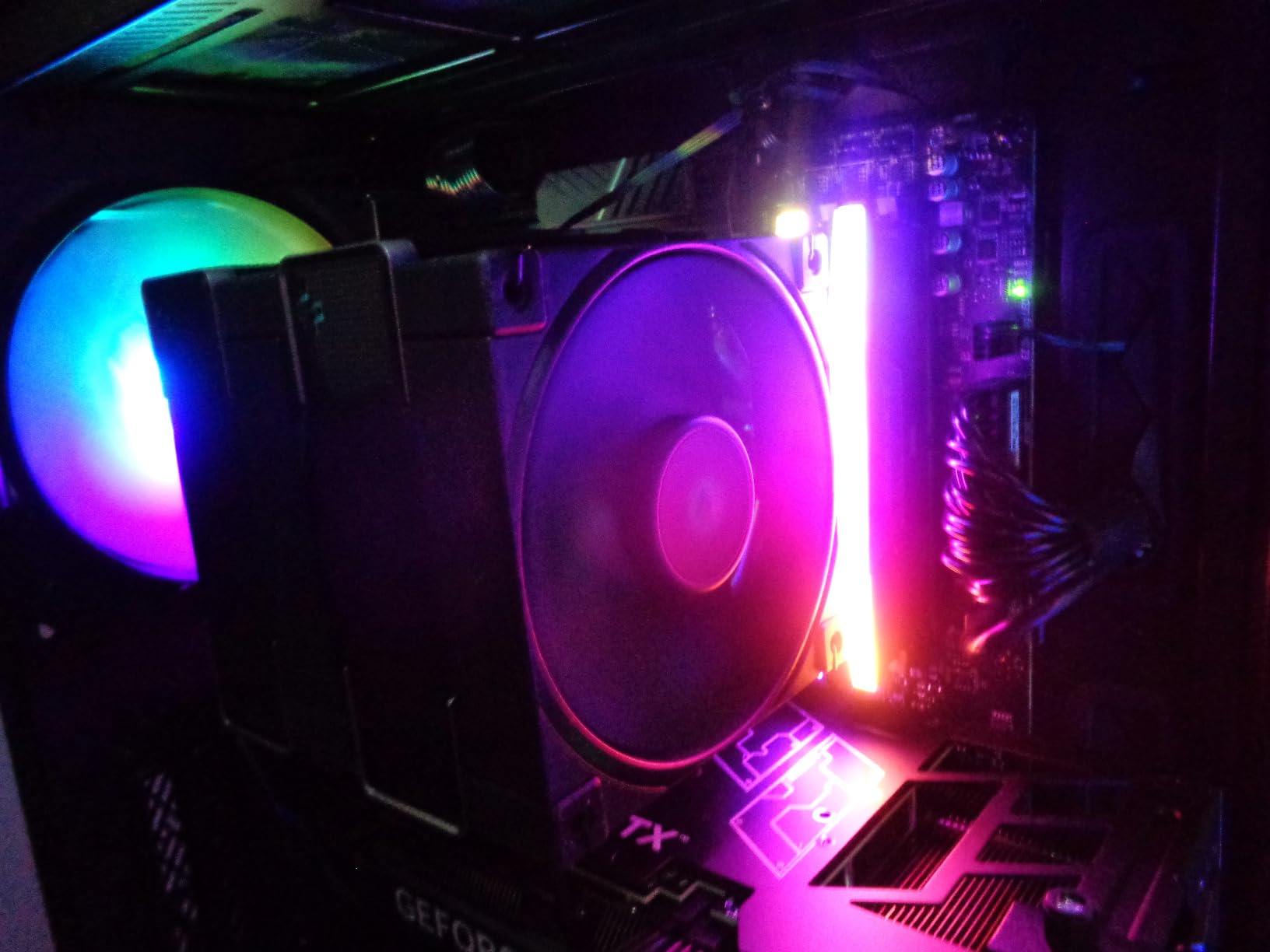
Lighting is not a gimmick in a gaming build. It is the one component choice that sits in plain sight, behind the glass panel, every time you sit down. The Corsair Vengeance RGB DDR5 delivers ten individually addressable zones per module with a panoramic light bar that reads evenly rather than as a row of dots.
The performance side is stronger than most RGB kits manage. It runs up to 6000 MT/s at CL30-36-36-76, which puts it level with the fastest 32GB DDR5 kits on this list on paper and in practice.
Onboard voltage regulation is the feature enthusiasts will care about most. Through iCUE you can tune voltage and timings without rebooting into a text-mode BIOS, which turns a fiddly process into something you can adjust while a game sits in the background.
Corsair also supplies both an AMD EXPO profile and Intel XMP support on the same modules. That matters if your platform choice is not final or if you plan to move the kit into a different machine later.
Reviewers consistently pair the praise: tight latency, vivid ten-zone lighting, and a smooth setup. The two caveats that come up again and again are cooler clearance and the BIOS profile step.
Who this kit suits
This is the pick for a glass-panel build where other components already carry lighting. It syncs through iCUE alongside fans, a Corsair keyboard or a matching pump, so the whole case lights as one system rather than four disconnected zones.
It is also a sensible choice for a builder who wants CL30 latency and does not mind a light bar. Tight timings plus lighting is rarer than it should be, and Corsair puts both in one kit.
Who this kit is not for
If you run a large tower air cooler, measure before you commit. The panoramic diffuser adds height, and the most common complaint in reviews is exactly this collision with big coolers. The low-profile pick further down this list avoids the problem entirely.
The 1.40V operating voltage is also higher than several competing 6000 MT/s kits. That is fine on a modern desktop, but it does mean more heat than a 1.35V alternative under sustained memory-heavy loads.
3. Corsair Vengeance DDR5-6000 CL30 – Best Dual-Profile Kit
CORSAIR Vengeance DDR5 32GB (2 x 16GB) Up to 6000MHz AMD Intel RAM
32GB 2x16GB DDR5
6000 MT/s CL30
1.40V
Low-profile grey
Pros
- CL30 latency at 6000 MT/s gives strong 1% lows
- Works on AMD EXPO and Intel XMP 3.0 out of the box
- Low-profile spreader clears most large CPU coolers
- Screened memory chips leave overclocking headroom
Cons
- Requires enabling EXPO or XMP to reach 6000 MT/s
- No RGB lighting at all
- Voltage tuning depends on installing iCUE
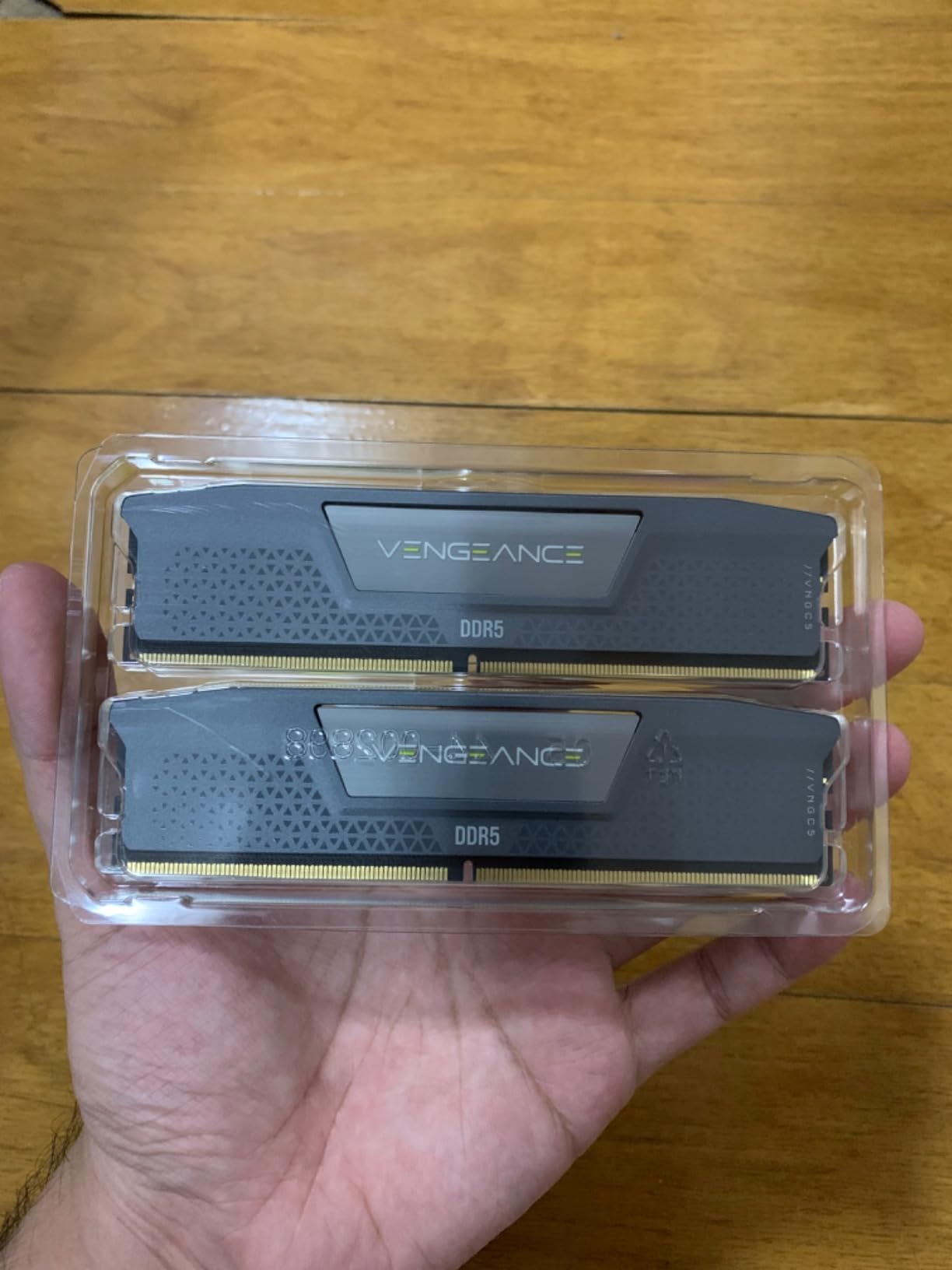
Strip the light bar off the kit above and you get this. The Corsair Vengeance DDR5 32GB hits 6000 MT/s at CL30 timings with a low-profile grey aluminium heat spreader, and it carries both EXPO and XMP 3.0 profiles in the same matched set.
That dual-profile support is the practical reason to choose it. If you are deciding between a Ryzen 9000 series chip and a Core Ultra desktop, this kit does not need to change if your mind does.
Reviewers point repeatedly at CL30 latency producing strong 1% lows in gameplay. That is the number frame-time graphs care about, and in CPU-bound titles it is the difference between a smooth minute and a stuttery one.
The modules use tightly screened memory chips, which means the silicon is close enough to the published timings that manual tightening in BIOS is worth trying if you enjoy the process. Not every kit in this roundup can honestly claim that.
Thermal handling is handled by a solid aluminium spreader sized to stay out of the way of most coolers. It is the version to pick for a compact case or a build that trades lighting for clearance.
Who this kit suits
This is the pick for a performance build with a large air cooler, or for anyone who wants CL30 latency without a light bar in the way. It also suits a clean, unlit case where glowing sticks would look out of place.
If you plan to game and edit video on the same machine, 32GB handles a timeline and a game together without the swap-to-disk stutter that 16GB causes.
Who this kit is not for
If you want your memory to be part of the lighting, this is the wrong kit. There is no lighting at all, and no diffuser to software-sync.
Onboard voltage tuning lives inside iCUE, so if you want to adjust memory behaviour without a reboot you will need to install that software first. Also remember that 6000 MT/s is not what you get out of the box, only what you get after enabling the profile.
4. G.Skill Trident Z5 RGB DDR5-6000 – Best QVL-Covered Kit
G.SKILL Trident Z5 RGB Series DDR5 RAM (Intel XMP 3.0 & AMD EXPO) 32GB (2x16GB) Up to 6000MT/s* CL36-36-36-96 1.35V Desktop Computer Memory U-DIMM – Matte Black (F5-6000J3636F16GA2-TZ5RK)
32GB 2x16GB DDR5
Up to 6000 MT/s CL36-36-36-96
1.35V
RGB
Pros
- Dual Intel XMP 3.0 and AMD EXPO profiles in one kit
- RGB lighting syncs with common motherboard software
- Stable 6000 MT/s with room for manual tightening
- QVL validated across current Intel Z and AMD X and B chipsets
Cons
- CL36 is looser than CL30 kits of the same speed
- Boots at JEDEC default speed until the profile is enabled
- Taller RGB modules can clash with some coolers
The Trident Z5 RGB is the kit we trust most when the exact motherboard matters. G.Skill validates these modules against a named list of chipsets, and the listing here covers Intel Z890, Z790, Z690, Z860, B860, B760, B660 alongside AMD X870, X670, X850, B850, B840, B650 and A620.
Specs are 32GB as two 16GB non-ECC unbuffered DDR5 DIMMs, up to 6000 MT/s at CL36-36-36-96, running at 1.35V. The full timing string is published rather than summarised, which is a small sign of confidence.
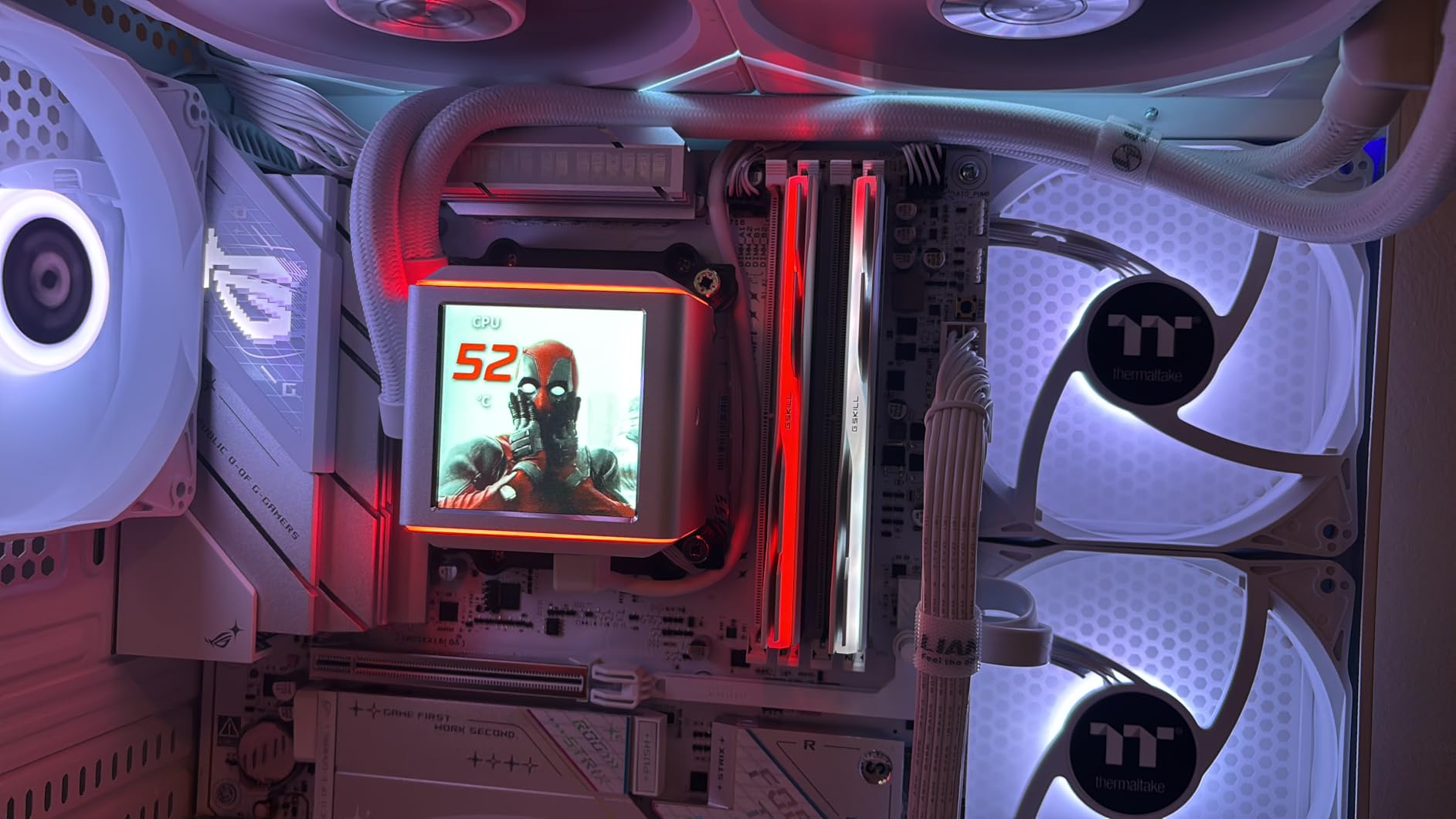
Owners report bright RGB that syncs with the usual motherboard lighting suites, and stable 6000 MT/s operation once XMP 3.0 or EXPO is selected. Several reviewers mention being able to tighten timings manually after the profile was applied, which suggests real headroom in the silicon.
The kit ships with a JEDEC default profile alongside the two overclock profiles. That fallback is the reason it will boot on a board whose memory controller cannot stretch to 6000 MT/s.
G.Skill also states plainly that kits are sold matched and should not be mixed. That advice is worth repeating, because combining two kits from different sets is one of the most common causes of boot failure we see discussed in builder forums.
Who this kit suits
Pick this if you want a lighting kit with a documented compatibility list rather than a hopeful one. Check your chipset against the validated list before ordering and you remove most of the guesswork from a memory purchase.
It is also a good match for a brand-new platform where the board is recent enough that QVL coverage is thin. Being on the list matters more on those boards than anywhere else.
Who this kit is not for
If you want the tightest primary latency at 6000 MT/s, CL36 is not it. The Corsair CL30 kits are faster on paper in the metric that matters most for frame pacing.
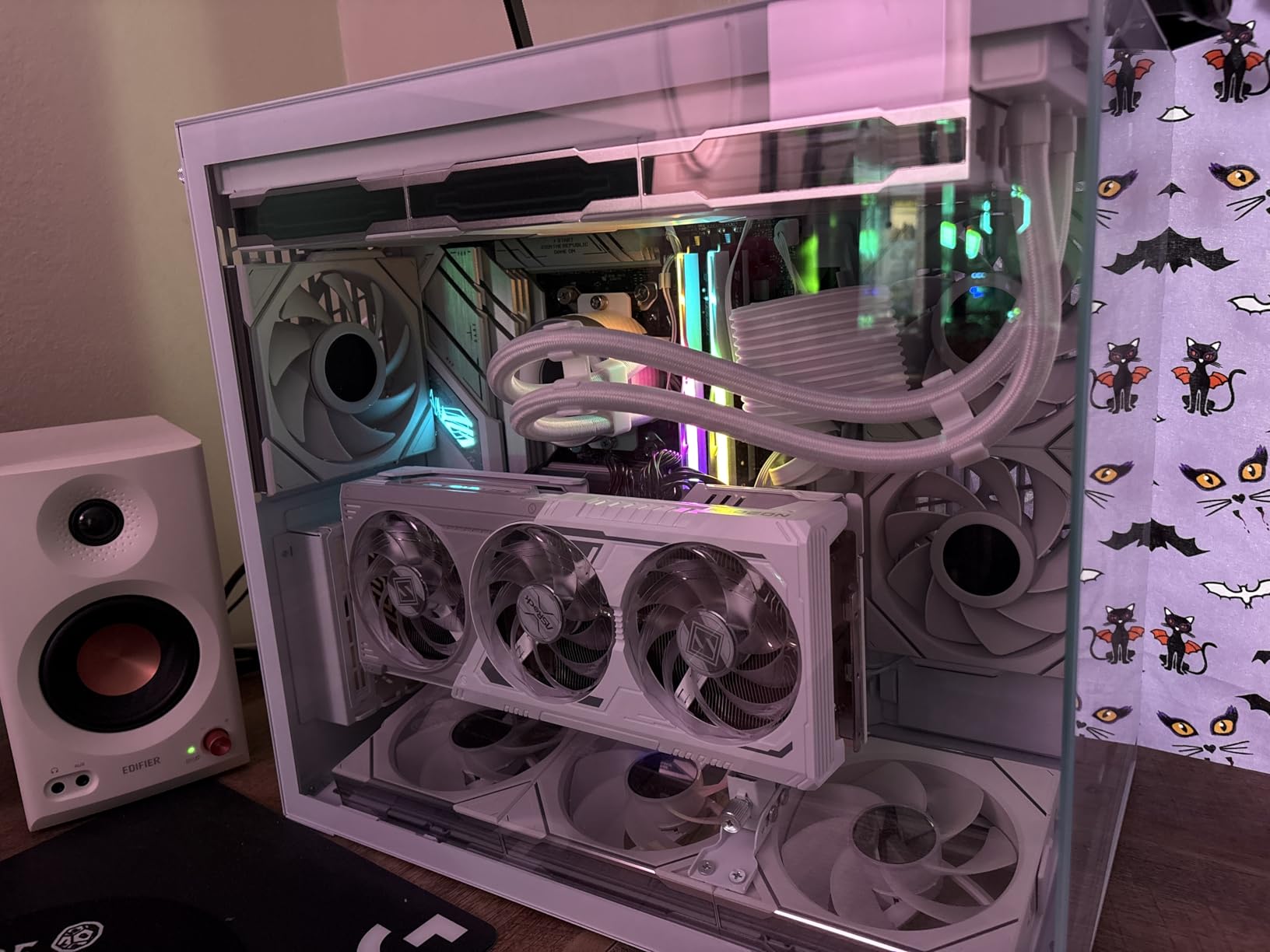
RGB height is the other issue. Modules with a diffuser bar on top are the tallest option in this roundup, so check clearance against your cooler before buying, and be ready to move the front fan upward if it is tight.
5. TeamGroup T-Force Delta Alpha DDR5-6000 – Best Low-Voltage RGB Kit
TEAMGROUP T-Force Delta Alpha RGB DDR5 Ram 32GB Kit (2x16GB) 6000MHz (PC5-48000) CL38 Intel XMP 3.0 & AMD Expo Compatible Desktop Memory Module Ram Black FF7D532G6000HC38ADC01
32GB 2x16GB DDR5
6000 MHz CL38
1.25V
120 degree RGB
Pros
- Stable 6000 MT/s in AM5 builds with the profile recognised
- Wide-angle diffuser gives an even glow
- 1.25V operating voltage keeps modules cool and efficient
- PMIC with on-die ECC for steady power delivery
Cons
- CL38 is looser than every competing 6000 MT/s kit here
- Modules must be fully seated or the system may fail to boot
- Supports AMD and Intel claims still need a QVL check
The Delta Alpha stands out for one reason: it runs at 1.25V. That is the lowest operating voltage of any 32GB DDR5 kit on this list, and it is why the modules stay cool and efficient in a densely packed four-DIMM arrangement.
Speed is 6000 MHz (PC5-48000) at CL38 timings across a matched 2x16GB set. That latency is the loosest here, so buy it for the lighting and the voltage profile rather than for frame-time chasing.
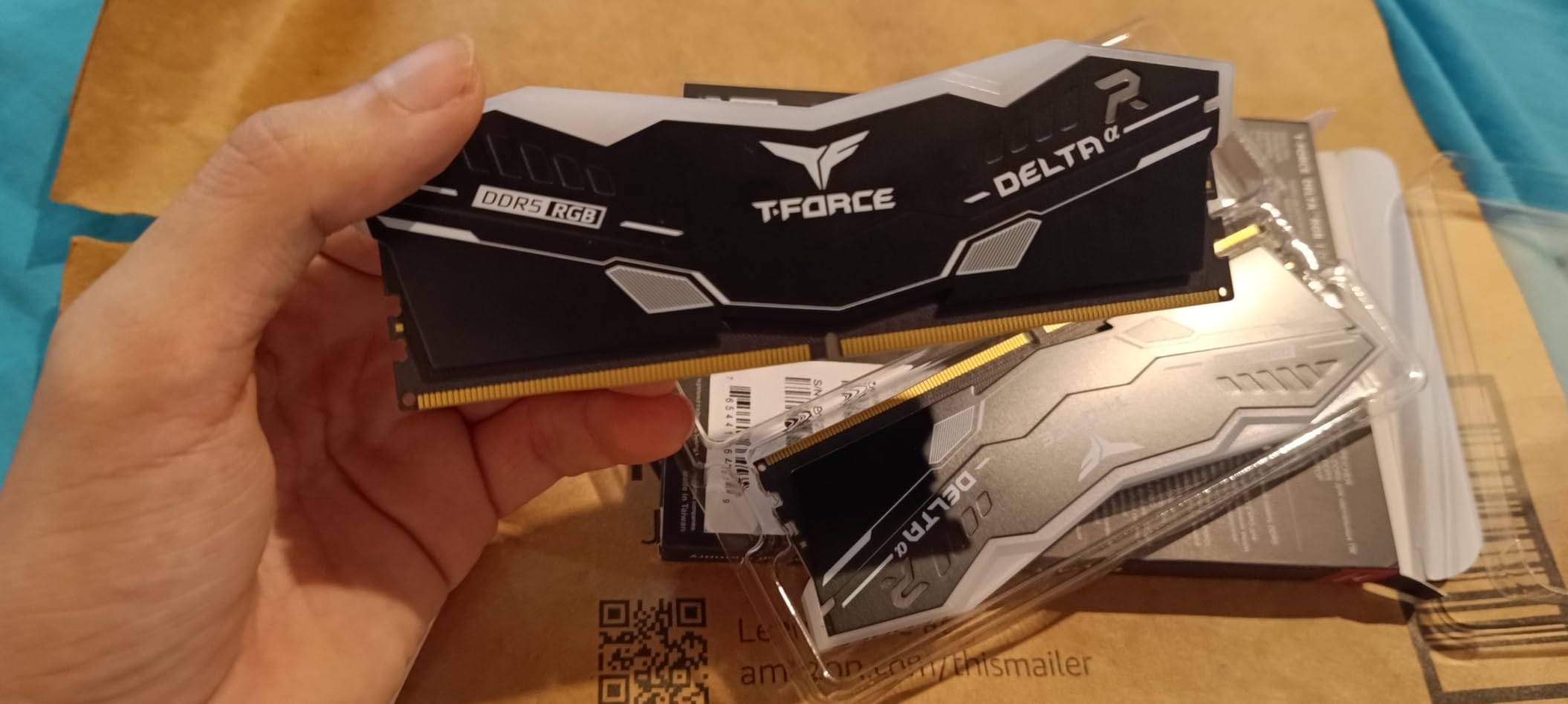
The lighting is the reason most people will look at this kit. A 120-degree ultra-wide diffuser spreads light along the module instead of concentrating it, and owners describe the result as an even glow rather than a bright strip.
A smart RGB IC controller on board handles software control, so it will sit inside the same lighting ecosystem as most motherboards rather than needing a vendor-specific driver nobody has installed yet.
Power management is handled by dedicated PMICs with strengthened PMIC cooling design and on-die ECC, which is standard on modern DDR5 and a genuine benefit for stability under long gaming sessions. TeamGroup backs it with a lifetime warranty and free technical support.
Owners report matched kits stacking cleanly to 64GB in AM5 builds without stability problems, which is useful if you plan to grow later.
Who this kit suits
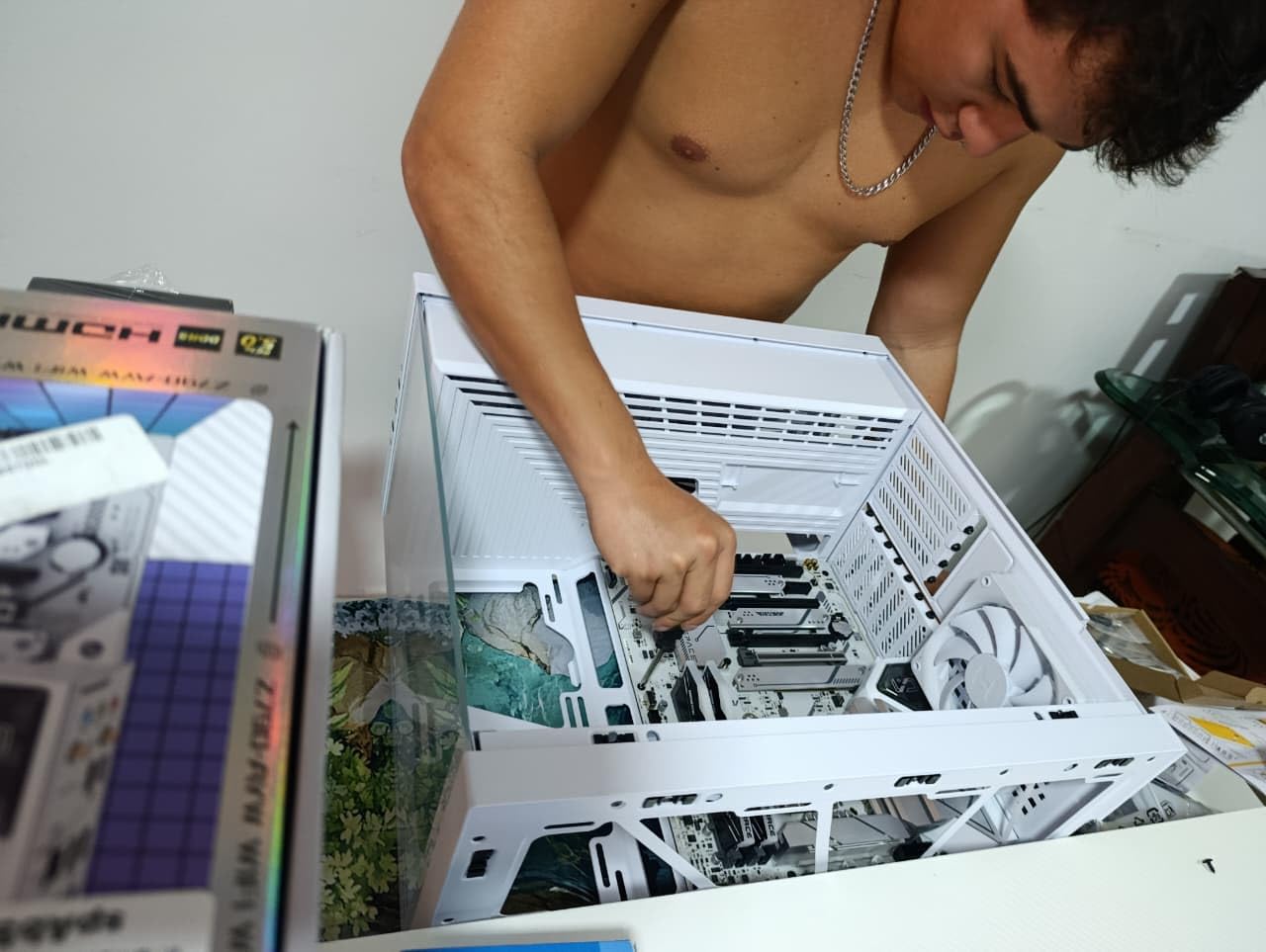
This fits a builder who wants a lit build that stays cool and quiet, especially anyone running four modules or a case with poor airflow. Lower voltage means less heat radiated into an already crowded case interior.
It is also a solid choice on an X670 or B650 board with a Ryzen 7000 series chip, where the listing specifically calls out EXPO support for one-click overclocking on those platforms.
Who this kit is not for
If you are comparing frame times in CPU-limited games, CL38 is the loosest latency here and the gap is measurable against CL30 kits. Budget for the Patriot Viper Venom or a Corsair CL30 set instead.
The manufacturer itself advises checking the motherboard QVL and your CPU memory controller before buying, so treat the broad compatibility wording as a starting point rather than a guarantee. And seat the modules firmly, because reports of boot failure trace back to an unseated DIMM.
6. Crucial Pro DDR5-6400 CL32 – Best for Raw Bandwidth
Crucial Pro DDR5 RAM 32GB Kit (2x16GB), 6400MHz CL32, Overclocking Desktop Gaming Memory, Intel XMP 3.0 & AMD Expo Compatible, Black – CP2K16G64C32U5B
32GB 2x16GB DDR5
Up to 6400 MT/s CL32
1.35V
No RGB
Pros
- CL32 at 6400 MT/s matches 10ns latency while adding bandwidth
- EXPO and XMP profiles apply cleanly on newer platforms
- Runs cool under sustained gaming and stress testing at 1.35V
- Zero-RGB low-profile design installs easily
Cons
- One reviewer reported the kit settling to 5200 MT/s after tuning
- 6400 MT/s depends heavily on CPU memory controller and QVL
- No RGB lighting for builds that want it
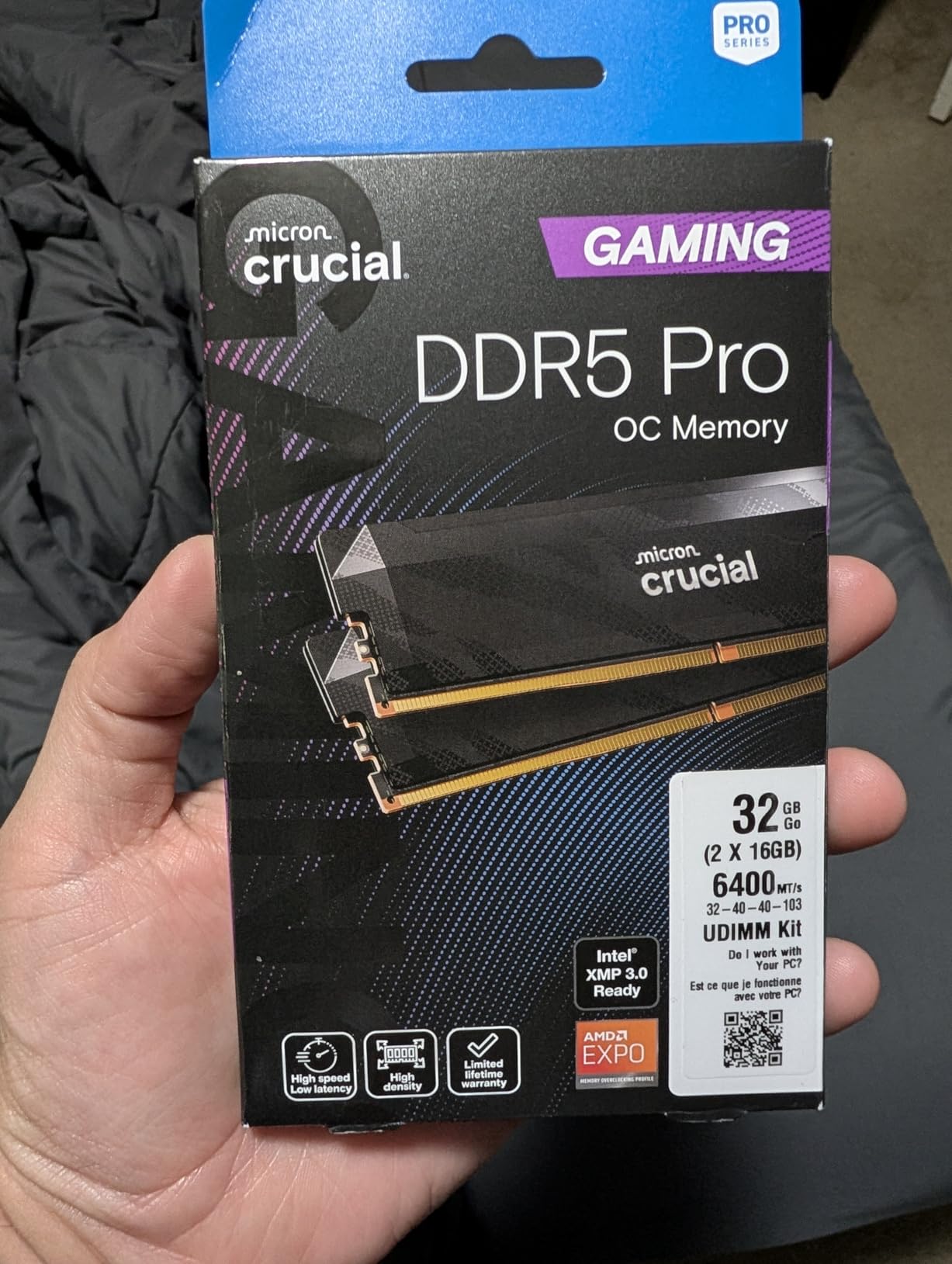
This kit exists to answer one question: what do you get if you push past the usual 6000 MT/s ceiling. The answer is a matched 32GB DDR5 set rated up to 6400 MT/s at CL32 timings, published in full as 32-40-40-103.
The interesting part is the arithmetic. CL32 at 6400 MT/s works out to the same roughly 10ns real latency as CL30 at 6000 MT/s, but with more bandwidth on top. On paper that is a strict improvement rather than a trade.
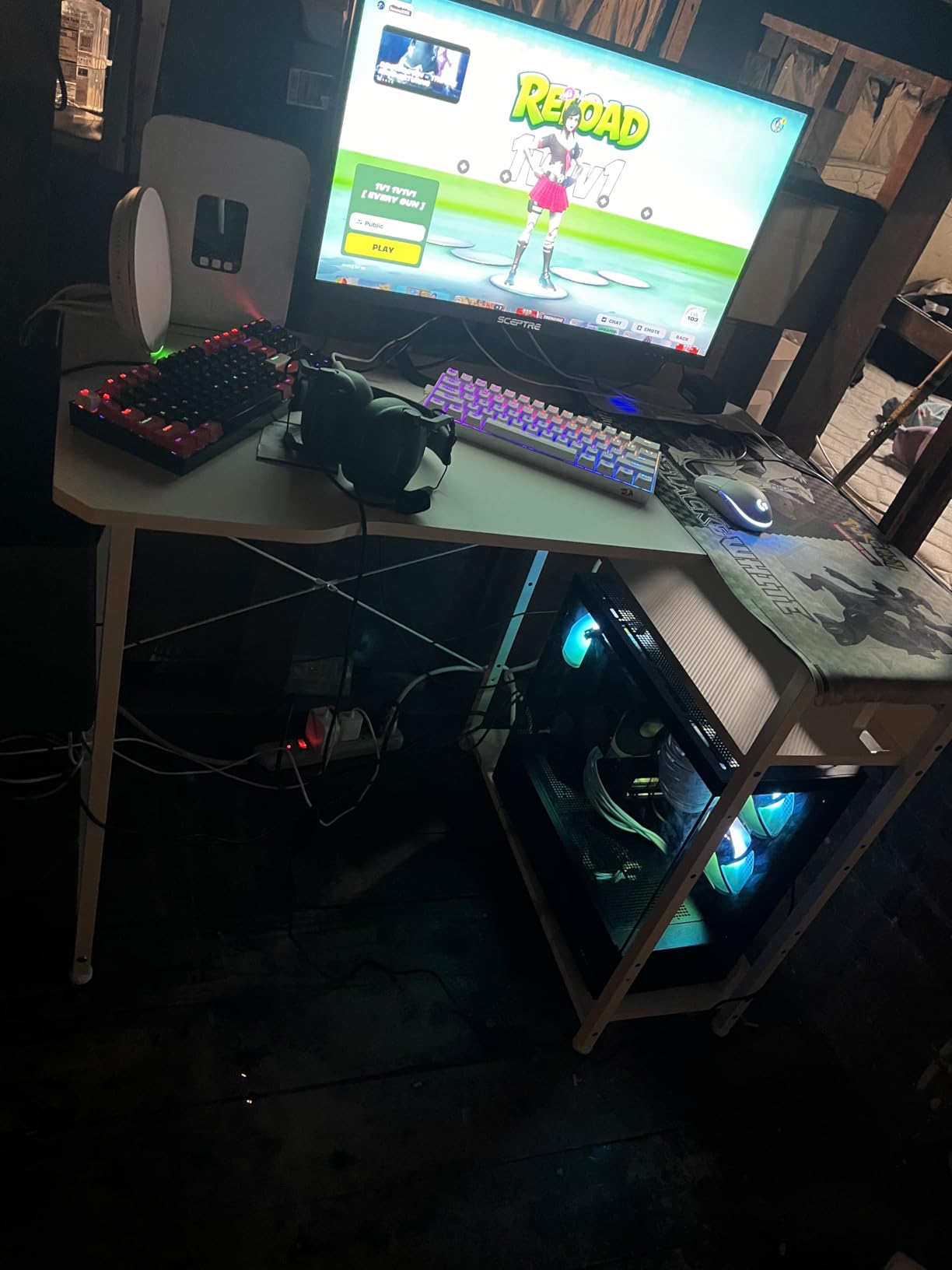
In practice it depends entirely on the CPU’s integrated memory controller. Faster memory above the sweet spot needs a stronger IMC to run at rated speed, and a mid-range chip may settle somewhere lower or refuse to boot at all.
Reviewers confirm stable four-DIMM operation at full 6400 MT/s on high-end Intel boards, and single-rank UDIMM design gives the four-module configuration a better chance of succeeding than a double-rank kit would.
Cooling is handled by a low-profile battle-ready heat spreader in matte black, and reviewers note it runs cool under sustained gaming and stress testing at 1.35V. With no diffuser bar, it also clears large air coolers without drama.
One long-term consideration worth naming: some buyers mention Crucial’s move away from the consumer memory business as something to weigh when thinking about future support or warranty service.
Who this kit suits
This suits someone with a recent, capable CPU who wants maximum bandwidth without dropping into unstable overclocking territory. If your board QVL lists this exact part number, buy it and stop thinking about it.
It is also a sensible step-up on a high-end Intel build, where the extra bandwidth can show up in memory-bound simulation and sandbox games more readily than in a GPU-limited AAA title.
Who this kit is not for
If your CPU has an average memory controller, this is a coin flip. Check the QVL first, and if your part number is not on it, assume you will land below 6400 MT/s no matter how much time you spend in BIOS.
One reviewer reported the kit settling to 5200 MT/s even after tuning EXPO, which is the exact failure mode the forum chatter about high-speed DDR5 keeps describing. If stability matters more than a headline number, the 6000 CL30 kits are the safer bet.
7. Patriot Viper Venom DDR5-6000 CL30 – Best Value DDR5
Patriot Viper Venom DDR5 RAM 32GB (2X16GB) 6000MHz CL30 Desktop Memory
32GB 2x16GB DDR5
6000 MT/s 30-40-40-76
1.35V
UDIMM
Pros
- CL30 latency at 6000 MT/s is among the tightest available
- XMP 3.0 and EXPO profiles cover Intel and AMD
- Limited lifetime warranty
- Range spans 5200 to 7400 MT/s so you can step up in the same family
Cons
- Only reaches rated speed after enabling XMP or EXPO in BIOS
- No integrated RGB on this variant
- Some boards need manual BIOS voltage and timing tuning
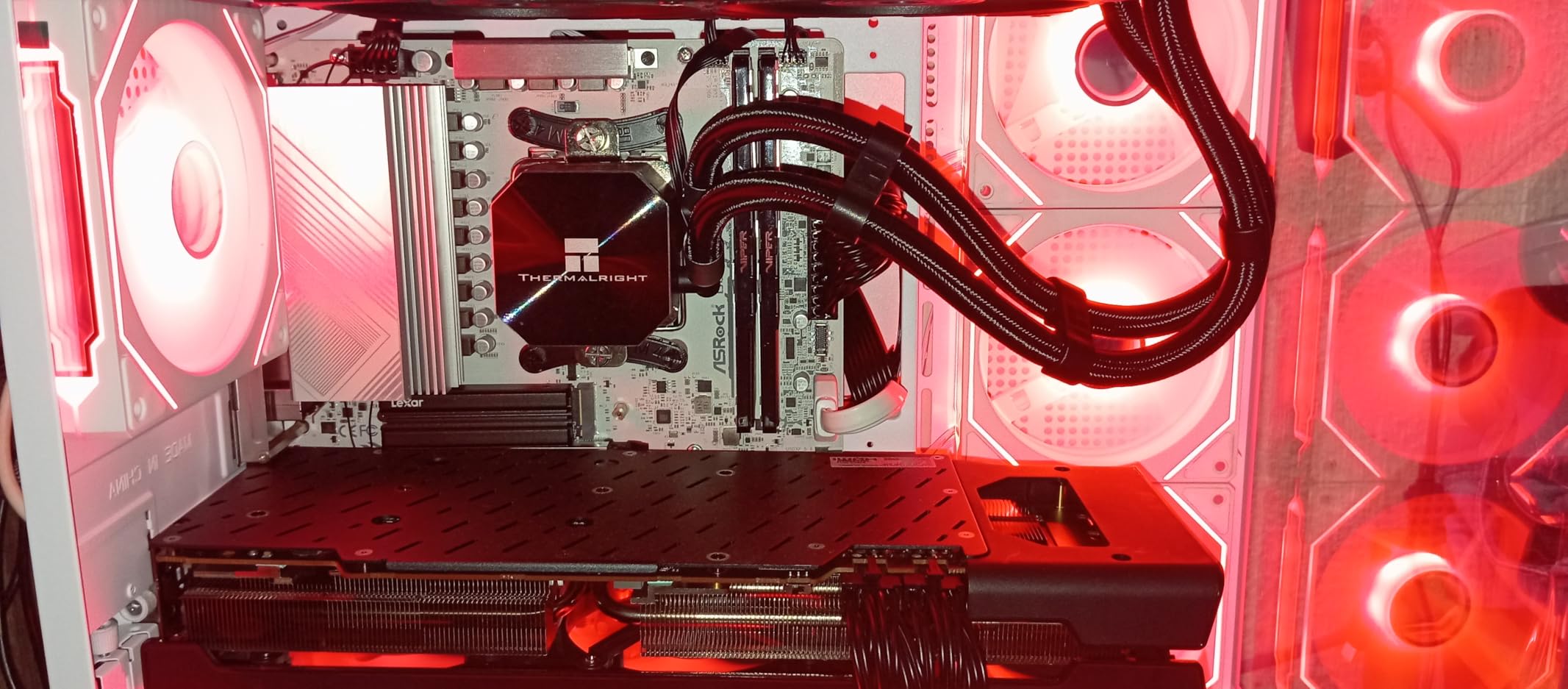
The Patriot Viper Venom is where the spec sheet and the shopping list agree. 32GB as 2x16GB, 6000 MT/s, and fully published tested timings of 30-40-40-76 at 1.35V, which is the same core configuration as the premium kits without the light bar.
Owners highlight that CL30-at-6000 combination as the sweet spot for a gaming rig, with stable behaviour on both XMP 3.0 and EXPO platforms. It is the pick we suggest when someone wants the right numbers and does not care what the memory looks like.
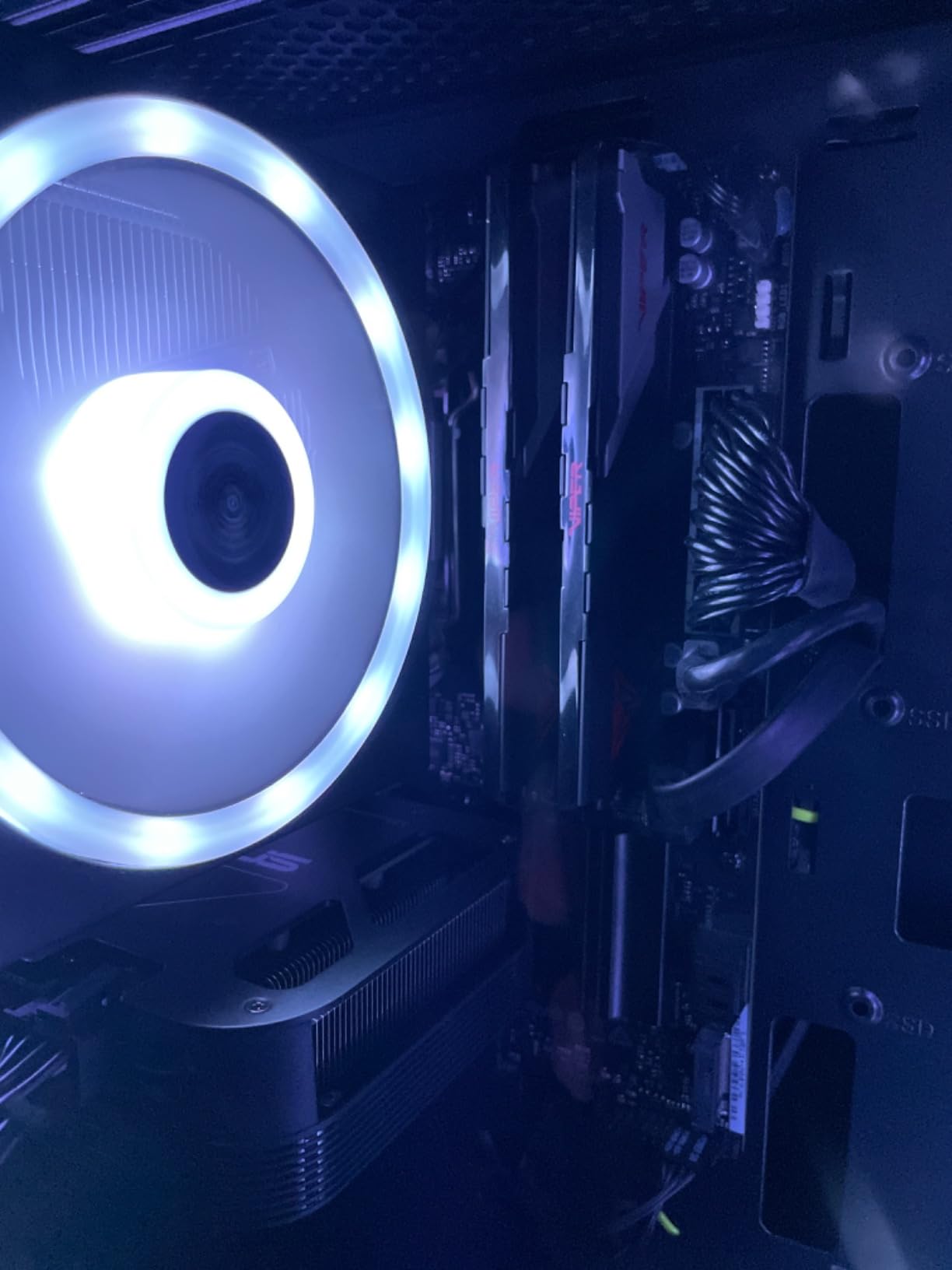
The useful detail is the family breadth. The same Viper Venom line covers capacities from 16GB to 64GB and speed bins from 5200 up to 7400 MT/s, so if you later want a faster set or a larger matched pair, you can stay within one product family.
That matters more than it sounds. Adding a second stick from a different kit is one of the most reliable ways to end up with instability, and staying inside one validated family is the simplest way to avoid it.
Patriot tested these across current DDR5 platforms for reliability and backs them with a limited lifetime warranty. It is a plain, well-documented kit with no decorative parts to work around.
Who this kit suits
Buy this for a straightforward new build where the money is better spent on the graphics card. You get the consensus speed and latency combination, dual platform support, and nothing else to complicate the decision.
It also suits a builder who wants an easy upgrade path. If a 64GB configuration becomes necessary later, the same family has larger matched sets available.
Who this kit is not for
If your case shows off the memory, there is no RGB here at all. Pick the Trident Z5 or Vengeance RGB instead and accept the extra height.
A few boards need manual voltage or timing work before this kit settles at its rated speed, and it will sit at JEDEC defaults until you enable the profile. Budget ten minutes in BIOS on first boot rather than assuming the numbers on the box are live immediately.
8. Corsair Vengeance LPX DDR4-3200 CL16 – Best Legacy Upgrade
CORSAIR Vengeance LPX DDR4 RAM 32GB (2x16GB) Up to 3200MHz CL16-20-20-38 1.35V Intel XMP AMD EXPO Computer Memory – Black (CMK32GX4M2E3200C16)
32GB 2x16GB DDR4
Up to 3200 MT/s CL16-20-20-38
34mm low-profile
1.35V
Pros
- 32GB dual-channel fixes stuttering and memory blue screens on older rigs
- 34mm modules clear even large tower coolers
- Runs at rated 3200 MT/s once XMP is enabled
- Owners report six-plus years of trouble-free service
Cons
- No RGB lighting at all
- Rated speed requires enabling XMP in BIOS
- One owner reported a hard freeze from a module that was not fully seated
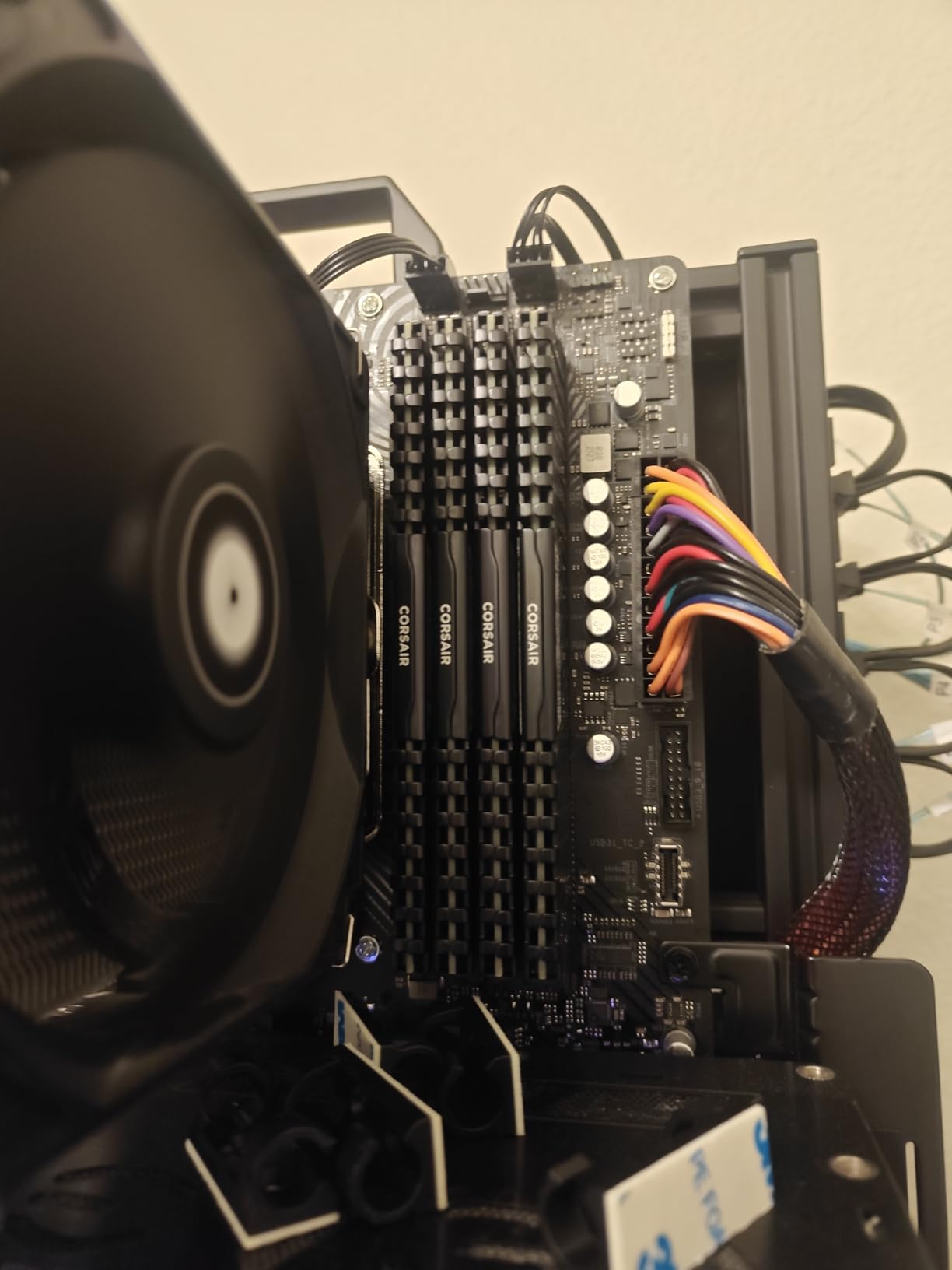
If you own a Ryzen 5000 desktop or a 10th to 12th generation Intel board, do not migrate platforms to get DDR5. Upgrade the memory inside what you have. This Corsair Vengeance LPX kit is 32GB of matched DDR4 at 3200 MT/s and CL16-20-20-38, which is the standard target for those systems.
Owners repeatedly describe the biggest change as smoothness rather than raw frame rate. Moving from 16GB or, especially, 8GB to a matched 32GB dual-channel pair removes the memory-related stutter and blue screens that hardware-accelerated titles trigger when they run out of headroom.
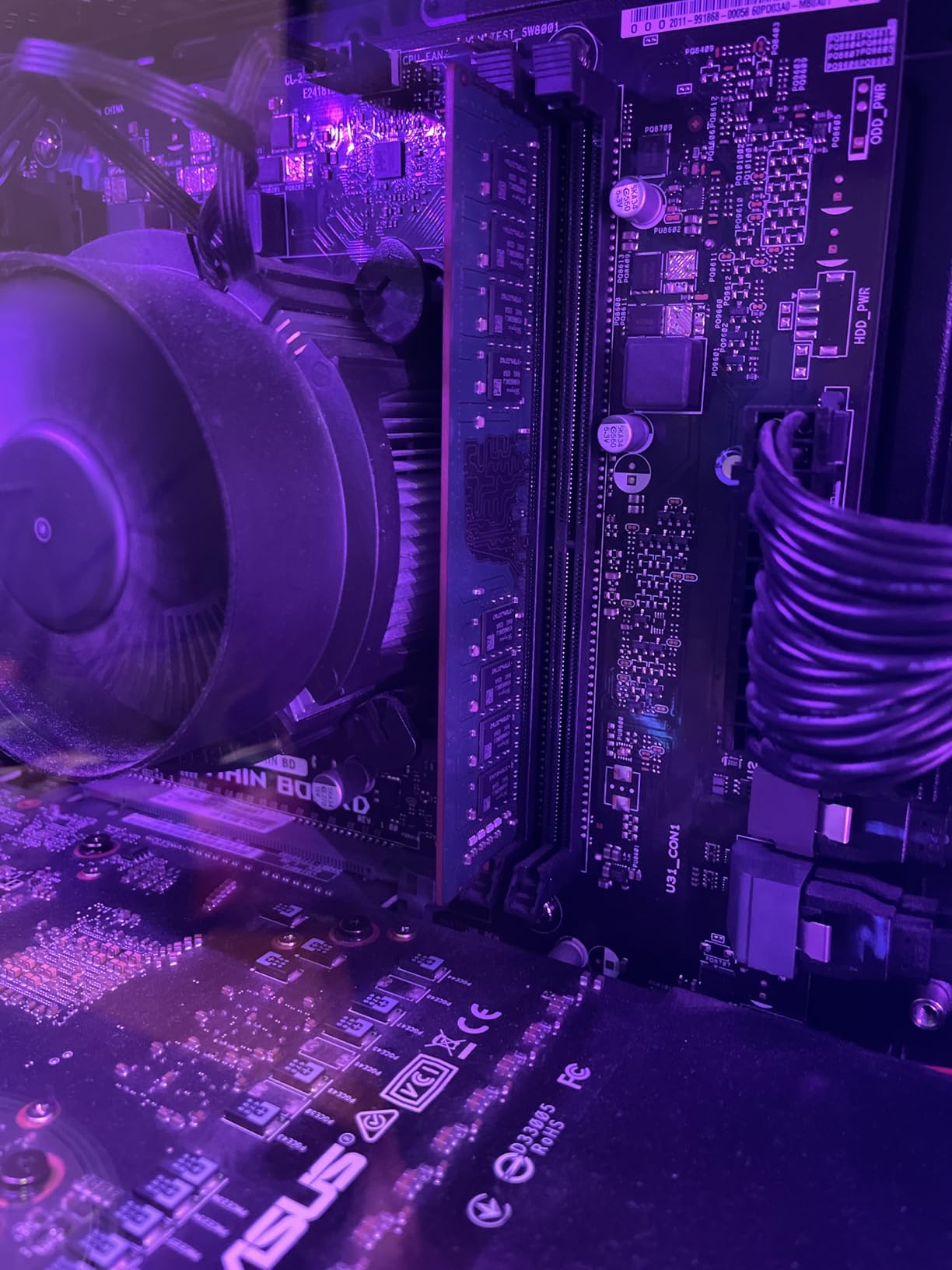
Physical design is where this kit really earns its place. At 34mm tall it fits under large tower coolers and inside most small-form-factor cases, which is the exact problem that stops many RGB DDR5 kits from being usable at all.
Under the heat spreader, Corsair hand-sorts the memory chips for consistent performance and overclocking headroom, then covers them with a solid aluminium spreader that dissipates heat under sustained load.
The review history is the standout number here: owners talk about six-plus years of continuous service in the same machine. Compatibility is broad across current Intel and AMD DDR4 motherboards, with both XMP and EXPO profiles available.
Who this kit suits
This is the answer for anyone on an AM4 or LGA1700 platform who wants to remove stutter without replacing their CPU, motherboard and operating system. The improvement from a matched 32GB pair shows up most in CPU- and memory-limited games.
It is equally right for a small-form-factor build or a build with a big air cooler, where module height is a hard constraint rather than a preference.
Who this kit is not for
Do not buy DDR4 for a new build. The platform you are choosing today almost certainly takes DDR5, and there is no way to fit this module into a DDR5 slot.
And if aesthetics matter to you, there is no lighting here. This is a functional kit for a functional machine, and it will not be the one that shows off in a glass case.
9. Gigastone Game PRO DDR4-3200 CL16 – Most Versatile for DDR4 Builds
【DDR4 RAM】 GIGASTONE Game PRO 32GB Kit (2x16GB) DDR4 3200MHz PC4-25600 CL 16-18-18-40 Intel XMP 2.0 AMD Ryzen 1.35V UDIMM 288 Pin Unbuffered Non ECC High Performance Gaming Desktop Memory – White
32GB 2x16GB DDR4
3200 MHz CL16-18-18-40
1.35V
288-pin non-ECC UDIMM
Pros
- Low-cost route from 16GB to 32GB on a DDR4 gaming rig
- Runs at rated 3200 MT/s once XMP is enabled
- Stable over years of use with clean white heat spreaders
- Performs on par with better-known DDR4 kits
Cons
- Customer support responsiveness reported as poor by at least one buyer
- Some specs need extra BIOS tuning to reach advertised values
- XMP must be turned on manually or the kit runs slower
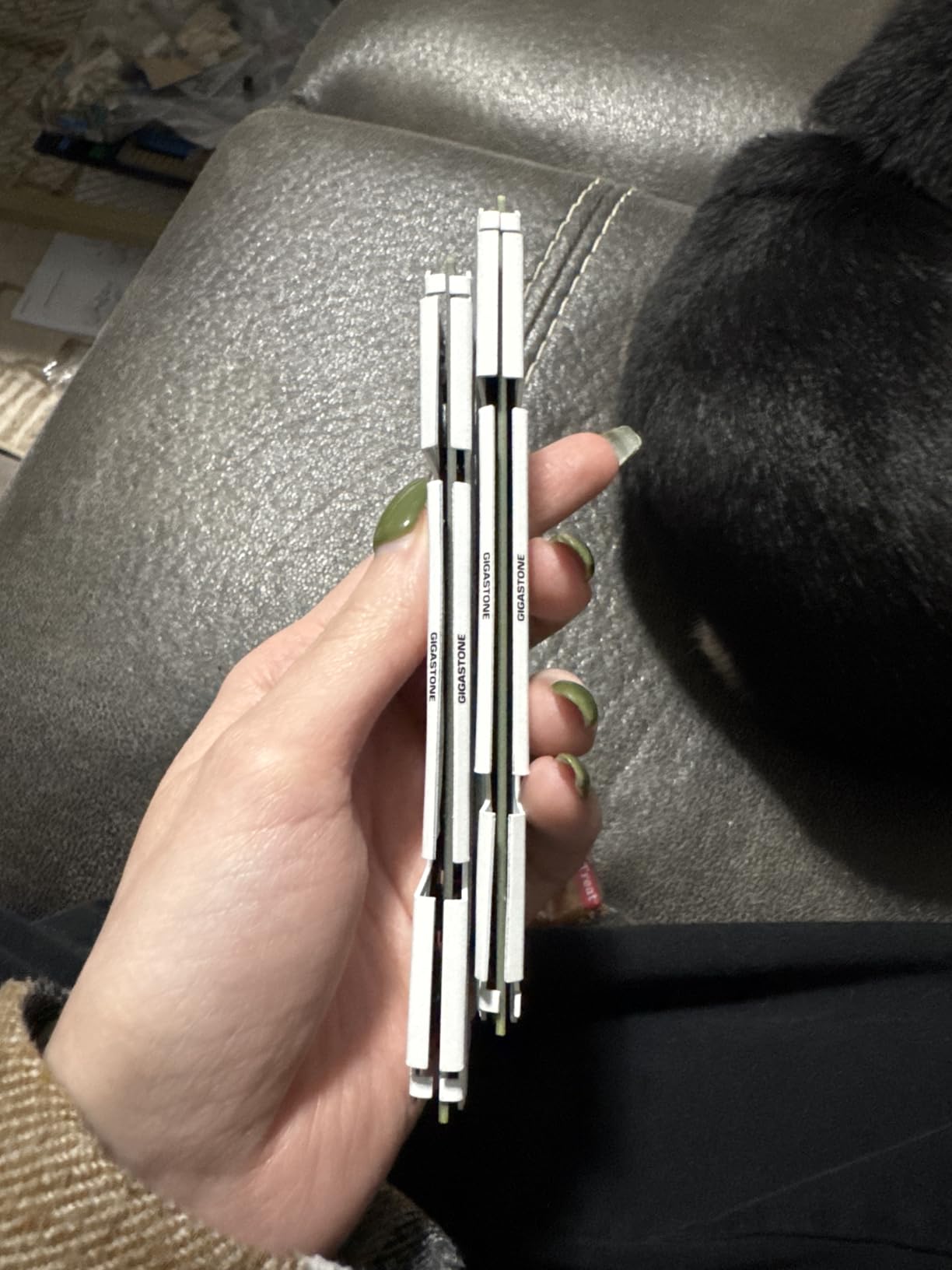
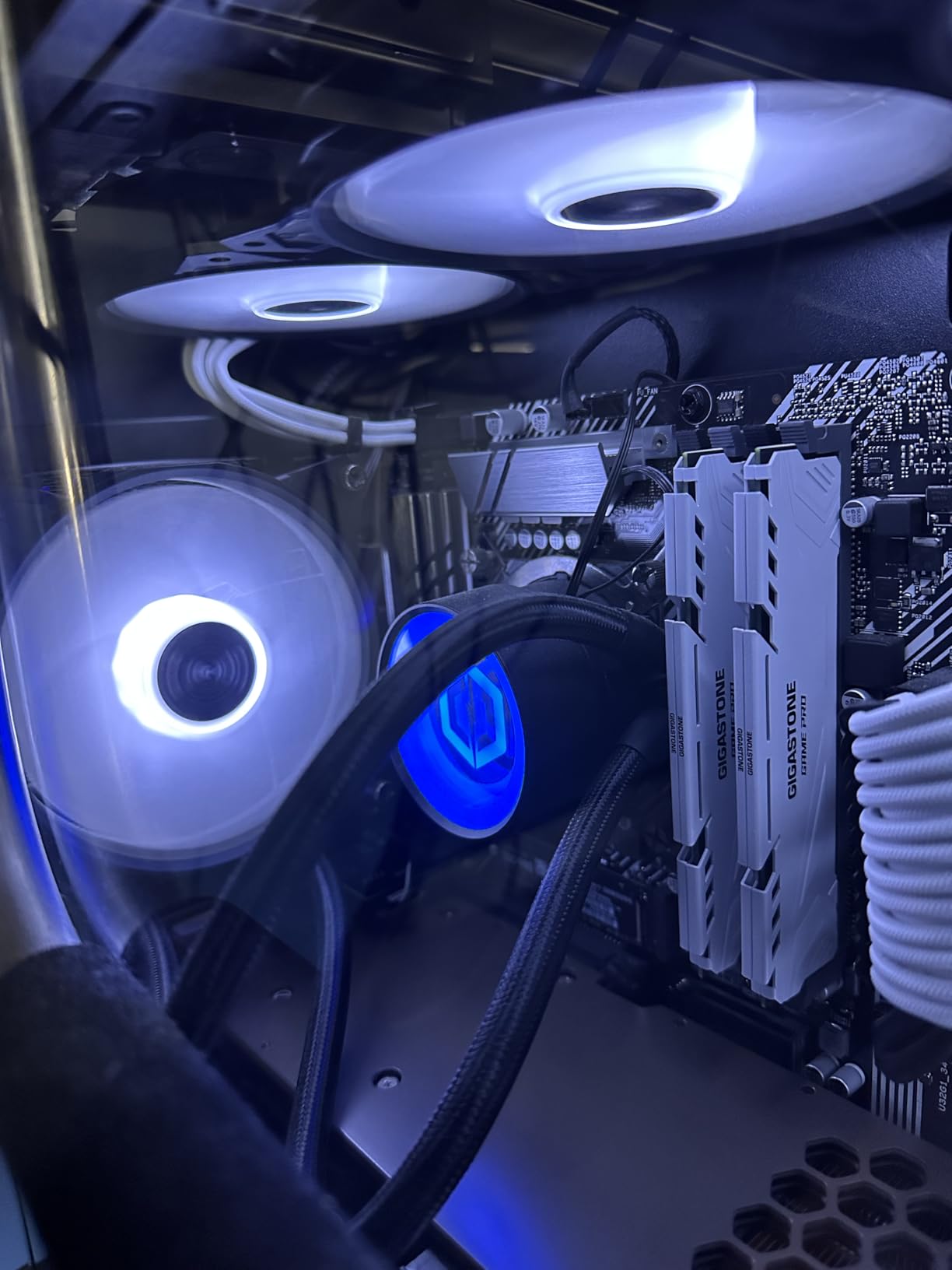
The Gigastone Game PRO takes the DDR4-3200 CL16 consensus spec and strips back everything else. It is a matched 32GB pair (2x16GB) of non-ECC unbuffered 288-pin UDIMMs rated at 3200 MHz, PC4-25600, with CL16-18-18-40 timings at 1.35V.
For an older gaming rig that is stuck on 16GB, this is the cheapest meaningful upgrade available. Owners report a small but real frame-rate improvement and the disappearance of the swap-to-disk hitching that happens when a modern title plus your browser exceed capacity.
Intel XMP 2.0 and AMD Ryzen compatibility are both listed, and the module is a standard 1.35V non-ECC unbuffered UDIMM, so it drops into most DDR4 desktop boards without drama.
One practical note from the manufacturer is worth repeating: if you ever mix this with faster modules, put the higher-speed pair in the primary slots. That advice prevents a class of subtle stability problems that show up weeks later.
The white heat spreaders are plain and low, which keeps clearance easy in older cases with tighter airflow than a modern chassis.
Who this kit suits
Buy this if the priority is getting from 16GB to 32GB on an existing DDR4 machine at the lowest sensible cost. On a Ryzen 5000 or 10th to 12th generation Intel system, the specs here are exactly what the platform wants.
It is a good fit for a family PC that is used for gaming and general computing, where the money saved is better spent elsewhere in the build.
Who this kit is not for
If you want a long-term relationship with the manufacturer, note that at least one buyer reports poor support responsiveness. The warranty here is five years rather than the lifetime cover the big three offer.
Some specifications need extra BIOS tuning or third-party stress testing to reach the advertised values, so treat the rated numbers as achievable rather than automatic. And if your build is new, buy DDR5 instead.
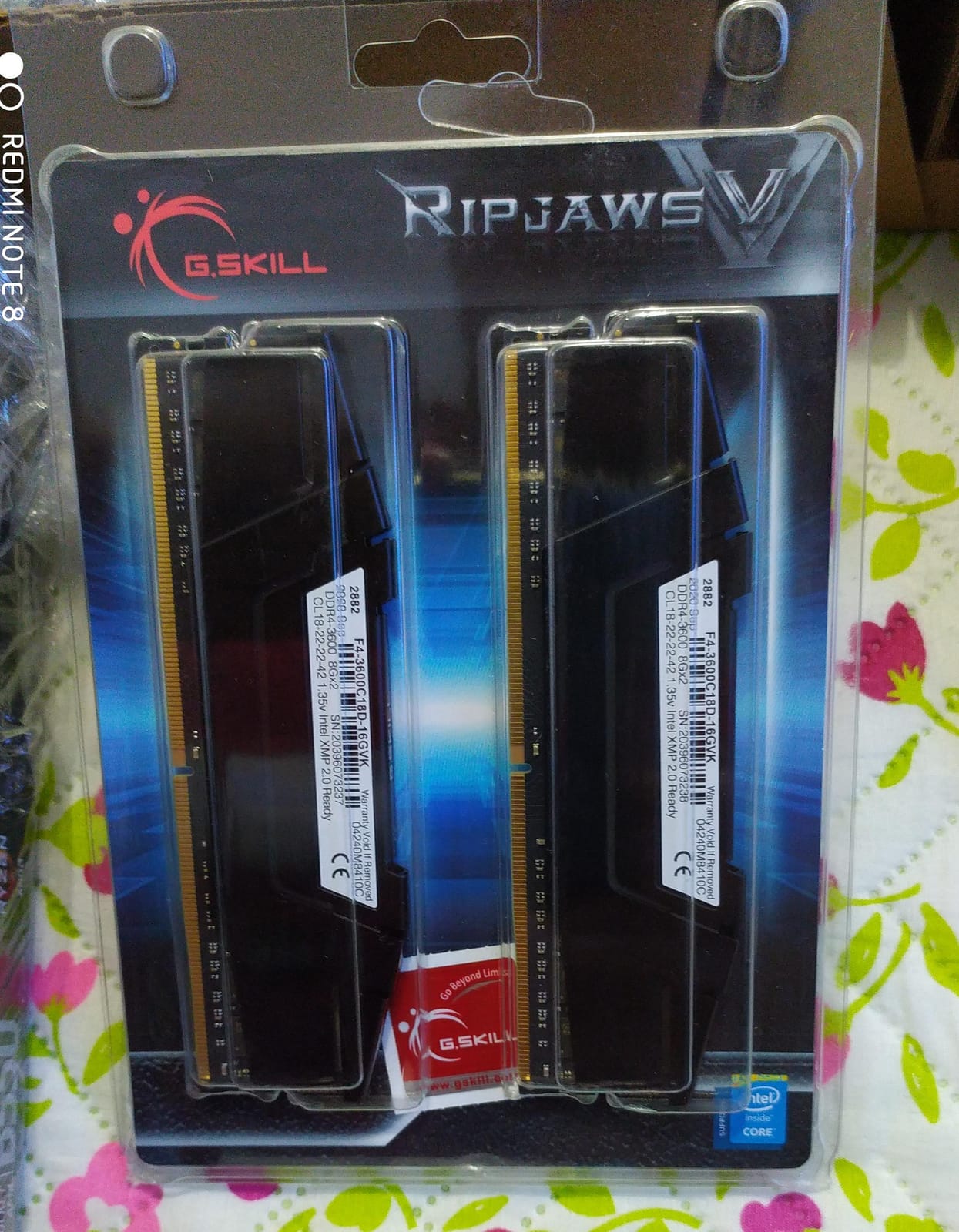
10. G.Skill RipjawsV DDR4-3600 CL18 – Fastest 16GB DDR4 Pair
G.SKILL RipjawsV Series DDR4 RAM (XMP) 16GB (2x8GB) Up to 3600MT/s* CL18-22-22-42 1.35V Intel AMD Desktop Computer Memory U-DIMM – Black (F4-3600C18D-16GVK)
16GB 2x8GB DDR4
Up to 3600 MT/s CL18-22-22-42
1.35V
XMP 2.0
Pros
- 3600 MT/s is the highest DDR4 data rate available
- CL18-22-22-42 timings are well tuned for the rated speed
- Low-profile black heat spreader suits compact builds
- XMP profile applies cleanly on supported boards
Cons
- 16GB is light for modern AAA titles and heavy multitasking
- 3600 MT/s only reached on older Ryzen 1000/2000 and Intel 6th/7th gen boards
- Boots at JEDEC default until XMP is enabled
The Ripjaws V is the fastest data rate DDR4 ever offered, and this 16GB pair reaches 3600 MT/s at CL18-22-22-42 timings on 1.35V. On older Ryzen 1000 and 2000 series chips and Intel 6th and 7th generation platforms, that is as fast as DDR4 gets.
Where the speed is achievable, it delivers good bandwidth for an older platform. Owners report the XMP profile applying cleanly on supported boards and steady performance afterwards.
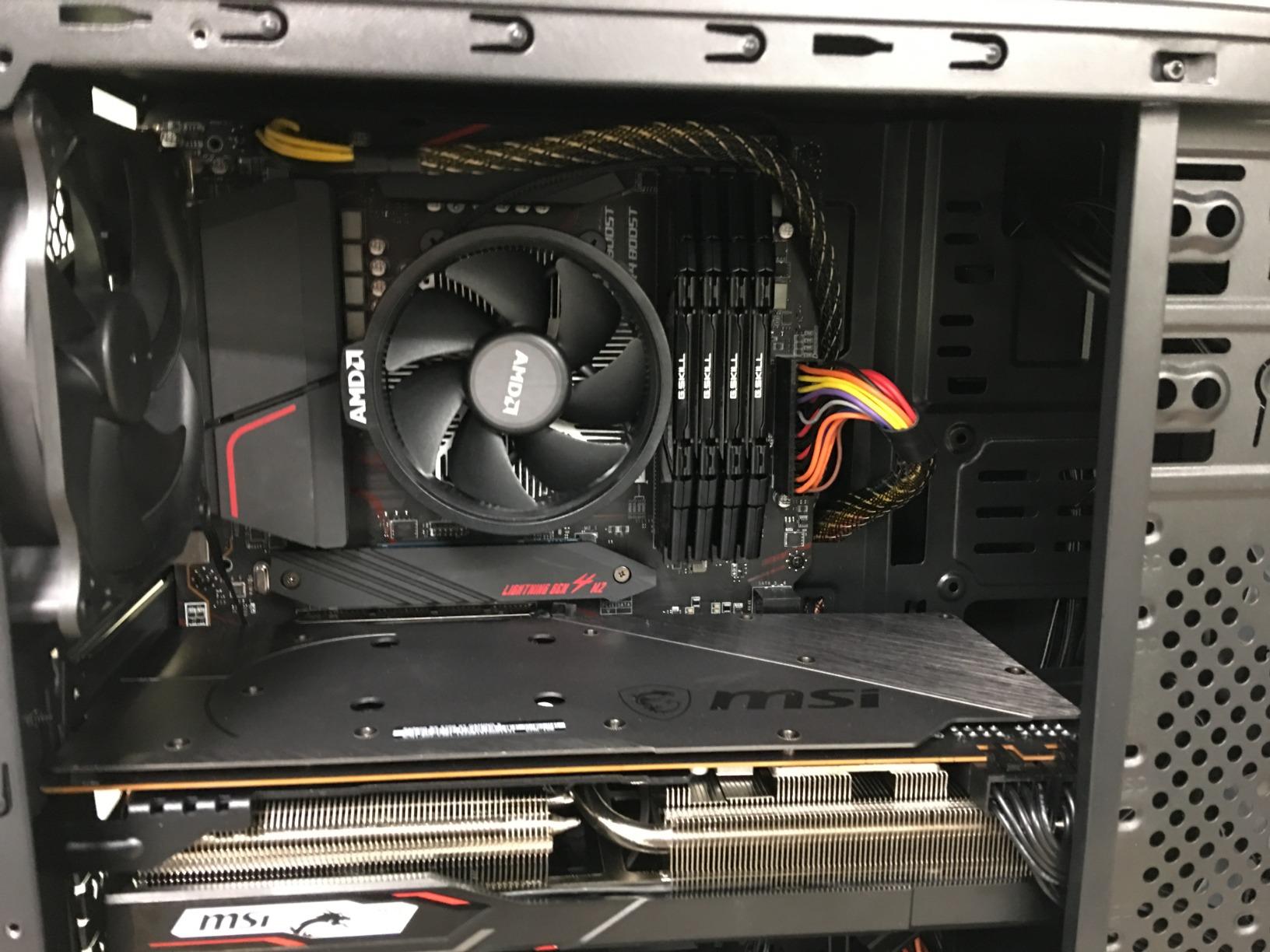
The kit ships with a JEDEC default profile in addition to the XMP overclock profile, so it will boot on a board that cannot reach 3600 MT/s. That fallback is a useful safety net when you are buying blind for an older machine.
Physically it is unobtrusive: a low-profile black heat spreader that fits compact builds and stays clear of most CPU coolers, with no lighting to worry about.
G.Skill directs buyers to its QVL and RAM Configurator tool for validated hardware, which takes a minute and removes most of the guesswork from an older-platform purchase.
Who this kit suits
This suits someone on a first-generation Ryzen or 6th generation Intel gaming machine who wants the last performance available in that platform. On those chips, the extra data rate above 3200 MT/s is a genuine gain rather than a spec-sheet line.
It is also a fine temporary pairing if you are building on a tight budget and can move up to 32GB later using the same family.
Who this kit is not for
Capacity is the real limitation. 16GB across modern AAA releases, a browser and voice chat is close to the ceiling, and going past it causes the stutter this whole guide is trying to prevent.
On a current platform you will not reach 3600 MT/s at all, so you end up paying for speed you cannot use. Check the QVL for your exact board before ordering.
11. G.Skill Trident Z RGB DDR4-3200 CL16 – Best DDR4 RGB Kit
G.SKILL Trident Z RGB Series DDR4 RAM (XMP) 32GB (2x16GB) Up to 3200MT/s* CL16-18-18-38 1.35V Intel AMD Desktop Computer Memory U-DIMM (F4-3200C16D-32GTZR)
32GB 2x16GB DDR4
Up to 3200 MT/s CL16-18-18-38
1.35V
RGB diffuser
Pros
- Bright
- evenly diffused RGB syncing with SignalRGB and OpenRGB
- Reliable 3200 MT/s CL16 with no crashes on AM4 Ryzen builds
- Sturdy modules with an integrated heat spreader
- Owners report units still working after seven years
Cons
- On some ASUS boards the RGB cannot be turned off while running
- Diffuser height can conflict with large CPU air coolers
- Rated speed requires enabling XMP in BIOS
The only kit here that pairs proper lighting with DDR4. It is 32GB as a matched 2x16GB pair running up to 3200 MT/s at CL16-18-18-38 timings on 1.35V, which is the standard DDR4 target speed for Ryzen 5000 and 10th to 12th generation Intel.
That combination solves a real problem. Plenty of people want lit memory in an existing DDR4 machine, and the alternative has been a slow or unreliable RGB DDR4 kit for years. Owners report solid 3200 MT/s CL16 performance with no crashes on AM4 Ryzen builds.
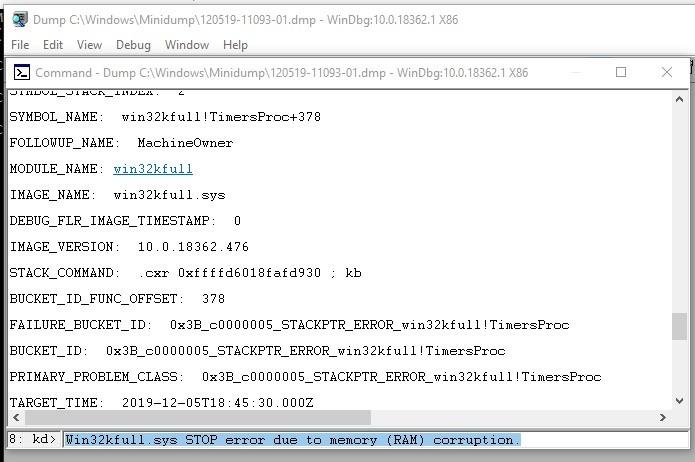
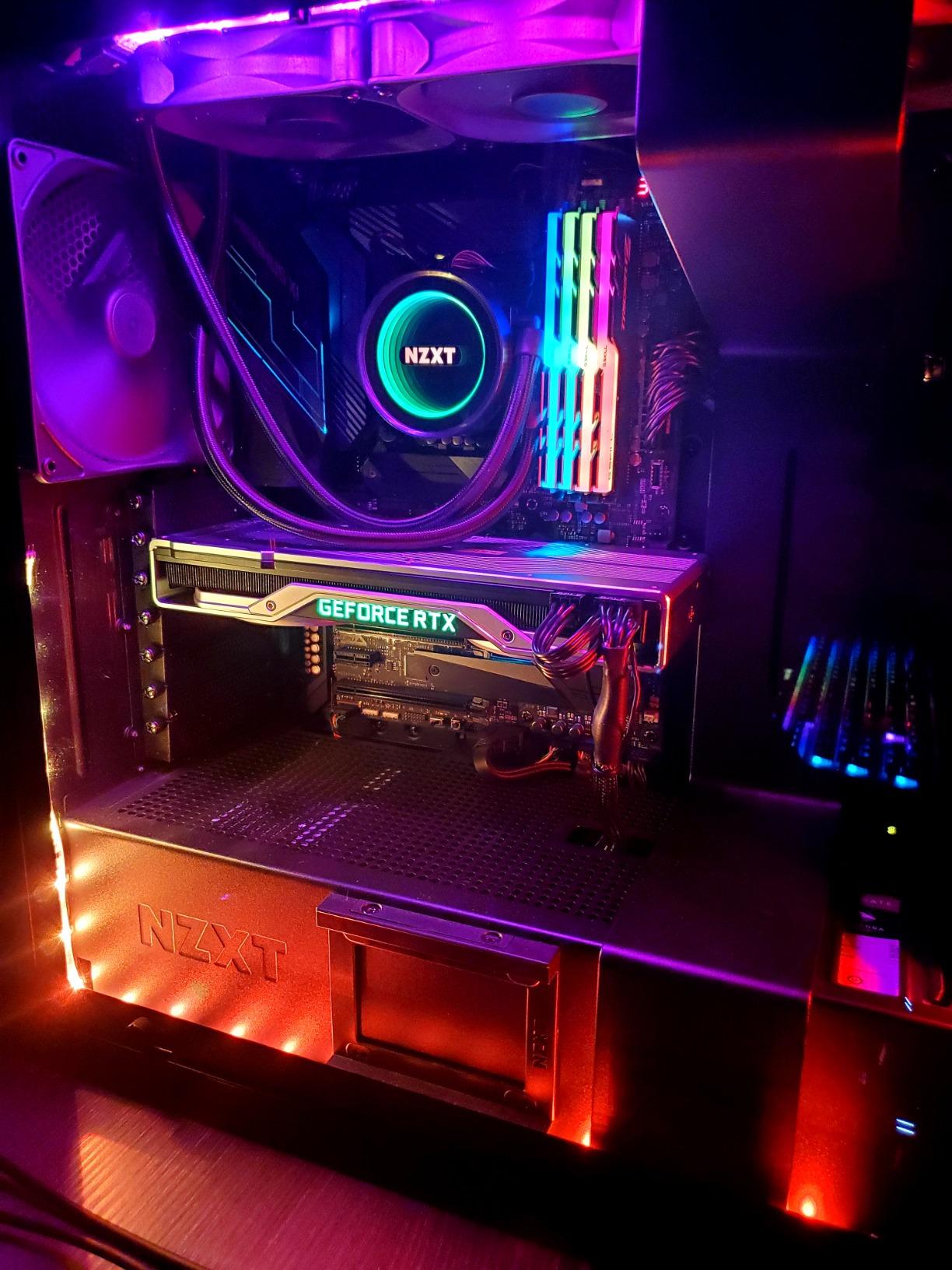
The lighting is bright and evenly diffused rather than concentrated in a hotspot, and it syncs with SignalRGB, OpenRGB and other common lighting tools. That open-software support matters because it means you are not locked to one vendor’s driver.
The modules are chunky and sturdy, with an integrated heat spreader that handles thermals well, and long-term reliability is well documented: owners report units still working perfectly after seven years of use.
An Intel XMP profile is included alongside the JEDEC default, and the kit boots at JEDEC SPD speed on default BIOS settings with compatible hardware.
Who this kit suits
This is for the builder with an existing DDR4 gaming PC who wants to upgrade to 32GB and light the case at the same time. Both boxes get ticked, which no other kit in this roundup manages for a DDR4 platform.
It also suits anyone who prefers open lighting software to a single-vendor ecosystem, since the diffuser responds to widely used tools.
Who this kit is not for
Measure your cooler first. The diffuser bar is tall, and that is the most common complaint in reviews alongside the ASUS lighting quirk where the RGB cannot be switched off while the system is running.
It is also the wrong generation for a new build. If you are buying a new PC in 2026, choose DDR5 and treat this as an upgrade for hardware you already own.
12. TeamGroup T-Force Vulcan Z DDR4-3200 CL16 – Best Starter Kit
TEAMGROUP T-Force Vulcan Z DDR4 DRAM 16GB Kit (2x8GB) 3200MHz Desktop Memory Module (PC4-25600) CL16 Ram (Gray) – TLZGD416G3200HC16FDC01
16GB 2x8GB DDR4
3200 MHz PC4-25600 CL16
1.35V
Gray low-profile
Pros
- Clear responsiveness gain moving from two 8GB sticks to a 16GB pair
- Tool-free install with stable dual-channel operation
- Non-chunky heat spreader clears most CPU coolers
- Owners report Samsung IC versions and long-term reliability
Cons
- One buyer received a 3200 MT/s kit after ordering the 3600 MT/s variant
- Supports AMD boards claim caused crashes where the kit was not QVL-listed
- 16GB is a modest capacity for modern AAA gaming
The Vulcan Z is the entry point. Sixteen gigabytes as a matched 2x8GB pair of DDR4 running at 3200 MHz (PC4-25600) at CL16 on 1.35V, with XMP 2.0 support on both Intel and AMD motherboards.
Its value is in the step from single-channel to matched dual-channel. Owners report a noticeable improvement in system responsiveness when moving from two loose 8GB sticks to a proper matched pair, because dual-channel roughly doubles the available memory bandwidth to the CPU.
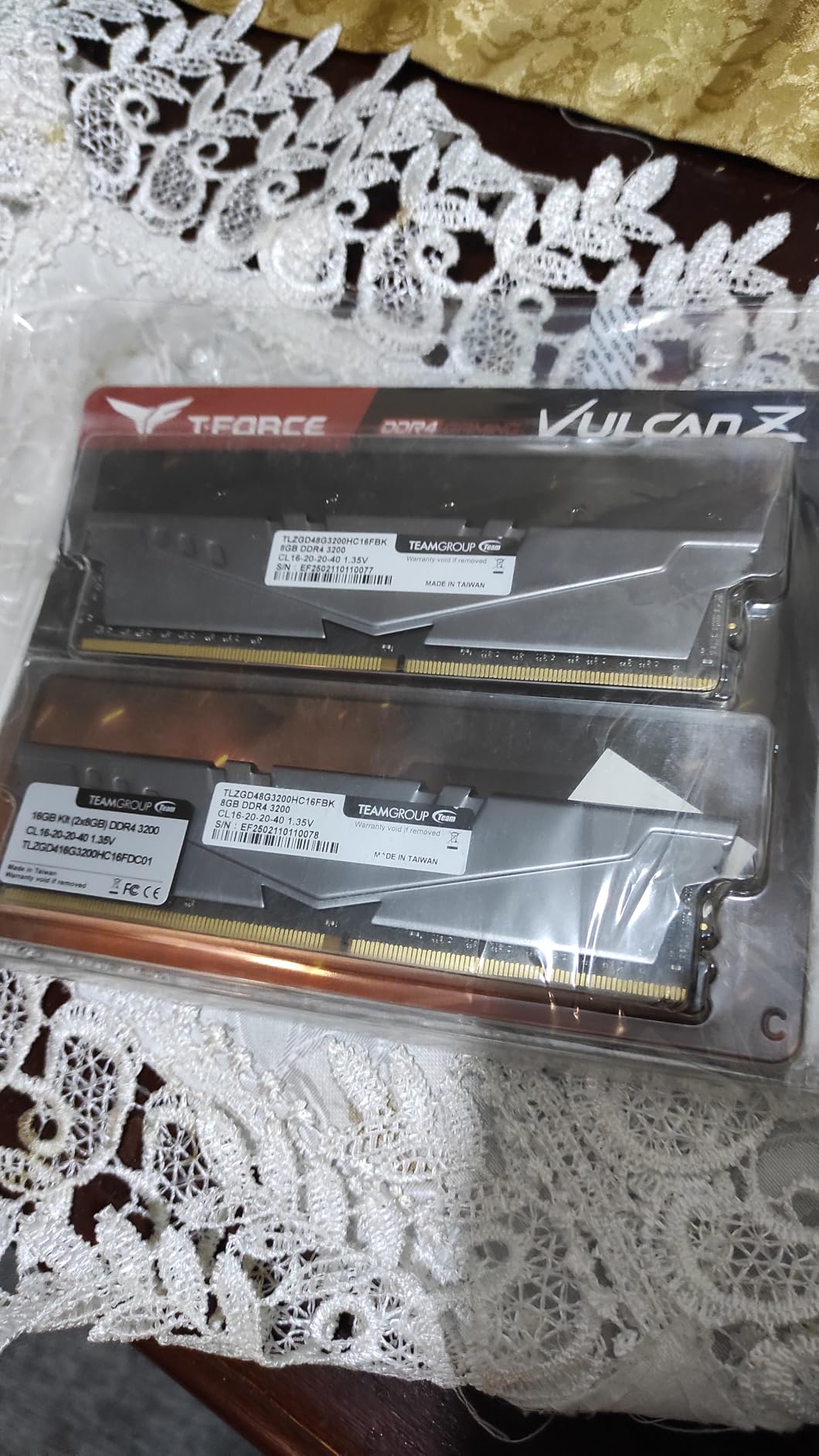
The heat spreader uses high thermal conductive adhesive to couple the module to the cooling surface, and the design is deliberately non-chunky so it clears most CPU coolers without moving a fan.
Selected high-quality ICs and an ultra-low 1.35V working voltage support the stability claims, and TeamGroup attaches a lifetime warranty. Several owners specifically mention Samsung IC versions in their units.
Install is tool-free and the dual-channel operation is stable out of the box once the XMP profile is enabled.
Who this kit suits
Pick this for an older or budget DDR4 gaming PC that is still on a mismatched or single-channel memory setup. Fixing the channel configuration is one of the cheapest performance upgrades available to an existing machine.
It is also fine for a secondary PC, a home theatre build, or a machine that mostly runs lighter titles alongside a browser.
Who this kit is not for
Sixteen gigabytes is the practical floor today rather than a comfortable target. A browser, a voice app and a modern AAA release will exhaust it, and that exhaustion is exactly what causes stutter.
Two buyer warnings are worth repeating. Check the motherboard QVL, because a broad compatibility claim that is not QVL-listed has caused blue screens for some owners. And confirm the speed variant before ordering, since one buyer received a 3200 MT/s kit after ordering the 3600 MT/s version.
How to Choose the Best RAM Kits for Gaming
Five decisions account for nearly every mistake we see in memory purchases. Work through them in order and the spec sheet of a given kit becomes obvious.
Single-Channel vs Dual-Channel: Which Slots to Use
Two matched modules in the correct slots give you dual-channel operation, which roughly doubles the memory bandwidth available to the CPU compared with a single stick. One module alone, even a fast one, leaves most of that bandwidth unused.
On a four-slot board, use the second and fourth slots away from the CPU, usually labelled A2 and B2. Check your motherboard manual to confirm, because slot order is not consistent across every board and the wrong pair means single-channel behaviour with no warning.
This is also why we recommend two matched modules from one kit rather than combining kits. Forum consensus across builder communities is consistent on this point, and the memory manufacturer states it explicitly on the packaging.
XMP and EXPO: Why Your Kit Boots Slower Than Advertised
Every kit here ships with a JEDEC default profile that guarantees a stable boot, and that default is usually slower than the number on the box. To run at the rated speed you enable Intel XMP or AMD EXPO in BIOS, which is a one-click setting rather than a manual tuning job.
The complaint we hear most often is a new kit running at a much lower speed until the profile is switched on. That is normal behaviour, not a faulty product. Confirm your speed after enabling it by checking the memory section of your BIOS or the boot screen.
Buying a fast kit your CPU cannot drive is the other classic trap. The integrated memory controller in the processor has limits, and above roughly 6000 to 7200 MT/s those limits vary from chip to chip even within the same product name.
Low-Profile vs Tall RGB: Air Cooler Clearance
Module height is a hard physical constraint, not a preference. Low-profile kits around 34mm clear large tower coolers and most small-form-factor cases. RGB kits with a diffuser bar sit taller and frequently collide with the front fan of a big air cooler.
Before buying any lit kit, measure the clearance under your cooler with a ruler and compare it against the module height in the spec sheet. If the gap is close, budget for raising the front fan, which can push air past the cooler less effectively.
Our no-lighting picks here include the Corsair Vengeance DDR5, the Crucial Pro at 6400, and the Vengeance LPX DDR4 at 34mm. All three clear large coolers without modification.
CL30 vs CL36: What the Latency Number Changes
CAS latency is expressed in clock cycles. Lower is tighter. Two kits running at the same 6000 MT/s data rate but with CL30 and CL36 timings do not perform identically, and CL30 waits fewer cycles per access.
Comparing across speeds, 6400 MT/s at CL32 works out to roughly the same real latency in nanoseconds as 6000 MT/s at CL30, but with more bandwidth available. That is why the 6400 kit is not simply a slower-timed version of the 6000 kits.
In real games the difference between CL30 and CL38 shows up in CPU-limited scenarios: high frame rates, esports titles, simulation and sandbox games. In a GPU-limited 4K AAA title at locked settings, you will not see it at all.
What RAM Does Not Fix
Memory is not a frame-rate multiplier. If your GPU is the bottleneck at your resolution and settings, faster memory will not change the average frame rate. It shows up in minimums, in load times, and in games with heavy streaming or simulation.
Upgrading from 8GB or 16GB to a matched 32GB pair is the single most noticeable memory upgrade. Moving from a good 32GB CL30 kit to a slightly faster 32GB kit is not, and spending heavily on speed bins above the platform sweet spot is the most common way to overspend on memory.
One more practical consideration for long sessions: a system with a UPS protects a gaming rig from sudden shutdowns and corruption. Our guide to UPS units for gaming PCs covers that side of build reliability.
DDR4 vs DDR5: Which RAM Kits for Gaming Should You Buy?
Choose DDR4 if you already own a DDR4 motherboard. Ryzen 5000 desktop chips and 10th to 12th generation Intel boards take DDR4, and the right move there is a matched 32GB DDR4-3200 CL16 kit such as the Corsair Vengeance LPX rather than replacing the platform.
Choose DDR5 for any build you are starting now. AM5 boards and current Intel boards take DDR5, and the sweet spot is 6000 MT/s at CL30 or CL32 with an EXPO or XMP 3.0 profile. Above that, you need a stronger memory controller than most buyers have.
The two generations are physically incompatible. DDR5 uses a different notch position and a different pin count layout, so a DDR4 module will not fit a DDR5 slot or the other way around. Check your motherboard specification before ordering.
Buying a new CPU, motherboard and memory at once is rarely the cheapest path to a faster machine. A capacity upgrade inside an existing DDR4 platform delivers more visible smoothness per pound spent than any DDR5 migration to an equivalent CPU generation.
How Much RAM Do You Need for Gaming?
Short answer for 2026: 32GB as a matched 2x16GB kit is the right amount for gaming. Sixteen gigabytes is the bare floor and works for esports titles and lighter games, but a browser, a voice app and a modern AAA release together will exhaust it.
Sixteen gigabytes suits a 1080p esports build, a machine that only plays older or lighter titles, or a secondary PC. It is the capacity of the TeamGroup Vulcan Z and the G.Skill Ripjaws V on this list, and both are legitimate choices in the right machine.
Thirty-two gigabytes suits essentially everyone else. It is the capacity that removes the stutter associated with memory exhaustion, and it leaves room for streaming software, a browser with many tabs, voice chat, or a video editor running alongside a game.
Sixty-four gigabytes is for specific workloads rather than gaming quality: heavily modded games, large simulation and sandbox titles, flight and racing sims, and machines streaming while gaming. Our 32GB picks can be doubled with a second matched set from the same family, and several kits here are documented as stacking cleanly to 64GB.
Whatever capacity you pick, buy two matched modules instead of one large stick. Dual-channel needs two, and a single 32GB module gives you the capacity without the bandwidth.
Frequently Asked Questions
How much RAM do I really need for gaming?
For most gaming PCs in 2026, 32GB as a matched 2x16GB kit is the right amount. 16GB is the bare minimum and suits 1080p esports titles and lighter games, while 64GB is only worthwhile for heavily modded games, large simulation titles, or streaming while gaming.
Do I need 16GB or 32GB RAM for gaming?
If you play modern AAA titles, run a browser with many tabs open, and use voice chat, choose 32GB. Choose 16GB only for esports titles, older games, or a secondary PC where a browser is not running alongside.
Is 32GB RAM overkill for gaming?
No. 32GB is the recommended capacity for gaming because it removes the stuttering that appears when a game plus background applications exhaust available memory. It is rarely wasted, and it leaves room to upgrade the graphics card later instead.
Is 64GB of DDR5 overkill?
For gaming alone, yes. 64GB becomes worthwhile for heavily modded games, large simulation and sandbox titles, or running streaming software and a video editor on the same machine as a game. Most players are better served spending that budget on graphics.
What DDR5 RAM should I get for gaming?
Look for a matched 2x16GB DDR5-6000 kit at CL30 or CL32 with either an AMD EXPO or Intel XMP 3.0 profile. That combination sits at the platform sweet spot, where bandwidth and latency both hold up without needing a strong memory controller.
Which brand of RAM is best for gaming?
Corsair, Crucial, G.Skill, TeamGroup and Patriot all make strong kits at 6000 MT/s. The brand matters less than the specification: matched 2x16GB capacity, CL30 or CL32 latency, a memory profile for your platform, and module height that clears your CPU cooler.
Does higher RAM speed matter for gaming?
Only in specific situations. Faster memory helps in CPU-limited and memory-limited games, and it improves 1% lows. In GPU-limited titles at high resolution it makes almost no difference. Above roughly 6000 MT/s you also need a CPU memory controller capable of driving the extra speed.
Do I need to enable XMP or EXPO for rated speed?
Yes. Kits ship with a slower JEDEC default profile to guarantee a stable boot. Enable XMP on Intel boards or EXPO on AMD boards in BIOS to reach the advertised data rate and timings, which is a single setting rather than manual tuning.
Which RAM Kit Should You Buy?
For a new gaming PC in 2026, our best overall pick is the Crucial Pro 32GB DDR5-6000 CL36. It is a matched 2x16GB kit, it carries both Intel XMP 3.0 and AMD EXPO profiles, it runs at 1.35V, and its low-profile heat spreader clears large air coolers without moving a fan.
If lighting matters more than tight timings, the Corsair Vengeance RGB DDR5-6000 CL30 gives you ten-zone RGB and CL30 latency in the same kit. If you want CL30 without a light bar, the Corsair Vengeance DDR5 at the same speed and capacity is the clean-build answer.
Owners of an existing DDR4 platform should not migrate platforms for memory. A matched 32GB DDR4-3200 CL16 kit, such as the Corsair Vengeance LPX, removes stutter and keeps a large air cooler or small case working.
Whatever you choose, buy two matched modules from one kit, check the QVL before ordering, and enable the memory profile in BIOS on first boot so you are actually running at the speed you paid for.